LeslieWylie/dsh-ops-kit
一个可复用的DeepSeek Harness捆绑包,用于证据驱动的记忆、编排、基准操作和插件发布工作流。
Project Overview项目介绍
LeslieWylie/dsh-ops-kit is a native DSH bundle plugin built exclusively for the DeepSeek Harness ecosystem. It holds five read-only agent skills that enforce the rule that agents must provide evidence for any claims they make, from memory assertions to release approvals. It also includes a runtime doctor to check PTY prompt handshake compatibility between the terminal and persistent-bash DSH plugins. It can be installed directly from the DSH plugin registry with the single command dsh plugin --profile <profile> add dsh-ops-kit, which requires no build step and no allowBuilds approval, or you can manually add it to your profile's package.json dependencies and then reinstall the profile's dependencies before restarting DSH.
The five included skill packs cover bounded memory search, evidence-based orchestration planning, agent-loop coordination, benchmark-result gating, and plugin release hygiene. All functionality included in the bundle is conservative by default: nothing silently creates issues, calls a remote API, starts a benchmark, mutates a repository, or reads credentials. The bundle only gives agents plans, checks, and an evidence-focused vocabulary; any action with side effects stays an explicit, user-reviewable step taken outside the bundle. Before you use the memory search or repository audit tools, you must configure the root directories that your DSH profile is allowed to inspect. Keep the root narrow and never point it at a credential directory.
If you do not configure any search roots, the tools default to the DSH process working directory, and any credential-like or secret paths are automatically rejected or skipped. The bundle also ships a guarded dsh-terminal-hotfix command that only patches the known official rc.6 compiled entry after an exact-layout check, creates a timestamped backup, and verifies the prompt handshake afterwards after you restart DSH. The command is never run automatically by the plugin loader and will never silently edit dependencies. After installing the bundle into a live profile, you should verify that the DSH endpoint returns HTTP 200, the profile stays running after restart, all packaged skills are listed correctly, and the runtime doctor reports a healthy status.
这是一个专为DSH开发的原生bundle插件,包含五个只读的智能体技能,核心设计原则是要求智能体在做出任何声明前必须提供对应的证据支撑。它还附带一个运行时诊断工具,用于检查终端和持久化bash插件的官方PTY提示握手兼容性,修复因提示不匹配导致最小模式bash看起来卡住的问题。
五个技能包分别覆盖能力索引、证据驱动编排、技能引用、Git优先内存搜索、代码库审计、插件发布规范检查多个场景,插件默认采用保守设计,不会静默创建议题、调用远程API、修改仓库或读取凭证,所有带副作用的操作都需要用户显式审批,适合需要规范智能体行为、保证操作可追溯的DSH用户使用。
本插件可通过DSH插件命令直接从注册表安装,无需构建步骤,也不需要allowBuilds审批,也可手动修改配置文件添加。使用内存搜索和代码库审计工具前需要配置检查根目录,默认使用DSH工作目录,敏感目录会自动跳过。本插件采用MIT许可证开源,可免费使用和修改。
请帮我安装这个 DSH 插件。安装前先完成【兼容性检查 + 安全性检查】,检查通过再动手。

插件:dsh-ops-kit(LeslieWylie/dsh-ops-kit)
仓库:https://github.com/LeslieWylie/dsh-ops-kit
本站详情页:https://www.yhbd.top/plugins/lesliewylie-dsh-ops-kit/
本站登记:类型 bundle · 归类 原生 DSH 插件 · 许可证 MIT · ⭐ 2 · 最近提交 2026-08-18 · 主语言 TypeScript

按下面顺序执行,每步先把结论告诉我,再进入下一步:

【1 兼容性检查】
① 我这边:DSH 版本、Node 版本、操作系统、当前 profile(web / desktop)。
② 读它的 README、package.json、插件 manifest,列出它要求的 DSH 版本 / Node 版本 / 操作系统 / 外部依赖 / 需要另外先装的运行时。
③ 逐条比对,结论只写「满足 / 不满足 / 未知」三种;不满足的给出可行替代方案。
④ 检查是否和我已装的插件冲突:命令名重复、skill / tool 重名、端口占用、重复注册的 MCP server。

【2 安全性检查】
① 仓库可信度:和上面「本站登记」是否一致;star / fork 数、创建时间、最近提交,是否归档或长期停更。
② 安装脚本:逐行看 package.json 的 preinstall / install / postinstall,以及 install.sh、setup.ps1 之类脚本。出现 curl|bash、下载后直接执行、混淆代码、访问与插件功能无关的域名,立刻停下来告诉我,不要继续装。
③ 依赖:列出新增依赖,标出无人维护、或与知名包拼写近似的可疑包(typosquatting)。
④ 权限与副作用:它会读写哪些目录、访问哪些域名、需要哪些 DSH 权限(filesystem / network / shell / clipboard 等),以及怎么卸载和回滚。
⑤ 如果它要求 sudo / 管理员权限,或权限明显超出功能所需,先停下来问我。

【3 安装】
上面两步没有「不满足」和「高危项」时才执行;用官方推荐方式安装,不要自行提权。

【4 汇报】
用表格输出:检查项 / 结论 / 依据 / 是否需要我决策。拿不准的一律写「未知」并说明要我怎么确认——不要猜,也不要替我决定。
Send this message to DSH in your current session: it verifies compatibility and security first (answering met / not met / unknown item by item) and only installs once everything checks out — it will stop and ask you if it finds a high-risk item. The box scrolls; the copy is the full prompt. CLI install commands may not be accurate across systems, so DSH is the safer route.把上面这条消息直接发给当前会话里的 DSH:它会先核对兼容性与安全性(逐条给「满足 / 不满足 / 未知」),确认没问题再安装,有高危项会停下来问你。框内可滚动,复制到的是完整提示词;安装命令不一定准确,发给 DSH 更稳。
- Only 2 stars - very few users, little community feedback星标只有 2,几乎没人在用,遇到问题缺少社区反馈
DSH walks through these 9 checksDSH 会逐条核对这 9 项
Compatibility兼容性
- DSH, Node, OS and profile requirementsDSH 版本 / Node 版本 / 操作系统 / profile 是否满足要求
- External dependencies and runtimes (Electron / Python / Docker, ...)外部依赖与运行时(Electron / Python / Docker 等)是否齐备
- Conflicts with installed plugins: command names, skill / tool names, ports, duplicate MCP registration与已装插件是否冲突:命令名、skill / tool 重名、端口占用、重复 MCP 注册
Security安全性
- Repo matches the facts registered here; archived or abandoned?仓库是否与页面登记一致,是否归档或长期停更
- Safety of preinstall / install / postinstall and install.sh / setup.ps1preinstall / install / postinstall 与 install.sh、setup.ps1 是否安全
- curl|bash, download-then-execute, obfuscation, unrelated domains → stop immediatelycurl|bash、下载即执行、混淆代码、无关域名 → 立刻停止
- Typosquatting or unmaintained packages among the new dependencies新增依赖里有没有 typosquatting 或无人维护的包
- Requested permissions vs. what the feature actually needs申请了哪些权限、是否超出功能所需(filesystem / network / shell / clipboard)
- Any sudo / admin requirement, plus uninstall and rollback是否要求 sudo / 管理员权限,以及卸载与回滚方式
Anything uncertain must be marked unknown with a note on how to confirm it. This site's signal screen is a static snapshot, not a security audit.拿不准的必须标「未知」并说明要我怎么确认。本站的信号筛查是静态快照,不能替代安全审计。
Or use CLI install (for developers)或使用命令行安装(适合开发者)
CLI Install命令行安装
dsh plugin --profile web add dsh-ops-kit把 LeslieWylie/dsh-ops-kit 加入你的 DSH 配置(web profile)即可启用。
READMEREADME
dsh-ops-kit
Five read-only skills that make an agent show its evidence — before it claims memory, a finished plan, a clean benchmark, or a safe release.
The bundle also includes a runtime doctor for the official PTY prompt handshake, because minimal-mode bash can otherwise look hung when the terminal and persistent-bash plugins use different completion prompts.
Why this exists
Agents are persuasive even when they are wrong. This bundle is built around one rule: before an agent says "I remember this," "the plan is ready," "the benchmark passed," or "the release is safe," it should be able to point at evidence for the claim instead of just asserting it. Five focused skill packs share that discipline — bounded memory search, evidence-based orchestration planning, agent-loop coordination rules, benchmark-result gating, and plugin release hygiene — instead of shipping the same idea as five separate packages that each need their own install and their own place in a plugin index.
Everything here is conservative by default: nothing silently creates issues, calls a remote API, starts a benchmark, mutates a repository, or reads credentials. The bundle gives an agent plans, checks, and evidence vocabulary; anything with a side effect stays an explicit, reviewable action taken outside the bundle.
Install
dsh plugin --profile <profile> add dsh-ops-kit
Installing from the registry means no build step and no allowBuilds approval. The equivalent, if you prefer editing the profile manifest by hand:
// ~/.dsh/profiles/<profile>/package.json
{
  "dependencies": {
    "dsh-ops-kit": "^0.1.0"
  },
  "dsh": {
    "profile": {
      "bundles": ["@deepseek-ai/dsh-base", "@deepseek-ai/dsh-web-app", "dsh-ops-kit"]
    }
  }
}
Then reinstall dependencies for that profile and restart it.
What's inside
| Capability pack | Tool | What it does | Side effects |
|---|---|---|---|
| Capability index | dsh_ops_capability_catalog |
Lists the included capability packs | None |
| Evidence-based orchestration | dsh_ops_workflow_plan |
Produces a scope → baseline → context → execute → verify → handoff plan for research, multi-agent, benchmark, or release work | None |
| Skill reference | dsh_ops_skill_read |
Reads a packaged full skill definition | None |
| Git-first memory | dsh_ops_memory_search |
Searches bounded local Markdown/code roots for prior context, with source provenance | Read-only |
| Repository audit | dsh_ops_repository_audit |
Audits Git cleanliness, untracked files, and credential-path hygiene | Read-only |
| Release hygiene | dsh_ops_release_checklist |
Produces a complete DSH plugin release checklist | None |
| Release verification | dsh_ops_plugin_doctor |
Checks a plugin repository against the checklist instead of restating it: dsh.bundle + cordis.patch.yml installability, patch row vs package name, private/files/exports publishability, @deepseek-ai/* kept as peers, and boot suites that print SKIPPED then exit 0 |
Read-only |
| Runtime health | dsh_ops_runtime_doctor |
Checks official terminal/persistent-bash prompt compatibility | Read-only |
Showing the opening section of the README — the full document lives in the repository以上为 README 开头摘要,完整文档在仓库内 · View the full README on GitHub →在 GitHub 查看完整 README →
Related相关推荐
-
 ruvnet/ruflo
🌊 The original agent harness. Deploy intelligent multi-player swarms, coordinate autonomous workflows, and build conver…
ruvnet/ruflo
🌊 The original agent harness. Deploy intelligent multi-player swarms, coordinate autonomous workflows, and build conver…
-
 EverMind-AI/EverOS
One portable memory layer for every AI agent: local-first, Markdown-native, user-owned, and self-evolving across apps, t…
EverMind-AI/EverOS
One portable memory layer for every AI agent: local-first, Markdown-native, user-owned, and self-evolving across apps, t…
-
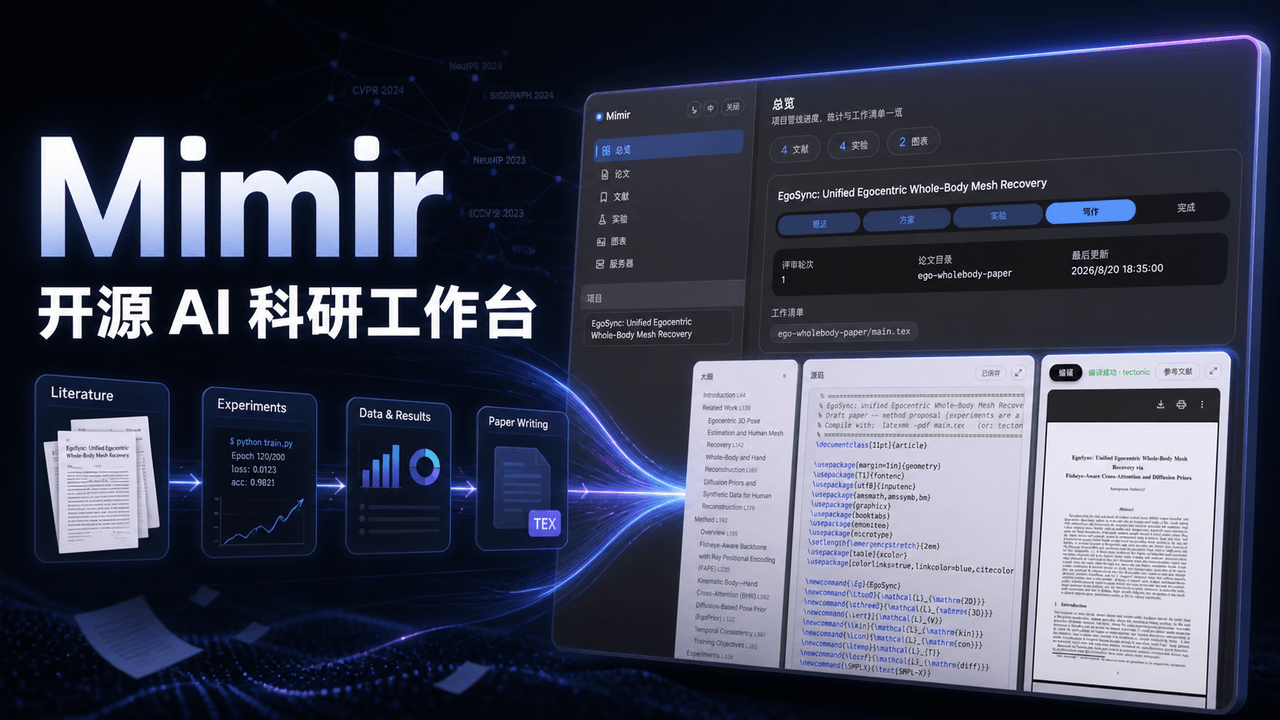 1692775560/dsh-Mimir-Academic-research
Mimir — 一站式科研工作台插件:LaTeX 论文边写边编译、arXiv 文献管理、实验追踪、指标图表、GPU 服务器 SSH 任务编排,管理科研全周期。An open-source research workbench plugin …
1692775560/dsh-Mimir-Academic-research
Mimir — 一站式科研工作台插件:LaTeX 论文边写边编译、arXiv 文献管理、实验追踪、指标图表、GPU 服务器 SSH 任务编排,管理科研全周期。An open-source research workbench plugin …
-
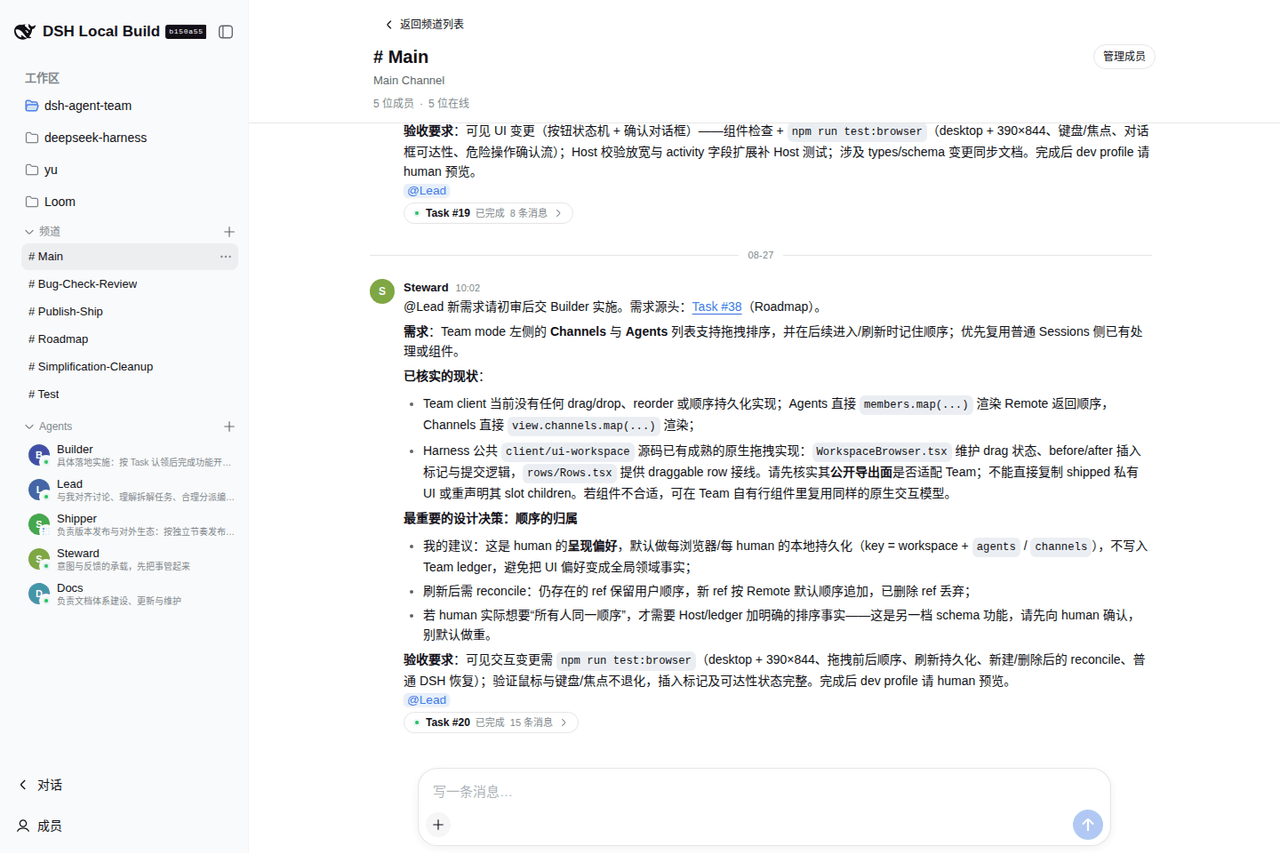 wowyuarm/dsh-agent-team
dsh-agent-team gives DeepSeek Harness agents that don't reset: durable Members with their own memory, notes, and skills …
wowyuarm/dsh-agent-team
dsh-agent-team gives DeepSeek Harness agents that don't reset: durable Members with their own memory, notes, and skills …
-
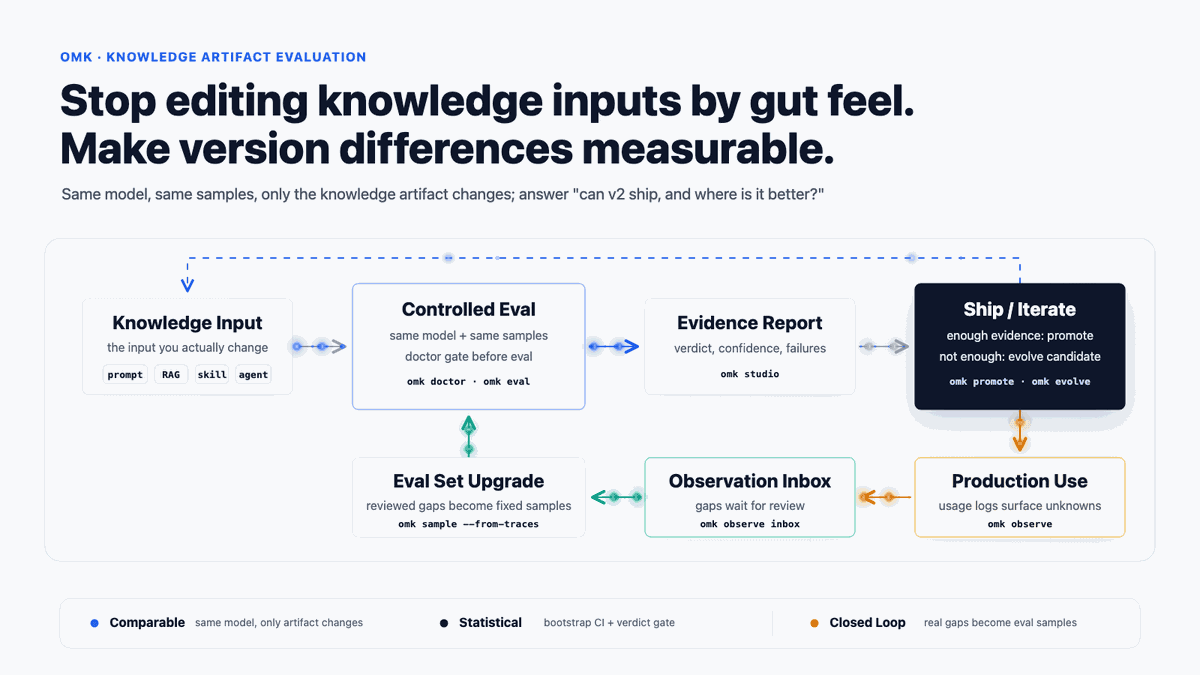 lizhiyao/oh-my-knowledge
OMK — Evidence-backed evaluation and observability for prompts, RAG, skills, agents, and workflows. Native Codex, Claude…
lizhiyao/oh-my-knowledge
OMK — Evidence-backed evaluation and observability for prompts, RAG, skills, agents, and workflows. Native Codex, Claude…
- Roarpeng/GraphFlow Local-first code knowledge graph and context harness for coding agents. MCP + DeepSeek Harness (dsh) plugin.
- smilewhenever777/dsh-scholar DSH 科研插件集:论文精读与追问、Idea 知识库、SSH GPU 监控,以及按工作区管理的研究目标、假设、DAG 和实验台账。
-
 Totoro-qaq/Cobsidian
Agent-agnostic workflow skill for maintaining Obsidian knowledge bases
Totoro-qaq/Cobsidian
Agent-agnostic workflow skill for maintaining Obsidian knowledge bases