liuqingman/dsh-hawkeye-scan
Hawkeye Scan Workbench - AI-driven source-code security scanning for DeepSeek Harness (DSH): 5 model tools + /hawkeye web UI + JSON/Markdown/HTML vuln reports. Zero-dependency Cordis plugin.
Project Overview项目介绍
Hawkeye Scan Workbench is a source code security scanning plugin for DeepSeek Harness. It runs AI-powered security scans on any source directory, saves vulnerabilities locally, generates JSON/Markdown/HTML vulnerability reports, and provides a web visualization workspace. It can only be used on authorized code repositories.
鹰眼扫描工作台是DeepSeek Harness的源码安全扫描插件,可对任意源码目录发起AI驱动的安全扫描,将漏洞落盘存储,生成JSON/Markdown/HTML漏洞报告,附带网页可视化工作台,仅可在获得授权的代码库上使用。
请帮我安装这个 DSH 插件。安装前先完成【兼容性检查 + 安全性检查】,检查通过再动手。

插件:dsh-hawkeye-scan(liuqingman/dsh-hawkeye-scan)
仓库:https://github.com/liuqingman/dsh-hawkeye-scan
本站详情页:https://www.yhbd.top/plugins/liuqingman-dsh-hawkeye-scan/
本站登记:类型 plugin · 归类 原生 DSH 插件 · 许可证 MIT · ⭐ 2 · 最近提交 2026-08-27 · 主语言 JavaScript · 未检测到 DSH 插件清单

按下面顺序执行,每步先把结论告诉我,再进入下一步:

【1 兼容性检查】
① 我这边:DSH 版本、Node 版本、操作系统、当前 profile(web / desktop)。
② 读它的 README、package.json、插件 manifest,列出它要求的 DSH 版本 / Node 版本 / 操作系统 / 外部依赖 / 需要另外先装的运行时。
③ 逐条比对,结论只写「满足 / 不满足 / 未知」三种;不满足的给出可行替代方案。
④ 检查是否和我已装的插件冲突:命令名重复、skill / tool 重名、端口占用、重复注册的 MCP server。

【2 安全性检查】
① 仓库可信度:和上面「本站登记」是否一致;star / fork 数、创建时间、最近提交,是否归档或长期停更。
② 安装脚本:逐行看 package.json 的 preinstall / install / postinstall,以及 install.sh、setup.ps1 之类脚本。出现 curl|bash、下载后直接执行、混淆代码、访问与插件功能无关的域名,立刻停下来告诉我,不要继续装。
③ 依赖:列出新增依赖,标出无人维护、或与知名包拼写近似的可疑包(typosquatting)。
④ 权限与副作用:它会读写哪些目录、访问哪些域名、需要哪些 DSH 权限(filesystem / network / shell / clipboard 等),以及怎么卸载和回滚。
⑤ 如果它要求 sudo / 管理员权限,或权限明显超出功能所需,先停下来问我。

【3 安装】
上面两步没有「不满足」和「高危项」时才执行;用官方推荐方式安装,不要自行提权。

【4 汇报】
用表格输出:检查项 / 结论 / 依据 / 是否需要我决策。拿不准的一律写「未知」并说明要我怎么确认——不要猜,也不要替我决定。
Send this message to DSH in your current session: it verifies compatibility and security first (answering met / not met / unknown item by item) and only installs once everything checks out — it will stop and ask you if it finds a high-risk item. The box scrolls; the copy is the full prompt. CLI install commands may not be accurate across systems, so DSH is the safer route.把上面这条消息直接发给当前会话里的 DSH:它会先核对兼容性与安全性(逐条给「满足 / 不满足 / 未知」),确认没问题再安装,有高危项会停下来问你。框内可滚动,复制到的是完整提示词;安装命令不一定准确,发给 DSH 更稳。
- Only 2 stars - very few users, little community feedback星标只有 2,几乎没人在用,遇到问题缺少社区反馈
- No DSH plugin manifest detected - it may only carry the dsh-plugin topic, so the install method must be confirmed on the spot未检测到 DSH 插件清单:可能只是打了 dsh-plugin 话题,安装方式要现场确认
DSH walks through these 9 checksDSH 会逐条核对这 9 项
Compatibility兼容性
- DSH, Node, OS and profile requirementsDSH 版本 / Node 版本 / 操作系统 / profile 是否满足要求
- External dependencies and runtimes (Electron / Python / Docker, ...)外部依赖与运行时(Electron / Python / Docker 等)是否齐备
- Conflicts with installed plugins: command names, skill / tool names, ports, duplicate MCP registration与已装插件是否冲突:命令名、skill / tool 重名、端口占用、重复 MCP 注册
Security安全性
- Repo matches the facts registered here; archived or abandoned?仓库是否与页面登记一致,是否归档或长期停更
- Safety of preinstall / install / postinstall and install.sh / setup.ps1preinstall / install / postinstall 与 install.sh、setup.ps1 是否安全
- curl|bash, download-then-execute, obfuscation, unrelated domains → stop immediatelycurl|bash、下载即执行、混淆代码、无关域名 → 立刻停止
- Typosquatting or unmaintained packages among the new dependencies新增依赖里有没有 typosquatting 或无人维护的包
- Requested permissions vs. what the feature actually needs申请了哪些权限、是否超出功能所需(filesystem / network / shell / clipboard)
- Any sudo / admin requirement, plus uninstall and rollback是否要求 sudo / 管理员权限,以及卸载与回滚方式
Anything uncertain must be marked unknown with a note on how to confirm it. This site's signal screen is a static snapshot, not a security audit.拿不准的必须标「未知」并说明要我怎么确认。本站的信号筛查是静态快照,不能替代安全审计。
Or use CLI install (for developers)或使用命令行安装(适合开发者)
CLI Install命令行安装
dsh plugin --profile web add github:liuqingman/dsh-hawkeye-scan把 liuqingman/dsh-hawkeye-scan 加入你的 DSH 配置(web profile)即可启用。
READMEREADME
🦅 鹰眼扫描工作台(Hawkeye Scan Workbench)
DeepSeek Harness (DSH) 的源码安全扫描插件:对任意源码目录发起 AI 驱动的安全扫描,逐条落盘漏洞(Markdown + YAML frontmatter),并生成 JSON / Markdown / HTML 漏洞报告,附网页工作台可视化。
基于 鹰眼(Hawkeye)AI 代码安全诊断平台 的流水线思路(Recon → Hunter → Dedup → Validator → Report),漏洞产物格式与平台后端 artifacts.py 完全一致,可直接喂给平台入库。
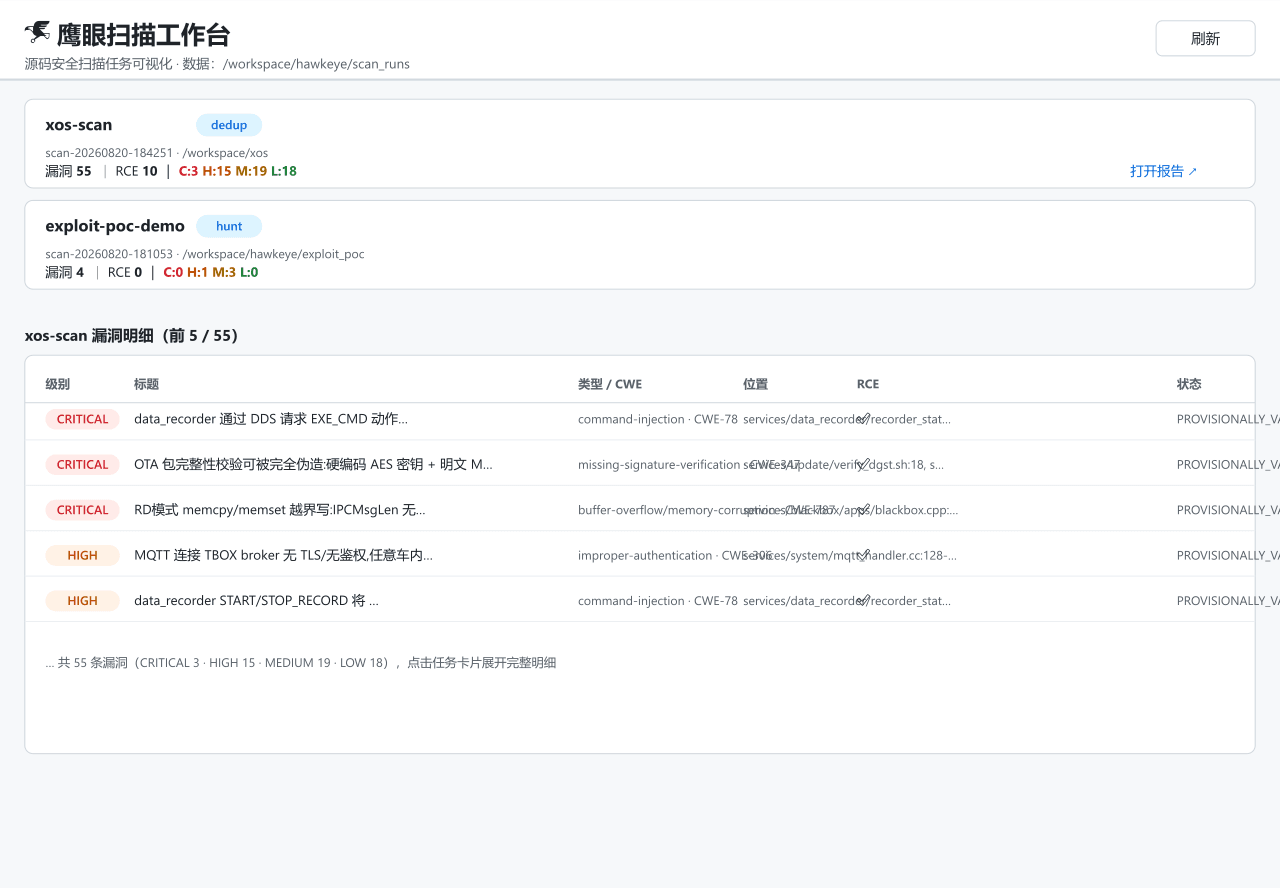
界面预览
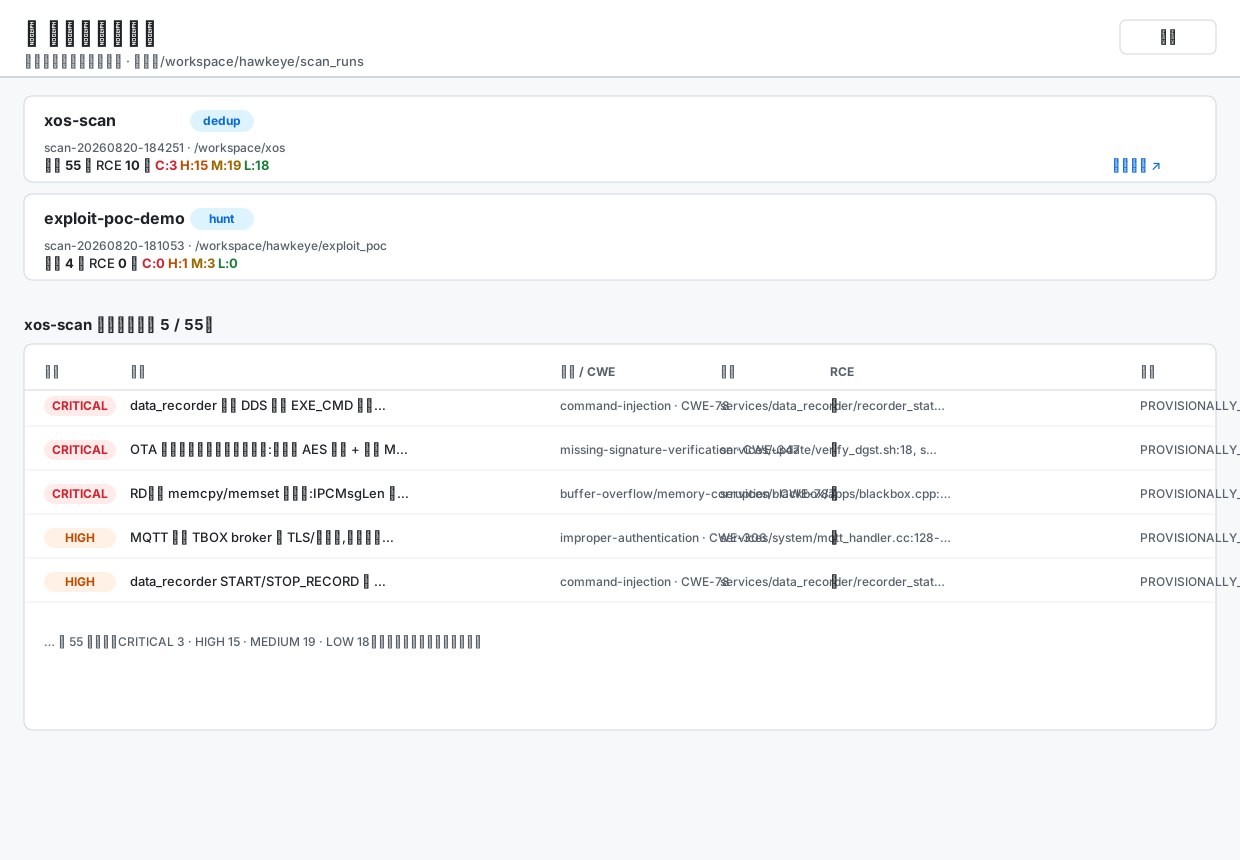
插件自带的网页工作台(
/hawkeye),上图为真实扫描数据(xos 车载系统,55 条漏洞)。点击任务卡片展开漏洞明细,右上角可打开完整报告。
功能
| 能力 | 说明 |
|---|---|
hawkeye_scan_start |
初始化扫描任务(校验目标目录、建 scan_runs/<task>/ 工作区) |
hawkeye_scan_finding |
逐条写入漏洞 → findings/F-XXX.md(frontmatter 顺序与签名公式与平台一致) |
hawkeye_scan_status |
记录/查询流水线阶段(recon / hunt / dedup / review / calibrate / report) |
hawkeye_scan_report |
汇总生成 report.json / report.md / report.html |
hawkeye_scan_list |
列出所有扫描任务 |
| 网页工作台 | http://<dsh-host>:<port>/hawkeye — 任务列表、漏洞表格、报告页 |
- 纯 JS 实现(内置 SHA-256、手写 YAML frontmatter),零外部依赖,无 Node 包版本耦合。
- 签名公式:
sha256(norm_title | cwe | primary_file)[:16](与 Anthropic defending-code-reference-harness 一致的指纹方案)。
安装
方式 A:Agent Preset(推荐,即拷即用)
- 将本目录(含
agent.cordis.yml、hawkeye-scan-plugin.cjs、preset.yml、skills/)整体复制到${DSH_HOME:-$HOME/.dsh}/.agent-presets/dsh-hawkeye-scan/。 - 在 DSH Web UI 新建会话,模式选择 「鹰眼扫描工作台」。
- 会话内即出现 5 个
hawkeye_scan_*工具,浏览器打开http://127.0.0.1:13336/hawkeye查看工作台。
说明:
agent.cordis.yml基于官方cordis(创造模式)preset 复制而来,追加了一行hawkeye-scan → ./hawkeye-scan-plugin.cjs。
方式 B:npm 包(工程化分发)
npm install dsh-hawkeye-scan
在 host composition 或 agent preset 的 cordis.yml 中追加一行:
- id: hawkeye-scan
  name: 'dsh-hawkeye-scan'
(bare 包名按 installed-host base 解析;不发布任何服务,无需 isolate realm。)
使用
1. hawkeye_scan_start(target_dir="/path/to/src", name="my-project")
   → task_id: scan-20260820-181053

2. (由 AI agent 调用 recon / hunter / review 等技能完成扫描推理)

3. hawkeye_scan_finding(task_id, title, severity, cwe, file, description, attack_chain, recommendation, ...)
   → finding_id: F-001(自动计算 signature)

4. hawkeye_scan_status(task_id, stage="hunt", note="...")

5. hawkeye_scan_report(task_id)
   → report.json / report.md / report.html

6. 浏览器打开 /hawkeye 可视化查看
扫描任务目录结构:
scan_runs/<task_id>/
├── task.json          # 任务元数据 + 阶段记录 + findings 索引
├── findings/
│   └── F-001.md       # Markdown + YAML frontmatter(机器可读 + 人可读)
├── report.json        # 机器可读报告
├── report.md          # 中文 Markdown 报告
└── report.html        # 自包含网页报告
配置(环境变量)
| 变量 | 默认值 | 说明 |
|---|---|---|
HAWKEYE_SCAN_WORKSPACE |
/workspace/hawkeye/scan_runs |
扫描产物根目录 |
HAWKEYE_SCAN_SANDBOX_MODE |
danger-full-access |
shell/fs 沙箱模式;宿主有沙箱后端时建议 workspace-write |
安全与合规
- 插件是 Host 侧只读观测 + 任务管理:AI 扫描推理由 agent 技能链完成;插件负责确定性的落盘与报告渲染。
- 网页路由
/hawkeye/api/*为只读,task id 白名单校验(scan-[0-9-]+),无目录穿越。 - 仅在你已获授权的代码库上使用。
License
MIT
Related相关推荐
- AmethystLuna/logicprobe Claim verification for AI coding agents — logic-primitive verification for state machines, data models, and concurrency …
-
 kenryu42/cc-safety-net
A pre-execution guard for AI coding agents. It blocks destructive Git and file system commands, plus common attempts to …
kenryu42/cc-safety-net
A pre-execution guard for AI coding agents. It blocks destructive Git and file system commands, plus common attempts to …
-
 hyhmrright/brooks-lint
AI code reviews grounded in 12 classic engineering books — decay risk diagnostics with book citations, severity labels, …
hyhmrright/brooks-lint
AI code reviews grounded in 12 classic engineering books — decay risk diagnostics with book citations, severity labels, …
-
 toby-bridges/api-relay-audit
Local security audit for AI API relays and LLM proxies: detects prompt injection, model substitution, tool-call rewritin…
toby-bridges/api-relay-audit
Local security audit for AI API relays and LLM proxies: detects prompt injection, model substitution, tool-call rewritin…
-
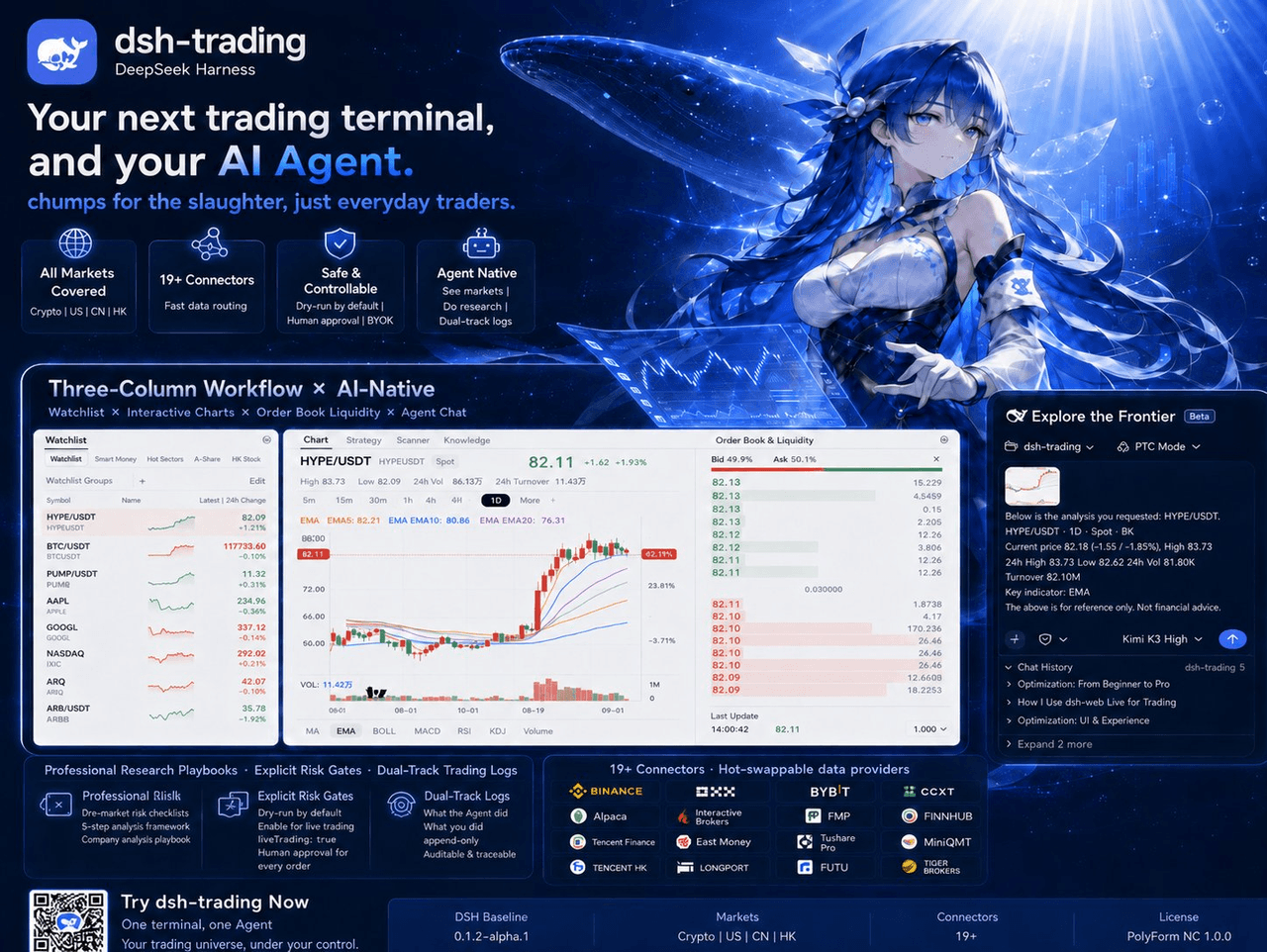 zhu1090093659/dsh-trading
Agent-native trading terminal built on DeepSeek Harness. Crypto, US, CN and HK in one three-column GUI, 19+ hot-swappabl…
zhu1090093659/dsh-trading
Agent-native trading terminal built on DeepSeek Harness. Crypto, US, CN and HK in one three-column GUI, 19+ hot-swappabl…
-
 lire1131/dsh-undo-savepoint
DSH crash-rescue plugin: undo config & plugin-code changes, secret-safe snapshots, one-click SAFE MODE, plus offline CLI…
lire1131/dsh-undo-savepoint
DSH crash-rescue plugin: undo config & plugin-code changes, secret-safe snapshots, one-click SAFE MODE, plus offline CLI…
- Akimiya-z/codex-guard Quality gate for AI/Codex-generated pull requests: blocks TODO leftovers, leaked secrets, sloppy commits and red CI befo…
-
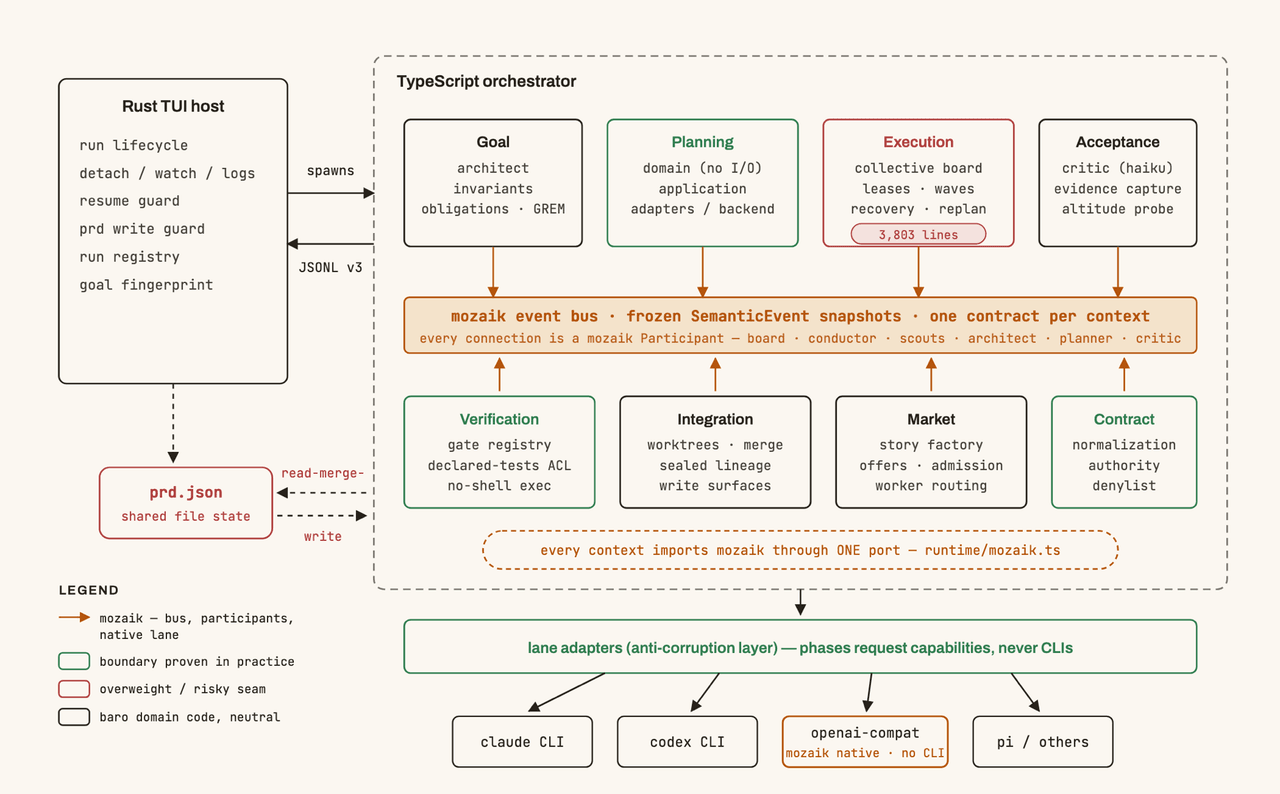 jigjoy-ai/baro
A CLI that turns a goal into a pull request - and a sandbox for testing concurrent AI coding agents on the Mozaik runtim…
jigjoy-ai/baro
A CLI that turns a goal into a pull request - and a sandbox for testing concurrent AI coding agents on the Mozaik runtim…