liyu34/dsh-wsl-tray
为运行在 WSL 里的 DeepSeek Harness(DSH)提供 Windows 桌面快捷方式与系统托盘启动器。
Project Overview项目介绍
dsh-wsl-tray is a DeepSeek Harness plugin for WSL deployments, providing a Windows desktop shortcut and a system-tray launcher. Double-clicking the shortcut starts DSH in the background and opens the browser once the server is ready; the tray menu offers restart, watchdog pause/resume, shortcut regeneration, and exit. A watchdog probes the DSH URL every 10 seconds, restarts the service after 3 consecutive failures, and pauses after 3 failed restarts, writing every transition to watchdog.log. The plugin card shows live tray and watchdog status plus a log tail. It requires DSH web 0.1.0-rc.7 or newer and only runs on WSL hosts; exiting the tray stops the watchdog, so add the shortcut to the Windows Startup folder for boot-time persistence.
dsh-wsl-tray 是 DeepSeek Harness 的 WSL 部署插件,在 Windows 桌面生成快捷方式并常驻系统托盘。点击快捷方式后台启动 DSH 服务,端口就绪后自动打开默认浏览器;托盘菜单可重启服务、暂停看门狗、退出或重建快捷方式。内置看门狗按 10 秒周期探测 URL,连续 3 次失败即通过 wsl.exe 重启,3 次连续重启失败后自动暂停并写入 watchdog.log;插件配置卡实时显示托盘文件与看门狗状态、查看日志尾部、一键重建快捷方式。需 DSH web ≥0.1.0-rc.7 且仅在 WSL 主机启用;托盘退出即停看门狗,需加入 Windows 启动项才能开机自启。
请帮我了解并安装插件:【dsh-wsl-tray】【https://github.com/liyu34/dsh-wsl-tray】Send this message to DSH in your current session. CLI install commands may not be accurate across systems — DSH will figure it out for you.把上面这条消息直接发给当前会话里的 DSH,让它帮你了解并安装。安装命令不一定准确,发给 DSH 更稳。
Or use CLI install (for developers)或使用命令行安装(适合开发者)
CLI Install命令行安装
dsh plugin --profile web add dsh-wsl-tray把 liyu34/dsh-wsl-tray 加入你的 DSH 配置(web profile)即可启用。
READMEREADME
dsh-wsl-tray
中文 | English
A DeepSeek Harness plugin for WSL deployments: it puts a Windows desktop shortcut and a system-tray launcher in front of the DSH web server running inside WSL.
Features
- Double-click the DeepSeek Harness desktop shortcut to start DSH in the
background (or reuse an already-running instance). The default browser opens
exactly once when DSH is ready (the built-in DSH browser-open is disabled by
--no-open; only the tray opens it). - A DSH fish tray icon appears. Right-click menu:
- 打开 DeepSeek Harness / open the DSH web page
- 重新生成桌面快捷方式 / recreate the desktop shortcut
- 重启 DSH 服务 / restart the DSH service
- 暂停守护进程 / 恢复守护进程 / pause or resume the watchdog
- 退出 / exit the tray icon
- Double-clicking the tray icon also opens the DSH web page.
- A watchdog daemon runs inside the tray: it probes the DSH URL on a
timer, restarts DSH when the probes fail, gives up after a bounded number of
consecutive failed restarts, and writes a full audit trail to
watchdog.log(see Watchdog below). - The plugin-configuration card shows live status (tray files + watchdog state) and a button that recreates the desktop shortcut without touching WSL by hand. The card can also show the tail of the watchdog log.
- No console window is shown: the shortcut goes through
wscript.exe+ VBS and the entire chain is launched with window style 0.
Requirements
- DSH itself must be running inside WSL (
WSL_DISTRO_NAMEset,/mnt/caccessible). - Windows must be able to run
wscript.exe,powershell.exe, andwsl.exe. - DSH web 0.1.0-rc.7 or newer (settings cards + client bundle machinery).
Install
Once published to npm:
dsh plugin --profile web add dsh-wsl-tray
Or add it manually to a DSH web profile:
cd ~/.dsh/profiles/web
pnpm add dsh-wsl-tray
and add "dsh-wsl-tray" to package.json:
"dsh": {
  "profile": {
    "bundles": [
      "@deepseek-ai/dsh-base",
      "@deepseek-ai/dsh-web-app",
      "dsh-wsl-tray"
    ]
  }
}
Restart dsh web and open Settings → Plugins → Plugin configuration to see
the WSL 桌面与托盘 card.
Generated files
The plugin writes five generated files:
| File | Location |
|---|---|
dsh.ico |
%USERPROFILE%\.dsh\dsh-wsl-tray\dsh.ico |
dsh-tray.ps1 |
%USERPROFILE%\.dsh\dsh-wsl-tray\dsh-tray.ps1 |
dsh-tray.vbs |
%USERPROFILE%\.dsh\dsh-wsl-tray\dsh-tray.vbs |
start.sh |
~/.dsh/dsh-wsl-tray/start.sh |
stop.sh |
~/.dsh/dsh-wsl-tray/stop.sh |
and creates:
%USERPROFILE%\Desktop\DeepSeek Harness.lnk
While the tray runs, the watchdog maintains two runtime files (both are shown on the config card):
| File | Location |
|---|---|
watchdog.log |
%USERPROFILE%\.dsh\dsh-wsl-tray\watchdog.log (rotated at 512 KB) |
watchdog-status.json |
%USERPROFILE%\.dsh\dsh-wsl-tray\watchdog-status.json (latest tick) |
The shortcut points at wscript.exe, which runs dsh-tray.vbs; the VBS starts
the tray PowerShell hidden, and the tray starts start.sh inside WSL through
WScript.Shell.Run(..., 0, false).
Watchdog
The watchdog lives inside the tray helper (the one process that is deliberately independent of DSH), and answers the three questions a restart daemon has to:
- How liveness is judged — an HTTP
Invoke-WebRequestprobe of the DSH web URL everyprobeIntervalSec(default 10 s, probe timeout 3 s). Each probe records its status code or error text, so a refused connection (nothing listening), a timeout (hung server) and a bad status stay distinguishable in the log. DSH is only considered DOWN afterdownThreshold(3) consecutive failed probes. - Restart success & giving up — a restart is triggered (stop + start via
wsl.exe) and the watchdog waits up torestartWaitSec(180 s) for the URL to answer again: an answer = success, which resets the failure counter; an unanswered window = one failed restart. AftermaxRestartFailures(3) consecutive failures the watchdog pauses instead of looping forever. It resumes from the tray menu (恢复守护进程), or automatically as soon as DSH answers again. - Logging — every probe transition, restart trigger, success/failure and
pause/resume is appended to
watchdog.logwith a timestamp, level and the probe detail; the current state machine snapshot goes towatchdog-status.jsonevery tick. The plugin card exposes both through/dsh-wsl-tray/watchdogand/dsh-wsl-tray/watchdog-log.
Phases: starting (initial boot grace) → probing (steady state) →
restarting (waiting after a restart) → backoff (cooldown) or paused
(give-up / manual pause). The tuning values above are baked into
dsh-tray.ps1; change them in src/artifacts.ts
(DEFAULT_WATCHDOG_CONFIG) and regenerate.
Install without npm publishing
If npm publishing is not an option, install the prebuilt tarball that is included in this repository:
cd ~/.dsh/profiles/web
pnpm add /path/to/dsh-wsl-tray-github/dist/dsh-wsl-tray-0.1.4.tgz
Then add "dsh-wsl-tray" to the profile bundle list as above.
How it works
- Hidden launch: shortcut →
wscript.exe→ VBS → hidden PowerShell tray. - DSH stays alive:
start.shruns DSH in the foreground of the hiddenwsl.exesession, so WSL does not recycle the process after the one-shot launcher exits. - Automatic browser open: a Windows-side timer in the tray polls the DSH
URL every 2 seconds and calls
Start-Process $webUrlonce DSH answers. - Watchdog: a second tray timer probes the URL every 10 seconds and runs the state machine described above.
- Regeneration: the config card and the tray menu both run
dsh-tray.ps1 -Regenerate.
Development
npm install
npm run typecheck
npm test
npm run build
npm pack --dry-run
Known limitations
- Only enabled inside WSL; on non-WSL hosts the card reports that the feature is unavailable.
- The watchdog runs only while the tray icon is up: choosing 退出 stops the
watchdog and the DSH instance (via the generated
stop.sh: a PID file tracks the instancestart.shlaunched, then a pattern fallback coversbin.js weblaunches from source checkouts, npm global installs and npx). Add the shortcut to the Windows Startup folder if you want the watchdog to follow Windows boot. - A DSH web instance started any other way (different flags, another tool) is
not tracked by the PID file; stop it by hand (Windows Task Manager or
wsl --shutdown) if the pattern fallback does not reach it.
Related相关推荐
-
 ccch1mneyyy/dsh-TUI
DSH 官方公众号收录的 TUI 补位插件:Claude Code 风,鲸鱼顶栏/实时状态/流式思考/双击 Esc 回滚/上下文进度+TPS。npm 一键装。 DSH official WeChat featured TUI plugin…
ccch1mneyyy/dsh-TUI
DSH 官方公众号收录的 TUI 补位插件:Claude Code 风,鲸鱼顶栏/实时状态/流式思考/双击 Esc 回滚/上下文进度+TPS。npm 一键装。 DSH official WeChat featured TUI plugin…
-
 myYangyunfan/dsh_desktop
DeepSeek Harness (dsh) Windows desktop client - bundled Node.js + dsh CLI, one-click launch
myYangyunfan/dsh_desktop
DeepSeek Harness (dsh) Windows desktop client - bundled Node.js + dsh CLI, one-click launch
-
 ChisaAlter/Deepseek-Harness-Desktop
DSH桌面端,支持主题和背景图等多种个性化配置。Electron desktop shell for DeepSeek Harness web UI
ChisaAlter/Deepseek-Harness-Desktop
DSH桌面端,支持主题和背景图等多种个性化配置。Electron desktop shell for DeepSeek Harness web UI
-
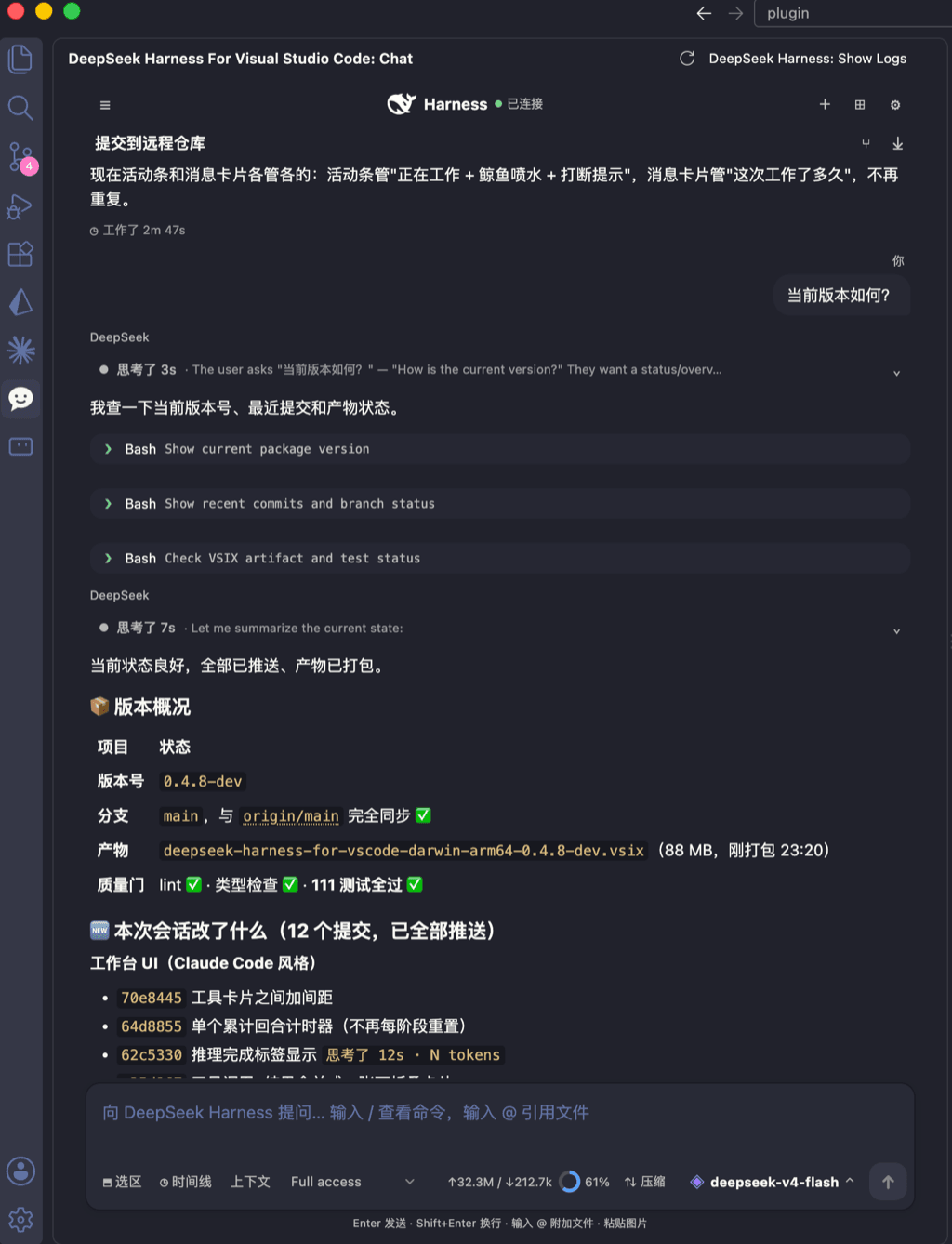 skymecode/deepseek-harness-for-vscode
deepseek-harness for vscode .A native VS Code coding-agent extension for DeepSeek Harness. Streamlined workbench with se…
skymecode/deepseek-harness-for-vscode
deepseek-harness for vscode .A native VS Code coding-agent extension for DeepSeek Harness. Streamlined workbench with se…
-
 rison114514/dsh-endfield-ui
Endfield-inspired industrial UI shell for DeepSeek Harness (dsh) — non-official fan theme. Install: dsh plugin --profile…
rison114514/dsh-endfield-ui
Endfield-inspired industrial UI shell for DeepSeek Harness (dsh) — non-official fan theme. Install: dsh plugin --profile…
-
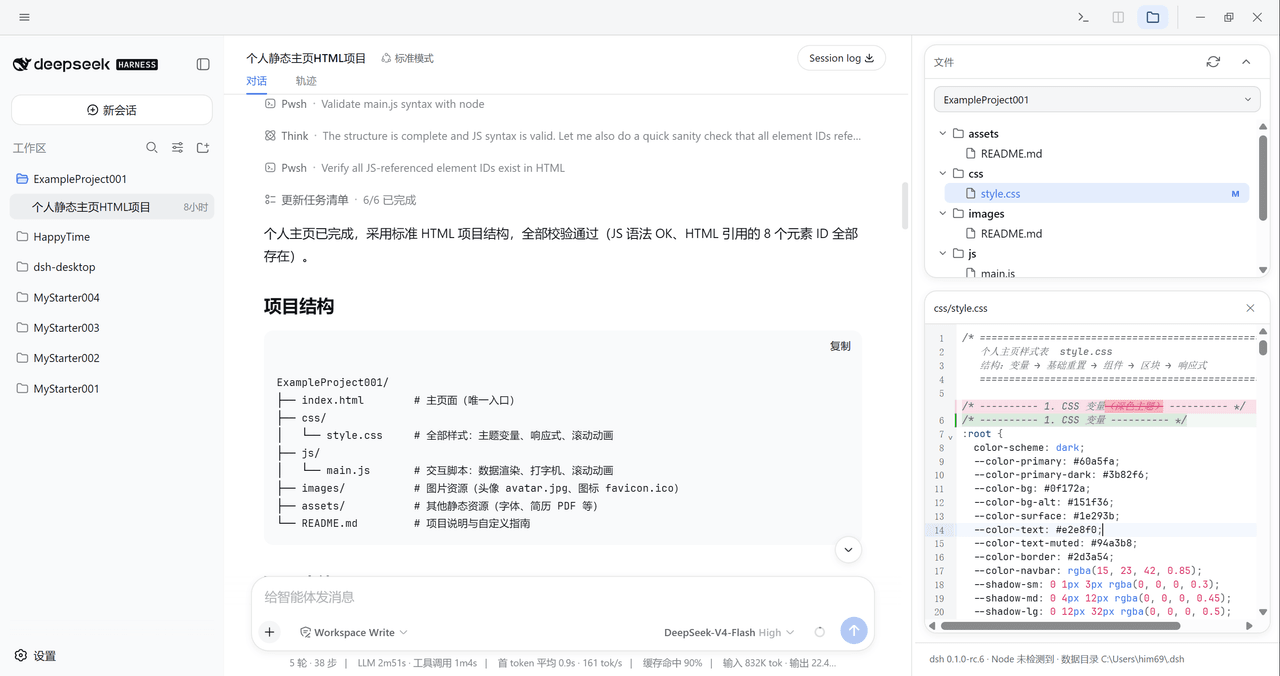 xiincs/deepseek-harness-desktop
DeepSeek Harness 原生桌面版,基于 Tauri 2,内置 Node.js 运行时,一键安装,极速启动,托盘常驻,自动更新。DeepSeek Harness native desktop version: built on T…
xiincs/deepseek-harness-desktop
DeepSeek Harness 原生桌面版,基于 Tauri 2,内置 Node.js 运行时,一键安装,极速启动,托盘常驻,自动更新。DeepSeek Harness native desktop version: built on T…
-
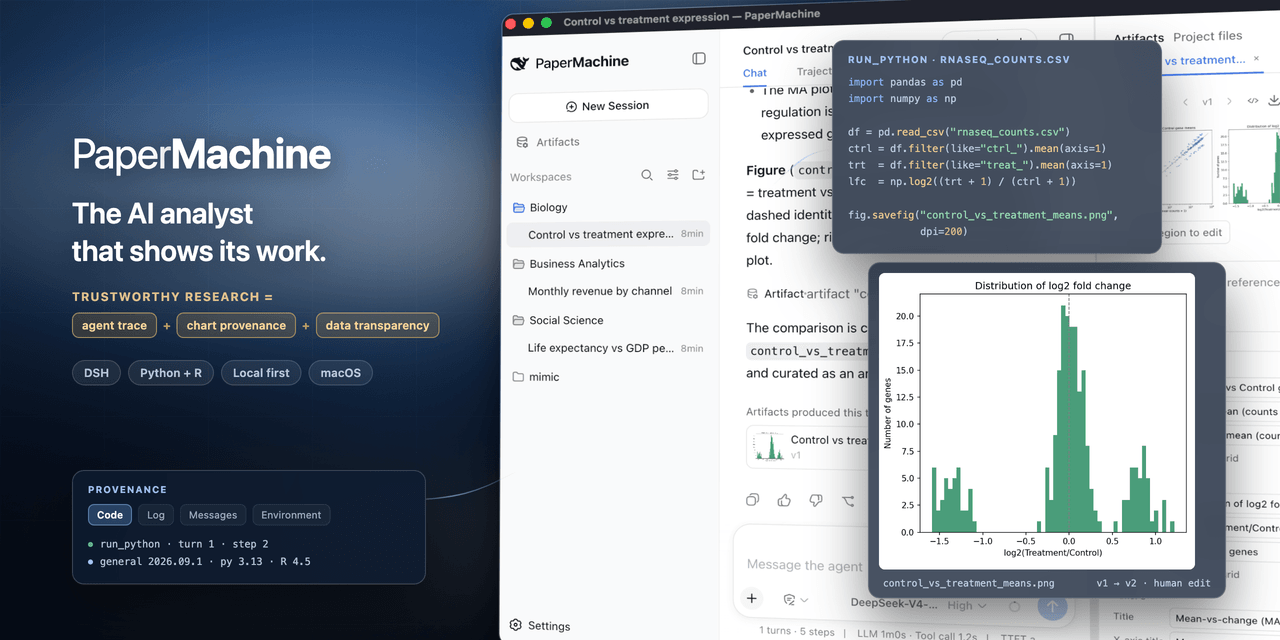 SuperJJ007/papermachine
The AI analyst that shows its work. Runs Python and R on your own machine, and traces every chart back to the code behin…
SuperJJ007/papermachine
The AI analyst that shows its work. Runs Python and R on your own machine, and traces every chart back to the code behin…
-
 dsh-tui/dsh-tui
Claude Code-style terminal UI for DeepSeek Harness agents, as an out-of-tree dsh plugin bundle
dsh-tui/dsh-tui
Claude Code-style terminal UI for DeepSeek Harness agents, as an out-of-tree dsh plugin bundle