Momonaka/commandcode-dash
Unofficial DeepSeek Harness settings panel for Command Code: credits, usage windows, and model-catalog sync.
Project Overview项目介绍
This is an unofficial community plugin for DeepSeek Harness (DSH). It adds a Command Code section to DSH's settings panel, showing credit balances, usage statistics, billing data, and supports one-click model catalog sync. Use it when you need to manage your Command Code quota and check usage details. It is unofficial, does not support the Go plan, and requires Node 20 or higher.
这是DeepSeek Harness(DSH)的非官方社区插件,在DSH设置面板添加Command Code专区,可查看信用额度、使用统计和计费数据,支持一键同步模型目录。需要管理Command Code配额、查看使用详情时使用,注意它是非官方插件,不支持Go套餐,需要Node 20及以上版本。
请帮我了解并安装插件:【commandcode-dash】【https://github.com/Momonaka/commandcode-dash】Send this message to DSH in your current session. CLI install commands may not be accurate across systems — DSH will figure it out for you.把上面这条消息直接发给当前会话里的 DSH,让它帮你了解并安装。安装命令不一定准确,发给 DSH 更稳。
Or use CLI install (for developers)或使用命令行安装(适合开发者)
CLI Install命令行安装
dsh plugin --profile web add commandcode-dash把 Momonaka/commandcode-dash 加入你的 DSH 配置(web profile)即可启用。
READMEREADME
commandcode-dash
English | 中文
Command Code credits, usage windows, and model catalog — inside the DeepSeek Harness settings panel.
Unofficial community plugin. Not affiliated with DeepSeek or Command Code.




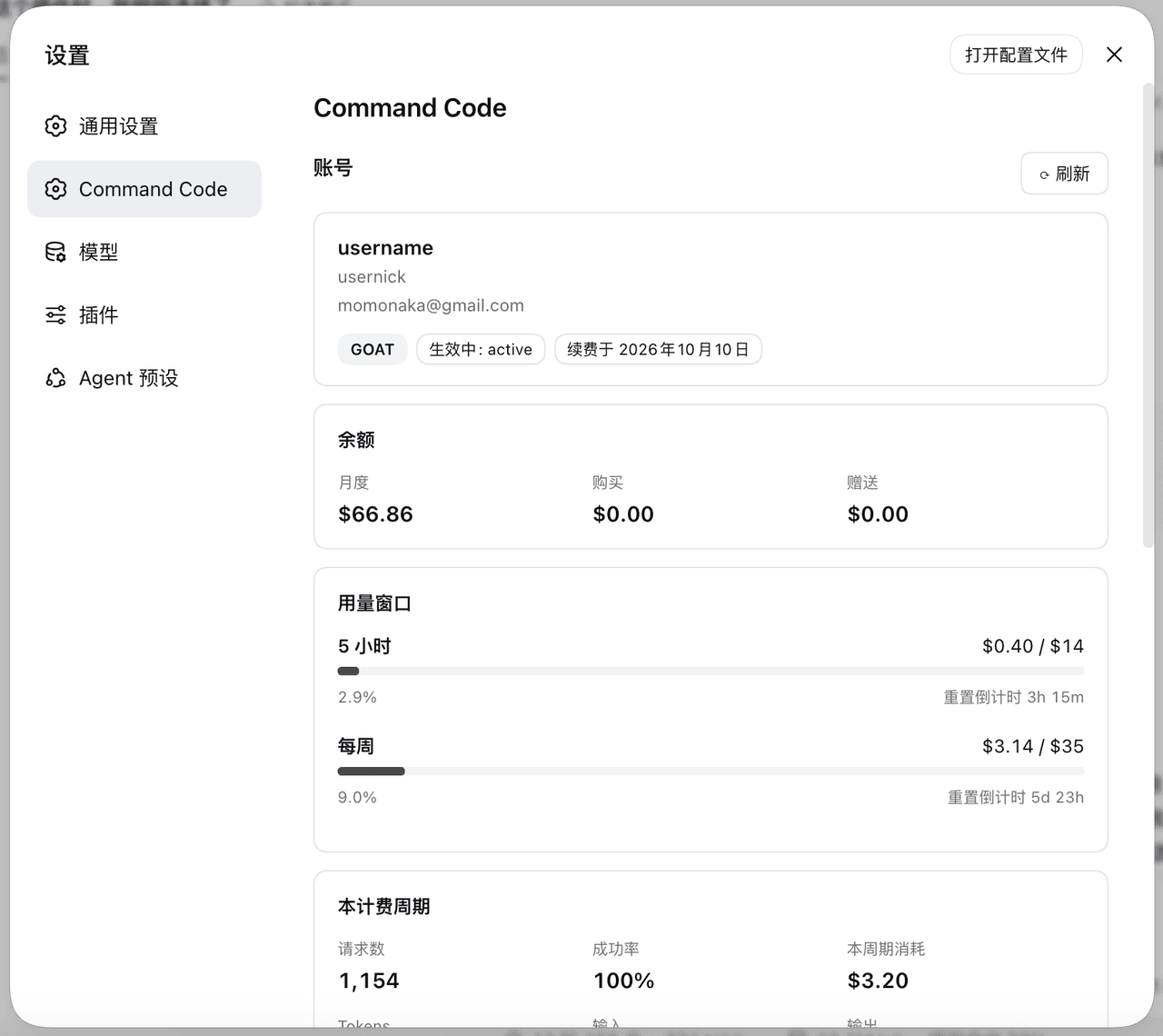
A DeepSeek Harness (DSH) web plugin that adds a Command Code section to the settings panel:
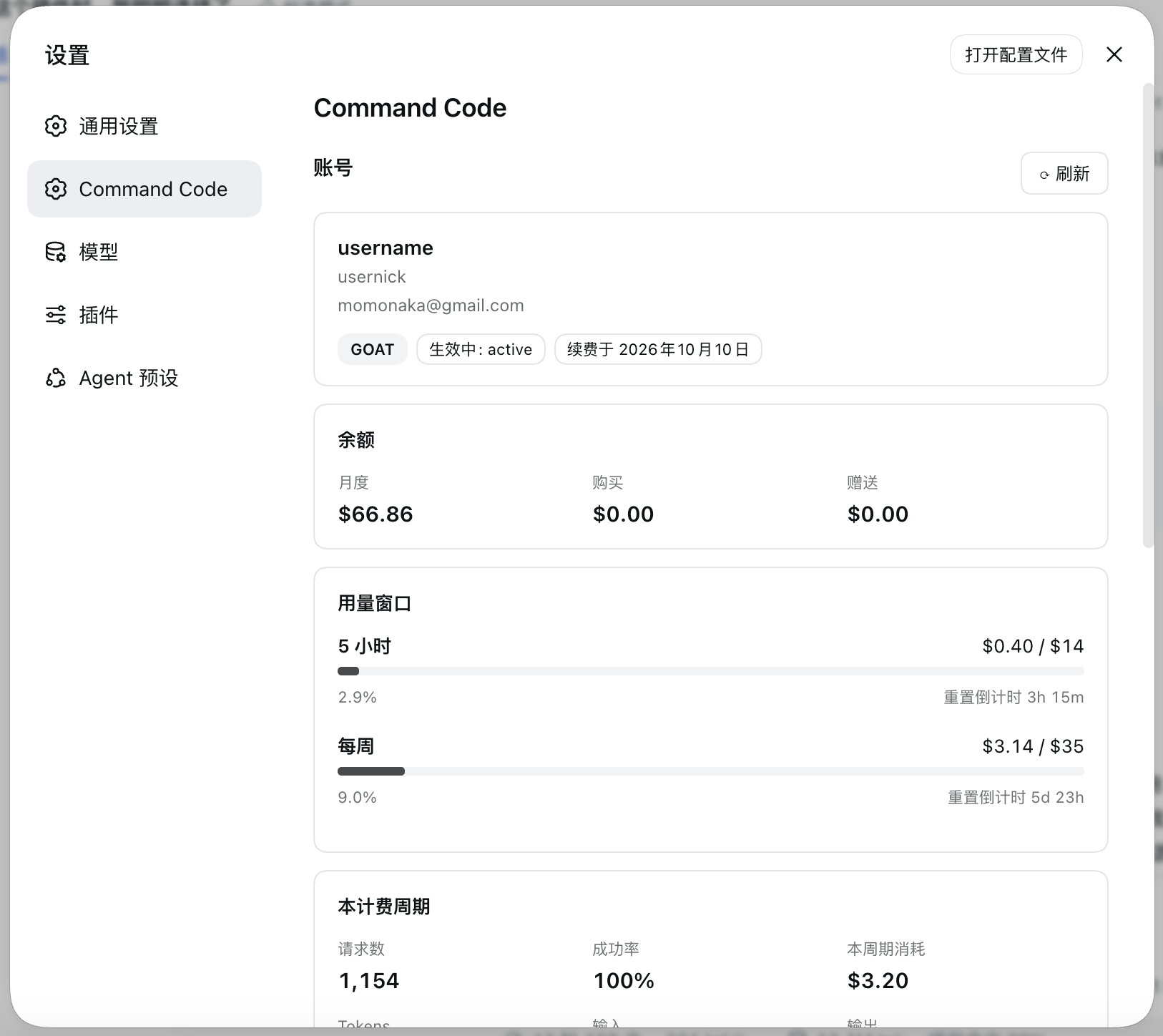
- Plan, credit balance, the 5-hour and weekly usage windows with live reset countdowns, and the current billing period's totals.
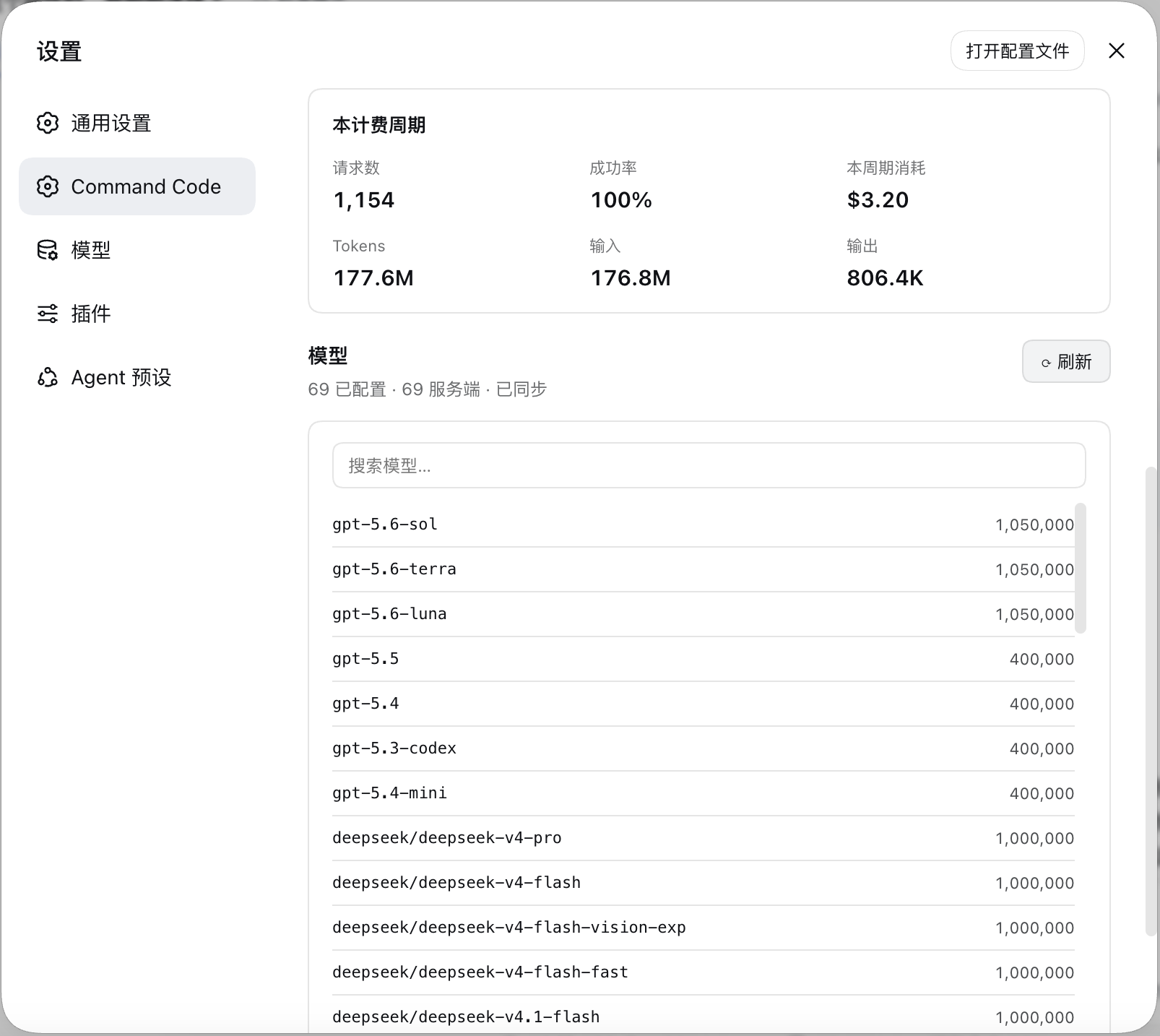
- The configured model catalog, diffed against the live
provider/v1/modelscatalog — with a one-click sync.
Features
| Credits | Monthly, purchased, and free credit balances from the live billing API. |
| Usage windows | 5-hour and weekly windows as used / cap with progress bars and resets in … countdowns that tick without refetching. |
| Billing period | Requests, success rate, credits consumed, and token totals. |
| Model catalog | Every configured model with its context window, searchable. |
| Catalog sync | Diffs the live catalog against your config, then applies additions, context-window fills, and removals — each on your say-so. |
| Setup card | When no key is configured, the section becomes a form that stores one write-only. |
| Sign out | A text button at the bottom of the section opens a confirmation dialog, then forgets the stored key and puts the section back on the setup card. |
| Load once | The section loads on your first visit and renders that same answer on later visits; the account header's ⟳ reloads both routes on demand. |
Preview
Requirements
- A DSH install with the
webprofile available. - A Command Code plan with Provider API access — every plan except Go.
- Node 20+ on the host (the plugin uses
AbortSignal.any).
Installation
From npm
dsh plugin --profile web add commandcode-dash
Restart dsh web.
Configuration
The API key
The key is read from exactly one place: the harness credential store, under the
reference COMMANDCODE_API_KEY. The section's own setup card writes it there,
or you can add it by hand:
# ${DSH_HOME:-$HOME/.dsh}/.credentials.yaml
refs:
  COMMANDCODE_API_KEY: user_…
It is resolved host-side once per request, so saving one takes effect on the next
refresh — no restart. Sign out at the bottom of the section asks for
confirmation, then forgets the stored key and returns the section to the setup
card; the llm-pi-ai routes it created are left in place, since they are
configuration you also edit by hand.
The model provider
Saving the key is the whole setup. Once it checks out, the section adds the
llm-pi-ai provider routes itself, using the catalog fetched from
provider/v1/models:
| Route | Protocol | Models |
|---|---|---|
commandcode |
openai-completions |
everything except Claude |
commandcode-anthropic |
anthropic-messages |
Claude, which Command Code only serves over /messages |
Disclaimer
This is an unofficial, community-built plugin. It is not affiliated with, endorsed by, or sponsored by DeepSeek or Command Code, and it is not part of either product.
It talks to Command Code's Provider API using your own API key, over the same endpoints the Command Code CLI uses for its own usage screen. Nothing is sent anywhere else.
Related相关推荐
-
 kc0ed/dsh-bottom-bar
用于提供更丰富的DeepSeek Harness底栏信息显示插件
kc0ed/dsh-bottom-bar
用于提供更丰富的DeepSeek Harness底栏信息显示插件
-
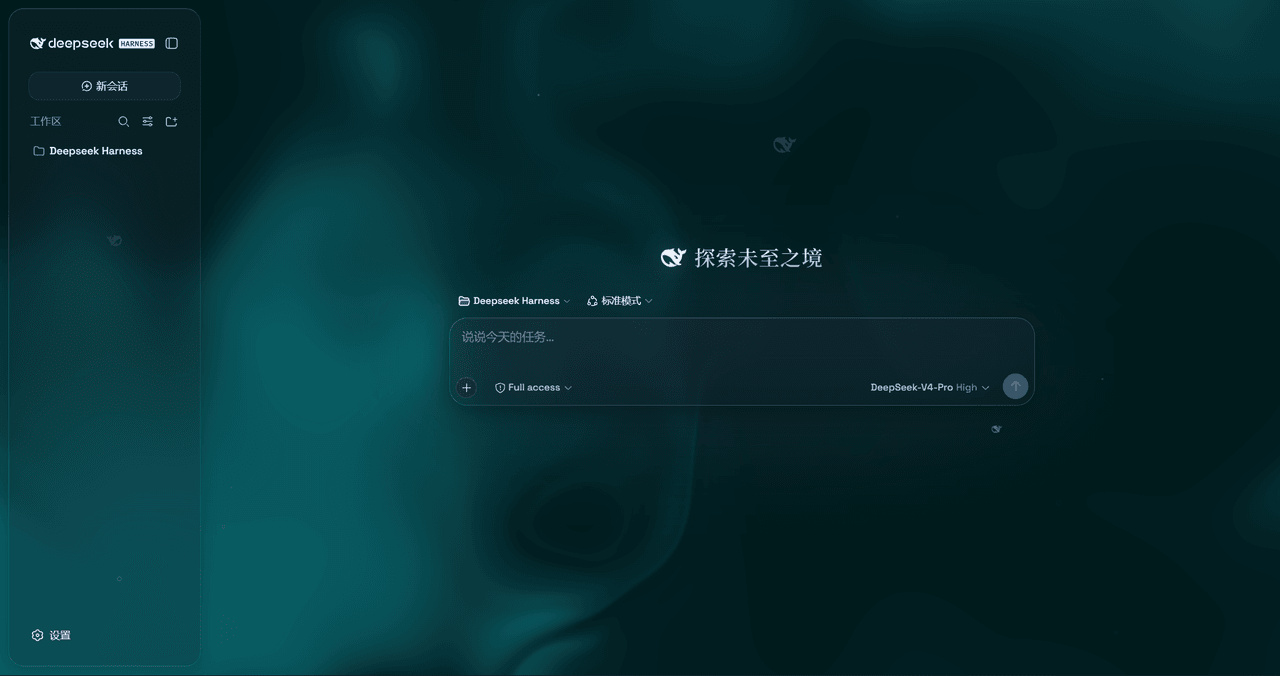 WYH66666666/DSH-Transparent-UI-Plugin
是一层高自由度的玻璃质感主题,套在 DeepSeek Harness 网页端。顶栏、侧边栏、输入框、统计行、轨迹视图都成了磨砂玻璃片。玻璃模糊度、磨砂度、背景(流体或自定义壁纸,壁纸还能单独调模糊和磨砂)全都能在设置卡片里自由调节。关掉开关…
WYH66666666/DSH-Transparent-UI-Plugin
是一层高自由度的玻璃质感主题,套在 DeepSeek Harness 网页端。顶栏、侧边栏、输入框、统计行、轨迹视图都成了磨砂玻璃片。玻璃模糊度、磨砂度、背景(流体或自定义壁纸,壁纸还能单独调模糊和磨砂)全都能在设置卡片里自由调节。关掉开关…
-
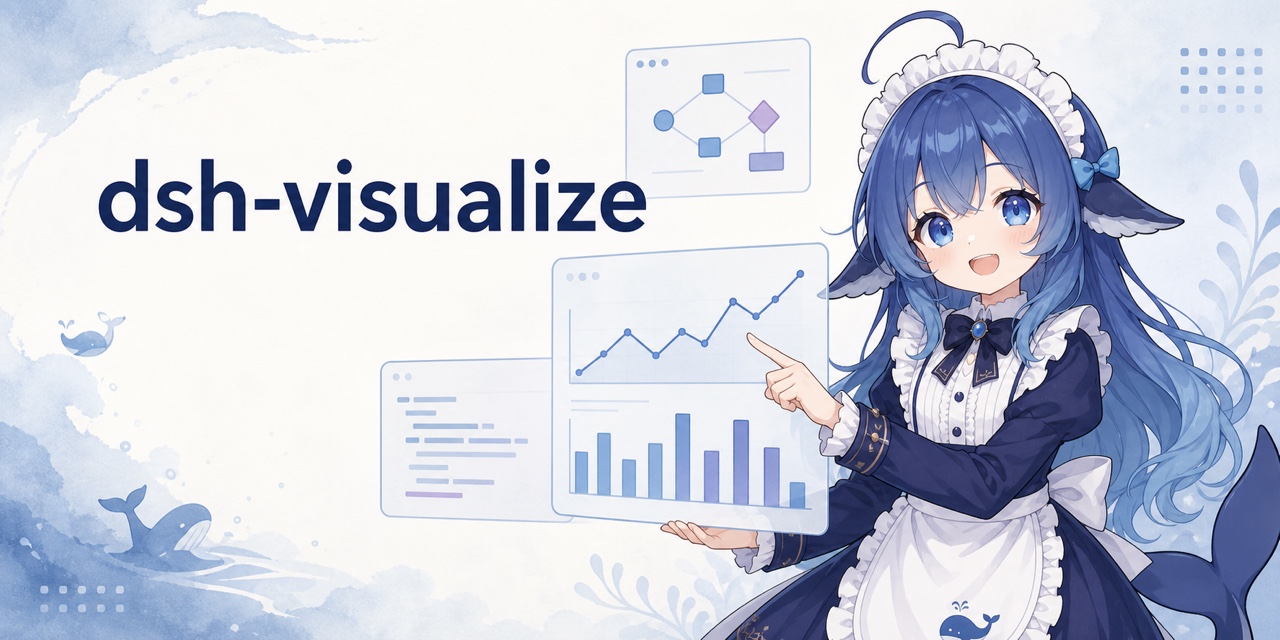 Nagi-ovo/dsh-visualize
在 DSH 对话中生成交互式可视化|Render model-generated interactive cards inside DSH conversations
Nagi-ovo/dsh-visualize
在 DSH 对话中生成交互式可视化|Render model-generated interactive cards inside DSH conversations
-
 omdsh-dev/dsh-data-agent
Connect DSH to your database for conversational data analysis and actionable business insights.
omdsh-dev/dsh-data-agent
Connect DSH to your database for conversational data analysis and actionable business insights.
-
 morluto/jacobian
Composable mathematics tools for agents
morluto/jacobian
Composable mathematics tools for agents
-
 Awu12277/dsh-stock-watch
A股自选股实时行情盯盘插件 - DeepSeek Harness Web 右上角可折叠弹窗
Awu12277/dsh-stock-watch
A股自选股实时行情盯盘插件 - DeepSeek Harness Web 右上角可折叠弹窗
-
 dream12347/dsh-session-manager
DSH 会话管理插件:删除(回收站恢复/彻底清除)、统计、继续/暂停、打开日志目录、对话顶部抽屉、工作区分组与排序、上下文压缩阈值设置。DSH session manager: delete with trash/restore/purge…
dream12347/dsh-session-manager
DSH 会话管理插件:删除(回收站恢复/彻底清除)、统计、继续/暂停、打开日志目录、对话顶部抽屉、工作区分组与排序、上下文压缩阈值设置。DSH session manager: delete with trash/restore/purge…
-
 MiaoQichuan/new-litigation-visualization
把法律画出来 · Make the Law Visible —— 给法律人的诉讼可视化工具集:把凌乱的诉讼图重画成能进材料的图,或直接读案件材料画准一张时间轴。Claude Skill / DeepSeek Harness 通用。
MiaoQichuan/new-litigation-visualization
把法律画出来 · Make the Law Visible —— 给法律人的诉讼可视化工具集:把凌乱的诉讼图重画成能进材料的图,或直接读案件材料画准一张时间轴。Claude Skill / DeepSeek Harness 通用。