moonquake2004/dsh-doctor
Project Overview项目介绍
dsh-doctor is a native diagnostic tool built exclusively for DeepSeek Harness, designed to run offline before you boot DSH or install new plugins. It detects 33 total common issues across environment, profile, and session logs that are known to cause DSH boot failures or crashes. You can run it as a standalone CLI tool, or install it as a DSH plugin to access diagnostic checks directly from the DSH web UI with one click. It supports both human-readable output and machine-readable JSON that fits into CI workflows or marketplace validation pipelines.
This tool is intended for end users troubleshooting boot issues, plugin developers testing new plugin releases, and maintainers validating configuration changes. For end users, running dsh-doctor after a failed boot will clearly identify which common issue caused the failure, and many checks include step-by-step remediation suggestions to fix the problem without extra debugging. For plugin developers and maintainers, the self-updating remote catalog allows new checks to be added without requiring users to update the core tool, keeping diagnostics current with the latest reported issues that have been shared in the DSH community discussions.
dsh-doctor has zero npm dependencies, is distributed as a single file, and runs on any platform that has Node.js installed. The only optional dependency is zstd, which is only required if you need to check compressed .zstd session log files, and the tool will explicitly flag if zstd is missing when it is needed. The project is open source under the permissive MIT license, so you can modify it or use it in your own projects per the license terms. There are no costs for any use, and the optional LLM-assisted observation feature works without mandatory external service calls, keeping your diagnostic data local.
dsh-doctor 是专为 DeepSeek Harness 开发的离线诊断工具,需要在 DSH 启动或安装插件前运行,能够检测出已知会导致启动失败或运行崩溃的常见环境、配置和会话日志问题。它同时支持 CLI 命令行调用和 DSH 网页端集成,可输出人类可读结果或机器可读 JSON 格式用于 CI 集成。
该工具面向 DSH 终端用户、插件开发者和维护者,帮助定位和排查启动故障。当用户添加插件或修改配置后遇到启动问题时,运行该工具即可得到清晰的故障分类结果,部分问题还会提供修复建议。插件开发者还可通过远程目录添加新的检测规则,无需发布工具新版本即可生效。
该工具零 npm 依赖,单文件运行,只要有 Node.js 环境即可使用,仅在检测 .zstd 压缩的会话日志时需要 zstd 依赖。项目采用 MIT 许可开源免费使用,可选的 LLM 观测功能默认无需调用外部服务,除远程目录检测外均可离线运行,也可通过参数跳过远程目录检测。
请帮我安装这个 DSH 插件。安装前先完成【兼容性检查 + 安全性检查】,检查通过再动手。

插件:dsh-doctor(moonquake2004/dsh-doctor)
仓库:https://github.com/moonquake2004/dsh-doctor
本站详情页:https://www.yhbd.top/plugins/moonquake2004-dsh-doctor/
本站登记:类型 plugin · 归类 原生 DSH 插件 · 许可证 MIT · ⭐ 3 · 最近提交 2026-09-16 · 主语言 JavaScript · 未检测到 DSH 插件清单

按下面顺序执行,每步先把结论告诉我,再进入下一步:

【1 兼容性检查】
① 我这边:DSH 版本、Node 版本、操作系统、当前 profile(web / desktop)。
② 读它的 README、package.json、插件 manifest,列出它要求的 DSH 版本 / Node 版本 / 操作系统 / 外部依赖 / 需要另外先装的运行时。
③ 逐条比对,结论只写「满足 / 不满足 / 未知」三种;不满足的给出可行替代方案。
④ 检查是否和我已装的插件冲突:命令名重复、skill / tool 重名、端口占用、重复注册的 MCP server。

【2 安全性检查】
① 仓库可信度:和上面「本站登记」是否一致;star / fork 数、创建时间、最近提交,是否归档或长期停更。
② 安装脚本:逐行看 package.json 的 preinstall / install / postinstall,以及 install.sh、setup.ps1 之类脚本。出现 curl|bash、下载后直接执行、混淆代码、访问与插件功能无关的域名,立刻停下来告诉我,不要继续装。
③ 依赖:列出新增依赖,标出无人维护、或与知名包拼写近似的可疑包(typosquatting)。
④ 权限与副作用:它会读写哪些目录、访问哪些域名、需要哪些 DSH 权限(filesystem / network / shell / clipboard 等),以及怎么卸载和回滚。
⑤ 如果它要求 sudo / 管理员权限,或权限明显超出功能所需,先停下来问我。

【3 安装】
上面两步没有「不满足」和「高危项」时才执行;用官方推荐方式安装,不要自行提权。

【4 汇报】
用表格输出:检查项 / 结论 / 依据 / 是否需要我决策。拿不准的一律写「未知」并说明要我怎么确认——不要猜,也不要替我决定。
Send this message to DSH in your current session: it verifies compatibility and security first (answering met / not met / unknown item by item) and only installs once everything checks out — it will stop and ask you if it finds a high-risk item. The box scrolls; the copy is the full prompt. CLI install commands may not be accurate across systems, so DSH is the safer route.把上面这条消息直接发给当前会话里的 DSH:它会先核对兼容性与安全性(逐条给「满足 / 不满足 / 未知」),确认没问题再安装,有高危项会停下来问你。框内可滚动,复制到的是完整提示词;安装命令不一定准确,发给 DSH 更稳。
- Only 3 stars - very few users, little community feedback星标只有 3,几乎没人在用,遇到问题缺少社区反馈
- No DSH plugin manifest detected - it may only carry the dsh-plugin topic, so the install method must be confirmed on the spot未检测到 DSH 插件清单:可能只是打了 dsh-plugin 话题,安装方式要现场确认
DSH walks through these 9 checksDSH 会逐条核对这 9 项
Compatibility兼容性
- DSH, Node, OS and profile requirementsDSH 版本 / Node 版本 / 操作系统 / profile 是否满足要求
- External dependencies and runtimes (Electron / Python / Docker, ...)外部依赖与运行时(Electron / Python / Docker 等)是否齐备
- Conflicts with installed plugins: command names, skill / tool names, ports, duplicate MCP registration与已装插件是否冲突:命令名、skill / tool 重名、端口占用、重复 MCP 注册
Security安全性
- Repo matches the facts registered here; archived or abandoned?仓库是否与页面登记一致,是否归档或长期停更
- Safety of preinstall / install / postinstall and install.sh / setup.ps1preinstall / install / postinstall 与 install.sh、setup.ps1 是否安全
- curl|bash, download-then-execute, obfuscation, unrelated domains → stop immediatelycurl|bash、下载即执行、混淆代码、无关域名 → 立刻停止
- Typosquatting or unmaintained packages among the new dependencies新增依赖里有没有 typosquatting 或无人维护的包
- Requested permissions vs. what the feature actually needs申请了哪些权限、是否超出功能所需(filesystem / network / shell / clipboard)
- Any sudo / admin requirement, plus uninstall and rollback是否要求 sudo / 管理员权限,以及卸载与回滚方式
Anything uncertain must be marked unknown with a note on how to confirm it. This site's signal screen is a static snapshot, not a security audit.拿不准的必须标「未知」并说明要我怎么确认。本站的信号筛查是静态快照,不能替代安全审计。
Or use CLI install (for developers)或使用命令行安装(适合开发者)
CLI Install命令行安装
dsh plugin --profile web add github:moonquake2004/dsh-doctor把 moonquake2004/dsh-doctor 加入你的 DSH 配置(web profile)即可启用。
READMEREADME
dsh-doctor
Verified against DSH 0.1.5-rc.1 (session format v3, dsh-session located across npx / global / profile layouts; legacy v0 events read through the installed dsh-session-format-* migration chain).
中文版 README · English
Offline diagnostic for DeepSeek Harness — run it before boot or before installing plugins, and it tells you which of the failure classes this community has been reporting will bite.
Zero npm dependencies. One file. Runs anywhere node exists (zstd needed only for .zstd session logs; E1 checks for it).
Why
dsh's plugin tree is "fragile by install": a dangling reference, a broken file: link, a duplicate entry id, or a corrupted session log can brick the profile at boot or stall the whole web server — and --dump-config never mounts the loader, so it passes on broken setups. This class of failure was consolidated in dsh discussion #1496 (Advisory: plugin-install path needs guardrails). dsh-doctor is the offline check that advisory calls for — 28 built-in checks (env/profile/session) mapped to 18 community reports, each verified with synthetic negative fixtures, plus a self-updating remote catalog of 5 declarative pattern checks.
Usage
node dsh-doctor.mjs                      # everything (env + profile + session)
node dsh-doctor.mjs --profile web        # profile checks only
node dsh-doctor.mjs --session <path>     # session checks (default: latest session)
node dsh-doctor.mjs --env                # env checks
node dsh-doctor.mjs --json               # machine-readable output
node dsh-doctor.mjs --no-catalog         # skip remote catalog fetch (bundled copy only)
node dsh-doctor.mjs --json --envelope    # v1 doctor-contract envelope (lowercase status, exit 0/1/2)
Exit codes (default mode): 0 = all pass · 1 = problems found (built-in checks + catalog severity: error) · warn-level catalog failures don't flip the exit code.
With --envelope (doctor-contract mode): 0 = all pass · 1 = any WARN · 2 = any FAIL. The envelope follows the shared dsh-doctor/v1 schema ({ schema, generatedAt, profile, exitCode, summary, ok, checks:[{name,status,detail}] }) so implementations are interchangeable for CI/marketplace use. Installed via npm, the CLI is also available as the dsh-doctor bin. --remediation (with --json --envelope) adds the opt-in v1.1 remediation array — ordered [check-name] fix lines for failing checks, absent otherwise so r5 consumers stay byte-stable.
Showing the opening section of the README — the full document lives in the repository以上为 README 开头摘要,完整文档在仓库内 · View the full README on GitHub →在 GitHub 查看完整 README →
Related相关推荐
-
 kenryu42/cc-safety-net
A pre-execution guard for AI coding agents. It blocks destructive Git and file system commands, plus common attempts to …
kenryu42/cc-safety-net
A pre-execution guard for AI coding agents. It blocks destructive Git and file system commands, plus common attempts to …
-
 hyhmrright/brooks-lint
AI code reviews grounded in 12 classic engineering books — decay risk diagnostics with book citations, severity labels, …
hyhmrright/brooks-lint
AI code reviews grounded in 12 classic engineering books — decay risk diagnostics with book citations, severity labels, …
-
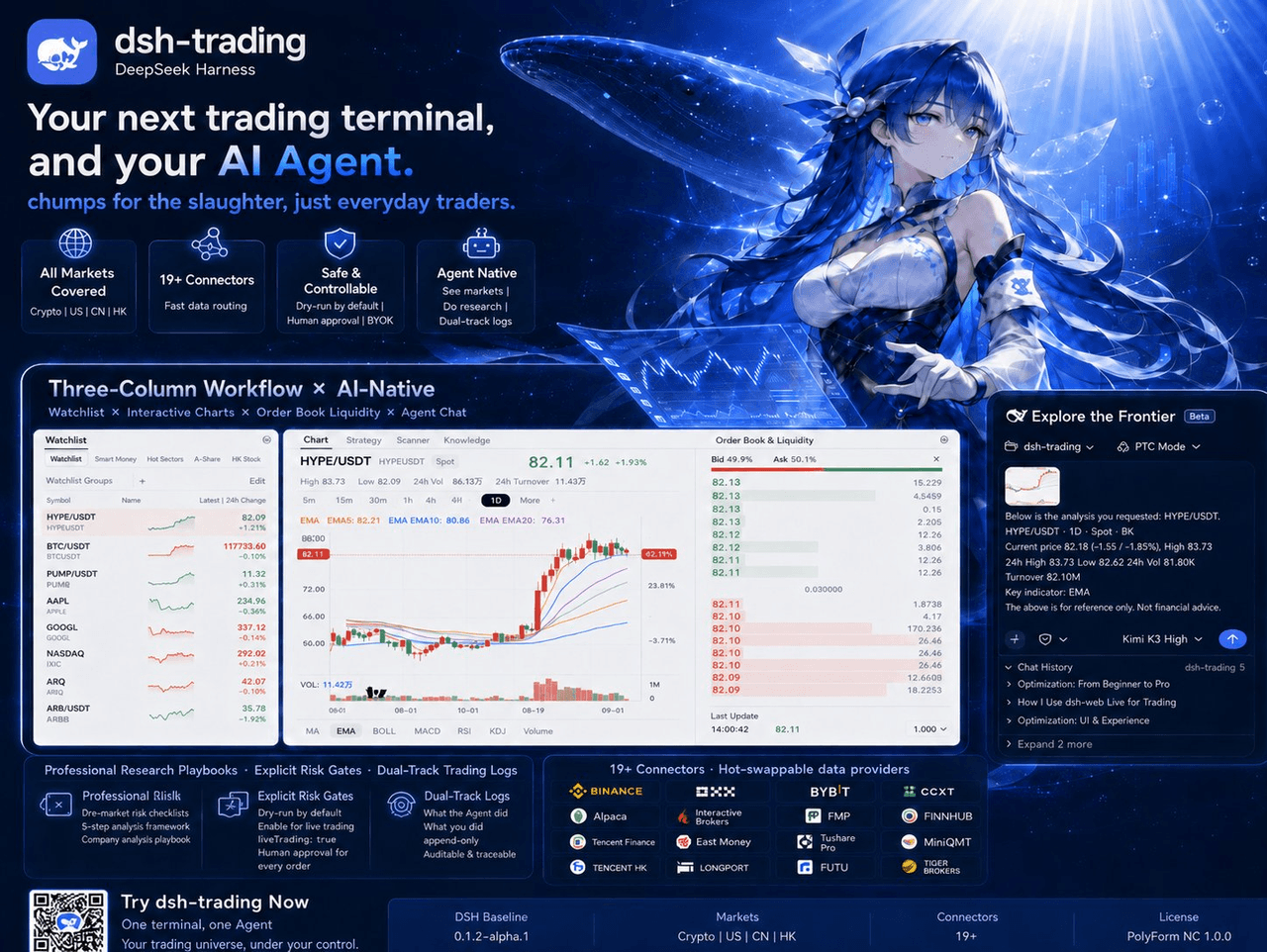 zhu1090093659/dsh-trading
Agent-native trading terminal built on DeepSeek Harness. Crypto, US, CN and HK in one three-column GUI, 19+ hot-swappabl…
zhu1090093659/dsh-trading
Agent-native trading terminal built on DeepSeek Harness. Crypto, US, CN and HK in one three-column GUI, 19+ hot-swappabl…
-
 lire1131/dsh-undo-savepoint
DSH crash-rescue plugin: undo config & plugin-code changes, secret-safe snapshots, one-click SAFE MODE, plus offline CLI…
lire1131/dsh-undo-savepoint
DSH crash-rescue plugin: undo config & plugin-code changes, secret-safe snapshots, one-click SAFE MODE, plus offline CLI…
- Akimiya-z/codex-guard Quality gate for AI/Codex-generated pull requests: blocks TODO leftovers, leaked secrets, sloppy commits and red CI befo…
-
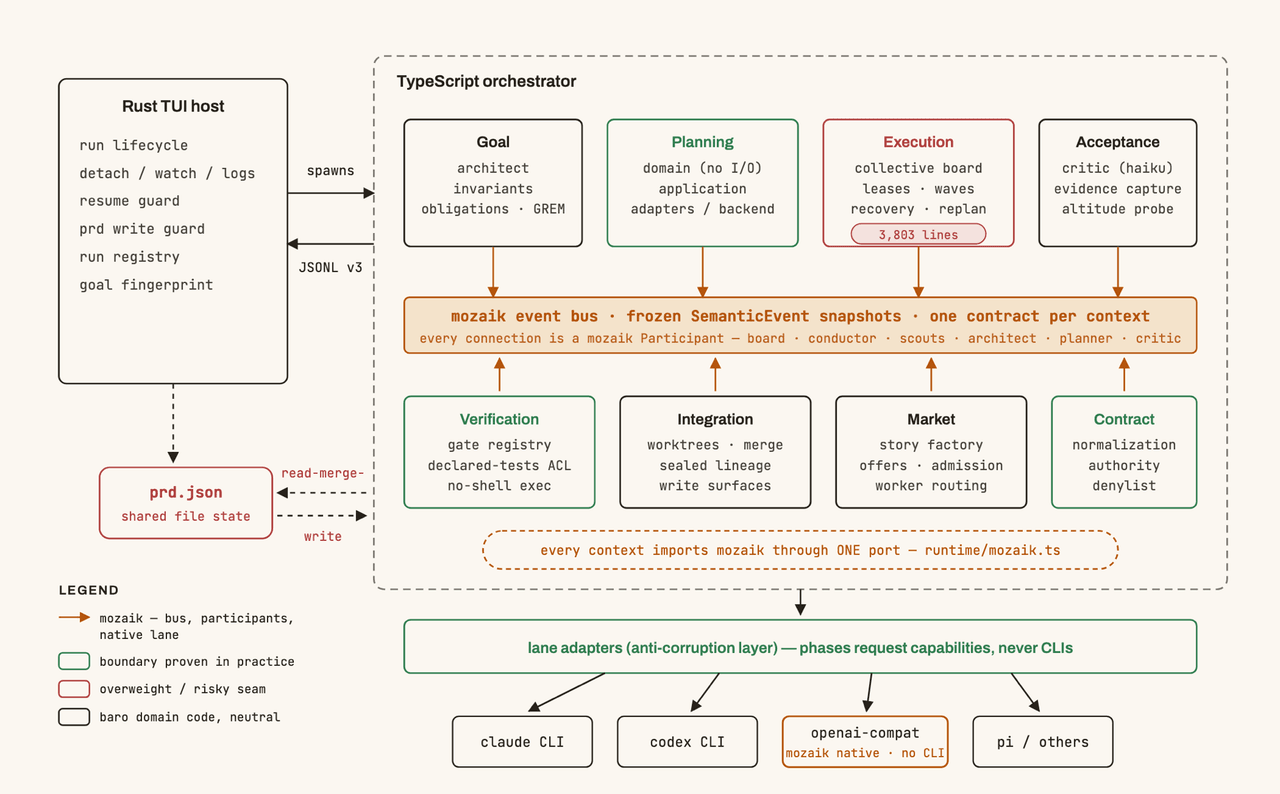 jigjoy-ai/baro
A CLI that turns a goal into a pull request - and a sandbox for testing concurrent AI coding agents on the Mozaik runtim…
jigjoy-ai/baro
A CLI that turns a goal into a pull request - and a sandbox for testing concurrent AI coding agents on the Mozaik runtim…
-
 c3ll256/dsh-toy
Toy Control Protocol for DSH
c3ll256/dsh-toy
Toy Control Protocol for DSH
-
 huaweicloud/huaweicloud-devkit
Official Huawei Cloud plugin for AI agents — skills, MCP tools, safety guardrails, and cloud sandbox to help AI agents …
huaweicloud/huaweicloud-devkit
Official Huawei Cloud plugin for AI agents — skills, MCP tools, safety guardrails, and cloud sandbox to help AI agents …