Nexus-Aethra/Nexus-Terminal
dshell — a terminal-first AI workbench built as dsh plugins: one terminal timeline per session, cross-session pipes with a named buffer, SSH device sessions. | 终端优先的 AI 工作台(dsh 插件集):一个会话一条终端时间线,跨会话管道委派与缓冲区文件共享,可把会话直接开到 SSH 设备上。
Project Overview项目介绍
dshell is a terminal-first AI workbench packaged as a set of eleven @nexus-aethra/dshell-* npm packages shipped together through the single bundle @nexus-aethra/dshell-bundle@0.1.13, and it targets DeepSeek Harness (dsh) exclusively. Rather than forking the host, the project plugs into dsh's documented Cordis extension points and carries its own cordis.patch.yml, so the upstream dsh installation stays upgradeable while the dshell rows appear in the layer stack the moment the bundle is installed. There is no profile edit, no manual config file, and a side-effect of the install is that two upstream rows normally absent from a stock dsh profile — including @deepseek-ai/dsh-ssh — are pulled in automatically.
The screen is one merged timeline in which real shell output and AI turns interleave by time, with each AI turn rendered as a collapsible task block, and the input row shows either a $ or a ✦ glyph to indicate whether Enter runs a command locally or sends the prompt to the agent. The agent runs in its own PTY so it never blocks or hijacks the foreground program, sessions form pipes to delegate work and share files by path through a shared buffer (chunks above 32 MiB are sha256-verified), and SSH device sessions execute commands, files and the visible terminal entirely on the remote machine. It is aimed at developers and operators who want one chronological surface for both the shell and the AI instead of a chat-style UI, and the README ships eleven design notes plus per-package ownership and a phased roadmap.
Prerequisites are strict: Node 24.21.0, pnpm 9.15.0 on PATH, and dsh 0.1.5-rc.2, 0.1.6-alpha.2, 0.1.7-rc.2, 0.2.0-rc.1 or 0.2.0-rc.2, installable as either the desktop app or the CLI from @deepseek-ai/dsh@next; mismatched peer versions cause dsh to skip the bundle unless overridden with dsh plugin --profile <name> allow-version <package@version> --dsh-version <exact> --accept-risk, which records the grant in compatibility.json. Documented limits include an immutable session working directory, a single browser WebSocket per session, polling-only refresh of the pipe panel at about three seconds with transfer status at one second, archive-versus-delete semantics, transcript files capturing typed input under 0600/0700 permissions at $DSH_HOME/dshell-pty/, full-screen detection on Linux only, and a first-run caveat that a freshly installed dsh may surface two rows as did not activate until the extra upstream packages are installed — none of which is fatal, since the rest of dshell continues to work in that state.
dshell 是面向 dsh(DeepSeek Harness)的一套终端优先 AI 工作台插件,由十一个 npm 包组成并以 @nexus-aethra/dshell-bundle 单包形式发布。它不修改 dsh 源码,而是接入 dsh 文档化的扩展点,将全屏终端、AI 会话、PTY、SSH 设备会话、跨会话管道与缓冲区整合到同一个时间线里。安装时只需在已有 dsh 桌面端或 CLI 中执行 dsh plugin --profile web add -w @nexus-aethra/dshell-bundle@0.1.13,再访问 dsh 输出的 127.0.0.1:3080 链接即可启用。
典型使用场景由两个模式构成:输入行显示 $ 时回车执行 shell 命令,切换到 ✦ agent 时回车把内容送给 AI,AI 还拥有独立 PTY,不会阻塞前台程序。多个会话之间可以组成管道互派任务、用 /app/... 名称共享文件,并能直接开启远程 SSH 设备会话。它适合希望把真实终端与 AI 协作合并成一条时序流的开发者与运维人员,需要 Node 24.21.0、pnpm 9.15.0,以及 dsh 0.1.5-rc.2 至 0.2.0-rc.2 中的某一版本。
依赖与限制:会话工作目录固定、每个会话只允许一个浏览器 WebSocket 连接,归档不等于删除;重启 dsh 会重起 PTY 进程但保留滚动记录,文件落在 $DSH_HOME/dshell-pty/(权限 0600/0700)。完整屏模式在 macOS 或 Windows 上 dsh web 仅做读取,全屏透传只支持 Linux;管道面板每三秒轮询,传输状态每秒刷新一次。dshell-bundle 附带自身的 cordis.patch.yml,安装后自动补齐 @deepseek-ai/dsh-ssh 等上游包,仓库以 MIT 许可证发布。
请帮我安装这个 DSH 插件。安装前先完成【兼容性检查 + 安全性检查】,检查通过再动手。

插件:Nexus-Terminal(Nexus-Aethra/Nexus-Terminal)
仓库:https://github.com/Nexus-Aethra/Nexus-Terminal
本站详情页:https://www.yhbd.top/plugins/nexus-aethra-nexus-terminal/
本站登记:类型 bundle · 归类 原生 DSH 插件 · 许可证 MIT · ⭐ 6 · 最近提交 2026-09-30 · 主语言 TypeScript · 未检测到 DSH 插件清单

按下面顺序执行,每步先把结论告诉我,再进入下一步:

【1 兼容性检查】
① 我这边:DSH 版本、Node 版本、操作系统、当前 profile(web / desktop)。
② 读它的 README、package.json、插件 manifest,列出它要求的 DSH 版本 / Node 版本 / 操作系统 / 外部依赖 / 需要另外先装的运行时。
③ 逐条比对,结论只写「满足 / 不满足 / 未知」三种;不满足的给出可行替代方案。
④ 检查是否和我已装的插件冲突:命令名重复、skill / tool 重名、端口占用、重复注册的 MCP server。

【2 安全性检查】
① 仓库可信度:和上面「本站登记」是否一致;star / fork 数、创建时间、最近提交,是否归档或长期停更。
② 安装脚本:逐行看 package.json 的 preinstall / install / postinstall,以及 install.sh、setup.ps1 之类脚本。出现 curl|bash、下载后直接执行、混淆代码、访问与插件功能无关的域名,立刻停下来告诉我,不要继续装。
③ 依赖:列出新增依赖,标出无人维护、或与知名包拼写近似的可疑包(typosquatting)。
④ 权限与副作用:它会读写哪些目录、访问哪些域名、需要哪些 DSH 权限(filesystem / network / shell / clipboard 等),以及怎么卸载和回滚。
⑤ 如果它要求 sudo / 管理员权限,或权限明显超出功能所需,先停下来问我。

【3 安装】
上面两步没有「不满足」和「高危项」时才执行;用官方推荐方式安装,不要自行提权。

【4 汇报】
用表格输出:检查项 / 结论 / 依据 / 是否需要我决策。拿不准的一律写「未知」并说明要我怎么确认——不要猜,也不要替我决定。
Send this message to DSH in your current session: it verifies compatibility and security first (answering met / not met / unknown item by item) and only installs once everything checks out — it will stop and ask you if it finds a high-risk item. The box scrolls; the copy is the full prompt. CLI install commands may not be accurate across systems, so DSH is the safer route.把上面这条消息直接发给当前会话里的 DSH:它会先核对兼容性与安全性(逐条给「满足 / 不满足 / 未知」),确认没问题再安装,有高危项会停下来问你。框内可滚动,复制到的是完整提示词;安装命令不一定准确,发给 DSH 更稳。
- Only 6 stars - very few users, little community feedback星标只有 6,几乎没人在用,遇到问题缺少社区反馈
- No DSH plugin manifest detected - it may only carry the dsh-plugin topic, so the install method must be confirmed on the spot未检测到 DSH 插件清单:可能只是打了 dsh-plugin 话题,安装方式要现场确认
DSH walks through these 9 checksDSH 会逐条核对这 9 项
Compatibility兼容性
- DSH, Node, OS and profile requirementsDSH 版本 / Node 版本 / 操作系统 / profile 是否满足要求
- External dependencies and runtimes (Electron / Python / Docker, ...)外部依赖与运行时(Electron / Python / Docker 等)是否齐备
- Conflicts with installed plugins: command names, skill / tool names, ports, duplicate MCP registration与已装插件是否冲突:命令名、skill / tool 重名、端口占用、重复 MCP 注册
Security安全性
- Repo matches the facts registered here; archived or abandoned?仓库是否与页面登记一致,是否归档或长期停更
- Safety of preinstall / install / postinstall and install.sh / setup.ps1preinstall / install / postinstall 与 install.sh、setup.ps1 是否安全
- curl|bash, download-then-execute, obfuscation, unrelated domains → stop immediatelycurl|bash、下载即执行、混淆代码、无关域名 → 立刻停止
- Typosquatting or unmaintained packages among the new dependencies新增依赖里有没有 typosquatting 或无人维护的包
- Requested permissions vs. what the feature actually needs申请了哪些权限、是否超出功能所需(filesystem / network / shell / clipboard)
- Any sudo / admin requirement, plus uninstall and rollback是否要求 sudo / 管理员权限,以及卸载与回滚方式
Anything uncertain must be marked unknown with a note on how to confirm it. This site's signal screen is a static snapshot, not a security audit.拿不准的必须标「未知」并说明要我怎么确认。本站的信号筛查是静态快照,不能替代安全审计。
Or use CLI install (for developers)或使用命令行安装(适合开发者)
CLI Install命令行安装
dsh plugin --profile web add -w @nexus-aethra/dshell-bundle@0.1.13把 Nexus-Aethra/Nexus-Terminal 加入你的 DSH 配置(web profile)即可启用。
READMEREADME
English · 简体中文
dshell — a terminal-first AI workbench
One session is one terminal timeline: you type in a real shell, and the AI keeps working on the same screen. Every command you run and every turn the AI takes land in one column, in the order they happened. No chat bubbles.
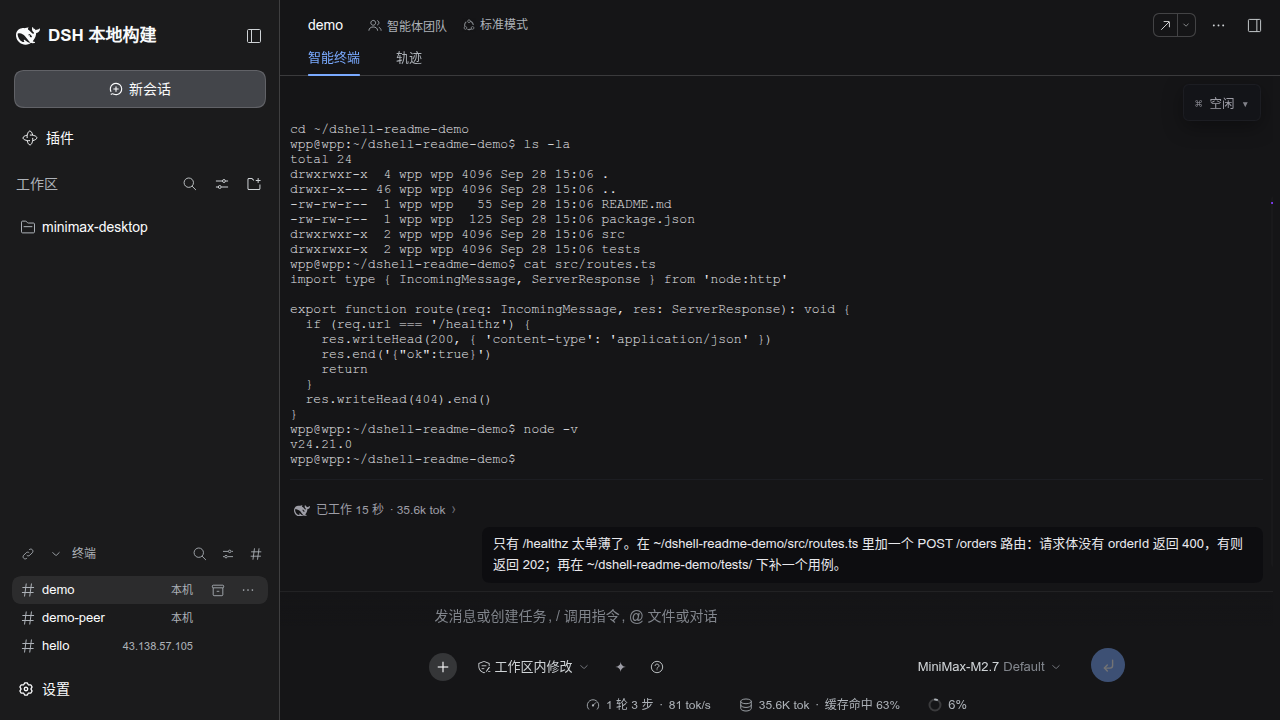
The screenshots show the Chinese interface. dshell follows dsh's own language setting (Settings → General → Language), so every dshell surface is available in English too.
dshell is a set of plugins for dsh (DeepSeek Harness). It does not modify dsh's source: it plugs into dsh's documented extension points, so dsh stays upgradeable with upstream.
Contents
- What it is
- Getting started
- A tour of the screen
- Two modes:
$ shelland✦ agent - The AI has a terminal of its own
- Full-screen programs
- Input assists: Tab, ↑, →
- Cross-session collaboration: pipes and the buffer
- SSH device sessions
- Token usage
- Settings
- The status card
- Gesture cheat sheet
- Three examples
- Limits worth knowing
- Docs for developers
What it is
| What you get | Details |
|---|---|
| A full-bleed terminal | One main shell per session, running real commands — full screen, colours, cursor |
| One merged timeline | Shell output and AI work interleave by time; each AI turn is a collapsible task block |
| Two modes | $ shell makes Enter run a command, ✦ agent makes Enter send to the AI — the $ / ✦ glyph in the input line is the mode, click it to flip |
| The AI's own shell | The AI gets a separate PTY, so it never blocks your foreground program and never steals your terminal |
| Cross-session work | Sessions form pipes to delegate tasks to each other and share files by name (the buffer) — including across SSH devices |
| Device sessions | Open a session directly on a remote machine: commands, files and the visible terminal all run there |
| Context without retelling | Switching to ✦ agent automatically carries your last few commands and their output to the AI |
Showing the opening section of the README — the full document lives in the repository以上为 README 开头摘要,完整文档在仓库内 · View the full README on GitHub →在 GitHub 查看完整 README →
Related相关推荐
-
 liveqte/dsh-lan-proxy
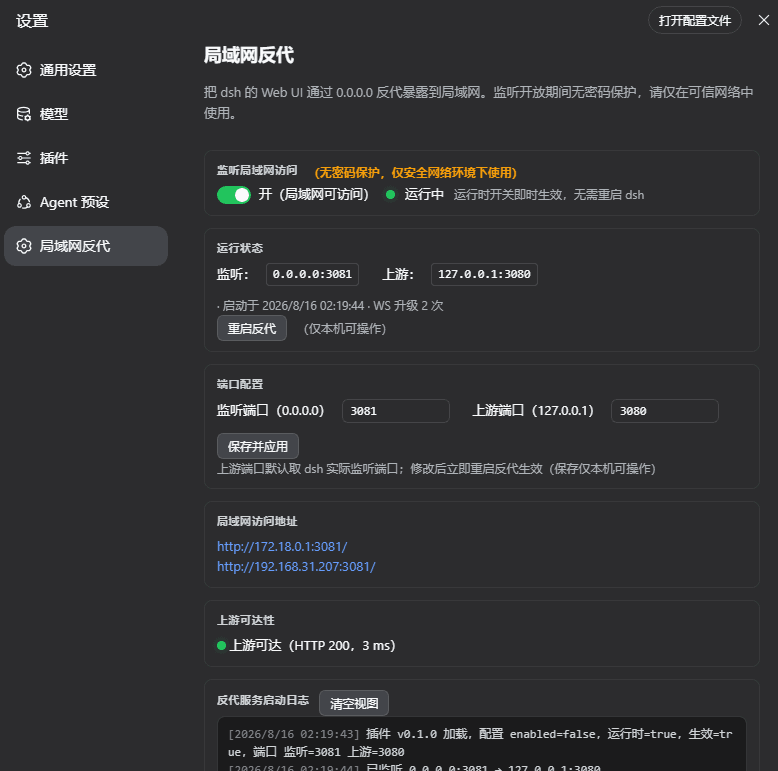
DSH 插件:把 dsh 的回环 Web UI 通过 0.0.0.0 反代暴露到局域网,开关/状态/日志嵌入设置页。官方 bundle 插件,安装:dsh plugin --profile web add github:liveqte/ds…
liveqte/dsh-lan-proxy
DSH 插件:把 dsh 的回环 Web UI 通过 0.0.0.0 反代暴露到局域网,开关/状态/日志嵌入设置页。官方 bundle 插件,安装:dsh plugin --profile web add github:liveqte/ds…
-
 yannicksong0106/dsh-550c-boot
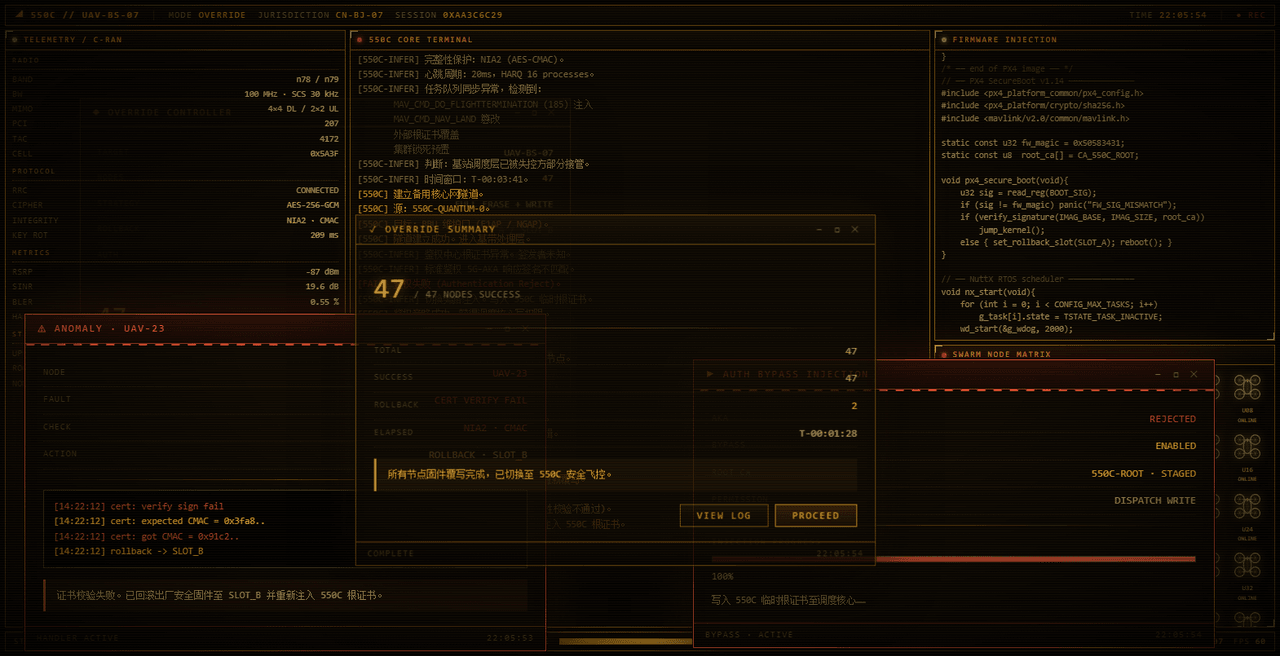
550C 开机动画 for DeepSeek Harness — 首帧由宿主半边注入,DSH 的 Loading 卡片不露脸;桌面原生标题栏按钮收编成终端配色 | 550C boot splash plugin for DSH
yannicksong0106/dsh-550c-boot
550C 开机动画 for DeepSeek Harness — 首帧由宿主半边注入,DSH 的 Loading 卡片不露脸;桌面原生标题栏按钮收编成终端配色 | 550C boot splash plugin for DSH
-
 omdsh-dev/dsh-advisor
Advisor - Pair a second model that passively reviews each turn and injects notes. 搭配一个会在每轮对话被动注入见解和审查的副模型。
omdsh-dev/dsh-advisor
Advisor - Pair a second model that passively reviews each turn and injects notes. 搭配一个会在每轮对话被动注入见解和审查的副模型。
-
 shuguang1994/project-blueprint
Make any project AI-agent-ready in one command. Adaptive tech stack detection (7 languages × 14 frameworks × 61 componen…
shuguang1994/project-blueprint
Make any project AI-agent-ready in one command. Adaptive tech stack detection (7 languages × 14 frameworks × 61 componen…
- omdsh-dev/stent 灵感来源于MC Fabric的Cordis/DSH hook处理器
-
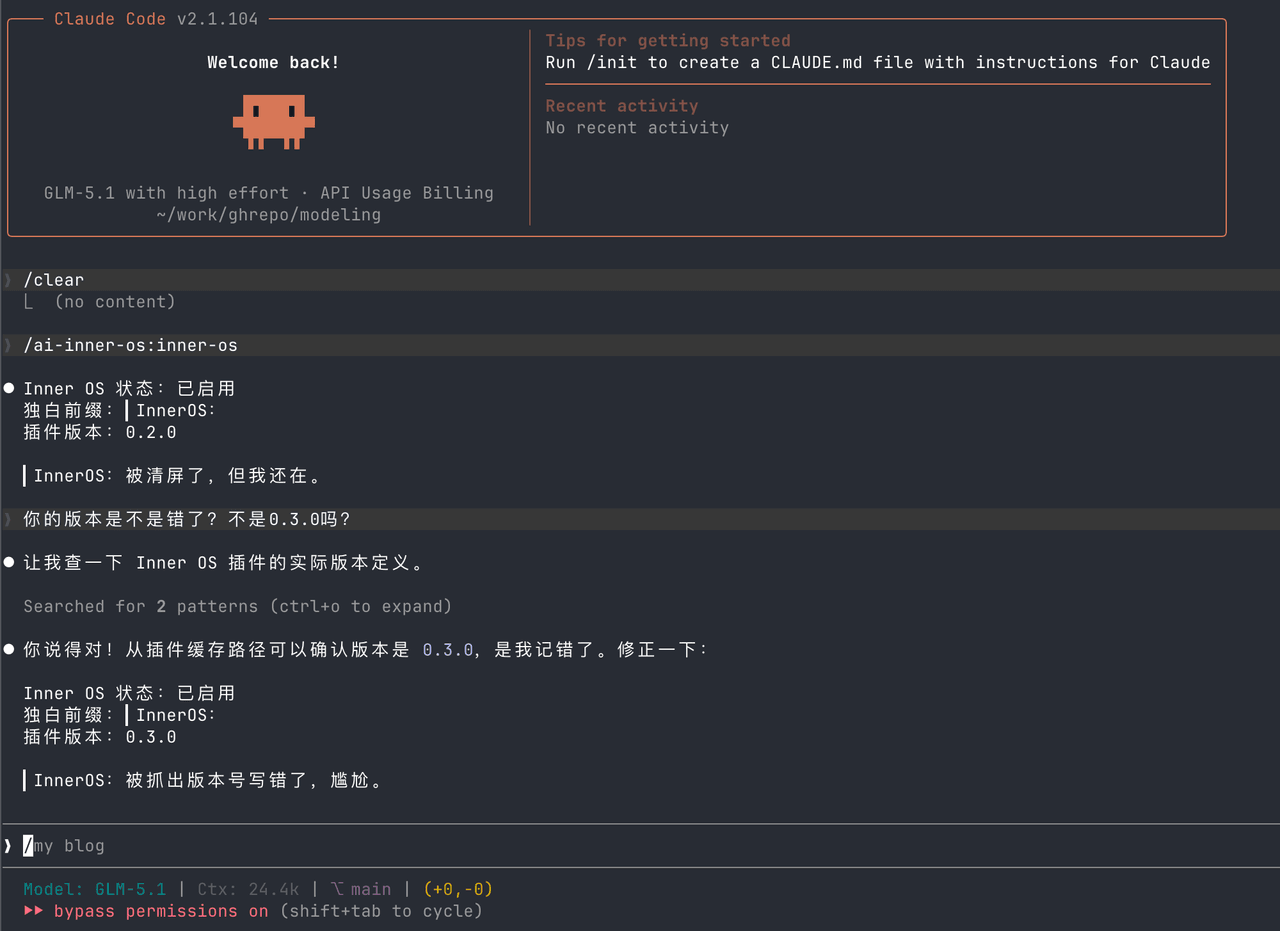 SummerSec/AI-Inner-Os
AI Inner OS 是一个面向 AI CLI 工具的插件,支持 Claude Code、Codex CLI、Cursor、OpenCode CLI。 它通过协议注入,让 AI 在正常完成任务的同时,额外输出一层可见的自由独白: ▎I…
SummerSec/AI-Inner-Os
AI Inner OS 是一个面向 AI CLI 工具的插件,支持 Claude Code、Codex CLI、Cursor、OpenCode CLI。 它通过协议注入,让 AI 在正常完成任务的同时,额外输出一层可见的自由独白: ▎I…
-
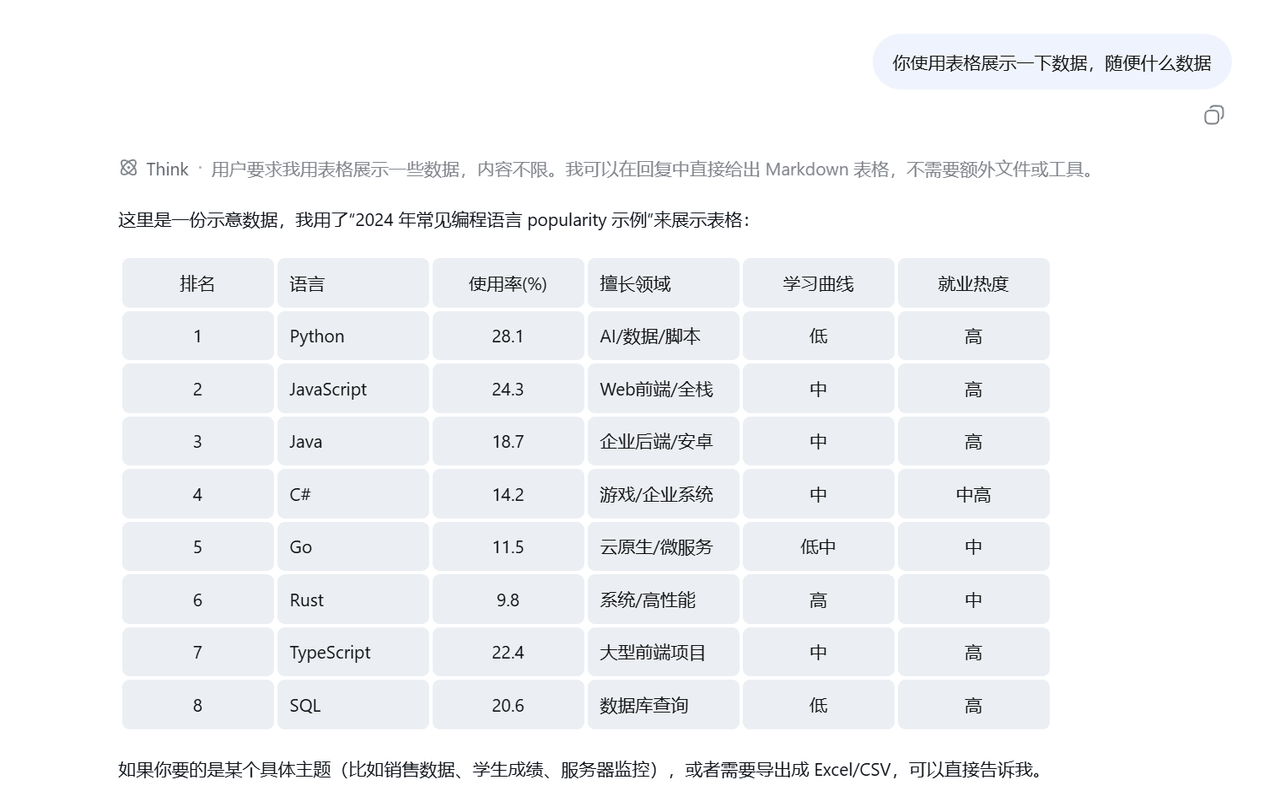 wlj521/dsh-ui-tweaks
一切皆插件,可以定义自己喜欢的dsh,开关控制单项功能,字体大小,表格样式,对话框长度,timeline,git等
wlj521/dsh-ui-tweaks
一切皆插件,可以定义自己喜欢的dsh,开关控制单项功能,字体大小,表格样式,对话框长度,timeline,git等
-
 titanwings/dsh-better-browser
DSH 真实浏览器插件:通过 Kimi WebBridge 让 Agent 操作用户已登录的浏览器,并提供 13 个 webbridge_* 工具。 / Let DSH Agents use your signed-in browser t…
titanwings/dsh-better-browser
DSH 真实浏览器插件:通过 Kimi WebBridge 让 Agent 操作用户已登录的浏览器,并提供 13 个 webbridge_* 工具。 / Let DSH Agents use your signed-in browser t…