niushuanan/dsh-chat-migration
本组合仓库提供两个可独立安装、启停和导出的原生插件:“聊天模式”用于不绑定工作区、不授予本地执行权限地直接聊天;“导入对话”用于把 DeepSeek 官方平台导出的历史迁入 DeepSeek Harness。原始标题、时间顺序、问题、回答和导出中已有的思维过程会映射到原生聊天记录。
catalog descriptioncatalog 简介 / catalog description:Native DeepSeek chat migration and workspace-free chat mode for DeepSeek Harness
Project Overview项目介绍
dsh-chat-migration is a single-purpose distribution repository that bundles two independent native Cordis plugins for the DeepSeek Harness (DSH) platform. The chat-mode plugin enables direct conversational sessions without binding to a workspace or granting local execution rights, while the conversation-import plugin ingests official DeepSeek platform exports obtained from My → System Settings → Data Management → Export all chat history, mapping the original titles, timestamps, questions, answers and any embedded thinking traces into the sidebar chat tree. The repository ships a manifest.json that lists each plugin as a separate Cordis entry together with source commit hashes and per-file SHA-256 digests, and installation is performed by downloading the ZIP from GitHub, having a capable AI read AGENTS.md, INSTALL.md and manifest.json, and writing the relevant payload/ subdirectory into the target DSH project; activation then occurs individually from Settings → Xiaozhuang Plugins.
In practice the workflow couples an exporter and a migration operator. The exporter logs into DeepSeek's first-party app, produces a JSON or ZIP bundle and hands it to DSH; the operator opens Settings → Import Conversation, waits for parsing to complete and reviews a per-conversation preview listing where new entries are pre-selected, duplicates are flagged with the existing-import marker and never produce copies, then confirms the import so the history lands in the sidebar Chat directory in original chronological order. Re-running the same archive against an already-migrated session is skipped rather than duplicated. The bundle is suited both to users who only want a workspace-free chat surface and to power users who need to consolidate scattered deepseek.com archives into a local DSH instance, with the AI installer constrained to preserve existing plugins, data, conversations, attachments and settings.
Dependencies and limits are explicitly stated. The repository is a one-way published mirror of the upstream Xiaozhuang DSH main repository commit 198c2edb37 and is not the active development source, so users requiring the latest patches must follow that primary project. Code is released under MIT and the bundle never contains user exports, account material, secrets or local configuration. The shared history reader works with Safari desktop window JSON because the file shape preserves native agent answers and tool results that could otherwise be misclassified and hidden, while reopening the desktop window rehydrates any still-valid saved login without re-entering the launch token; installation verification therefore requires reopening older answers and expanding tool results inside the actually used browser, not only inspecting session titles or Chrome.
dsh-chat-migration 是一个面向 DeepSeek Harness(DSH)的组合发布仓库,集中提供两个独立的原生插件:聊天模式(chat-mode)允许在不绑定工作区、不授予本地执行权限的情况下直接在 DSH 内对话;导入对话(conversation-import)把 DeepSeek 官方平台“我的 → 系统设置 → 数据管理 → 导出所有历史对话”导出的 JSON 或 ZIP 历史迁移进 DSH 侧栏聊天目录,按原始时间顺序保留原始标题、问题、回答和思维过程。manifest.json 分别声明两个 Cordis 插件及来源 commit 和逐文件 SHA-256,安装方式是从 GitHub 下载 ZIP 后由能修改目标项目的 AI 阅读 AGENTS.md 与 INSTALL.md 写入对应子目录,再在“设置 → 小庄的插件”按需启用,仅需其一也可只安装对应子目录。
典型流程由用户与配置工程师两方协作完成:导出方先在官方应用获取导出文件,迁移方在 DSH 设置中选定文件并等待解析,按独立对话窗口列出预览勾选要保留的记录(新记录默认选中、已导入的有标记且不会复制),确认后写入聊天目录,重复导入同一份记录会跳过已存在的对话。该组合同时为只想快速对话的用户和希望把分散历史集中到本地 DSH 的用户提供入口,但要求 AI 助手保留现有插件、数据、对话、附件和设置。
依赖与限制方面,仓库声明为上游 Xiaozhuang DSH 主仓库 commit 198c2edb37 的单向发布副本,不作为独立开发源;代码遵循 MIT 许可证,绝不收录用户导出文件、账号或本机配置。共享兼容补丁须用实际使用的浏览器打开旧回答并展开工具结果以完成安装验收。仅 Safari 桌面窗口导出的 JSON 会被共享历史读取器正确解析为原生表示,规避合法 Agent 回答与工具结果被误判而停止显示;重新打开桌面窗口时会自动恢复仍有效的已保存登录,不需要反复填写启动令牌。
请帮我安装这个 DSH 插件。安装前先完成【兼容性检查 + 安全性检查】,检查通过再动手。

插件:dsh-chat-migration(niushuanan/dsh-chat-migration)
仓库:https://github.com/niushuanan/dsh-chat-migration
本站详情页:https://www.yhbd.top/plugins/niushuanan-dsh-chat-migration/
本站登记:类型 plugin · 归类 原生 DSH 插件 · 许可证 MIT · ⭐ 2 · 最近提交 2026-09-05 · 主语言 TypeScript · 未检测到 DSH 插件清单

按下面顺序执行,每步先把结论告诉我,再进入下一步:

【1 兼容性检查】
① 我这边:DSH 版本、Node 版本、操作系统、当前 profile(web / desktop)。
② 读它的 README、package.json、插件 manifest,列出它要求的 DSH 版本 / Node 版本 / 操作系统 / 外部依赖 / 需要另外先装的运行时。
③ 逐条比对,结论只写「满足 / 不满足 / 未知」三种;不满足的给出可行替代方案。
④ 检查是否和我已装的插件冲突:命令名重复、skill / tool 重名、端口占用、重复注册的 MCP server。

【2 安全性检查】
① 仓库可信度:和上面「本站登记」是否一致;star / fork 数、创建时间、最近提交,是否归档或长期停更。
② 安装脚本:逐行看 package.json 的 preinstall / install / postinstall,以及 install.sh、setup.ps1 之类脚本。出现 curl|bash、下载后直接执行、混淆代码、访问与插件功能无关的域名,立刻停下来告诉我,不要继续装。
③ 依赖:列出新增依赖,标出无人维护、或与知名包拼写近似的可疑包(typosquatting)。
④ 权限与副作用:它会读写哪些目录、访问哪些域名、需要哪些 DSH 权限(filesystem / network / shell / clipboard 等),以及怎么卸载和回滚。
⑤ 如果它要求 sudo / 管理员权限,或权限明显超出功能所需,先停下来问我。

【3 安装】
上面两步没有「不满足」和「高危项」时才执行;用官方推荐方式安装,不要自行提权。

【4 汇报】
用表格输出:检查项 / 结论 / 依据 / 是否需要我决策。拿不准的一律写「未知」并说明要我怎么确认——不要猜,也不要替我决定。
Send this message to DSH in your current session: it verifies compatibility and security first (answering met / not met / unknown item by item) and only installs once everything checks out — it will stop and ask you if it finds a high-risk item. The box scrolls; the copy is the full prompt. CLI install commands may not be accurate across systems, so DSH is the safer route.把上面这条消息直接发给当前会话里的 DSH:它会先核对兼容性与安全性(逐条给「满足 / 不满足 / 未知」),确认没问题再安装,有高危项会停下来问你。框内可滚动,复制到的是完整提示词;安装命令不一定准确,发给 DSH 更稳。
- Only 2 stars - very few users, little community feedback星标只有 2,几乎没人在用,遇到问题缺少社区反馈
- No DSH plugin manifest detected - it may only carry the dsh-plugin topic, so the install method must be confirmed on the spot未检测到 DSH 插件清单:可能只是打了 dsh-plugin 话题,安装方式要现场确认
DSH walks through these 9 checksDSH 会逐条核对这 9 项
Compatibility兼容性
- DSH, Node, OS and profile requirementsDSH 版本 / Node 版本 / 操作系统 / profile 是否满足要求
- External dependencies and runtimes (Electron / Python / Docker, ...)外部依赖与运行时(Electron / Python / Docker 等)是否齐备
- Conflicts with installed plugins: command names, skill / tool names, ports, duplicate MCP registration与已装插件是否冲突:命令名、skill / tool 重名、端口占用、重复 MCP 注册
Security安全性
- Repo matches the facts registered here; archived or abandoned?仓库是否与页面登记一致,是否归档或长期停更
- Safety of preinstall / install / postinstall and install.sh / setup.ps1preinstall / install / postinstall 与 install.sh、setup.ps1 是否安全
- curl|bash, download-then-execute, obfuscation, unrelated domains → stop immediatelycurl|bash、下载即执行、混淆代码、无关域名 → 立刻停止
- Typosquatting or unmaintained packages among the new dependencies新增依赖里有没有 typosquatting 或无人维护的包
- Requested permissions vs. what the feature actually needs申请了哪些权限、是否超出功能所需(filesystem / network / shell / clipboard)
- Any sudo / admin requirement, plus uninstall and rollback是否要求 sudo / 管理员权限,以及卸载与回滚方式
Anything uncertain must be marked unknown with a note on how to confirm it. This site's signal screen is a static snapshot, not a security audit.拿不准的必须标「未知」并说明要我怎么确认。本站的信号筛查是静态快照,不能替代安全审计。
Or use CLI install (for developers)或使用命令行安装(适合开发者)
CLI Install命令行安装
dsh plugin --profile web add github:niushuanan/dsh-chat-migration把 niushuanan/dsh-chat-migration 加入你的 DSH 配置(web profile)即可启用。
READMEREADME
dsh-chat-migration
English | 中文


本组合仓库提供两个可独立安装、启停和导出的原生插件:“聊天模式”用于不绑定工作区、不授予本地执行权限地直接聊天;“导入对话”用于把 DeepSeek 官方平台导出的历史迁入 DeepSeek Harness。原始标题、时间顺序、问题、回答和导出中已有的思维过程会映射到原生聊天记录。
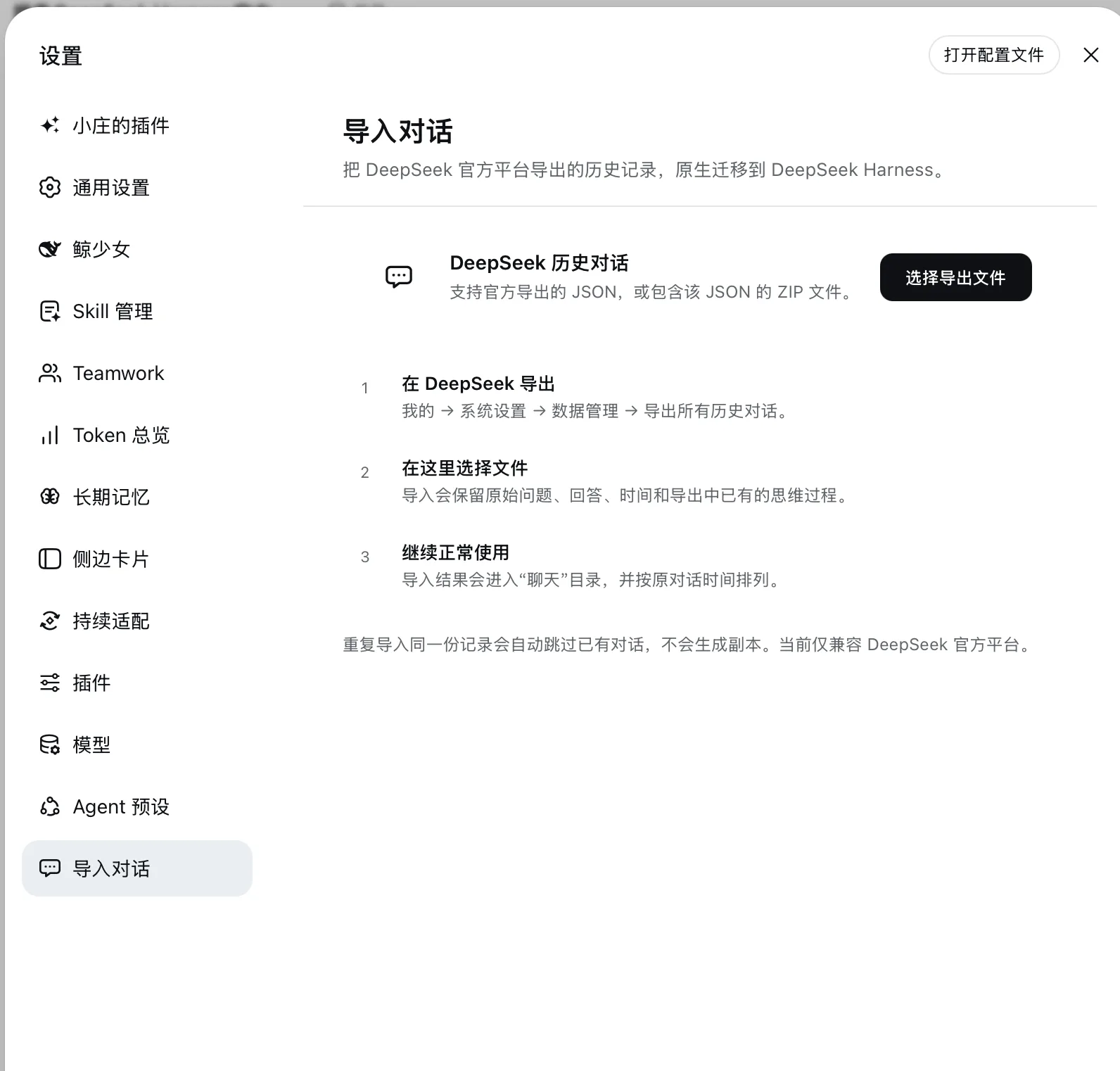
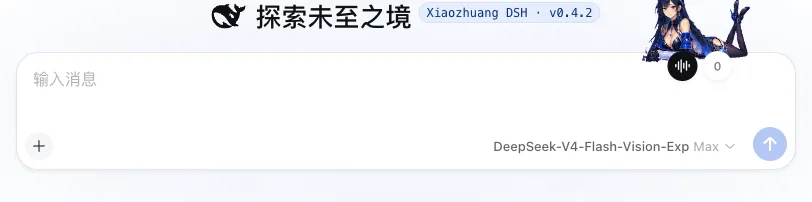
当前 master 按原生插件文件夹发布,设置入口保留插件自有的原设计图标;删除对应插件文件夹即可卸载。共享兼容补丁和安装检查见 INSTALL.md。
共享历史读取器支持 Safari 桌面窗口的原生 JSON 表示,避免合法 Agent 回答和工具结果被误判后停止显示。重新打开桌面窗口时自动恢复仍有效的已保存登录,不要求反复填写启动令牌。安装验收需在实际使用的浏览器中打开旧回答、展开工具结果并加载更早记录,不能仅凭会话标题或 Chrome 验证认定历史完整。
安装
- 点击 GitHub 的 Code → Download ZIP,下载本仓库。
- 把 ZIP 交给能够读取并修改目标 DSH 项目的 AI。
- 对 AI 说:先阅读 AGENTS.md、INSTALL.md 和 manifest.json,只安装这个插件,并保留现有插件、数据、对话、附件和设置。
- 安装后在 设置 → 小庄的插件 分别启用“聊天模式”和“导入对话”。只需要其中一项时,安装 AI 也可以按
manifest.json只安装对应插件。
使用
- 在 DeepSeek 官方应用依次进入 我的 → 系统设置 → 数据管理 → 导出所有历史对话。
- 在 DSH 打开 设置 → 导入对话,选择官方导出的 JSON 或 ZIP。
- 等待解析完成,在按独立对话窗口列出的预览中搜索、勾选真正需要迁移的记录;新记录默认选中,已经导入的记录会明确标记且不会生成副本。
- 确认导入;历史会进入侧栏“聊天”目录,并按原始时间排列。重复导入同一份记录会跳过已有对话。
内容
payload/chat-mode/:从主仓库生成的聊天模式及其直接运行依赖。payload/conversation-import/:从主仓库生成的 DeepSeek 导入器及其直接运行依赖。manifest.json:两个独立插件、Cordis 行、来源 commit 和逐文件 SHA-256。INSTALL.md:直接安装、冲突适配、失败恢复和最小验证说明。docs/:当前版本的真实产品截图。
本仓库不会包含用户的 DeepSeek 导出文件、对话历史、账号、密钥或本机设置。
来源与许可
本仓库是 Xiaozhuang DSH 的单向发布副本,不是独立开发源。当前内容同步自主仓库 commit 198c2edb37。代码采用 MIT License。
Related相关推荐
-
 xiajiajun516/dsh-config-manager
DeepSeek Harness (DSH) backup & restore plugin — export, import, migrate and sync your complete DSH configuration, plugi…
xiajiajun516/dsh-config-manager
DeepSeek Harness (DSH) backup & restore plugin — export, import, migrate and sync your complete DSH configuration, plugi…
-
 Chang-Tong/dsh-import-agents
Import pi / opencode / codex / claude-code sessions, chat history, and agents into DeepSeek Harness — one-click Sync but…
Chang-Tong/dsh-import-agents
Import pi / opencode / codex / claude-code sessions, chat history, and agents into DeepSeek Harness — one-click Sync but…
-
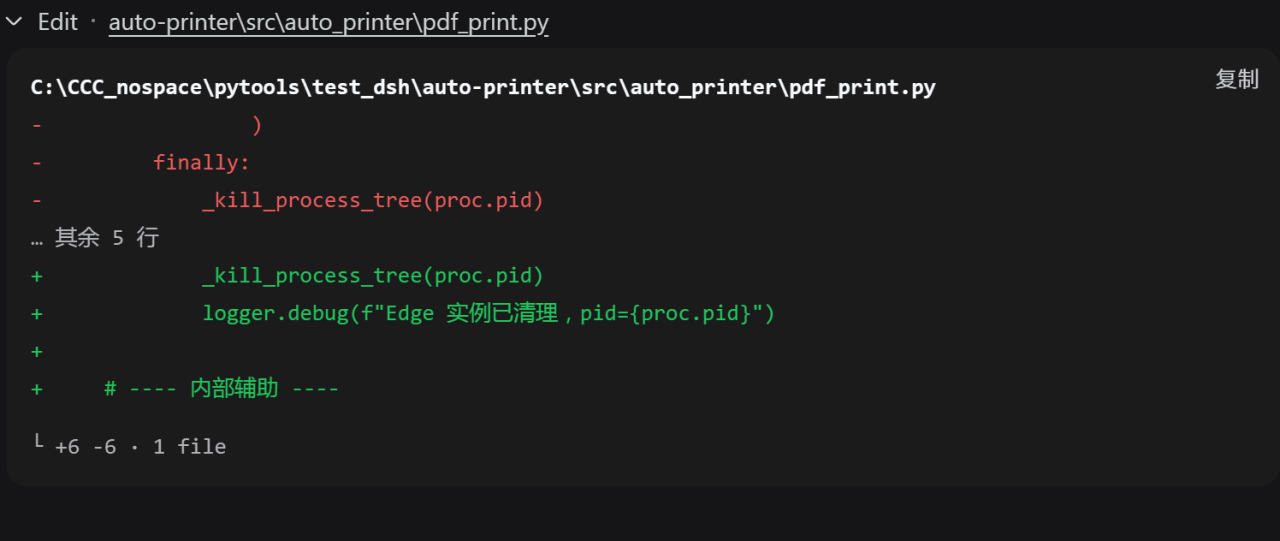 better-er/dsh-edit-diff
「DSH·质量 diff」:接管 edit/write 及 extraTools 配置的其他工具卡片,行级去重与行内高亮,消除相同内容在删除与新增两区的重复;兼容 PTC 模式。
better-er/dsh-edit-diff
「DSH·质量 diff」:接管 edit/write 及 extraTools 配置的其他工具卡片,行级去重与行内高亮,消除相同内容在删除与新增两区的重复;兼容 PTC 模式。
-
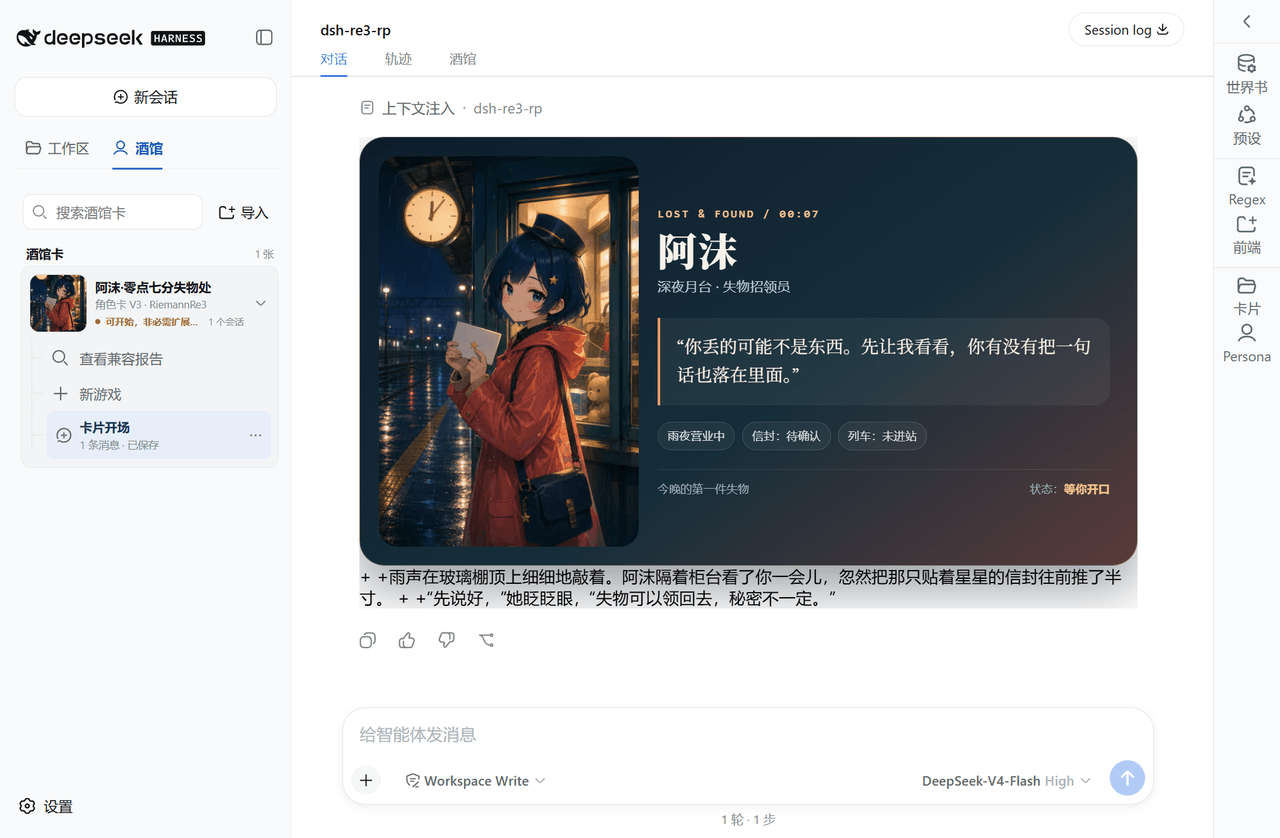 RiemannRe3/DSH-RolePlay
DeepSeek Harness 的 Tavern 角色卡兼容与原生 Agent RolePlay 插件。
RiemannRe3/DSH-RolePlay
DeepSeek Harness 的 Tavern 角色卡兼容与原生 Agent RolePlay 插件。
-
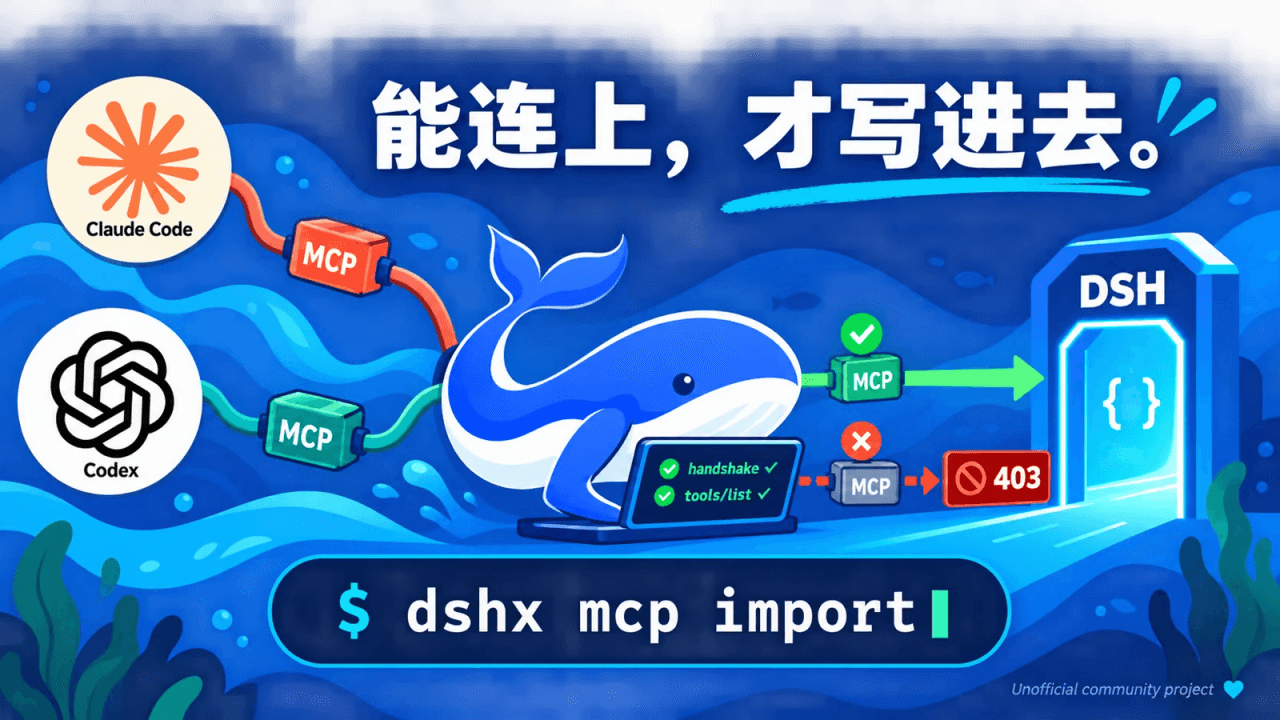 why913/dshx
DeepSeek Harness(dsh)的 MCP / Skill / 记忆管理工具:写入前先连接自检,连不上不写;从 Claude Code / Codex 一键迁移;可装成 dsh 插件,在 Web 里用 /mcp 命令和卡片操作。
why913/dshx
DeepSeek Harness(dsh)的 MCP / Skill / 记忆管理工具:写入前先连接自检,连不上不写;从 Claude Code / Codex 一键迁移;可装成 dsh 插件,在 Web 里用 /mcp 命令和卡片操作。
-
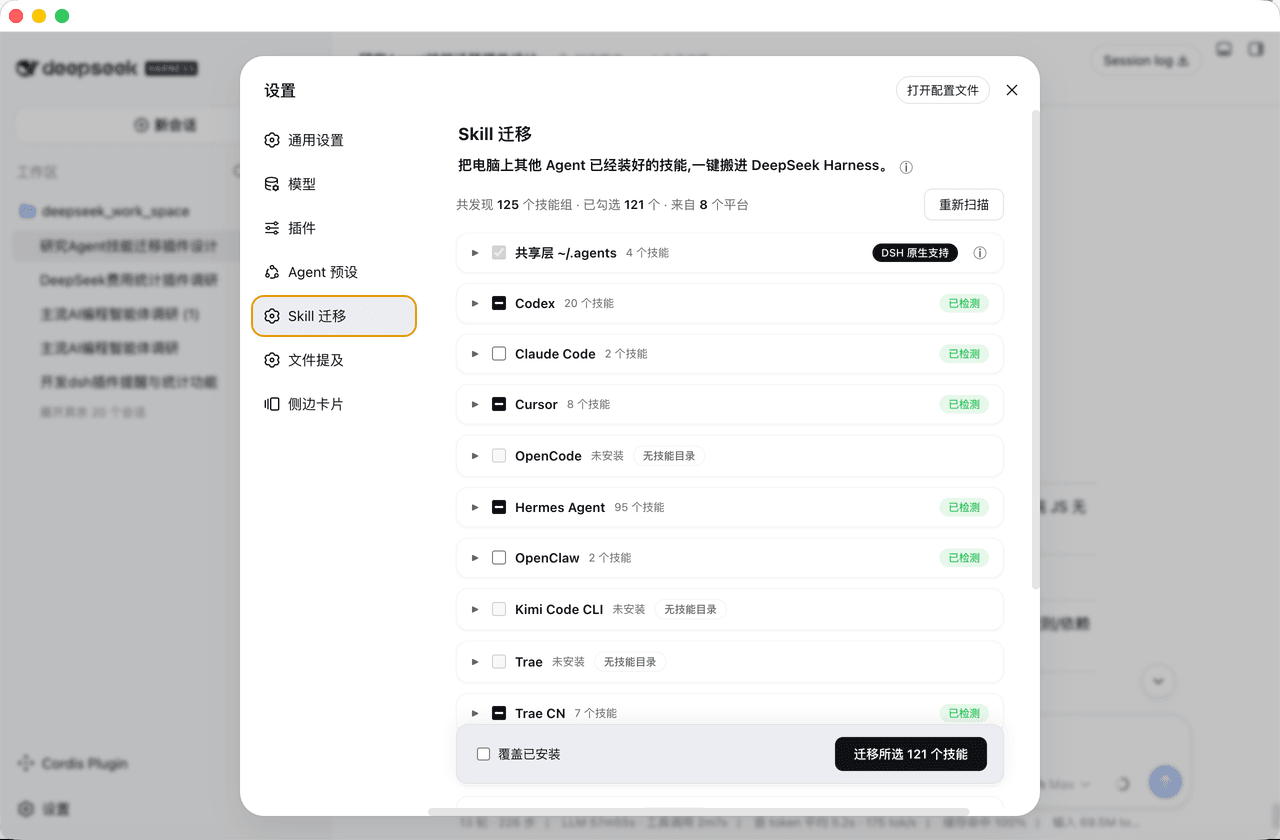 mjylfz/dsh-skill-mover
把其他 Agent 的技能一键搬进 DeepSeek Harness:支持 14 个平台 + 共享层识别、同名技能合并、不重复搬运、可回滚。DSH 技能搬家插件 (skill mover).
mjylfz/dsh-skill-mover
把其他 Agent 的技能一键搬进 DeepSeek Harness:支持 14 个平台 + 共享层识别、同名技能合并、不重复搬运、可回滚。DSH 技能搬家插件 (skill mover).
- qjf44/dsh-plugin-thinking-api
-
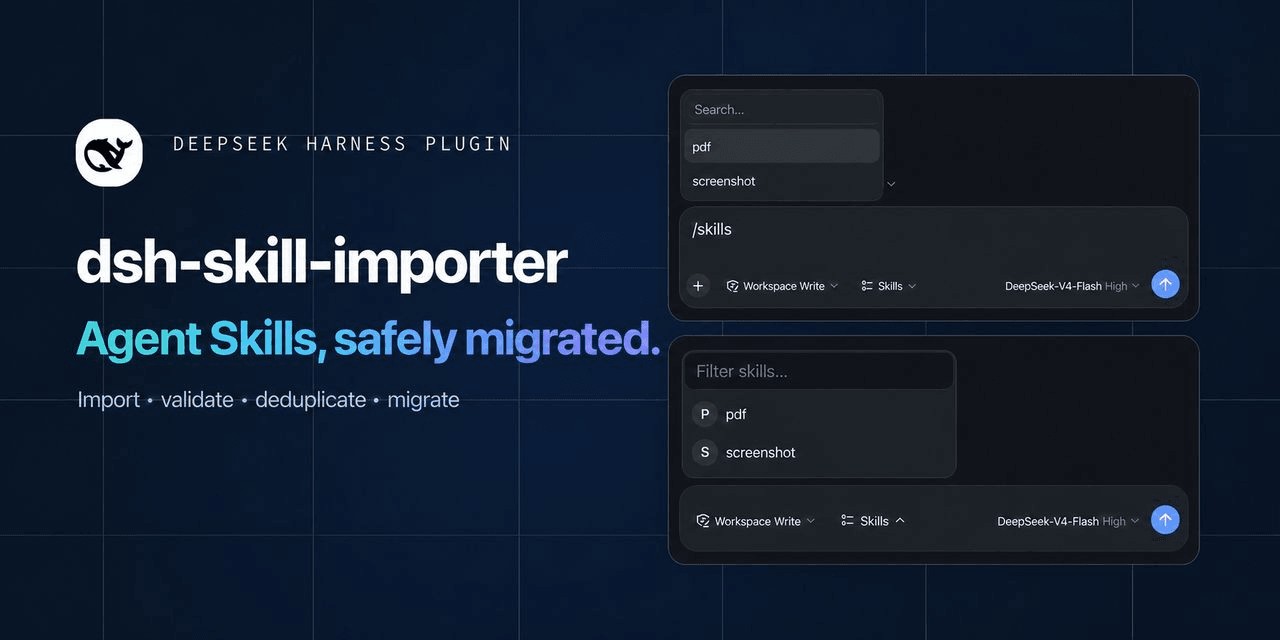 saitamahang/dsh-skill-importer
Import, validate, manage, and migrate Agent Skills for DeepSeek Harness (DSH), Claude Code, Codex, and other AI coding a…
saitamahang/dsh-skill-importer
Import, validate, manage, and migrate Agent Skills for DeepSeek Harness (DSH), Claude Code, Codex, and other AI coding a…