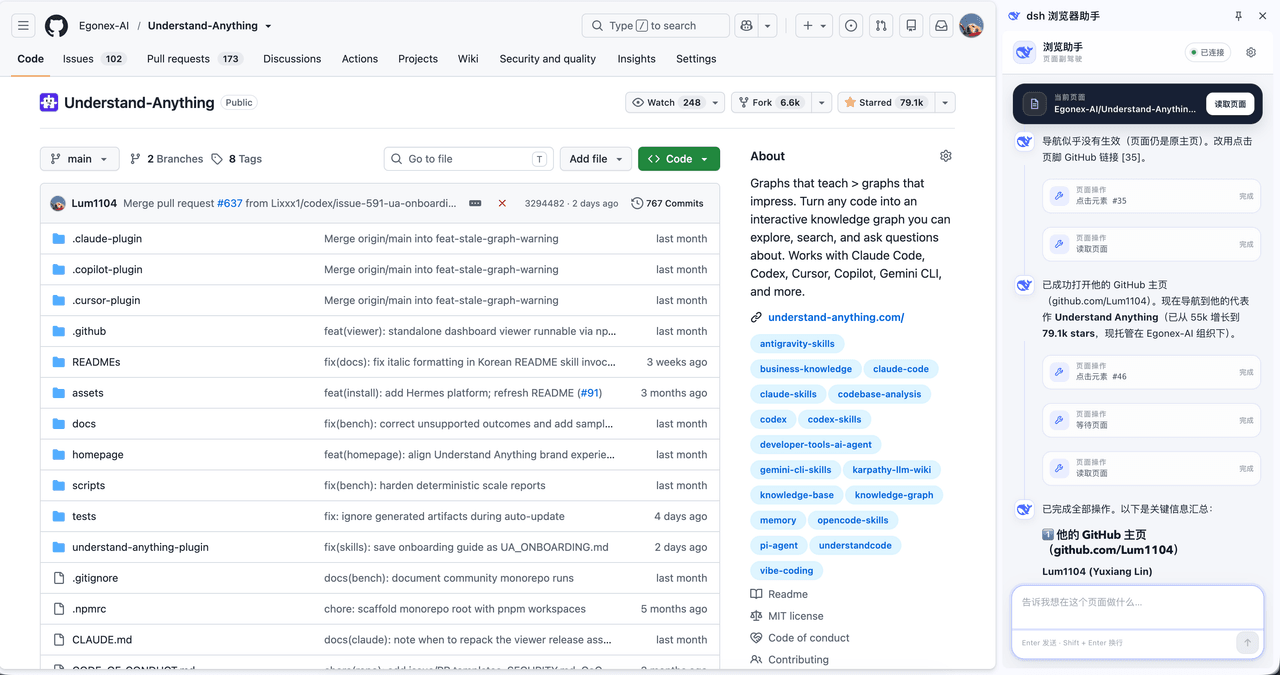
omdsh-dev/dsh-browser
Chrome sidebar extension that lets DeepSeek Harness operate your browser directly, no vision capabilities required. 一款 Chrome 侧边栏扩展程序,可让 DeepSeek Harness 直接操控您的浏览器,无需视觉能力。
Project Overview项目介绍
This is a native browser control plugin built exclusively for DeepSeek Harness (DSH). It ships as a single pnpm workspace that includes both a DSH bridge plugin and a Manifest V3 extension for Chrome and Firefox. It connects your existing running browser instance to DSH, allowing the LLM agent to read page content, interact with controls, navigate, and manage tabs while retaining all your existing login sessions, cookies, and user state. To install, run a one-line shell script on macOS/Linux or a PowerShell command on Windows, then load the unpacked extension in your browser and restart DSH.
This plugin is designed for DSH users who need to automate browser tasks without launching a separate headless browser instance. When the agent interacts with the page, it converts the page into a structured text snapshot with a numbered list of interactive elements, and addresses each element by its assigned number to perform actions. It does not capture full page screenshots for automation, though it supports image attachments uploaded to the DSH side panel chat by the user. Users can pause operations when switching tabs, and explicitly approve whether the agent should continue on the original tab or switch to the new active tab.
This project is released under the open-source MIT license, and requires a minimum DSH version of 0.1.5-rc2 to work correctly, with older DSH releases explicitly unsupported. It includes multiple security safeguards: all browser operations require explicit user approval by default, sensitive values like passwords never leave the browser page, and the agent never silently switches your active tab. Users can opt in to an unrestricted control mode that removes approval prompts for trusted local workflows, but this setting must be explicitly enabled by the user after installation before it takes full effect.
这是专为DeepSeek Harness(DSH)开发的原生浏览器控制插件,包含DSH桥接插件和Chrome、Firefox浏览器MV3扩展两个部分,能够将你正在使用的现有浏览器连接到DSH代理,让大模型可以读取页面内容、点击元素、填写表单、操作导航、滚动页面、管理标签页,同时完整保留你原有的登录状态、用户会话和浏览器Cookie信息。
该插件面向需要让DSH代理操作现有浏览器的开发者,使用时通过项目提供的一键安装脚本完成部署,之后在浏览器加载扩展,重启DSH即可开始使用。代理会将页面转换为带编号交互元素的结构化文本,通过编号定位元素完成操作,用户可以随时切换标签、调整操作权限,不需要单独启动无头浏览器就能完成各类网页自动化任务。
该项目采用MIT许可证开源,要求最低DSH版本为0.1.5-rc2,更低版本的DSH不被支持。项目做了严格的安全权限限制,默认所有浏览器操作需要用户批准,不会静默切换修改标签,密码等敏感信息永远不会离开页面,用户也可以手动开启全局 unrestricted 控制模式,适合有安全意识的开发者使用。
请帮我安装这个 DSH 插件。安装前先完成【兼容性检查 + 安全性检查】,检查通过再动手。

插件:dsh-browser(omdsh-dev/dsh-browser)
仓库:https://github.com/omdsh-dev/dsh-browser
本站详情页:https://www.yhbd.top/plugins/omdsh-dev-dsh-browser/
本站登记:类型 plugin · 归类 原生 DSH 插件 · 许可证 MIT · ⭐ 760 · 最近提交 2026-10-01 · 主语言 TypeScript · 未检测到 DSH 插件清单

按下面顺序执行,每步先把结论告诉我,再进入下一步:

【1 兼容性检查】
① 我这边:DSH 版本、Node 版本、操作系统、当前 profile(web / desktop)。
② 读它的 README、package.json、插件 manifest,列出它要求的 DSH 版本 / Node 版本 / 操作系统 / 外部依赖 / 需要另外先装的运行时。
③ 逐条比对,结论只写「满足 / 不满足 / 未知」三种;不满足的给出可行替代方案。
④ 检查是否和我已装的插件冲突:命令名重复、skill / tool 重名、端口占用、重复注册的 MCP server。

【2 安全性检查】
① 仓库可信度:和上面「本站登记」是否一致;star / fork 数、创建时间、最近提交,是否归档或长期停更。
② 安装脚本:逐行看 package.json 的 preinstall / install / postinstall,以及 install.sh、setup.ps1 之类脚本。出现 curl|bash、下载后直接执行、混淆代码、访问与插件功能无关的域名,立刻停下来告诉我,不要继续装。
③ 依赖:列出新增依赖,标出无人维护、或与知名包拼写近似的可疑包(typosquatting)。
④ 权限与副作用:它会读写哪些目录、访问哪些域名、需要哪些 DSH 权限(filesystem / network / shell / clipboard 等),以及怎么卸载和回滚。
⑤ 如果它要求 sudo / 管理员权限,或权限明显超出功能所需,先停下来问我。

【3 安装】
上面两步没有「不满足」和「高危项」时才执行;用官方推荐方式安装,不要自行提权。

【4 汇报】
用表格输出:检查项 / 结论 / 依据 / 是否需要我决策。拿不准的一律写「未知」并说明要我怎么确认——不要猜,也不要替我决定。
Send this message to DSH in your current session: it verifies compatibility and security first (answering met / not met / unknown item by item) and only installs once everything checks out — it will stop and ask you if it finds a high-risk item. The box scrolls; the copy is the full prompt. CLI install commands may not be accurate across systems, so DSH is the safer route.把上面这条消息直接发给当前会话里的 DSH:它会先核对兼容性与安全性(逐条给「满足 / 不满足 / 未知」),确认没问题再安装,有高危项会停下来问你。框内可滚动,复制到的是完整提示词;安装命令不一定准确,发给 DSH 更稳。
- No DSH plugin manifest detected - it may only carry the dsh-plugin topic, so the install method must be confirmed on the spot未检测到 DSH 插件清单:可能只是打了 dsh-plugin 话题,安装方式要现场确认
DSH walks through these 9 checksDSH 会逐条核对这 9 项
Compatibility兼容性
- DSH, Node, OS and profile requirementsDSH 版本 / Node 版本 / 操作系统 / profile 是否满足要求
- External dependencies and runtimes (Electron / Python / Docker, ...)外部依赖与运行时(Electron / Python / Docker 等)是否齐备
- Conflicts with installed plugins: command names, skill / tool names, ports, duplicate MCP registration与已装插件是否冲突:命令名、skill / tool 重名、端口占用、重复 MCP 注册
Security安全性
- Repo matches the facts registered here; archived or abandoned?仓库是否与页面登记一致,是否归档或长期停更
- Safety of preinstall / install / postinstall and install.sh / setup.ps1preinstall / install / postinstall 与 install.sh、setup.ps1 是否安全
- curl|bash, download-then-execute, obfuscation, unrelated domains → stop immediatelycurl|bash、下载即执行、混淆代码、无关域名 → 立刻停止
- Typosquatting or unmaintained packages among the new dependencies新增依赖里有没有 typosquatting 或无人维护的包
- Requested permissions vs. what the feature actually needs申请了哪些权限、是否超出功能所需(filesystem / network / shell / clipboard)
- Any sudo / admin requirement, plus uninstall and rollback是否要求 sudo / 管理员权限,以及卸载与回滚方式
Anything uncertain must be marked unknown with a note on how to confirm it. This site's signal screen is a static snapshot, not a security audit.拿不准的必须标「未知」并说明要我怎么确认。本站的信号筛查是静态快照,不能替代安全审计。
Or use CLI install (for developers)或使用命令行安装(适合开发者)
CLI Install命令行安装
dsh plugin --profile web add github:omdsh-dev/dsh-browser把 omdsh-dev/dsh-browser 加入你的 DSH 配置(web profile)即可启用。
READMEREADME
dsh Browser Control 
English | 中文
Connect DeepSeek Harness to the Chrome or Firefox tabs you are already using. The model can read page content, operate controls, navigate, and manage tabs while preserving your login state, session, and cookies. A side panel or sidebar provides the conversation UI.
dsh is DeepSeek AI's open-source, plugin-based agent harness. This repository provides a companion browser bridge plugin and Chrome/Firefox MV3 extension as one standalone pnpm workspace.
Browser operation remains text-only: pages become structured text with a numbered inventory of interactive elements, and the model addresses those elements by number. dsh 0.2.0 multimodal chat is separate from that page channel—the side panel accepts PNG, JPEG, WebP, and GIF attachments when the host advertises image support, while browser tools still never capture screenshots.
[!IMPORTANT] The workspace pins dsh 0.2.0-rc.2, the minimum supported runtime. Older DSH releases are not supported.
Quick install
The standard dsh plugin command alone cannot install this project. The integration contains both a dsh bridge plugin and a browser extension. The one-line installer currently sets up the Chrome build.
macOS and Linux:
curl -fsSL https://raw.githubusercontent.com/Lum1104/dsh-browser/refs/heads/main/scripts/install.sh | bash
Windows, in PowerShell:
$s="$env:TEMP\dsh-install.ps1"; irm https://raw.githubusercontent.com/Lum1104/dsh-browser/refs/heads/main/scripts/install.ps1 -OutFile $s; powershell -NoProfile -ExecutionPolicy Bypass -File $s
When the installer opens chrome://extensions, follow its instructions to load or reload dsh Browser Assistant. If dsh is already running, restart it after installation. See Detailed installation and usage for prerequisites, startup commands, updates, and developer installation.
Showing the opening section of the README — the full document lives in the repository以上为 README 开头摘要,完整文档在仓库内 · View the full README on GitHub →在 GitHub 查看完整 README →
Related相关推荐
- wangkaxds/dsh-aurora-wallpaper 🔥 Wallpaper Engine 动态壁纸 × DeepSeek Harness:场景壁纸浏览器原生渲染(HLSL→GLSL 转译),视频壁纸零转码直连 —— 你的 AI 界面背景活起来
-
 liustack/modlens
The first vision plugin for DeepSeek Harness, and the vision bridge for every text-only coding agent. Paste an image, ge…
liustack/modlens
The first vision plugin for DeepSeek Harness, and the vision bridge for every text-only coding agent. Paste an image, ge…
- Fisfzy/dsh-ego-browser DSH(DeepSeek Harness)插件:把 ego-lite 浏览器(给 AI Agent 用的 Chromium)接入 HARNESS——13 个结构化 ego_* 工具(文本语义快照、语义定位点击、表单填充、截图、CDP 控制、…
-
 Tkingxiao/dsh-any-background
Deepseek Harness 自定义主题插件,支持自定义图片/视频壁纸,对话框,侧边栏等透明度模糊度调整,全局主题色的色轮调整插件
Tkingxiao/dsh-any-background
Deepseek Harness 自定义主题插件,支持自定义图片/视频壁纸,对话框,侧边栏等透明度模糊度调整,全局主题色的色轮调整插件
-
 yinnho/aginxbrowser
The browser built for AI agents — fetch live pages as markdown, render JS/SPAs with built-in V8, take screenshots withou…
yinnho/aginxbrowser
The browser built for AI agents — fetch live pages as markdown, render JS/SPAs with built-in V8, take screenshots withou…
-
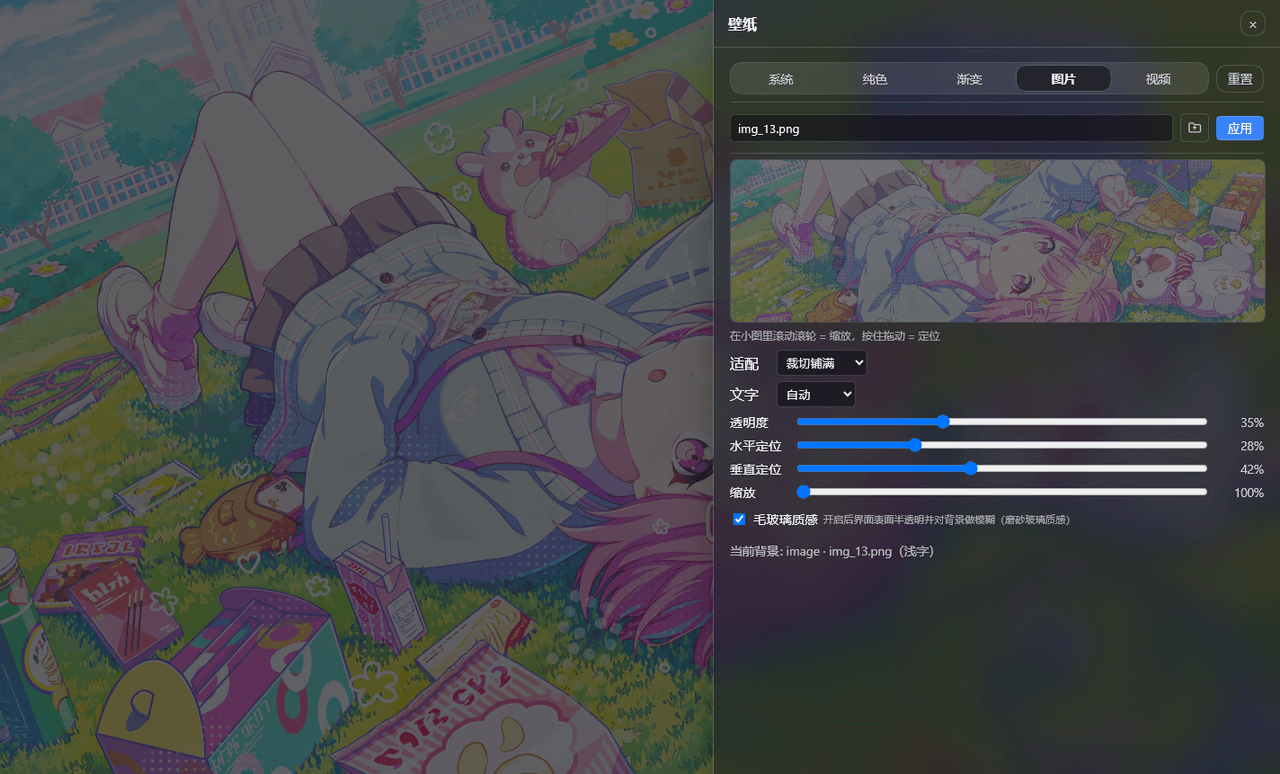 sz1698/dsh-bg-new
DSH 网页界面换背景:侧栏「壁纸」按钮弹出右侧抽屉,支持系统预设/纯色/渐变/图片/视频,滚轮+拖动小图同时管缩放与定位,毛玻璃质感,本地媒体伺服不走云端。DSH web background & wallpaper plugin wit…
sz1698/dsh-bg-new
DSH 网页界面换背景:侧栏「壁纸」按钮弹出右侧抽屉,支持系统预设/纯色/渐变/图片/视频,滚轮+拖动小图同时管缩放与定位,毛玻璃质感,本地媒体伺服不走云端。DSH web background & wallpaper plugin wit…
-
 TQSY114514/dsh-ui-appearance
Appearance customization plugin for DeepSeek Harness: theme color palette, background image, opacity/blur, glass effect
TQSY114514/dsh-ui-appearance
Appearance customization plugin for DeepSeek Harness: theme color palette, background image, opacity/blur, glass effect
- PerryLink/dsh-talk Voice-first session loop for DeepSeek Harness: a composer microphone button with browser/local speech-to-text (Web Speec…