OMSociety/dsh-git-forge
DSH 插件:Git 凭据与推送权限管理器。哪个项目能用哪个账号、允许推到哪些 host,一处说清。账号库与 token 只落在宿主侧。按项目授权决定 agent 用哪个账号,push 拦截决定这个项目允许推到哪。
Project Overview项目介绍
dsh-git-forge is a community plugin built specifically for DeepSeek Harness (DSH), mounting inside the dsh-better-sidebar host to deliver a "Forge account library, per-project grants, and push policy" management surface. It governs two concerns: injecting HTTPS git credentials into the agent shell so tokens never reach model context, and intercepting pushes to unauthorized hosts at the Host tools.guard layer, covering bare git push, git remote add, and git remote set-url. SSH remotes and the system gh auth are deliberately left untouched. Installation is performed via dsh plugin --profile web add "dsh-git-forge@1.0.0" from npm, or dsh plugin --profile web add "github:OMSociety/dsh-git-forge" from source; one-line scripts are also published for both bash and PowerShell. Hard requirements include a DSH web profile with version >=0.1.7-rc.2 <0.3.0-0, the dsh-better-sidebar host at >=0.12.0, and Node.js >=20.
The typical workflow begins by refreshing the browser so the client bundle loads and the "Git 凭据" entry appears in the right sidebar. From there the user opens the Account Library tab, adds an account, and runs the API probe to confirm token validity, then switches to Project Authorization and grants that account to the active DSH session workspace (identified by projectPathKey, not the sub-repository path) along with the enforcePush flag. Subsequent HTTPS git fetch and git push commands issued by the agent trigger the credential helper, which auto-injects the token only when exactly one authorized token account exists for that gitHost, matching the documented R1 rule. The plugin also exposes four read-only model tools: list_accounts, list_project_accounts, get_policy, and check_remote, letting the agent inspect grants and verify whether a given remote URL is permitted without performing any push.
All state lives under $DSH_HOME/git-forge/ with directory mode 0700: accounts.json holds metadata, secrets.json (mode 0600) holds tokens, grants.json stores the projectPathKey → accountIds mapping together with enforce and unbound policy, and gitconfig is injected into the agent shell as a credential helper that first clears the system-level helper. Token material is excluded from API responses, tool output, and model context, and when no grant exists for a project the push interceptor leaves pushes untouched so the rollout can be gradual. Users must refresh the browser after install, must rotate any token suspected of leaking from secrets.json, and must verify their dsh-better-sidebar build covers DSH 0.2.x before upgrading the host. The plugin ships under MIT, with maintenance continuing on the OMSociety repository since 2026-09-28 and original authorship credited to @thirsty5034.
dsh-git-forge 是面向 DeepSeek Harness(DSH)的社区插件,挂在右侧栏宿主 dsh-better-sidebar 中,提供「Forge 账号库 + 按项目授权 + 推送策略」的管理界面。它负责两件事:一是把 HTTPS git 的 token 凭据在宿主侧注入给 agent shell,token 不进入模型上下文;二是在 Host 层的 tools.guard 拦截未授权 host 的 push,包括裸 git push、git remote add / set-url 等动作,SSH 远程与系统 gh auth 不受影响。本插件通过 dsh plugin --profile web add 从 npm 或 GitHub 安装,依赖 DSH web profile、dsh-better-sidebar ≥0.12.0 与 Node.js ≥20,DSH 版本要求 ≥0.1.7-rc.2 且 <0.3.0-0。
典型使用流程:刷新浏览器后在右侧栏打开「Git 凭据」Tab,先在账号库添加账号并探测 API token 有效性,再切换到「项目授权」为当前 DSH 会话工作区(不是子仓路径)勾选账号并保存 enforcePush 策略,随后让 agent 执行 HTTPS 的 git fetch / push,credential helper 会按 R1 规则自动注入凭据(同一 host 恰好 1 个 token 账号时)。插件同时向模型暴露 GitForge 四个只读工具:list_accounts、list_project_accounts、get_policy 与 check_remote,便于校验 remote URL 是否被允许推送,适合需要多账号切换或想为不同项目强制推送目标的 DSH 用户。
数据落在 $DSH_HOME/git-forge/ 下,accounts.json 存账号元数据、secrets.json(0600)存 token、grants.json 存授权与策略、gitconfig 注入给 agent shell;首次使用务必刷新浏览器页面以加载客户端 bundle,宿主侧 API 与工具结果一律不回传 token。若 secrets.json 疑似泄露需立即轮换 token,无项目授权时 push 默认不拦截,渐进启用安全可。本件以 MIT 协议发布,维护主线自 2026-09-28 起迁至 OMSociety 仓库独立延续,上游作者为 @thirsty5034。
请帮我安装这个 DSH 插件。安装前先完成【兼容性检查 + 安全性检查】,检查通过再动手。

插件:dsh-git-forge(OMSociety/dsh-git-forge)
仓库:https://github.com/OMSociety/dsh-git-forge
本站详情页:https://www.yhbd.top/plugins/omsociety-dsh-git-forge/
本站登记:类型 plugin · 归类 原生 DSH 插件 · 许可证 MIT · ⭐ 4 · 最近提交 2026-10-01 · 主语言 JavaScript

按下面顺序执行,每步先把结论告诉我,再进入下一步:

【1 兼容性检查】
① 我这边:DSH 版本、Node 版本、操作系统、当前 profile(web / desktop)。
② 读它的 README、package.json、插件 manifest,列出它要求的 DSH 版本 / Node 版本 / 操作系统 / 外部依赖 / 需要另外先装的运行时。
③ 逐条比对,结论只写「满足 / 不满足 / 未知」三种;不满足的给出可行替代方案。
④ 检查是否和我已装的插件冲突:命令名重复、skill / tool 重名、端口占用、重复注册的 MCP server。

【2 安全性检查】
① 仓库可信度:和上面「本站登记」是否一致;star / fork 数、创建时间、最近提交,是否归档或长期停更。
② 安装脚本:逐行看 package.json 的 preinstall / install / postinstall,以及 install.sh、setup.ps1 之类脚本。出现 curl|bash、下载后直接执行、混淆代码、访问与插件功能无关的域名,立刻停下来告诉我,不要继续装。
③ 依赖:列出新增依赖,标出无人维护、或与知名包拼写近似的可疑包(typosquatting)。
④ 权限与副作用:它会读写哪些目录、访问哪些域名、需要哪些 DSH 权限(filesystem / network / shell / clipboard 等),以及怎么卸载和回滚。
⑤ 如果它要求 sudo / 管理员权限,或权限明显超出功能所需,先停下来问我。

【3 安装】
上面两步没有「不满足」和「高危项」时才执行;用官方推荐方式安装,不要自行提权。

【4 汇报】
用表格输出:检查项 / 结论 / 依据 / 是否需要我决策。拿不准的一律写「未知」并说明要我怎么确认——不要猜,也不要替我决定。
Send this message to DSH in your current session: it verifies compatibility and security first (answering met / not met / unknown item by item) and only installs once everything checks out — it will stop and ask you if it finds a high-risk item. The box scrolls; the copy is the full prompt. CLI install commands may not be accurate across systems, so DSH is the safer route.把上面这条消息直接发给当前会话里的 DSH:它会先核对兼容性与安全性(逐条给「满足 / 不满足 / 未知」),确认没问题再安装,有高危项会停下来问你。框内可滚动,复制到的是完整提示词;安装命令不一定准确,发给 DSH 更稳。
- Only 4 stars - very few users, little community feedback星标只有 4,几乎没人在用,遇到问题缺少社区反馈
DSH walks through these 9 checksDSH 会逐条核对这 9 项
Compatibility兼容性
- DSH, Node, OS and profile requirementsDSH 版本 / Node 版本 / 操作系统 / profile 是否满足要求
- External dependencies and runtimes (Electron / Python / Docker, ...)外部依赖与运行时(Electron / Python / Docker 等)是否齐备
- Conflicts with installed plugins: command names, skill / tool names, ports, duplicate MCP registration与已装插件是否冲突:命令名、skill / tool 重名、端口占用、重复 MCP 注册
Security安全性
- Repo matches the facts registered here; archived or abandoned?仓库是否与页面登记一致,是否归档或长期停更
- Safety of preinstall / install / postinstall and install.sh / setup.ps1preinstall / install / postinstall 与 install.sh、setup.ps1 是否安全
- curl|bash, download-then-execute, obfuscation, unrelated domains → stop immediatelycurl|bash、下载即执行、混淆代码、无关域名 → 立刻停止
- Typosquatting or unmaintained packages among the new dependencies新增依赖里有没有 typosquatting 或无人维护的包
- Requested permissions vs. what the feature actually needs申请了哪些权限、是否超出功能所需(filesystem / network / shell / clipboard)
- Any sudo / admin requirement, plus uninstall and rollback是否要求 sudo / 管理员权限,以及卸载与回滚方式
Anything uncertain must be marked unknown with a note on how to confirm it. This site's signal screen is a static snapshot, not a security audit.拿不准的必须标「未知」并说明要我怎么确认。本站的信号筛查是静态快照,不能替代安全审计。
Or use CLI install (for developers)或使用命令行安装(适合开发者)
CLI Install命令行安装
dsh plugin --profile web add "dsh-git-forge@1.0.0"把 OMSociety/dsh-git-forge 加入你的 DSH 配置(web profile)即可启用。
READMEREADME
简体中文 | English
DSH Git Forge
DeepSeek Harness 的 Git 凭据与推送权限管理器:哪个项目能用哪个账号、允许推到哪些 host,一处说清。
账号库与 token 只落在宿主侧。按项目授权决定 agent 用哪个账号,push 拦截决定这个项目允许推到哪。




这是什么
dsh-git-forge 是 DeepSeek Harness 的社区插件,在右侧栏宿主 dsh-better-sidebar 里给你一个 Forge 账号库 + 按项目授权 + 推送策略 的管理面。
它管两件事:
- agent 用哪份凭据:在侧栏给项目授权账号之后,agent shell 里的 HTTPS
git fetch/git push由本插件的 credential helper 自动取用对应 token,token 只在宿主侧读,不进模型上下文。 - 这个项目允许推到哪:未授权 host 会被 push 拦截器在工具层直接拒绝;裸
git push与git push origin会先解析 remote URL 再判定。
SSH 远程与系统 gh auth 不受影响,仍走本机 SSH / gh;本插件只补 DSH agent shell 下的 HTTPS 这一段。
核心特性
| 特性 | 说明 |
|---|---|
| 账号库 | 账号按 gitHost 归集,界面给出 github.com / gitee.com / gitlab.com / bitbucket.org 常用选项,自建 Forge 直接填自己的域名;侧栏内可增删改并探测 API token |
| 按项目授权 | 授权 key 是 DSH 会话工作区(projectPathKey,agent shell 里即 DSH_GIT_FORGE_PROJECT),不是子仓路径 |
| push 拦截 | 命令里的 URL、裸 git push、git remote add / set-url 都在 Host tools.guard 里按授权判定 |
| agent HTTPS git | 同一 host 恰好 1 个已授权 token 账号时(R1)helper 才自动注入;多账号时不猜号,宁可不注入 |
| token 落盘 | $DSH_HOME/git-forge/secrets.json(0600);API 与工具结果一律不回传 token |
| 模型工具 GitForge | 四个只读动作:看账号库、看某项目授权、看策略、校验某个 remote 是否被允许 |
| UI 对齐 | 与同门的 dsh-ssh-tunnel 共用一套侧栏交互 |
Showing the opening section of the README — the full document lives in the repository以上为 README 开头摘要,完整文档在仓库内 · View the full README on GitHub →在 GitHub 查看完整 README →
Related相关推荐
-
 kenryu42/cc-safety-net
A pre-execution guard for AI coding agents. It blocks destructive Git and file system commands, plus common attempts to …
kenryu42/cc-safety-net
A pre-execution guard for AI coding agents. It blocks destructive Git and file system commands, plus common attempts to …
-
 hyhmrright/brooks-lint
AI code reviews grounded in 12 classic engineering books — decay risk diagnostics with book citations, severity labels, …
hyhmrright/brooks-lint
AI code reviews grounded in 12 classic engineering books — decay risk diagnostics with book citations, severity labels, …
-
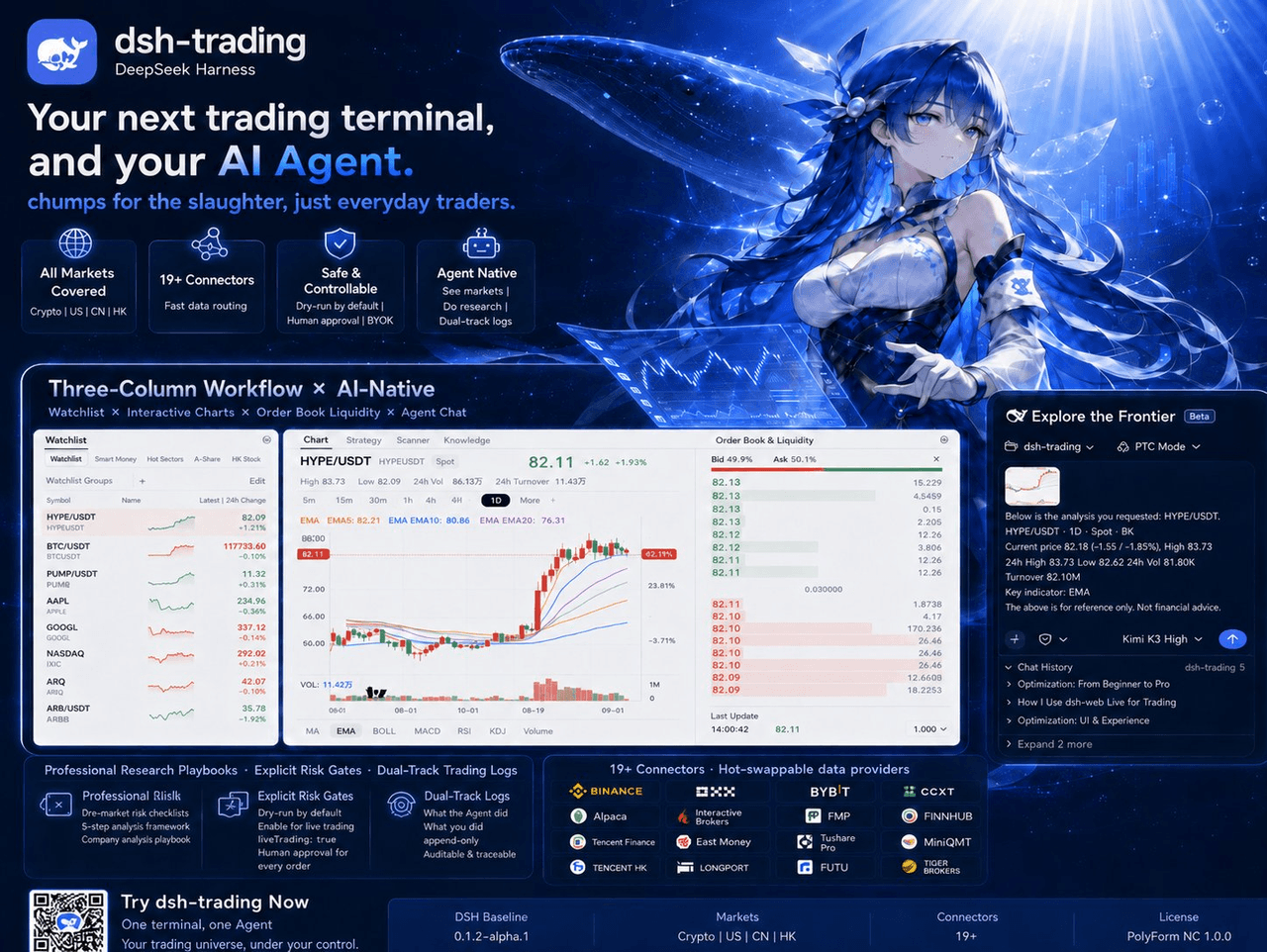 zhu1090093659/dsh-trading
Agent-native trading terminal built on DeepSeek Harness. Crypto, US, CN and HK in one three-column GUI, 19+ hot-swappabl…
zhu1090093659/dsh-trading
Agent-native trading terminal built on DeepSeek Harness. Crypto, US, CN and HK in one three-column GUI, 19+ hot-swappabl…
-
 lire1131/dsh-undo-savepoint
DSH crash-rescue plugin: undo config & plugin-code changes, secret-safe snapshots, one-click SAFE MODE, plus offline CLI…
lire1131/dsh-undo-savepoint
DSH crash-rescue plugin: undo config & plugin-code changes, secret-safe snapshots, one-click SAFE MODE, plus offline CLI…
- Akimiya-z/codex-guard Quality gate for AI/Codex-generated pull requests: blocks TODO leftovers, leaked secrets, sloppy commits and red CI befo…
-
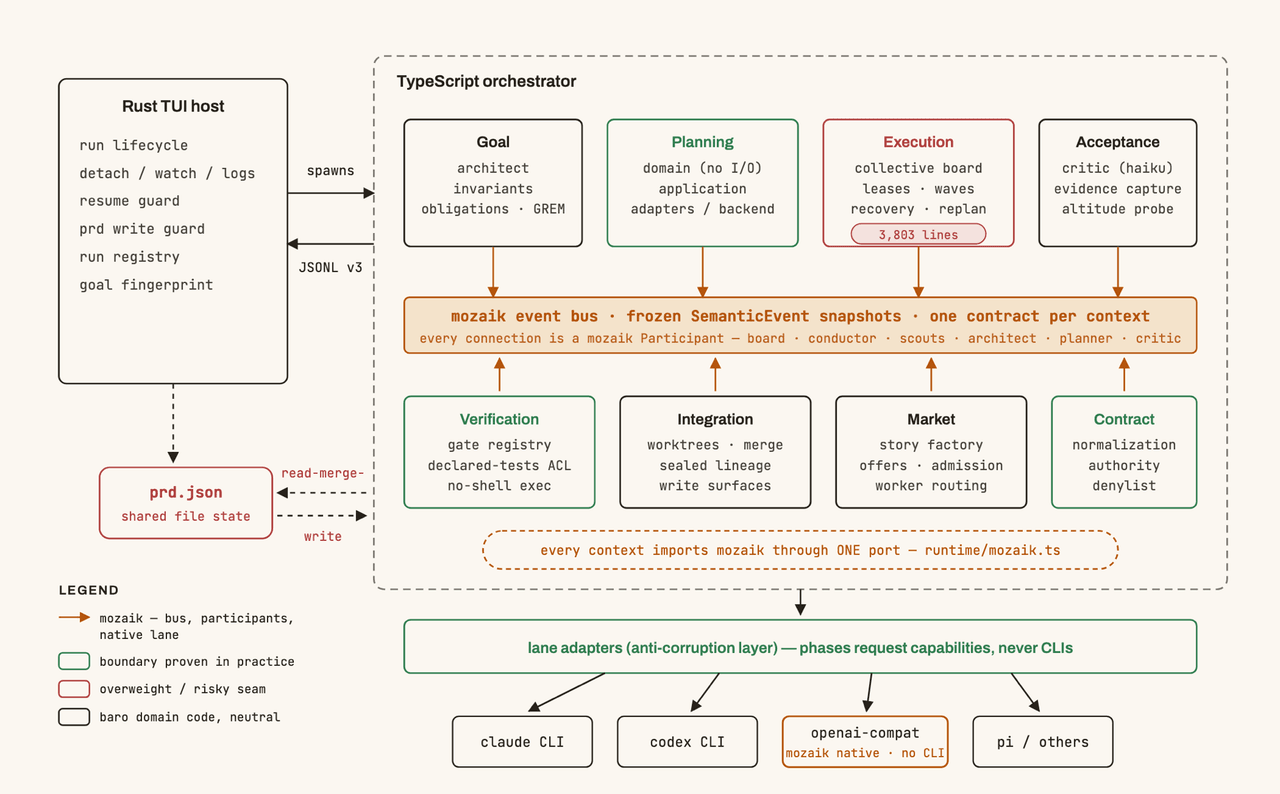 jigjoy-ai/baro
A CLI that turns a goal into a pull request - and a sandbox for testing concurrent AI coding agents on the Mozaik runtim…
jigjoy-ai/baro
A CLI that turns a goal into a pull request - and a sandbox for testing concurrent AI coding agents on the Mozaik runtim…
-
 c3ll256/dsh-toy
Toy Control Protocol for DSH
c3ll256/dsh-toy
Toy Control Protocol for DSH
-
 huaweicloud/huaweicloud-devkit
Official Huawei Cloud plugin for AI agents — skills, MCP tools, safety guardrails, and cloud sandbox to help AI agents …
huaweicloud/huaweicloud-devkit
Official Huawei Cloud plugin for AI agents — skills, MCP tools, safety guardrails, and cloud sandbox to help AI agents …