PerryLink/jevcore
TypeSafe Jev for DeepSeek Harness, the Model Context Protocol, and plain Node: typed judgments instead of prose, offline by default.
Project Overview项目介绍
jevcore is an integration project that wires TypeSafe's Jev — a typed decision model restricted to noul (yes/no), choice, and score questions that returns calibrated probabilities — into DeepSeek Harness (DSH). The monorepo ships three deliberately thin packages: jevcore (the decision primitives, providers, egress contract, and policy, importing nothing from DSH or Cordis), jevcore-dsh (the DSH-native plugin consisting of one service, three tools, and two opt-in gates), and jevcore-mcp (the same three tools exposed over a stdio MCP server for non-DSH hosts). Adapters only declare tool schemas and translate hook payloads, so the guarantees cannot drift between targets. The DSH package requires Node ^22.19.0 or >=24.0.0, while core and MCP only need >=20.
Typical users are DSH operators and agent developers who want a guard that the guarded model cannot reconfigure. The plugin registers tool:jev_ask, tool:jev_rank, and tool:jev_check for on-demand use, plus safety and context gates that are off by default and must be explicitly enabled; a disabled gate adds zero event listeners, a property verified by tests rather than policy. When Jev is unreachable or answers below the confidence floor, onUndecided resolves through local configuration and defaults to ask, so silence can never mean allow. The context gate is the documented exception and fails open, because losing a real tool result to a phantom "irrelevant" verdict is judged worse than keeping an uninformative one.
Dependencies, costs, and limits matter here. The default provider is an offline mock, so the plugin runs with no credential and no network call; switching to live requires both provider: live and a resolved credential, after which startup logs explicitly list every transmission as "SENDS <feature> { fields }". Redaction is pattern-based and explicitly does not recognise unknown secret shapes in free text. The license is Apache-2.0, the project is unaffiliated with TypeSafe AI, and CI runs with TYPESAFE_API_KEY cleared. Known limits include: the MCP server has only been driven end to end through a single stdio client, gates have never gated a real tool call on live traffic, the context gate cannot retroactively prune spent context, and a process started before the latest fix carries a cosmetic em-dash corruption plus every other fix made since it started — a restart is required to pick up newer changes.
jevcore 是一个面向 DeepSeek Harness(DSH)的 TypeSafe Jev 决策层集成项目,把只能回答 noul、choice、score 三类定型问题并返回校准概率的 Jev 接入到 DSH 之中。仓库由 jevcore(核心决策库,不依赖 DSH 或 Cordis)、jevcore-dsh(DSH 原生插件,含一个服务、三个工具、两个可选门控)和 jevcore-mcp(通过 stdio 提供相同三件套的 MCP 服务器)三个包组成,适配器刻意做得很薄,决策原语、提供商、出网契约与策略全部位于核心层。安装 DSH 适配器需要 Node ^22.19.0 或 >=24.0.0,并通过 pnpm 工作流执行 pnpm install 与 pnpm run check 完成类型检查、测试与构建。
典型用法是在 DSH 中启用该插件,让模型在每次工具调用前拿到一个不可被模型自身改写的定型判断,并在 DSH 钩子层面拦截 tool:jev_ask、tool:jev_rank、tool:jev_check 的输出以及 safety、context 两个默认关闭的 gate。safety 与 context 门控需显式 opt-in,关闭时通过测试保证不注册任何事件监听;当 Jev 不可达或低于置信度时,未决结果通过 onUndecided 解析,默认值为 ask,因此绝不会被静默放行。该项目面向关注提示词与文件内容外泄、需要在本地配置阈值并把判断与放行严格区分的 DSH 用户与代理开发者。
依赖上默认 provider 为离线 mock,无需任何凭证也不会产生网络请求;切换到 live 模式需要解析 typesafe.ai 凭证,并在启动日志中以 "SENDS <feature> { fields }" 形式声明每个传输字段。许可采用 Apache-2.0,与 TypeSafe AI 没有隶属关系,所有测试在清除 TYPESAFE_API_KEY 后运行以保证零外网。当前尚有限制:MCP 服务器只通过 stdio 端到端验证过,未由第三方主机驱动;context gate 无法回收已消耗的上下文;redaction 基于模式匹配,可能漏掉未知密钥形状;live 流量下的门控行为尚未做真实端到端测试,建议首次启用前仔细阅读出网契约。
请帮我安装这个 DSH 插件。安装前先完成【兼容性检查 + 安全性检查】,检查通过再动手。

插件:jevcore(PerryLink/jevcore)
仓库:https://github.com/PerryLink/jevcore
本站详情页:https://www.yhbd.top/plugins/perrylink-jevcore/
本站登记:类型 plugin · 归类 原生 DSH 插件 · 许可证 Apache-2.0 · ⭐ 102 · 最近提交 2026-09-24 · 主语言 TypeScript · 未检测到 DSH 插件清单

按下面顺序执行,每步先把结论告诉我,再进入下一步:

【1 兼容性检查】
① 我这边:DSH 版本、Node 版本、操作系统、当前 profile(web / desktop)。
② 读它的 README、package.json、插件 manifest,列出它要求的 DSH 版本 / Node 版本 / 操作系统 / 外部依赖 / 需要另外先装的运行时。
③ 逐条比对,结论只写「满足 / 不满足 / 未知」三种;不满足的给出可行替代方案。
④ 检查是否和我已装的插件冲突:命令名重复、skill / tool 重名、端口占用、重复注册的 MCP server。

【2 安全性检查】
① 仓库可信度:和上面「本站登记」是否一致;star / fork 数、创建时间、最近提交,是否归档或长期停更。
② 安装脚本:逐行看 package.json 的 preinstall / install / postinstall,以及 install.sh、setup.ps1 之类脚本。出现 curl|bash、下载后直接执行、混淆代码、访问与插件功能无关的域名,立刻停下来告诉我,不要继续装。
③ 依赖:列出新增依赖,标出无人维护、或与知名包拼写近似的可疑包(typosquatting)。
④ 权限与副作用:它会读写哪些目录、访问哪些域名、需要哪些 DSH 权限(filesystem / network / shell / clipboard 等),以及怎么卸载和回滚。
⑤ 如果它要求 sudo / 管理员权限,或权限明显超出功能所需,先停下来问我。

【3 安装】
上面两步没有「不满足」和「高危项」时才执行;用官方推荐方式安装,不要自行提权。

【4 汇报】
用表格输出:检查项 / 结论 / 依据 / 是否需要我决策。拿不准的一律写「未知」并说明要我怎么确认——不要猜,也不要替我决定。
Send this message to DSH in your current session: it verifies compatibility and security first (answering met / not met / unknown item by item) and only installs once everything checks out — it will stop and ask you if it finds a high-risk item. The box scrolls; the copy is the full prompt. CLI install commands may not be accurate across systems, so DSH is the safer route.把上面这条消息直接发给当前会话里的 DSH:它会先核对兼容性与安全性(逐条给「满足 / 不满足 / 未知」),确认没问题再安装,有高危项会停下来问你。框内可滚动,复制到的是完整提示词;安装命令不一定准确,发给 DSH 更稳。
- No DSH plugin manifest detected - it may only carry the dsh-plugin topic, so the install method must be confirmed on the spot未检测到 DSH 插件清单:可能只是打了 dsh-plugin 话题,安装方式要现场确认
DSH walks through these 9 checksDSH 会逐条核对这 9 项
Compatibility兼容性
- DSH, Node, OS and profile requirementsDSH 版本 / Node 版本 / 操作系统 / profile 是否满足要求
- External dependencies and runtimes (Electron / Python / Docker, ...)外部依赖与运行时(Electron / Python / Docker 等)是否齐备
- Conflicts with installed plugins: command names, skill / tool names, ports, duplicate MCP registration与已装插件是否冲突:命令名、skill / tool 重名、端口占用、重复 MCP 注册
Security安全性
- Repo matches the facts registered here; archived or abandoned?仓库是否与页面登记一致,是否归档或长期停更
- Safety of preinstall / install / postinstall and install.sh / setup.ps1preinstall / install / postinstall 与 install.sh、setup.ps1 是否安全
- curl|bash, download-then-execute, obfuscation, unrelated domains → stop immediatelycurl|bash、下载即执行、混淆代码、无关域名 → 立刻停止
- Typosquatting or unmaintained packages among the new dependencies新增依赖里有没有 typosquatting 或无人维护的包
- Requested permissions vs. what the feature actually needs申请了哪些权限、是否超出功能所需(filesystem / network / shell / clipboard)
- Any sudo / admin requirement, plus uninstall and rollback是否要求 sudo / 管理员权限,以及卸载与回滚方式
Anything uncertain must be marked unknown with a note on how to confirm it. This site's signal screen is a static snapshot, not a security audit.拿不准的必须标「未知」并说明要我怎么确认。本站的信号筛查是静态快照,不能替代安全审计。
Or use CLI install (for developers)或使用命令行安装(适合开发者)
CLI Install命令行安装
dsh plugin --profile web add jevcore-dsh把 PerryLink/jevcore 加入你的 DSH 配置(web profile)即可启用。
READMEREADME
jevcore


TypeSafe Jev for DeepSeek Harness and any other MCP host.
Jev is not a chat model. It answers typed questions — noul (yes/no), choice, score — and returns
calibrated probabilities. It does not write prose, and asking it to is a category error. This project
gives an agent exactly that surface, and nothing more.
Offline by default. Egress disclosed. Nothing default-on.
⭐ 如果它帮到了你
这个插件是 DSH 插件家族的一员(40+ 个,全部 Apache-2.0)。如果你在用,给个 star —— 它不会解锁任何功能,但会让下一个人在搜索里更容易找到它。
English: part of a 40+ plugin family for DeepSeek Harness. If it is useful, a star helps the next person find it — nothing is gated behind it.
Three packages, one decision layer
| Package | What it is | Use it when |
|---|---|---|
jevcore |
The decisions. Imports nothing from DeepSeek Harness or Cordis. | You want Jev in a plain script, a service, or your own harness |
jevcore-dsh |
The DSH plugin: one service, three tools, two opt-in gates | You are running DeepSeek Harness |
jevcore-mcp |
The same three tools over MCP, with a stdio binary | Your host speaks MCP but is not DSH |
The adapters are thin on purpose. packages/dsh is four files: it declares tool schemas and
translates hook payloads. Everything decision-shaped — the primitives, the providers, the egress
contract, the policy, the gates — lives in core, so a new adapter cannot drift from the guarantees
the others make.
One runtime requirement differs across the three: jevcore-dsh tracks the harness and needs
Node ^22.19.0 || >=24.0.0, while jevcore and jevcore-mcp need >=20.
Showing the opening section of the README — the full document lives in the repository以上为 README 开头摘要,完整文档在仓库内 · View the full README on GitHub →在 GitHub 查看完整 README →
Related相关推荐
-
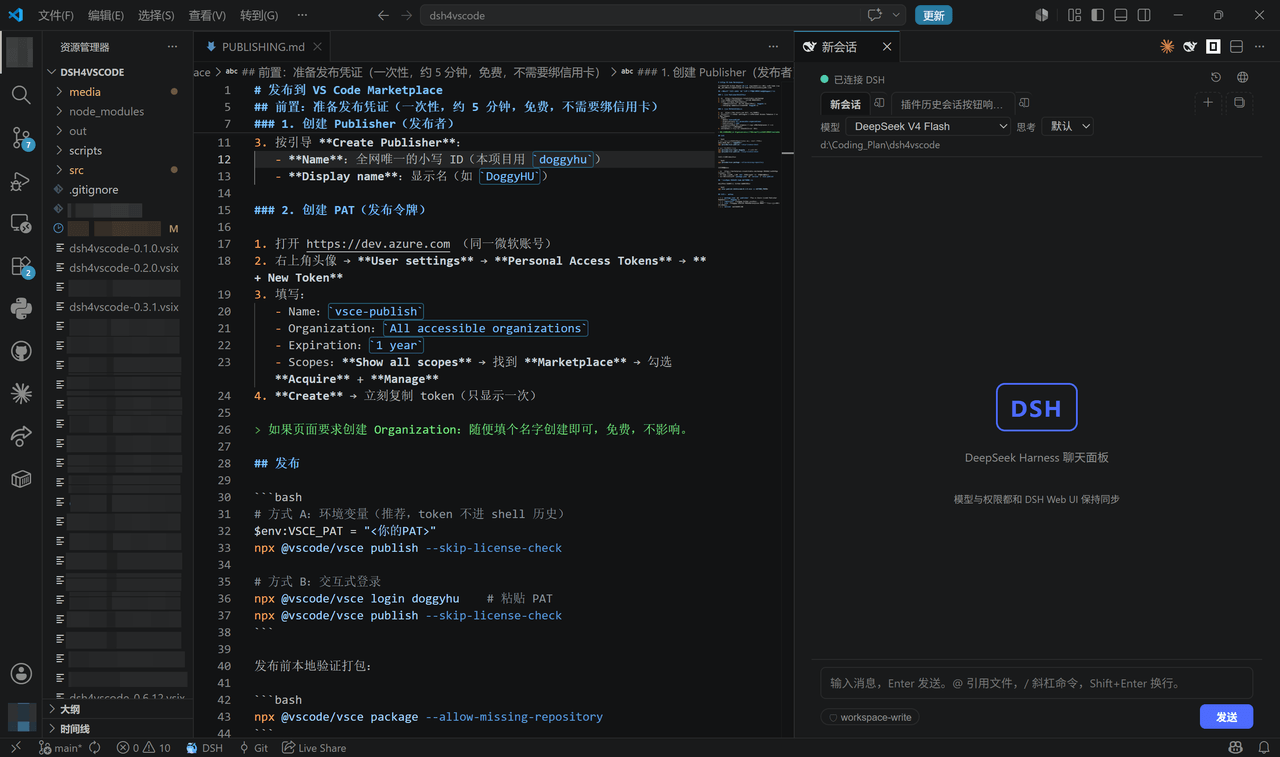 DoggyHU/dsh4vscode
DSH Chat for VS Code — DeepSeek Harness chat windows inside VS Code (OpenCode-style independent sessions, model auto-rou…
DoggyHU/dsh4vscode
DSH Chat for VS Code — DeepSeek Harness chat windows inside VS Code (OpenCode-style independent sessions, model auto-rou…
-
 Chloride233/dsh-cot-profile
Real-time chain-of-thought trajectory profiling for DeepSeek Harness: live wording indicators, profile-family judgment, …
Chloride233/dsh-cot-profile
Real-time chain-of-thought trajectory profiling for DeepSeek Harness: live wording indicators, profile-family judgment, …
-
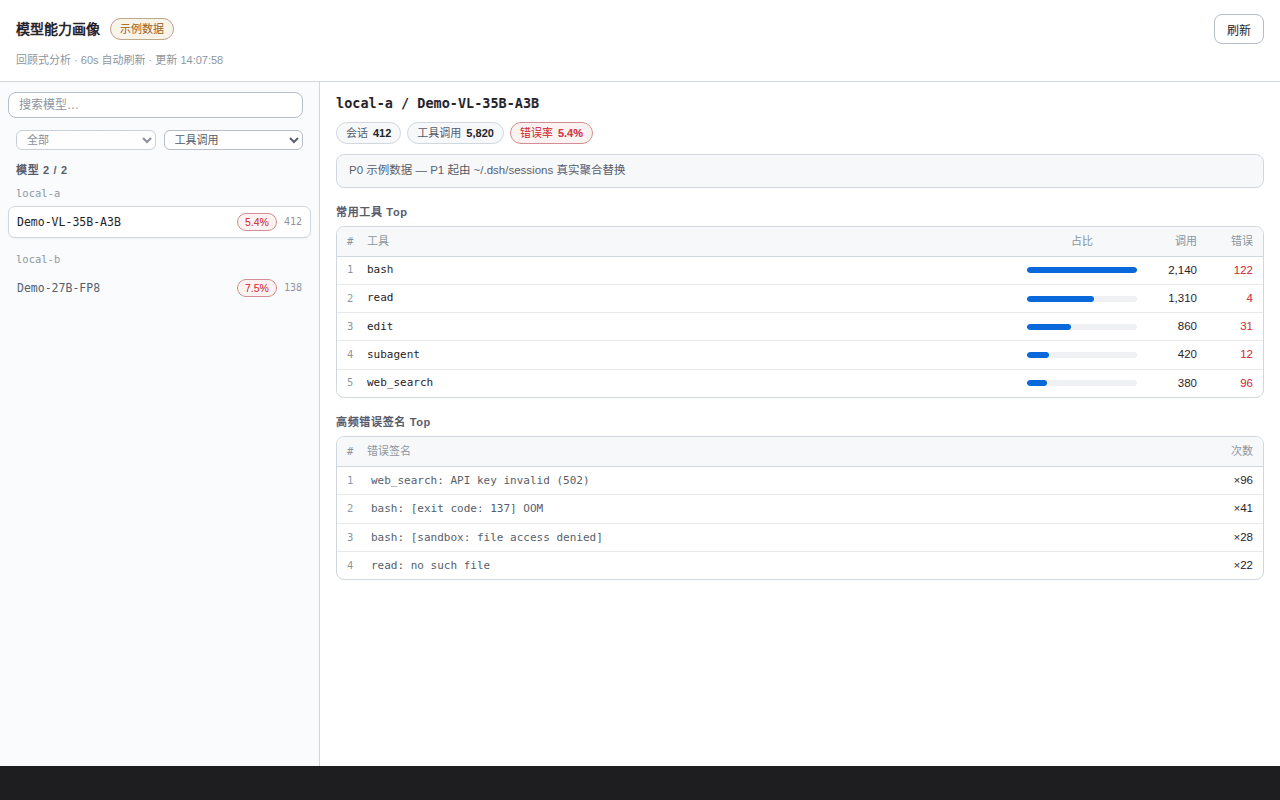 Ansonfishing/dsh-cap-profile
Per-model capability profiling for DSH: turns local session history into tool-usage and error-rate dashboards with time-…
Ansonfishing/dsh-cap-profile
Per-model capability profiling for DSH: turns local session history into tool-usage and error-rate dashboards with time-…
-
 Q00/ouroboros
Agent OS: the agent gets smarter on its own. We just hold the line: Interview-gated, staged evaluation, budgeted evoluti…
Q00/ouroboros
Agent OS: the agent gets smarter on its own. We just hold the line: Interview-gated, staged evaluation, budgeted evoluti…
-
 crafter-station/petdex
A public gallery of animated pets for Codex, Claude Code, DeepSeek Harness, Hermes, OpenCode, Gemini CLI, and more.
crafter-station/petdex
A public gallery of animated pets for Codex, Claude Code, DeepSeek Harness, Hermes, OpenCode, Gemini CLI, and more.
-
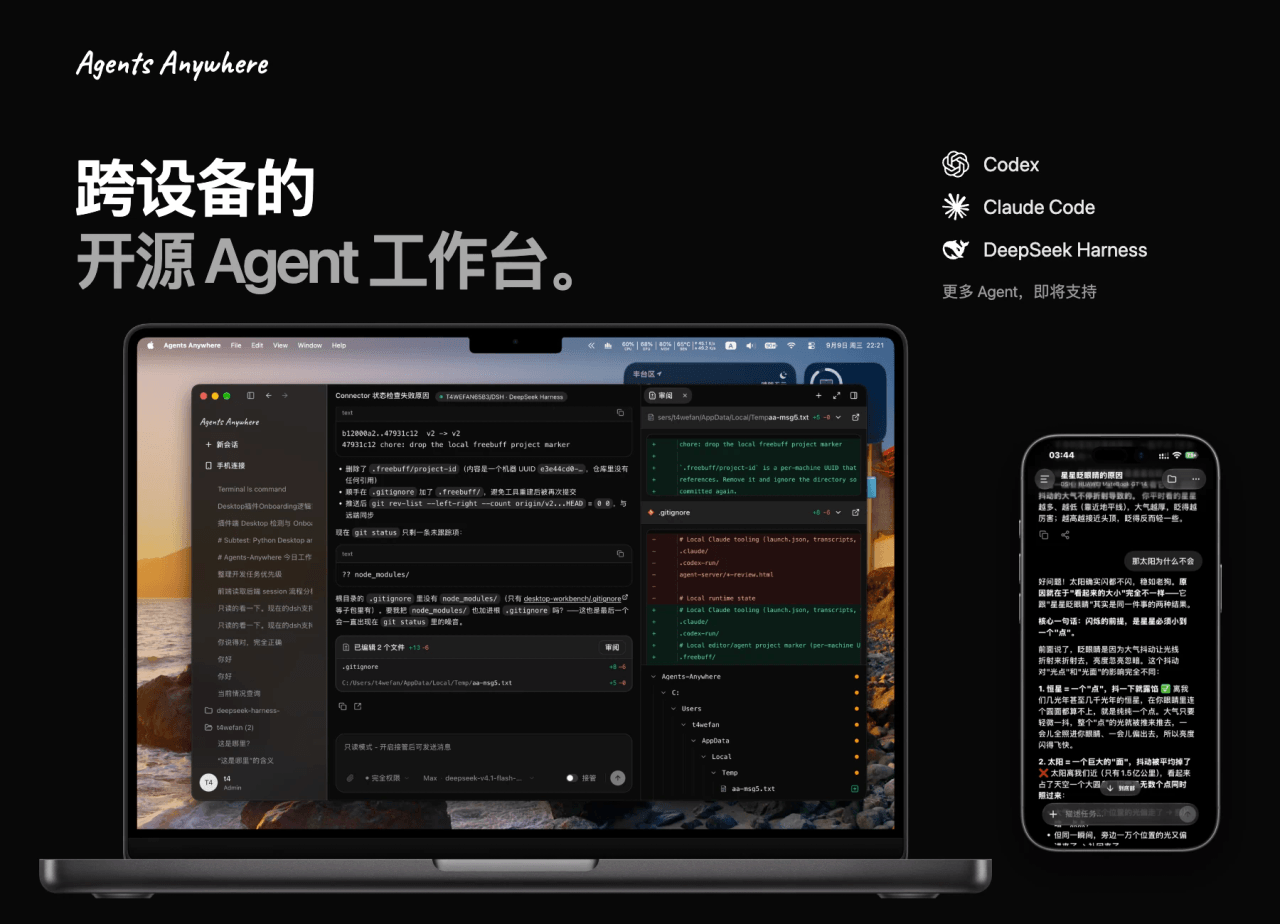 anywhere-labs/Agents-Anywhere
跨设备的开源Agent工作台
anywhere-labs/Agents-Anywhere
跨设备的开源Agent工作台
- houyanchao/chatgpt-gemini-timeline ChatGPT & Gemini:Add Folders, Timeline & Prompts. - 为 ChatGPT & Gemini 添加文件夹、提示词库和时间轴。
-
 amlyczz/dsh-agy-link
Google Antigravity (agy CLI) models for DeepSeek Harness — streaming chat, thinking, tool activity, usage, in-GUI Google…
amlyczz/dsh-agy-link
Google Antigravity (agy CLI) models for DeepSeek Harness — streaming chat, thinking, tool activity, usage, in-GUI Google…