pharaohnie/dsh-context-mode
DSH 原生 Cordis 插件:知识库(FTS5)、路由强制、会话记忆、沙箱执行(Think-in-Code)——context-window 减负
项目介绍Project Overview
DSH 上下文控制插件,通过三项机制减少进入上下文的原始数据:知识库索引检索(ctx_index/ctx_search/ctx_fetch_and_index),将大文件或网页分块存入本地 SQLite FTS5 数据库,仅返回命中片段;路由拦截在工具执行前阻挡 curl/wget 等洪水命令和大文件直读;沙箱执行(ctx_execute 系列)隔离代码运行,只带回 console.log 结果。适用于大文件、日志、网络抓取场景。Caveat:沙箱是资源隔离而非完全安全边界,发布到 npm 前需先预构建。
dsh-context-mode is a DSH plugin that minimizes raw data entering the LLM context window through three mechanisms: a local SQLite FTS5 knowledge base with index/search/fetch tools that return only matching snippets; a tool-call router that blocks flood commands like curl/wget and redirects large file reads to the knowledge base; and a sandboxed executor (ctx_execute, ctx_execute_file, ctx_batch_execute) that runs code in isolation and returns only stdout results. Use it when handling large files, logs, or fetched web pages. Caveat: the sandbox provides resource isolation, not absolute filesystem security.
请帮我了解并安装插件:【dsh-context-mode】【https://github.com/pharaohnie/dsh-context-mode】把上面这条消息直接发给当前会话里的 DSH,让它帮你了解并安装。安装命令不一定准确,发给 DSH 更稳。Send this message to DSH in your current session. CLI install commands may not be accurate across systems — DSH will figure it out for you.
或使用命令行安装(适合开发者)Or use CLI install (for developers)
命令行安装CLI Install
dsh plugin --profile web add "$HOME/.dsh/plugins/dsh-context-mode"把 pharaohnie/dsh-context-mode 加入你的 DSH 配置(web profile)即可启用。
READMEREADME
dsh-context-mode
这是给 DeepSeek Harness(DSH)的一个小插件。核心只有一句话:让进上下文的原始数据越少越好。
它不做花哨的事,只干三件实在的:把大文件和网页索引进本地知识库、把会把窗口撑爆的洪水工具拦下来改道、把数据处理丢进沙箱只带回答案。
它到底做什么?
1. 知识库:索引 + 检索
ctx_index:把文件或整个目录切成小块,存进本地 SQLite 知识库(FTS5,支持中文模糊和英文词根)。ctx_search:只返回命中的小片段,不是整本书。默认每次最多回 12000 字节。ctx_fetch_and_index:抓网页转成 markdown 后同样入库,原网页字节不进上下文。ctx_purge:清空知识库(不可逆,想清楚再用)。
2. 路由拦截:洪水别进来
挂在工具执行前,直接挡掉或引导:
- 硬拦:
curl、wget、inline-fetch这类确定会拉大文件进上下文的命令,直接拒绝。 - 软引导:文件超过约 50KB 且不是精确分段读(没有
offset/limit),拒绝并告诉你该用ctx_index或ctx_search。 - 白名单:
pwd、echo、ls、whoami这些无害命令,零摩擦放行。
3. 沙箱执行:只带答案回来
ctx_execute:写一段代码在隔离沙箱里跑,只把console.log的结论带回来。原始数据留在沙箱,不进上下文。ctx_execute_file:把一个文件的内容当作输入数据(FILE_SRC),跑分析、统计、过滤,只返回结论。ctx_batch_execute:并行跑多段分析,结果自动入库,同一轮还能直接检索。
沙箱规则简单记住:代码里不能写 require("node:fs") 或 import(沙箱没有模块系统);FILE_SRC 已经是文件完整内容,直接处理,不要再去读文件路径。
安装(一步到位)
cd "$HOME/.dsh/plugins/dsh-context-mode"
git clone https://github.com/pharaohnie/dsh-context-mode.git .  # 如果还没克隆
dsh plugin --profile web add "$HOME/.dsh/plugins/dsh-context-mode"
./relink-dsh-context-mode.sh
然后重启 DSH(UI 点重启,或重启服务进程)。
验证:跑 ctx_doctor,关键项应全是 ✓(记忆捕获、安全基线、子代理守卫默认关闭,显示 ✗ 是正常的,不是故障)。
工具一览
| 工具 | 一句话作用 |
|---|---|
ctx_index |
文件/目录 → 知识库 |
ctx_search |
检索,只回片段 |
ctx_fetch_and_index |
抓网页 → 知识库 |
ctx_purge |
清空知识库 |
ctx_execute |
沙箱跑代码,带答案回来 |
ctx_execute_file |
文件内容做数据分析 |
ctx_batch_execute |
并行分析 + 同轮检索 |
ctx_doctor |
自检状态 |
ctx_stats |
看节省了多少上下文字节 |
常用配置(简单版)
大部分开关可用 CONTEXT_MODE_* 环境变量覆盖。几个常用的:
| 开关 | 默认 | 说明 |
|---|---|---|
routingEnabled |
true |
总开关 |
maxReadBytesBeforeAsk |
51200 |
文件超过这个大小会被引导用检索 |
executeAllowShell |
true |
沙箱里允许用 shell 语言 |
memoryCapture |
false |
会话记忆捕获(隐私考虑默认关) |
securityEnabled |
false |
安全基线(默认关,避免打扰) |
完整键值看 src/config.ts,每个都有注释。
快速验证
- 安装后重启 DSH。
- 运行
ctx_doctor:关键项(tools、systemPrompt、FTS5、知识库、门禁)应为 ✓。 - 运行
node scripts/smoke.ts:纯逻辑回归,不需要 DSH 运行时,直接跑。 - 检查
curl http://127.0.0.1:3080/dsh-market/installed,dsh-context-mode应显示live True。
常见问题(简洁版)
| 现象 | 原因 | 修复 |
|---|---|---|
not installed |
插件目录的 node_modules 链接坏了 |
重新执行 dsh plugin --profile web add |
duplicate loader entry |
同时在 bundles 和 cordis.patch.yml 注册了插件 |
保留 bundles 登记,删除 cordis.patch.yml 里的手动 insert 行 |
ERR_MODULE_NOT_FOUND |
node_modules 指向了旧的 DSH npx 缓存 |
跑 ./relink-dsh-context-mode.sh |
这插件不做什么
- 不压缩已在上下文里的内容(只在入口引导)。
- 不声称省了 98% 字节(
ctx_stats把两个口径并列:精确测量 + 估算下界,不混着报)。 - 不是数据沙箱(沙箱是资源隔离,不承诺程序绝对读不到宿主文件)。
运行要求
- Node ≥ 24(
node:sqlite自带 FTS5,直接加载.ts,不需要预构建)。 - DSH
v0.1.1-rc.2(或兼容版本)。 - 知识库默认在
~/.context-mode/content,多进程共享时用 WAL 模式防写锁。
许可证
MIT。源码即入口:package.json 的 main 指向 src/index.ts,无构建产物(dist/ 已移除)。发布到 npm 前需要预构建并切换入口(pnpm run build 已就绪,发布路线待定)。
相关推荐Related
-
 diqierjia/StrataGate-AgentMemory
Local-first cross-session memory for DeepSeek Harness (DSH): automatic capture, Event/Element cards, evidence-gated reca…
diqierjia/StrataGate-AgentMemory
Local-first cross-session memory for DeepSeek Harness (DSH): automatic capture, Event/Element cards, evidence-gated reca…
-
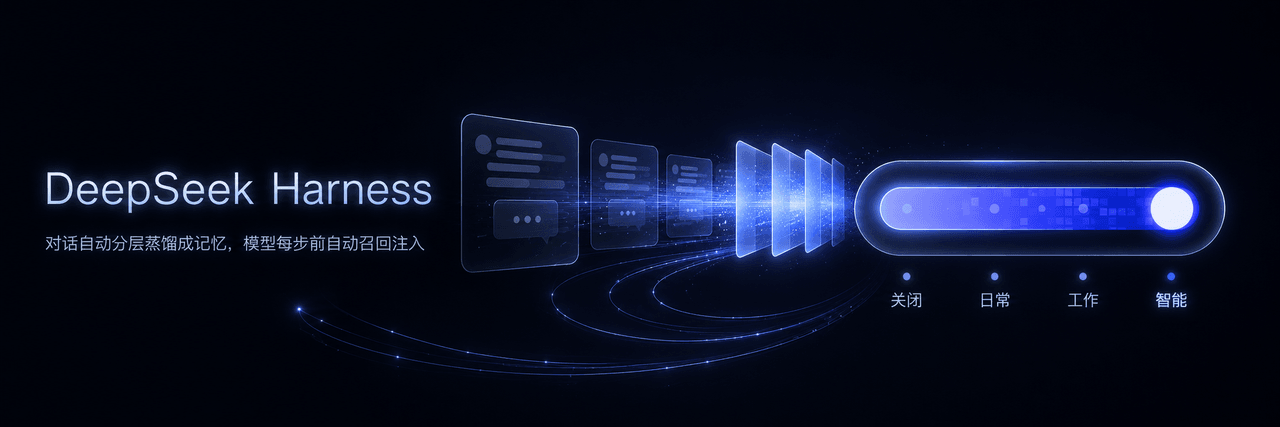 JunNanLYS/dsh-layered-memory
让 DeepSeek Harness 拥有跨会话长期记忆:AI 自动记住你是谁、你的项目和偏好,新会话直接带上背景,生活与工作记忆自动分开互不干扰,零配置无感运行 | Long-term memory for DeepSeek Harnes…
JunNanLYS/dsh-layered-memory
让 DeepSeek Harness 拥有跨会话长期记忆:AI 自动记住你是谁、你的项目和偏好,新会话直接带上背景,生活与工作记忆自动分开互不干扰,零配置无感运行 | Long-term memory for DeepSeek Harnes…
- yoza10635/dsh-argp 0-LLM compaction for DeepSeek Harness (dsh): deterministic atomic reference-graph pruning of agent history — exact compr…
-
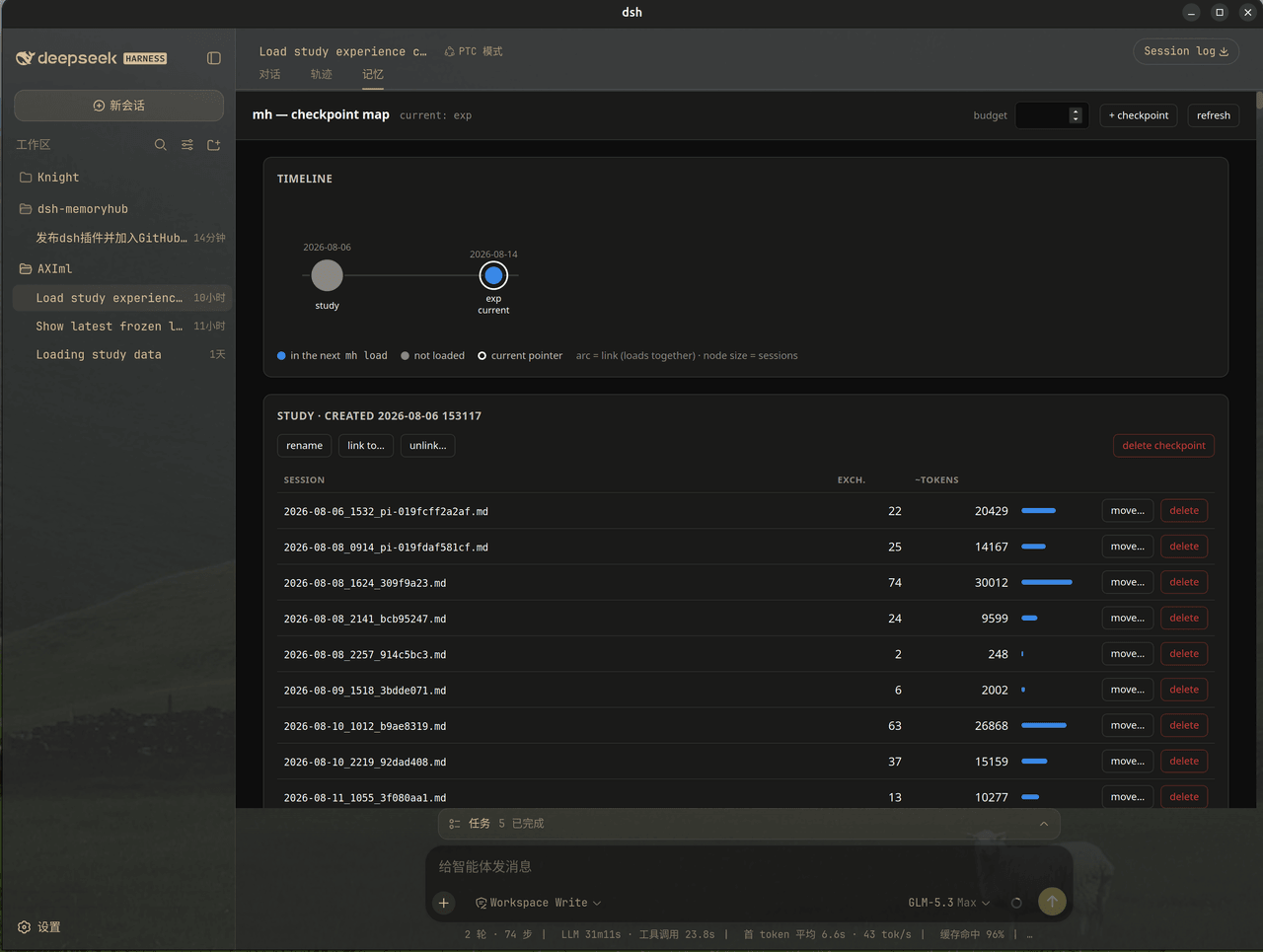 solknight48/dsh-memoryhub
MemoryHub (mh) plugin for DeepSeek Harness (dsh): auto-loads checkpoint memory on session start, adds mh_* tools and the…
solknight48/dsh-memoryhub
MemoryHub (mh) plugin for DeepSeek Harness (dsh): auto-loads checkpoint memory on session start, adds mh_* tools and the…
-
 MemTensor/MemOS
Self-evolving memory OS for LLM & AI Agents: ultra-persistent memory, hybrid-retrieval, and cross-task skill reuse, with…
MemTensor/MemOS
Self-evolving memory OS for LLM & AI Agents: ultra-persistent memory, hybrid-retrieval, and cross-task skill reuse, with…
-
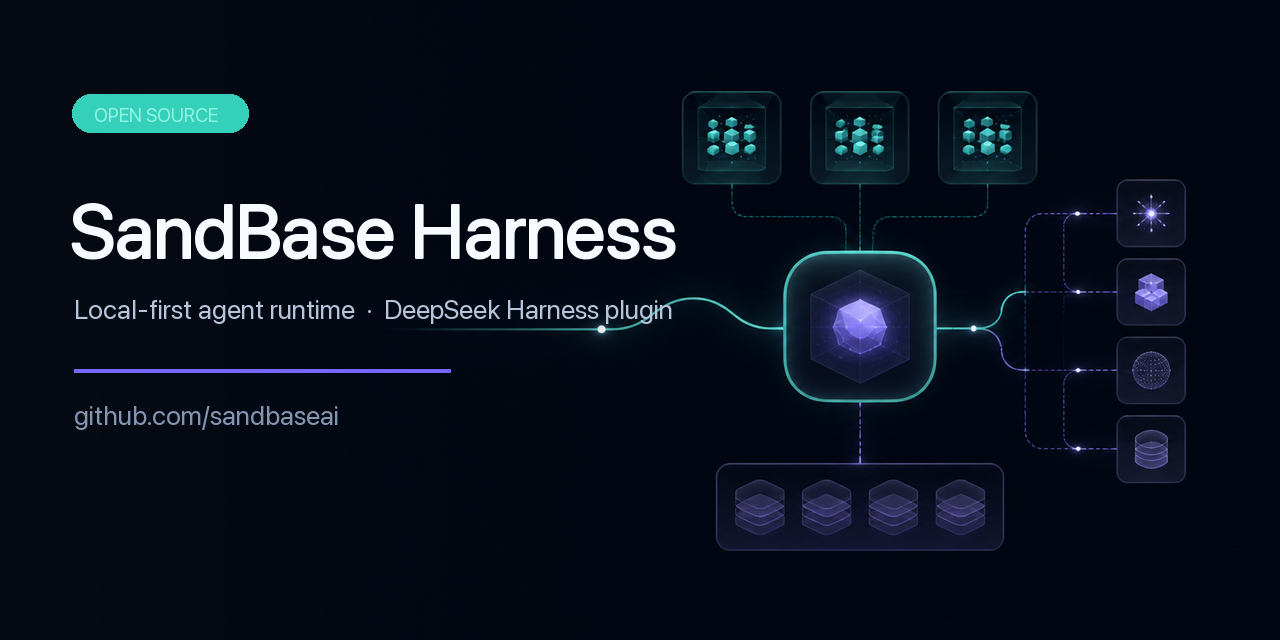 sandbaseai/sandbase-harness
Local-first AI agent runtime with sandboxed sessions, MCP tools, memory, credentials, audit/replay, and a built-in conso…
sandbaseai/sandbase-harness
Local-first AI agent runtime with sandboxed sessions, MCP tools, memory, credentials, audit/replay, and a built-in conso…
-
 adoresever/graph-memory
Deepseek Harness、Openclaw知识图谱记忆插件。2026年4月受邀发布在清华大学讨论会。Knowledge Graph + Memory;Knowledge Graph Context Engine for OpenCl…
adoresever/graph-memory
Deepseek Harness、Openclaw知识图谱记忆插件。2026年4月受邀发布在清华大学讨论会。Knowledge Graph + Memory;Knowledge Graph Context Engine for OpenCl…
-
 mnemon-dev/mnemon
LLM-supervised persistent memory for AI agents — graph-based recall, cross-session knowledge, single binary. Works with …
mnemon-dev/mnemon
LLM-supervised persistent memory for AI agents — graph-based recall, cross-session knowledge, single binary. Works with …