rogerdigital/dsh-searxng
A DeepSeek Harness (dsh) plugin that registers a SearXNG-backed search provider into the web capability seam (ctx.web), giving your agent websearch through a free, self-hosted, key-less metasearch instance — instead of the paid Exa/Perplexity APIs.
catalog descriptioncatalog 简介 / catalog description:DeepSeek Harness (dsh) plugin that adds a SearXNG-backed web_search provider to the ctx.web seam — free, self-hosted, key-less search instead of paid Exa/Perplexity APIs.
Project Overview项目介绍
This repository is a native DeepSeek Harness (DSH) plugin that adds a SearXNG-backed search provider to DSH’s web capability seam. It allows DSH agents to perform web searches using a free, self-hosted, API-key-free metasearch instance, eliminating the need for paid third-party search APIs like Exa or Perplexity. It supports two deployment paths: automated local deployment of a pinned SearXNG instance via Docker, or direct connection to an existing user-managed SearXNG instance. To get started, you just need to run npx dsh-searxng setup after meeting all dependency requirements.
This plugin is designed for DSH users who want to add free, privacy-focused web search capability to their agents without paying for commercial search APIs. The default setup flow is fully automated: after running the setup command, it deploys the SearXNG container, waits for the API to become ready, runs a test search, validates the provider configuration, and only then activates the DSH profile. If you already manage a SearXNG instance, you can pass its URL to the setup command via the --url flag to skip Docker deployment entirely. You can also specify a custom DSH profile and port during setup to match your existing environment.
dsh-searxng is released under the permissive MIT open source license, and requires Node.js 20 or newer to run. If you use the automated Docker deployment path, you will also need Docker Engine or Docker Desktop and Docker Compose v2; Podman is not currently supported. The CLI, build process, and packed artifacts have been verified via CI on Linux, macOS, and Windows. Certified Docker environments are available for select releases and platforms, and version 0.4.0 supports specific ranges of DSH core packages, with breaking changes possible as DSH is still in developer preview.
本仓库是专为 DeepSeek Harness (DSH) 开发的原生插件,作用是向 DSH 的 web 能力接口注册一个基于 SearXNG 的搜索提供程序,让 DSH 代理可以调用免费、自建、无 API 密钥的元搜索服务,替代付费的 Exa、Perplexity 等搜索 API。插件同时支持两种使用方式:一是通过 Docker 自动部署本地的 SearXNG 实例,二是连接到用户已有的本地或远程 SearXNG 实例。
面向需要为 DSH 代理添加免费网络搜索能力的开发者,典型工作流十分简便。用户只需要满足前提条件,运行 npx dsh-searxng setup 命令,就能自动完成插件安装、SearXNG 部署、健康检查和配置激活,不需要额外手动安装插件步骤。如果需要自定义配置,比如指定 DSH 配置文件、修改端口、连接现有实例,也可以通过命令行参数快速完成。
本插件采用 MIT 许可协议免费开源,依赖 Node.js 20 及以上版本和 DSH 环境,如果使用自动部署 SearXNG,还需要 Docker Engine 或 Docker Desktop 以及 Docker Compose v2。Podman 暂不支持托管部署方式。项目已在 Linux、macOS、Windows 平台通过 CI 验证,部分 Docker 环境已获得正式认证,现有版本支持特定范围的 DSH 核心包,未来可能随 DSH 更新引入不兼容变更。
请帮我安装这个 DSH 插件。安装前先完成【兼容性检查 + 安全性检查】,检查通过再动手。

插件:dsh-searxng(rogerdigital/dsh-searxng)
仓库:https://github.com/rogerdigital/dsh-searxng
本站详情页:https://www.yhbd.top/plugins/rogerdigital-dsh-searxng/
本站登记:类型 plugin · 归类 原生 DSH 插件 · 许可证 MIT · ⭐ 7 · 最近提交 2026-09-21 · 主语言 TypeScript

按下面顺序执行,每步先把结论告诉我,再进入下一步:

【1 兼容性检查】
① 我这边:DSH 版本、Node 版本、操作系统、当前 profile(web / desktop)。
② 读它的 README、package.json、插件 manifest,列出它要求的 DSH 版本 / Node 版本 / 操作系统 / 外部依赖 / 需要另外先装的运行时。
③ 逐条比对,结论只写「满足 / 不满足 / 未知」三种;不满足的给出可行替代方案。
④ 检查是否和我已装的插件冲突:命令名重复、skill / tool 重名、端口占用、重复注册的 MCP server。

【2 安全性检查】
① 仓库可信度:和上面「本站登记」是否一致;star / fork 数、创建时间、最近提交,是否归档或长期停更。
② 安装脚本:逐行看 package.json 的 preinstall / install / postinstall,以及 install.sh、setup.ps1 之类脚本。出现 curl|bash、下载后直接执行、混淆代码、访问与插件功能无关的域名,立刻停下来告诉我,不要继续装。
③ 依赖:列出新增依赖,标出无人维护、或与知名包拼写近似的可疑包(typosquatting)。
④ 权限与副作用:它会读写哪些目录、访问哪些域名、需要哪些 DSH 权限(filesystem / network / shell / clipboard 等),以及怎么卸载和回滚。
⑤ 如果它要求 sudo / 管理员权限,或权限明显超出功能所需,先停下来问我。

【3 安装】
上面两步没有「不满足」和「高危项」时才执行;用官方推荐方式安装,不要自行提权。

【4 汇报】
用表格输出:检查项 / 结论 / 依据 / 是否需要我决策。拿不准的一律写「未知」并说明要我怎么确认——不要猜,也不要替我决定。
Send this message to DSH in your current session: it verifies compatibility and security first (answering met / not met / unknown item by item) and only installs once everything checks out — it will stop and ask you if it finds a high-risk item. The box scrolls; the copy is the full prompt. CLI install commands may not be accurate across systems, so DSH is the safer route.把上面这条消息直接发给当前会话里的 DSH:它会先核对兼容性与安全性(逐条给「满足 / 不满足 / 未知」),确认没问题再安装,有高危项会停下来问你。框内可滚动,复制到的是完整提示词;安装命令不一定准确,发给 DSH 更稳。
- Only 7 stars - very few users, little community feedback星标只有 7,几乎没人在用,遇到问题缺少社区反馈
DSH walks through these 9 checksDSH 会逐条核对这 9 项
Compatibility兼容性
- DSH, Node, OS and profile requirementsDSH 版本 / Node 版本 / 操作系统 / profile 是否满足要求
- External dependencies and runtimes (Electron / Python / Docker, ...)外部依赖与运行时(Electron / Python / Docker 等)是否齐备
- Conflicts with installed plugins: command names, skill / tool names, ports, duplicate MCP registration与已装插件是否冲突:命令名、skill / tool 重名、端口占用、重复 MCP 注册
Security安全性
- Repo matches the facts registered here; archived or abandoned?仓库是否与页面登记一致,是否归档或长期停更
- Safety of preinstall / install / postinstall and install.sh / setup.ps1preinstall / install / postinstall 与 install.sh、setup.ps1 是否安全
- curl|bash, download-then-execute, obfuscation, unrelated domains → stop immediatelycurl|bash、下载即执行、混淆代码、无关域名 → 立刻停止
- Typosquatting or unmaintained packages among the new dependencies新增依赖里有没有 typosquatting 或无人维护的包
- Requested permissions vs. what the feature actually needs申请了哪些权限、是否超出功能所需(filesystem / network / shell / clipboard)
- Any sudo / admin requirement, plus uninstall and rollback是否要求 sudo / 管理员权限,以及卸载与回滚方式
Anything uncertain must be marked unknown with a note on how to confirm it. This site's signal screen is a static snapshot, not a security audit.拿不准的必须标「未知」并说明要我怎么确认。本站的信号筛查是静态快照,不能替代安全审计。
Or use CLI install (for developers)或使用命令行安装(适合开发者)
CLI Install命令行安装
dsh plugin add dsh-searxng把 rogerdigital/dsh-searxng 加入你的 DSH 配置(web profile)即可启用。
READMEREADME
dsh-searxng

A DeepSeek Harness (dsh) plugin that registers a
SearXNG-backed search provider into the web capability seam
(ctx.web), giving your agent web_search through a free, self-hosted, key-less metasearch
instance — instead of the paid Exa/Perplexity APIs.
Quick start
Requirements: Node.js 20 or newer, dsh, Docker Engine or Docker Desktop, and Docker Compose v2.
The setup command installs and attaches dsh-searxng to the selected profile, so no separate
plugin-install step is required.
npx dsh-searxng setup
dsh --profile web
setup creates a loopback-only, pinned SearXNG Docker deployment, waits for the JSON API, runs a
real search through both SearXNG and the final DSH provider configuration, and only then activates
the profile. Repeating the command reuses the same owned container, port, configuration, and
secret.
Use another DSH profile or port when needed:
npx dsh-searxng setup --profile research --port 9080
dsh --profile research
Package installation and DSH plugin activation never start Docker. Docker is changed only by an
explicit dsh-searxng setup or dsh-searxng remove --service command.
Existing SearXNG
An existing local, remote, authenticated, or independently managed SearXNG instance is a first-class path:
npx dsh-searxng setup --profile web --url https://search.example.com
The endpoint must be HTTP(S), contain no credentials, query, or fragment, and enable JSON search.
Existing provider options such as authHeader, language, engines, and categories in the DSH
profile are preserved and used by validation. External mode never invokes Docker.
Manual plugin installation
If you manage the DSH profile patch yourself and do not want the setup command to attach it, install only the plugin package:
dsh plugin add dsh-searxng
With a named profile, use dsh plugin --profile <name> add dsh-searxng.
Showing the opening section of the README — the full document lives in the repository以上为 README 开头摘要,完整文档在仓库内 · View the full README on GitHub →在 GitHub 查看完整 README →
Related相关推荐
- voyager-crew/voyager Enhancement suite for Gemini, AI Studio, Claude, ChatGPT & DeepSeek — plus a prompt manager for any website, DeepSeek Ha…
-
 Q00/ouroboros
Agent OS: the agent gets smarter on its own. We just hold the line: Interview-gated, staged evaluation, budgeted evoluti…
Q00/ouroboros
Agent OS: the agent gets smarter on its own. We just hold the line: Interview-gated, staged evaluation, budgeted evoluti…
-
 crafter-station/petdex
A public gallery of animated pets for Codex, Claude Code, DeepSeek Harness, Hermes, OpenCode, Gemini CLI, and more.
crafter-station/petdex
A public gallery of animated pets for Codex, Claude Code, DeepSeek Harness, Hermes, OpenCode, Gemini CLI, and more.
-
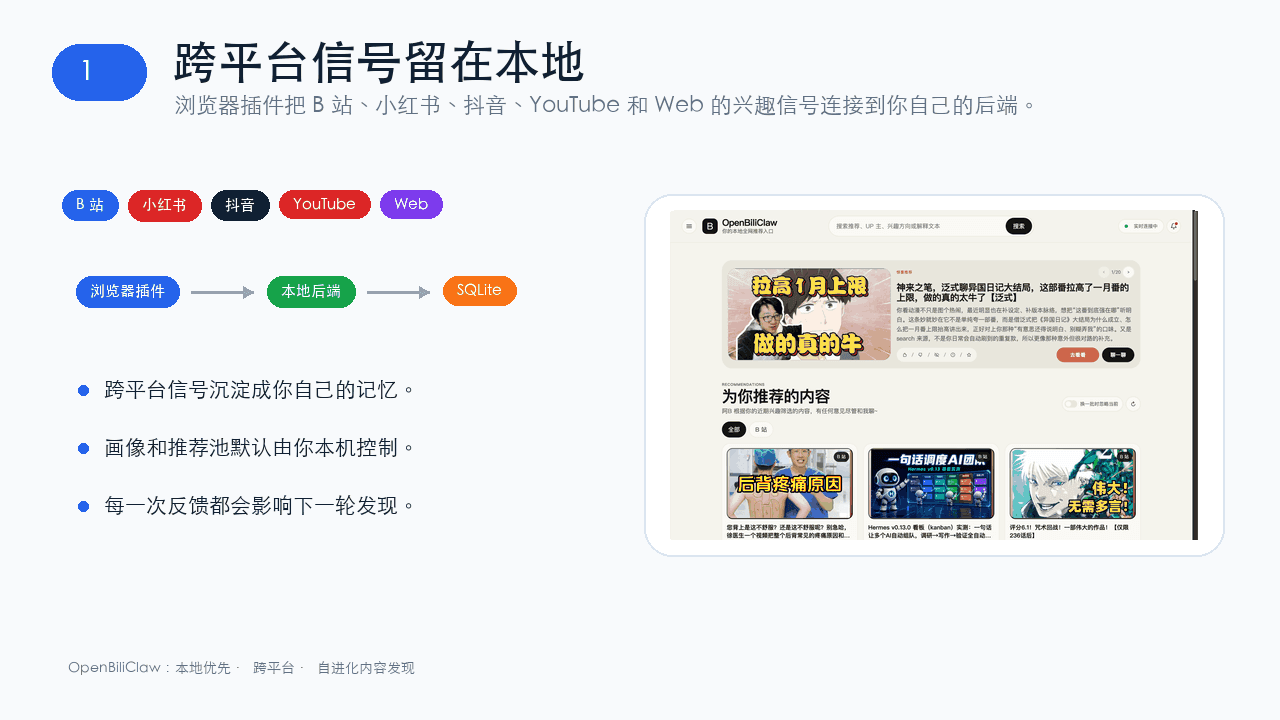 whiteguo233/OpenBiliClaw
本地私有、开源的自进化跨平台 AI 内容发现 Agent:先理解你,再主动从 B站、小红书、抖音、YouTube、X、知乎、Reddit、微博等平台与开放 Web 寻找内容。(支持 deepseek harness 插件) | Local-…
whiteguo233/OpenBiliClaw
本地私有、开源的自进化跨平台 AI 内容发现 Agent:先理解你,再主动从 B站、小红书、抖音、YouTube、X、知乎、Reddit、微博等平台与开放 Web 寻找内容。(支持 deepseek harness 插件) | Local-…
-
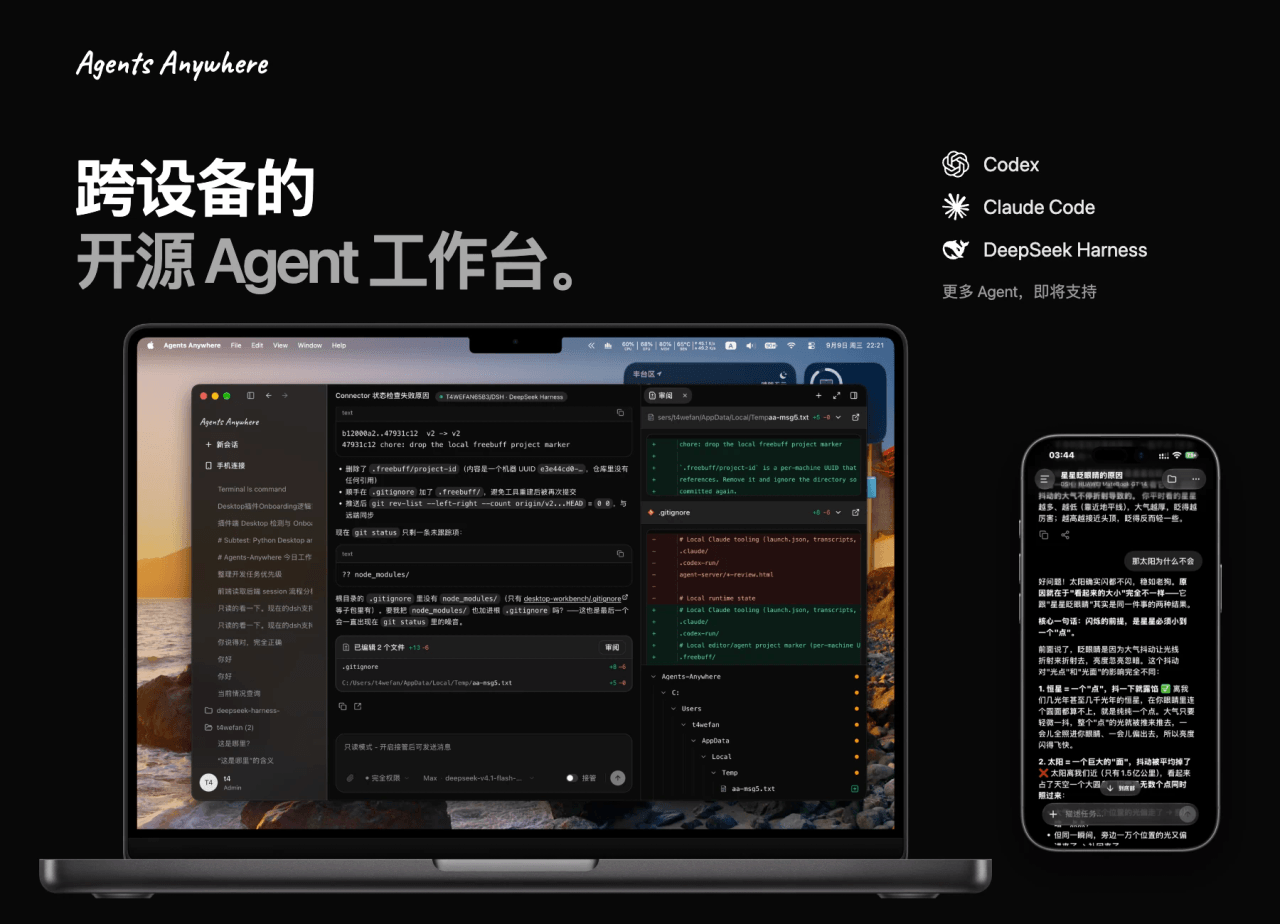 anywhere-labs/Agents-Anywhere
跨设备的开源Agent工作台
anywhere-labs/Agents-Anywhere
跨设备的开源Agent工作台
-
 agentrq/agentrq
AgentRQ: Human-in-loop realtime conversational task manager for AI Agents. Self-hosted! Control your own agents from whe…
agentrq/agentrq
AgentRQ: Human-in-loop realtime conversational task manager for AI Agents. Self-hosted! Control your own agents from whe…
-
 freestylefly/wesight
Open-source desktop AI agent workspace with one-click Claude Code, Codex, OpenClaw, Hermes Agent setup and custom LLM mo…
freestylefly/wesight
Open-source desktop AI agent workspace with one-click Claude Code, Codex, OpenClaw, Hermes Agent setup and custom LLM mo…
- zouyuxuan122/dsh-our-free-model 在 dsh 里装上这个插件即可,无需登录、注册或填 API Key,就能使用包括 Muse Spark 1.3、MiMo V2.6 在内的前沿模型——完全免费,不限量。 All you do is install this plugin i…