Ruler4396/dsh-launcher-lifetime
DeepSeek Harness (dsh) 插件:控制 dsh 服务生命周期(始终运行 / 托盘 / 跟随窗口),适用于 dsh-launcher 外壳。
Project Overview项目介绍
dsh-launcher-lifetime is a DeepSeek Harness plugin that controls the lifecycle of the node service when used with the dsh-launcher. It offers three modes: Always-on (default, instant startup), Tray-resident (minimize to tray, stop only on explicit exit), and Follow-window (stop service when window closes, saves memory). Configuration is available through the dsh settings page under "Node Service Lifetime" or via cordis config. The plugin has zero runtime dependencies and only writes a JSON settings file; it only manages the node service launched by dsh-launcher, leaving externally hosted processes untouched. Note: it requires the dsh-launcher shell to function.
dsh-launcher-lifetime 是 DeepSeek Harness 插件,用于控制 node 服务的驻留行为,配合 dsh-launcher 启动器使用。它提供三种模式:常驻(默认,秒开)、托盘驻留(关窗最小化,明确退出才停)、跟随窗口(关窗即停,省内存)。配置可通过 dsh 设置页的"Node 服务驻留"页面或 cordis 配置文件完成。插件零运行时依赖,仅写入 JSON 设置文件;它只管理 dsh-launcher 自启的 node 服务,不影响外部托管进程。注意:该插件依赖 dsh-launcher 启动器,需配合使用才能生效。
请帮我了解并安装插件:【dsh-launcher-lifetime】【https://github.com/Ruler4396/dsh-launcher-lifetime】Send this message to DSH in your current session. CLI install commands may not be accurate across systems — DSH will figure it out for you.把上面这条消息直接发给当前会话里的 DSH,让它帮你了解并安装。安装命令不一定准确,发给 DSH 更稳。
Or use CLI install (for developers)或使用命令行安装(适合开发者)
CLI Install命令行安装
dsh plugin --profile web add dsh-launcher-lifetime把 Ruler4396/dsh-launcher-lifetime 加入你的 DSH 配置(web profile)即可启用。
READMEREADME
dsh-launcher-lifetime



DeepSeek Harness (dsh) 插件:控制 node 服务的驻留——配合 dsh-launcher 壳,决定关闭窗口 / 托盘退出时 node 服务是继续运行还是退出。
为什么需要它
dsh 是一个完整的服务进程(几百 MB 内存)。默认情况下它常驻运行(秒开,但一直占内存)。本插件把"node 服务何时退出"的控制权交给你:
- 想要省内存 → 关窗即停服务,下次启动自动拉起(约 1–3 秒)
- 想要秒开 → 保持常驻
- 想要折中 → 托盘驻留(关窗最小化到托盘,明确"退出"才停服务)
特性
- 🎛️ 三种驻留模式:
跟随窗口/常驻/托盘驻留 - ⚙️ 配置入口:dsh 设置页的 "Node 服务驻留" 页面(竖排单选,即时生效);也可用 dsh 的 cordis 配置
- 🪶 零运行时依赖:只写一个 JSON 文件,不加载任何第三方包
- 🛡️ 安全:只停 dsh-launcher 壳自己拉起的服务,外部托管 / 手动启动的服务不受影响
工作原理
用户配置 → 插件写入 DSH_HOME\dsh-launcher\settings.json
                    ↓(每次关窗/托盘退出时读取)
        dsh-launcher 壳执行:继续运行 / 最小化到托盘 / 停止服务
| 值 | 模式 | 行为 |
|---|---|---|
0 |
常驻(默认) | 服务一直运行,关窗/托盘退出都不停 |
1 |
托盘驻留 | 关窗最小化到托盘;托盘"退出"才停服务 |
2 |
跟随窗口 | 关窗即停服务并退出(最省内存) |
安装
dsh plugin --profile web add dsh-launcher-lifetime
配置
方式一:dsh 设置页(Web GUI)(推荐,即时生效)
打开 dsh 设置页 → "Node 服务驻留" → 选择其一(竖排单选,每个选项下有说明)。
更改通过 HTTP 路由(GET/POST /dsh-launcher-lifetime/settings)写入设置,无需重启,
下次关窗/托盘退出即按新模式执行。
方式二:dsh 的 cordis 配置(需重启 dsh 生效)
在 profile 的 cordis.patch.yml 中加入:
- id: dsh-launcher-lifetime
  config:
    serviceLifetime: 1
侧边栏图标(可选,本机定制)
dsh 设置页的导航图标由 dsh 内置的 navIcon(id) 映射决定:只有 models /
agent-presets / plugins 有专属图标,其余设置页(包括本插件)统一显示齿轮。
如需给本插件的设置页换成专属图标,可编辑全局 dsh 包(dsh 升级后需重新应用):
node_modules/@deepseek-ai/dsh/node_modules/@deepseek-ai/dsh-client-ui-settings-general/lib/client.js
在 navIcon 函数的 return IconSettingsOutline16(齿轮兜底)之前加入:
if (id === "launcher-lifetime") return (0, react_jsx_runtime.jsx)(_deepseek_ai_dsh_client_ui_primitives.IconRefreshOutline16, {
    className: SettingsRoot_module_css_default.navIcon,
    size: 16
});
改完重启 dsh 服务生效(IconRefreshOutline16 可换成 primitives 中任意图标)。
开发
npm install -D esbuild   # 仅开发依赖
npm run build            # src/index.ts → lib/index.js;src/client/* → lib/client.js(构建产物已提交,可直接用)
插件刻意不 import 任何 @deepseek-ai/* 包(dsh 的模块解析按 profile bundle 进行,外部依赖不可靠),配置手动校验。
Web 客户端面(src/client/)通过 dsh.client + exports["./client"] 声明,由 dsh 的 client-modules 挂载到设置页 slot。
贡献
欢迎提交 issue(bug、建议、文档)。本项目与 dsh-launcher 主仓库同步维护,PR 请说明改动动机。
相关项目
- dsh-launcher — 本插件配套的 Windows 启动器壳(托盘菜单、服务生命周期执行)
许可证
MIT © dsh-launcher contributors
Related相关推荐
-
 ccch1mneyyy/dsh-TUI
DSH 官方公众号收录的 TUI 补位插件:Claude Code 风,鲸鱼顶栏/实时状态/流式思考/双击 Esc 回滚/上下文进度+TPS。npm 一键装。 DSH official WeChat featured TUI plugin…
ccch1mneyyy/dsh-TUI
DSH 官方公众号收录的 TUI 补位插件:Claude Code 风,鲸鱼顶栏/实时状态/流式思考/双击 Esc 回滚/上下文进度+TPS。npm 一键装。 DSH official WeChat featured TUI plugin…
-
 myYangyunfan/dsh_desktop
DeepSeek Harness (dsh) Windows desktop client - bundled Node.js + dsh CLI, one-click launch
myYangyunfan/dsh_desktop
DeepSeek Harness (dsh) Windows desktop client - bundled Node.js + dsh CLI, one-click launch
-
 ChisaAlter/Deepseek-Harness-Desktop
DSH桌面端,支持主题和背景图等多种个性化配置。Electron desktop shell for DeepSeek Harness web UI
ChisaAlter/Deepseek-Harness-Desktop
DSH桌面端,支持主题和背景图等多种个性化配置。Electron desktop shell for DeepSeek Harness web UI
-
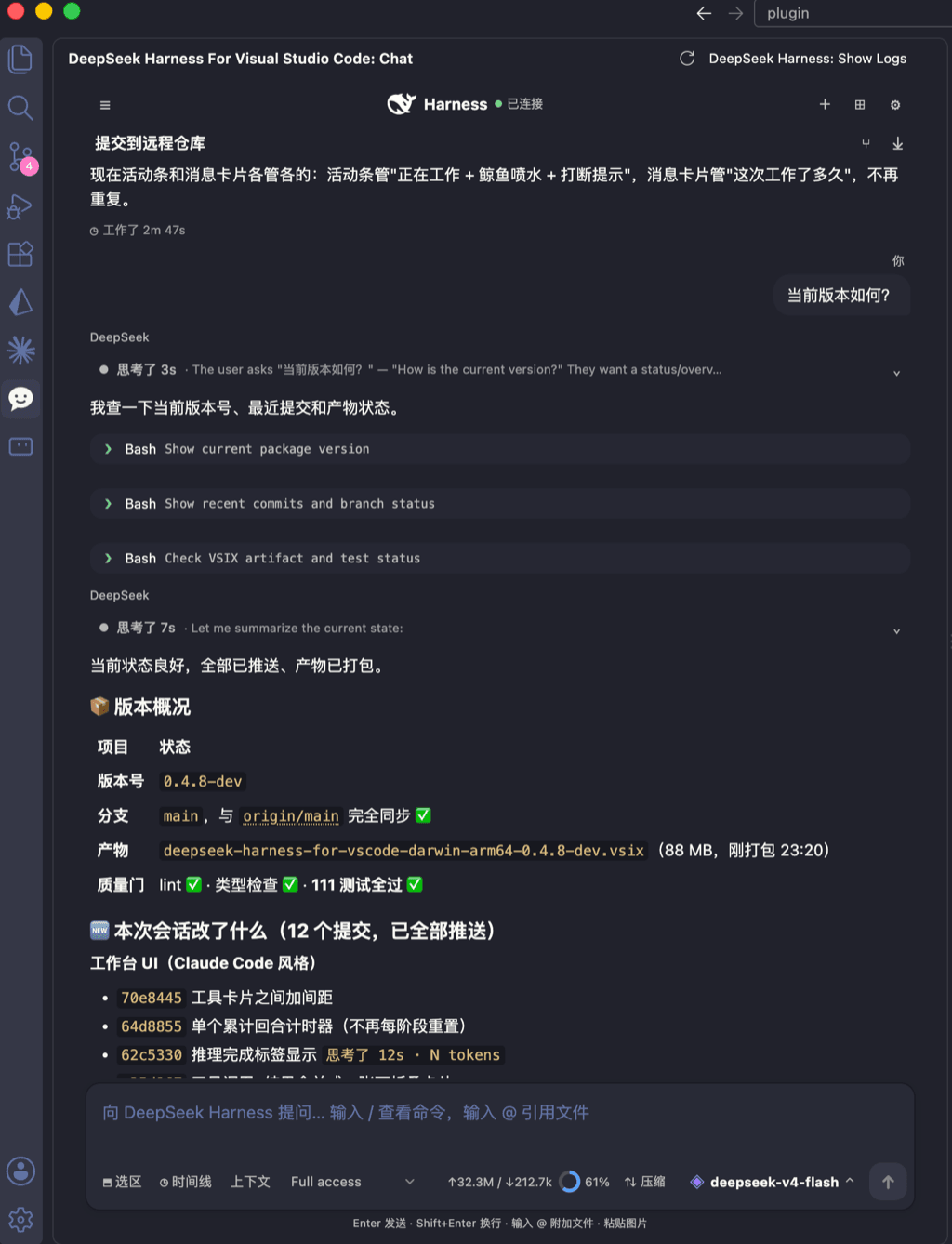 skymecode/deepseek-harness-for-vscode
deepseek-harness for vscode .A native VS Code coding-agent extension for DeepSeek Harness. Streamlined workbench with se…
skymecode/deepseek-harness-for-vscode
deepseek-harness for vscode .A native VS Code coding-agent extension for DeepSeek Harness. Streamlined workbench with se…
-
 rison114514/dsh-endfield-ui
Endfield-inspired industrial UI shell for DeepSeek Harness (dsh) — non-official fan theme. Install: dsh plugin --profile…
rison114514/dsh-endfield-ui
Endfield-inspired industrial UI shell for DeepSeek Harness (dsh) — non-official fan theme. Install: dsh plugin --profile…
-
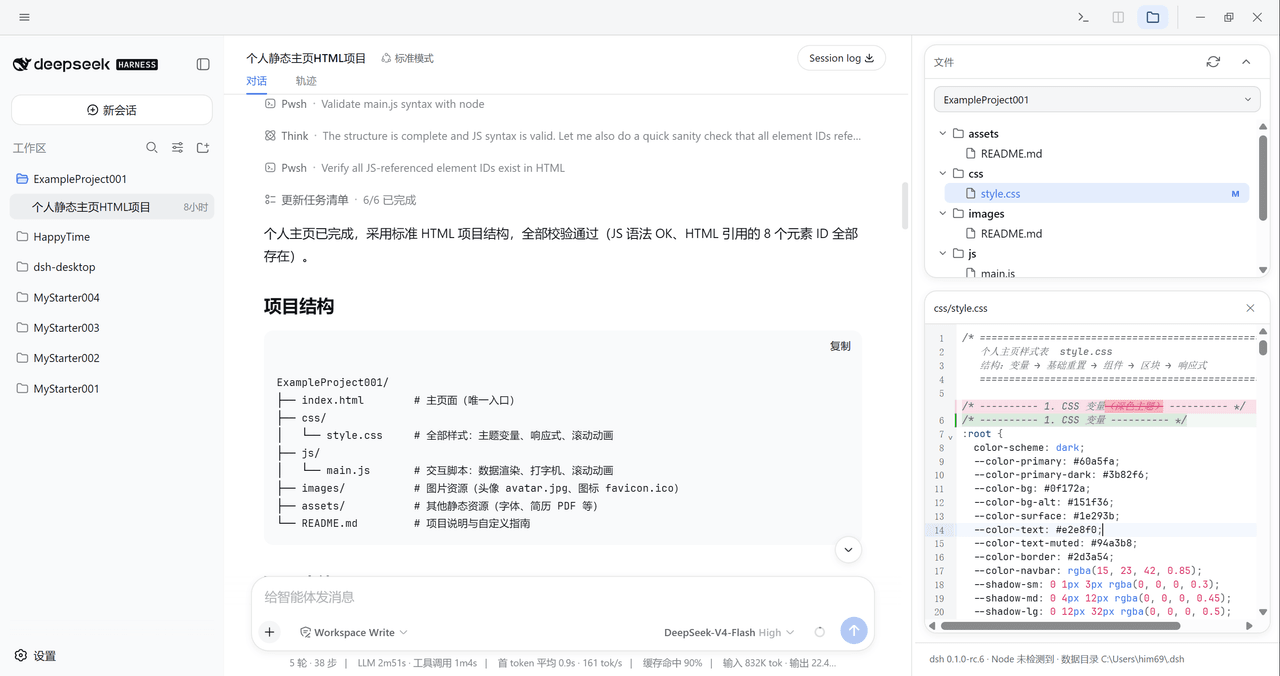 xiincs/deepseek-harness-desktop
DeepSeek Harness 原生桌面版,基于 Tauri 2,内置 Node.js 运行时,一键安装,极速启动,托盘常驻,自动更新。DeepSeek Harness native desktop version: built on T…
xiincs/deepseek-harness-desktop
DeepSeek Harness 原生桌面版,基于 Tauri 2,内置 Node.js 运行时,一键安装,极速启动,托盘常驻,自动更新。DeepSeek Harness native desktop version: built on T…
-
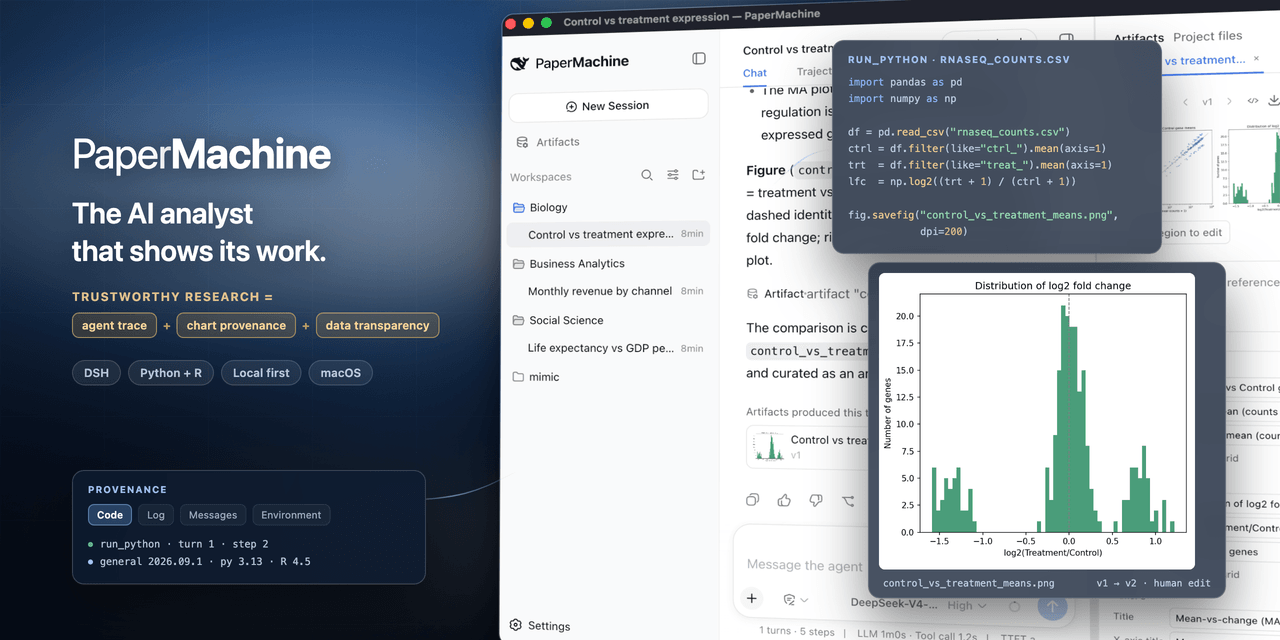 SuperJJ007/papermachine
The AI analyst that shows its work. Runs Python and R on your own machine, and traces every chart back to the code behin…
SuperJJ007/papermachine
The AI analyst that shows its work. Runs Python and R on your own machine, and traces every chart back to the code behin…
-
 dsh-tui/dsh-tui
Claude Code-style terminal UI for DeepSeek Harness agents, as an out-of-tree dsh plugin bundle
dsh-tui/dsh-tui
Claude Code-style terminal UI for DeepSeek Harness agents, as an out-of-tree dsh plugin bundle