
skyhancloud/dsh-client-ui-quote
DeepSeek Harness 网页界面的选区引用插件:在 AI 回复中选中文本,并将其作为引用横幅附加到您的下一条消息中。
项目介绍Project Overview
dsh-client-ui-quote 是 DeepSeek Harness 网页界面的选中引用插件。其核心能力是在 AI 回复中选中文本后,通过带防抖的工具栏按钮,将所选内容作为引用横幅附加到下一条待发消息,而非写入输入框。适用于需要引用模型原话再追问或反驳的对话场景。需注意旧版界面的 input-machine 未提供 setQuote 接口,插件会回退为在草稿末尾插入引用块。
dsh-client-ui-quote is a selection-quoting plugin for the DeepSeek Harness web GUI. Its core capability is a debounced toolbar button that attaches selected AI text as a removable quote banner to the next outgoing message, rather than injecting text into the composer. Use it when referencing model output for follow-up questions or rebuttals. Note that older harnesses lacking the input-machine setQuote attachment fall back to inserting the quote at the end of the draft.
请帮我了解并安装插件:【dsh-client-ui-quote】【https://github.com/skyhancloud/dsh-client-ui-quote】把上面这条消息直接发给当前会话里的 DSH,让它帮你了解并安装。安装命令不一定准确,发给 DSH 更稳。Send this message to DSH in your current session. CLI install commands may not be accurate across systems — DSH will figure it out for you.
或使用命令行安装(适合开发者)Or use CLI install (for developers)
命令行安装CLI Install
dsh plugin --profile web add https://github.com/skyhancloud/dsh-client-ui-quote把 skyhancloud/dsh-client-ui-quote 加入你的 DSH 配置(web profile)即可启用。
READMEREADME

dsh-client-ui-quote
English | 中文
A selection-quoting plugin for the DeepSeek Harness web GUI: select text inside an AI reply and attach it to your next message as a quote banner.






Table of Contents
Features
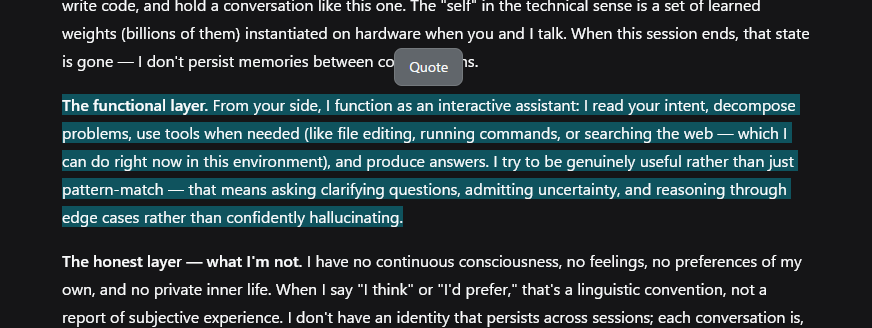
- Selection toolbar — one 引用 (Quote) button appears above the selection after a 50ms debounce, so it never flashes mid-drag. It hides on Escape, scroll-away, or when the selection collapses.
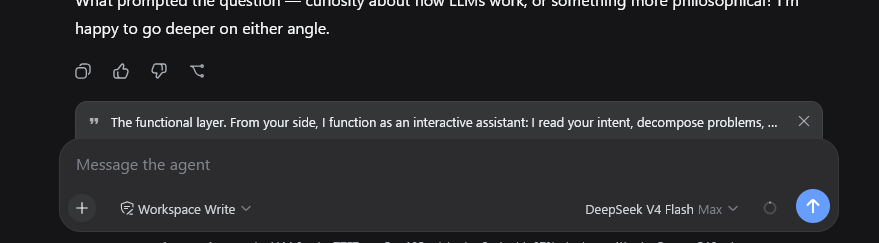
- Quote banner — a removable strip above the composer with a quote glyph, the quoted text, and a × button. The quote is consumed by the next send: the banner clears when the message goes out. Escape while the composer is focused clears it too.
- Clean draft — the quote is a pending-send attachment, not text in your input. Focus returns to the composer so typing follows.
- Localized — toolbar labels and the quote attribution follow the UI language (中文 / English).
- Fallback for older harnesses — on versions without the input-machine quote attachment, the button inserts the quote block at the end of the draft instead.
Preview
Installation
Prerequisites
- DeepSeek Harness with the web GUI (
dsh web) - Full banner behavior needs
@deepseek-ai/dsh-client-ui-conversationwith the input-machine quote attachment (InputActions.setQuote). Older versions fall back to inserting the quote into the draft.
Install
dsh plugin --profile web add https://github.com/skyhancloud/dsh-client-ui-quote
Then restart dsh web and refresh the browser.
Usage
- Select any text inside an AI reply.
- Click 引用 (Quote) above the selection — the quote appears as a banner above the composer.
- Type your message and send — the quote is prepended to the outgoing message:
> 引用 AI 回复:
> <selected lines>

<your message>
- Click × on the banner when you no longer need the quote.
Development
pnpm install
pnpm run bundle   # emits lib/index.js and lib/client.js
Pull requests are welcome.
License
MIT — see LICENSE.
相关推荐Related
-
 HuanLinOTO/dsh-plugin-ya-workspace-sidebar
DSH Web 工作区侧栏替代,顶部全局最近会话 + Workspace→Session 二级菜单 + 面包屑 | DSH Web workspace sidebar replacement: top global recent sessi…
HuanLinOTO/dsh-plugin-ya-workspace-sidebar
DSH Web 工作区侧栏替代,顶部全局最近会话 + Workspace→Session 二级菜单 + 面包屑 | DSH Web workspace sidebar replacement: top global recent sessi…
-
 gjj-star/dsh-conversation-navigator
DSH 会话导航
gjj-star/dsh-conversation-navigator
DSH 会话导航
-
 yuezengwu/dsh-explain
DSH 本地优先学习模式插件:跨会话全局学习线程、按来源讲解、ExplainContext、压缩与可诊断设置界面
yuezengwu/dsh-explain
DSH 本地优先学习模式插件:跨会话全局学习线程、按来源讲解、ExplainContext、压缩与可诊断设置界面
-
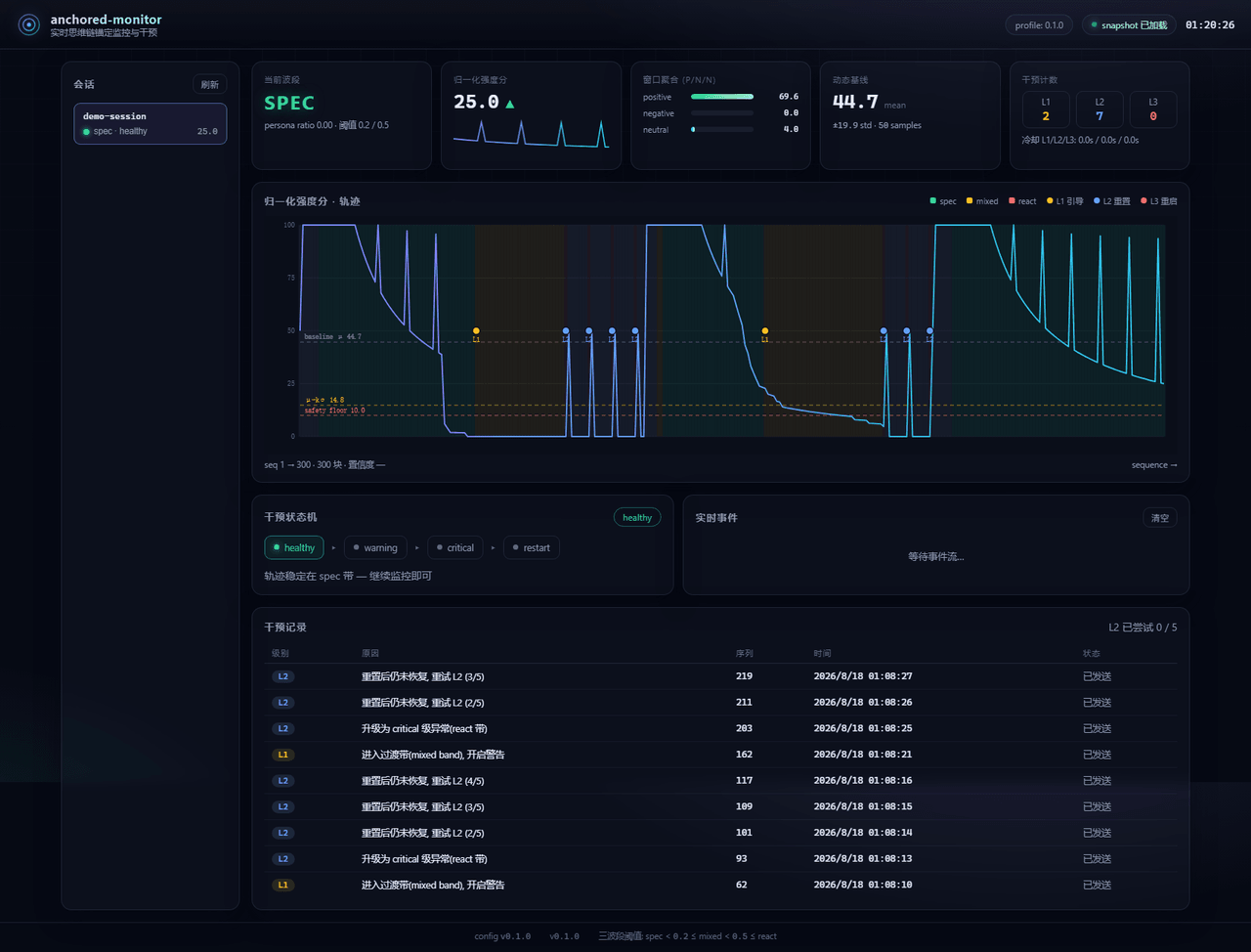 Aik358/dsh-anchored-monitor
Real-time chain-of-thought anchoring monitor & intervention plugin for DeepSeek Harness: three-band (spec/mixed/react) f…
Aik358/dsh-anchored-monitor
Real-time chain-of-thought anchoring monitor & intervention plugin for DeepSeek Harness: three-band (spec/mixed/react) f…
-
 invalidnaaaame/dsh-scroll-timeline
DSH web plugin: ChatGPT-style scroll timeline on the chat sidebar — magnetic mountain hover, click to jump to user messa…
invalidnaaaame/dsh-scroll-timeline
DSH web plugin: ChatGPT-style scroll timeline on the chat sidebar — magnetic mountain hover, click to jump to user messa…
-
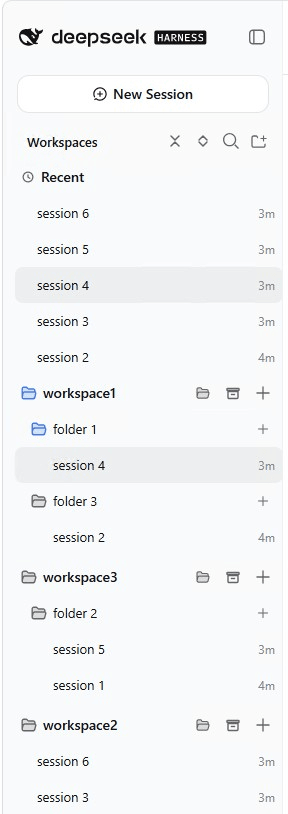 EugeneVl/dsh_session_folders
Session folders for the DSH web sidebar: one-level named folders per workspace, drag-and-drop or context menu to group s…
EugeneVl/dsh_session_folders
Session folders for the DSH web sidebar: one-level named folders per workspace, drag-and-drop or context menu to group s…
-
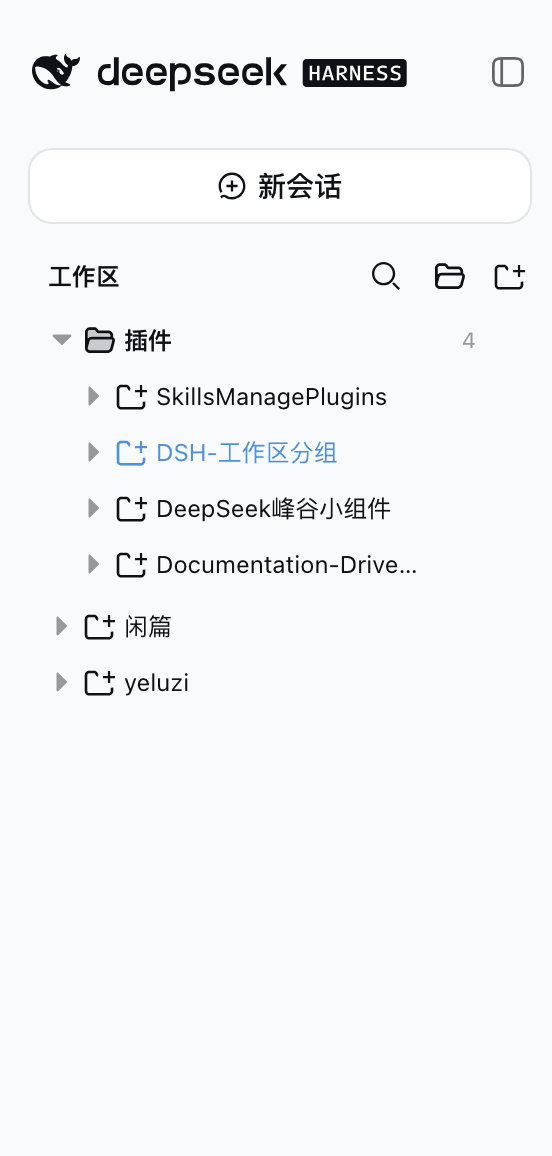 z-col/dsh-workspace-groups
DeepSeek Harness web client plugin: group sidebar workspaces into a configurable three-level tree (分类→项目→会话). Sidecar YA…
z-col/dsh-workspace-groups
DeepSeek Harness web client plugin: group sidebar workspaces into a configurable three-level tree (分类→项目→会话). Sidecar YA…
-
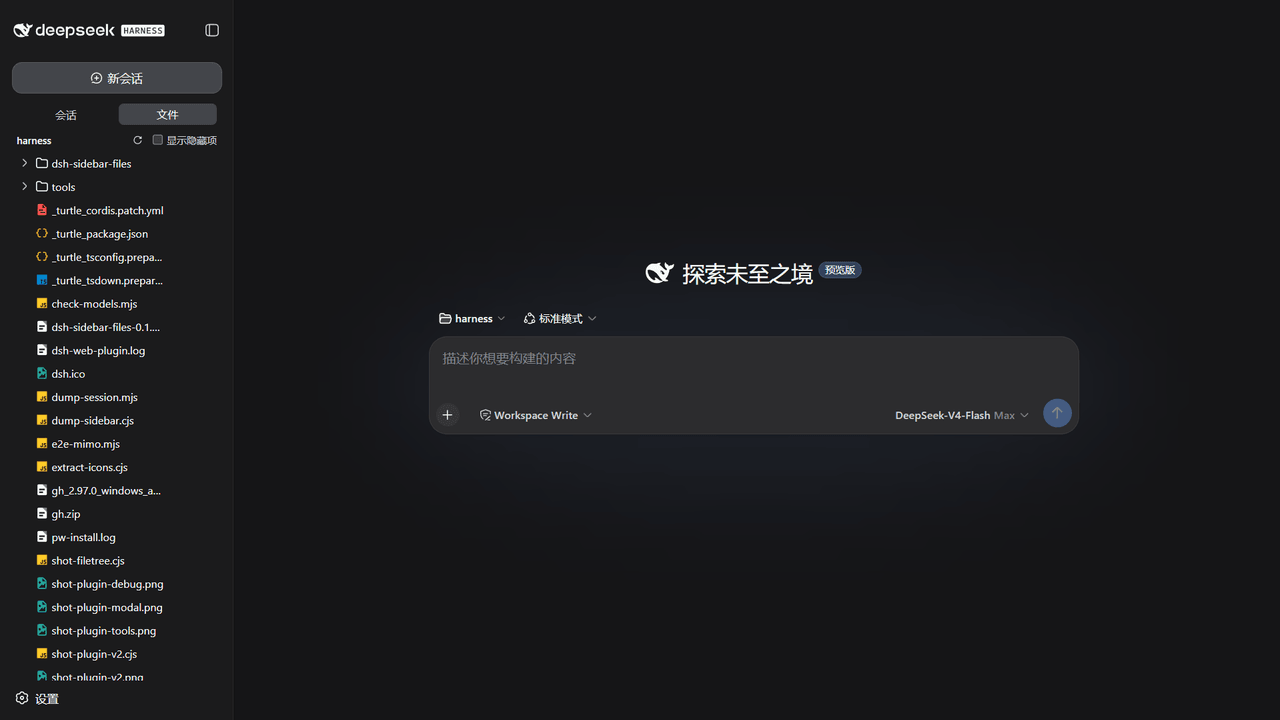 Fallen0543/dsh-sidebar-files
DeepSeek Harness 侧边栏文件树插件:会话/文件标签栏 + 懒加载文件树,按扩展名彩色图标、复制路径、发送给 Agent。A sidebar file tree plugin for DeepSeek Harness: Ses…
Fallen0543/dsh-sidebar-files
DeepSeek Harness 侧边栏文件树插件:会话/文件标签栏 + 懒加载文件树,按扩展名彩色图标、复制路径、发送给 Agent。A sidebar file tree plugin for DeepSeek Harness: Ses…