yuezengwu/dsh-explain
dsh-explain is a learning-mode plugin for DeepSeek Harness. It turns useful concepts from completed work into structured explanations, schedules lightweight reviews, and lets you inspect or correct what it learns about you.
catalog descriptioncatalog 简介 / catalog description:Private, local-first continuous learning for DeepSeek Harness: capture, review, and correct what Explain learns.
Project Overview项目介绍
dsh-explain is a native learning-mode plugin built exclusively for DeepSeek Harness (DSH). It extracts useful concepts from completed DSH conversation turns, organizes them into structured explanations that follow a standardized template covering what the concept is, why it matters, and common pitfalls. The plugin runs independently of DSH’s primary agent, using its own model calls, scheduler, and context, storing all learning data in a local SQLite database to uphold a local-first privacy model. It does not automatically submit any content to external services without explicit user approval, and filters common credential and path formats from any exported content.
The plugin supports multiple entry points to create explanations: users can run the /explain command with custom text, select visible text on screen to generate a draft, or click a button to create a draft from a finalized assistant response. It also can automatically generate an explanation after an eligible conversation turn, if the user enables this feature within their configured budget. Once a user marks a concept as learned, it enters a spaced repetition schedule, and users can start a review session at any time via the /review command or the dedicated Learning tab in DSH.
To install dsh-explain, users need to run the DSH plugin add command targeting the specific release on GitHub, pinning DSH to version 0.1.6-alpha.1 or newer for full compatibility. After installation completes, users need to open DSH’s settings panel, navigate to the Learning section, select an auxiliary provider and model, enable learning mode, and save the updated configuration. The plugin is released under the open-source MIT license, and all development and acceptance testing is done against supported DSH versions to ensure stable integration.
dsh-explain 是专为 DeepSeek Harness (DSH) 开发的原生学习模式插件,它会从用户完成的对话工作中提取有用概念,整理成结构化的解释内容,同时支持间隔重复复习,还能让用户查看或修正它学习到的个人偏好与知识内容。它使用自己独立的模型调用、调度器和上下文,所有数据都存储在本地的 SQLite 数据库中,不会自动提交任何内容,完全遵循本地优先的隐私设计。
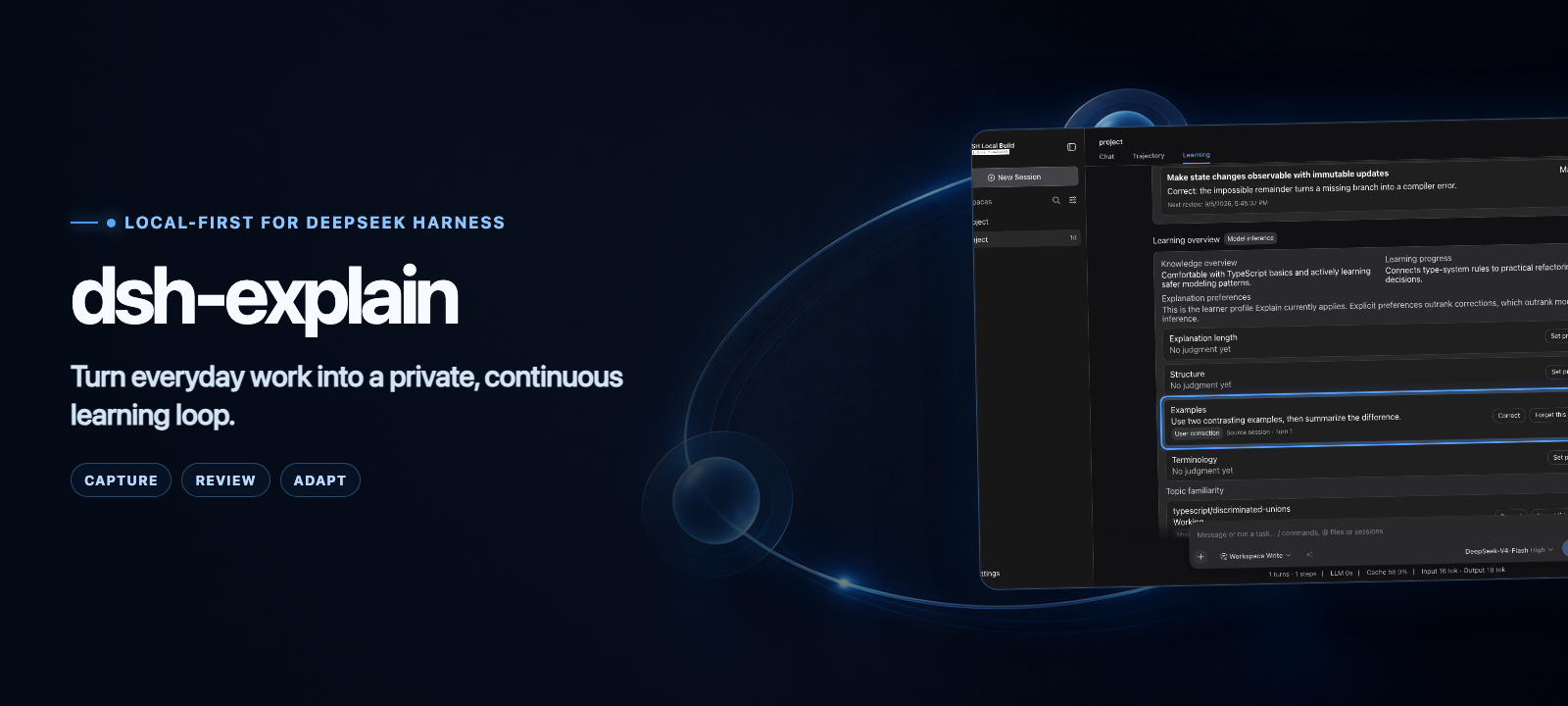
它的工作流程分为三个核心环节:捕获、复习和适配。用户可以从当前选中文本、已完成的助手回答,或者手动发起 /explain 请求生成解释草稿,完成概念学习后,还能对到期概念发起间隔复习,随时调整插件对自己偏好和知识熟悉度的推断。它适合想要在日常使用 DSH 过程中持续积累知识,需要定期巩固新概念的用户使用。
安装需要指定 DSH 0.1.6-alpha.1 及以上版本,通过 DSH 的插件安装命令直接从 GitHub 拉取安装,安装过程中会自动完成构建。插件使用 MIT 许可开源,所有数据默认保存在本地,会自动过滤常见的凭证和路径信息。首次使用需要在设置中开启学习模式,配置辅助模型提供商和对应模型。
请帮我安装这个 DSH 插件。安装前先完成【兼容性检查 + 安全性检查】,检查通过再动手。

插件:dsh-explain(yuezengwu/dsh-explain)
仓库:https://github.com/yuezengwu/dsh-explain
本站详情页:https://www.yhbd.top/plugins/yuezengwu-dsh-explain/
本站登记:类型 plugin · 归类 原生 DSH 插件 · 许可证 MIT · ⭐ 12 · 最近提交 2026-09-30 · 主语言 TypeScript

按下面顺序执行,每步先把结论告诉我,再进入下一步:

【1 兼容性检查】
① 我这边:DSH 版本、Node 版本、操作系统、当前 profile(web / desktop)。
② 读它的 README、package.json、插件 manifest,列出它要求的 DSH 版本 / Node 版本 / 操作系统 / 外部依赖 / 需要另外先装的运行时。
③ 逐条比对,结论只写「满足 / 不满足 / 未知」三种;不满足的给出可行替代方案。
④ 检查是否和我已装的插件冲突:命令名重复、skill / tool 重名、端口占用、重复注册的 MCP server。

【2 安全性检查】
① 仓库可信度:和上面「本站登记」是否一致;star / fork 数、创建时间、最近提交,是否归档或长期停更。
② 安装脚本:逐行看 package.json 的 preinstall / install / postinstall,以及 install.sh、setup.ps1 之类脚本。出现 curl|bash、下载后直接执行、混淆代码、访问与插件功能无关的域名,立刻停下来告诉我,不要继续装。
③ 依赖:列出新增依赖,标出无人维护、或与知名包拼写近似的可疑包(typosquatting)。
④ 权限与副作用:它会读写哪些目录、访问哪些域名、需要哪些 DSH 权限(filesystem / network / shell / clipboard 等),以及怎么卸载和回滚。
⑤ 如果它要求 sudo / 管理员权限,或权限明显超出功能所需,先停下来问我。

【3 安装】
上面两步没有「不满足」和「高危项」时才执行;用官方推荐方式安装,不要自行提权。

【4 汇报】
用表格输出:检查项 / 结论 / 依据 / 是否需要我决策。拿不准的一律写「未知」并说明要我怎么确认——不要猜,也不要替我决定。
Send this message to DSH in your current session: it verifies compatibility and security first (answering met / not met / unknown item by item) and only installs once everything checks out — it will stop and ask you if it finds a high-risk item. The box scrolls; the copy is the full prompt. CLI install commands may not be accurate across systems, so DSH is the safer route.把上面这条消息直接发给当前会话里的 DSH:它会先核对兼容性与安全性(逐条给「满足 / 不满足 / 未知」),确认没问题再安装,有高危项会停下来问你。框内可滚动,复制到的是完整提示词;安装命令不一定准确,发给 DSH 更稳。
- 12 stars - an early-stage project星标 12,属于早期项目
DSH walks through these 9 checksDSH 会逐条核对这 9 项
Compatibility兼容性
- DSH, Node, OS and profile requirementsDSH 版本 / Node 版本 / 操作系统 / profile 是否满足要求
- External dependencies and runtimes (Electron / Python / Docker, ...)外部依赖与运行时(Electron / Python / Docker 等)是否齐备
- Conflicts with installed plugins: command names, skill / tool names, ports, duplicate MCP registration与已装插件是否冲突:命令名、skill / tool 重名、端口占用、重复 MCP 注册
Security安全性
- Repo matches the facts registered here; archived or abandoned?仓库是否与页面登记一致,是否归档或长期停更
- Safety of preinstall / install / postinstall and install.sh / setup.ps1preinstall / install / postinstall 与 install.sh、setup.ps1 是否安全
- curl|bash, download-then-execute, obfuscation, unrelated domains → stop immediatelycurl|bash、下载即执行、混淆代码、无关域名 → 立刻停止
- Typosquatting or unmaintained packages among the new dependencies新增依赖里有没有 typosquatting 或无人维护的包
- Requested permissions vs. what the feature actually needs申请了哪些权限、是否超出功能所需(filesystem / network / shell / clipboard)
- Any sudo / admin requirement, plus uninstall and rollback是否要求 sudo / 管理员权限,以及卸载与回滚方式
Anything uncertain must be marked unknown with a note on how to confirm it. This site's signal screen is a static snapshot, not a security audit.拿不准的必须标「未知」并说明要我怎么确认。本站的信号筛查是静态快照,不能替代安全审计。
Or use CLI install (for developers)或使用命令行安装(适合开发者)
CLI Install命令行安装
npx @deepseek-ai/dsh@0.2.0-rc.2 plugin --profile web add github:yuezengwu/dsh-explain#main把 yuezengwu/dsh-explain 加入你的 DSH 配置(web profile)即可启用。
READMEREADME



Quick start · Watch the full demo · Privacy model · Reproduce the recording
dsh-explain is a learning-mode plugin for DeepSeek Harness. It turns useful concepts from completed work into structured explanations, schedules lightweight reviews, and lets you inspect or correct what it learns about you.
The primary agent stays untouched. Explain uses its own model calls, scheduler, context, and local SQLite database.
See the learning loop
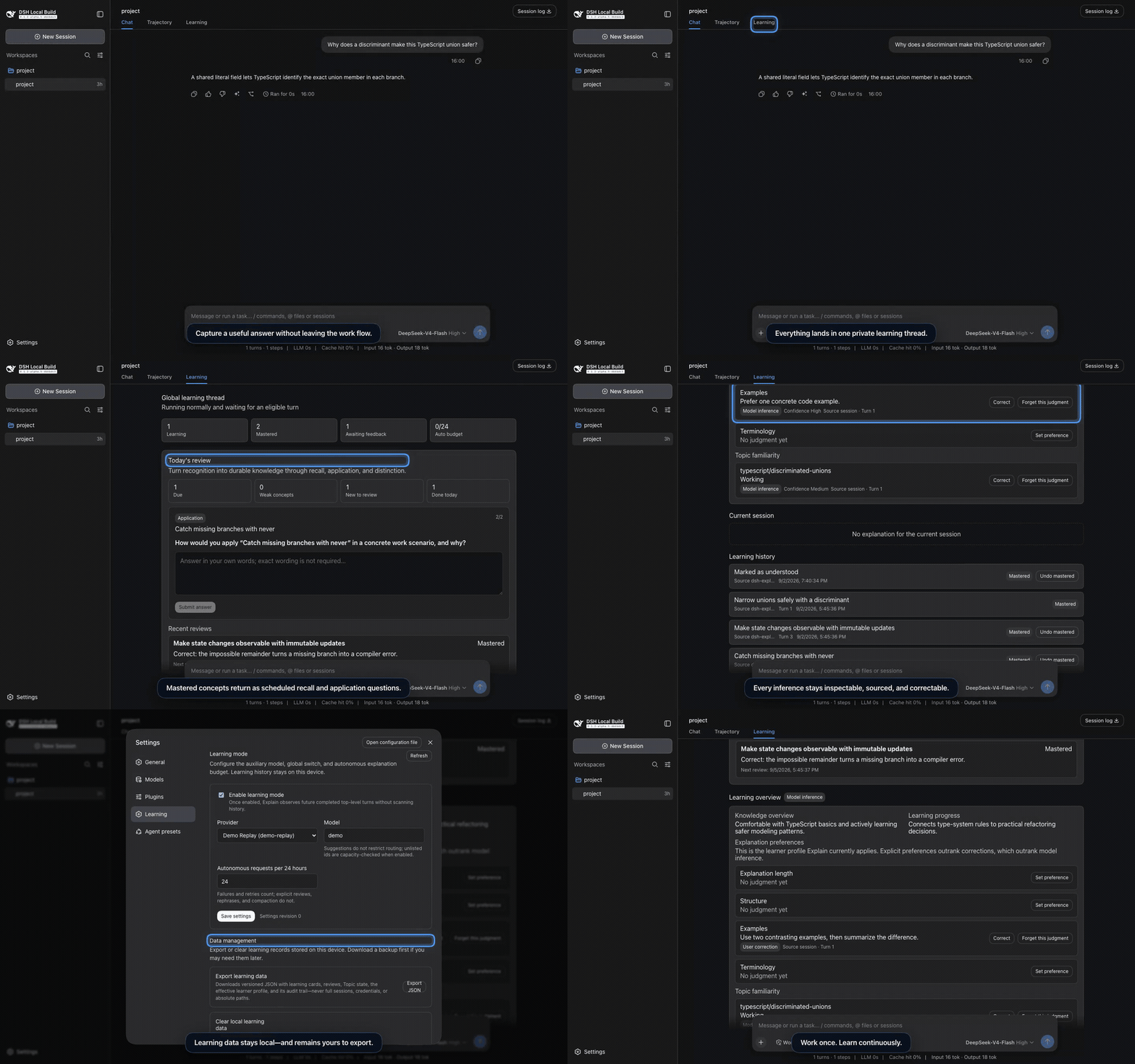
The 28-second preview runs against real assembled DSH Web 0.1.2-rc.1 with deterministic, private fixture data. Watch the higher-quality MP4 or read the recording contract.
| Capture | Review | Adapt |
|---|---|---|
Turn a finalized answer or selected text into an editable /explain draft. Nothing submits automatically. |
Revisit due concepts through recall, application, and distinction questions. | Inspect explanation preferences and topic familiarity, then correct or forget an inference. |
Showing the opening section of the README — the full document lives in the repository以上为 README 开头摘要,完整文档在仓库内 · View the full README on GitHub →在 GitHub 查看完整 README →
Related相关推荐
-
 Nagi-ovo/dsh-visualize
在 DSH 对话中生成交互式可视化|Render model-generated interactive cards inside DSH conversations
Nagi-ovo/dsh-visualize
在 DSH 对话中生成交互式可视化|Render model-generated interactive cards inside DSH conversations
-
 omdsh-dev/dsh-data-agent
Connect DSH to your database for conversational data analysis and actionable business insights.
omdsh-dev/dsh-data-agent
Connect DSH to your database for conversational data analysis and actionable business insights.
-
 youdotcom-oss/agent-skills
You.com skills and plugins for web search, content extraction, research, finance, and integration discovery, helping AI …
youdotcom-oss/agent-skills
You.com skills and plugins for web search, content extraction, research, finance, and integration discovery, helping AI …
-
 Awu12277/dsh-stock-watch
A股自选股实时行情盯盘插件 - DeepSeek Harness Web 右上角可折叠弹窗
Awu12277/dsh-stock-watch
A股自选股实时行情盯盘插件 - DeepSeek Harness Web 右上角可折叠弹窗
-
 dream12347/dsh-session-manager
DSH 会话管理插件:删除(回收站恢复/彻底清除)、统计、继续/暂停、打开日志目录、对话顶部抽屉、工作区分组与排序、上下文压缩阈值设置。DSH session manager: delete with trash/restore/purge…
dream12347/dsh-session-manager
DSH 会话管理插件:删除(回收站恢复/彻底清除)、统计、继续/暂停、打开日志目录、对话顶部抽屉、工作区分组与排序、上下文压缩阈值设置。DSH session manager: delete with trash/restore/purge…
-
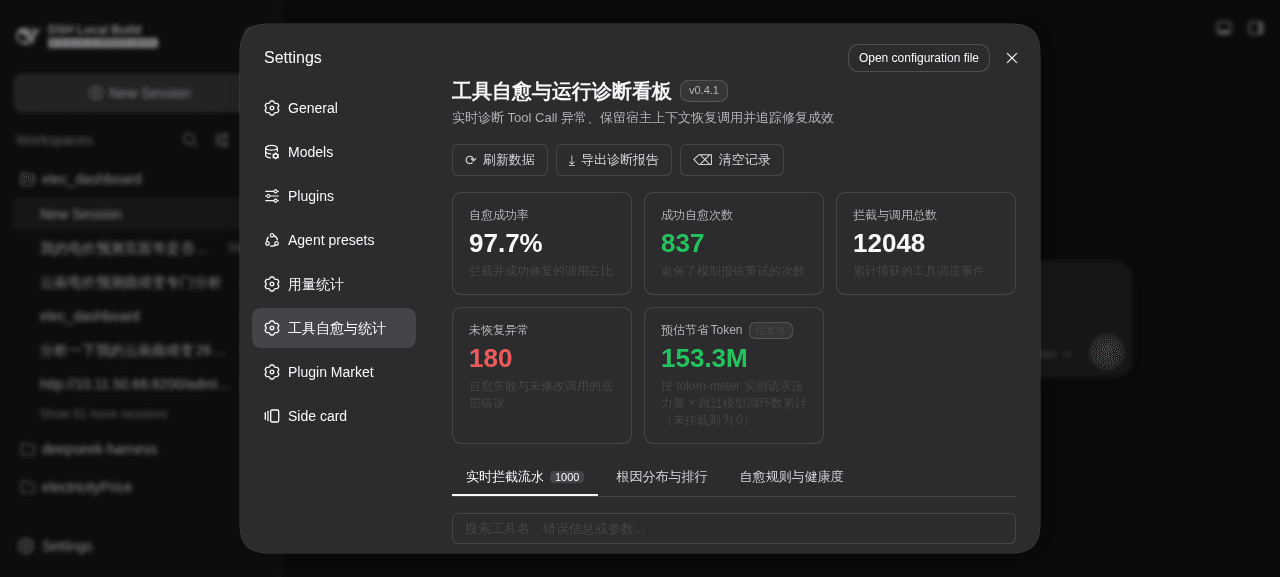 merenguesL/dsh-tool-normalizer
-
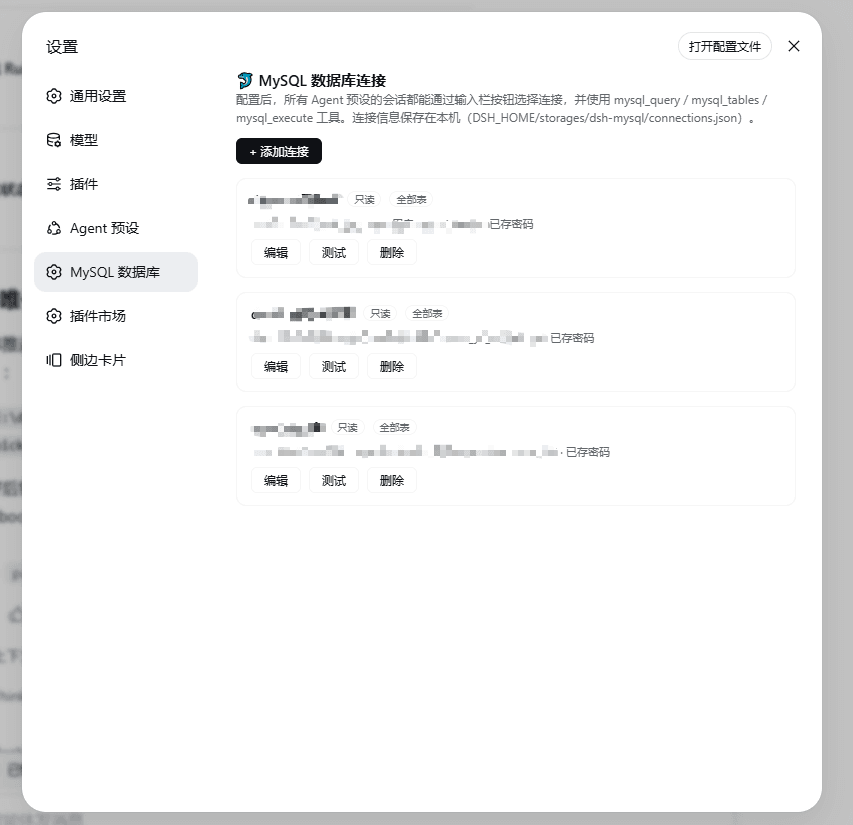 1321928757/dsh-mysql
MySQL connector plugin for DeepSeek Harness: configure connections in settings, switch per session from the composer, an…
1321928757/dsh-mysql
MySQL connector plugin for DeepSeek Harness: configure connections in settings, switch per session from the composer, an…
-
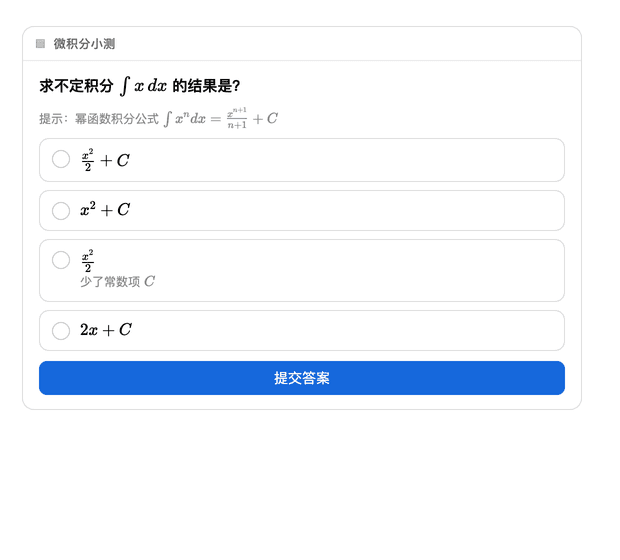 baihui-ai/a2ui-render-in-dsh
Interactive A2UI cards for the dsh web UI — quizzes, forms, charts and diagrams rendered inline in the conversation, wit…
baihui-ai/a2ui-render-in-dsh
Interactive A2UI cards for the dsh web UI — quizzes, forms, charts and diagrams rendered inline in the conversation, wit…