TAOxxx7/dsh-plugin-manager
DSH Settings plugin manager bundle for Desktop and native Web profiles
Project Overview项目介绍
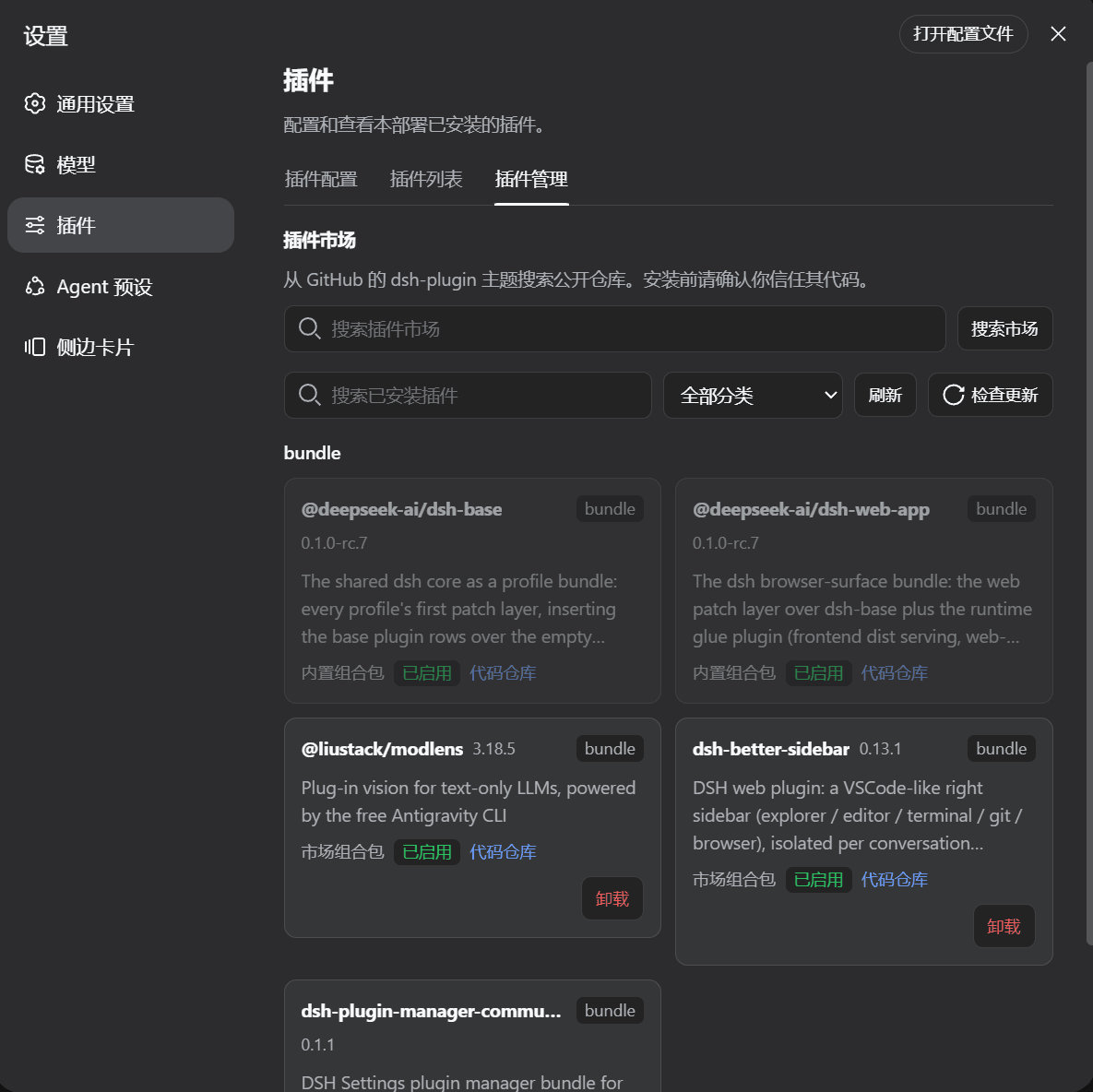
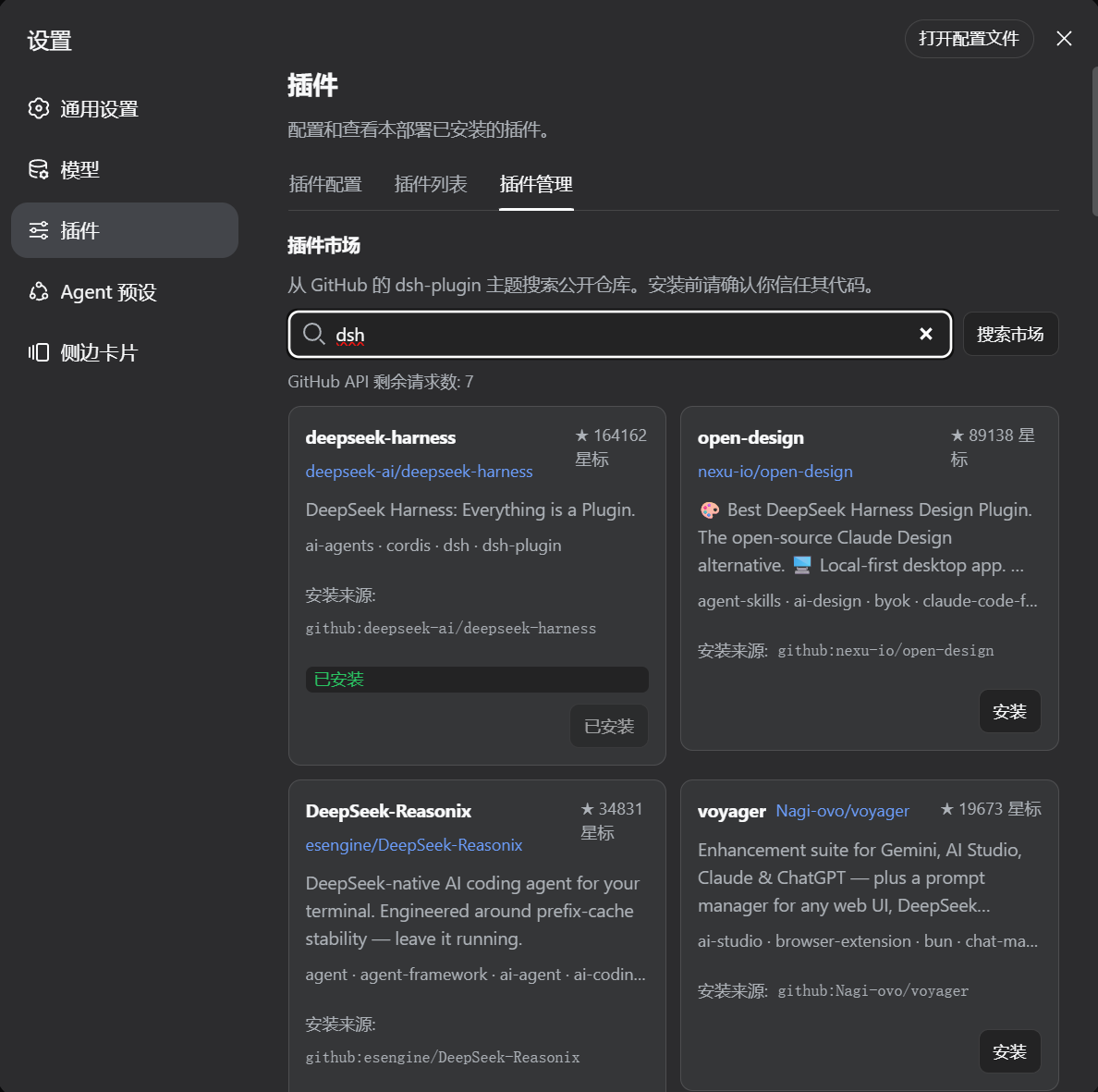
DSH Plugin Manager is an independently published DSH bundle that adds a categorized management tab under Settings → Plugins. Its core capabilities include category-grouped listings of installed profile packages, GitHub dsh-plugin topic market search, duplicate-install detection, npm-first installation with a GitHub fallback, single-package updates, GitHub Release checks, and explicit pnpm build approval with diagnostics capture. Use it when centralizing plugin lifecycle across DSH Desktop and the native Web profile. Caveat: restart the DSH process after install or upgrade so the new bundle layer loads, and on Windows native Web ensure pnpm resolution handles paths containing spaces.
DSH 插件管理器是一个独立发布的 DSH 捆绑包,在「设置 → 插件」中加入分类管理界面。核心能力包括按类别列出已安装插件包、GitHub dsh-plugin 主题市场搜索、重复安装检测、npm 优先与 GitHub 回退安装、单包更新、GitHub Release 校验,以及 pnpm 构建的显式审批与重试。适用于需要集中管理 DSH 桌面与原生 Web 配置文件中插件的用户。注意事项:升级或安装后须重启当前 DSH 进程以加载新捆绑层;Windows 原生 Web 若路径含空格需正确解析 pnpm。
请帮我了解并安装插件:【dsh-plugin-manager】【https://github.com/TAOxxx7/dsh-plugin-manager】Send this message to DSH in your current session. CLI install commands may not be accurate across systems — DSH will figure it out for you.把上面这条消息直接发给当前会话里的 DSH,让它帮你了解并安装。安装命令不一定准确,发给 DSH 更稳。
Or use CLI install (for developers)或使用命令行安装(适合开发者)
CLI Install命令行安装
dsh plugin --profile desktop add dsh-plugin-manager-community@latest把 TAOxxx7/dsh-plugin-manager 加入你的 DSH 配置(web profile)即可启用。
READMEREADME
DSH Plugin Manager
An independently publishable DSH bundle that adds a categorized plugin manager to Settings → Plugins.
This repository is intentionally shaped like a normal DSH community plugin:
- the root
package.jsonis the installable npm package; dsh.bundle.patchmounts the Host gateway;dsh.clientloads the browser Settings tab in native Web clients;lib/contains the already-built Host and Client artifacts;- GitHub is the source, documentation, and
dsh-pluginmarket-discovery page; - npm is the normal installation and update channel.
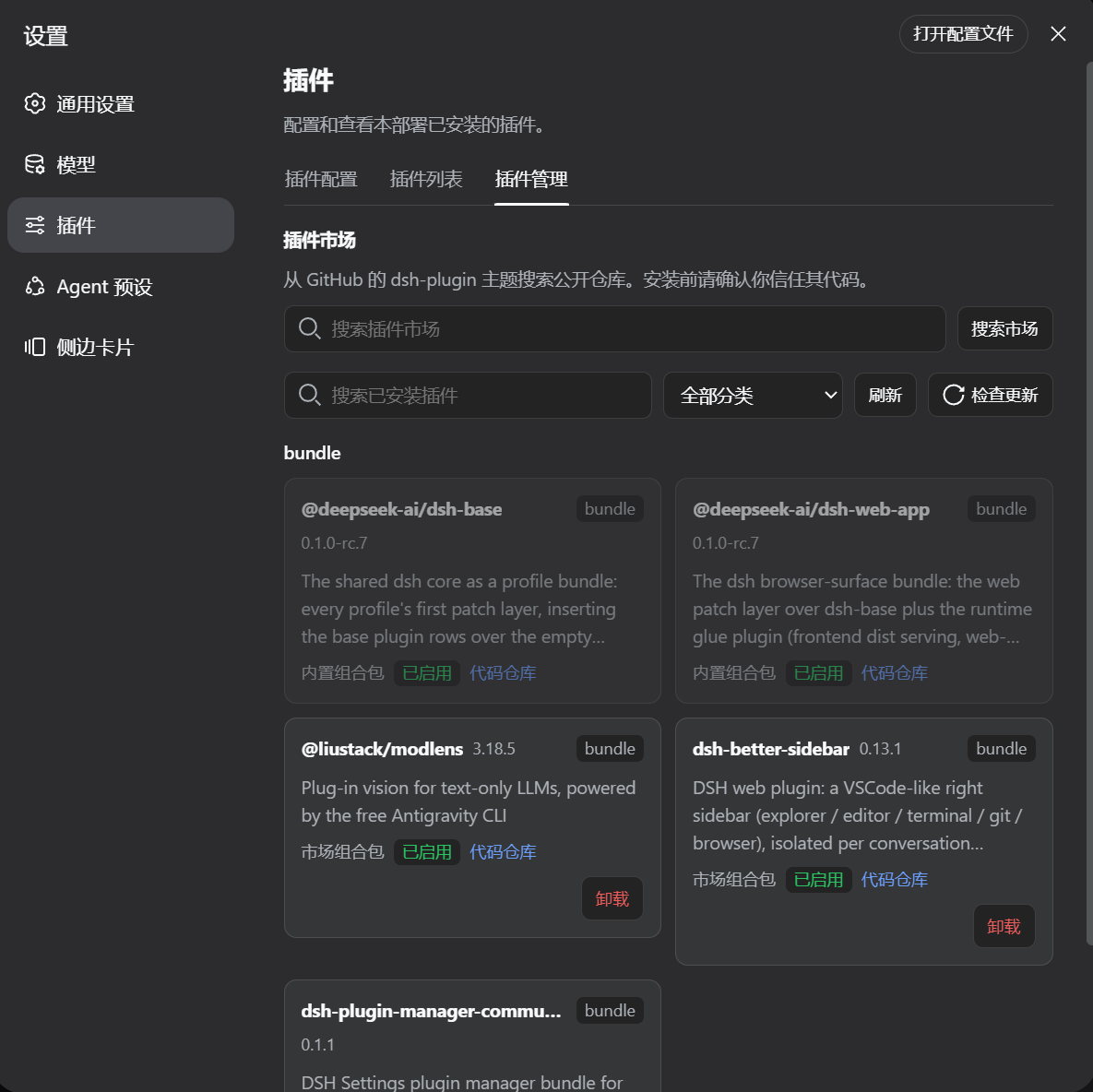
Screenshots
What it provides
- categories for every installed profile package;
- GitHub
dsh-pluginmarket search; - duplicate-install detection;
- npm-first installation when a market repository publishes a DSH bundle;
- GitHub fallback for unpublished repositories;
- uninstall, single-package update, update checking, and startup checks;
- GitHub Release checks for source-installed plugins with semver tags, with commit-head fallback for unpinned sources;
- explicit pnpm build approval/retry with captured diagnostics;
- an install-complete restart prompt for Desktop and native Web;
- the same active-profile behavior in DSH Desktop and
npx @deepseek-ai/dsh web.
Install after publishing
Replace the package name below if the publisher renames it:
dsh plugin --profile desktop add dsh-plugin-manager-community@latest

# Native Web profile
npx -y @deepseek-ai/dsh plugin --profile web add dsh-plugin-manager-community@latest
npx -y @deepseek-ai/dsh web
After installing a newer package version, restart the current DSH process so the new bundle layer is loaded. The Settings tab asks about restarting after a successful market install.
The native Web restart intentionally replaces the running Node process. Depending on browser timing, the HTTP request that triggered the restart can still surface as Failed to fetch; the current lib/client.js recognizes that Web-only disconnect as an expected restart and displays a reconnecting status. Publish lib/index.js and lib/client.js from the same release.
Compatibility
The plugin manager is verified against DeepSeek Harness (DSH) Desktop and the native Web profile of the same application. The dsh.client.platform: "web" declaration describes the browser face; it is not a GitHub-only installation mode. A remote browser still controls the Host/profile running the DSH process, so package operations occur on that machine.
On Windows native Web, the Host resolves pnpm in this order: DSH_PNPM_BIN, the active profile/shared DSH pnpm package, PNPM_HOME/npm global directories, PATH, and finally Node.js Corepack. Direct .exe/pnpm-script launches avoid shell splitting of paths such as C:\\Program Files; .cmd shims are quoted when needed. Command output uses UTF-8 with a GB18030 fallback so Chinese cmd.exe diagnostics remain readable. If none of those locations is available, install Node.js/Corepack or set DSH_PNPM_BIN to the full pnpm.cmd path, then restart the Web process.
Development note
lib/ is the release artifact copied from the verified Harness build. src/ is included for review and future maintenance. The current source mirror is kept aligned with the Harness implementation; the handoff instructions publish the verified artifact directly and do not require a Harness monorepo checkout.
See HANDOFF.md and PUBLISH.md for the exact publishing checklist.
Related相关推荐
-
 ccch1mneyyy/dsh-TUI
DSH 官方公众号收录的 TUI 补位插件:Claude Code 风,鲸鱼顶栏/实时状态/流式思考/双击 Esc 回滚/上下文进度+TPS。npm 一键装。 DSH official WeChat featured TUI plugin…
ccch1mneyyy/dsh-TUI
DSH 官方公众号收录的 TUI 补位插件:Claude Code 风,鲸鱼顶栏/实时状态/流式思考/双击 Esc 回滚/上下文进度+TPS。npm 一键装。 DSH official WeChat featured TUI plugin…
-
 myYangyunfan/dsh_desktop
DeepSeek Harness (dsh) Windows desktop client - bundled Node.js + dsh CLI, one-click launch
myYangyunfan/dsh_desktop
DeepSeek Harness (dsh) Windows desktop client - bundled Node.js + dsh CLI, one-click launch
-
 ChisaAlter/Deepseek-Harness-Desktop
DSH桌面端,支持主题和背景图等多种个性化配置。Electron desktop shell for DeepSeek Harness web UI
ChisaAlter/Deepseek-Harness-Desktop
DSH桌面端,支持主题和背景图等多种个性化配置。Electron desktop shell for DeepSeek Harness web UI
-
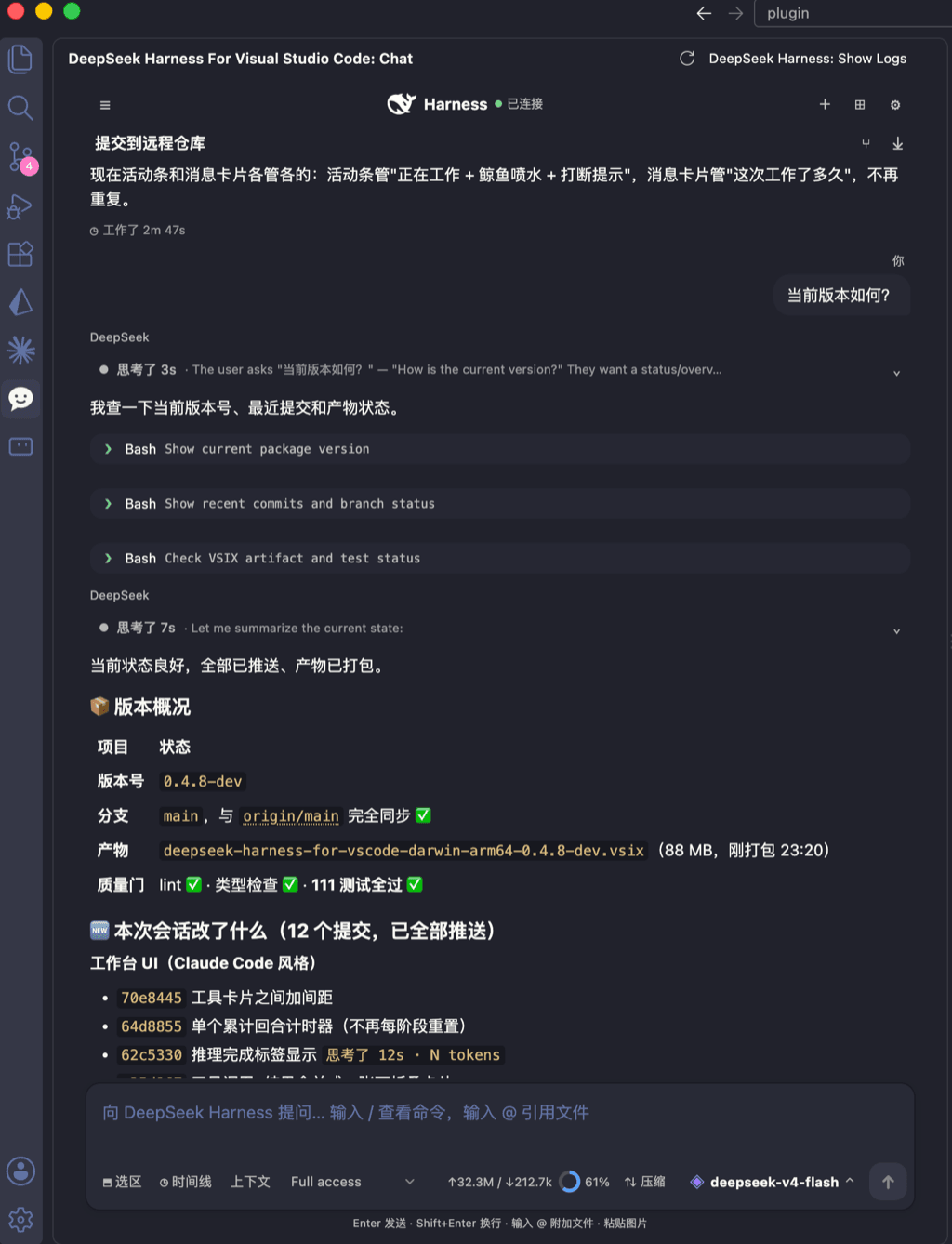 skymecode/deepseek-harness-for-vscode
deepseek-harness for vscode .A native VS Code coding-agent extension for DeepSeek Harness. Streamlined workbench with se…
skymecode/deepseek-harness-for-vscode
deepseek-harness for vscode .A native VS Code coding-agent extension for DeepSeek Harness. Streamlined workbench with se…
-
 rison114514/dsh-endfield-ui
Endfield-inspired industrial UI shell for DeepSeek Harness (dsh) — non-official fan theme. Install: dsh plugin --profile…
rison114514/dsh-endfield-ui
Endfield-inspired industrial UI shell for DeepSeek Harness (dsh) — non-official fan theme. Install: dsh plugin --profile…
-
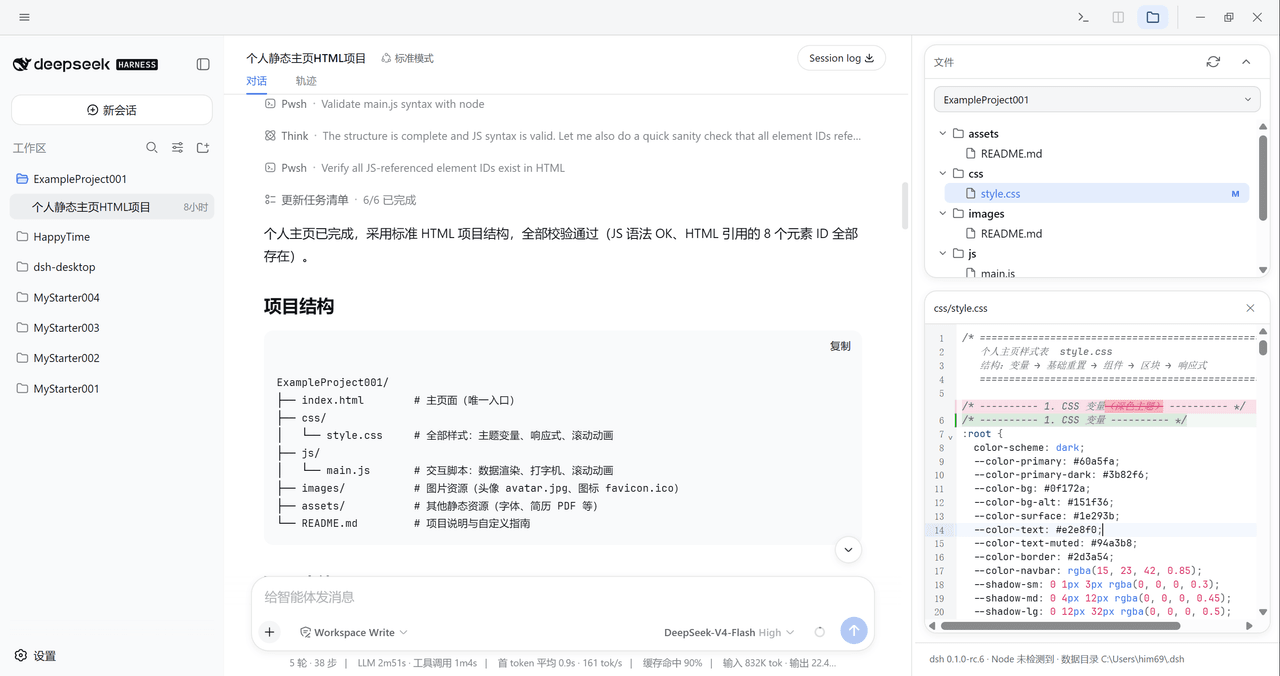 xiincs/deepseek-harness-desktop
DeepSeek Harness 原生桌面版,基于 Tauri 2,内置 Node.js 运行时,一键安装,极速启动,托盘常驻,自动更新。DeepSeek Harness native desktop version: built on T…
xiincs/deepseek-harness-desktop
DeepSeek Harness 原生桌面版,基于 Tauri 2,内置 Node.js 运行时,一键安装,极速启动,托盘常驻,自动更新。DeepSeek Harness native desktop version: built on T…
-
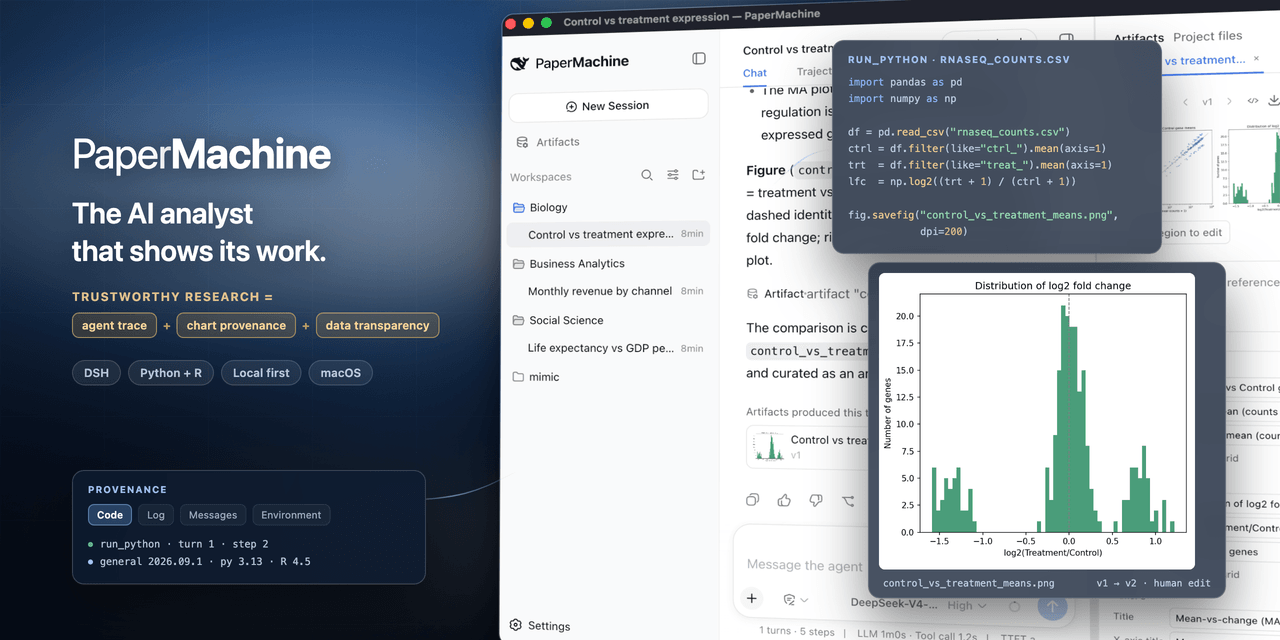 SuperJJ007/papermachine
The AI analyst that shows its work. Runs Python and R on your own machine, and traces every chart back to the code behin…
SuperJJ007/papermachine
The AI analyst that shows its work. Runs Python and R on your own machine, and traces every chart back to the code behin…
-
 dsh-tui/dsh-tui
Claude Code-style terminal UI for DeepSeek Harness agents, as an out-of-tree dsh plugin bundle
dsh-tui/dsh-tui
Claude Code-style terminal UI for DeepSeek Harness agents, as an out-of-tree dsh plugin bundle