TC635807/better-crawler4agent
When I was using agents, I found that most agents rely on curl commands to scrape web pages, which has a very low success rate and is slow, so I made this.
Project Overview项目介绍
better-crawler-4-agent is a stdio Model Context Protocol server that turns arbitrary web URLs into clean article text for AI coding agents, using a real headless Chromium via Playwright so that JavaScript-rendered pages and Chinese anti-bot sites such as Zhihu, CSDN, Juejin, Douban, and Tencent Cloud Community are handled correctly. Its core capability is a three-tier fallback (real browser, trafilatura, httpx with full browser fingerprint), plus font honeypot detection, fake-success detection that catches 200 responses which are actually login walls or "article deleted" illustrations, automatic skeleton-page retries, SSRF protection, and per-tier diagnostics returned with every response. Integration is explicitly cross-platform: the generic .mcp.json works in Claude Code, Cursor, Windsurf, Cline, Codex, and ZCode, while the repository root ships a package.json declaring dsh.bundle.patch plus a dsh-plugin/ directory with cordis.patch.yml and install.sh, so DeepSeek Harness can install the whole repo as a bundle via dsh plugin --profile web add github:TC635807/better-crawler4agent or the local ./dsh-plugin/install.sh script, registering three MCP tools (mcp__better-crawler__fetch_url, mcp__better-crawler__fetch_urls, mcp__better-crawler__crawler_status) through @deepseek-ai/dsh-mcp-client.
The typical workflow is straightforward and aimed at developers and researchers who need a coding agent to actually read pages inside a session. A single tool call passes one URL or up to twenty concurrent URLs (the README recommends batching no more than eight at a time because most MCP clients impose a 30-second call timeout); the server warms or reuses a singleton Chromium instance, performs tiered fetching, detects skeleton pages whose HTML exceeds 30 KB but whose body text is under 1500 characters, retries them once without retrying deterministic failures like 404 and 403, and finally returns the longest successful payload along with the hit tier, character count, and an optional warning. URL discovery is deliberately out of scope, so callers must pick the pages themselves, and an accompanying vendor-neutral skill at skills/web-to-text/SKILL.md documents when to fetch, which URLs to avoid (tag pages, user pages, video pages), and how to judge whether a result is trustworthy, which agents that support skill directories can simply copy.
Dependencies, limits, and first-run caveats are spelled out clearly. The project requires Python 3.10 or newer and locks playwright==1.61.0 because Playwright binds strictly to browser revisions (1.61 → Chromium revision 1228, 1.62 → revision 1234), so upgrading Playwright without rerunning python -m playwright install chromium will silently break browser reuse. The bundled python scripts/install.py creates an in-repo .venv, probes the system for an existing matching browser to avoid re-downloading roughly 700 MB, prints ready-to-paste MCP configuration for every supported client, and offers flags such as --print-config, --reuse-env, --browsers-path, and --no-browser; verification is done via python scripts/selfcheck.py (15 online checks including real fetches) or python scripts/selfcheck.py --offline (12 offline checks), and unit tests cover SSRF, honeypot recognition, body extraction, and error-page identification. All tuning goes through environment variables including BETTER_CRAWLER_TIMEOUT (25 s), BETTER_CRAWLER_MAX_CHARS (50000), BETTER_CRAWLER_ALLOW_PRIVATE, BETTER_CRAWLER_PYTHON, BETTER_CRAWLER_BROWSERS_PATH, and BETTER_CRAWLER_LOG_LEVEL; SSRF blocks file://, raw protocols, loopback, private RFC1918 ranges, and cloud metadata 169.254.169.254 by default and only opens them when BETTER_CRAWLER_ALLOW_PRIVATE=1 is set explicitly for local debugging. The license is MIT, and the README reminds users to respect each target site's robots.txt and terms of service, warning against using the tool for high-frequency bulk scraping.
better-crawler-4-agent 是一个面向 AI 编码代理的 URL 转正文 stdio MCP server,使用 Playwright 真实 Chromium 渲染,能够处理 JS 渲染页与知乎、CSDN、掘金等中文站点。核心能力包含三层降级(浏览器→trafilatura→httpx)、字体蜜罐识别、假成功识别、SSRF 防护以及每层诊断信息。集成方式上,它同时支持 Claude Code、Cursor、Windsurf、Cline、Codex、ZCode 等通用 MCP 客户端,以及 DeepSeek Harness(dsh)插件形态——仓库根目录的 package.json 声明了 dsh.bundle.patch,dsh-plugin/ 目录下含 cordis.patch.yml 与 install.sh。
典型工作流:用户给定一条或多条 URL(最多 20 条并发),工具启动或复用已有 Chromium(锁定 Playwright 1.61.0),通过真实浏览器渲染后调用 extract.py 提取正文并自动重试一次(确定性 404/403 不重试),返回结果附带命中层级、字符数与 warning 字段。fetch_urls 建议一次不超过 8 条,因多数 MCP 客户端 30 秒调用超时。适合需要在代理工作流里直接读文章、做研究引用或解析文档站点的开发者与研究用户,不包含 URL 发现能力,需要调用方自己选 URL。
依赖与限制:Python 3.10+,Playwright 1.61.0 与 Chromium rev 1228 强绑定,升级须同步 python -m playwright install chromium,否则浏览器复用会静默失败;首次安装通过 python scripts/install.py 在仓库内建 .venv 并探测已有浏览器;SSRF 默认开启,仅允许公网 http/https,本地调试需 BETTER_CRAWLER_ALLOW_PRIVATE=1;授权 MIT;合规上要求遵守目标站点 robots.txt,禁止高频批量抓取。
请帮我安装这个 DSH 插件。安装前先完成【兼容性检查 + 安全性检查】,检查通过再动手。

插件:better-crawler4agent(TC635807/better-crawler4agent)
仓库:https://github.com/TC635807/better-crawler4agent
本站详情页:https://www.yhbd.top/plugins/tc635807-better-crawler4agent/
本站登记:类型 plugin · 归类 原生 DSH 插件 · 许可证 MIT · ⭐ 2 · 最近提交 2026-09-30 · 主语言 Python

按下面顺序执行,每步先把结论告诉我,再进入下一步:

【1 兼容性检查】
① 我这边:DSH 版本、Node 版本、操作系统、当前 profile(web / desktop)。
② 读它的 README、package.json、插件 manifest,列出它要求的 DSH 版本 / Node 版本 / 操作系统 / 外部依赖 / 需要另外先装的运行时。
③ 逐条比对,结论只写「满足 / 不满足 / 未知」三种;不满足的给出可行替代方案。
④ 检查是否和我已装的插件冲突:命令名重复、skill / tool 重名、端口占用、重复注册的 MCP server。

【2 安全性检查】
① 仓库可信度:和上面「本站登记」是否一致;star / fork 数、创建时间、最近提交,是否归档或长期停更。
② 安装脚本:逐行看 package.json 的 preinstall / install / postinstall,以及 install.sh、setup.ps1 之类脚本。出现 curl|bash、下载后直接执行、混淆代码、访问与插件功能无关的域名,立刻停下来告诉我,不要继续装。
③ 依赖:列出新增依赖,标出无人维护、或与知名包拼写近似的可疑包(typosquatting)。
④ 权限与副作用:它会读写哪些目录、访问哪些域名、需要哪些 DSH 权限(filesystem / network / shell / clipboard 等),以及怎么卸载和回滚。
⑤ 如果它要求 sudo / 管理员权限,或权限明显超出功能所需,先停下来问我。

【3 安装】
上面两步没有「不满足」和「高危项」时才执行;用官方推荐方式安装,不要自行提权。

【4 汇报】
用表格输出:检查项 / 结论 / 依据 / 是否需要我决策。拿不准的一律写「未知」并说明要我怎么确认——不要猜,也不要替我决定。
Send this message to DSH in your current session: it verifies compatibility and security first (answering met / not met / unknown item by item) and only installs once everything checks out — it will stop and ask you if it finds a high-risk item. The box scrolls; the copy is the full prompt. CLI install commands may not be accurate across systems, so DSH is the safer route.把上面这条消息直接发给当前会话里的 DSH:它会先核对兼容性与安全性(逐条给「满足 / 不满足 / 未知」),确认没问题再安装,有高危项会停下来问你。框内可滚动,复制到的是完整提示词;安装命令不一定准确,发给 DSH 更稳。
- Only 2 stars - very few users, little community feedback星标只有 2,几乎没人在用,遇到问题缺少社区反馈
DSH walks through these 9 checksDSH 会逐条核对这 9 项
Compatibility兼容性
- DSH, Node, OS and profile requirementsDSH 版本 / Node 版本 / 操作系统 / profile 是否满足要求
- External dependencies and runtimes (Electron / Python / Docker, ...)外部依赖与运行时(Electron / Python / Docker 等)是否齐备
- Conflicts with installed plugins: command names, skill / tool names, ports, duplicate MCP registration与已装插件是否冲突:命令名、skill / tool 重名、端口占用、重复 MCP 注册
Security安全性
- Repo matches the facts registered here; archived or abandoned?仓库是否与页面登记一致,是否归档或长期停更
- Safety of preinstall / install / postinstall and install.sh / setup.ps1preinstall / install / postinstall 与 install.sh、setup.ps1 是否安全
- curl|bash, download-then-execute, obfuscation, unrelated domains → stop immediatelycurl|bash、下载即执行、混淆代码、无关域名 → 立刻停止
- Typosquatting or unmaintained packages among the new dependencies新增依赖里有没有 typosquatting 或无人维护的包
- Requested permissions vs. what the feature actually needs申请了哪些权限、是否超出功能所需(filesystem / network / shell / clipboard)
- Any sudo / admin requirement, plus uninstall and rollback是否要求 sudo / 管理员权限,以及卸载与回滚方式
Anything uncertain must be marked unknown with a note on how to confirm it. This site's signal screen is a static snapshot, not a security audit.拿不准的必须标「未知」并说明要我怎么确认。本站的信号筛查是静态快照,不能替代安全审计。
Or use CLI install (for developers)或使用命令行安装(适合开发者)
CLI Install命令行安装
dsh plugin --profile web add github:TC635807/better-crawler4agent把 TC635807/better-crawler4agent 加入你的 DSH 配置(web profile)即可启用。
READMEREADME
better-crawler-4-agent




把 URL 变成干净正文的 MCP server。用真实浏览器渲染,知乎、CSDN、掘金这些"HTTP 抓回来是空壳"的站点也能拿到内容。
一个标准 stdio MCP server,不绑定任何客户端——Claude Code、Cursor、Windsurf、Cline、Codex、ZCode 都能用。
English summary
A vendor-neutral MCP server that turns URLs into clean article text using a real headless Chromium. Built for sites where plain HTTP fetching fails: JS-rendered pages and Chinese anti-bot sites like Zhihu, CSDN, and Juejin.
Scope: URL → text only. URL discovery is left to the caller, so the tool stays single-purpose and needs no search API keys.
Key features: real browser rendering, tiered fallback (browser → trafilatura → httpx+full browser fingerprint), font honeypot detection, fake-success detection (200 responses that are actually error pages), SSRF protection, and per-tier diagnostics in every response.
为什么需要它
大多数 Agent 自带的网页抓取是 HTTP 客户端 + 正文提取。对静态站点够用,但遇到下面三种情况会失败:
| 问题 | 表现 |
|---|---|
| JS 渲染 | 返回空壳页面,只有导航和页脚 |
| 反爬拦截 | 知乎返回 403,CSDN 返回 521 |
| 提取退化 | 页面上有内容,提取出来却是零散片段 |
本项目用真实 Chromium 渲染,并补齐完整浏览器指纹(UA / Sec-Ch-Ua / Sec-Fetch-* 全套一致)+ 导航器覆盖。
实测对比
同一组 6 个 URL,开浏览器 vs 关浏览器(本项目 Fetcher,2026-09 实测):
| 成功率 | 知乎 | CSDN 字符数 | 博客园字符数 | |
|---|---|---|---|---|
| 有浏览器 | 6/6 = 100% | 27069 | 57218 | 15360 |
| 无浏览器(仅静态路径) | 5/6 = 83% | 失败 | 13845(−76%) | 4627(−70%) |
反爬站点直接失败,其他站点正文完整度也大幅下降——没有 JS 渲染只能拿到首屏片段。
已实测可抓取的站点
知乎专栏、CSDN、博客园、掘金、豆瓣读书、少数派、腾讯云社区、React 官方文档、Python 官方文档等。单页耗时 2–5 秒(浏览器暖启动后)。
快速开始
git clone git@github.com:TC635807/better-crawler4agent.git
cd better-crawler4agent
python scripts/install.py
install.py 会自动:
- 在仓库内建
.venv并安装依赖 - 查找并复用系统中已有的 Playwright 浏览器(核对版本,避免重复下载 ~700MB)
- 打印各 agent 的接入配置,复制粘贴即可
验证安装:
Showing the opening section of the README — the full document lives in the repository以上为 README 开头摘要,完整文档在仓库内 · View the full README on GitHub →在 GitHub 查看完整 README →
Related相关推荐
-
 Tencent/BrowserSkill
Let AI agents use your real, logged-in browser without interrupting your work. CLI + extension for browser automation ac…
Tencent/BrowserSkill
Let AI agents use your real, logged-in browser without interrupting your work. CLI + extension for browser automation ac…
-
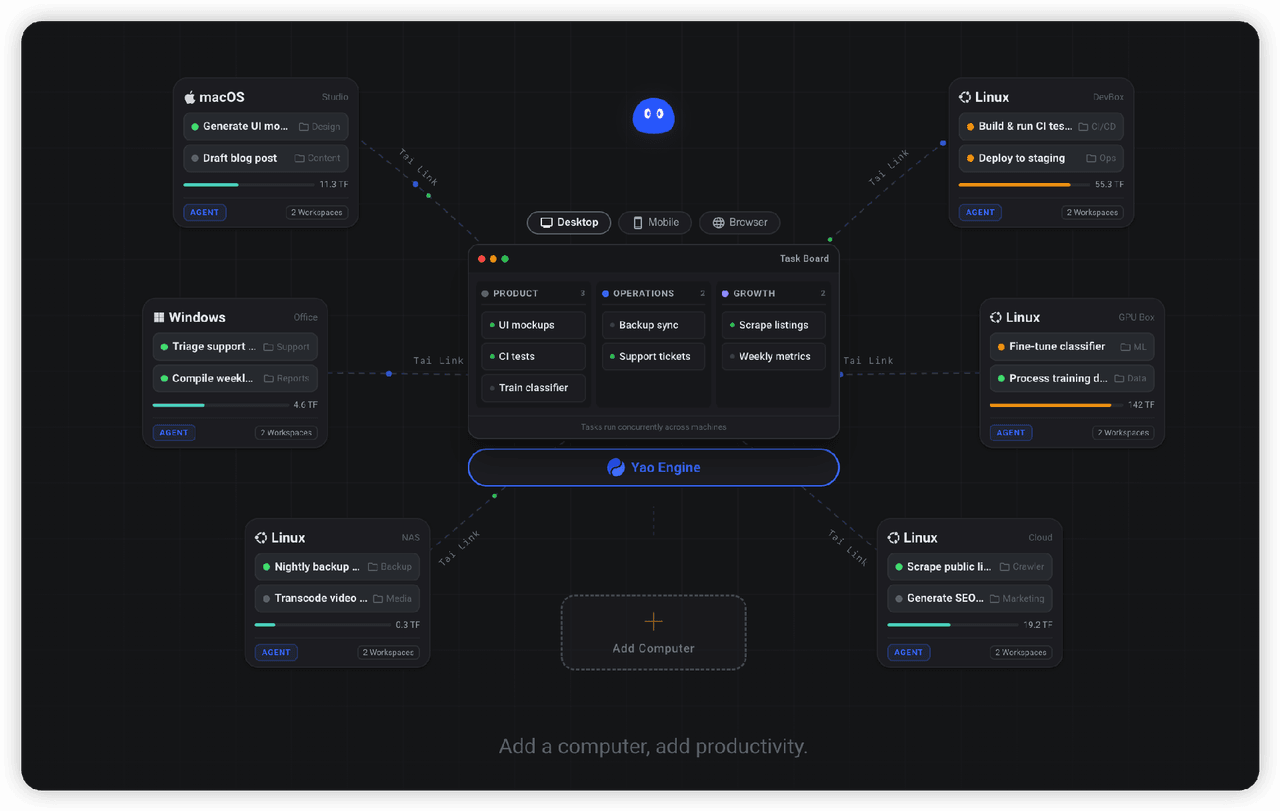 YaoApp/yao
✨ All your agents and workspaces in one place, on every device you own. Track tasks on a board, accessible from desktop,…
YaoApp/yao
✨ All your agents and workspaces in one place, on every device you own. Track tasks on a board, accessible from desktop,…
-
 anbeime/skill
收录最全、更新最快的技能Skills商店:精选原创技能包(涵盖文档处理、内容创作、编程开发、机器学习、自动化工作流),全部打包好可直接安装使用!同时自动抓取GitHub上万个Skills项目,按分类、更新时间、Star数量整理。The mo…
anbeime/skill
收录最全、更新最快的技能Skills商店:精选原创技能包(涵盖文档处理、内容创作、编程开发、机器学习、自动化工作流),全部打包好可直接安装使用!同时自动抓取GitHub上万个Skills项目,按分类、更新时间、Star数量整理。The mo…
-
 Jesseovo/last30days-skill-cn
last30days-cn 是一个 AI Agent 技能(Skill),能够自动搜索中国互联网 8 大主流平台最近 30 天的内容,综合分析后生成有据可查的研究报告。
Jesseovo/last30days-skill-cn
last30days-cn 是一个 AI Agent 技能(Skill),能够自动搜索中国互联网 8 大主流平台最近 30 天的内容,综合分析后生成有据可查的研究报告。
-
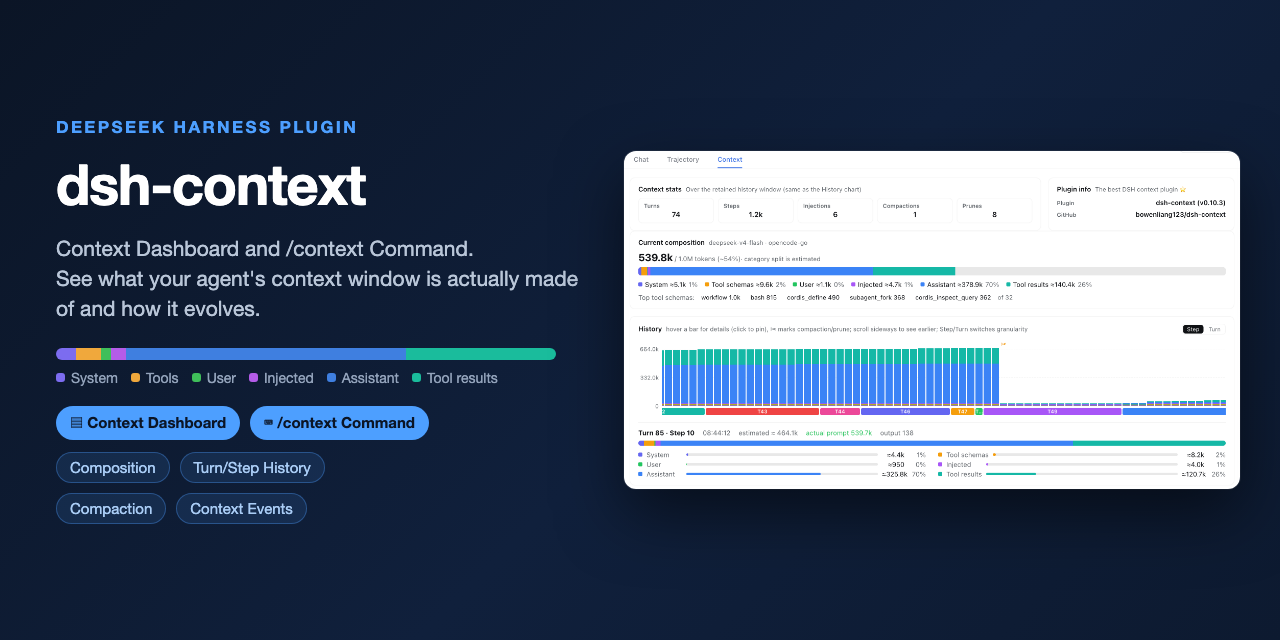 bowenliang123/dsh-context
The best DeepSeek Harness plugin for context insight and management, with context dashboard / browser / sidebar and cont…
bowenliang123/dsh-context
The best DeepSeek Harness plugin for context insight and management, with context dashboard / browser / sidebar and cont…
-
 platonai/Browser4
Browser4 — an AI-native browser engine for autonomous agents, intelligent extraction, and large-scale web automation.
platonai/Browser4
Browser4 — an AI-native browser engine for autonomous agents, intelligent extraction, and large-scale web automation.
- antibrow/dsh-antibrow DeepSeek Harness plugin: give your agent a browser with a persistent identity - engine-level fingerprint spoofing, unlim…
-
 liustack/modsearch
🥇 The strongest free web search plugin for DeepSeek Harness, and the search bridge for every model without native web a…
liustack/modsearch
🥇 The strongest free web search plugin for DeepSeek Harness, and the search bridge for every model without native web a…