TZHR-invest/dsh-plugins
Project Overview项目介绍
This repository is a monorepo that hosts native plugins built exclusively for DeepSeek Harness (DSH). It includes three custom-built plugins that all follow DSH’s official bundle contract rules, with idempotent installers, crash prevention discipline, and automatic rollback support for failed upgrades. All plugins can be installed directly via the official DSH CLI with a simple one-line command, so end users do not need to handle any extra build or manual configuration steps to get started with these plugins after installing DSH on their local machine or self-hosted server. This makes it easy for new users to add extra functionality to their DSH instance quickly without extra hassle.
The three custom plugins cover different common use cases for DSH end users and aspiring plugin developers. The dsh-lan-gateway plugin lets you expose your DSH Web UI to external devices on your local trusted network with a built-in token authorization gate. The dsh-vision-tool adds a general image description capability to DSH agents, working with any OpenAI-compatible vision endpoint that you configure with your own API keys. The dsh-mobile-ui plugin adds a responsive mobile layout for DSH’s Web UI, with no impact on the desktop experience for users on larger screens. The repository also links to two popular third-party DSH plugins for users to install directly.
All code in this repository is released under the permissive MIT open source license, so you can use, modify, and distribute any plugin freely as long as you retain the original license terms. After installing any plugin from this repository via the DSH CLI, you will need to manually restart your DSH Web service for the changes to take effect. There is an important security caveat for the dsh-lan-gateway plugin: it only provides basic authorization via a token gate, not end-to-end encryption, so it should only ever be used on trusted local networks where you control all connected devices. The repository also includes useful development tooling like a plugin scaffolding script and preflight check script for new plugin developers.
本仓库是专门为DeepSeek Harness(DSH)构建的原生插件单体仓库,收录了三个自主开发的DSH功能插件,同时提供完整的插件开发配套基础设施,方便开发者快速创建符合规范的新插件。所有插件都遵循官方DSH包契约规范,采用幂等安装逻辑,具备防崩溃处理和升级失败回滚能力,可通过DSH官方CLI命令直接完成安装。
三个自研插件分别是支持令牌认证的局域网访问网关dsh-lan-gateway、适配任意OpenAI兼容视觉接口的图像描述工具dsh-vision-tool、适配小屏设备的移动端响应式UI dsh-mobile-ui。仓库还额外收录了两个第三方DSH插件的入口链接,方便用户直接安装,避免源码漂移,同时面向开发者提供脚手架模板、预检查脚本和开发发布文档。
本仓库所有代码都采用MIT开源许可,用户安装时需要通过DSH CLI指定web配置添加插件,安装完成后需要重启DSH Web服务才能生效。需要注意的是,dsh-lan-gateway插件仅适用于可信网络,令牌网关仅提供授权不提供加密,绑定0.0.0.0后所有可访问端口的设备都可以控制代理。
请帮我安装这个 DSH 插件。安装前先完成【兼容性检查 + 安全性检查】,检查通过再动手。

插件:dsh-plugins(TZHR-invest/dsh-plugins)
仓库:https://github.com/TZHR-invest/dsh-plugins
本站详情页:https://www.yhbd.top/plugins/tzhr-invest-dsh-plugins/
本站登记:类型 plugin · 归类 原生 DSH 插件 · 许可证 MIT · ⭐ 3 · 最近提交 2026-09-27 · 主语言 JavaScript · 未检测到 DSH 插件清单

按下面顺序执行,每步先把结论告诉我,再进入下一步:

【1 兼容性检查】
① 我这边:DSH 版本、Node 版本、操作系统、当前 profile(web / desktop)。
② 读它的 README、package.json、插件 manifest,列出它要求的 DSH 版本 / Node 版本 / 操作系统 / 外部依赖 / 需要另外先装的运行时。
③ 逐条比对,结论只写「满足 / 不满足 / 未知」三种;不满足的给出可行替代方案。
④ 检查是否和我已装的插件冲突:命令名重复、skill / tool 重名、端口占用、重复注册的 MCP server。

【2 安全性检查】
① 仓库可信度:和上面「本站登记」是否一致;star / fork 数、创建时间、最近提交,是否归档或长期停更。
② 安装脚本:逐行看 package.json 的 preinstall / install / postinstall,以及 install.sh、setup.ps1 之类脚本。出现 curl|bash、下载后直接执行、混淆代码、访问与插件功能无关的域名,立刻停下来告诉我,不要继续装。
③ 依赖:列出新增依赖,标出无人维护、或与知名包拼写近似的可疑包(typosquatting)。
④ 权限与副作用:它会读写哪些目录、访问哪些域名、需要哪些 DSH 权限(filesystem / network / shell / clipboard 等),以及怎么卸载和回滚。
⑤ 如果它要求 sudo / 管理员权限,或权限明显超出功能所需,先停下来问我。

【3 安装】
上面两步没有「不满足」和「高危项」时才执行;用官方推荐方式安装,不要自行提权。

【4 汇报】
用表格输出:检查项 / 结论 / 依据 / 是否需要我决策。拿不准的一律写「未知」并说明要我怎么确认——不要猜,也不要替我决定。
Send this message to DSH in your current session: it verifies compatibility and security first (answering met / not met / unknown item by item) and only installs once everything checks out — it will stop and ask you if it finds a high-risk item. The box scrolls; the copy is the full prompt. CLI install commands may not be accurate across systems, so DSH is the safer route.把上面这条消息直接发给当前会话里的 DSH:它会先核对兼容性与安全性(逐条给「满足 / 不满足 / 未知」),确认没问题再安装,有高危项会停下来问你。框内可滚动,复制到的是完整提示词;安装命令不一定准确,发给 DSH 更稳。
- Only 3 stars - very few users, little community feedback星标只有 3,几乎没人在用,遇到问题缺少社区反馈
- No DSH plugin manifest detected - it may only carry the dsh-plugin topic, so the install method must be confirmed on the spot未检测到 DSH 插件清单:可能只是打了 dsh-plugin 话题,安装方式要现场确认
DSH walks through these 9 checksDSH 会逐条核对这 9 项
Compatibility兼容性
- DSH, Node, OS and profile requirementsDSH 版本 / Node 版本 / 操作系统 / profile 是否满足要求
- External dependencies and runtimes (Electron / Python / Docker, ...)外部依赖与运行时(Electron / Python / Docker 等)是否齐备
- Conflicts with installed plugins: command names, skill / tool names, ports, duplicate MCP registration与已装插件是否冲突:命令名、skill / tool 重名、端口占用、重复 MCP 注册
Security安全性
- Repo matches the facts registered here; archived or abandoned?仓库是否与页面登记一致,是否归档或长期停更
- Safety of preinstall / install / postinstall and install.sh / setup.ps1preinstall / install / postinstall 与 install.sh、setup.ps1 是否安全
- curl|bash, download-then-execute, obfuscation, unrelated domains → stop immediatelycurl|bash、下载即执行、混淆代码、无关域名 → 立刻停止
- Typosquatting or unmaintained packages among the new dependencies新增依赖里有没有 typosquatting 或无人维护的包
- Requested permissions vs. what the feature actually needs申请了哪些权限、是否超出功能所需(filesystem / network / shell / clipboard)
- Any sudo / admin requirement, plus uninstall and rollback是否要求 sudo / 管理员权限,以及卸载与回滚方式
Anything uncertain must be marked unknown with a note on how to confirm it. This site's signal screen is a static snapshot, not a security audit.拿不准的必须标「未知」并说明要我怎么确认。本站的信号筛查是静态快照,不能替代安全审计。
Or use CLI install (for developers)或使用命令行安装(适合开发者)
CLI Install命令行安装
dsh plugin --profile web add dsh-lan-gateway把 TZHR-invest/dsh-plugins 加入你的 DSH 配置(web profile)即可启用。
READMEREADME
dsh-plugins
A small monorepo of plugins for DeepSeek Harness (dsh) — self-hosted, battle-tested against real incidents (crash-prevention discipline, idempotent installers, upgrade recovery).
Plugins
| Package | npm | What it does |
|---|---|---|
| dsh-lan-gateway | dsh-lan-gateway |
LAN / remote access gateway for the Web UI: 0.0.0.0 binding, crypto.randomUUID polyfill, token gate (401 login page + WebSocket interception, loopback exempt), privileged-fence + settings-persistence exemptions, idempotent installer + reapply-lan-patches.sh recovery. Trusted networks only. |
| dsh-vision-tool | dsh-vision-tool |
Registers a vision tool for agents: describe local images via any OpenAI-compatible vision endpoint you configure — no built-in keys, optional multi-model cross_check to guard against hallucinations. |
| dsh-mobile-ui | dsh-mobile-ui |
Mobile UI for the Web GUI (≤768px): full-width responsive layout, overlay session drawer, 44px touch targets, safe-area support, reading enhancements — zero desktop impact. |
All three follow the official bundle contract (dsh.bundle.patch), pass the repo's contract preflight (classic-script bundles, no top-level import/export, exports["./client"] present), and ship idempotent installers with headless smoke tests and uninstall rollback.
Install
# per-plugin tarball (see each package README) or via npm:
dsh plugin --profile web add dsh-lan-gateway
dsh plugin --profile web add dsh-vision-tool
dsh plugin --profile web add dsh-mobile-ui
⚠️ Security: dsh-lan-gateway binds the Web GUI to 0.0.0.0 — any device that can reach the port can drive the agent. Trusted networks only; the token gate is authorization, not encryption.
Infrastructure in this repo
scripts/preflight.mjs— contract preflight for plugin packages (the crash-prevention checklist: platform, exports, classic-script bundle, id consistency). Runs automatically inbuild.sh.scripts/new-plugin.sh+templates/— scaffold new plugins from a template with an auto-generated idempotent installer (preflight + headless smoke + idempotent wiring + uninstall rollback).docs/development.md— plugin development guide (host/client mechanism, package spec, wiring, debugging, §8 crash-prevention checklist).docs/publishing.md— tarball distribution guide.
Showing the opening section of the README — the full document lives in the repository以上为 README 开头摘要,完整文档在仓库内 · View the full README on GitHub →在 GitHub 查看完整 README →
Related相关推荐
-
 nocobase/nocobase
NocoBase is an open-source AI + no-code platform for building business systems fast. Instead of generating everything fr…
nocobase/nocobase
NocoBase is an open-source AI + no-code platform for building business systems fast. Instead of generating everything fr…
-
 TencentCloudBase/CloudBase-AI-Toolkit
Backend for AI coding agents on CloudBase — database, auth, functions via Plugin, Skills & MCP.
TencentCloudBase/CloudBase-AI-Toolkit
Backend for AI coding agents on CloudBase — database, auth, functions via Plugin, Skills & MCP.
-
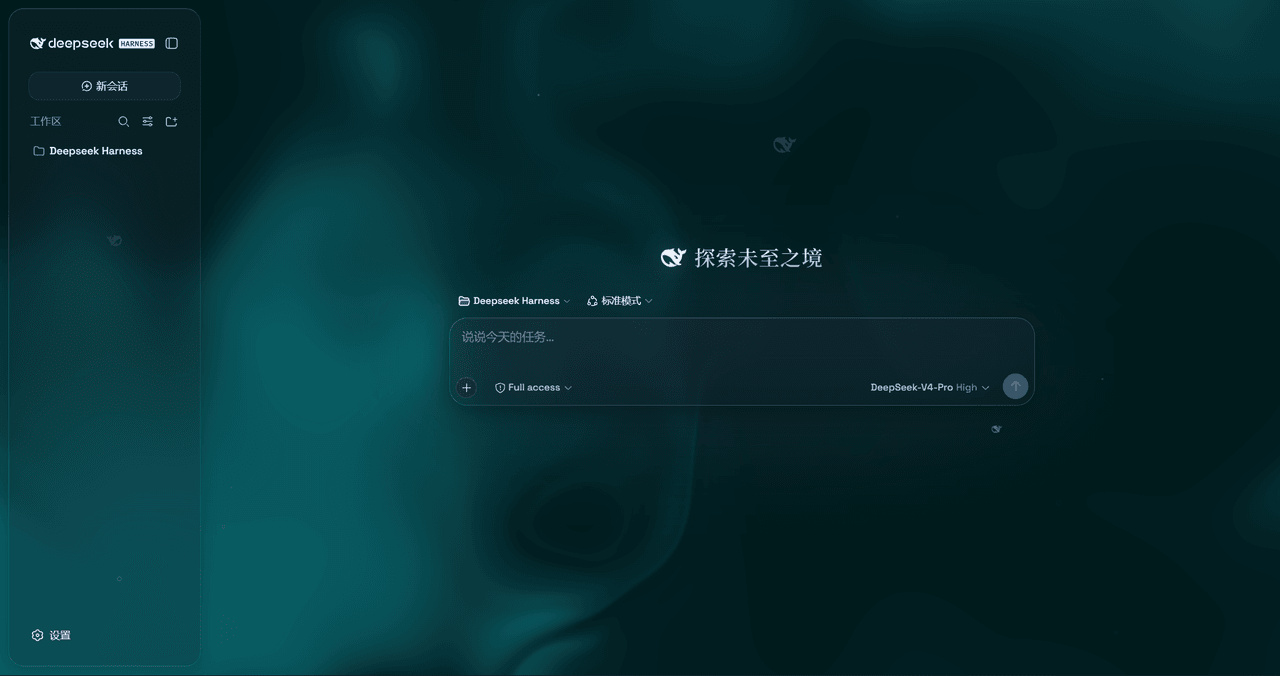 WYH66666666/DSH-Transparent-UI-Plugin
是一层高自由度的玻璃质感主题,套在 DeepSeek Harness 网页端。顶栏、侧边栏、输入框、统计行、轨迹视图都成了磨砂玻璃片。玻璃模糊度、磨砂度、背景(流体或自定义壁纸,壁纸还能单独调模糊和磨砂)全都能在设置卡片里自由调节。关掉开关…
WYH66666666/DSH-Transparent-UI-Plugin
是一层高自由度的玻璃质感主题,套在 DeepSeek Harness 网页端。顶栏、侧边栏、输入框、统计行、轨迹视图都成了磨砂玻璃片。玻璃模糊度、磨砂度、背景(流体或自定义壁纸,壁纸还能单独调模糊和磨砂)全都能在设置卡片里自由调节。关掉开关…
-
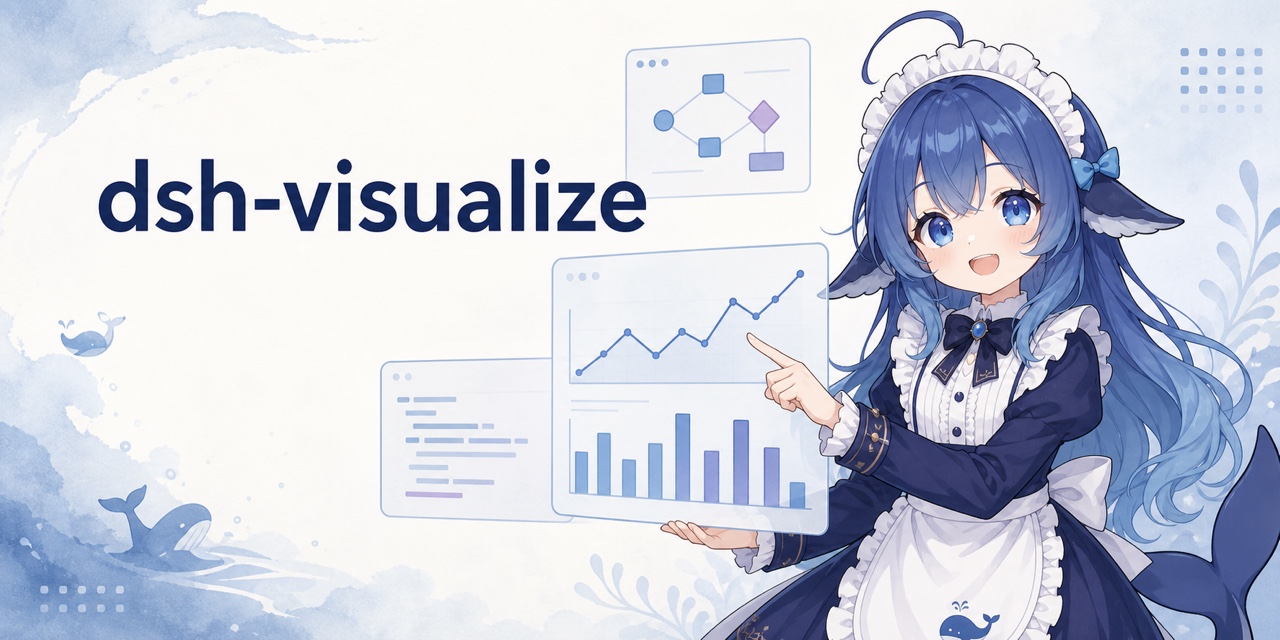 Nagi-ovo/dsh-visualize
在 DSH 对话中生成交互式可视化|Render model-generated interactive cards inside DSH conversations
Nagi-ovo/dsh-visualize
在 DSH 对话中生成交互式可视化|Render model-generated interactive cards inside DSH conversations
-
 SepineTam/mcp-for-stata
Stata-MCP: A MCP server for integrating Stata into your agent loop with a safety-first design.
SepineTam/mcp-for-stata
Stata-MCP: A MCP server for integrating Stata into your agent loop with a safety-first design.
-
 omdsh-dev/dsh-data-agent
Connect DSH to your database for conversational data analysis and actionable business insights.
omdsh-dev/dsh-data-agent
Connect DSH to your database for conversational data analysis and actionable business insights.
-
 morluto/jacobian
Composable mathematics tools for agents
morluto/jacobian
Composable mathematics tools for agents
-
 youdotcom-oss/agent-skills
You.com skills and plugins for web search, content extraction, research, finance, and integration discovery, helping AI …
youdotcom-oss/agent-skills
You.com skills and plugins for web search, content extraction, research, finance, and integration discovery, helping AI …