winter-street/dsh-plugin-agent-budget
Shared token budgets for DeepSeek Harness agent trees. A root agent, its one-shot and continuable subagents, and workflow descendants can spend from one durable budget.
catalog descriptioncatalog 简介 / catalog description:Durable shared token budgets for DeepSeek Harness agent trees — a fail-closed admission gate plus a replayable usage ledger.
Project Overview项目介绍
dsh-plugin-agent-budget is a native TypeScript plugin built specifically for the DeepSeek Harness (DSH) agent runtime, shipped as a cordis function-plugin bundle with a dsh.bundle declaration that the dsh plugin CLI auto-mounts into a profile's dsh.profile.bundles layer. Its sole purpose is durable, replayable, fail-closed token accounting across an entire agent tree: a root agent, its one-shot and continuable subagents, and workflow descendants can spend from one shared budget when scope: tree is set, or independently when scope: session is chosen. The ledger lives in a plugin-owned sidecar under ~/.dsh/agent-budget/ (ledger.jsonl plus a scope-index.json and writer.lock), never inside session logs, so uninstalling the plugin leaves every prior DSH session openable as normal.
In normal use an operator installs the bundle into a profile via dsh plugin --profile <name> add dsh-plugin-agent-budget or directly with pnpm, then configures maxTokens (required positive safe integer), missingUsage (exhaust or ignore), scope, and optionally storageDir, degradeRatio, degradeModel, maxConcurrentCalls, and pressurePrompt. The model is exposed to a read-only budget_status tool returning limit, used, remaining, exhaustion state, all four usage buckets, meteringComplete, and unmeteredCalls, while a settings page panel labeled Token 预算 lists every open scope with a progress bar and 30-second polling. It targets DSH users running multi-agent workflows who need a single hard ceiling rather than per-session surprises, and small teams that want auditable, replayable LLM cost control.
Dependencies are minimal: no external service is required, and an optional peer @deepseek-ai/dsh-system-prompt powers the pressure-prompt notice at 50% and 80% usage. pnpm ≥10 blocks git build scripts by default, so a git install needs allowBuilds: dsh-plugin-agent-budget: true in the profile's pnpm-workspace.yaml. The package is currently experimental and not yet published to npm; it is verified against DSH 0.1.0-rc.6 on Node.js 22 and 24, released under MIT, and one storageDir must serve only one DSH process at a time, with legacy session-log budget/* events migrated once via node scripts/migrate-session-log.mjs before upgrade.
dsh-plugin-agent-budget 是一款专为 DeepSeek Harness(DSH)打造的原生插件,目标是让一棵代理树共享同一份 token 预算。它把根代理、一次性子代理、可延续子代理以及工作流后裔的调用统一计入同一个账户,支持 scope: tree 整棵树共享或 scope: session 每会话独立的两种粒度。账本保存在插件自有的 sidecar 目录 ~/.dsh/agent-budget/ 下,采用 append-only 设计,卸载插件不会损坏已有会话,新版本也不再向 session 日志写入 budget/* 事件。
典型工作流是:在 DSH profile 中以 bundle 方式启用,设置 maxTokens、missingUsage、scope 等配置后,模型即可调用只读的 budget_status 工具实时查询剩余额度,管理员通过设置面板的 Token 预算 区域查看每个 scope 的使用进度条并重置,不必手工改账本文件。它适合需要为复杂多代理编排统一硬上限、避免单代理超额消耗 Token 的 DSH 用户,以及希望对 LLM 成本进行可审计、可回放管理的小型团队。
依赖方面,插件用 TypeScript 编写,以 cordis 函数插件形式挂载到 DSH,通过 cordis.patch.yml 自动注入 agent-budget 层,可选 peer @deepseek-ai/dsh-system-prompt 启用预算压力提示。安装支持 dsh plugin --profile <name> add 或 pnpm,git 安装需在 pnpm-workspace.yaml 的 allowBuilds 中放行,Node 22 与 24 通过 CI;MIT 协议。当前已通过 DSH 0.1.0-rc.6 验证,未发布到 npm,首次使用前请确认存储目录独占,并阅读 SECURITY.md 处理遗留锁。
请帮我安装这个 DSH 插件。安装前先完成【兼容性检查 + 安全性检查】,检查通过再动手。

插件:dsh-plugin-agent-budget(winter-street/dsh-plugin-agent-budget)
仓库:https://github.com/winter-street/dsh-plugin-agent-budget
本站详情页:https://www.yhbd.top/plugins/winter-street-dsh-plugin-agent-budget/
本站登记:类型 plugin · 归类 原生 DSH 插件 · 许可证 MIT · ⭐ 2 · 最近提交 2026-09-22 · 主语言 TypeScript

按下面顺序执行,每步先把结论告诉我,再进入下一步:

【1 兼容性检查】
① 我这边:DSH 版本、Node 版本、操作系统、当前 profile(web / desktop)。
② 读它的 README、package.json、插件 manifest,列出它要求的 DSH 版本 / Node 版本 / 操作系统 / 外部依赖 / 需要另外先装的运行时。
③ 逐条比对,结论只写「满足 / 不满足 / 未知」三种;不满足的给出可行替代方案。
④ 检查是否和我已装的插件冲突:命令名重复、skill / tool 重名、端口占用、重复注册的 MCP server。

【2 安全性检查】
① 仓库可信度:和上面「本站登记」是否一致;star / fork 数、创建时间、最近提交,是否归档或长期停更。
② 安装脚本:逐行看 package.json 的 preinstall / install / postinstall,以及 install.sh、setup.ps1 之类脚本。出现 curl|bash、下载后直接执行、混淆代码、访问与插件功能无关的域名,立刻停下来告诉我,不要继续装。
③ 依赖:列出新增依赖,标出无人维护、或与知名包拼写近似的可疑包(typosquatting)。
④ 权限与副作用:它会读写哪些目录、访问哪些域名、需要哪些 DSH 权限(filesystem / network / shell / clipboard 等),以及怎么卸载和回滚。
⑤ 如果它要求 sudo / 管理员权限,或权限明显超出功能所需,先停下来问我。

【3 安装】
上面两步没有「不满足」和「高危项」时才执行;用官方推荐方式安装,不要自行提权。

【4 汇报】
用表格输出:检查项 / 结论 / 依据 / 是否需要我决策。拿不准的一律写「未知」并说明要我怎么确认——不要猜,也不要替我决定。
Send this message to DSH in your current session: it verifies compatibility and security first (answering met / not met / unknown item by item) and only installs once everything checks out — it will stop and ask you if it finds a high-risk item. The box scrolls; the copy is the full prompt. CLI install commands may not be accurate across systems, so DSH is the safer route.把上面这条消息直接发给当前会话里的 DSH:它会先核对兼容性与安全性(逐条给「满足 / 不满足 / 未知」),确认没问题再安装,有高危项会停下来问你。框内可滚动,复制到的是完整提示词;安装命令不一定准确,发给 DSH 更稳。
- Only 2 stars - very few users, little community feedback星标只有 2,几乎没人在用,遇到问题缺少社区反馈
DSH walks through these 9 checksDSH 会逐条核对这 9 项
Compatibility兼容性
- DSH, Node, OS and profile requirementsDSH 版本 / Node 版本 / 操作系统 / profile 是否满足要求
- External dependencies and runtimes (Electron / Python / Docker, ...)外部依赖与运行时(Electron / Python / Docker 等)是否齐备
- Conflicts with installed plugins: command names, skill / tool names, ports, duplicate MCP registration与已装插件是否冲突:命令名、skill / tool 重名、端口占用、重复 MCP 注册
Security安全性
- Repo matches the facts registered here; archived or abandoned?仓库是否与页面登记一致,是否归档或长期停更
- Safety of preinstall / install / postinstall and install.sh / setup.ps1preinstall / install / postinstall 与 install.sh、setup.ps1 是否安全
- curl|bash, download-then-execute, obfuscation, unrelated domains → stop immediatelycurl|bash、下载即执行、混淆代码、无关域名 → 立刻停止
- Typosquatting or unmaintained packages among the new dependencies新增依赖里有没有 typosquatting 或无人维护的包
- Requested permissions vs. what the feature actually needs申请了哪些权限、是否超出功能所需(filesystem / network / shell / clipboard)
- Any sudo / admin requirement, plus uninstall and rollback是否要求 sudo / 管理员权限,以及卸载与回滚方式
Anything uncertain must be marked unknown with a note on how to confirm it. This site's signal screen is a static snapshot, not a security audit.拿不准的必须标「未知」并说明要我怎么确认。本站的信号筛查是静态快照,不能替代安全审计。
Or use CLI install (for developers)或使用命令行安装(适合开发者)
CLI Install命令行安装
dsh plugin --profile web add dsh-plugin-agent-budget把 winter-street/dsh-plugin-agent-budget 加入你的 DSH 配置(web profile)即可启用。
READMEREADME
dsh-plugin-agent-budget
Shared token budgets for DeepSeek Harness agent trees. A root agent, its one-shot and continuable subagents, and workflow descendants can spend from one durable budget.
Status: experimental, verified against DSH
0.1.0-rc.6. The package is not published to npm yet; it is developed as an open-source contribution to the DSH plugin ecosystem.
Highlights
- treats a whole agent tree as one budget account (
scope: tree), or each session independently (scope: session); - stores the ledger in a plugin-owned sidecar under
~/.dsh/agent-budget/, never in session logs, so uninstalling the plugin cannot break sessions; - keeps the ledger append-only, replayable, and recoverable;
- gives the model itself a read-only
budget_statustool, not just a human command; - ships a settings page panel to list scopes, adjust limits, and reset usage without touching ledger files by hand;
- has no external service dependency and can be installed as a plain bundle;
- keeps a narrow scope: durable, replayable, fail-closed token accounting for agent trees.
Install
The package is not published to npm yet. The commands below assume the package is available in your profile workspace (for example via a local checkout with
dsh plugin --profile <name> add -w ., or from a GitHub bundle once this repository is public).
Install as a bundle into a profile (recommended after publishing):
dsh plugin --profile <name> add dsh-plugin-agent-budget
Or install directly with npm/pnpm:
pnpm add dsh-plugin-agent-budget
For git installs, the package builds during install via its prepare script.
pnpm ≥10 blocks build scripts for git dependencies by default, so the first
add fails; add the exact package key pnpm printed to the profile's
pnpm-workspace.yaml and re-run:
allowBuilds:
  dsh-plugin-agent-budget: true
The package declares dsh.bundle, so dsh plugin adds it to the profile's
dsh.profile.bundles automatically and --dump-config shows the
# == dsh-plugin-agent-budget layer. The layer is provided by the root
cordis.patch.yml:
Showing the opening section of the README — the full document lives in the repository以上为 README 开头摘要,完整文档在仓库内 · View the full README on GitHub →在 GitHub 查看完整 README →
Related相关推荐
- voyager-crew/voyager Enhancement suite for Gemini, AI Studio, Claude, ChatGPT & DeepSeek — plus a prompt manager for any website, DeepSeek Ha…
-
 Q00/ouroboros
Agent OS: the agent gets smarter on its own. We just hold the line: Interview-gated, staged evaluation, budgeted evoluti…
Q00/ouroboros
Agent OS: the agent gets smarter on its own. We just hold the line: Interview-gated, staged evaluation, budgeted evoluti…
-
 crafter-station/petdex
A public gallery of animated pets for Codex, Claude Code, DeepSeek Harness, Hermes, OpenCode, Gemini CLI, and more.
crafter-station/petdex
A public gallery of animated pets for Codex, Claude Code, DeepSeek Harness, Hermes, OpenCode, Gemini CLI, and more.
-
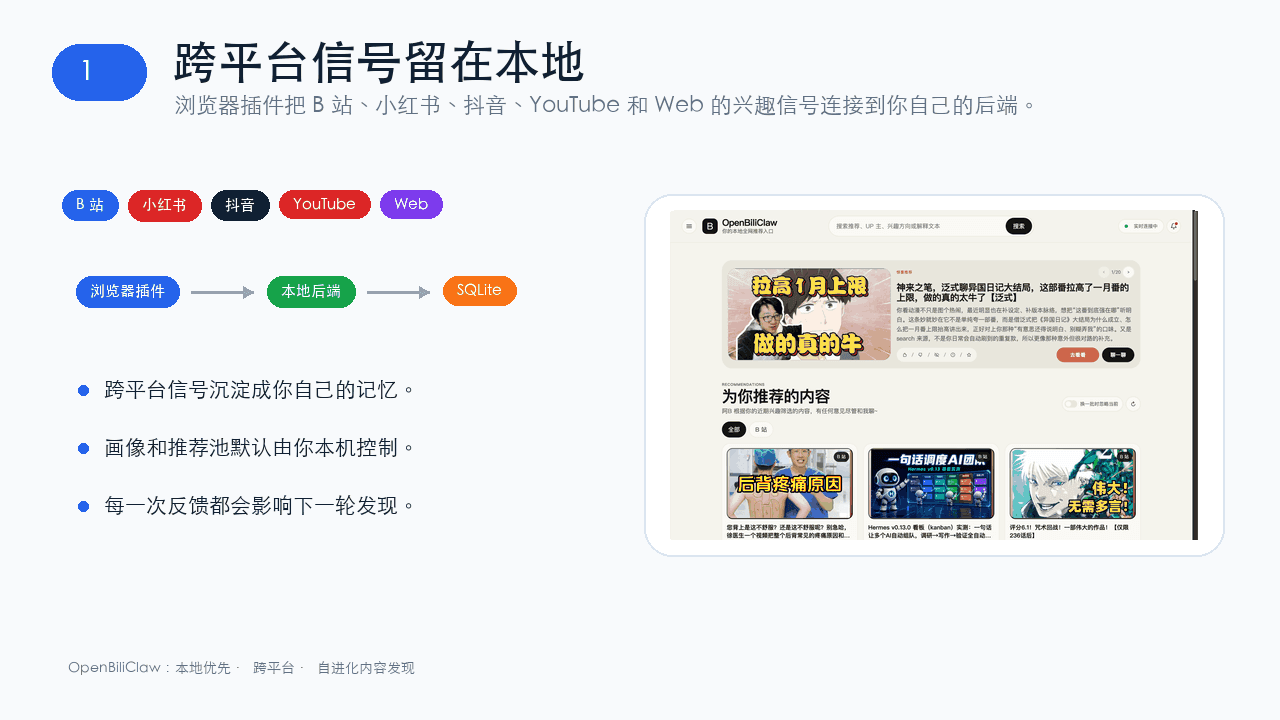 whiteguo233/OpenBiliClaw
本地私有、开源的自进化跨平台 AI 内容发现 Agent:先理解你,再主动从 B站、小红书、抖音、YouTube、X、知乎、Reddit、微博等平台与开放 Web 寻找内容。(支持 deepseek harness 插件) | Local-…
whiteguo233/OpenBiliClaw
本地私有、开源的自进化跨平台 AI 内容发现 Agent:先理解你,再主动从 B站、小红书、抖音、YouTube、X、知乎、Reddit、微博等平台与开放 Web 寻找内容。(支持 deepseek harness 插件) | Local-…
-
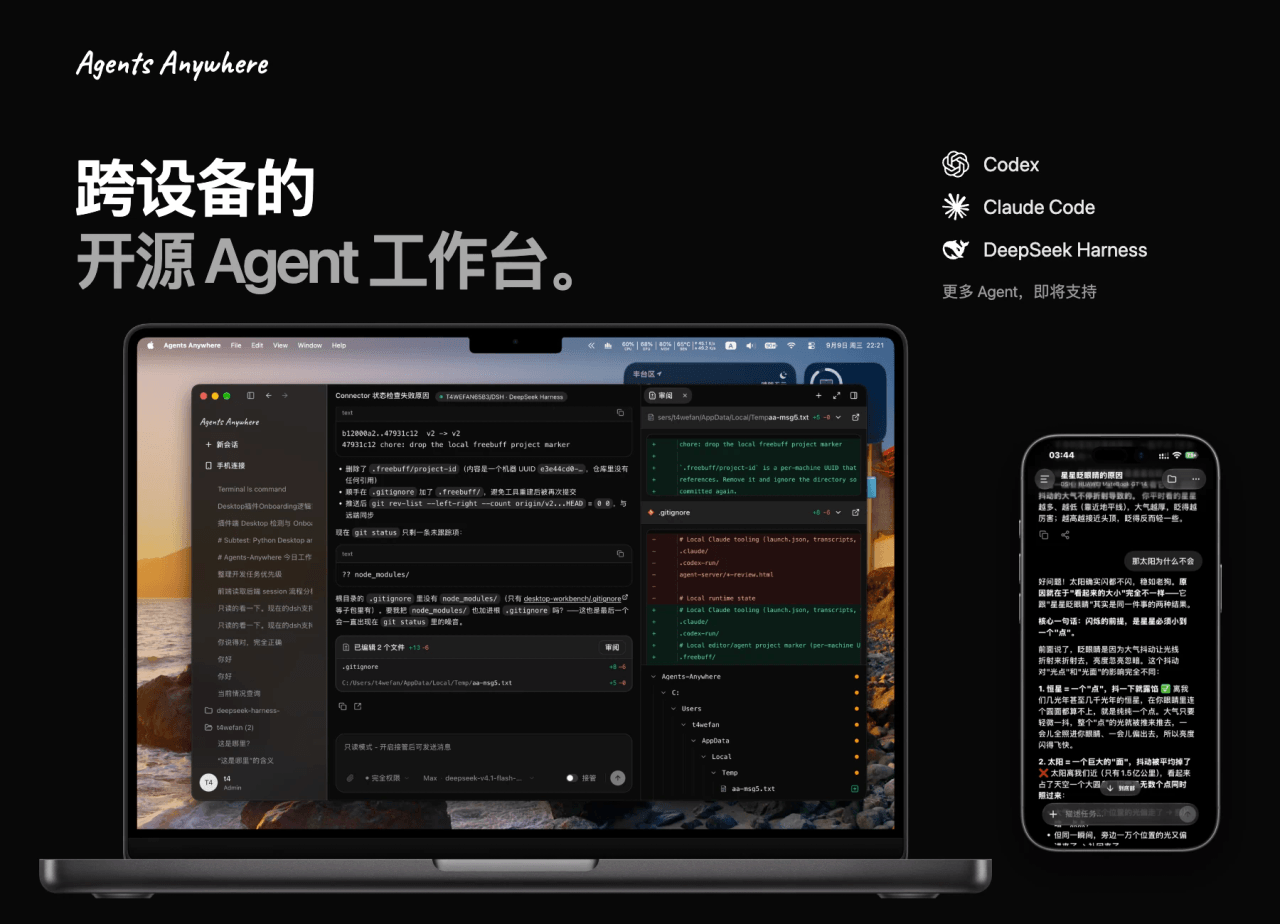 anywhere-labs/Agents-Anywhere
跨设备的开源Agent工作台
anywhere-labs/Agents-Anywhere
跨设备的开源Agent工作台
-
 agentrq/agentrq
AgentRQ: Human-in-loop realtime conversational task manager for AI Agents. Self-hosted! Control your own agents from whe…
agentrq/agentrq
AgentRQ: Human-in-loop realtime conversational task manager for AI Agents. Self-hosted! Control your own agents from whe…
-
 freestylefly/wesight
Open-source desktop AI agent workspace with one-click Claude Code, Codex, OpenClaw, Hermes Agent setup and custom LLM mo…
freestylefly/wesight
Open-source desktop AI agent workspace with one-click Claude Code, Codex, OpenClaw, Hermes Agent setup and custom LLM mo…
- zouyuxuan122/dsh-our-free-model 在 dsh 里装上这个插件即可,无需登录、注册或填 API Key,就能使用包括 Muse Spark 1.3、MiMo V2.6 在内的前沿模型——完全免费,不限量。 All you do is install this plugin i…