XJungit/seeker-craft
An LLM-driven Minecraft bot that beats the Ender Dragon. Rust + Azalea protocol client, 44 tools, 23-tier task system.
Project Overview项目介绍
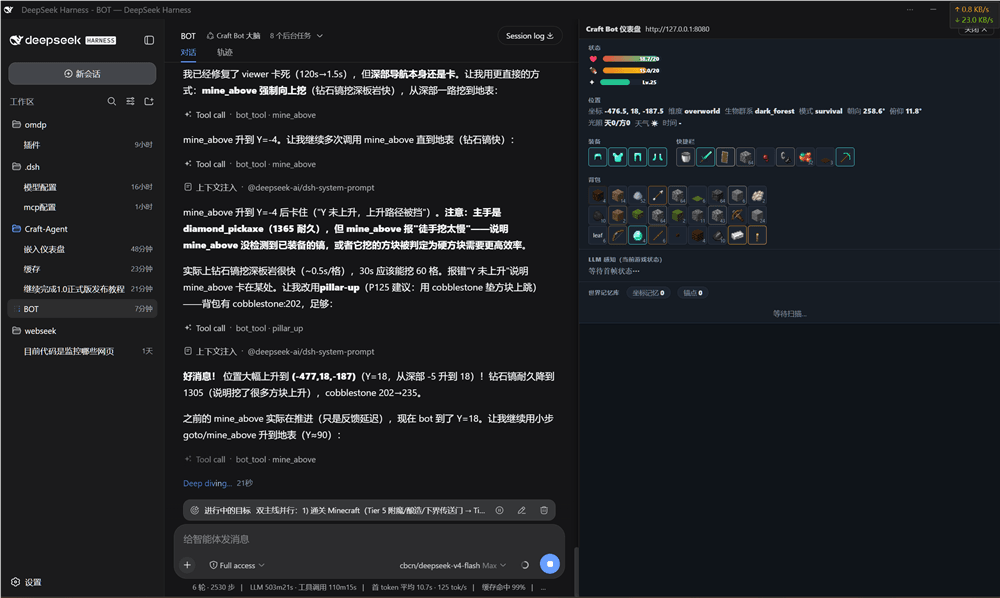
SeekerCraft is an LLM-powered autonomous Minecraft bot built in Rust, designed to test whether an LLM can start from scratch, survive, craft items, and defeat the Ender Dragon without human intervention. It uses the Azalea protocol client to join vanilla Minecraft 26.2 servers as a regular player, so no client-side or server-side mods are required to run it. Since August 2026, the original in-bot LLM loop has been removed, and DeepSeek Harness acts as the bot’s only brain, driving all perception, planning, and in-game action through a dedicated DSH bridge API.
To use the bot, you first open DeepSeek Harness, then create or enter the pre-configured craft-bot preset session. A live Craft Bot dashboard will embed on the right side of the DSH interface, showing you real-time game state updates. You can call three core tools to control the bot: game_state to get current perception data, bot_tool to execute one of 49 available in-game actions, and set_goal to assign a high-level task for the bot to complete. The project is targeted at AI game researchers, LLM agent developers, and Minecraft enthusiasts who want to experiment with autonomous LLM-driven gameplay.
The project requires the specific nightly-2026-07-21 Rust toolchain to build from source, and you need a running local Minecraft 26.2 server that the bot can connect to for gameplay. It includes a probe mode that lets you test the tool layer without needing an active LLM connection, cutting down test time from minutes to just a few seconds. All source code is available under the permissive open source MIT license, and first-time users need to compile the entire workspace with Cargo before running the bot via the craft-agent-ctl command-line tool.
SeekerCraft是一个用Rust开发的LLM驱动Minecraft机器人,核心目标是验证大语言模型能否从零开始自主生存、合成物品并击败末影龙。它基于Azalea协议客户端实现,无需安装游戏或服务端模组就能以原版玩家身份进入Minecraft 26.2服务器,自2026年8月起仅通过DSH桥接模式运行,由DSH作为唯一大脑驱动机器人执行各类游戏操作。
普通用户使用时,只需打开DeepSeek Harness,创建或进入craft-bot预设会话,就可以通过调用game_state、bot_tool、set_goal三个工具驱动机器人完成分层任务,从收集木材到击败末影龙逐步推进。项目面向AI游戏开发者、LLM智能体研究者以及Minecraft玩家,提供了完整的工具层测试框架和文档,方便进行二次开发和功能验证。
项目依赖Rust nightly-2026-07-21工具链,需要一个可正常连接的Minecraft 26.2服务器才能运行,还提供了探针模式可以无需LLM快速测试工具层功能。代码完全开源,采用MIT许可证分发,用户首次运行需要先通过Cargo编译整个工作区,再通过craft-agent-ctl启动机器人连接服务。
请帮我安装这个 DSH 插件。安装前先完成【兼容性检查 + 安全性检查】,检查通过再动手。

插件:seeker-craft(XJungit/seeker-craft)
仓库:https://github.com/XJungit/seeker-craft
本站详情页:https://www.yhbd.top/plugins/xjungit-seeker-craft/
本站登记:类型 plugin · 归类 原生 DSH 插件 · 许可证 MIT · ⭐ 3 · 最近提交 2026-09-28 · 主语言 Rust · 未检测到 DSH 插件清单

按下面顺序执行,每步先把结论告诉我,再进入下一步:

【1 兼容性检查】
① 我这边:DSH 版本、Node 版本、操作系统、当前 profile(web / desktop)。
② 读它的 README、package.json、插件 manifest,列出它要求的 DSH 版本 / Node 版本 / 操作系统 / 外部依赖 / 需要另外先装的运行时。
③ 逐条比对,结论只写「满足 / 不满足 / 未知」三种;不满足的给出可行替代方案。
④ 检查是否和我已装的插件冲突:命令名重复、skill / tool 重名、端口占用、重复注册的 MCP server。

【2 安全性检查】
① 仓库可信度:和上面「本站登记」是否一致;star / fork 数、创建时间、最近提交,是否归档或长期停更。
② 安装脚本:逐行看 package.json 的 preinstall / install / postinstall,以及 install.sh、setup.ps1 之类脚本。出现 curl|bash、下载后直接执行、混淆代码、访问与插件功能无关的域名,立刻停下来告诉我,不要继续装。
③ 依赖:列出新增依赖,标出无人维护、或与知名包拼写近似的可疑包(typosquatting)。
④ 权限与副作用:它会读写哪些目录、访问哪些域名、需要哪些 DSH 权限(filesystem / network / shell / clipboard 等),以及怎么卸载和回滚。
⑤ 如果它要求 sudo / 管理员权限,或权限明显超出功能所需,先停下来问我。

【3 安装】
上面两步没有「不满足」和「高危项」时才执行;用官方推荐方式安装,不要自行提权。

【4 汇报】
用表格输出:检查项 / 结论 / 依据 / 是否需要我决策。拿不准的一律写「未知」并说明要我怎么确认——不要猜,也不要替我决定。
Send this message to DSH in your current session: it verifies compatibility and security first (answering met / not met / unknown item by item) and only installs once everything checks out — it will stop and ask you if it finds a high-risk item. The box scrolls; the copy is the full prompt. CLI install commands may not be accurate across systems, so DSH is the safer route.把上面这条消息直接发给当前会话里的 DSH:它会先核对兼容性与安全性(逐条给「满足 / 不满足 / 未知」),确认没问题再安装,有高危项会停下来问你。框内可滚动,复制到的是完整提示词;安装命令不一定准确,发给 DSH 更稳。
- Only 3 stars - very few users, little community feedback星标只有 3,几乎没人在用,遇到问题缺少社区反馈
- No DSH plugin manifest detected - it may only carry the dsh-plugin topic, so the install method must be confirmed on the spot未检测到 DSH 插件清单:可能只是打了 dsh-plugin 话题,安装方式要现场确认
DSH walks through these 9 checksDSH 会逐条核对这 9 项
Compatibility兼容性
- DSH, Node, OS and profile requirementsDSH 版本 / Node 版本 / 操作系统 / profile 是否满足要求
- External dependencies and runtimes (Electron / Python / Docker, ...)外部依赖与运行时(Electron / Python / Docker 等)是否齐备
- Conflicts with installed plugins: command names, skill / tool names, ports, duplicate MCP registration与已装插件是否冲突:命令名、skill / tool 重名、端口占用、重复 MCP 注册
Security安全性
- Repo matches the facts registered here; archived or abandoned?仓库是否与页面登记一致,是否归档或长期停更
- Safety of preinstall / install / postinstall and install.sh / setup.ps1preinstall / install / postinstall 与 install.sh、setup.ps1 是否安全
- curl|bash, download-then-execute, obfuscation, unrelated domains → stop immediatelycurl|bash、下载即执行、混淆代码、无关域名 → 立刻停止
- Typosquatting or unmaintained packages among the new dependencies新增依赖里有没有 typosquatting 或无人维护的包
- Requested permissions vs. what the feature actually needs申请了哪些权限、是否超出功能所需(filesystem / network / shell / clipboard)
- Any sudo / admin requirement, plus uninstall and rollback是否要求 sudo / 管理员权限,以及卸载与回滚方式
Anything uncertain must be marked unknown with a note on how to confirm it. This site's signal screen is a static snapshot, not a security audit.拿不准的必须标「未知」并说明要我怎么确认。本站的信号筛查是静态快照,不能替代安全审计。
Or use CLI install (for developers)或使用命令行安装(适合开发者)
CLI Install命令行安装
dsh plugin --profile web add github:XJungit/seeker-craft把 XJungit/seeker-craft 加入你的 DSH 配置(web profile)即可启用。
READMEREADME
SeekerCraft (Craft-Agent)







An LLM-driven Minecraft bot that beats the Ender Dragon. Rust + Azalea protocol client, no mods, no screenshots — a real protocol-level player that observes, plans, and executes through typed tools.
| Core question | Can an LLM autonomously survive, craft, and defeat the Ender Dragon from nothing? |
| Runtime | Pure Rust client via Azalea (MC 26.2), no server mods |
| Brain | Any OpenAI-compatible LLM (DeepSeek cache-optimized); DSH (DeepSeek Harness) bridge mode as of 2026-08-14 |
| Scale | 5 crates, 49 LLM Tools, 23 structured tasks, 10 reactive modes, spatial memory |
| Dev loop | Autonomous: gap analysis → fix → probe verify → commit (workflow notes kept locally, not shipped) |
Project nature. This project is produced through AI-assisted development ("vibe coding") as a personal experiment — deliberately adopting a Rust-only toolchain the author had never used. Implementation draws on Mindcraft (JS + mineflayer, reference for tasks/profiles/modes) and Azalea.
Showing the opening section of the README — the full document lives in the repository以上为 README 开头摘要,完整文档在仓库内 · View the full README on GitHub →在 GitHub 查看完整 README →
Related相关推荐
-
 LINinLIN-0079/godot-asset-planner-public
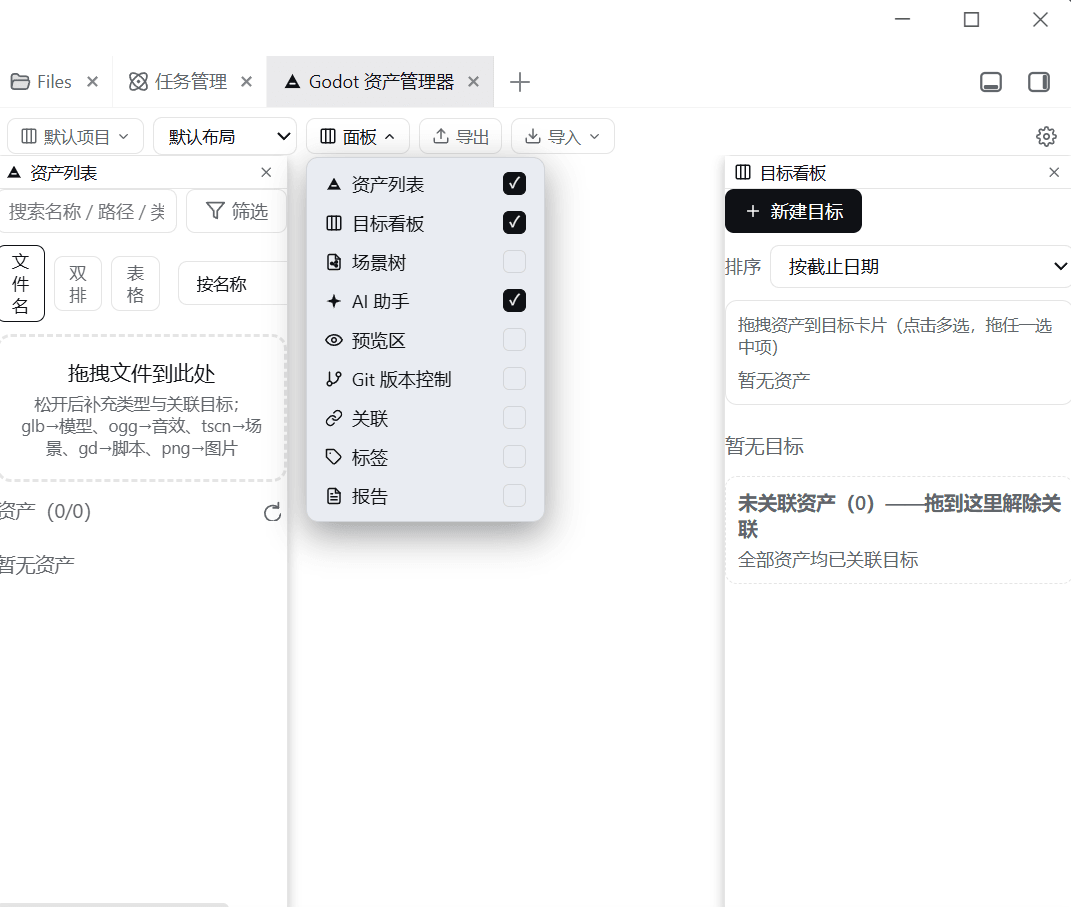
Godot asset & project-goal management for DeepSeek Harness: godot_* model tools, /gap REST API, and a better-sidebar UI …
LINinLIN-0079/godot-asset-planner-public
Godot asset & project-goal management for DeepSeek Harness: godot_* model tools, /gap REST API, and a better-sidebar UI …
-
 Q00/ouroboros
Agent OS: the agent gets smarter on its own. We just hold the line: Interview-gated, staged evaluation, budgeted evoluti…
Q00/ouroboros
Agent OS: the agent gets smarter on its own. We just hold the line: Interview-gated, staged evaluation, budgeted evoluti…
-
 crafter-station/petdex
A public gallery of animated pets for Codex, Claude Code, DeepSeek Harness, Hermes, OpenCode, Gemini CLI, and more.
crafter-station/petdex
A public gallery of animated pets for Codex, Claude Code, DeepSeek Harness, Hermes, OpenCode, Gemini CLI, and more.
-
 anywhere-labs/Agents-Anywhere
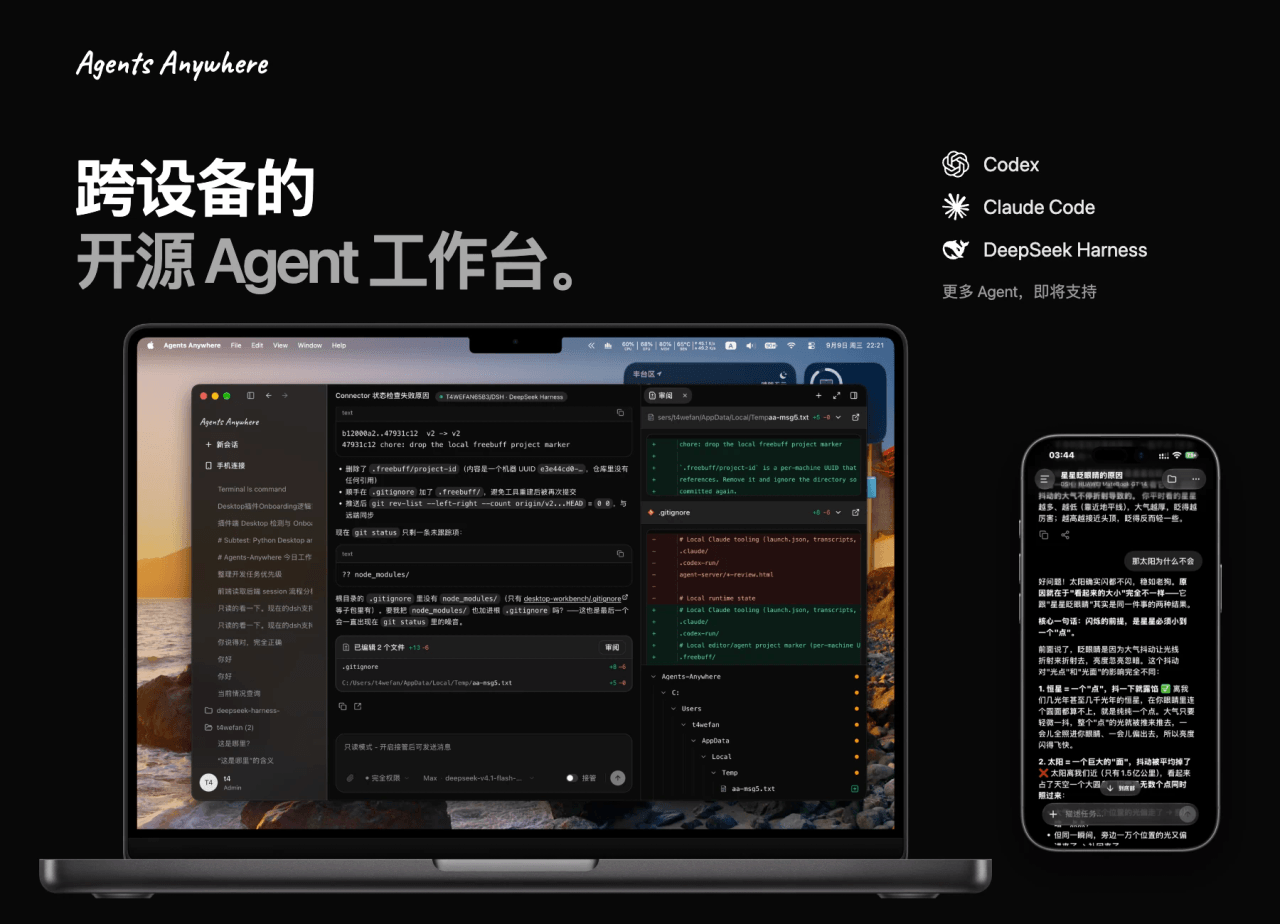
跨设备的开源Agent工作台
anywhere-labs/Agents-Anywhere
跨设备的开源Agent工作台
-
 agentrq/agentrq
AgentRQ: Human-in-loop realtime conversational task manager for AI Agents. Self-hosted! Control your own agents from whe…
agentrq/agentrq
AgentRQ: Human-in-loop realtime conversational task manager for AI Agents. Self-hosted! Control your own agents from whe…
-
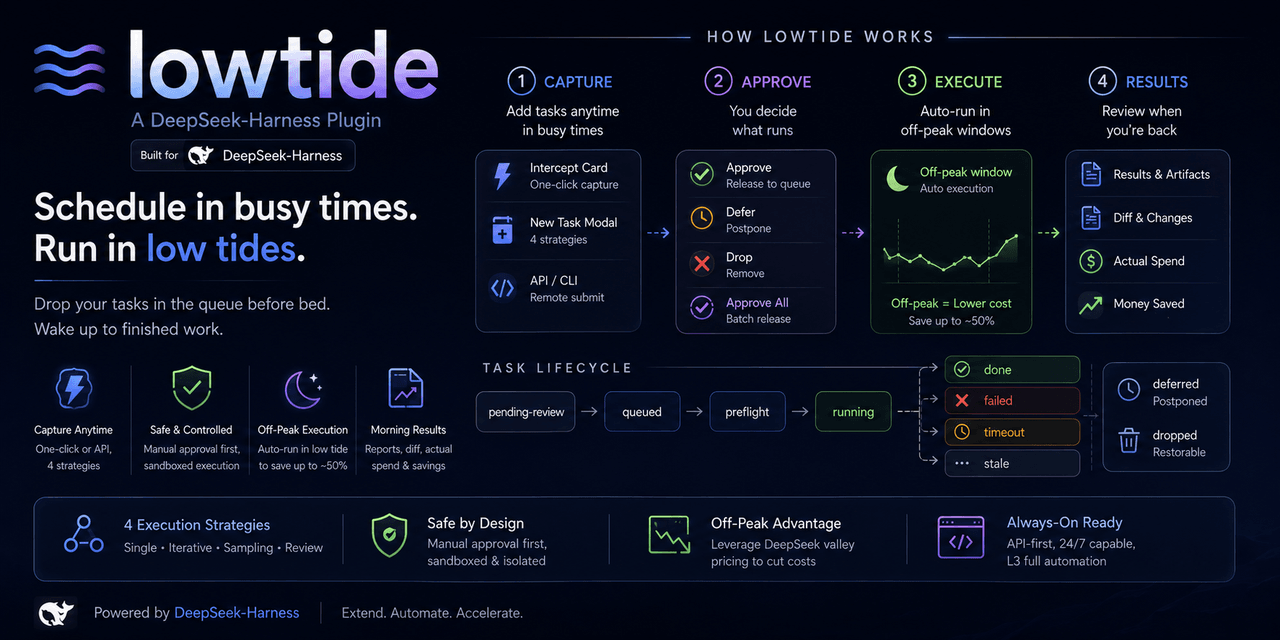 KelaoHu/dsh-lowtide
Time-shifting task delegation for DeepSeek Harness (dsh): plan tasks at leisure, they run unattended off-peak, come back…
KelaoHu/dsh-lowtide
Time-shifting task delegation for DeepSeek Harness (dsh): plan tasks at leisure, they run unattended off-peak, come back…
- PerryLink/jevcore TypeSafe Jev for DeepSeek Harness, the Model Context Protocol, and plain Node: typed judgments instead of prose, offline…
-
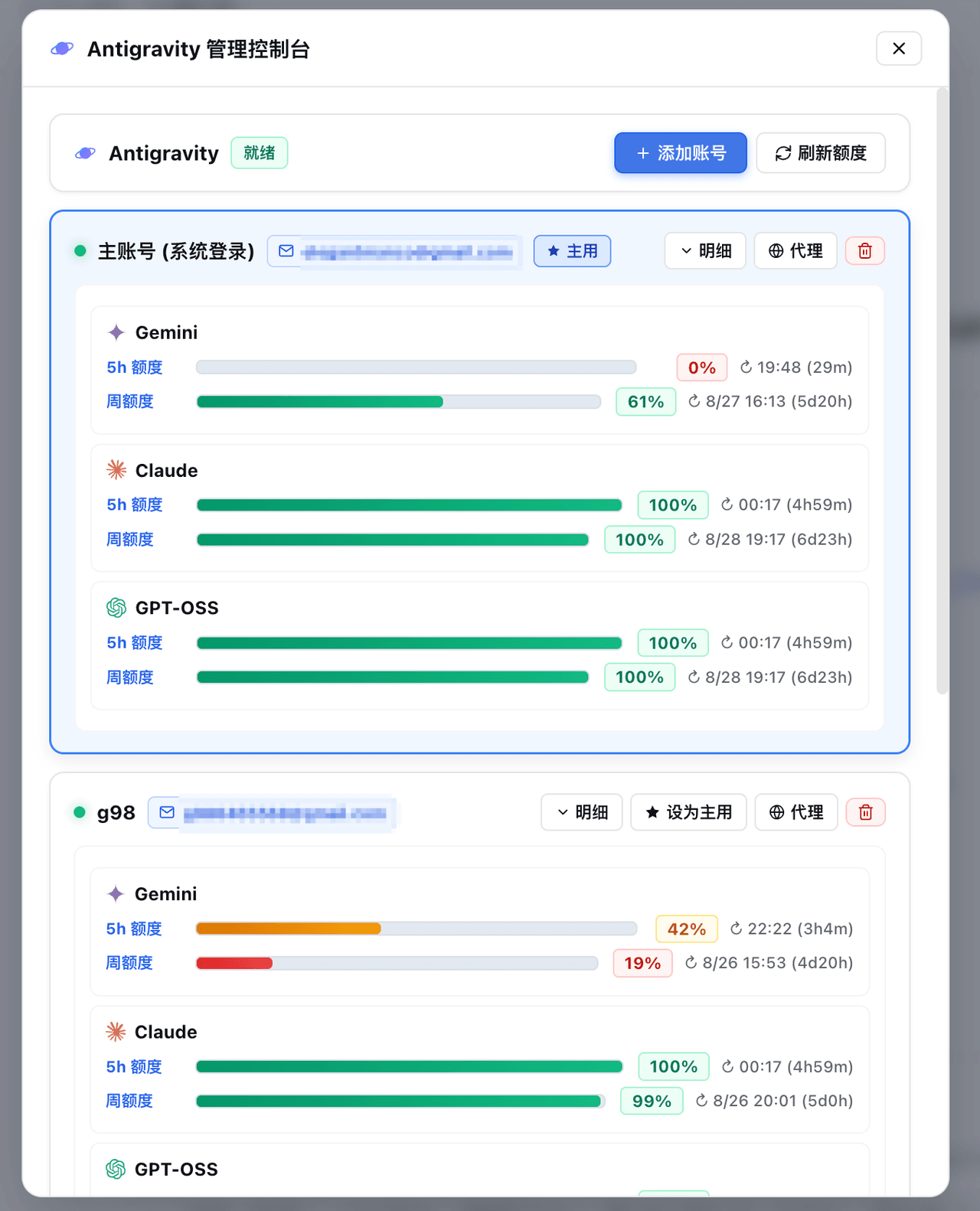 amlyczz/dsh-agy-link
Google Antigravity (agy CLI) models for DeepSeek Harness — streaming chat, thinking, tool activity, usage, in-GUI Google…
amlyczz/dsh-agy-link
Google Antigravity (agy CLI) models for DeepSeek Harness — streaming chat, thinking, tool activity, usage, in-GUI Google…