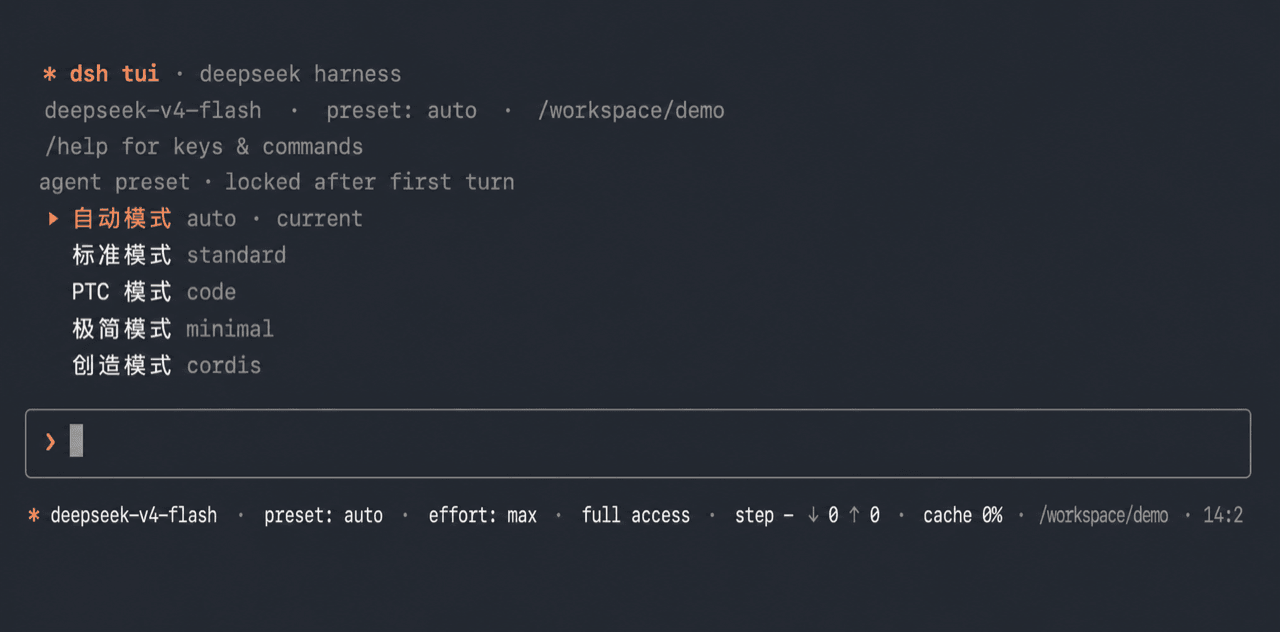
yhfgyyf/dsh-tui-app
A readline-based interactive terminal profile bundle for DeepSeek Harness. It keeps DSH's model, Agent Preset, session, permission, command, and tool services, and supplies a terminal chat surface over them.
catalog descriptioncatalog 简介 / catalog description:Readline-based interactive terminal profile bundle for DeepSeek Harness.
Project Overview项目介绍
DSH TUI App is a readline-based terminal profile bundle for DeepSeek Harness. It exposes DSH's model, Agent Preset, session, permission, command, and tool services through a streaming chat surface with image input, session management, permission cycling, slash commands, skills, and optional Guardian review. Use it when you want a keyboard-driven terminal front-end. Caveat: the !<command> shell escape runs outside the Agent sandbox, so only run commands you trust.
DSH TUI App 是 DeepSeek Harness 的 readline 终端 profile 插件,复用 DSH 的模型、Agent Preset、会话、权限、命令与工具服务,提供流式聊天界面,支持图片输入、会话管理、权限切换、Slash 命令与 Skill 调用,并可集成 Guardian 审核。! 前缀的本地 shell 命令不经 Agent 沙箱,请仅运行可信指令。
请帮我了解并安装插件:【dsh-tui-app】【https://github.com/yhfgyyf/dsh-tui-app】Send this message to DSH in your current session. CLI install commands may not be accurate across systems — DSH will figure it out for you.把上面这条消息直接发给当前会话里的 DSH,让它帮你了解并安装。安装命令不一定准确,发给 DSH 更稳。
Or use CLI install (for developers)或使用命令行安装(适合开发者)
CLI Install命令行安装
dsh plugin --profile tui add github:yhfgyyf/dsh-tui-app把 yhfgyyf/dsh-tui-app 加入你的 DSH 配置(web profile)即可启用。
READMEREADME
DSH TUI App
A readline-based interactive terminal profile bundle for DeepSeek Harness. It keeps DSH's model, Agent Preset, session, permission, command, and tool services, and supplies a terminal chat surface over them.
This is an independent lightweight implementation. It is not the React/Ink
project published as ccch1mneyyy/dsh-TUI.
Preview
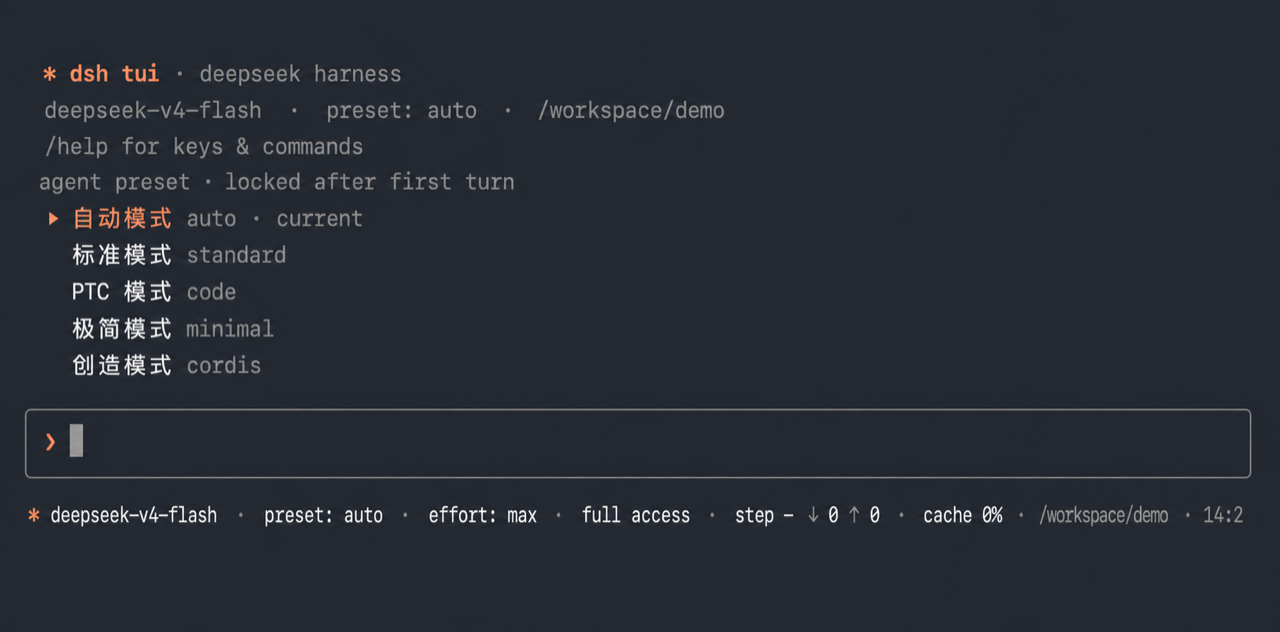
The image is cropped from a real local dsh --profile tui startup. Shell
history and window chrome were removed, and the workspace path was anonymized
as /workspace/demo; it contains no user name, home-directory path, session
ID, or personal project information.
Features
- Streaming assistant text, reasoning, tool calls, tool results, and
Codex-style
[Image #N]placeholders for image output/history. - Native rc.1 image input through repeatable
--image/-istartup flags or/imagefor the next prompt; pasted image paths are attached automatically, and Ctrl+V reads a copied Finder file or bitmap on macOS. This is the Control key, not Command/⌘V: Terminal does not forward a bitmap-only Command+V paste to the TUI process. Pending images use[Image #N]placeholders while attachment bytes remain in DSH's local store. Before sending, the TUI uses rc.1's model-capability preflight and retains the pending batch when the selected model is explicitly text-only. - Direct MP4 input through repeatable
--video/-v,/video, pasted paths, or a copied Finder file. Original video bytes are sent to a compatible OpenAIvideo_urlendpoint without local frame extraction. - Bordered TTY composer with command completion, history, resize reflow, and a plain line-loop fallback when stdin/stdout are pipes.
- New, resume, list, and delete session flows over DSH's durable session store; deletion goes through the official SessionController so workspace registration is cleaned up and sessions owned by another lifecycle are rejected safely.
- Blank-session Agent Preset selection; the preset is locked after the first model-loop turn.
- Model and reasoning-effort pickers, plus permission-preset cycling with Shift+Tab.
- DSH slash-command registry and user-invocable Skill integration, plus an
explicit
!<command>local shell shortcut. - Optional Audit integration: unaccepted audits appear as separate green or
red transcript blocks.
aexecutes the proposal unchanged;eloads it into the composer for editing and Enter executes it. Warning is steered after the current tool call without canceling the Agent; critical is already paused and starts its accepted repair immediately. A paused Audit usescto copy feedback through OSC 52.
Install
On DSH 0.1.2-rc.1, the official PTC preset id is ptc. Pressing Esc in the
resume picker cancels without opening another session.
Version 0.2.0 requires DeepSeek Harness 0.1.3-alpha.2 or a compatible later build.
Session listing, resume and export use the current handle API. Live reasoning
and text consume the transient assistant stream, while the log stores final messages.
dsh plugin --profile tui add github:yhfgyyf/dsh-tui-app
dsh --profile tui
The first command creates the tui profile when it does not exist, adds this
package as a standard dsh.bundle, and records it in that profile.
Startup options:
dsh --profile tui --help
dsh --profile tui --preset minimal
dsh --profile tui -i diagram.png
dsh --profile tui -i a.png -i b.jpg
dsh --profile tui --resume <session-id>
The standalone default is standard. To make first-prompt automatic routing
available and default, install the router bundle after this TUI bundle:
dsh plugin --profile tui add github:yhfgyyf/dsh-auto-preset-router
dsh --profile tui --preset auto
To add the explicit fifth Audit preset and its persistent Codex review, install the Audit bundle too. It does not become an Auto Router target:
dsh plugin --profile tui add github:yhfgyyf/dsh-audit-mode
dsh --profile tui --preset audit
Commands and keys
Local commands include /help, /image, /video, /sessions, /resume, /preset,
/new, /model, /effort, and /exit. /image a.png,b.jpg attaches images
to the next prompt and /image clear removes the pending batch. /model lists
models from every configured provider; /model <provider>/<id> switches routes.
The shipped DeepSeek V4 Flash/Pro routes are text-only; rc.1 adds the official
deepseek-v4-flash-vision-exp image model. Select that model, or another route
that declares image input, before sending. DSH application commands such as /compact,
/goal, /feedback, and /export are merged from the shared command
registry when their providers are composed.
Audit adds /audit status|now|history|accept|resume through that same registry.
User-invocable skills from the active Agent Preset also appear in the / menu.
Type /skill-name, or select it and press Tab to insert /skill-name , then add
the task and send it. The literal prompt is passed to DSH unchanged so the
official agent/pre-step skill path injects the canonical skill content, just
as it does in Web. Skills marked model-disabled remain available with a
user-only label; skills marked user-disabled are hidden. If a host command
and a skill share a name, the host command takes precedence.
Main keys: Enter sends, Up/Down navigate history or pickers, Tab completes,
Shift+Tab cycles permission presets, Ctrl+V pastes a clipboard image on macOS,
Esc interrupts/closes, Ctrl+L clears, and Ctrl+D exits.
With a pending Audit review and an empty composer, a executes remediation
unchanged and e opens an editable draft; Enter executes it and Esc cancels.
While paused, c copies the latest feedback. r resumes only a failure/manual
pause that has no pending critical approval.
Security boundary
!<command> is an explicit human-operated shell escape. It launches the
user's shell directly in the current workspace and therefore does not pass
through the Agent tool sandbox or approval policy. Only run commands you trust.
The ordinary model-driven shell tools remain governed by the active DSH preset
and permission configuration.
Like any DSH plugin, this package runs with the permissions of the DSH process.
Remove
Remove the Auto Router first if it was installed into the same profile:
dsh plugin --profile tui remove dsh-auto-preset-router
dsh plugin --profile tui remove dsh-tui-app
Session data under $DSH_HOME is not deleted.
Development
npm test
npm run check
npm run pack:check
The repository follows the current DSH distribution contract: package.json
declares dsh.bundle.patch, and cordis.patch.yml composes the terminal app
through dsh plugin --profile … add ….
Related相关推荐
-
 ccch1mneyyy/dsh-TUI
DSH 官方公众号收录的 TUI 补位插件:Claude Code 风,鲸鱼顶栏/实时状态/流式思考/双击 Esc 回滚/上下文进度+TPS。npm 一键装。 DSH official WeChat featured TUI plugin…
ccch1mneyyy/dsh-TUI
DSH 官方公众号收录的 TUI 补位插件:Claude Code 风,鲸鱼顶栏/实时状态/流式思考/双击 Esc 回滚/上下文进度+TPS。npm 一键装。 DSH official WeChat featured TUI plugin…
-
 myYangyunfan/dsh_desktop
DeepSeek Harness (dsh) Windows desktop client - bundled Node.js + dsh CLI, one-click launch
myYangyunfan/dsh_desktop
DeepSeek Harness (dsh) Windows desktop client - bundled Node.js + dsh CLI, one-click launch
-
 ChisaAlter/Deepseek-Harness-Desktop
DSH桌面端,支持主题和背景图等多种个性化配置。Electron desktop shell for DeepSeek Harness web UI
ChisaAlter/Deepseek-Harness-Desktop
DSH桌面端,支持主题和背景图等多种个性化配置。Electron desktop shell for DeepSeek Harness web UI
-
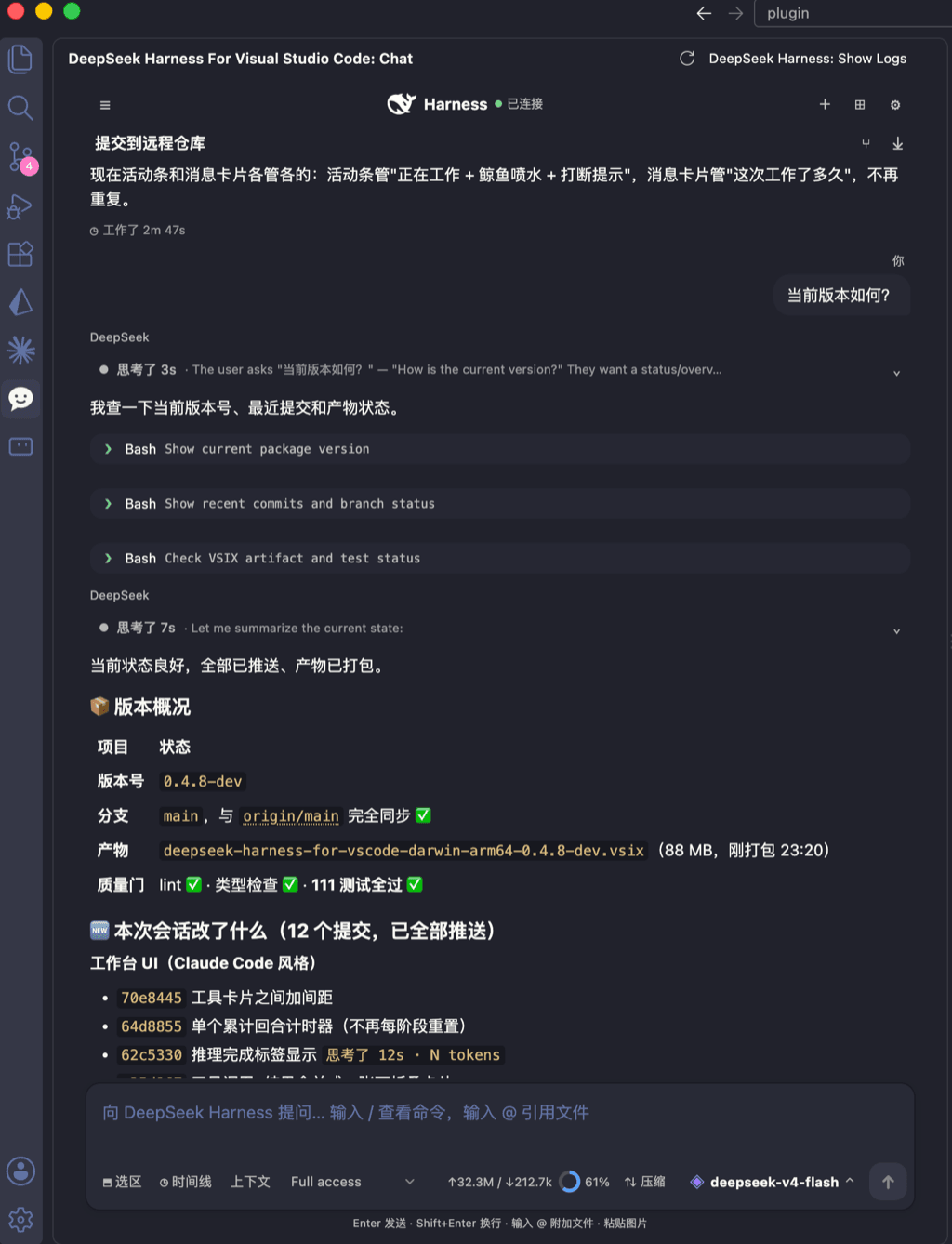 skymecode/deepseek-harness-for-vscode
deepseek-harness for vscode .A native VS Code coding-agent extension for DeepSeek Harness. Streamlined workbench with se…
skymecode/deepseek-harness-for-vscode
deepseek-harness for vscode .A native VS Code coding-agent extension for DeepSeek Harness. Streamlined workbench with se…
-
 rison114514/dsh-endfield-ui
Endfield-inspired industrial UI shell for DeepSeek Harness (dsh) — non-official fan theme. Install: dsh plugin --profile…
rison114514/dsh-endfield-ui
Endfield-inspired industrial UI shell for DeepSeek Harness (dsh) — non-official fan theme. Install: dsh plugin --profile…
-
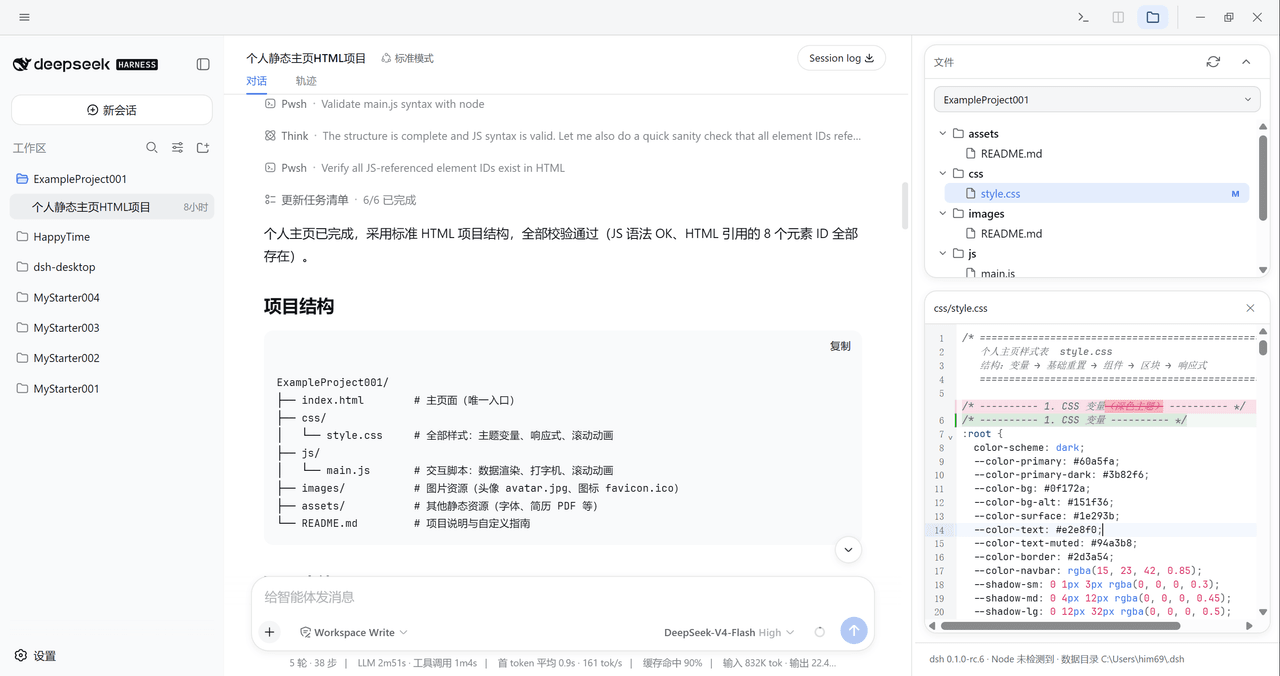 xiincs/deepseek-harness-desktop
DeepSeek Harness 原生桌面版,基于 Tauri 2,内置 Node.js 运行时,一键安装,极速启动,托盘常驻,自动更新。DeepSeek Harness native desktop version: built on T…
xiincs/deepseek-harness-desktop
DeepSeek Harness 原生桌面版,基于 Tauri 2,内置 Node.js 运行时,一键安装,极速启动,托盘常驻,自动更新。DeepSeek Harness native desktop version: built on T…
-
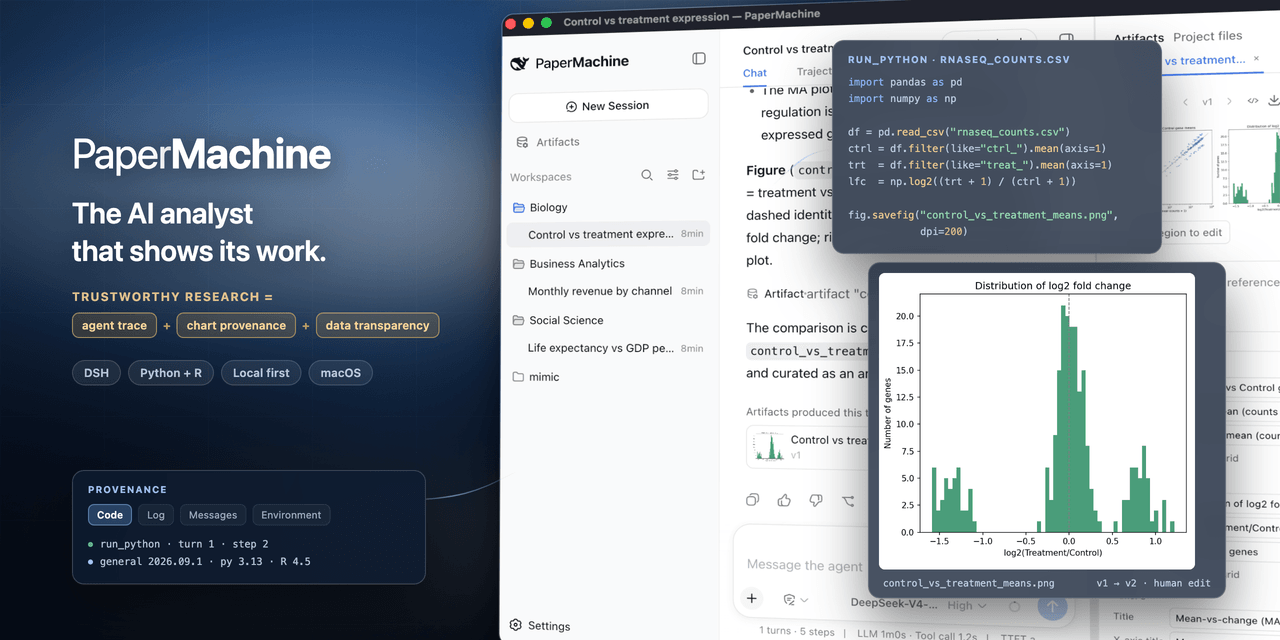 SuperJJ007/papermachine
The AI analyst that shows its work. Runs Python and R on your own machine, and traces every chart back to the code behin…
SuperJJ007/papermachine
The AI analyst that shows its work. Runs Python and R on your own machine, and traces every chart back to the code behin…
-
 dsh-tui/dsh-tui
Claude Code-style terminal UI for DeepSeek Harness agents, as an out-of-tree dsh plugin bundle
dsh-tui/dsh-tui
Claude Code-style terminal UI for DeepSeek Harness agents, as an out-of-tree dsh plugin bundle