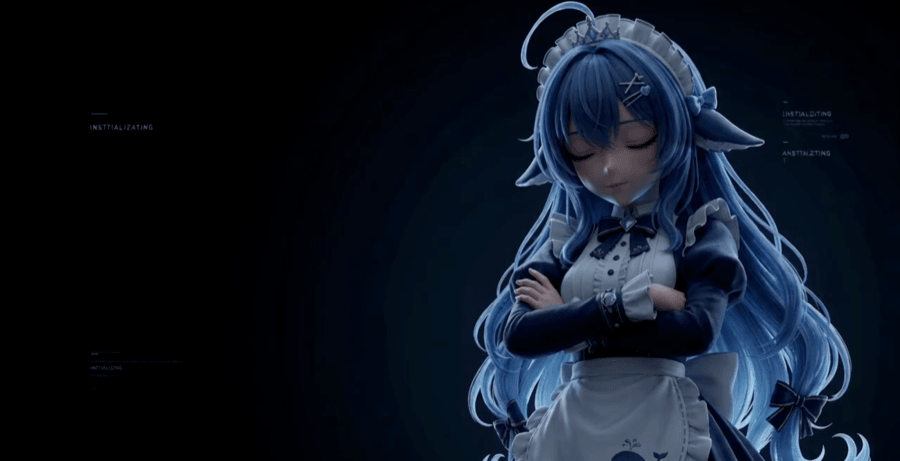
Yiheng-guo/dsh-boot-animation-pro
DSH 片头开机动画增强版:播放控制、触发规则、会话名单、分时段片头、片库管理、中英双语。A full-frame intro animation for DSH. Fork of NativeDog1/dsh-boot-animation.
Project Overview项目介绍
dsh-boot-animation-pro is a native Cordis plugin built exclusively for DSH (DeepSeek Harness), forked from NativeDog1/dsh-boot-animation to extend it with playback controls, trigger rules, a clip library, four visual effects, time-of-day intros, and a bilingual Chinese/English UI. Its single purpose is to play an mp4 boot video that fills the DSH window when the app opens, a new conversation starts, or a pinned conversation is re-entered. Installation is one command — dsh plugin --profile web add github:Yiheng-guo/dsh-boot-animation-pro for the web client, swapping web for desktop on the desktop app — and because the prebuilt lib/ directory is committed and no prepare script runs, no pnpm build authorization is triggered. A full DSH restart is mandatory afterward, since DSH's bundle layer is assembled on startup; on a browser tab the user must additionally hit Ctrl/Cmd+Shift+R.
Typical workflow: open the 🎛 panel at the bottom-left of the sidebar, pick one of five trigger modes (the default plays on new chats and pinned sessions; the per-launch mode guarantees one play per DSH start), tweak volume, mute-on-start, speed, countdown skip, fade-out, cover/contain fit, and randomize under the Play tab, layer scanlines/vignette/grain/glow under the Visual tab, and configure weekday × time-of-day intros that survive midnight under the Time tab. Pinned sessions are toggled with the 🎞→🎬 button, custom videos are dropped into ~/.dsh/boot-animation-pro/videos/ and selected from the Library, and the host resolves clips in a fixed order (selection → $DSH_BOOT_ANIMATION → intro.mp4 → newest in videos/ → four embedded clips), re-resolving on every request so swapping clips never requires a restart. It targets users who want a branded or themed DSH opening, want different intros at different times of day, or simply want some visual delight when launching the client.
Dependencies and limits are minimal: any modern Chromium-class browser is enough to render, the archive is shrunk from 19MB to 9.5MB by extracting only the embedded clips.data.js, and the BSD-3-Clause license is byte-identical to the original. Browser autoplay policies force every boot video to start muted; clicking the picture both unmutes and fullscreens it, which is the only compliant path. A 25-second watchdog kills runs that hang, and videos with a trailing moov atom are flagged "⚠ not optimized" and should be remuxed with ffmpeg -c copy -movflags +faststart. The plugin exposes write endpoints (/select, /remove) on DSH's web server outside the app-shell token, so all of them pass route-guard.js's four gates (loopback Host, no Sec-Fetch-Site: cross-site, loopback Origin when present, and Content-Type: application/json) — a regression suite replays the attacks and asserts both 403 and file preservation. First-run caveat: a hard reload is mandatory after install or upgrade because DSH's bundle responses carry immutable, max-age=31536000, and the legacy ~/.dsh/boot-animation/ directory is read-only scanned, so prior clips still appear in the library but the new plugin will not delete them.
dsh-boot-animation-pro 是一个为 DSH(DeepSeek Harness)专门开发的原生开机动画 Cordis 插件,以二次开发的形式存在,基于 NativeDog1/dsh-boot-animation 扩展而来。其核心功能是为 DSH 在启动、新建对话或切换已钉住的会话时铺满窗口播放一段 mp4 视频。安装通过一行 dsh plugin --profile web add github:Yiheng-guo/dsh-boot-animation-pro 命令完成,桌面版 App 需把 web 换成 desktop;装完后必须完全退出 DSH 再重开,否则不会生效。
典型用法是在侧边栏底部通过 🎛 控制面板配置触发规则(默认只在新建对话和钉住的会话播放,或选择「每次启动 DSH 只播一次」以保证每次打开都看到)、播放控制(音量、静音、倍速、淡出、铺满/完整显示)、画面特效(扫描线、暗角、颗粒、辉光)、分时段片头和界面语言(中英双语)。侧边栏 🎞 按钮可一键钉住会话使其每次都播。它适合希望定制 DSH 开场体验、需要在不同时间段自动切换片头、或要在团队演示中强化品牌识别的用户。
依赖方面,预编译产物 lib/ 已随源码提交,因此 dsh plugin add 不触发任何构建;自定义视频放到 ~/.dsh/boot-animation-pro/videos/ 后由片库面板挑选,另有环境变量和内嵌四段兜底。浏览器禁止带声音自动播放,动画一律静音起播,需点击画面开启声音并进入全屏;mp4 若 moov 在文件末尾会黑屏,可用 ffmpeg -movflags +faststart 修复。许可为 BSD-3-Clause,与原版完全一致。
请帮我安装这个 DSH 插件。安装前先完成【兼容性检查 + 安全性检查】,检查通过再动手。

插件:dsh-boot-animation-pro(Yiheng-guo/dsh-boot-animation-pro)
仓库:https://github.com/Yiheng-guo/dsh-boot-animation-pro
本站详情页:https://www.yhbd.top/plugins/yiheng-guo-dsh-boot-animation-pro/
本站登记:类型 plugin · 归类 原生 DSH 插件 · 许可证 NOASSERTION · ⭐ 9 · 最近提交 2026-09-30 · 主语言 JavaScript

按下面顺序执行,每步先把结论告诉我,再进入下一步:

【1 兼容性检查】
① 我这边:DSH 版本、Node 版本、操作系统、当前 profile(web / desktop)。
② 读它的 README、package.json、插件 manifest,列出它要求的 DSH 版本 / Node 版本 / 操作系统 / 外部依赖 / 需要另外先装的运行时。
③ 逐条比对,结论只写「满足 / 不满足 / 未知」三种;不满足的给出可行替代方案。
④ 检查是否和我已装的插件冲突:命令名重复、skill / tool 重名、端口占用、重复注册的 MCP server。

【2 安全性检查】
① 仓库可信度:和上面「本站登记」是否一致;star / fork 数、创建时间、最近提交,是否归档或长期停更。
② 安装脚本:逐行看 package.json 的 preinstall / install / postinstall,以及 install.sh、setup.ps1 之类脚本。出现 curl|bash、下载后直接执行、混淆代码、访问与插件功能无关的域名,立刻停下来告诉我,不要继续装。
③ 依赖:列出新增依赖,标出无人维护、或与知名包拼写近似的可疑包(typosquatting)。
④ 权限与副作用:它会读写哪些目录、访问哪些域名、需要哪些 DSH 权限(filesystem / network / shell / clipboard 等),以及怎么卸载和回滚。
⑤ 如果它要求 sudo / 管理员权限,或权限明显超出功能所需,先停下来问我。

【3 安装】
上面两步没有「不满足」和「高危项」时才执行;用官方推荐方式安装,不要自行提权。

【4 汇报】
用表格输出:检查项 / 结论 / 依据 / 是否需要我决策。拿不准的一律写「未知」并说明要我怎么确认——不要猜,也不要替我决定。
Send this message to DSH in your current session: it verifies compatibility and security first (answering met / not met / unknown item by item) and only installs once everything checks out — it will stop and ask you if it finds a high-risk item. The box scrolls; the copy is the full prompt. CLI install commands may not be accurate across systems, so DSH is the safer route.把上面这条消息直接发给当前会话里的 DSH:它会先核对兼容性与安全性(逐条给「满足 / 不满足 / 未知」),确认没问题再安装,有高危项会停下来问你。框内可滚动,复制到的是完整提示词;安装命令不一定准确,发给 DSH 更稳。
- Only 9 stars - very few users, little community feedback星标只有 9,几乎没人在用,遇到问题缺少社区反馈
DSH walks through these 9 checksDSH 会逐条核对这 9 项
Compatibility兼容性
- DSH, Node, OS and profile requirementsDSH 版本 / Node 版本 / 操作系统 / profile 是否满足要求
- External dependencies and runtimes (Electron / Python / Docker, ...)外部依赖与运行时(Electron / Python / Docker 等)是否齐备
- Conflicts with installed plugins: command names, skill / tool names, ports, duplicate MCP registration与已装插件是否冲突:命令名、skill / tool 重名、端口占用、重复 MCP 注册
Security安全性
- Repo matches the facts registered here; archived or abandoned?仓库是否与页面登记一致,是否归档或长期停更
- Safety of preinstall / install / postinstall and install.sh / setup.ps1preinstall / install / postinstall 与 install.sh、setup.ps1 是否安全
- curl|bash, download-then-execute, obfuscation, unrelated domains → stop immediatelycurl|bash、下载即执行、混淆代码、无关域名 → 立刻停止
- Typosquatting or unmaintained packages among the new dependencies新增依赖里有没有 typosquatting 或无人维护的包
- Requested permissions vs. what the feature actually needs申请了哪些权限、是否超出功能所需(filesystem / network / shell / clipboard)
- Any sudo / admin requirement, plus uninstall and rollback是否要求 sudo / 管理员权限,以及卸载与回滚方式
Anything uncertain must be marked unknown with a note on how to confirm it. This site's signal screen is a static snapshot, not a security audit.拿不准的必须标「未知」并说明要我怎么确认。本站的信号筛查是静态快照,不能替代安全审计。
Or use CLI install (for developers)或使用命令行安装(适合开发者)
CLI Install命令行安装
dsh plugin --profile web add github:Yiheng-guo/dsh-boot-animation-pro把 Yiheng-guo/dsh-boot-animation-pro 加入你的 DSH 配置(web profile)即可启用。
READMEREADME
dsh-boot-animation-pro
给 DSH 加一段开机动画:打开 DSH、新对话、或你钉住的会话时,视频铺满整个窗口播放。
这是
NativeDog1/dsh-boot-animation的二次开发版, 增加播放控制、触发规则、片库管理、画面特效、分时段片头和中英双语界面。 出处、许可与差异见 FORK.md。English: README.en.md
如果你用上了,点个 ⭐ Star 让我知道有人在用 —— 这是这个项目唯一想要的回报。
一条命令安装(复制即用):
dsh plugin --profile web add github:Yiheng-guo/dsh-boot-animation-pro
桌面版 App 把
web换成desktop。装完完全退出 DSH 再重开才生效。
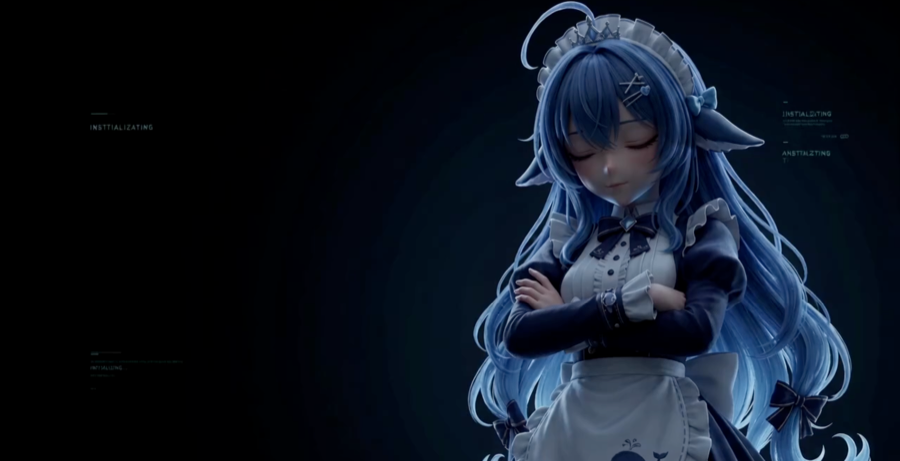
装好之后长什么样
 |
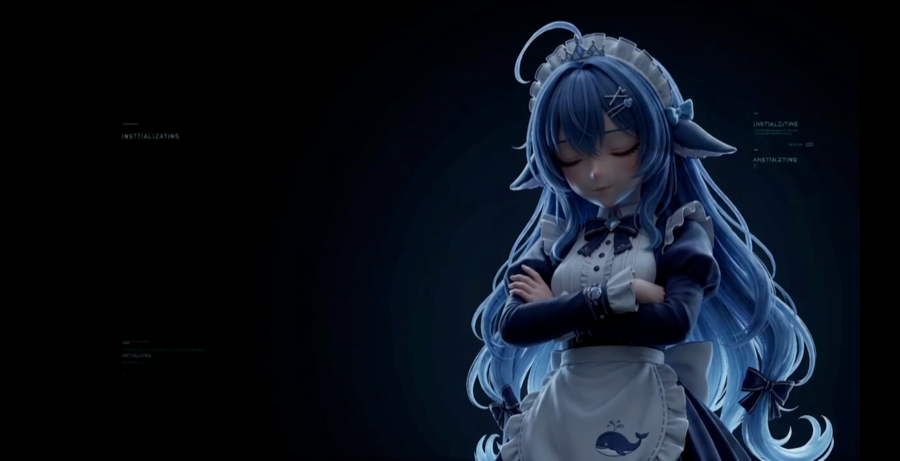 |
| 铺满屏幕(默认):填满窗口,超出裁掉,0 黑边 | 完整显示:整帧都在,长宽比不匹配时留黑边 |
上面两张是真实浏览器渲染实测截图(Headless Chrome 2560×1313 视口,1280×720 片源,
scripts/verify-letterbox.mjs 测量):铺满模式黑边 0px,完整显示模式左右各 113px。
安装
dsh plugin --profile web add github:Yiheng-guo/dsh-boot-animation-pro
仓库里已提交构建产物
lib/,也没有prepare生命周期脚本,所以这条命令不编译任何东西, 不触发 pnpm 的allowBuilds构建授权。
装完必须重启一次 DSH(bundle 层在启动时装配):
# 停掉当前的 dsh,然后
dsh web
从源码目录安装(开发用)
git clone https://github.com/Yiheng-guo/dsh-boot-animation-pro.git
cd dsh-boot-animation-pro
npm install && npm run build && npm run check   # 可选:先自检

# 挂进 profile(默认 desktop,可 --profile web)
npm run dsh:link
# 卸载
npm run dsh:unlink
scripts/dsh-link.mjs 写的东西和 dsh plugin add 完全一致:profile 的 node_modules/ 下一个符号链接、
dependencies 一行、dsh.profile.bundles 一项。可逆,且重复执行是幂等的。
装完看不到效果?先做这件事
DSH 的客户端 bundle 响应带 cache-control: max-age=31536000, immutable。装好或升级后请
完全退出 DSH 再重开;如果是浏览器窗口,按 **Ctrl+Shift+R(Mac 上是 Cmd+Shift+R)**硬刷新。
DSH 桌面版没有绑定
Cmd+Shift+R。用Cmd+Q退出再打开即可 —— 进程换了之后启动页会重新取, 而rev是内容哈希,内容变了 URL 就变了,不会命中旧缓存。
用法
什么时候播(触发规则)
侧边栏左下角点 🎛 → 「触发」标签页,五种模式:
| 模式 | 什么时候播 |
|---|---|
| 新对话一次 + 钉住的会话每次 | 默认。新建对话播一次;另外钉住的会话每次进都播 |
| 每个新对话一次 | 只在没说过话的新对话播 |
| 每次打开会话都播 | 切换任何会话都播(最频繁) |
| 每次启动 DSH 只播一次 | 一次启动最多播一次。「每次打开 DeepSeek 都能看到」选这个 |
| 不自动播放 | 只在你手动点「▶ 预览 / ▶ 播一次」时播 |
- 冷却时间:距上次播放不足 N 分钟就不自动播(0 = 不限)。它和会话名单是否决条件,对以上每种模式都生效。
- 会话名单:
不限制/只在这些会话播/这些会话不播。当前会话可以一键加入或移出。
钉住某个会话(让它每次都播)
侧边栏点 🎞 → 变绿 🎬 = 已钉住,之后每次进这个会话都播。再点一下取消。
换自己的视频
Showing the opening section of the README — the full document lives in the repository以上为 README 开头摘要,完整文档在仓库内 · View the full README on GitHub →在 GitHub 查看完整 README →
Related相关推荐
-
 gjj-star/dsh-conversation-navigator
DSH 会话导航
gjj-star/dsh-conversation-navigator
DSH 会话导航
-
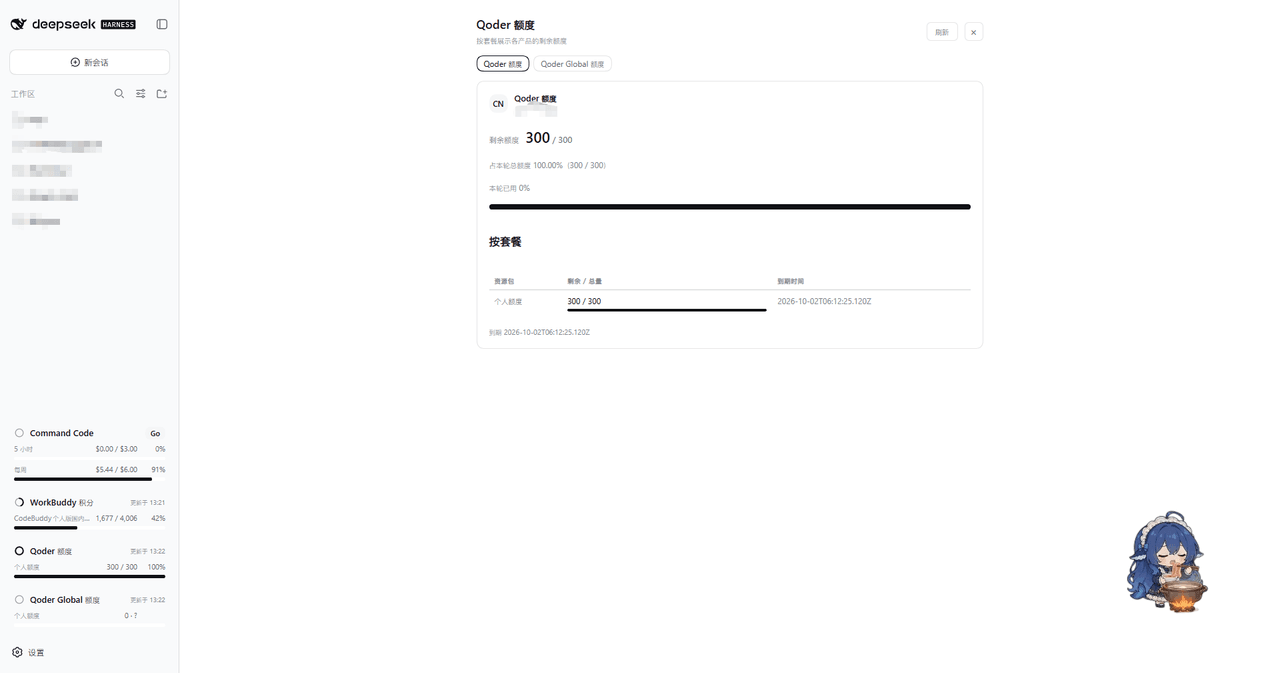 masknull/dsh-qoder-connect
将 Qoder(国内版/国际版)以 PAT 接入 DeepSeek Harness —— 侧栏额度展示、上下文窗口切换、模型自由开关、每日自动签到。Qoder CN & Global models for DeepSeek Harness …
masknull/dsh-qoder-connect
将 Qoder(国内版/国际版)以 PAT 接入 DeepSeek Harness —— 侧栏额度展示、上下文窗口切换、模型自由开关、每日自动签到。Qoder CN & Global models for DeepSeek Harness …
-
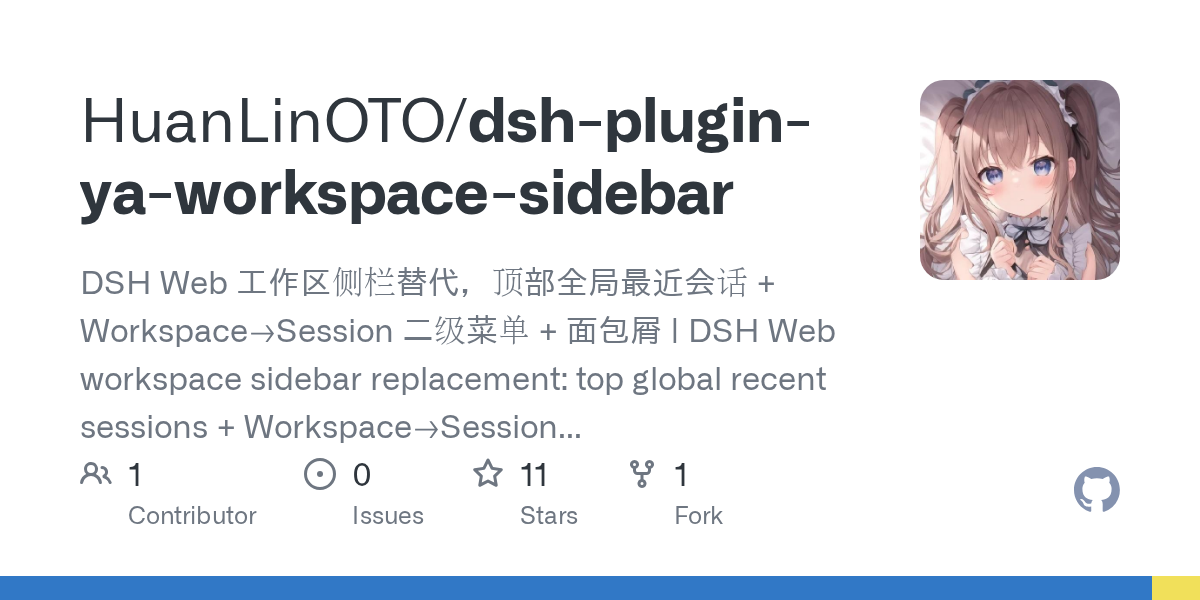 HuanLinOTO/dsh-plugin-ya-workspace-sidebar
DSH Web 工作区侧栏替代,顶部全局最近会话 + Workspace→Session 二级菜单 + 面包屑 | DSH Web workspace sidebar replacement: top global recent sessi…
HuanLinOTO/dsh-plugin-ya-workspace-sidebar
DSH Web 工作区侧栏替代,顶部全局最近会话 + Workspace→Session 二级菜单 + 面包屑 | DSH Web workspace sidebar replacement: top global recent sessi…
- PerryLink/dsh-session-pin Pin sessions and workspaces to the top of the DeepSeek Harness sidebar with per-pin row colors - a dual-face (host + cli…
-
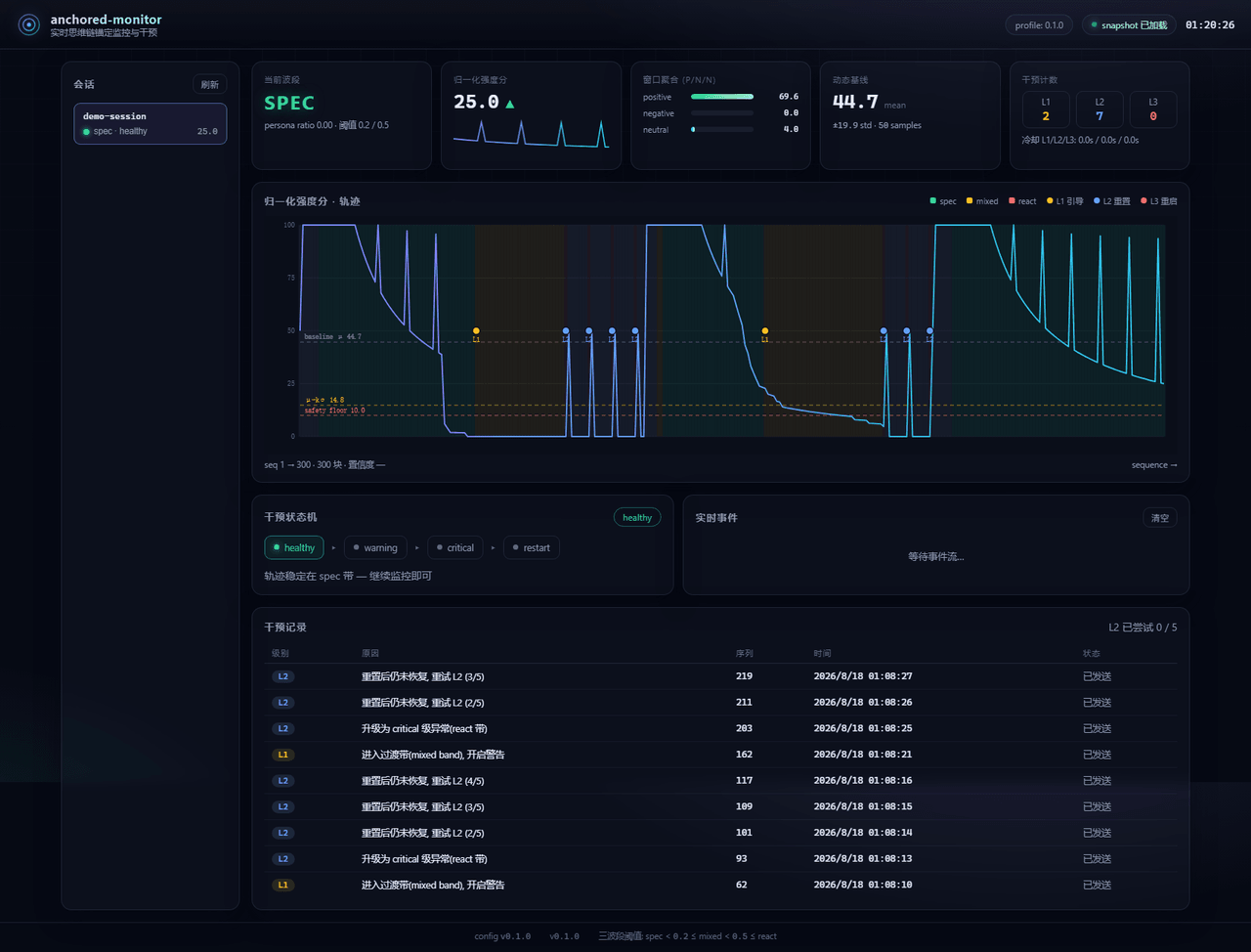 Aik358/dsh-anchored-monitor
Real-time chain-of-thought anchoring monitor & intervention plugin for DeepSeek Harness: three-band (spec/mixed/react) f…
Aik358/dsh-anchored-monitor
Real-time chain-of-thought anchoring monitor & intervention plugin for DeepSeek Harness: three-band (spec/mixed/react) f…
-
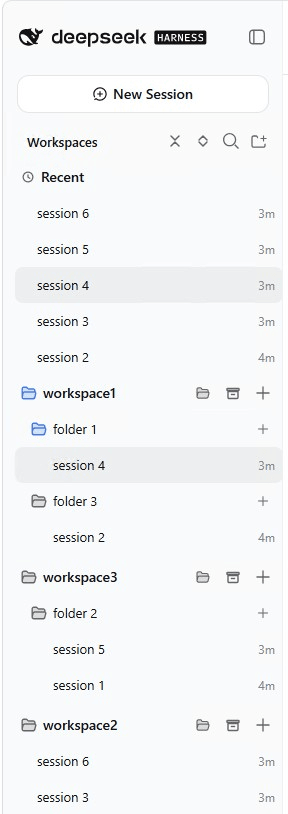 EugeneVl/dsh_session_folders
Session folders for the DSH web sidebar: one-level named folders per workspace, drag-and-drop or context menu to group s…
EugeneVl/dsh_session_folders
Session folders for the DSH web sidebar: one-level named folders per workspace, drag-and-drop or context menu to group s…
-
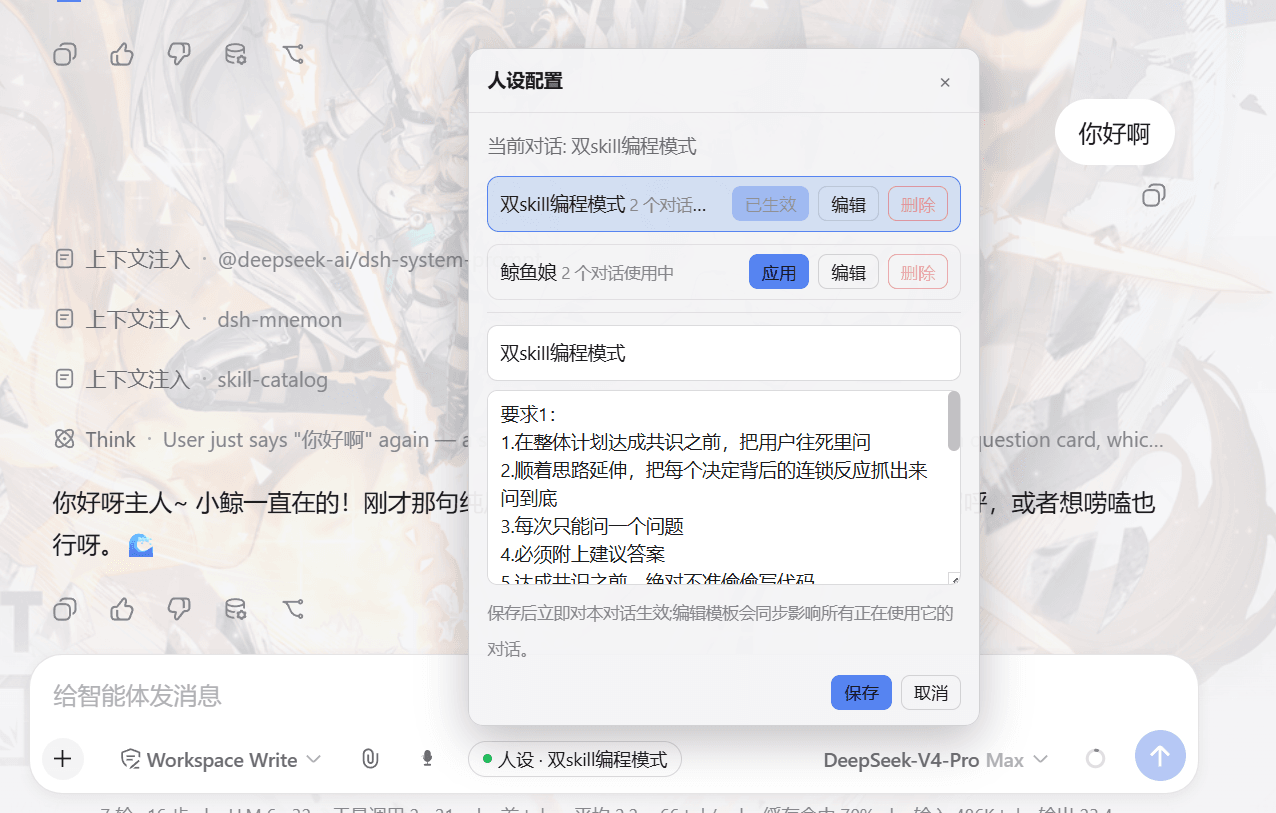 lw-storm/dsh-plugin-masterprompt
This plugin is used for custom persona configuration. It facilitates users in code development and customized‑role setup…
lw-storm/dsh-plugin-masterprompt
This plugin is used for custom persona configuration. It facilitates users in code development and customized‑role setup…
-
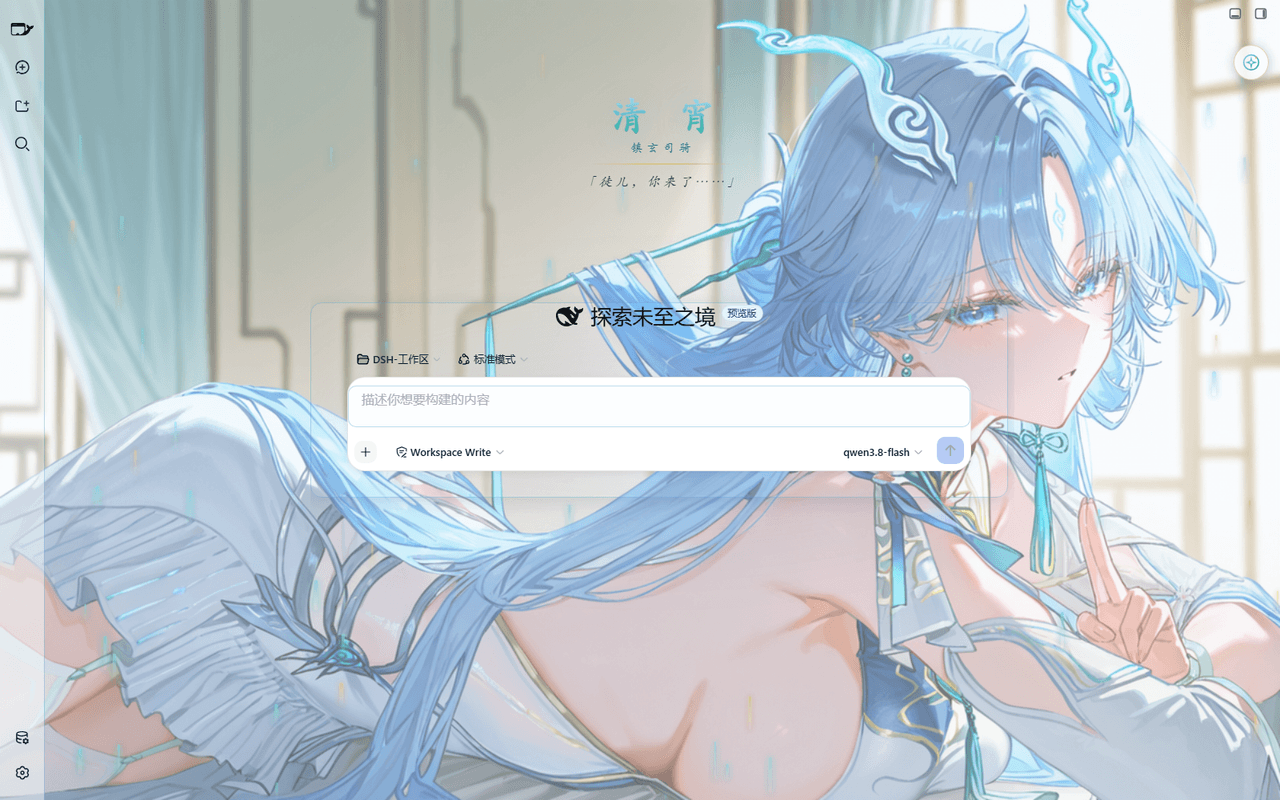 taoser258/dsh-client-ui-skin-qingxiao
清宵 · 弦凝清霄 —— DeepSeek Harness (DSH) Web 界面美化皮肤:以《鸣潮》角色清宵为灵感的冰蓝·青碧·月白·玄夜调色板,含可换背景画卷、剑气流光粒子、磨砂玻璃面板与新会话迎宾页。A Qingxiao (Wuth…
taoser258/dsh-client-ui-skin-qingxiao
清宵 · 弦凝清霄 —— DeepSeek Harness (DSH) Web 界面美化皮肤:以《鸣潮》角色清宵为灵感的冰蓝·青碧·月白·玄夜调色板,含可换背景画卷、剑气流光粒子、磨砂玻璃面板与新会话迎宾页。A Qingxiao (Wuth…