zdx8637-gitdog/dshmobile
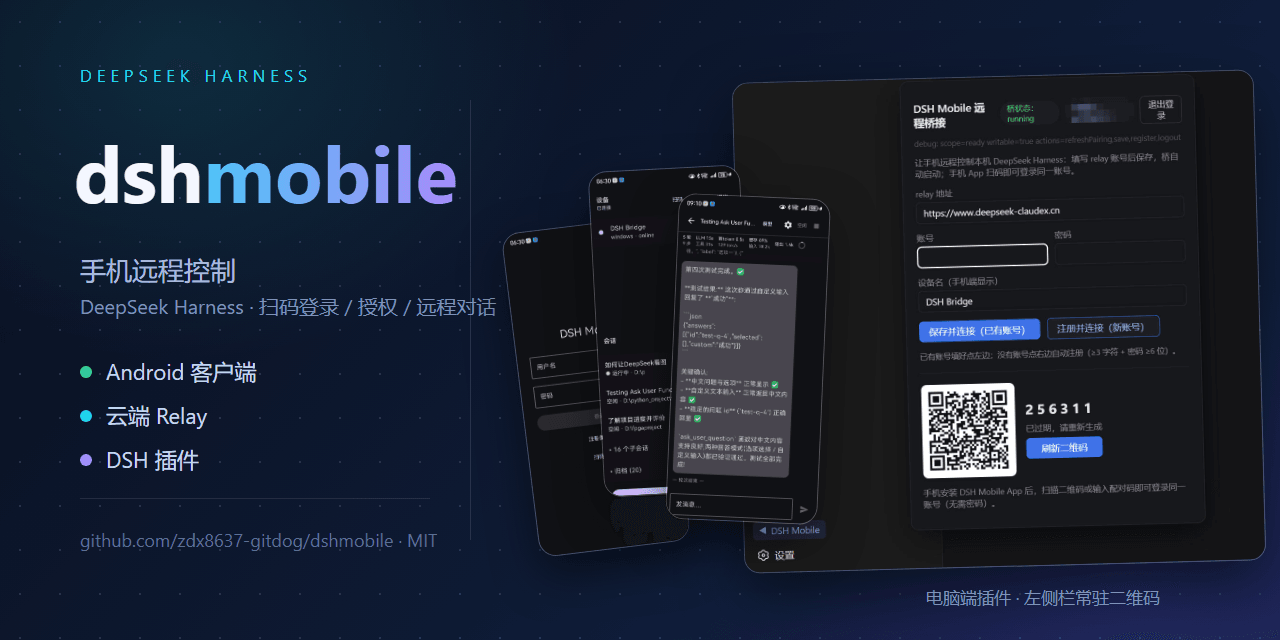
Zero-friction: one command installs the plugin → scan a QR code → keep working from your phone. A true Remote Client for DSH — no Tailscale, tunnels, port forwarding, NAT, or networking knowledge required, no DSH modifications, cross-platform.
catalog descriptioncatalog 简介 / catalog description:Remotely control DeepSeek Harness from your phone: Android App + cloud relay + PC plugin. One persistent QR code, three uses — download, pairing, and login/grant.
Project Overview项目介绍
dshmobile is a DSH plugin that adds a mobile remote client for DeepSeek Harness. After one command installs the bridge plugin, you scan a persistent QR code in the DSH sidebar to pair an Android app and remotely browse sessions, chat, approve actions, switch models, and manage files. Use it when you need to continue DSH work away from the host machine without exposing ports. Note: DSH 0.1.0-rc.6 requires the bundled settings-exposure patch.
dshmobile 是 DSH 手机远程客户端插件,通过扫码配对让 Android 端远程操控本机 DeepSeek Harness,支持会话浏览、对话、审批、模型切换和文件管理。适用于需要脱离电脑继续处理 DSH 任务、又不想配置 Tailscale 或公网映射的场景。注意:DSH 0.1.0-rc.6 需先应用插件附带的 settings 暴露补丁。
请帮我了解并安装插件:【dshmobile】【https://github.com/zdx8637-gitdog/dshmobile】Send this message to DSH in your current session. CLI install commands may not be accurate across systems — DSH will figure it out for you.把上面这条消息直接发给当前会话里的 DSH,让它帮你了解并安装。安装命令不一定准确,发给 DSH 更稳。
Or use CLI install (for developers)或使用命令行安装(适合开发者)
CLI Install命令行安装
npx -y @deepseek-ai/dsh plugin --profile web add @zdx8637/dshmobile-bridge@latest把 zdx8637-gitdog/dshmobile 加入你的 DSH 配置(web profile)即可启用。
READMEREADME
dshmobile — Remote Mobile Client for DeepSeek Harness
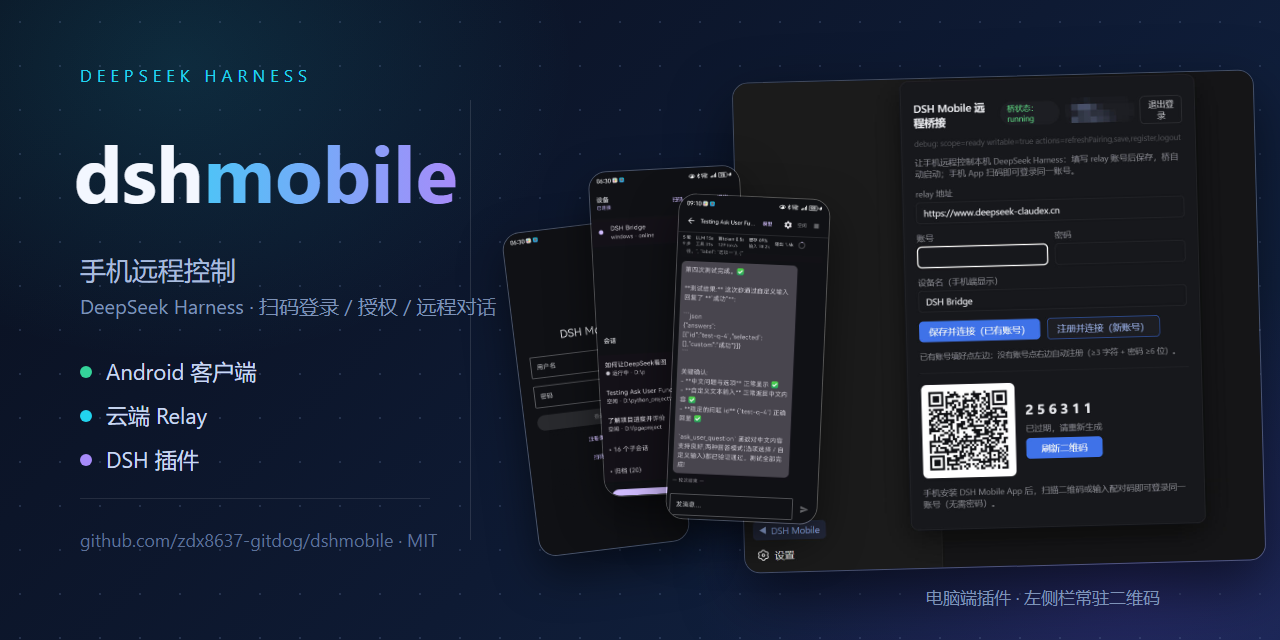
Zero-friction: one command installs the plugin → scan a QR code → keep working from your phone. A true Remote Client for DSH — no Tailscale, tunnels, port forwarding, NAT, or networking knowledge required, no DSH modifications, cross-platform.
Control your local DeepSeek Harness (DSH) from your phone: scan to pair → device → session tree → chat, approvals, question answering, model switching, file browsing.
Architecture
┌──────────────┐   WSS    ┌───────────────────┐   WSS    ┌───────────────────────────┐
│ Android App  │ ───────▶ │  Cloud Relay       │ ◀─────── │ PC Bridge (DSH plugin)     │
│ (signed APK) │          │ (hosted service)   │          │ (open source)              │
└──────────────┘          └───────────────────┘          └────────────┬──────────────┘
                                                                       │ 127.0.0.1:3080
                                                             ┌─────────▼──────────┐
                                                             │ DeepSeek Harness   │
                                                             └────────────────────┘
Business content (prompts / replies / sessions / files) is protected by E2EE end-to-end encryption: the relay only sees routing metadata — it can neither read nor tamper with your session content. The connection layer self-heals: after a DSH restart or a network hiccup it re-handshakes automatically, no manual steps required.
Open Source & Security
| Component | Status | Notes |
|---|---|---|
| PC Bridge / plugin | Open Source (MIT) | plugins/, npm package @zdx8637/dshmobile-bridge |
| Protocol contract | Open | docs/02-protocol.md (single source of truth for the wire format) |
| E2EE design | Open and auditable | docs/plan-e2ee.md (threat model + crypto parameters + handshake) |
| Android App | Signed APK distribution | Download by scanning the QR code |
| Cloud Relay | Hosted service | Auth / routing / audit |
The protocol and crypto implementations are fully public and independently auditable; business content is end-to-end encrypted, and the relay only forwards routing metadata — it cannot read your sessions.
Installation
PC (Bridge plugin)
npx -y @deepseek-ai/dsh plugin --profile web add @zdx8637/dshmobile-bridge@latest
Requires
pnpm. After restarting DSH, a ▶ panel appears at the bottom of the web sidebar: ① login / grant code, ② encrypted pairing code. Current plugin version: 0.1.0-beta.20.
Phone (Android App)
Scan the QR code on the PC panel → download the signed APK from the landing page (current version v0.2.12). Then scan in the App: ① first to log in, ② then for E2EE pairing — once paired, a key icon appears in the device list (E2EE is active).
DSH Version Compatibility (dual-protocol auto-detection)
Since 0.1.0-beta.18 the plugin auto-detects the DSH generation — upgrade order doesn't matter:
| DSH version | Plugin behavior |
|---|---|
| v0.1.5 or newer | Full new-protocol support: /api session auth (launch token → session Cookie), Typert endpoints (session/* etc.), /api/remote.mux stream multiplexing, $events approval/question waterfalls |
| v0.1.0-rc.6 or older | Falls back to the legacy protocol (dot endpoints, events.mux/events.host, respond replies, no auth), matching beta.16 behavior |
So you can upgrade the plugin first, DSH first, or either way — or leave an old DSH untouched; everything keeps working.
Directory
| Path | Contents |
|---|---|
plugins/ |
PC Bridge plugin (host + bridge daemon + web panel), open source |
docs/02-protocol.md |
Relay envelopes, message types, device semantics (wire-format contract) |
docs/plan-e2ee.md |
E2EE v1 design (threat model, cryptography, handshake, pinning) |
docs/e2ee-identity-issues.md |
E2EE identity/pairing investigation (torn-read key regeneration, restart self-heal, etc.) |
Trust & Self-hosting (roadmap)
- Today the relay is a hosted service operated by the author; content privacy is guaranteed by E2EE, and the relay only routes and forwards metadata.
- A reference self-hosted relay (reference implementation, ≠ the production service) will be
released later so you can self-host:
Android → self-hosted relay → Bridge → DSH. Account system, monitoring, and scaling remain the operator's concern.
Privacy & Secrets
This repository contains no real credentials. Android signing keys, relay account passwords, and server SSH credentials live only in local/private channels — always injected via environment variables and referenced as placeholders in docs.
Related相关推荐
-
 ccch1mneyyy/dsh-TUI
DSH 官方公众号收录的 TUI 补位插件:Claude Code 风,鲸鱼顶栏/实时状态/流式思考/双击 Esc 回滚/上下文进度+TPS。npm 一键装。 DSH official WeChat featured TUI plugin…
ccch1mneyyy/dsh-TUI
DSH 官方公众号收录的 TUI 补位插件:Claude Code 风,鲸鱼顶栏/实时状态/流式思考/双击 Esc 回滚/上下文进度+TPS。npm 一键装。 DSH official WeChat featured TUI plugin…
-
 myYangyunfan/dsh_desktop
DeepSeek Harness (dsh) Windows desktop client - bundled Node.js + dsh CLI, one-click launch
myYangyunfan/dsh_desktop
DeepSeek Harness (dsh) Windows desktop client - bundled Node.js + dsh CLI, one-click launch
-
 ChisaAlter/Deepseek-Harness-Desktop
DSH桌面端,支持主题和背景图等多种个性化配置。Electron desktop shell for DeepSeek Harness web UI
ChisaAlter/Deepseek-Harness-Desktop
DSH桌面端,支持主题和背景图等多种个性化配置。Electron desktop shell for DeepSeek Harness web UI
-
 skymecode/deepseek-harness-for-vscode
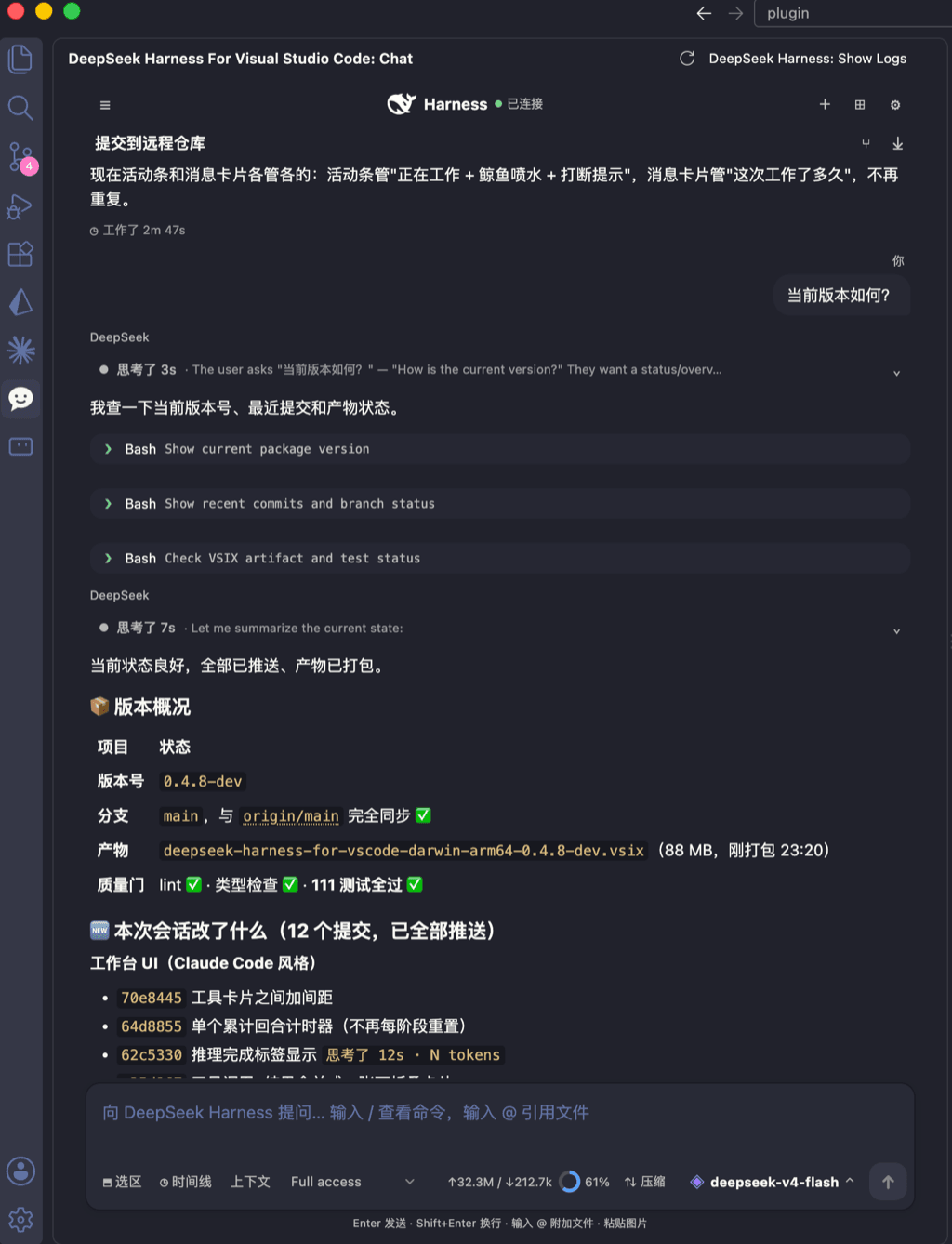
deepseek-harness for vscode .A native VS Code coding-agent extension for DeepSeek Harness. Streamlined workbench with se…
skymecode/deepseek-harness-for-vscode
deepseek-harness for vscode .A native VS Code coding-agent extension for DeepSeek Harness. Streamlined workbench with se…
-
 rison114514/dsh-endfield-ui
Endfield-inspired industrial UI shell for DeepSeek Harness (dsh) — non-official fan theme. Install: dsh plugin --profile…
rison114514/dsh-endfield-ui
Endfield-inspired industrial UI shell for DeepSeek Harness (dsh) — non-official fan theme. Install: dsh plugin --profile…
-
 xiincs/deepseek-harness-desktop
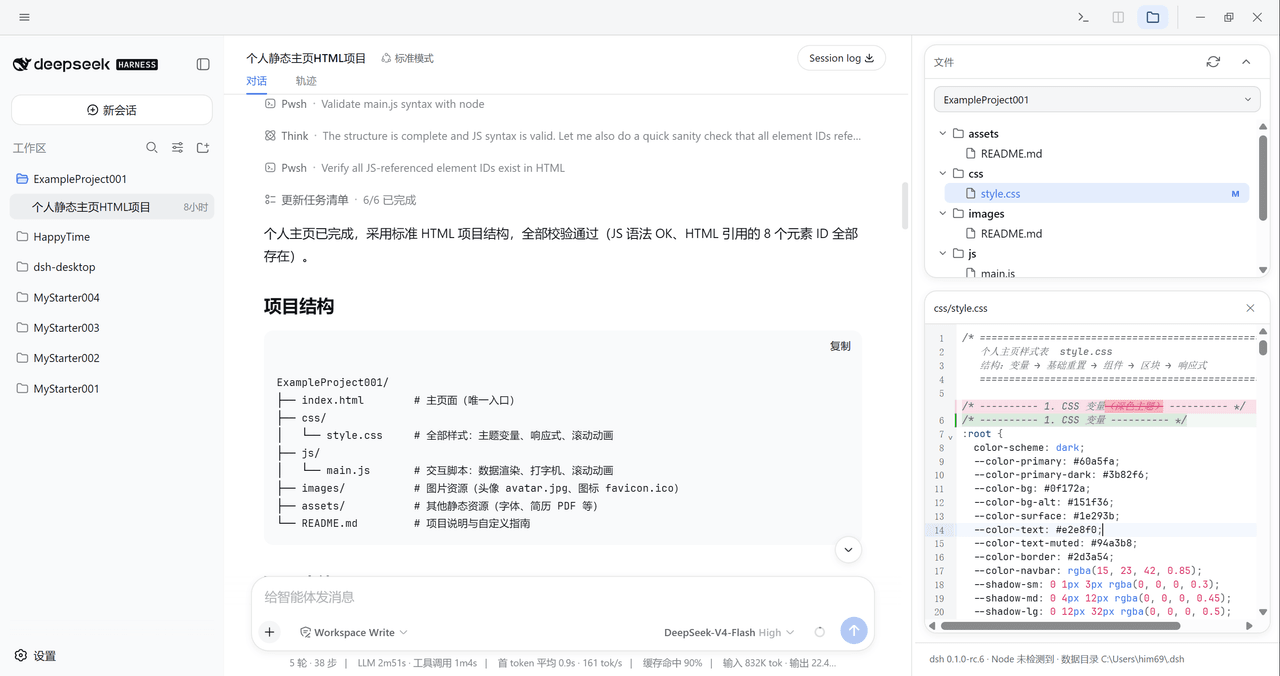
DeepSeek Harness 原生桌面版,基于 Tauri 2,内置 Node.js 运行时,一键安装,极速启动,托盘常驻,自动更新。DeepSeek Harness native desktop version: built on T…
xiincs/deepseek-harness-desktop
DeepSeek Harness 原生桌面版,基于 Tauri 2,内置 Node.js 运行时,一键安装,极速启动,托盘常驻,自动更新。DeepSeek Harness native desktop version: built on T…
-
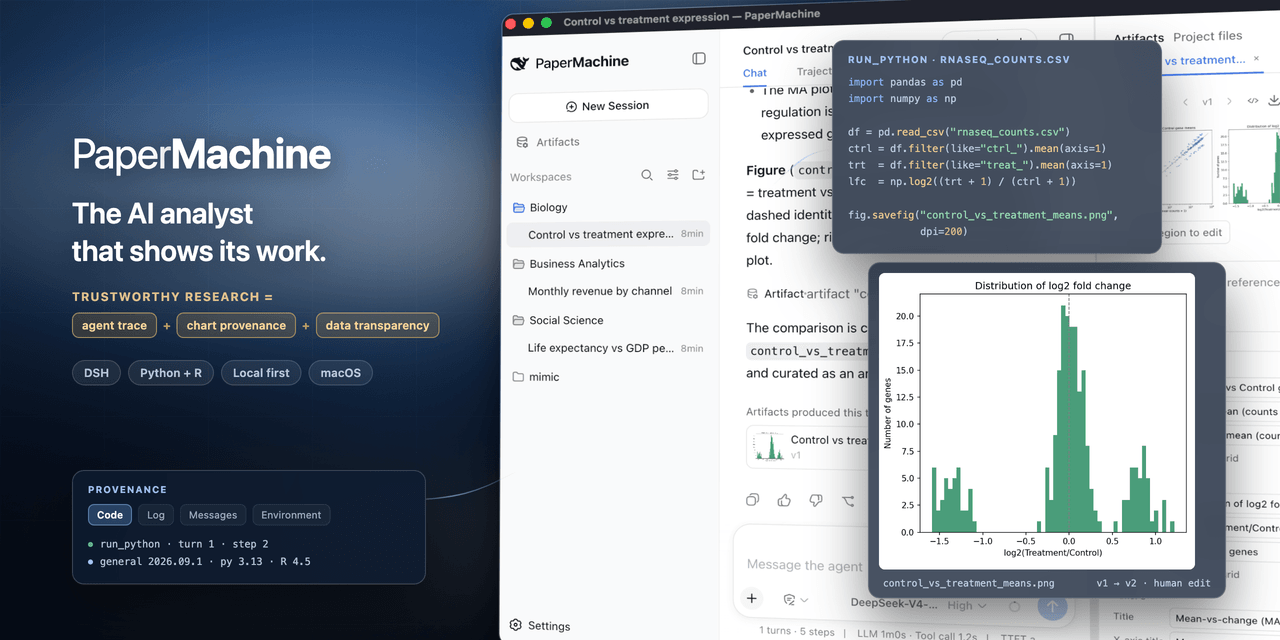 SuperJJ007/papermachine
The AI analyst that shows its work. Runs Python and R on your own machine, and traces every chart back to the code behin…
SuperJJ007/papermachine
The AI analyst that shows its work. Runs Python and R on your own machine, and traces every chart back to the code behin…
-
 dsh-tui/dsh-tui
Claude Code-style terminal UI for DeepSeek Harness agents, as an out-of-tree dsh plugin bundle
dsh-tui/dsh-tui
Claude Code-style terminal UI for DeepSeek Harness agents, as an out-of-tree dsh plugin bundle