zjuhbh/dsh-full-with-approval
DSH profile plugin: full-access (GPU-capable) sandbox with per-operation approval for writes outside the workspace or to protected files.
Project Overview项目介绍
dsh-full-with-approval is a profile plugin built specifically for DeepSeek Harness (DSH), appending a fourth permission preset called full-with-approval alongside the stock read-only, workspace-write, and danger-full-access options. The preset switches the session sandbox to danger-full-access, granting unconfined compute (CUDA, devices, network, any binary), while a layer mounted via cordis.patch.yml listens on the official tools/pre-execute waterfall and returns { kind: "ask", reason } for writes/edits that target paths outside the workspace, protected globs (default .git/**, .env*, .env/**), or scratch roots. Approval is resolved through ctx.approval.request(...) and only allowed-once lets the registry dispatch the call; otherwise the tool fails closed with nothing written.
The plugin is intended for DSH users who need full GPU access yet want to keep sensitive files and out-of-workspace paths from being silently modified, and it integrates purely through existing DSH extension points — no core package is touched. Install it inside a DSH profile with dsh plugin --profile web add ./dsh-full-with-approval (pnpm file: form copies the package and installs declared dependencies, while link: requires a prior npm install in the checkout). Once added, the new row appears automatically in the GUI selector and the /permission slash command; the gate follows whichever preset is currently active.
Runtime dependencies are picomatch and the harness packages; tests run with npm ci, node --test, and the harness integration script test/pre-execute.harness.mjs. Documented limitations include a heuristic (not kernel-enforced) bash guard that errs toward asking yet can be evaded by dynamically built paths, the absence of the upstream risk-confirmation gate that stock danger-full-access shows (because the icon table lives inside the @deepseek-ai/dsh-client-ui-conversation bundle and cannot be overridden from a plugin), and the need to run node tools/patch-ui-glyph.mjs after each dsh upgrade to draw the 4th row's shield-check glyph. Path classification is canonicalize-then-compare, so on filesystems with odd symlink aliasing the workspace boundary is advisory; the real kernel fence remains workspace-write mode at the cost of GPU access. The package is MIT licensed and ships as a standard npm pack tarball, with pnpm supply-chain errors resolvable via --config.minimum-release-age=0.
dsh-full-with-approval 是一个面向 DeepSeek Harness(DSH)平台的 profile 插件,它在原有三种权限预设之外追加了第四种 "full-with-approval"。该预设把会话沙箱切到 danger-full-access,从而放开 GPU、设备、网络与任意二进制,但同时通过 DSH 的 tools/pre-execute 钩子对写入与 shell 命令做一次性的用户审批。安装方式是进入 DSH profile 后执行 dsh plugin --profile web add ./dsh-full-with-approval,由 dsh plugin add 调用 pnpm 把声明了 dsh.bundle 的包并入层叠栈。
典型用法是在 Web 权限选择器中挑选"Full With Approval",或直接执行 /permission full-with-approval;此后任何命中工作区外或 protectedPaths 的 write/edit、以及包含外部路径写标记的 bash/pwsh 命令都会弹出 ctx.approval 的 ask 提示,approved-once 通过则放行,被拒则整个调用失败。它面向需要 CUDA 全算力又不想牺牲关键文件安全的 DSH 终端用户与团队管理员。
依赖为 picomatch 与 harness 包;限制是 shell 守卫基于静态启发式,动态拼接路径仍可绕过,故应视为"可疑即问"层而非安全边界,且 4 行图标需用 tools/patch-ui-glyph.mjs 手动打补丁;首次运行需 npm ci 并重启 profile 生效,许可证为 MIT。
请帮我安装这个 DSH 插件。安装前先完成【兼容性检查 + 安全性检查】,检查通过再动手。

插件:dsh-full-with-approval(zjuhbh/dsh-full-with-approval)
仓库:https://github.com/zjuhbh/dsh-full-with-approval
本站详情页:https://www.yhbd.top/plugins/zjuhbh-dsh-full-with-approval/
本站登记:类型 plugin · 归类 原生 DSH 插件 · 许可证 MIT · ⭐ 2 · 最近提交 2026-08-28 · 主语言 JavaScript

按下面顺序执行,每步先把结论告诉我,再进入下一步:

【1 兼容性检查】
① 我这边:DSH 版本、Node 版本、操作系统、当前 profile(web / desktop)。
② 读它的 README、package.json、插件 manifest,列出它要求的 DSH 版本 / Node 版本 / 操作系统 / 外部依赖 / 需要另外先装的运行时。
③ 逐条比对,结论只写「满足 / 不满足 / 未知」三种;不满足的给出可行替代方案。
④ 检查是否和我已装的插件冲突:命令名重复、skill / tool 重名、端口占用、重复注册的 MCP server。

【2 安全性检查】
① 仓库可信度:和上面「本站登记」是否一致;star / fork 数、创建时间、最近提交,是否归档或长期停更。
② 安装脚本:逐行看 package.json 的 preinstall / install / postinstall,以及 install.sh、setup.ps1 之类脚本。出现 curl|bash、下载后直接执行、混淆代码、访问与插件功能无关的域名,立刻停下来告诉我,不要继续装。
③ 依赖:列出新增依赖,标出无人维护、或与知名包拼写近似的可疑包(typosquatting)。
④ 权限与副作用:它会读写哪些目录、访问哪些域名、需要哪些 DSH 权限(filesystem / network / shell / clipboard 等),以及怎么卸载和回滚。
⑤ 如果它要求 sudo / 管理员权限,或权限明显超出功能所需,先停下来问我。

【3 安装】
上面两步没有「不满足」和「高危项」时才执行;用官方推荐方式安装,不要自行提权。

【4 汇报】
用表格输出:检查项 / 结论 / 依据 / 是否需要我决策。拿不准的一律写「未知」并说明要我怎么确认——不要猜,也不要替我决定。
Send this message to DSH in your current session: it verifies compatibility and security first (answering met / not met / unknown item by item) and only installs once everything checks out — it will stop and ask you if it finds a high-risk item. The box scrolls; the copy is the full prompt. CLI install commands may not be accurate across systems, so DSH is the safer route.把上面这条消息直接发给当前会话里的 DSH:它会先核对兼容性与安全性(逐条给「满足 / 不满足 / 未知」),确认没问题再安装,有高危项会停下来问你。框内可滚动,复制到的是完整提示词;安装命令不一定准确,发给 DSH 更稳。
- Only 2 stars - very few users, little community feedback星标只有 2,几乎没人在用,遇到问题缺少社区反馈
DSH walks through these 9 checksDSH 会逐条核对这 9 项
Compatibility兼容性
- DSH, Node, OS and profile requirementsDSH 版本 / Node 版本 / 操作系统 / profile 是否满足要求
- External dependencies and runtimes (Electron / Python / Docker, ...)外部依赖与运行时(Electron / Python / Docker 等)是否齐备
- Conflicts with installed plugins: command names, skill / tool names, ports, duplicate MCP registration与已装插件是否冲突:命令名、skill / tool 重名、端口占用、重复 MCP 注册
Security安全性
- Repo matches the facts registered here; archived or abandoned?仓库是否与页面登记一致,是否归档或长期停更
- Safety of preinstall / install / postinstall and install.sh / setup.ps1preinstall / install / postinstall 与 install.sh、setup.ps1 是否安全
- curl|bash, download-then-execute, obfuscation, unrelated domains → stop immediatelycurl|bash、下载即执行、混淆代码、无关域名 → 立刻停止
- Typosquatting or unmaintained packages among the new dependencies新增依赖里有没有 typosquatting 或无人维护的包
- Requested permissions vs. what the feature actually needs申请了哪些权限、是否超出功能所需(filesystem / network / shell / clipboard)
- Any sudo / admin requirement, plus uninstall and rollback是否要求 sudo / 管理员权限,以及卸载与回滚方式
Anything uncertain must be marked unknown with a note on how to confirm it. This site's signal screen is a static snapshot, not a security audit.拿不准的必须标「未知」并说明要我怎么确认。本站的信号筛查是静态快照,不能替代安全审计。
Or use CLI install (for developers)或使用命令行安装(适合开发者)
CLI Install命令行安装
dsh plugin --profile web add dsh-full-with-approval把 zjuhbh/dsh-full-with-approval 加入你的 DSH 配置(web profile)即可启用。
READMEREADME
dsh-full-with-approval
A DeepSeek Harness (DSH) profile plugin that adds a fourth permission preset, full-with-approval:
Full compute access — the session sandbox mode is
danger-full-access, so processes run unconfined: CUDA/GPU, devices, network and any binary your machine can run.Approval-gated file edits — while this preset is active, every
write/editthat would modify- a file outside the session workspace (except the platform temp areas and configured scratch roots), or
- a protected file inside the workspace (default:
.git/**,.env*),
asks the user for one-shot approval before anything executes. Approval is resolved through the same interactive prompt the sandbox escalation retries use (
ctx.approval,allowed-once). Rejected or cancelled ⇒ the tool fails and nothing is written. If no approval channel is available, the call fails closed.Approval-gated shell modifications — a
bash/pwshcommand that shows evidence of modifying files outside the workspace (out-of-workspace path tokens plus a write marker: redirection,chmod,rm,python,curl -o, …) also asks first; visibly read-only invocations (cat,ls,grep,env, … without a write marker) and workspace-relative commands pass without prompting. The static heuristic errs on the side of asking: interpreters (python,node) and command substitutions that mention outside paths always ask.bashGuard: falsedisables this layer;extraBashTokensadds forced-ask substrings.
Everything else — writes inside the workspace to ordinary files, temp/scratch files, all reads and every command — proceeds untouched.
How it works
The plugin is a thin load-bearing layer over existing DSH extension points; no core package is modified.
cordis.patch.ymlpatch entryfull-with-approvalmounts the host plugin.- The same patch overrides the
permissionpreset table (by id) to add the 4th presetfull-with-approval = { sandbox: danger-full-access, approval: ask }. The GUI permission selector and/permissioncommand read this table, so the new row appears automatically. - The plugin listens on the tools registry's
tools/pre-executewaterfall (the official allow / deny / ask before dispatch hook). When the session's effective preset isfull-with-approvaland the call is awrite/editwhose target is outside the workspace or protected, it returns{ kind: "ask", reason }. The registry resolves the ask throughctx.approval.request(...)and only dispatches onallowed-once.
Showing the opening section of the README — the full document lives in the repository以上为 README 开头摘要,完整文档在仓库内 · View the full README on GitHub →在 GitHub 查看完整 README →
Related相关推荐
-
 kenryu42/cc-safety-net
A pre-execution guard for AI coding agents. It blocks destructive Git and file system commands, plus common attempts to …
kenryu42/cc-safety-net
A pre-execution guard for AI coding agents. It blocks destructive Git and file system commands, plus common attempts to …
-
 hyhmrright/brooks-lint
AI code reviews grounded in 12 classic engineering books — decay risk diagnostics with book citations, severity labels, …
hyhmrright/brooks-lint
AI code reviews grounded in 12 classic engineering books — decay risk diagnostics with book citations, severity labels, …
-
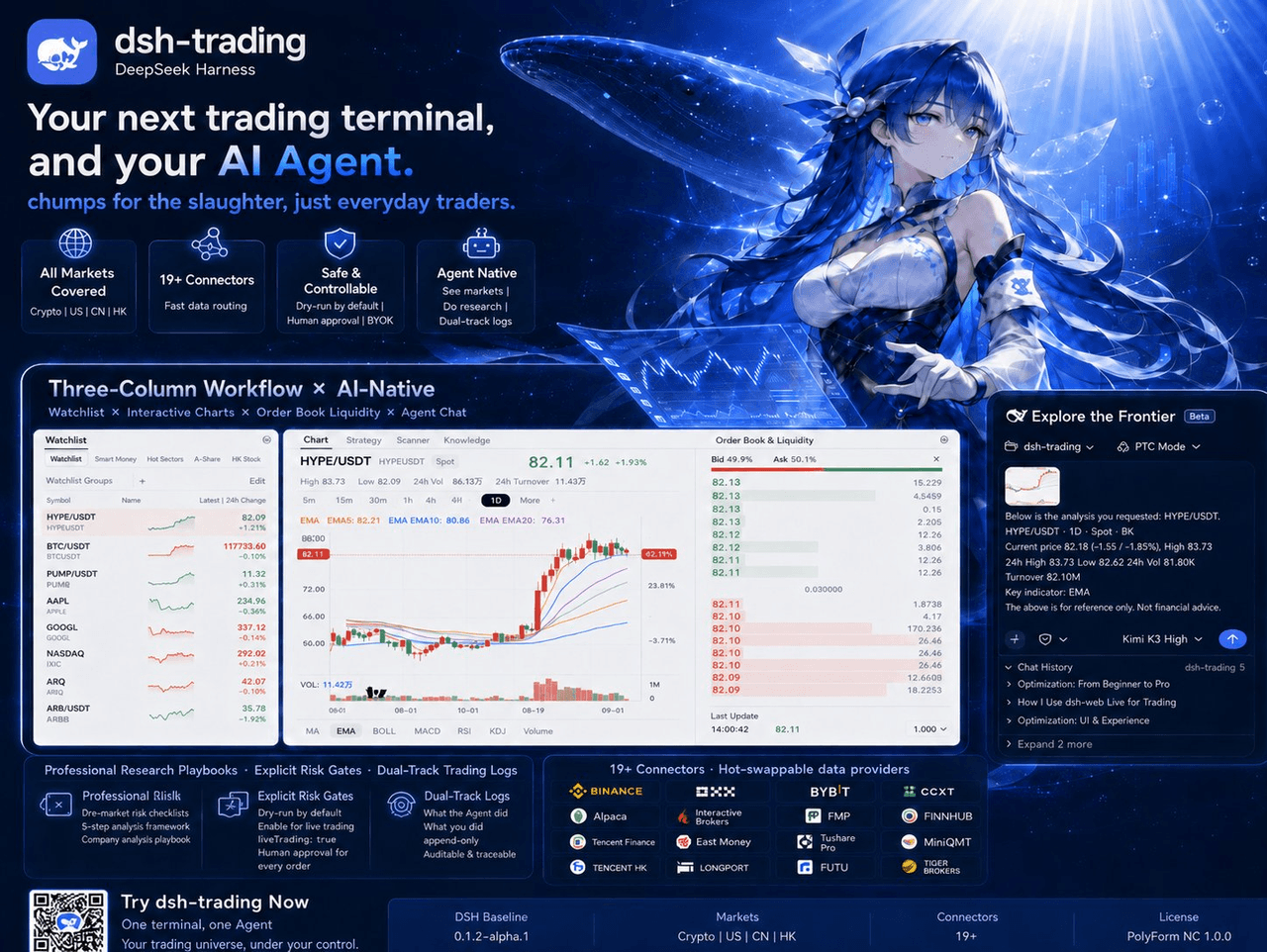 zhu1090093659/dsh-trading
Agent-native trading terminal built on DeepSeek Harness. Crypto, US, CN and HK in one three-column GUI, 19+ hot-swappabl…
zhu1090093659/dsh-trading
Agent-native trading terminal built on DeepSeek Harness. Crypto, US, CN and HK in one three-column GUI, 19+ hot-swappabl…
-
 lire1131/dsh-undo-savepoint
DSH crash-rescue plugin: undo config & plugin-code changes, secret-safe snapshots, one-click SAFE MODE, plus offline CLI…
lire1131/dsh-undo-savepoint
DSH crash-rescue plugin: undo config & plugin-code changes, secret-safe snapshots, one-click SAFE MODE, plus offline CLI…
- Akimiya-z/codex-guard Quality gate for AI/Codex-generated pull requests: blocks TODO leftovers, leaked secrets, sloppy commits and red CI befo…
-
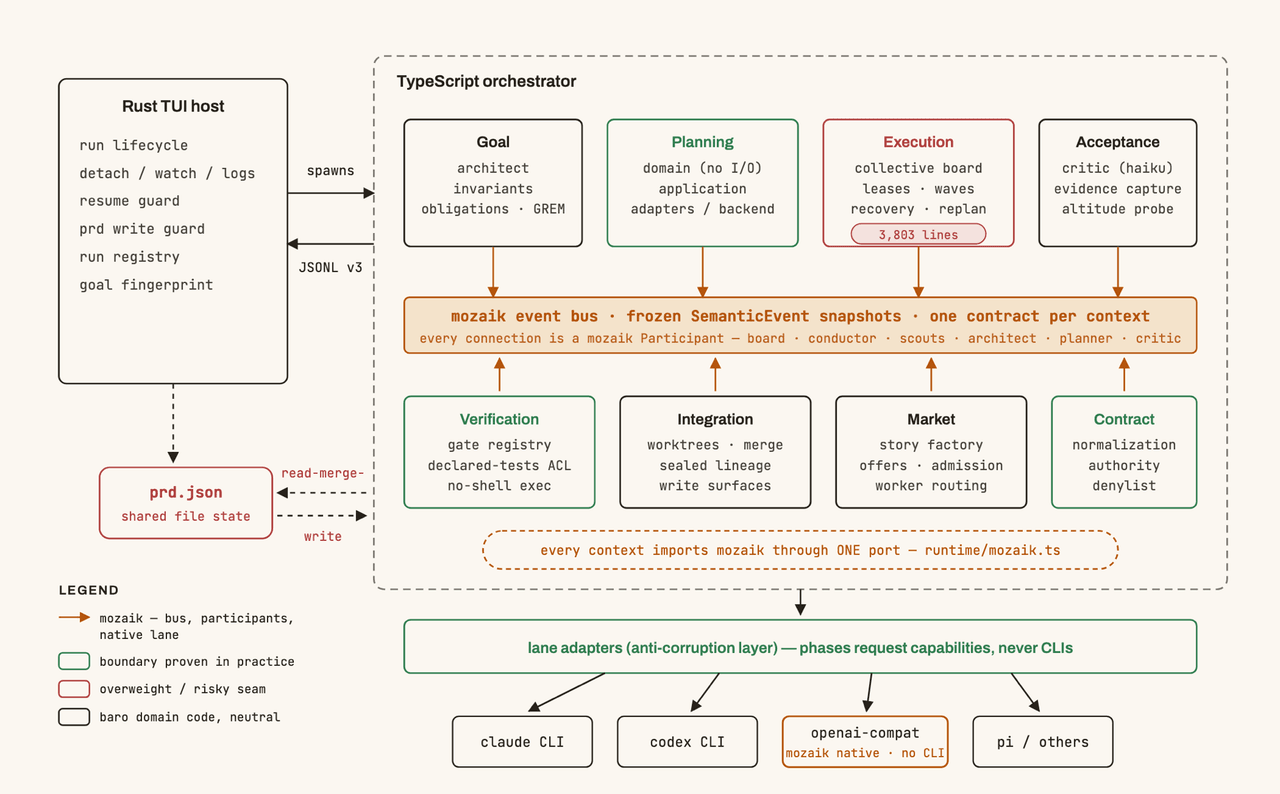 jigjoy-ai/baro
A CLI that turns a goal into a pull request - and a sandbox for testing concurrent AI coding agents on the Mozaik runtim…
jigjoy-ai/baro
A CLI that turns a goal into a pull request - and a sandbox for testing concurrent AI coding agents on the Mozaik runtim…
-
 c3ll256/dsh-toy
Toy Control Protocol for DSH
c3ll256/dsh-toy
Toy Control Protocol for DSH
-
 huaweicloud/huaweicloud-devkit
Official Huawei Cloud plugin for AI agents — skills, MCP tools, safety guardrails, and cloud sandbox to help AI agents …
huaweicloud/huaweicloud-devkit
Official Huawei Cloud plugin for AI agents — skills, MCP tools, safety guardrails, and cloud sandbox to help AI agents …