2026 年处理 Excel 与数据的最佳 AI 工具The Best AI Tools for Excel and Data in 2026
一个怎么都算不对的公式、一堆杂乱的数据记录、一张已经大到大没人看得懂的表格——这三种困境,AI 确实能帮你脱身。麻烦在于“用于数据的 AI”范围极广:嵌在 Excel 里的 Copilot、独立的分析平台,或者干脆直接问 ChatGPT 那个 VLOOKUP 到底是干嘛的。下面如实说明哪些有用、适合谁,以及为什么。
A stubborn formula, a pile of messy records, a spreadsheet that has outgrown anyone's ability to read it — AI can genuinely dig you out of all three. The trouble is that "AI for data" spans an enormous range: Copilot tucked inside Excel, standalone analysis platforms, or simply asking ChatGPT what that VLOOKUP is meant to do. What follows is a straight account of what works, who it suits, and why.
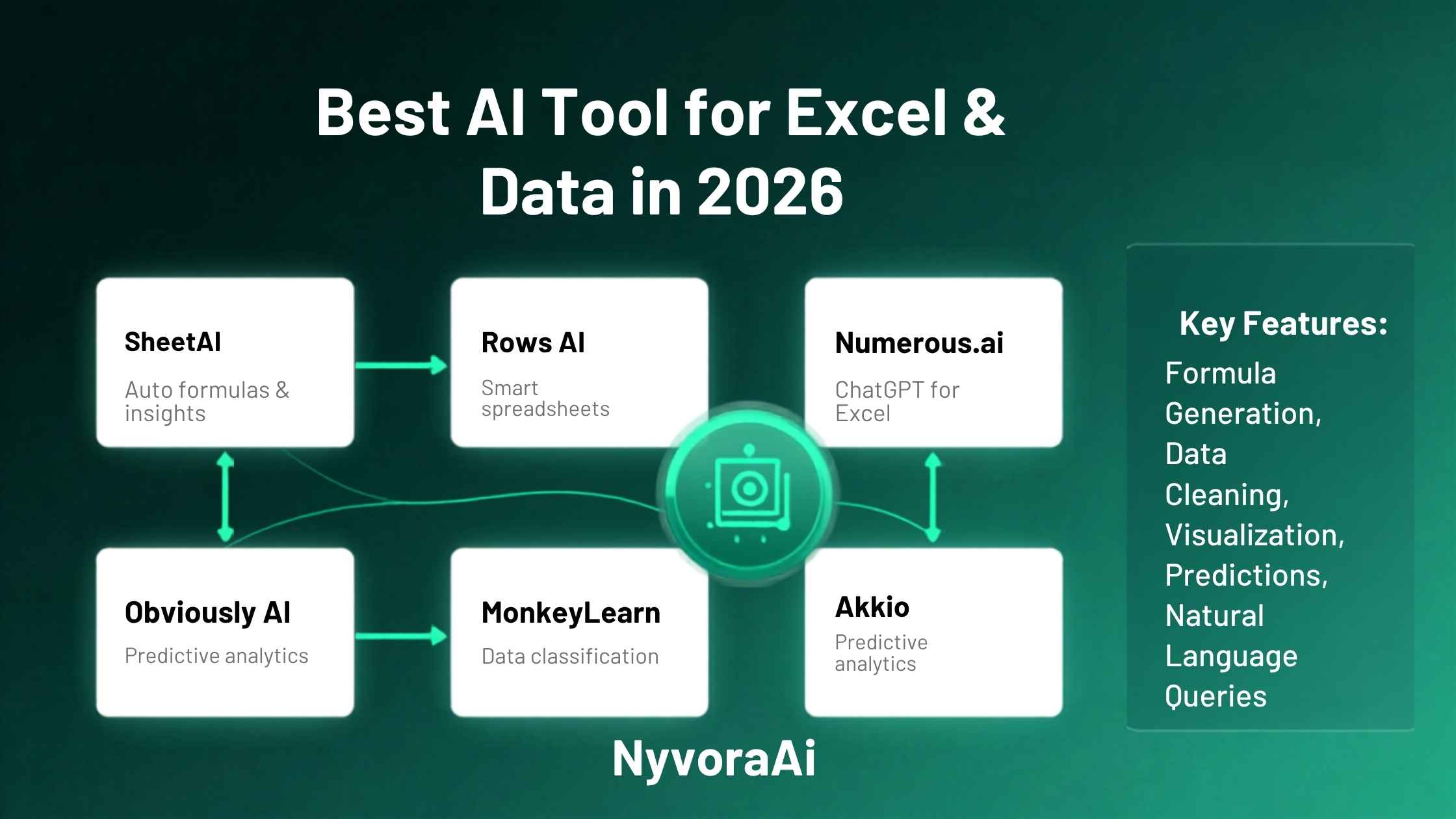
先说句实话:大多数经常用 Excel 的人并不是高手。录入数据、把一列数字加起来,这些没问题;鼓起勇气时才写个 VLOOKUP。至于其余那些——数据透视表、层层嵌套的复杂公式、真正能按预期生效的条件格式——每次都得现搜。这不是谁能力不足,而是表格工具在日常使用中的真实状态。
这个缺口正是 AI 能补上的。用平常话把需求说出来,公式、背后的道理,或者整理干净的数据集就直接回到手上——不必再花二十分钟翻 2018 年的论坛老帖。不过这类工具在质量、集成方式和价格上差异极大。有几款直接嵌在 Excel 或 Google Sheets 里,有的要求你先把数据搬到别处,还有一些是真正为严肃分析而生,而不只是查个公式。
2026 年有六款工具值得了解,本文会说明它们各自真正擅长什么,以及根据你的目标该从哪一个入手。我们在其他领域也用同样的方法做逐款拆解——比如判断Notion AI 是否值得加入你的工作流,或者找出适合博主使用的领先 AI SEO 工具。原则始终不变:按真实需求挑工具,而不是按当下的热度。
01AI 与数据为何天然契合
表格工作里塞满了枯燥、重复、考验语法记忆而非分析思考的杂活。写一个滚动 12 个月平均值的公式,不是要动脑解谜,而是要记住语法。把一列格式混乱的日期整理干净,靠的是机械操作而非策略。建数据透视表之前该筛掉哪些行,多半只是流程问题。这些活儿正适合交给 AI——它们的规律都能用日常语言说清,再稳定地转成代码或公式语法。
AI 的短板——而且在相当长时间内都会是短板——在于它无法决定该向数据提出哪些问题。一个趋势对业务意味着什么,某项指标突然飙升是录入失误而非真实变化,哪位同事在意哪个数字:这些仍然离不开人的判断。最有产出的分工是:把语法和机械操作交给 AI,把思考留在自己手里。
02Excel 里的 Microsoft Copilot
Microsoft Copilot for Excel
03ChatGPT 与 Claude
ChatGPT / Claude
04认识 Julius AI
Julius AI
05Rows 的特点
Rows
06SheetAI:为 Sheets 而生
SheetAI
07Python 搭配 AI 辅助
Python + AI(pandas、matplotlib)
08按你的情况选工具
哪个工具适合你,几乎完全取决于两件事:数据放在哪里,以及你想拿它做什么。下面用一张简图说明不同情况对应哪个选择。
只需要公式辅助
已经在用 Microsoft 365
Google Sheets 用户
真正的数据分析
有实时数据源的团队
大规模复杂数据
09用 AI 处理数据时的常见错误
把工具与实际需求对上的思路,适用于你的全部 AI 工具箱,而不只是数据。无论是考察用于会议记录的 Otter AI、比较最适合播客剪辑的 AI 工具、评估面向设计初学者的 Canva AI,还是挑选最好用的免费 AI 视频工具,道理都一样:先弄清自己要什么,再挑工具。如果做视频也是你的日常之一,Synthesia AI 同样值得一看。
10动手试试:数据任务提示词生成器
挑一个与你情况相符的难题,现成的提示词就会生成出来,可直接丢进 ChatGPT、Claude 或你惯用的任何 AI 工具。不必再对着空白输入框干坐。
11读者常问的问题
2026 年处理 Excel 和数据最好的 AI 工具是哪个?
AI 能帮我写 Excel 公式吗?
Microsoft Copilot 在 Excel 里好用吗?
免费的数据分析 AI 工具哪个最好?
AI 能取代数据分析师吗?
12结语
2026 年处理 Excel 与数据,没有哪一款产品能独占“最佳 AI 工具”的名号;真正的赢家是最贴合你实际情况的那一个。已经在 Microsoft 生态里、套餐又包含 Copilot?那就走最省力的路。每周只用得上几次公式辅助?ChatGPT 或 Claude 零成本起步就能胜任。要做带图表和洞察的严肃分析又不想写代码?Julius 值这份订阅费。用 Google Sheets?SheetAI 直接接入你的工作流,什么都不用改。
先从免费方案开始,拿你真实的数据任务去试,只有在免费版力不从心时才为更强的工具付费。通常用上几天自有答案,比对着功能清单凭空猜测靠谱得多。
Time for a frank admission: the typical Excel user is not a power user. Entering data and adding up a column of numbers? Fine. A VLOOKUP on a brave day? Maybe. Everything beyond that — pivot tables, deeply nested formulas, conditional formatting rules that actually behave — gets searched for online on every single occasion. That is not a deficiency in anyone's skills; it is simply how spreadsheets get used in practice.
That gap is exactly what AI closes. Say what you want in ordinary language, and the formula, the reasoning behind it or a tidied-up dataset comes straight back — no more trawling a 2018 forum thread for twenty minutes. Quality, integration and price, however, differ wildly between these tools. A few sit right inside Excel or Google Sheets; others make you move your data elsewhere first; and some are built for serious analysis rather than merely looking up a formula.
Six tools deserve your attention in 2026, and this guide sets out what each one genuinely handles well and where you ought to begin given your goal. We take the same approach in other categories — asking if Notion AI earns a place in your workflow, say, or working out the leading AI SEO tool for blog owners. The principle never changes: pick according to your real need, not the current hype cycle.
01The Natural Fit Between AI and Data
Spreadsheet work abounds in chores that are tedious, repetitive and demand knowledge of syntax rather than analytical thought. A rolling 12-month average formula is not a puzzle to solve; it is syntax to recall. Fixing a column where the date formats are a mess calls for mechanical effort, not strategy. Working out which rows to filter before a pivot table is mostly procedure. Every one of those jobs suits AI, since each follows a pattern that can be stated in ordinary language and then rendered reliably as code or formula syntax.
Where AI falls down — and will keep falling down for some time — is deciding which questions your data ought to be asked in the first place. Grasping what a trend means for the business, realising that a spike in a metric is a data-entry blunder rather than a real event, knowing which colleague cares about which figure: human judgement remains indispensable there. The productive division of labour is to hand the syntax and the mechanics to AI while you keep hold of the thinking.
02Microsoft Copilot Inside Excel
Microsoft Copilot for Excel
03ChatGPT Alongside Claude
ChatGPT / Claude
04Meet Julius AI
Julius AI
05What Rows Brings
Rows
06SheetAI, Tailored to Sheets
SheetAI
07Pairing Python With AI
Python + AI (pandas, matplotlib)
08Matching the Tool to Your Situation
Which tool suits you comes down almost entirely to two things: where the data sits and what you want done with it. Here is the short map from situation to recommendation.
Only need formula help
Already using Microsoft 365
A Google Sheets user
Genuine data analysis
A team fed by live data sources
Complex data at scale
09Mistakes People Make With AI on Data
Matching tools to real needs applies to your whole AI toolkit, not only to data. Whether you are weighing up Otter AI for meeting notes, comparing the best AI tool for podcast editing, judging Canva AI for design beginners or reviewing the best free AI video tools, the reasoning holds: begin with what you need, then choose. And if making videos is part of what you do, Synthesia AI deserves a look as well.
10Hands On: A Prompt Generator for Data Tasks
Choose whichever challenge matches your situation and a prompt arrives already written, ready to drop into ChatGPT, Claude or the AI tool of your choice. No more sitting in front of an empty text box.
11Questions Readers Ask
Which AI tool is best for Excel and data in 2026?
Will AI write my Excel formulas?
How good is Microsoft Copilot for Excel?
Which free AI tool analyses data best?
Could AI take the place of a data analyst?
12The Bottom Line
For Excel and data work in 2026, no single product deserves the title of best AI tool; the real winner is whichever one fits your circumstances. Already inside Microsoft's ecosystem with Copilot covered by your plan? Take the easiest route and use it. Formula help needed only a few times each week? ChatGPT or Claude starts at no cost and does the job. Serious analysis with charts and insights, no coding? Julius justifies the subscription. Working in Google Sheets? SheetAI drops into your workflow and asks you to change nothing.
Begin with what costs nothing, run it against the data tasks you really have, and only pay for more power once the free version has stopped delivering. Normally a few days of use tells you that — better than any guess made from a feature list.