顶级 AI 播客剪辑工具,实话实说对比The Top AI Podcast Editing Tools, Compared Honestly
每个播客制作人早期都会得出同一个清醒的认识:把对话录下来只是简单的部分,真正让人精疲力竭的,是之后花好几个小时清理“嗯啊”、背景嘶嘶声和冷场空白。AI 已经真正改写了这笔时间账:在文稿里删掉文字就能剪掉音频,而不必在波形里来回翻找——如今这是货真价实的省时利器,不是花架子。下面坦率聊聊哪款产品值得你投入时间。
Every podcaster reaches the same sobering realization early on: capturing the talk was the simple bit, while the hours afterward spent scrubbing out "ums," background hiss, and dead silence are what truly threaten exhaustion. AI has redrawn that arithmetic for real — trimming audio by deleting text in a transcript rather than hunting across a waveform is now a genuine time-saver, not a party trick. Below is a candid look at which product merits your hours.
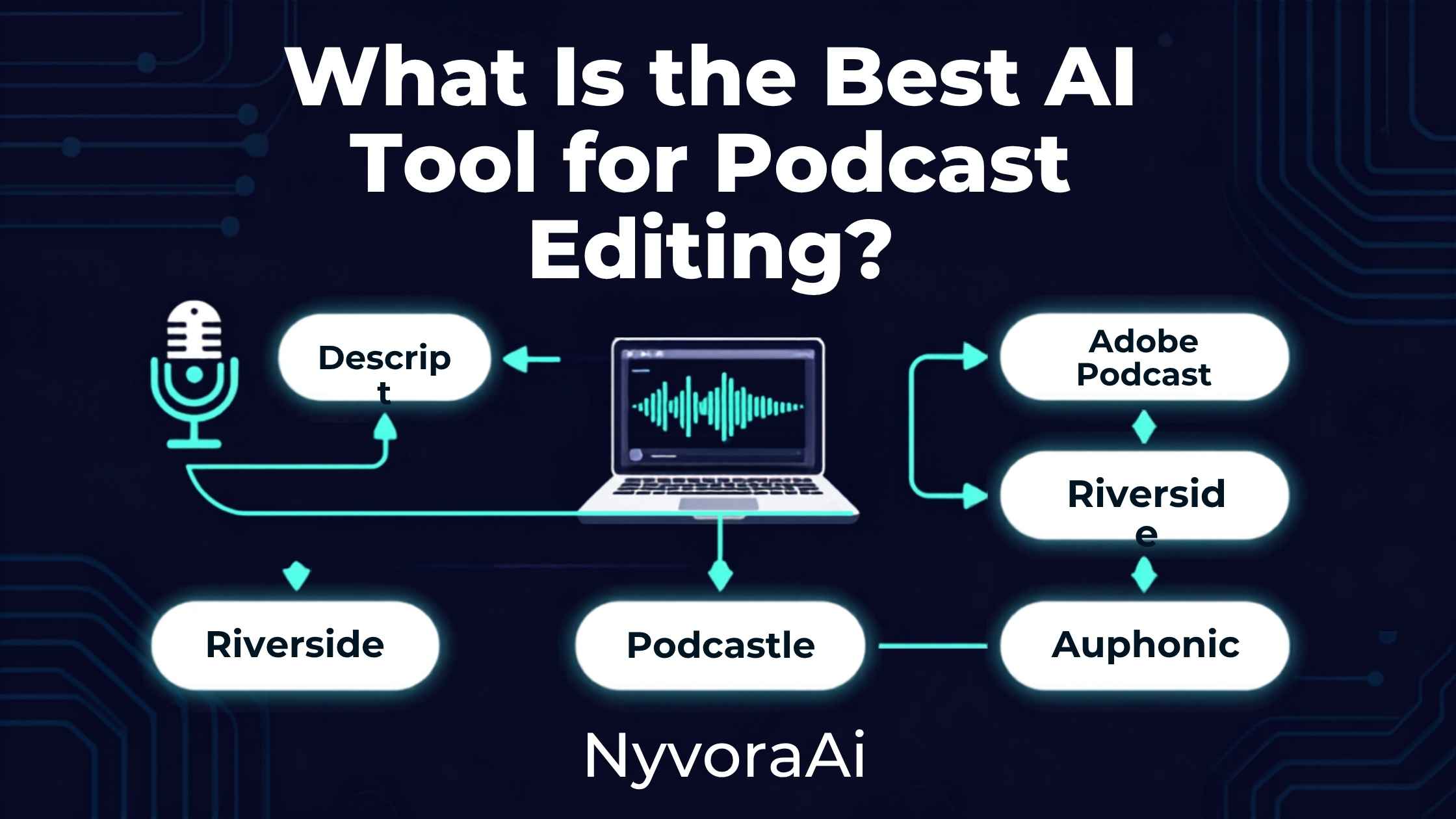
谁要是曾花一整个晚上在波形上拖来拖去,只为在一段 45 分钟的对话里揪出每一个“嗯”,就早已明白这类工具为何爆发得如此之快。它的承诺很直白:不必啃下传统音频软件的陡峭门槛,像编辑文档一样编辑文稿,音频会自动跟上。这个承诺大体兑现了;至于哪款产品兑现得最好,主要取决于今天你制作流程里哪一环最疼。
01简短结论
Descript 总体上通常居首:文稿式剪辑——删掉一行文字,对应的音频也随之消失——加上可靠的填充词清除和内置的 Studio Sound 音质增强。当你最头疼的不是剪辑而是原始录音质量,Adobe Podcast 免费的 Enhance Speech 往往是单项提升最大的工具,一键就能挽救嘈杂或满是回声的音轨,而且分文不取。多数播客制作人最终会搭配使用:一个应用录下干净的源音频,另一个做清理润色,再用一个完整编辑器完成真正的拼接。
02为什么播客剪辑与 AI 如此合拍
这份工作以一种很特殊的方式重复自身,恰好适合自动化:几乎每一集都会冒出同样几类修补——填充词、冷场、背景杂音、说话人之间音量不均。这种可预测性正是 AI 的用武之地;而那些更重创意、需要判断的取舍,仍更适合交给训练有素的人耳。
更深刻的变革是文稿式剪辑本身。你不必靠眼睛在波形上搜寻某个一闪而过的瞬间,而是像读文档一样读文稿,删掉不合适的部分,音频便自动贴合。对从不想精通传统数字音频工作站的人来说,这一个转变就消去了大部分畏难情绪。
03播客编辑器真正要紧的是什么
文稿驱动的剪辑
降噪与房间声清理
填充词清除
多说话人音量平衡
拿这些特质对照你自己最尖锐的痛点,而不是追逐最长的功能清单。在安静的家庭工作室里用着靠谱麦克风的人,需求和靠不稳定网络录制远程访谈的人相去甚远。
04主流 AI 播客剪辑工具横向对比
| 产品 | 最适合 | 常见价格 | 看家优势 |
|---|---|---|---|
| Descript | 完整的文稿式剪辑 | 有免费档;付费约 $12-30/mo | 直接在文稿上剪辑 |
| Adobe Podcast | 免费音频清理 | 免费;Pro 约 $10/mo 起 | Enhance Speech 降噪 |
| Cleanvoice | 清除填充词与口腔杂音 | 约 $38/mo | 专才级准确度 |
| Riverside | 远程录音 | 有免费档;约 $15-24/mo | 高品质本地音轨 |
| Auphonic | 一键成品润色 | 约 $11/mo | 广播级响度标准 |
如果今天只能装一款,Descript 在最广的播客人群里走得最远。当让录音显粗糙的是房间声或麦克风质量(而非你的剪辑),在花任何钱之前先试 Adobe Podcast 免费的 Enhance Speech。
05五步搭好你的剪辑工具箱
- 1
找准真正的瓶颈
1 音质差、手动剪辑慢,还是填充词太多?你的答案决定先加哪款工具。
- 2
录音时就把干净源音频放在心上
2 远程录制?采集本地音轨能在剪辑开始前就避开网络造成的音质损失。
- 3
先跑一遍免费清理
3 Adobe Podcast 的 Enhance Speech 分文不取,往往在其他步骤之前就能治好房间嘶声和回声。
- 4
编辑文稿而非波形
4 在你选定的编辑器里用删文字的方式切掉啰嗦段落和冷场——远比手动处理波形快。
- 5
最后过一遍响度和填充词
5 专用收尾工具能保持音量一致,并抓住主编辑器漏掉的残余“嗯啊”。
06这些产品的短板
- 机器生成的切片仍需人工过目。自动高光工具可能误判哪个瞬间真正出彩。
- 降噪过猛会产生伪影。尤其是音乐和笑声,重度处理后可能变得微微像机器人。
- 浓重口音或多人抢话会拉低转录准确度。多人同时说话,至今仍能难倒最强的转录引擎。
- 没有应用能挽救一场真正乏味的对谈。剪辑能收紧节奏,却无法凭空造出原始录音里没有的趣味。
- 声音克隆需要真实的知情同意。未经本人明确且经核实的许可,绝不要使用其克隆声音;有信誉的厂商在设计上就会强制这一点。
07从一集节目到更广的内容流
剪辑完成后,只要工具对路,一段录音可以喂出数量惊人的额外素材。想把对话改成社交平台的短视频,我们的 2026 年顶级免费 AI 视频工具为这一步提供了强力选择。封面图同样值得用心——想看看 Canva AI 是否适合设计新手,可了解一条无需设计训练也能建立稳定播客品牌的便捷路径;追求更高端插画的读者,则值得一读我们关于 Midjourney 2026 年是否值得订阅的文章。
至于节目说明和单集简介,把文稿喂进专用写作应用能大幅提速;当打磨简介是你每周的固定苦差时,我们的 Copy.ai 与 Jasper 对比是顺理成章的下一篇。播客转录与会议转录的底层技术高度重叠,所以我们关于 Otter AI 是否适合做会议纪要的评测,也能帮到那些为采访准备或制作会议权衡同类工具的人。
08人们选错播客编辑器的方式
- 追逐功能最多的应用。正确的选择应攻向你特定的瓶颈,而不是营销页面最长的那款。
- 真正问题在音质时,却花钱买下完整编辑器。先试 Adobe Podcast 的免费清理,再断定自己需要昂贵订阅。
- 忽视录音阶段。没有编辑器能完全修复采集糟糕的音频;一套扎实的录音设备会在下游带来回报。
- 不加审查就信任机器生成的切片。自动高光检测只是起点,不是最终裁决。
- 对声音克隆的许可要求漫不经心。每个有信誉的厂商都要求经核实的许可;绝不要把它当成可选项。
09读者最常问的问题
哪款 AI 工具最适合播客剪辑?
Adobe Podcast 用来剪辑好用吗?
AI 能自动清除 um、uh 这类填充词吗?
剪一集播客需要好几款工具吗?
有没有免费的 AI 播客剪辑工具?
10收尾
那么,到底哪款应用配得上这顶王冠?大多数播客会把它交给 Descript——既能直接照着转录文本剪切,去除口头禅也很稳当。即便如此,更公允的答案是:一流的工作流几乎从不只靠一个软件。干净的录制、免费的清理环节,再加一个像样的转录编辑器,三者串起来,比任何一个号称包办一切的平台都更能消解制作中的麻烦。
先说出你真正的瓶颈——音质粗糙、手动剪辑慢,还是填充词泛滥——在扩充工具之前,先添一款专门解决那个问题的应用。重点从来不是囤积 AI 工具,而是少花点时间剪辑,多花点心思把节目做得真正值得一听。
Anyone who has burned a whole evening dragging across a waveform, chasing every last "um" through a 45-minute conversation, already knows why these tools exploded so quickly. The promise is straightforward: skip the steep learning curve of conventional audio software and edit a transcript as if it were a document while the audio trails behind automatically. That promise has largely held up; the product that delivers best depends mostly on which stage of your production aches the worst today.
01The Short Verdict
Descript generally finishes first overall, thanks to its transcript-driven cuts — erase a line of text and the matching audio disappears with it — alongside dependable filler removal and the built-in Studio Sound enhancement. When raw recording quality, not editing, is your chief headache, Adobe Podcast's no-cost Enhance Speech often delivers the single biggest upgrade, rescuing noisy or echo-filled tracks with one click and zero charge. Most podcasters ultimately blend tools: one app to capture clean source audio, another to polish it, and a full editor for the actual assembly.
02Why Podcast Editing Suits AI So Well
The work repeats itself in a very particular fashion, which fits automation beautifully: the same handful of fixes recurs in nearly every episode — filler words, dead air, background hiss, uneven levels between voices. That predictability is precisely where AI shines, whereas the creative, judgment-heavy calls still gain more from a trained human ear.
The deeper transformation is transcript-driven editing itself. Rather than scanning a waveform visually for one elusive moment, you read a transcript like any document, remove what doesn't fit, and the audio conforms automatically. For people who never wanted to master a conventional digital audio workstation, this one shift strips away most of the intimidation.
03What Actually Counts in a Podcast Editor
Transcript-Driven Cuts
Noise and Room Cleanup
Filler Word Removal
Balancing Multiple Speakers
Measure those traits against your own sharpest pain point rather than chasing the longest feature sheet. A podcaster in a hushed home studio with a solid mic faces needs far removed from someone capturing remote interviews over spotty internet.
04The Finest AI Podcast Editors, Side by Side
| Product | Best Match | Going Rate | Signature Edge |
|---|---|---|---|
| Descript | Full transcript-driven editing | No-cost tier; paid around $12-30/mo | Editing straight from the transcript |
| Adobe Podcast | Gratis audio cleanup | Free; Pro from about $10/mo | Enhance Speech noise removal |
| Cleanvoice | Removing filler and mouth sounds | About $38/mo | Specialist-level accuracy |
| Riverside | Remote recording | No-cost tier; about $15-24/mo | High-quality local tracks |
| Auphonic | One-click finishing polish | About $11/mo | Broadcast-standard loudness |
If only one install fits today, Descript stretches furthest across the broadest spread of podcasters. When room tone or mic quality — not your editing — makes recordings sound rough, try Adobe Podcast's no-cost Enhance Speech before spending anything.
05Assemble Your Editing Toolkit in Five Moves
- 1
Pinpoint the real bottleneck
1 Bad sound, sluggish manual cuts, or filler overload — your answer determines the first tool to add.
- 2
Record with clean source audio in mind
2 Recording remotely? Capturing local tracks dodges internet-driven quality loss before editing even starts.
- 3
Run a no-cost cleanup pass first
3 Enhance Speech from Adobe Podcast costs nothing and frequently cures room hiss and echo ahead of any other step.
- 4
Edit the transcript rather than the waveform
4 Delete rambling passages and dead air as text in whichever editor you choose — far quicker than manual waveform work.
- 5
Finish with a loudness and filler sweep
5 A dedicated finishing tool keeps volume consistent and catches residual "ums" your main editor overlooked.
06Where These Products Fall Short
- Machine-generated clips still need human eyes. Automated highlight tools can misread which moment truly sparkles.
- Over-aggressive noise reduction breeds artifacts. Music and laughter especially can turn faintly robotic under heavy processing.
- Transcription accuracy slips under thick accents or overlapping talk. Crosstalk still defeats even today's strongest engines.
- No app rescues a genuinely dull conversation. Editing tightens pace but cannot invent engagement the raw recording lacked.
- Voice cloning demands genuine consent. Never deploy someone's cloned voice without explicit, verified approval; reputable vendors enforce this by design.
07From One Episode to a Wider Content Stream
Once edited, a single recording can feed a surprising amount of extra material with the right apps. To refashion the talk into short social videos, our top no-cost AI video app for 2026 covers strong choices for that exact step. Cover art deserves care too — our look at whether Canva AI suits design newcomers covers an accessible route to steady podcast branding without design training, and our piece on whether Midjourney merits a subscription in 2026 suits readers chasing higher-end artwork.
For show notes and descriptions, feeding a transcript into a dedicated writing app speeds the job considerably; our Copy.ai versus Jasper comparison is the natural next read when polished descriptions are a weekly chore. Podcast transcription and meeting transcription share most of their underlying technology, so our review of whether Otter AI works well for meeting notes helps anyone weighing similar tools for interview prep or production meetings.
08How People Choose the Wrong Podcast Editor
- Chasing the app with the most features. The right pick attacks your specific bottleneck, not the longest marketing page.
- Paying for a full editor when sound quality is the true issue. Try the no-cost Adobe Podcast cleanup before assuming a pricey subscription is needed.
- Neglecting the recording stage. No editor fully repairs poorly captured audio; a solid recording setup pays dividends downstream.
- Trusting machine-generated clips unreviewed. Automated highlight detection is a starting point, not a final verdict.
- Brushing off consent rules for voice cloning. Every reputable vendor demands verified permission; never treat that as optional.
09Questions Readers Ask Most
Which AI tool is best for podcast editing?
Is Adobe Podcast any good for editing?
Can AI strip filler like um and uh automatically?
Do I need several tools to edit a podcast?
Is there a no-cost AI tool for podcast editing?
10Wrapping Up
So which app deserves the crown? The bulk of podcasters would hand it to Descript, thanks to cuts you make straight from the transcript and filler removal you can count on. Even so, the fairer answer is that a first-rate setup almost never rests on a single program. A clean capture, a cleanup pass that costs nothing and a genuine transcript editor, lined up in sequence, take more of the pain out of production than any single platform promising to do the lot.
Start by naming your true bottleneck — rough sound, sluggish manual edits, or filler overload — and add one app for that specific problem before expanding. The point was never stockpiling AI tools; it is spending fewer hours editing and more on making the show genuinely worth hearing.