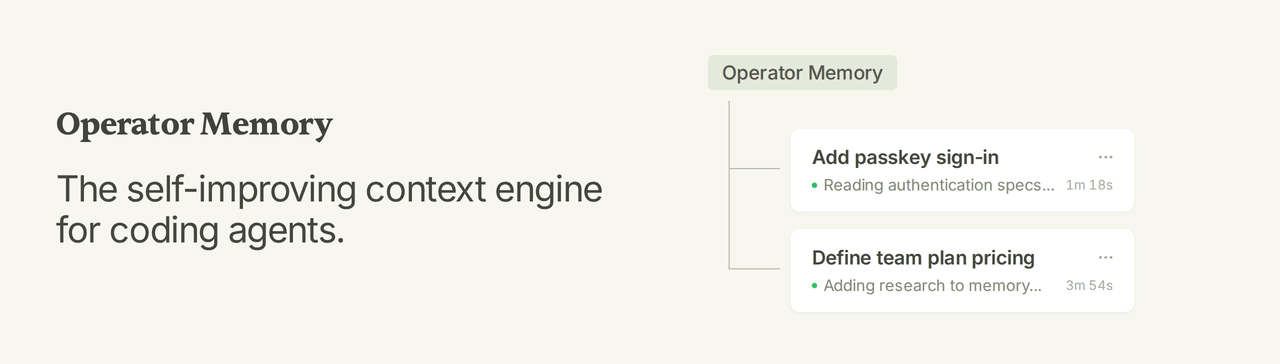
aerovato/operator-memory
The self-improving context engine for coding agents.
Project Overview项目介绍
Operator Memory is a cross-platform, self-improving context engine for coding agents that bundles memory, documentation, codebase indexing, and reusable skills into one integrated system. Rather than relying on embeddings, vector databases, background curators, or model configuration, it persists specs, decisions, research notes, and lessons as plain Markdown, organized across three durable partitions: .operator/ for private project knowledge, .operator-shared/ for documents published with the repository, and ~/.operator/user/ for personal rules reused across projects. Each session runs a tight consult–build–update loop so that what an agent learns today becomes a file the next session can open directly, instead of being reconstructed from lossy RAG chunks.
The repository is packaged and installed through a dedicated command-line tool, @aerovato/operator-helper, which can be installed globally via npm install --global @aerovato/operator-helper or bun add --global --minimum-release-age 0 @aerovato/operator-helper@latest. After the Helper is in place, users run an adapter command such as operator-helper install opencode-v2, operator-helper install opencode, operator-helper install pi, operator-helper install codex, or operator-helper install code-puppy to mount Operator onto their chosen harness, while Claude Code support remains on the public roadmap pending research. First-time setup is a conversation: users invoke /operator:user-init once for the global user partition and /operator:project-init inside each new project so the agent can scaffold Operator, migrate existing documents, and index the repository before normal work begins.
Operator Memory targets development teams and individual engineers who want coding agents to retain architectural understanding, decisions, and conventions across sessions, and to share that knowledge through Git-tracked documents. Dependencies are intentionally minimal: only Node.js or Bun is required, with no embeddings, no vector store, no background dreamers, and no model setup, and the project is released under the BSD-3-Clause license. Practical limitations include the fact that some agents hesitate to create, consolidate, or split documents, so users must occasionally steer them with prompts like "write a spec for this feature" or "consolidate these overlapping documents," and additional harnesses such as Claude Code are not yet available at the time of writing.
Operator Memory 是一个面向编码智能体的跨平台"自改进上下文引擎",提供记忆、文档、代码索引与技能的一体化系统。它不依赖向量数据库或嵌入模型,而是通过 Markdown 文件持久化规范、决策、研究与经验教训,并按 .operator/、.operator-shared/、~/.operator/user/ 三个分区组织知识。智能体在每次会话中遵循"查阅→构建→更新"循环,自动维护可读、可分享、可版本化的项目真相。
该项目通过名为 @aerovato/operator-helper 的命令行工具分发,先以 npm 或 Bun 全局安装 Helper,再执行 operator-helper install <harness> 注入适配器,目前支持 OpenCode v2、OpenCode 1、Pi、Codex、Code Puppy 等宿主,Claude Code 适配仍在路线图中。完成安装后,用户需在新会话中依次运行 /operator:user-init 与 /operator:project-init,由智能体读取 Brain、索引仓库并迁移既有文档,适合希望让编码智能体跨会话保留架构理解与团队规范的开发团队。
依赖方面,Operator Memory 仅要求 Node.js 或 Bun 环境,不需要嵌入模型、向量库或后台管道,使用 BSD-3-Clause 协议开源。其核心限制在于依赖宿主智能体的写作与维护意愿,有时需要主动引导智能体编写规范、整合或拆分文档;同时,Claude Code 等更多宿主仍待后续版本支持,首次运行务必在干净的新会话中执行初始化命令以确保分区正确建立。
请帮我安装这个 DSH 插件。安装前先完成【兼容性检查 + 安全性检查】,检查通过再动手。

插件:operator-memory(aerovato/operator-memory)
仓库:https://github.com/aerovato/operator-memory
本站详情页:https://www.yhbd.top/plugins/aerovato-operator-memory/
本站登记:类型 plugin · 归类 多平台兼容工具(非 DSH 原生) · 许可证 BSD-3-Clause · ⭐ 72 · 最近提交 2026-10-03 · 主语言 TypeScript · 未检测到 DSH 插件清单

按下面顺序执行,每步先把结论告诉我,再进入下一步:

【1 兼容性检查】
① 我这边:DSH 版本、Node 版本、操作系统、当前 profile(web / desktop)。
② 读它的 README、package.json、插件 manifest,列出它要求的 DSH 版本 / Node 版本 / 操作系统 / 外部依赖 / 需要另外先装的运行时。
③ 逐条比对,结论只写「满足 / 不满足 / 未知」三种;不满足的给出可行替代方案。
④ 检查是否和我已装的插件冲突:命令名重复、skill / tool 重名、端口占用、重复注册的 MCP server。

【2 安全性检查】
① 仓库可信度:和上面「本站登记」是否一致;star / fork 数、创建时间、最近提交,是否归档或长期停更。
② 安装脚本:逐行看 package.json 的 preinstall / install / postinstall,以及 install.sh、setup.ps1 之类脚本。出现 curl|bash、下载后直接执行、混淆代码、访问与插件功能无关的域名,立刻停下来告诉我,不要继续装。
③ 依赖:列出新增依赖,标出无人维护、或与知名包拼写近似的可疑包(typosquatting)。
④ 权限与副作用:它会读写哪些目录、访问哪些域名、需要哪些 DSH 权限(filesystem / network / shell / clipboard 等),以及怎么卸载和回滚。
⑤ 如果它要求 sudo / 管理员权限,或权限明显超出功能所需,先停下来问我。

【3 安装】
上面两步没有「不满足」和「高危项」时才执行;用官方推荐方式安装,不要自行提权。

【4 汇报】
用表格输出:检查项 / 结论 / 依据 / 是否需要我决策。拿不准的一律写「未知」并说明要我怎么确认——不要猜,也不要替我决定。
Send this message to DSH in your current session: it verifies compatibility and security first (answering met / not met / unknown item by item) and only installs once everything checks out — it will stop and ask you if it finds a high-risk item. The box scrolls; the copy is the full prompt. CLI install commands may not be accurate across systems, so DSH is the safer route.把上面这条消息直接发给当前会话里的 DSH:它会先核对兼容性与安全性(逐条给「满足 / 不满足 / 未知」),确认没问题再安装,有高危项会停下来问你。框内可滚动,复制到的是完整提示词;安装命令不一定准确,发给 DSH 更稳。
- No DSH plugin manifest detected - it may only carry the dsh-plugin topic, so the install method must be confirmed on the spot未检测到 DSH 插件清单:可能只是打了 dsh-plugin 话题,安装方式要现场确认
- Not DSH-native: a multi-platform tool that may require Node / Electron or another runtime first非 DSH 原生,是多平台兼容工具:可能要先装 Node / Electron 等运行时
DSH walks through these 9 checksDSH 会逐条核对这 9 项
Compatibility兼容性
- DSH, Node, OS and profile requirementsDSH 版本 / Node 版本 / 操作系统 / profile 是否满足要求
- External dependencies and runtimes (Electron / Python / Docker, ...)外部依赖与运行时(Electron / Python / Docker 等)是否齐备
- Conflicts with installed plugins: command names, skill / tool names, ports, duplicate MCP registration与已装插件是否冲突:命令名、skill / tool 重名、端口占用、重复 MCP 注册
Security安全性
- Repo matches the facts registered here; archived or abandoned?仓库是否与页面登记一致,是否归档或长期停更
- Safety of preinstall / install / postinstall and install.sh / setup.ps1preinstall / install / postinstall 与 install.sh、setup.ps1 是否安全
- curl|bash, download-then-execute, obfuscation, unrelated domains → stop immediatelycurl|bash、下载即执行、混淆代码、无关域名 → 立刻停止
- Typosquatting or unmaintained packages among the new dependencies新增依赖里有没有 typosquatting 或无人维护的包
- Requested permissions vs. what the feature actually needs申请了哪些权限、是否超出功能所需(filesystem / network / shell / clipboard)
- Any sudo / admin requirement, plus uninstall and rollback是否要求 sudo / 管理员权限,以及卸载与回滚方式
Anything uncertain must be marked unknown with a note on how to confirm it. This site's signal screen is a static snapshot, not a security audit.拿不准的必须标「未知」并说明要我怎么确认。本站的信号筛查是静态快照,不能替代安全审计。
Or use CLI install (for developers)或使用命令行安装(适合开发者)
CLI Install命令行安装
dsh plugin --profile web add github:aerovato/operator-memory把 aerovato/operator-memory 加入你的 DSH 配置(web profile)即可启用。
READMEREADME
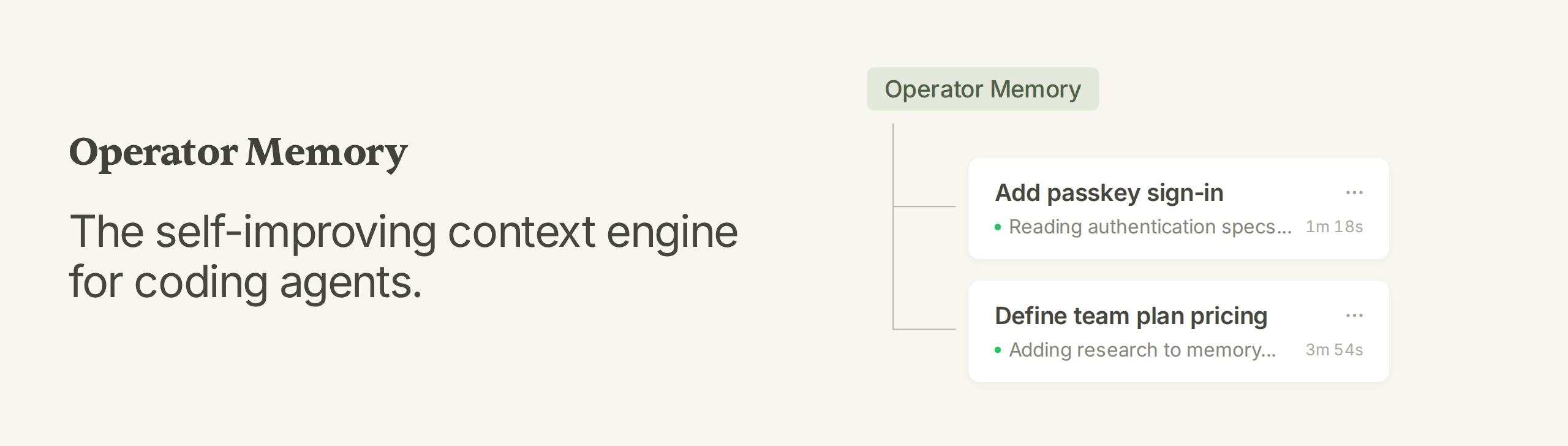
Operator Memory: The self-improving context engine for coding agents.
Operator Memory gives your agent a brain for documenting all their work. As the agent works, it automatically documents within this brain — specs, decisions, standards, research, lessons. Every new session starts knowing everything the last one learned.
Features
- Complete Context Engine — Documentation, memory, indexes, and skills within a single integrated system.
- Automatic Documentation — Specs, decisions, research, and more are automatically documented by the agent.
- Transparent Memory — Memory is stored as Markdown documents you can read, update, and delete.
- Sharable Knowledge — Track documents with Git and share knowledge with your team.
- Zero Infrastructure — No background agents, no embeddings, no vector database, no model configuration.
Installation
Operator is managed via the Operator Helper. Install the Helper with npm:
npm install --global @aerovato/operator-helper
Or Bun:
bun add --global --minimum-release-age 0 @aerovato/operator-helper@latest
Then install the Operator adapter for your harness. Click each link for harness-specific information.
| Harness | Status | Install |
|---|---|---|
| Claude Code | 🟢 Fully Supported | operator-helper install claude-code |
| Codex | 🟢 Fully Supported | operator-helper install codex |
| OpenCode V2 | 🟢 Fully Supported | operator-helper install opencode-v2 |
| OpenCode V1 | 🟡 Supported, Legacy | operator-helper install opencode |
| Pi | 🟢 Fully Supported | operator-helper install pi |
| DeepSeek Harness | 🟢 Fully Supported | operator-helper install deepseek |
Setup is a conversation with your agent. Run each command in a new conversation.
- First time only:
/operator:user-init— set up your global user partition. - In each new project:
/operator:project-init— scaffold Operator, migrate existing documents, and index the repo. - Start a new conversation and do normal work.
Showing the opening section of the README — the full document lives in the repository以上为 README 开头摘要,完整文档在仓库内 · View the full README on GitHub →在 GitHub 查看完整 README →
Related相关推荐
-
 vshulcz/deja-vu
The most accurate, cheapest and fastest memory for coding agents: searchable session history from Claude Code, Codex, Cu…
vshulcz/deja-vu
The most accurate, cheapest and fastest memory for coding agents: searchable session history from Claude Code, Codex, Cu…
-
 adoresever/graph-memory
Deepseek Harness、Openclaw知识图谱记忆插件。2026年4月受邀发布在清华大学讨论会。Knowledge Graph + Memory;Knowledge Graph Context Engine for OpenCl…
adoresever/graph-memory
Deepseek Harness、Openclaw知识图谱记忆插件。2026年4月受邀发布在清华大学讨论会。Knowledge Graph + Memory;Knowledge Graph Context Engine for OpenCl…
-
 mnemon-dev/mnemon
LLM-supervised persistent memory for AI agents — graph-based recall, cross-session knowledge, single binary. Works with …
mnemon-dev/mnemon
LLM-supervised persistent memory for AI agents — graph-based recall, cross-session knowledge, single binary. Works with …
-
 Phant0Meow/dsh-meow-memory
Cross-session memory plugin for DeepSeek Harness: seven-layer SQLite store (soul/user/project/fact/lesson/topic/rules), …
Phant0Meow/dsh-meow-memory
Cross-session memory plugin for DeepSeek Harness: seven-layer SQLite store (soul/user/project/fact/lesson/topic/rules), …
-
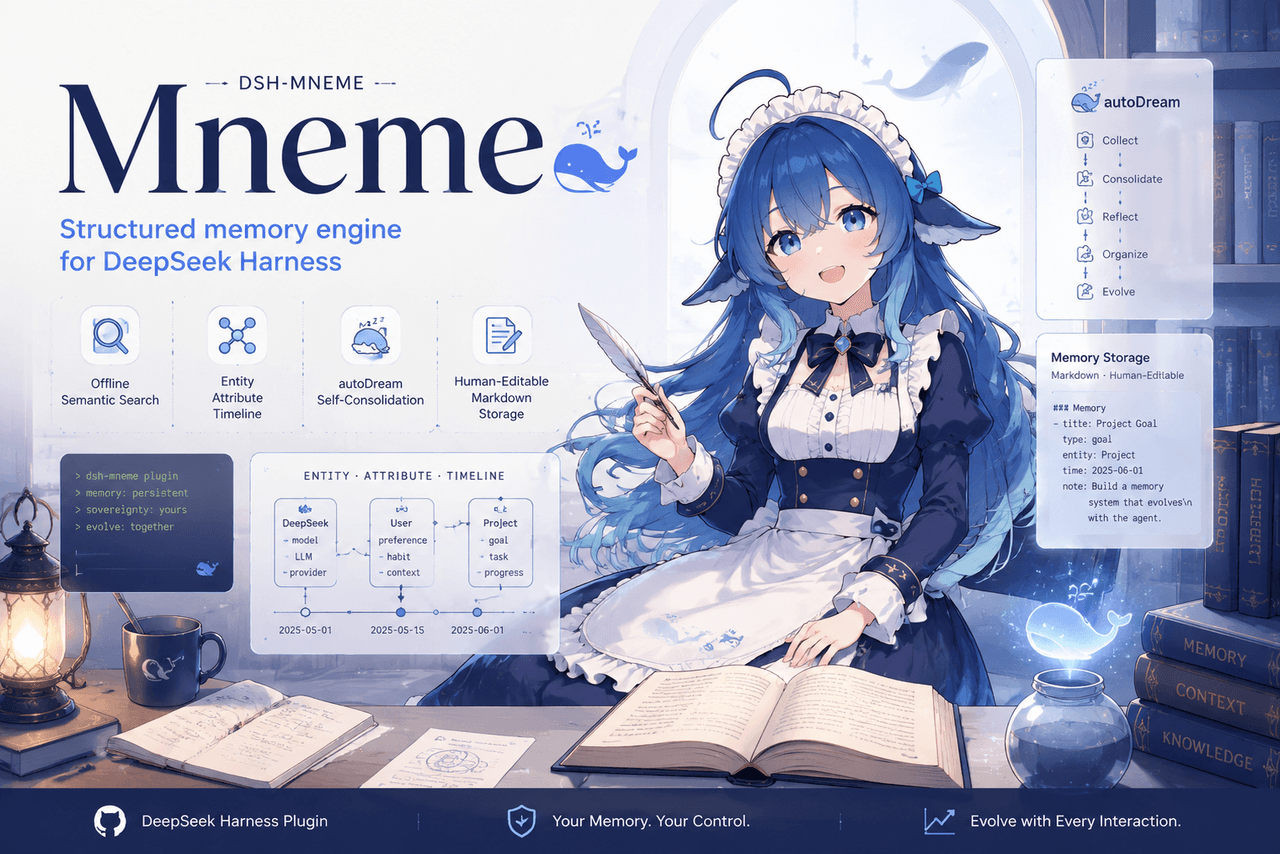 slow-stack/mneme
🧠 The memory that dreams — cross-session memory for DeepSeek Harness. Offline & private, auto-consolidates in its sleep…
slow-stack/mneme
🧠 The memory that dreams — cross-session memory for DeepSeek Harness. Offline & private, auto-consolidates in its sleep…
- hg1048596-pixel/dsh-recall-unread DeepSeek Harness (DSH) 插件:在模型读取前撤回已发送的文字消息,支持单条与全部撤回。A DeepSeek Harness plugin that recalls sent-but-unread text message…
- Tasihi89/dsh-talk-map Visual conversation map for DeepSeek Harness — sessions as cards on a whiteboard: drag to arrange, double-click to chat,…
-
 Aik358/dsh-auto-memory
Proactive associative memory for DSH: system-prompt recall before the model speaks, three-layer auto-consolidation, skil…
Aik358/dsh-auto-memory
Proactive associative memory for DSH: system-prompt recall before the model speaks, three-layer auto-consolidation, skil…