akslcw/dsh-negative-ledger
Project Overview项目介绍
This is a native DSH plugin that implements a negative-knowledge ledger for coding agents. It records only disproven paths, including failed commands, missing files, rejected approaches, and unavailable APIs, along with supporting evidence and rules that invalidate old conclusions automatically when the underlying evidence changes. It can be installed with a single command dsh plugin --profile <name> add @akslcw/dsh-negative-ledger, which activates the bundle layer with production defaults out of the box. After installation you can verify the layer is added correctly by running dsh --profile <name> --dump-config before booting DSH normally.
The core workflow follows four simple steps. When a tool call fails, it records a negative fact with outcome witnesses like exit codes and precondition witnesses pulled from DSH's fs/observed file state. The next identical attempt matches the fact's fingerprint, which is a normalized command plus cwd or file path, and warns or blocks the attempt while all preconditions stay unchanged. Any change to preconditions marks the fact stale, allowing a retry, and a successful retry marks the fact resolved. It helps DSH users avoid repeating the same mistakes during development.
The plugin requires Node.js version ^22.19.0 or >=24.0.0, which aligns with DSH's official engine requirements. It ships with two supported storage backends: the default transactional SQLite backend that supports concurrent writers and crash recovery, and a legacy JSONL backend that only supports single-process writing for debugging purposes. It is released under the permissive MIT license, and has several known limitations including no semantic matching for fingerprints, only exact fingerprint matches, and no per-tool recording policy for non-zero exits that are not actual failures. If you use pnpm 11, you need to adjust your project config to avoid build errors.
这是一个面向 DeepSeek Harness (DSH) 的原生负知识账本插件,核心功能是记录编码代理开发过程中已被证伪的开发路径,包括失败的命令、缺失的文件、被拒绝的方案、不可用的API等信息,同时保存每个结论对应的证据和允许重试的触发条件。当运行环境的证据变化时,旧结论会自动失效。
工具调用失败后,插件会生成带有失败结果和环境状态前置证据的负事实记录,下次执行相同操作会匹配操作指纹,如果所有前置证据都没有变化,就会对用户发出警告或者直接拦截操作。如果前置证据发生变化,负事实会被标记为失效,允许重试;重试成功则标记为已解决。
本项目采用MIT许可证开源,默认使用事务支持的SQLite后端保障多代理并发的一致性,要求Node版本符合DSH官方要求,遗留JSONL后端不支持多进程并发写入,仅支持精确指纹匹配不做语义相似度匹配,使用pnpm 11安装需要调整配置避免错误。
请帮我安装这个 DSH 插件。安装前先完成【兼容性检查 + 安全性检查】,检查通过再动手。

插件:dsh-negative-ledger(akslcw/dsh-negative-ledger)
仓库:https://github.com/akslcw/dsh-negative-ledger
本站详情页:https://www.yhbd.top/plugins/akslcw-dsh-negative-ledger/
本站登记:类型 plugin · 归类 原生 DSH 插件 · 许可证 MIT · ⭐ 3 · 最近提交 2026-09-11 · 主语言 TypeScript

按下面顺序执行,每步先把结论告诉我,再进入下一步:

【1 兼容性检查】
① 我这边:DSH 版本、Node 版本、操作系统、当前 profile(web / desktop)。
② 读它的 README、package.json、插件 manifest,列出它要求的 DSH 版本 / Node 版本 / 操作系统 / 外部依赖 / 需要另外先装的运行时。
③ 逐条比对,结论只写「满足 / 不满足 / 未知」三种;不满足的给出可行替代方案。
④ 检查是否和我已装的插件冲突:命令名重复、skill / tool 重名、端口占用、重复注册的 MCP server。

【2 安全性检查】
① 仓库可信度:和上面「本站登记」是否一致;star / fork 数、创建时间、最近提交,是否归档或长期停更。
② 安装脚本:逐行看 package.json 的 preinstall / install / postinstall,以及 install.sh、setup.ps1 之类脚本。出现 curl|bash、下载后直接执行、混淆代码、访问与插件功能无关的域名,立刻停下来告诉我,不要继续装。
③ 依赖:列出新增依赖,标出无人维护、或与知名包拼写近似的可疑包(typosquatting)。
④ 权限与副作用:它会读写哪些目录、访问哪些域名、需要哪些 DSH 权限(filesystem / network / shell / clipboard 等),以及怎么卸载和回滚。
⑤ 如果它要求 sudo / 管理员权限,或权限明显超出功能所需,先停下来问我。

【3 安装】
上面两步没有「不满足」和「高危项」时才执行;用官方推荐方式安装,不要自行提权。

【4 汇报】
用表格输出:检查项 / 结论 / 依据 / 是否需要我决策。拿不准的一律写「未知」并说明要我怎么确认——不要猜,也不要替我决定。
Send this message to DSH in your current session: it verifies compatibility and security first (answering met / not met / unknown item by item) and only installs once everything checks out — it will stop and ask you if it finds a high-risk item. The box scrolls; the copy is the full prompt. CLI install commands may not be accurate across systems, so DSH is the safer route.把上面这条消息直接发给当前会话里的 DSH:它会先核对兼容性与安全性(逐条给「满足 / 不满足 / 未知」),确认没问题再安装,有高危项会停下来问你。框内可滚动,复制到的是完整提示词;安装命令不一定准确,发给 DSH 更稳。
- Only 3 stars - very few users, little community feedback星标只有 3,几乎没人在用,遇到问题缺少社区反馈
DSH walks through these 9 checksDSH 会逐条核对这 9 项
Compatibility兼容性
- DSH, Node, OS and profile requirementsDSH 版本 / Node 版本 / 操作系统 / profile 是否满足要求
- External dependencies and runtimes (Electron / Python / Docker, ...)外部依赖与运行时(Electron / Python / Docker 等)是否齐备
- Conflicts with installed plugins: command names, skill / tool names, ports, duplicate MCP registration与已装插件是否冲突:命令名、skill / tool 重名、端口占用、重复 MCP 注册
Security安全性
- Repo matches the facts registered here; archived or abandoned?仓库是否与页面登记一致,是否归档或长期停更
- Safety of preinstall / install / postinstall and install.sh / setup.ps1preinstall / install / postinstall 与 install.sh、setup.ps1 是否安全
- curl|bash, download-then-execute, obfuscation, unrelated domains → stop immediatelycurl|bash、下载即执行、混淆代码、无关域名 → 立刻停止
- Typosquatting or unmaintained packages among the new dependencies新增依赖里有没有 typosquatting 或无人维护的包
- Requested permissions vs. what the feature actually needs申请了哪些权限、是否超出功能所需(filesystem / network / shell / clipboard)
- Any sudo / admin requirement, plus uninstall and rollback是否要求 sudo / 管理员权限,以及卸载与回滚方式
Anything uncertain must be marked unknown with a note on how to confirm it. This site's signal screen is a static snapshot, not a security audit.拿不准的必须标「未知」并说明要我怎么确认。本站的信号筛查是静态快照,不能替代安全审计。
Or use CLI install (for developers)或使用命令行安装(适合开发者)
CLI Install命令行安装
dsh plugin --profile web add @akslcw/dsh-negative-ledger把 akslcw/dsh-negative-ledger 加入你的 DSH 配置(web profile)即可启用。
READMEREADME
dsh-negative-ledger
A negative-knowledge ledger for coding agents. It records only disproven paths — failed commands, missing files, rejected approaches, unavailable APIs — together with the evidence behind each conclusion and the conditions under which a retry becomes legitimate. When the evidence changes, the conclusion is invalidated automatically.
What it is not
- Not memory: no positive knowledge, no semantic recall.
- Not a cache: it stores conclusions, not tool results.
- Not a bug regression tracker: it covers any tool call and file read, not just fix attempts.
The core loop
- A tool call fails (non-zero exit,
FS_NOT_FOUND, …) → a negative fact is recorded with outcome witnesses (exit code, error code) and precondition witnesses (file state from DSH'sfs/observed). - The next identical attempt matches the fact's fingerprint (normalized command + cwd, or file path).
- While every precondition witness is unchanged, the attempt is warned (
warnmode) or denied (blockmode). - Any precondition change marks the fact stale — the reminder is withdrawn and the retry is allowed. A successful retry marks it resolved.
The differentiation: a DSH-native, evidence-bound persistent negative-memory gate — failure conclusions activate and revoke themselves with the environmental evidence, and stay transactionally consistent across concurrent agents.
Quick start — one-command install
dsh plugin --profile <name> add @akslcw/dsh-negative-ledger
Installs the package and activates its bundle layer: the shipped cordis.patch.yml (declared by the dsh.bundle manifest) mounts the ledger policy with production defaults — sqlite backend, warn mode, .ledger directory, default TTLs. Verify without booting, then boot:
dsh --profile <name> --dump-config   # the "@akslcw/dsh-negative-ledger" layer and its negative-ledger row
dsh --profile <name>                 # boot
Remove: dsh plugin --profile <name> remove @akslcw/dsh-negative-ledger. A clean-environment end-to-end smoke (add → layer → headless warn + sqlite ledger → remove → profile still boots) is powershell -File smoke/plugin-add-smoke.ps1.
Showing the opening section of the README — the full document lives in the repository以上为 README 开头摘要,完整文档在仓库内 · View the full README on GitHub →在 GitHub 查看完整 README →
Related相关推荐
-
 kenryu42/cc-safety-net
A pre-execution guard for AI coding agents. It blocks destructive Git and file system commands, plus common attempts to …
kenryu42/cc-safety-net
A pre-execution guard for AI coding agents. It blocks destructive Git and file system commands, plus common attempts to …
-
 hyhmrright/brooks-lint
AI code reviews grounded in 12 classic engineering books — decay risk diagnostics with book citations, severity labels, …
hyhmrright/brooks-lint
AI code reviews grounded in 12 classic engineering books — decay risk diagnostics with book citations, severity labels, …
-
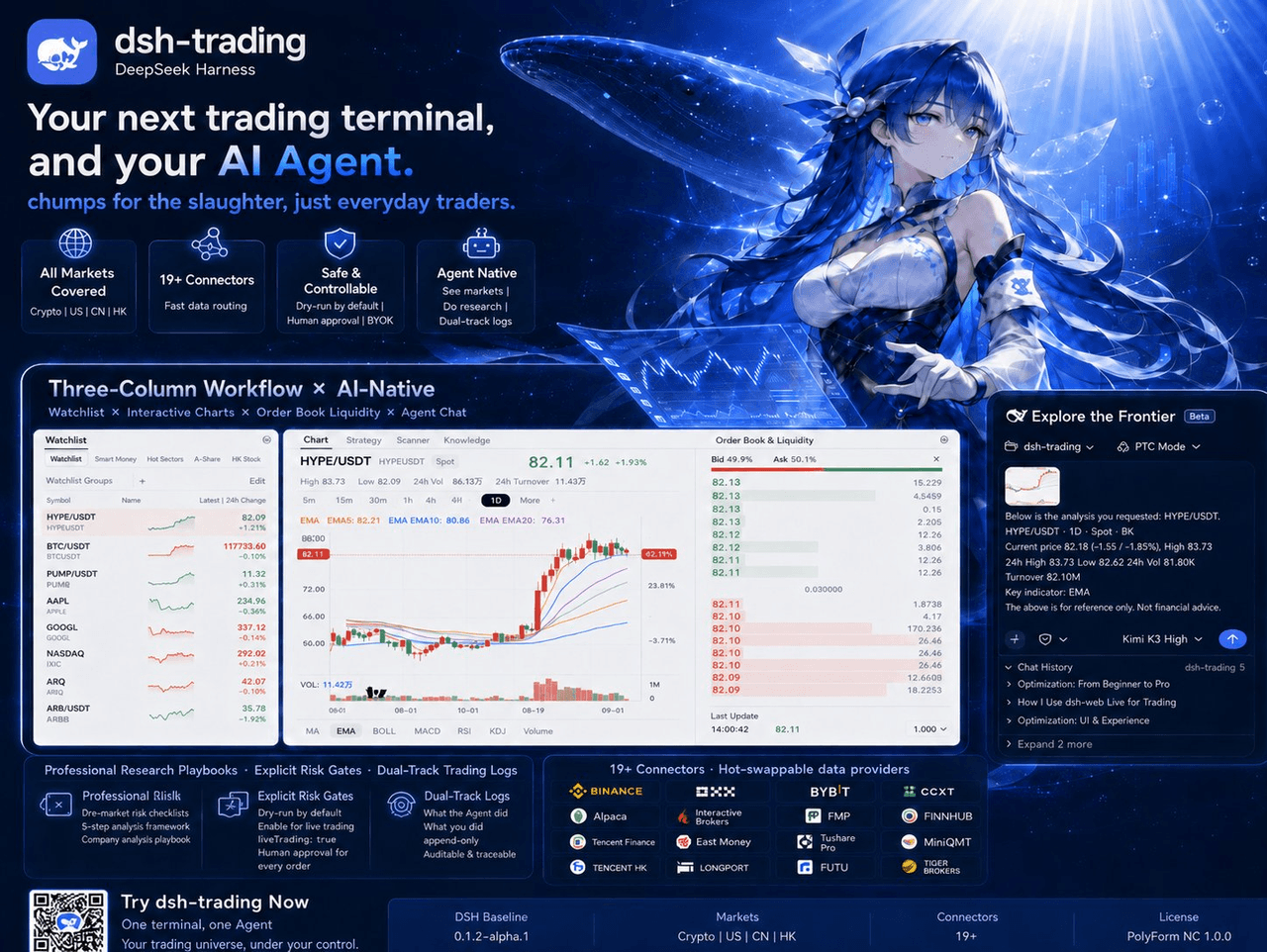 zhu1090093659/dsh-trading
Agent-native trading terminal built on DeepSeek Harness. Crypto, US, CN and HK in one three-column GUI, 19+ hot-swappabl…
zhu1090093659/dsh-trading
Agent-native trading terminal built on DeepSeek Harness. Crypto, US, CN and HK in one three-column GUI, 19+ hot-swappabl…
-
 lire1131/dsh-undo-savepoint
DSH crash-rescue plugin: undo config & plugin-code changes, secret-safe snapshots, one-click SAFE MODE, plus offline CLI…
lire1131/dsh-undo-savepoint
DSH crash-rescue plugin: undo config & plugin-code changes, secret-safe snapshots, one-click SAFE MODE, plus offline CLI…
- Akimiya-z/codex-guard Quality gate for AI/Codex-generated pull requests: blocks TODO leftovers, leaked secrets, sloppy commits and red CI befo…
-
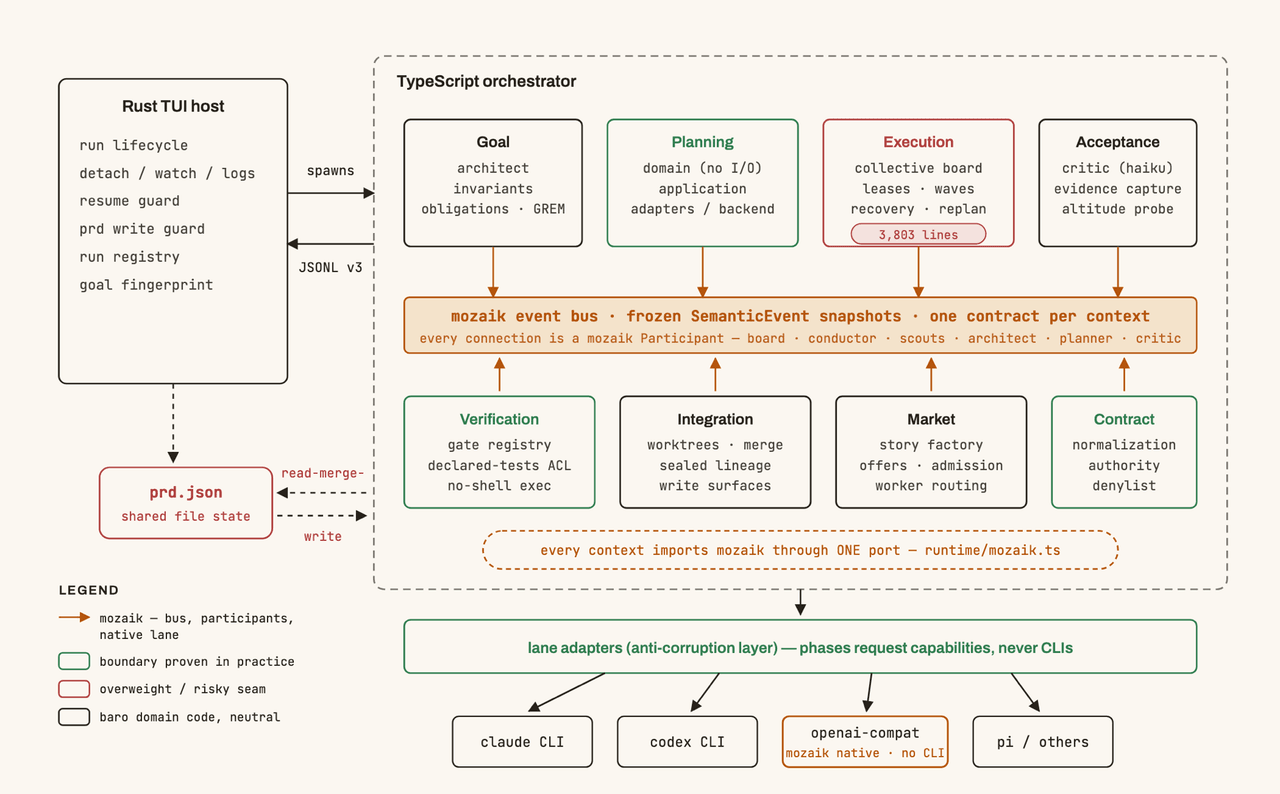 jigjoy-ai/baro
A CLI that turns a goal into a pull request - and a sandbox for testing concurrent AI coding agents on the Mozaik runtim…
jigjoy-ai/baro
A CLI that turns a goal into a pull request - and a sandbox for testing concurrent AI coding agents on the Mozaik runtim…
-
 c3ll256/dsh-toy
Toy Control Protocol for DSH
c3ll256/dsh-toy
Toy Control Protocol for DSH
-
 huaweicloud/huaweicloud-devkit
Official Huawei Cloud plugin for AI agents — skills, MCP tools, safety guardrails, and cloud sandbox to help AI agents …
huaweicloud/huaweicloud-devkit
Official Huawei Cloud plugin for AI agents — skills, MCP tools, safety guardrails, and cloud sandbox to help AI agents …