
bill9109/dsh-drag-and-drop
为 DSH Web UI 增加跨平台文件拖拽与原始路径插入能力,无需复制文件
Project Overview项目介绍
This repository hosts a native plugin built exclusively for the DeepSeek Harness (DSH) Web UI. It enables users to drag local files or folders directly onto any area of the DSH web interface, automatically resolves their original absolute filesystem paths, and inserts those paths directly into the current conversation input box. It solves the problem where browsers by default do not expose real local file paths to web applications for security reasons. To install the plugin, you can run the official DSH plugin command, and no source code changes or manual configuration files are required.
When a user drops a file onto the DSH Web UI, the plugin first checks the current workspace and all registered workspaces to retrieve the correct path. If the browser does not expose the original path, the plugin will search through the system file index or within a bounded directory range to locate the file. When multiple candidate files share the same name, the plugin compares metadata and even content fingerprints to find the correct one, and it will ask the user to manually select if it cannot automatically distinguish between identical candidates. It is designed for all users who work with local files using the DSH Web version for development and editing tasks.
The plugin is open-sourced under the permissive BSD-3-Clause license, and it supports macOS, Linux, and Windows desktop platforms. On Linux, installing plocate is recommended for faster global path resolution, while on Windows installing the Everything command-line tool significantly speeds up search on large disks. The plugin limits directory searches to at most 10,000 entries and 32 directory levels, and it never follows symbolic links or Windows junctions. All path resolution and processing happens locally on the host machine running DSH, and no file information is ever uploaded to external services.
这是一个专为DeepSeek Harness(DSH)Web UI开发的原生插件,核心功能是让用户可以将本地文件或文件夹拖拽到DSH网页界面上,自动解析并插入这些文件或文件夹的原始绝对文件路径到当前对话输入框,不需要上传、移动或复制任何文件,解决了浏览器默认不会向网页暴露真实本地文件路径的问题。安装可以通过DSH官方插件命令完成,无需修改源码或手动编写配置文件。
普通用户拖拽文件到DSH Web界面后,插件会先在当前工作区和已注册的工作区中查找文件路径,如果浏览器没有暴露路径,会通过系统文件索引或限定范围搜索定位文件。遇到多个重名候选文件时,插件会比对元信息甚至内容指纹,无法自动区分时会让用户手动选择正确路径。适合所有使用DSH Web版处理本地文件的日常开发与编辑场景。
该插件采用BSD-3-Clause许可证开源,支持macOS、Linux和Windows三大桌面平台,不同系统下推荐安装对应系统工具提升搜索速度,比如Linux推荐安装plocate,Windows推荐安装Everything命令行工具。插件限定目录搜索最多遍历10000个条目和32层目录,不会跟随符号链接,所有路径解析操作都在本地完成,不会上传任何文件信息。
请帮我安装这个 DSH 插件。安装前先完成【兼容性检查 + 安全性检查】,检查通过再动手。

插件:dsh-drag-and-drop(bill9109/dsh-drag-and-drop)
仓库:https://github.com/bill9109/dsh-drag-and-drop
本站详情页:https://www.yhbd.top/plugins/bill9109-dsh-drag-and-drop/
本站登记:类型 plugin · 归类 原生 DSH 插件 · 许可证 BSD-3-Clause · ⭐ 22 · 最近提交 2026-08-26 · 主语言 JavaScript

按下面顺序执行,每步先把结论告诉我,再进入下一步:

【1 兼容性检查】
① 我这边:DSH 版本、Node 版本、操作系统、当前 profile(web / desktop)。
② 读它的 README、package.json、插件 manifest,列出它要求的 DSH 版本 / Node 版本 / 操作系统 / 外部依赖 / 需要另外先装的运行时。
③ 逐条比对,结论只写「满足 / 不满足 / 未知」三种;不满足的给出可行替代方案。
④ 检查是否和我已装的插件冲突:命令名重复、skill / tool 重名、端口占用、重复注册的 MCP server。

【2 安全性检查】
① 仓库可信度:和上面「本站登记」是否一致;star / fork 数、创建时间、最近提交,是否归档或长期停更。
② 安装脚本:逐行看 package.json 的 preinstall / install / postinstall,以及 install.sh、setup.ps1 之类脚本。出现 curl|bash、下载后直接执行、混淆代码、访问与插件功能无关的域名,立刻停下来告诉我,不要继续装。
③ 依赖:列出新增依赖,标出无人维护、或与知名包拼写近似的可疑包(typosquatting)。
④ 权限与副作用:它会读写哪些目录、访问哪些域名、需要哪些 DSH 权限(filesystem / network / shell / clipboard 等),以及怎么卸载和回滚。
⑤ 如果它要求 sudo / 管理员权限,或权限明显超出功能所需,先停下来问我。

【3 安装】
上面两步没有「不满足」和「高危项」时才执行;用官方推荐方式安装,不要自行提权。

【4 汇报】
用表格输出:检查项 / 结论 / 依据 / 是否需要我决策。拿不准的一律写「未知」并说明要我怎么确认——不要猜,也不要替我决定。
Send this message to DSH in your current session: it verifies compatibility and security first (answering met / not met / unknown item by item) and only installs once everything checks out — it will stop and ask you if it finds a high-risk item. The box scrolls; the copy is the full prompt. CLI install commands may not be accurate across systems, so DSH is the safer route.把上面这条消息直接发给当前会话里的 DSH:它会先核对兼容性与安全性(逐条给「满足 / 不满足 / 未知」),确认没问题再安装,有高危项会停下来问你。框内可滚动,复制到的是完整提示词;安装命令不一定准确,发给 DSH 更稳。
- 22 stars - an early-stage project星标 22,属于早期项目
DSH walks through these 9 checksDSH 会逐条核对这 9 项
Compatibility兼容性
- DSH, Node, OS and profile requirementsDSH 版本 / Node 版本 / 操作系统 / profile 是否满足要求
- External dependencies and runtimes (Electron / Python / Docker, ...)外部依赖与运行时(Electron / Python / Docker 等)是否齐备
- Conflicts with installed plugins: command names, skill / tool names, ports, duplicate MCP registration与已装插件是否冲突:命令名、skill / tool 重名、端口占用、重复 MCP 注册
Security安全性
- Repo matches the facts registered here; archived or abandoned?仓库是否与页面登记一致,是否归档或长期停更
- Safety of preinstall / install / postinstall and install.sh / setup.ps1preinstall / install / postinstall 与 install.sh、setup.ps1 是否安全
- curl|bash, download-then-execute, obfuscation, unrelated domains → stop immediatelycurl|bash、下载即执行、混淆代码、无关域名 → 立刻停止
- Typosquatting or unmaintained packages among the new dependencies新增依赖里有没有 typosquatting 或无人维护的包
- Requested permissions vs. what the feature actually needs申请了哪些权限、是否超出功能所需(filesystem / network / shell / clipboard)
- Any sudo / admin requirement, plus uninstall and rollback是否要求 sudo / 管理员权限,以及卸载与回滚方式
Anything uncertain must be marked unknown with a note on how to confirm it. This site's signal screen is a static snapshot, not a security audit.拿不准的必须标「未知」并说明要我怎么确认。本站的信号筛查是静态快照,不能替代安全审计。
Or use CLI install (for developers)或使用命令行安装(适合开发者)
CLI Install命令行安装
dsh plugin --profile web add github:omdsh-dev/dsh-drag-and-drop把 bill9109/dsh-drag-and-drop 加入你的 DSH 配置(web profile)即可启用。
READMEREADME
dsh-drag-and-drop — Drag local files in and insert their real paths




Install: dsh plugin --profile web add github:omdsh-dev/dsh-drag-and-drop
A DeepSeek Harness Web UI plugin: drag local files or folders onto any part of the page and their original absolute filesystem paths are inserted into the current conversation input — without uploading, moving, or copying anything.
Why this exists
A browser never hands a web page the real filesystem path of a dropped file — it exposes only a local file URI when it feels like it, and often nothing at all, for security. DSH, though, operates on real files: its tools read, run, and patch actual paths on the machine. Drop a file into an ordinary web input and you get either an upload (a copy that silently breaks the file's relationship with its neighboring dependencies) or a hand-typed path that is easy to get wrong.
This plugin closes that gap on the machine running DSH. It converts the browser's local file URI into the native absolute path, and when the browser hides the path entirely it resolves the file back to its real location — through the current Workspace, registered Workspaces, the OS file index, and a bounded directory search — then writes that path into the current conversation input. The file never leaves its directory.
Features
- Drag files onto any part of the Web UI to insert their original absolute paths
- Full-page dim + blur hint while dragging
- Supports files and folders; drag multiple items at once — one path per line
- Native paths on macOS, Linux, and Windows
- POSIX paths, Windows drive-letter paths, and UNC network paths
- No uploading, moving, or copying of files
- Locates files in the current Workspace and registered Workspaces first
- When the browser hides the original path, uses the local file index and bounded directory search
- Computes content fingerprints only when multiple candidates exist
- When several byte-identical copies cannot be told apart automatically, lets the user pick the path
- Failed lookups surface as a dismissible plugin toast (auto-dismisses after 8s; hovering pauses the timer)
- Writes the draft via DSH's input-state service instead of touching the input DOM
Showing the opening section of the README — the full document lives in the repository以上为 README 开头摘要,完整文档在仓库内 · View the full README on GitHub →在 GitHub 查看完整 README →
Related相关推荐
-
 reactive-resume/reactive-resume
A one-of-a-kind resume builder that keeps your privacy in mind. Completely secure, customizable, portable, open-source a…
reactive-resume/reactive-resume
A one-of-a-kind resume builder that keeps your privacy in mind. Completely secure, customizable, portable, open-source a…
-
 anywhere-labs/dsh-desktop
为 DeepSeek Harness (DSH) 插件生态打造的现代化桌面端解决方案。万物皆「插件」,桌面本身也是「插件」。
anywhere-labs/dsh-desktop
为 DeepSeek Harness (DSH) 插件生态打造的现代化桌面端解决方案。万物皆「插件」,桌面本身也是「插件」。
-
 dataelement/dsh-desktop
DSHDesktop:DeepSeek Harness Desktop / DeepSeek Harness 桌面版
dataelement/dsh-desktop
DSHDesktop:DeepSeek Harness Desktop / DeepSeek Harness 桌面版
-
 ccch1mneyyy/dsh-TUI
DSH's officially top-recommended TUI plugin — high performance, low overhead, cute pixel whale, smooth mouse interaction…
ccch1mneyyy/dsh-TUI
DSH's officially top-recommended TUI plugin — high performance, low overhead, cute pixel whale, smooth mouse interaction…
- dsh-tauri/deepseek-harness-desktop DeepSeek Harness Tauri 桌面版 | Only 5mb installer, zero environment setup, preset plugins, Windows / macOS / Linux.
-
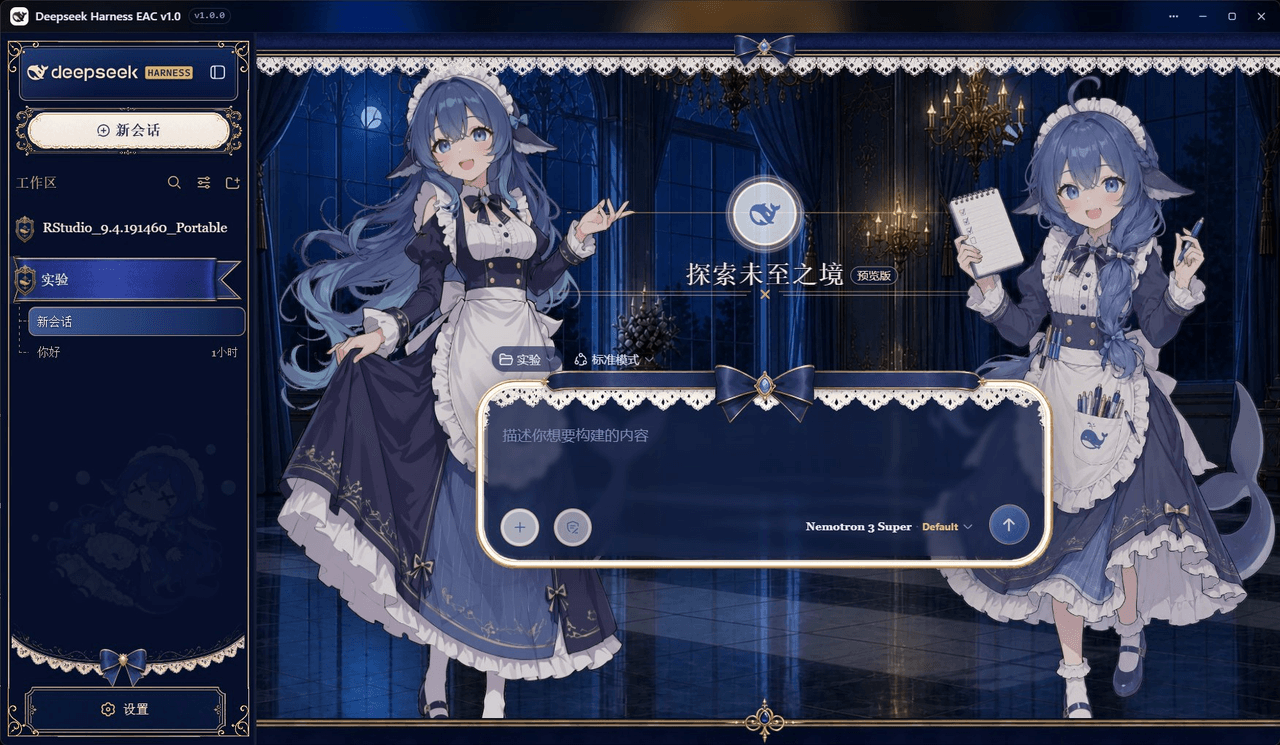 DSH-EAC/DSH-Desktop-EAC
Embracing All Creation — A plugin suite for harmonious coexistence of hundreds of plugins / 揽尽万象 —— 致力于让数百个插件和谐共存的插件整合包
DSH-EAC/DSH-Desktop-EAC
Embracing All Creation — A plugin suite for harmonious coexistence of hundreds of plugins / 揽尽万象 —— 致力于让数百个插件和谐共存的插件整合包
-
 shaobeichen/dsh-pocket
把 DeepSeek Harness 装进你的口袋:电脑上跑 dsh web,手机扫码即同步访问(局域网 + 公网,实时同屏)Put DeepSeek Harness in your pocket: run dsh web on your …
shaobeichen/dsh-pocket
把 DeepSeek Harness 装进你的口袋:电脑上跑 dsh web,手机扫码即同步访问(局域网 + 公网,实时同屏)Put DeepSeek Harness in your pocket: run dsh web on your …
-
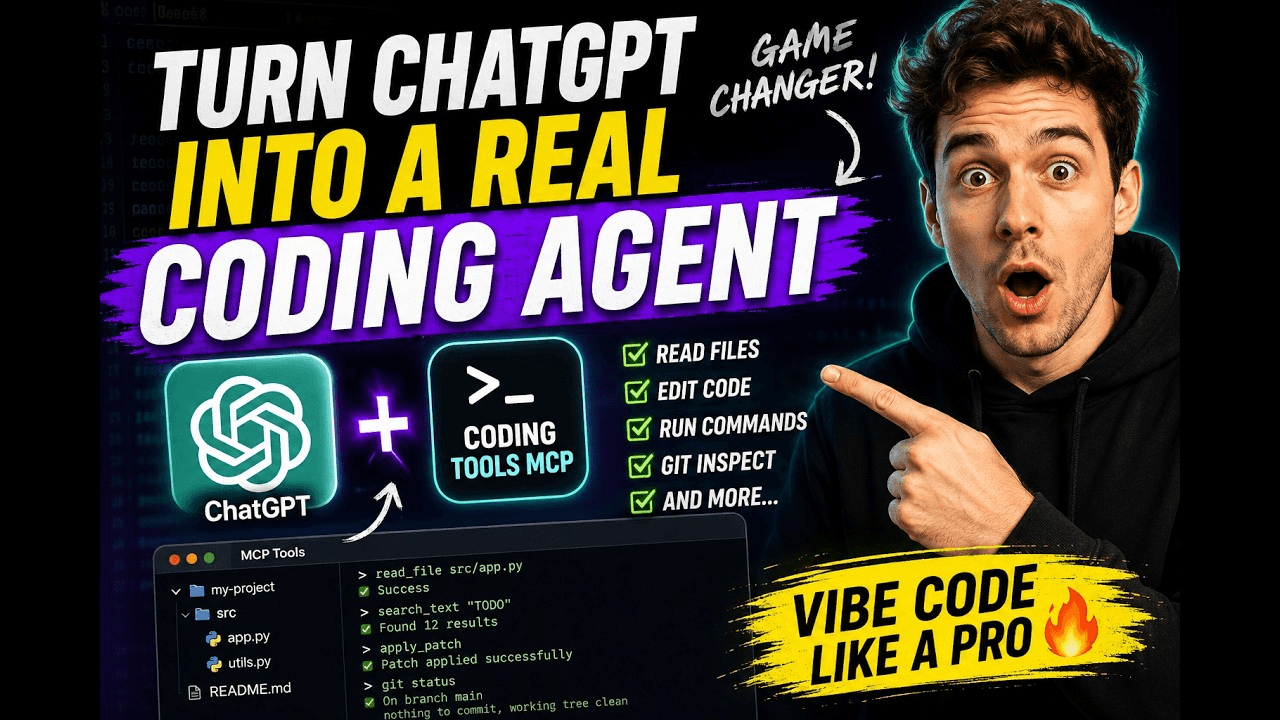 xyTom/coding-tools-mcp
Give any AI agent the ability to code
xyTom/coding-tools-mcp
Give any AI agent the ability to code