BuLongY/dsh-proxy
Project Overview项目介绍
dsh-proxy is a plugin for DeepSeek Harness that injects a custom HTTP proxy into DSH's host Node process. It replaces the global fetch dispatcher with an undici ProxyAgent, routing all fetch traffic (LLM, model discovery, marketplace, web search) through the configured proxy without relying on system proxy or TUN mode. Use it when API endpoints are blocked by IP or require a proxy. Only HTTP proxies are supported; SOCKS5 is not.
dsh-proxy 是为 DeepSeek Harness 设计的一款插件,通过在宿主 Node 进程中替换全局 fetch 的 dispatcher 为 undici 的 ProxyAgent,让 DSH 的全部 fetch 流量走用户自定义的 HTTP 代理。当被 Cloudflare 按 IP 拦截、或必须经代理访问时即可启用。默认代理为 127.0.0.1:7890,可配置绕过名单;仅支持 HTTP 代理,不支持 SOCKS5。
请帮我了解并安装插件:【dsh-proxy】【https://github.com/BuLongY/dsh-proxy】Send this message to DSH in your current session. CLI install commands may not be accurate across systems — DSH will figure it out for you.把上面这条消息直接发给当前会话里的 DSH,让它帮你了解并安装。安装命令不一定准确,发给 DSH 更稳。
Or use CLI install (for developers)或使用命令行安装(适合开发者)
CLI Install命令行安装
dsh plugin --profile desktop add github:BuLongY/dsh-proxy把 BuLongY/dsh-proxy 加入你的 DSH 配置(web profile)即可启用。
READMEREADME
dsh-proxy
English | 简体中文
为 DeepSeek Harness 注入自定义 HTTP 代理 —— 让 DSH 宿主进程的全部 fetch 流量(LLM 请求、模型发现、插件市场、web 搜索)走你指定的代理(Clash / mihomo / v2ray 等),无需开启 TUN 模式,也不依赖系统代理。
为什么需要它
DSH 桌面端 / Web 端的 LLM 请求由宿主 Node 进程发出,走的是 Node 全局 fetch(undici):
- 不读系统代理:Windows 设置里的代理、Clash 的"系统代理"开关对它无效。
- 不读代理环境变量:
HTTPS_PROXY等环境变量对 Node 全局 fetch 无效。 - 没有内置代理设置:DSH 的设置界面与提供方配置里都没有代理选项。
于是当某个 API 端点被 Cloudflare 按 IP 拦截(国内宽带段很常见)、或你必须经代理才能访问时,唯一的选择曾是 Clash 的 TUN 模式。本插件提供了另一条路:在宿主进程内把全局 fetch 的 dispatcher 换成 ProxyAgent,所有请求经你的代理出站,由 Clash 的规则模式继续负责分流(国内直连、国外走节点),互不冲突。
效果对比
| 使用前(被 Cloudflare 按 IP 拦截,403) | 使用后(正常拉出模型列表) |
|---|---|
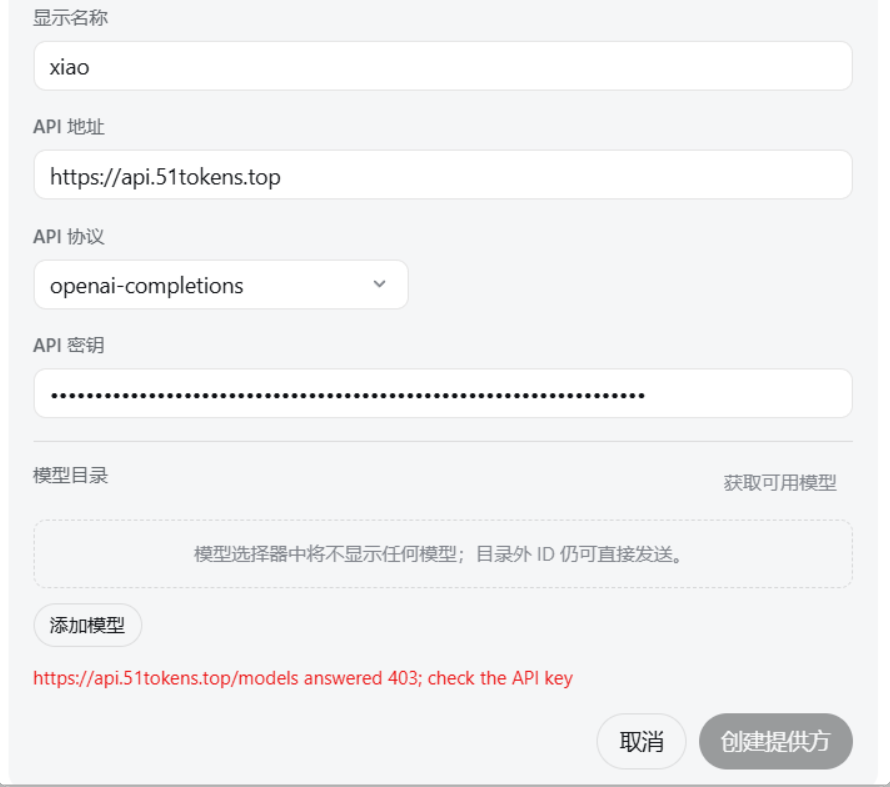 |
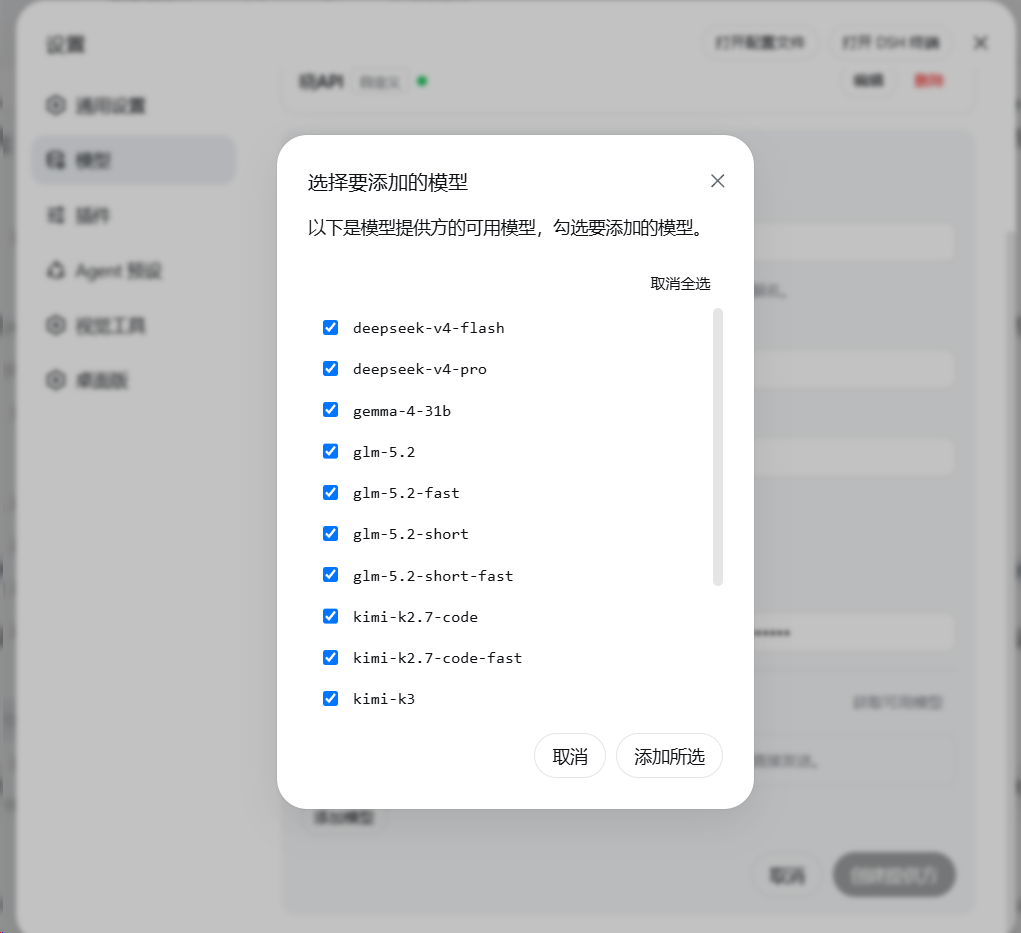 |
工作原理
插件与 DSH 的 LLM 适配器运行在同一个宿主 Node 进程中。加载时:
- 保存当前全局 dispatcher;
- 用
undici的ProxyAgent构造一个带绕过名单的路由 dispatcher,并通过setGlobalDispatcher安装; - 之后进程内所有全局 fetch(模型发现
GET /models、OpenAI SDK 聊天请求、插件市场、web 搜索等)都经代理出站; - 卸载插件或在设置中关闭开关,即恢复原来的 dispatcher,无需重启。
绕过名单(noProxy)默认包含 localhost、127.0.0.1、::1,本地回环请求永远直连。
安装
方式一:把下面这段提示词直接粘贴到 DSH 对话里(推荐)
复制以下整段文字,发送给你正在使用的 DSH Agent,它会代为完成安装与配置:
请帮我安装并启用 dsh-proxy 插件(DeepSeek Harness 的自定义 HTTP 代理插件)。步骤:
1. 执行:dsh plugin --profile desktop add github:BuLongY/dsh-proxy
   (DSH 桌面端用 desktop profile;纯 Web 部署则把 desktop 换成 web。
    如果提示有挂起的安装恢复事务 "another plugin install recovery transaction is pending",
    先把 %APPDATA%\DSH Desktop\plugin-install-recovery\state.json 重命名为 state.json.bak 隔离,再重试。
    如果报 ERR_PNPM_GIT_DEP_PREPARE_NOT_ALLOWED,按报错提示把完整的 allowBuilds 键加入
    %UserProfile%\.dsh\profiles\desktop\pnpm-workspace.yaml 后重试。)
2. 安装完成后提醒我重启 DSH Desktop 使插件生效。
3. 重启后插件默认启用代理 127.0.0.1:7890(Clash 混合端口)。
   如果我的代理地址或端口不同,请在 设置 → 插件 → 插件配置 → dsh-proxy 中直接修改,保存即生效,无需重启。
4. 用一个需要代理的 API 提供方(点"获取可用模型")验证是否成功。
方式二:命令行手动安装
dsh plugin --profile desktop add github:BuLongY/dsh-proxy
然后重启 DSH Desktop。插件默认启用 127.0.0.1:7890(Clash/mihomo 混合端口)。
发布到 npm 后也可直接 dsh plugin --profile desktop add dsh-proxy(无需构建放行步骤)。
配置
安装后在 设置 → 插件 → 插件配置 → dsh-proxy 中直接编辑(保存即时生效,无需重启):
| 字段 | 默认值 | 说明 |
|---|---|---|
enabled |
true |
总开关。关闭即恢复直连,无需卸载。 |
host |
127.0.0.1 |
代理服务器地址。 |
port |
7890 |
代理服务器端口(1–65535)。 |
noProxy |
localhost, 127.0.0.1, ::1, [::1] |
绕过名单:精确匹配主机名;以 . 开头匹配域名后缀(如 .lan);* 表示全部直连。 |
也可以直接编辑 %UserProfile%\.dsh\settings.yaml 中的 dsh-proxy 配置节。仅支持 HTTP 代理;SOCKS5 用户请使用 Clash/mihomo 的混合端口。
验证
- 确认 Clash/mihomo 正在运行且混合端口为 7890;
- 打开一个需要代理才能访问的 API 提供方配置页,点 获取可用模型;
- 能拉出模型列表即成功。失败时查看
%APPDATA%\DSH Desktop\logs\中当天日志里dsh-proxy的行。
平台支持
- Windows 10/11:主要开发与测试平台。
- macOS / Linux:插件本身是纯 Node 网络层代码,与平台无关;任何运行 DSH 的平台均可使用(欢迎反馈实测结果)。
常见问题
Q: 开了 Clash 系统代理,为什么 DSH 还是直连? A: 系统代理只对遵循它的应用有效(浏览器等)。DSH 的 LLM 请求在 Node 宿主进程里用 undici fetch 发出,不读系统代理——这正是本插件存在的原因。
Q: 和 Clash TUN 模式冲突吗? A: 不冲突。两者任选其一即可;同时开也没问题(请求会经代理端口再进 Clash,规则分流依然生效)。
Q: 会影响插件市场、web 搜索吗? A: 会——进程内所有全局 fetch 都走代理。在 Clash 规则模式下这正是期望行为:国内站点依然直连。
Q: 支持 SOCKS5 吗? A: 不支持。undici 的 ProxyAgent 只接受 HTTP/HTTPS 代理。Clash/mihomo 的混合端口同时提供 HTTP 代理能力,填它即可。
开发
npm install
npm run build      # tsc -> lib/
npm test           # node --test test/
# 带真实代理的 live 测试:
$env:DSH_PROXY_LIVE='1'; npm test
License
Related相关推荐
-
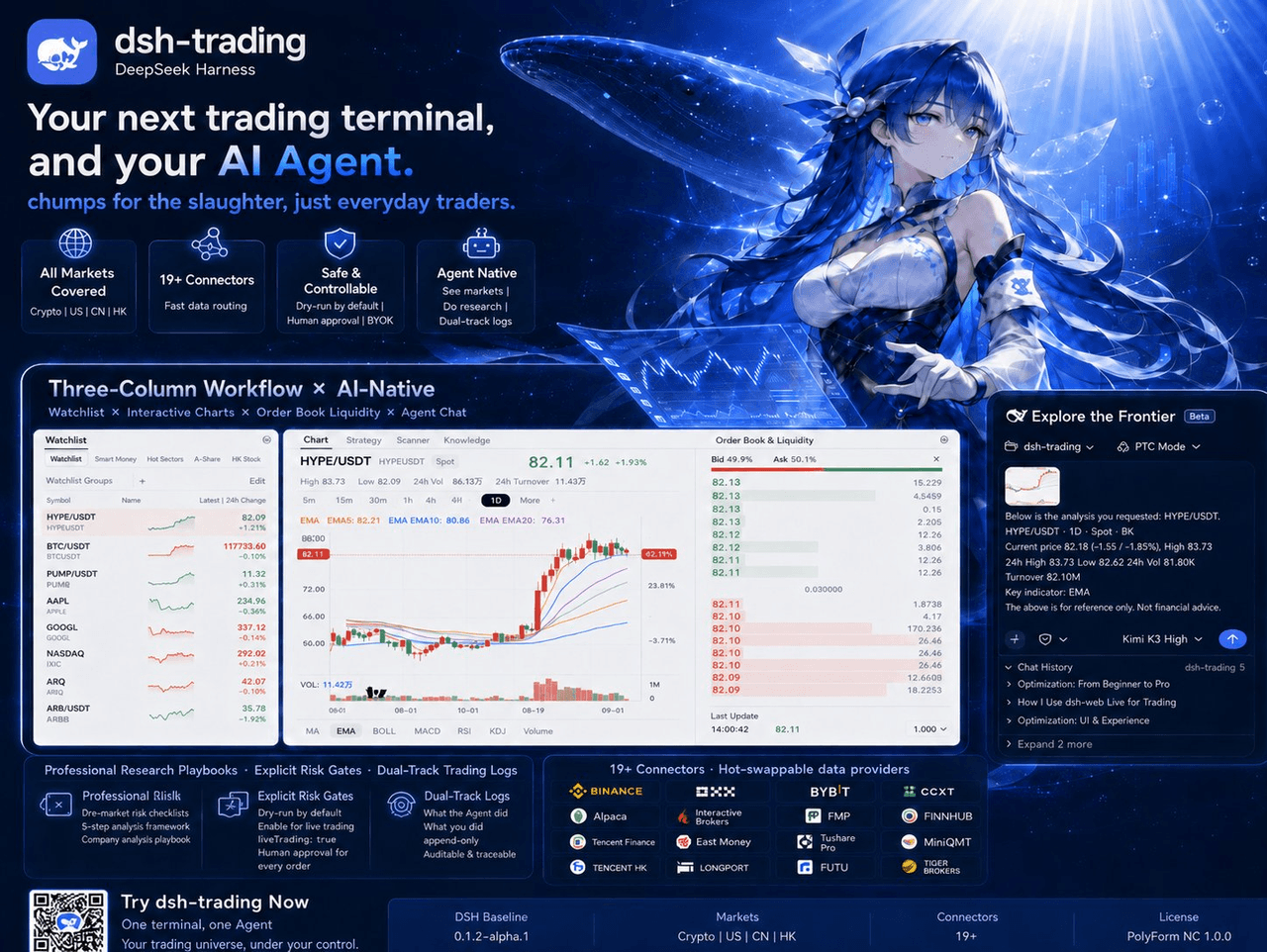 zhu1090093659/dsh-trading
Agent-native trading terminal built on DeepSeek Harness. Crypto, US, CN and HK in one three-column GUI, 19+ hot-swappabl…
zhu1090093659/dsh-trading
Agent-native trading terminal built on DeepSeek Harness. Crypto, US, CN and HK in one three-column GUI, 19+ hot-swappabl…
-
 lire1131/dsh-undo-savepoint
DSH crash-rescue plugin: undo config & plugin-code changes, secret-safe snapshots, one-click SAFE MODE, plus offline CLI…
lire1131/dsh-undo-savepoint
DSH crash-rescue plugin: undo config & plugin-code changes, secret-safe snapshots, one-click SAFE MODE, plus offline CLI…
-
 huaweicloud/huaweicloud-devkit
Official Huawei Cloud plugin for AI agents — skills, MCP tools, safety guardrails, and cloud sandbox to help AI agents …
huaweicloud/huaweicloud-devkit
Official Huawei Cloud plugin for AI agents — skills, MCP tools, safety guardrails, and cloud sandbox to help AI agents …
- pointer-a/dsh-server-login 面向公网的多租户 DSH 托管平台 —— 部署到一台公网服务器后,多个用户注册并经管理员审核,各自获得一套相互隔离的 deepseek-harness(DSH)环境,随时通过域名安全访问。
-
 ZSeven-W/dsh-harbor
DeepSeek Harness (DSH) plugin: a read-only ledger for the plugins you already have installed — a capability inventory wi…
ZSeven-W/dsh-harbor
DeepSeek Harness (DSH) plugin: a read-only ledger for the plugins you already have installed — a capability inventory wi…
-
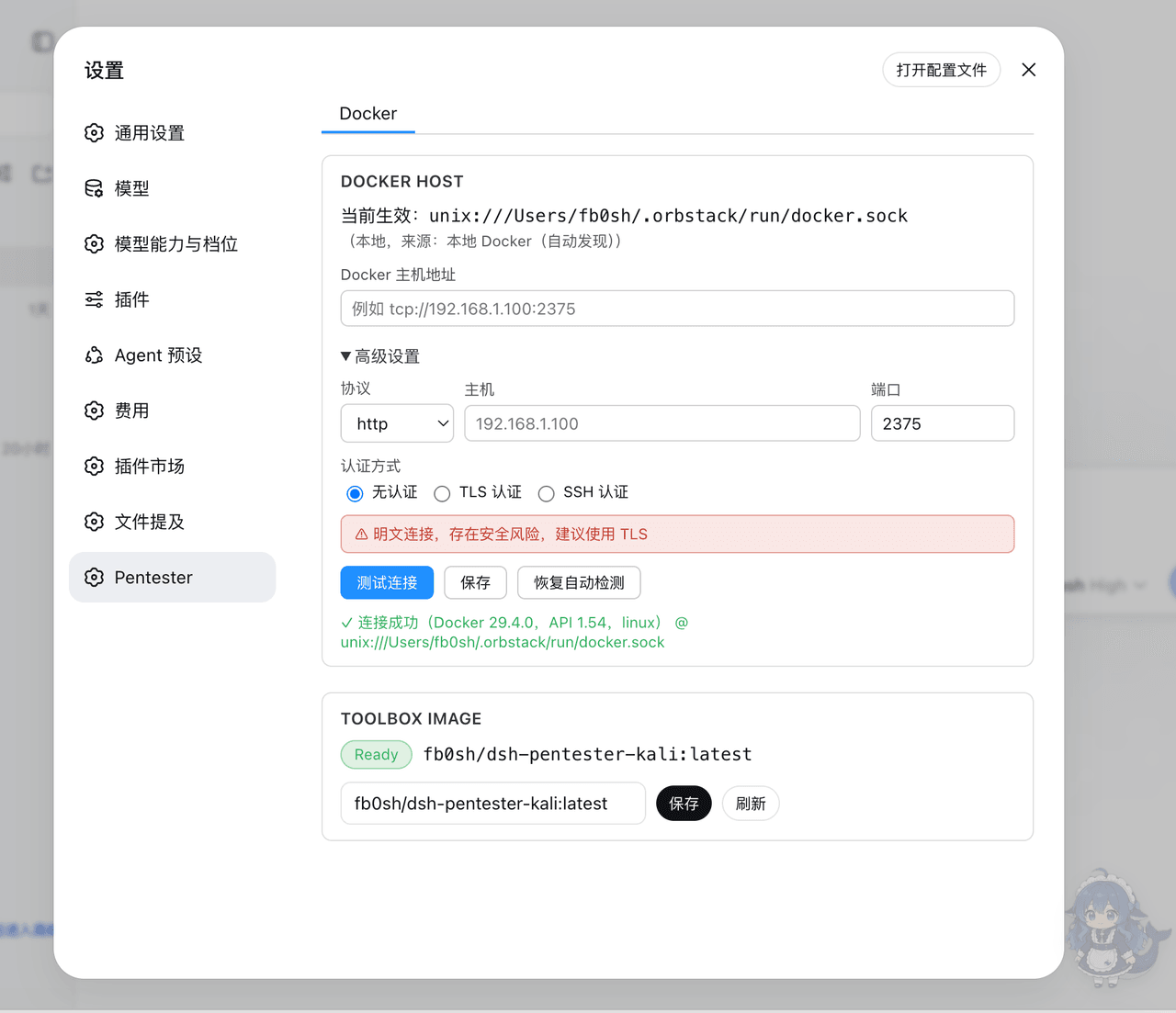 fb0sh/dsh-pentester
基于 DeepSeek Harness 的多 Agent PTES 渗透测试编排插件,支持自动化侦察、漏洞分析、验证与报告,使用 Docker/Kali 隔离工具箱 | Multi-agent PTES penetration testin…
fb0sh/dsh-pentester
基于 DeepSeek Harness 的多 Agent PTES 渗透测试编排插件,支持自动化侦察、漏洞分析、验证与报告,使用 Docker/Kali 隔离工具箱 | Multi-agent PTES penetration testin…
-
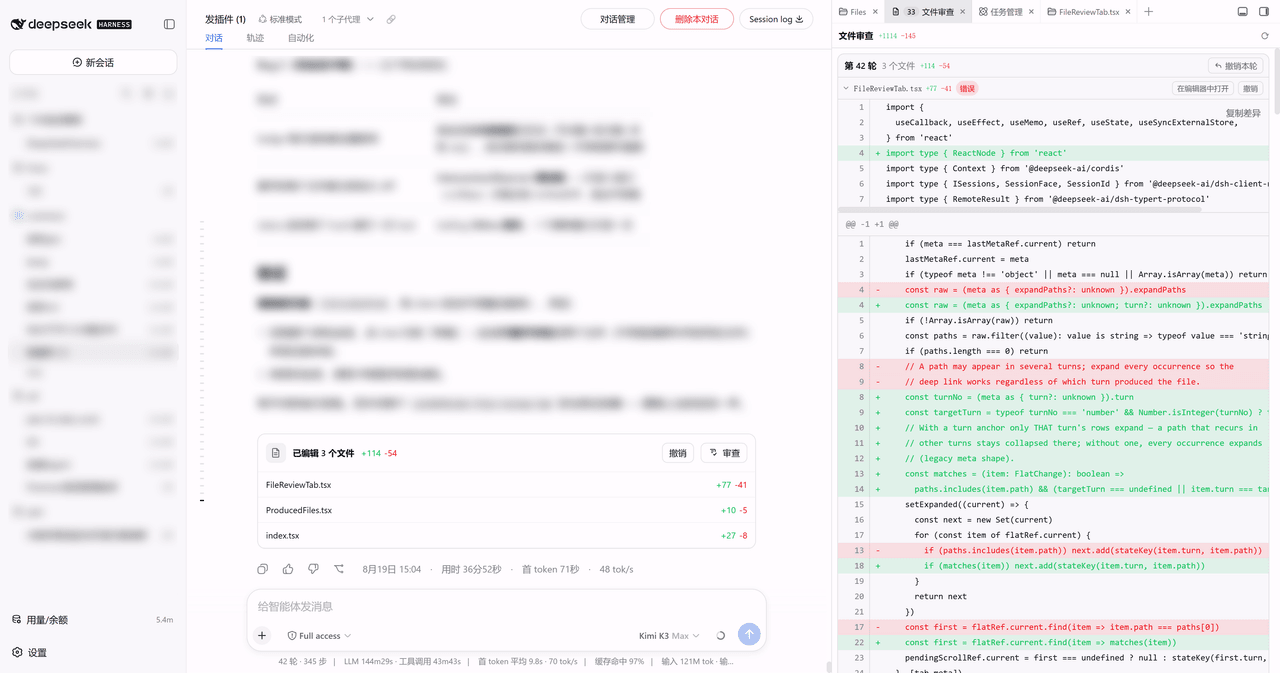 Lzh3070/dsh-file-review-tab
dsh-better-sidebar 侧边栏 Tab 版文件改动审查:行级红绿 diff + 撤销,chat 行深链(移植自 left0ver/dsh-file-review)/ Review agent file changes as a…
Lzh3070/dsh-file-review-tab
dsh-better-sidebar 侧边栏 Tab 版文件改动审查:行级红绿 diff + 撤销,chat 行深链(移植自 left0ver/dsh-file-review)/ Review agent file changes as a…
- SenmuuuuW/dsh-group-photo DSH 内测收官合影墙:GitHub OAuth 零权限登录 + 冻结白名单校验的拍立得合影站(含 DSH Skill 包装)