imdeniil/dsh-locale-ru
Русская локализация (ru) для DeepSeek Harness и DSH Desktop — веб-интерфейс, магазин плагинов, 849 строк. Russian locale plugin for DeepSeek Harness.
Project Overview项目介绍
dsh-locale-ru is a Russian (ru) locale plugin built specifically for DeepSeek Harness (DSH). It translates the DSH web interface, the DSH Desktop client, and the dsh-community-market plugin marketplace. The plugin registers 849 lines of Russian dictionaries across 30 locale namespaces through the public locale.register(ns, 'ru', dict) API, covering sessions and workspaces, settings (models, plugins, agent presets, theme, permissions), the conversation dialog and tools, sub-agents, workflows, trajectories, tasks, skills, goals, the beta-testing notice, and the workspace-folder picker, plus every string inside the community plugin marketplace's overview, sources, install/uninstall/disable/enable, and confirmation dialogs. It is installed with dsh plugin --profile web add github:imdeniil/dsh-locale-ru (or --profile desktop for DSH Desktop), or by cloning the repo and loading the local path with dsh plugin --profile web add /path/to/dsh-locale-ru.
The plugin works by augmenting the official language selector at runtime. Because DSH's hard-coded selector only exposes zh and en, dsh-locale-ru defensively adds «Русский» without breaking when upstream is updated. When the browser's Accept-Language reports Russian or Belarusian and the user has not explicitly chosen English or 中文, the interface automatically switches to Russian; an explicit user choice always wins. For any key missing from the Russian dictionary the runtime falls back to Chinese (zh is DSH's primary language), which means coverage is automatically validated. The author modeled the package after the Portuguese-Brazilian sibling dsh-locale-ptbr, and the project is aimed at Russian-speaking DSH users who want the entire UI, including the community marketplace, rendered in their language.
Development centers on lib/dicts.js, the single ESM source edited by translators; running npm run build produces lib/client.js, the browser bundle that inlines the dictionaries. STRINGS.md ships a full English→Russian review table. There are no extra runtime dependencies beyond the DSH locale API and plugin loader itself, and the license is MIT, so the dictionaries can be reused and audited. First-run caveat: after installation, pick «Русский» in Настройки → Язык, or simply relaunch DSH with a Russian system locale and the switch happens on its own.
dsh-locale-ru 是面向 DeepSeek Harness(DSH)的俄语(ru)本地化插件,专门翻译 DSH Web 界面、DSH Desktop 客户端以及 dsh-community-market 社区插件市场。它通过 locale.register(ns, 'ru', dict) 公共 API 注册 30 个命名空间下的 849 行俄文词条,覆盖会话、工作区、设置(模型、插件、主题、权限)、对话、工具、子智能体、工作流、技能、目标以及通知和工作区文件夹选择器。安装使用 dsh plugin --profile web add github:imdeniil/dsh-locale-ru,桌面端使用 --profile desktop,也可克隆后从本地路径加载。
插件在运行时向官方语言选择器注入「Русский」选项,官方列表仅硬编码 zh/en,因此扩展以非破坏方式完成,升级上游时不会冲突。当浏览器语言为俄语或白俄罗斯语且用户未手动选择 English 或 中文 时,界面自动切换为俄语,显式选择始终优先。社区插件市场的「插件商店」标签页含目录浏览、来源、安装/卸载/禁用/启用以及确认对话框,也一并翻译。
构建流程以 lib/dicts.js 为唯一翻译源(普通 ESM,直接编辑),npm run build 打包生成浏览器端 lib/client.js,STRINGS.md 提供完整英俄对照表。缺失键自动回退到中文(zh 是 DSH 主语言),因此覆盖率由运行时自动校验。许可证为 MIT,依赖 DSH 的 locale API 与插件加载机制,安装后应在 Настройки → Язык 选择「Русский」或以俄语系统语言重启应用。
请帮我安装这个 DSH 插件。安装前先完成【兼容性检查 + 安全性检查】,检查通过再动手。

插件:dsh-locale-ru(imdeniil/dsh-locale-ru)
仓库:https://github.com/imdeniil/dsh-locale-ru
本站详情页:https://www.yhbd.top/plugins/imdeniil-dsh-locale-ru/
本站登记:类型 client · 归类 原生 DSH 插件 · 许可证 MIT · ⭐ 2 · 最近提交 2026-08-19 · 主语言 JavaScript

按下面顺序执行,每步先把结论告诉我,再进入下一步:

【1 兼容性检查】
① 我这边:DSH 版本、Node 版本、操作系统、当前 profile(web / desktop)。
② 读它的 README、package.json、插件 manifest,列出它要求的 DSH 版本 / Node 版本 / 操作系统 / 外部依赖 / 需要另外先装的运行时。
③ 逐条比对,结论只写「满足 / 不满足 / 未知」三种;不满足的给出可行替代方案。
④ 检查是否和我已装的插件冲突:命令名重复、skill / tool 重名、端口占用、重复注册的 MCP server。

【2 安全性检查】
① 仓库可信度:和上面「本站登记」是否一致;star / fork 数、创建时间、最近提交,是否归档或长期停更。
② 安装脚本:逐行看 package.json 的 preinstall / install / postinstall,以及 install.sh、setup.ps1 之类脚本。出现 curl|bash、下载后直接执行、混淆代码、访问与插件功能无关的域名,立刻停下来告诉我,不要继续装。
③ 依赖:列出新增依赖,标出无人维护、或与知名包拼写近似的可疑包(typosquatting)。
④ 权限与副作用:它会读写哪些目录、访问哪些域名、需要哪些 DSH 权限(filesystem / network / shell / clipboard 等),以及怎么卸载和回滚。
⑤ 如果它要求 sudo / 管理员权限,或权限明显超出功能所需,先停下来问我。

【3 安装】
上面两步没有「不满足」和「高危项」时才执行;用官方推荐方式安装,不要自行提权。

【4 汇报】
用表格输出:检查项 / 结论 / 依据 / 是否需要我决策。拿不准的一律写「未知」并说明要我怎么确认——不要猜,也不要替我决定。
Send this message to DSH in your current session: it verifies compatibility and security first (answering met / not met / unknown item by item) and only installs once everything checks out — it will stop and ask you if it finds a high-risk item. The box scrolls; the copy is the full prompt. CLI install commands may not be accurate across systems, so DSH is the safer route.把上面这条消息直接发给当前会话里的 DSH:它会先核对兼容性与安全性(逐条给「满足 / 不满足 / 未知」),确认没问题再安装,有高危项会停下来问你。框内可滚动,复制到的是完整提示词;安装命令不一定准确,发给 DSH 更稳。
- Only 2 stars - very few users, little community feedback星标只有 2,几乎没人在用,遇到问题缺少社区反馈
- Desktop client: installation downloads an executable - verify the publisher and checksums桌面客户端:安装会下载可执行文件,请核对发布者与校验和
DSH walks through these 9 checksDSH 会逐条核对这 9 项
Compatibility兼容性
- DSH, Node, OS and profile requirementsDSH 版本 / Node 版本 / 操作系统 / profile 是否满足要求
- External dependencies and runtimes (Electron / Python / Docker, ...)外部依赖与运行时(Electron / Python / Docker 等)是否齐备
- Conflicts with installed plugins: command names, skill / tool names, ports, duplicate MCP registration与已装插件是否冲突:命令名、skill / tool 重名、端口占用、重复 MCP 注册
Security安全性
- Repo matches the facts registered here; archived or abandoned?仓库是否与页面登记一致,是否归档或长期停更
- Safety of preinstall / install / postinstall and install.sh / setup.ps1preinstall / install / postinstall 与 install.sh、setup.ps1 是否安全
- curl|bash, download-then-execute, obfuscation, unrelated domains → stop immediatelycurl|bash、下载即执行、混淆代码、无关域名 → 立刻停止
- Typosquatting or unmaintained packages among the new dependencies新增依赖里有没有 typosquatting 或无人维护的包
- Requested permissions vs. what the feature actually needs申请了哪些权限、是否超出功能所需(filesystem / network / shell / clipboard)
- Any sudo / admin requirement, plus uninstall and rollback是否要求 sudo / 管理员权限,以及卸载与回滚方式
Anything uncertain must be marked unknown with a note on how to confirm it. This site's signal screen is a static snapshot, not a security audit.拿不准的必须标「未知」并说明要我怎么确认。本站的信号筛查是静态快照,不能替代安全审计。
Or use CLI install (for developers)或使用命令行安装(适合开发者)
CLI Install命令行安装
dsh plugin --profile web add github:imdeniil/dsh-locale-ru把 imdeniil/dsh-locale-ru 加入你的 DSH 配置(web profile)即可启用。
READMEREADME
dsh-locale-ru
Русская локализация (ru) для DeepSeek Harness — переводит веб-интерфейс, клиент DSH Desktop и магазин плагинов сообщества (dsh-community-market). Автоматически активируется для браузеров на русском языке.
English summary: a Russian (ru) locale plugin for DeepSeek Harness. Registers ru dictionaries for every locale namespace shipped by the official UI packages (plus the community plugin market), adds «Русский» to the language selector, and auto-activates for Russian-language browsers. Built after the example of dsh-locale-ptbr.
Что переводится
- 849 строк в 30 пространствах имён: сессии и рабочие пространства, настройки (модели, плагины, пресеты агента, тема, разрешения), диалог разговора и инструменты, субагенты, воркфлоу, траектория, задачи, скиллы, цели
- Уведомление о бета-тестировании и диалог выбора папки рабочего пространства
- Магазин плагинов сообщества (вкладка «Магазин плагинов» в Настройки → Плагины): обзор каталога, источники, установка/удаление/отключение/включение плагинов, диалоги подтверждения
Как это работает
- Регистрирует русские словари через публичный API
locale.register(ns, 'ru', dict). - Добавляет «Русский» в список выбора языка в настройках (официальный список жёстко ограничен zh/en, поэтому плагин расширяет его в рантайме, защитительно и без ломки при обновлениях апстрима).
- Если язык браузера — русский (или белорусский) и пользователь явно не выбрал English/中文 — интерфейс автоматически переключается на русский.
- Явный выбор English или 中文 в настройках имеет приоритет.
- Для ключей, которых нет в словаре, рантайм откатывается к китайскому (zh — первичный язык DSH), поэтому покрытие всех ключей проверяется автоматически.
Установка
Из GitHub:
dsh plugin --profile web add github:imdeniil/dsh-locale-ru
dsh plugin --profile desktop add github:imdeniil/dsh-locale-ru   # для DSH Desktop
Или из локальной папки:
git clone https://github.com/imdeniil/dsh-locale-ru.git
dsh plugin --profile web add /путь/к/dsh-locale-ru
После установки выберите «Русский» в Настройки → Язык (или просто перезапустите приложение с русским языком системы — включится само).
Разработка
lib/dicts.js— единственный источник переводов (обычный ESM, редактируется напрямую).npm run buildгенерируетlib/client.js— браузерный бандл, который инлайнит словари.STRINGS.md— полная таблица «английский оригинал → русский перевод» для ревью.
Лицензия
MIT
Related相关推荐
-
 reactive-resume/reactive-resume
A one-of-a-kind resume builder that keeps your privacy in mind. Completely secure, customizable, portable, open-source a…
reactive-resume/reactive-resume
A one-of-a-kind resume builder that keeps your privacy in mind. Completely secure, customizable, portable, open-source a…
-
 anywhere-labs/dsh-desktop
为 DeepSeek Harness (DSH) 插件生态打造的现代化桌面端解决方案。万物皆「插件」,桌面本身也是「插件」。
anywhere-labs/dsh-desktop
为 DeepSeek Harness (DSH) 插件生态打造的现代化桌面端解决方案。万物皆「插件」,桌面本身也是「插件」。
-
 dataelement/dsh-desktop
DSHDesktop:DeepSeek Harness Desktop / DeepSeek Harness 桌面版
dataelement/dsh-desktop
DSHDesktop:DeepSeek Harness Desktop / DeepSeek Harness 桌面版
-
 ccch1mneyyy/dsh-TUI
DSH's officially top-recommended TUI plugin — high performance, low overhead, cute pixel whale, smooth mouse interaction…
ccch1mneyyy/dsh-TUI
DSH's officially top-recommended TUI plugin — high performance, low overhead, cute pixel whale, smooth mouse interaction…
- dsh-tauri/deepseek-harness-desktop DeepSeek Harness Tauri 桌面版 | Only 5mb installer, zero environment setup, preset plugins, Windows / macOS / Linux.
-
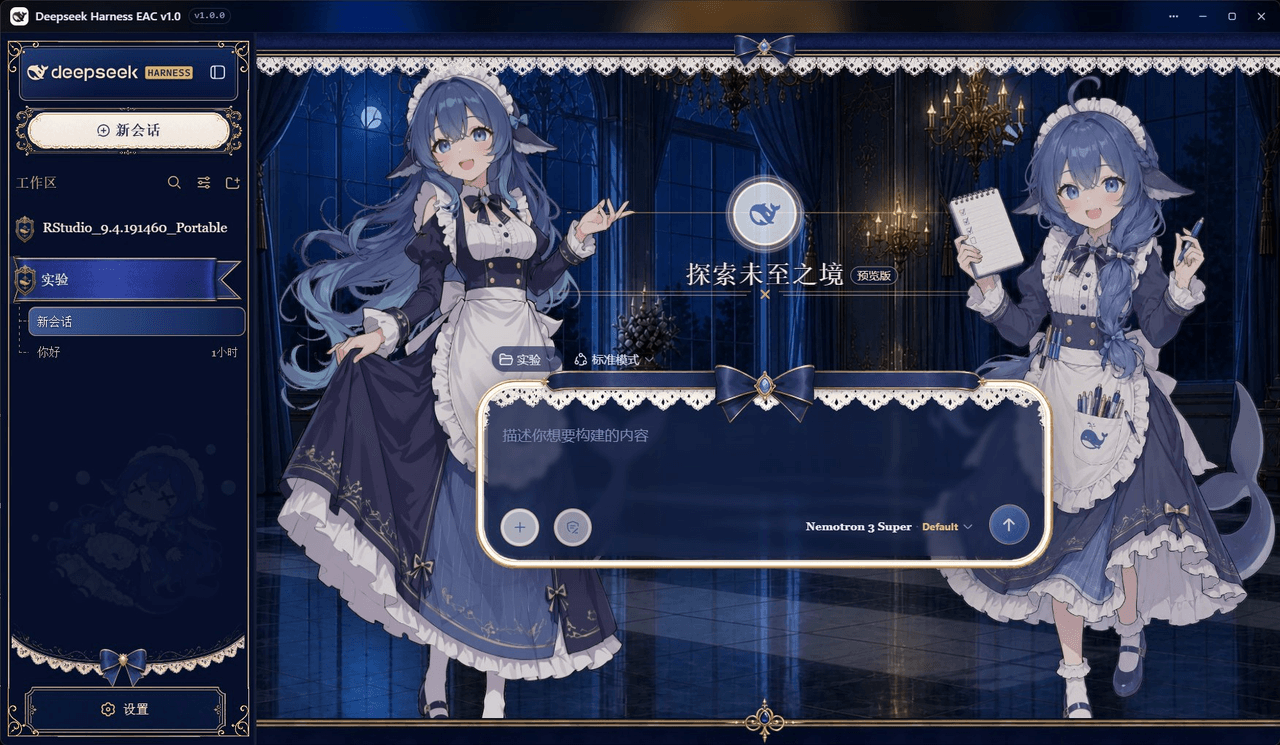 DSH-EAC/DSH-Desktop-EAC
Embracing All Creation — A plugin suite for harmonious coexistence of hundreds of plugins / 揽尽万象 —— 致力于让数百个插件和谐共存的插件整合包
DSH-EAC/DSH-Desktop-EAC
Embracing All Creation — A plugin suite for harmonious coexistence of hundreds of plugins / 揽尽万象 —— 致力于让数百个插件和谐共存的插件整合包
-
 shaobeichen/dsh-pocket
把 DeepSeek Harness 装进你的口袋:电脑上跑 dsh web,手机扫码即同步访问(局域网 + 公网,实时同屏)Put DeepSeek Harness in your pocket: run dsh web on your …
shaobeichen/dsh-pocket
把 DeepSeek Harness 装进你的口袋:电脑上跑 dsh web,手机扫码即同步访问(局域网 + 公网,实时同屏)Put DeepSeek Harness in your pocket: run dsh web on your …
-
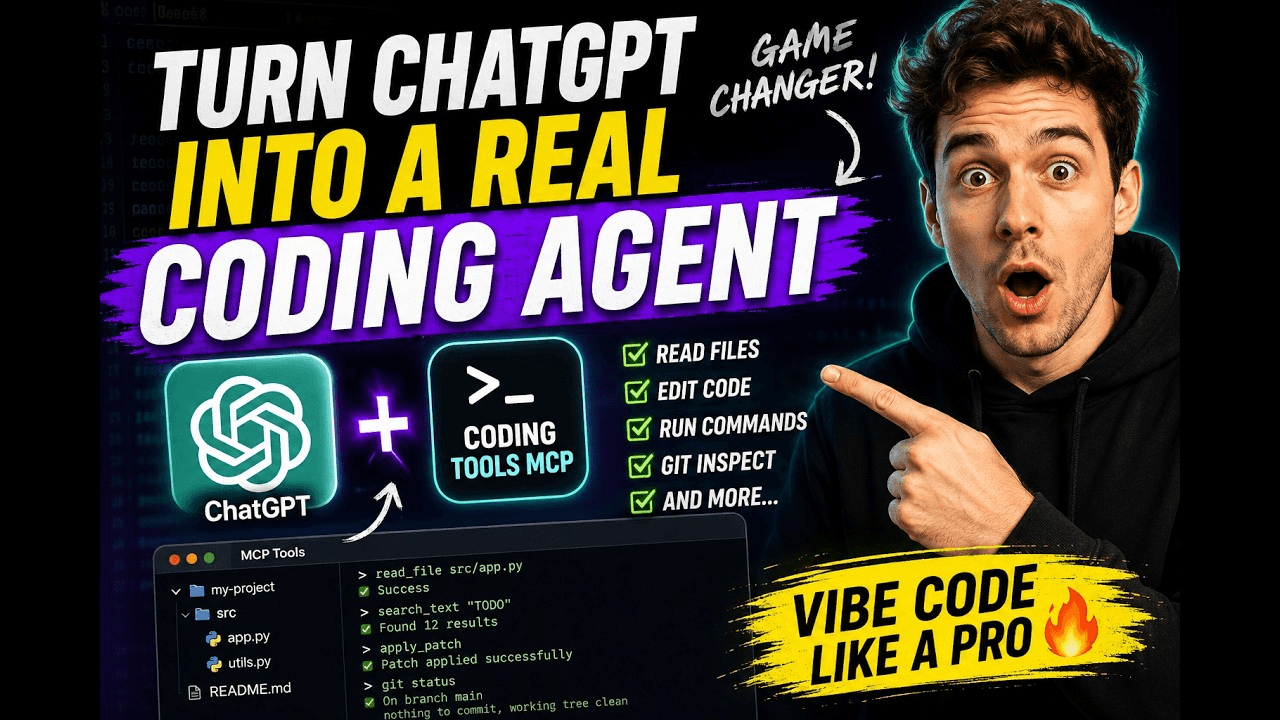 xyTom/coding-tools-mcp
Give any AI agent the ability to code
xyTom/coding-tools-mcp
Give any AI agent the ability to code