lijian-ui/dsh-file-manager
- Explorer (rightmost column): Files / Changes tabs. - File tree: click to expand/collapse folders, open files; filename search on top (150ms debounce, click-to-locate). - Git changes: real git status (porcelain v1 -z) with stage / unstage / discard (untracked → delete, tracked → restore; batch discard requires confirmation). - Tree context menu: copy path, copy name, reveal in file manager, open with default app, rename, new file, new folder, delete (double-confirmed).
catalog descriptioncatalog 简介 / catalog description:为 DeepSeek Harness 桌面端(dsh web)开发的插件:聊天区右侧的 Explorer 文件面板 + Preview 预览面板(FileManager 风格,Apache-2.0 参考实现非抄录),以及输入框 @ 引用项目文件(树形多选弹窗 + 输入框内胶囊 + 行号)
Project Overview项目介绍
dsh-file-manager is a native DSH plugin that targets the DeepSeek Harness desktop shell (dsh web) exclusively, adding two right-side panels — an Explorer and a Preview — alongside an @ file-reference pipeline inside the composer. The Explorer ships Files and Changes tabs backed by the real filesystem and real git; file lookup is debounced at 150ms, while the SCM view parses git status -z porcelain v1 output and supports stage, unstage, and discard (untracked → delete, tracked → restore) with batch-confirm and double-confirm dialogs. The Preview panel is multi-tab and renders markdown, html, code, diff, csv, pdf, word, excel, ppt, image, text, and url with a source/preview toggle, persistent split-editing ratio, mtime-aware save, mid-click close, and right-click batch close, plus an offline Mermaid runtime bundled into the plugin. The @ trigger opens a pi-desktop-style tree multi-select modal that emits native DSH reference chips carrying a hidden payload serialized to @<relative-path>:<lines> on submit, including full-file line-count ranges and selection-derived start–end ranges.
A typical session looks like this: install with dsh plugin --profile web add @lijian-ui/dsh-file-manager (or dsh plugin --profile web add link:$(pwd) after cloning), restart dsh web, open a project, and observe the new column tracks appended to the shell's 3-column grid; type @ in the composer to surface the file picker, drag any Explorer row to insert a relative-path chip, or select code in the preview and click Add to chat to inject a line-bounded chip instead. The same package is also developed against dsh-desktop through a local node_modules/@lijian-ui/dsh-file-manager → extensions/file-manager symlink, so contributors editing source must run npm run build to regenerate lib/ AND restart the dev shell — neither step alone is sufficient. The plugin targets DSH users who want first-class filesystem browsing, live git awareness, and structured file/code references attached to prompts without leaving the chat surface.
Dependencies and limits: the host half is a cordis plugin exposing /filemgr/* routes guarded by a realpath-normalized workspace gate that is loopback-only, with text reads capped at 80k characters and images returned as data URLs; the browser half is framework-free in the core (store, drag engine, layout controller) and React-only in panel components, with chip styles overriding [data-decoration="chip"] globally. Build is npm install && npm run build (tsc -b + tsdown → lib/) followed by npm run test (vitest); the plugin keeps per-project preferences and a master switch in Settings → Web UI plugins, ships dark/light themes, and ships Apache-2.0 attribution to the reference FileManager project. First-run caveats include the strict "edit + build + restart" workflow and the workspace-gate restriction, which means non-loopback HTTP clients will be rejected by design.
dsh-file-manager 是面向 DeepSeek Harness 桌面外壳(dsh web)的原生插件,为聊天区域右侧新增资源管理器与预览双面板,并在编辑器中实现 @ 文件引用能力。资源管理器内置文件名搜索与 Files/Changes 标签,集成 git status -z 输出,支持暂存、取消暂存与批量丢弃(含未跟踪/已跟踪双路径与双重确认);预览面板提供多标签 Markdown、HTML、代码、差异、CSV、PDF、Word、Excel、PPT、图片、文本及 URL 渲染,支持源/预览切换、分屏编辑、mtime 冲突写入保存与中键关闭。@ 触发采用类 pi-desktop 的多选树弹窗,选中项以原生 DSH 引用对象插入编辑器,隐藏参考文本在发送时序列化为 @<相对路径>:<行范围>。
典型使用流程:通过 dsh plugin --profile web add @lijian-ui/dsh-file-manager 安装并重启 dsh web,随后在新会话右侧查看两栏面板,在编辑器中输入 @ 即可唤起文件多选弹窗;选中代码段后点击“加入对话”可生成限定行范围的引用块。该插件同时为 dsh-desktop 通过本地符号链接进行开发联调,编辑源码后必须执行 npm run build 重生成 lib/ 并重启开发服务。它适合需要在 DeepSeek Harness 会话内直接浏览工作区、查看实时改动、并以结构化引用附加文件或代码段作为对话上下文的使用者,替代了手动复制路径与粘贴的行号定位。
依赖方面,主机端为 cordis 插件,注册 /filemgr/* HTTP 路由并通过 realpath 规范化与前缀校验实现 loopback-only 的工作区访问门禁,文件读取限制为 80k 字符文本或图片 data URL;浏览器端不依赖框架核心,自管理 store、拖拽与三栏网格布局控制,React 仅用于面板组件,Markdown 预览内置支持 Mermaid(同源离线渲染并跟随主题)。构建需 npm install 后运行 npm run build(tsc -b 与 tsdown 输出到 lib/)以及 npm run test(vitest),首跑需注意编辑源码与构建必须同时完成且重启服务才能生效。许可为 Apache-2.0(归属参考实现 FileManager 项目),仓库星标 2、类别为 deepseek、deepseek-harness、dsh、dsh-plugin-desktop。
请帮我安装这个 DSH 插件。安装前先完成【兼容性检查 + 安全性检查】,检查通过再动手。

插件:dsh-file-manager(lijian-ui/dsh-file-manager)
仓库:https://github.com/lijian-ui/dsh-file-manager
本站详情页:https://www.yhbd.top/plugins/lijian-ui-dsh-file-manager/
本站登记:类型 client · 归类 原生 DSH 插件 · 许可证 NOASSERTION · ⭐ 2 · 最近提交 2026-09-03 · 主语言 JavaScript

按下面顺序执行,每步先把结论告诉我,再进入下一步:

【1 兼容性检查】
① 我这边:DSH 版本、Node 版本、操作系统、当前 profile(web / desktop)。
② 读它的 README、package.json、插件 manifest,列出它要求的 DSH 版本 / Node 版本 / 操作系统 / 外部依赖 / 需要另外先装的运行时。
③ 逐条比对,结论只写「满足 / 不满足 / 未知」三种;不满足的给出可行替代方案。
④ 检查是否和我已装的插件冲突:命令名重复、skill / tool 重名、端口占用、重复注册的 MCP server。

【2 安全性检查】
① 仓库可信度:和上面「本站登记」是否一致;star / fork 数、创建时间、最近提交,是否归档或长期停更。
② 安装脚本:逐行看 package.json 的 preinstall / install / postinstall,以及 install.sh、setup.ps1 之类脚本。出现 curl|bash、下载后直接执行、混淆代码、访问与插件功能无关的域名,立刻停下来告诉我,不要继续装。
③ 依赖:列出新增依赖,标出无人维护、或与知名包拼写近似的可疑包(typosquatting)。
④ 权限与副作用:它会读写哪些目录、访问哪些域名、需要哪些 DSH 权限(filesystem / network / shell / clipboard 等),以及怎么卸载和回滚。
⑤ 如果它要求 sudo / 管理员权限,或权限明显超出功能所需,先停下来问我。

【3 安装】
上面两步没有「不满足」和「高危项」时才执行;用官方推荐方式安装,不要自行提权。

【4 汇报】
用表格输出:检查项 / 结论 / 依据 / 是否需要我决策。拿不准的一律写「未知」并说明要我怎么确认——不要猜,也不要替我决定。
Send this message to DSH in your current session: it verifies compatibility and security first (answering met / not met / unknown item by item) and only installs once everything checks out — it will stop and ask you if it finds a high-risk item. The box scrolls; the copy is the full prompt. CLI install commands may not be accurate across systems, so DSH is the safer route.把上面这条消息直接发给当前会话里的 DSH:它会先核对兼容性与安全性(逐条给「满足 / 不满足 / 未知」),确认没问题再安装,有高危项会停下来问你。框内可滚动,复制到的是完整提示词;安装命令不一定准确,发给 DSH 更稳。
- Only 2 stars - very few users, little community feedback星标只有 2,几乎没人在用,遇到问题缺少社区反馈
- Desktop client: installation downloads an executable - verify the publisher and checksums桌面客户端:安装会下载可执行文件,请核对发布者与校验和
DSH walks through these 9 checksDSH 会逐条核对这 9 项
Compatibility兼容性
- DSH, Node, OS and profile requirementsDSH 版本 / Node 版本 / 操作系统 / profile 是否满足要求
- External dependencies and runtimes (Electron / Python / Docker, ...)外部依赖与运行时(Electron / Python / Docker 等)是否齐备
- Conflicts with installed plugins: command names, skill / tool names, ports, duplicate MCP registration与已装插件是否冲突:命令名、skill / tool 重名、端口占用、重复 MCP 注册
Security安全性
- Repo matches the facts registered here; archived or abandoned?仓库是否与页面登记一致,是否归档或长期停更
- Safety of preinstall / install / postinstall and install.sh / setup.ps1preinstall / install / postinstall 与 install.sh、setup.ps1 是否安全
- curl|bash, download-then-execute, obfuscation, unrelated domains → stop immediatelycurl|bash、下载即执行、混淆代码、无关域名 → 立刻停止
- Typosquatting or unmaintained packages among the new dependencies新增依赖里有没有 typosquatting 或无人维护的包
- Requested permissions vs. what the feature actually needs申请了哪些权限、是否超出功能所需(filesystem / network / shell / clipboard)
- Any sudo / admin requirement, plus uninstall and rollback是否要求 sudo / 管理员权限,以及卸载与回滚方式
Anything uncertain must be marked unknown with a note on how to confirm it. This site's signal screen is a static snapshot, not a security audit.拿不准的必须标「未知」并说明要我怎么确认。本站的信号筛查是静态快照,不能替代安全审计。
Or use CLI install (for developers)或使用命令行安装(适合开发者)
CLI Install命令行安装
dsh plugin --profile web add @lijian-ui/dsh-file-manager把 lijian-ui/dsh-file-manager 加入你的 DSH 配置(web profile)即可启用。
READMEREADME
dsh-file-manager — Right-panel file manager + @ file references for the DSH web GUI
English | 中文 (README.zh.md)
A plugin for the DeepSeek Harness desktop shell (
dsh web): an Explorer file panel + Preview panel on the right of the chat area (a pixel-faithful re-implementation of FileManager, Apache-2.0 reference, not a copy), plus@file references in the composer (tree multi-select modal + in-composer chips with line numbers). Everything is driven by the real filesystem and real git — no mocks.
Features
Right panels
- Explorer (rightmost column):
Files / Changestabs.- File tree: click to expand/collapse folders, open files; filename search on top (150ms debounce, click-to-locate).
- Git changes: real
git status(porcelain v1 -z) with stage / unstage / discard (untracked → delete, tracked → restore; batch discard requires confirmation). - Tree context menu: copy path, copy name, reveal in file manager, open with default app, rename, new file, new folder, delete (double-confirmed).
- Drag a file row into the composer to insert its relative path into the draft.
- Preview (second-right column): multi-tab preview for markdown / html / code / diff / csv / pdf / word / excel / ppt / image / text / url. Source/preview toggle, split editing (persisted ratio), save (mtime conflict detection), download, refresh, middle-click close, right-click batch close.
- Mermaid: ```mermaid blocks in markdown preview render as charts; the runtime ships inside the plugin (same-origin, offline-capable, follows the theme).
- Dark/light themes, per-project persisted preferences, master switch (Settings → Web UI plugins).
@ file references (highlight)
Typing @ in the composer opens a pi-desktop-style tree multi-select modal (lazy directory tree + filename search + checkboxes):
- Picked files/directories land as in-composer chips (green
</>glyph + basename + line range); the reference text stays hidden and is only serialized to@<relative-path>:<lines>plain text on send. - Line numbers: a full-file reference carries the file's line count (
@path:1-N); selecting a code range in the preview and clicking Add to chat produces a chip with just that range (@path:start-end). - Chips are native dsh reference objects (not text decoration): Backspace deletes the whole chip, copy/paste keeps semantics, submit serializes through the plugin's registered
filereference codec. - Directory references use plain
@path/text (no line concept).
Showing the opening section of the README — the full document lives in the repository以上为 README 开头摘要,完整文档在仓库内 · View the full README on GitHub →在 GitHub 查看完整 README →
Related相关推荐
-
 reactive-resume/reactive-resume
A one-of-a-kind resume builder that keeps your privacy in mind. Completely secure, customizable, portable, open-source a…
reactive-resume/reactive-resume
A one-of-a-kind resume builder that keeps your privacy in mind. Completely secure, customizable, portable, open-source a…
-
 anywhere-labs/dsh-desktop
为 DeepSeek Harness (DSH) 插件生态打造的现代化桌面端解决方案。万物皆「插件」,桌面本身也是「插件」。
anywhere-labs/dsh-desktop
为 DeepSeek Harness (DSH) 插件生态打造的现代化桌面端解决方案。万物皆「插件」,桌面本身也是「插件」。
-
 dataelement/dsh-desktop
DSHDesktop:DeepSeek Harness Desktop / DeepSeek Harness 桌面版
dataelement/dsh-desktop
DSHDesktop:DeepSeek Harness Desktop / DeepSeek Harness 桌面版
-
 ccch1mneyyy/dsh-TUI
DSH's officially top-recommended TUI plugin — high performance, low overhead, cute pixel whale, smooth mouse interaction…
ccch1mneyyy/dsh-TUI
DSH's officially top-recommended TUI plugin — high performance, low overhead, cute pixel whale, smooth mouse interaction…
- dsh-tauri/deepseek-harness-desktop DeepSeek Harness Tauri 桌面版 | Only 5mb installer, zero environment setup, preset plugins, Windows / macOS / Linux.
-
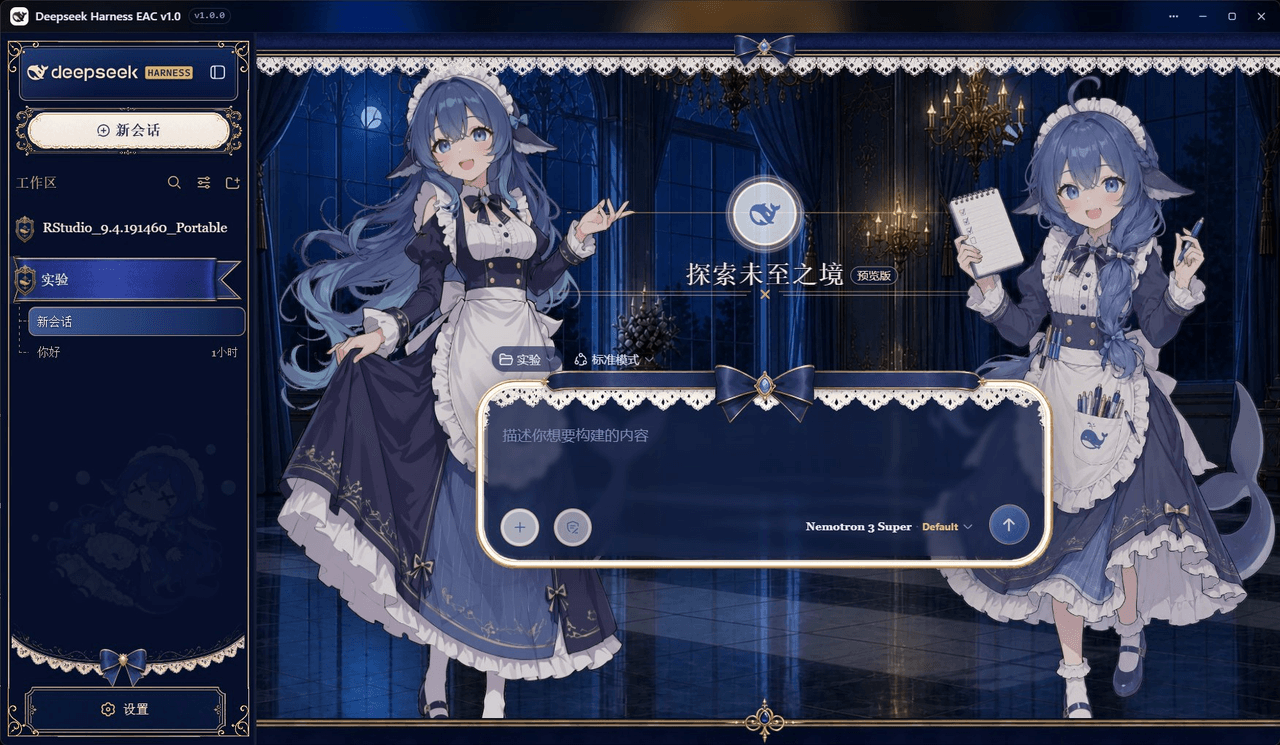 DSH-EAC/DSH-Desktop-EAC
Embracing All Creation — A plugin suite for harmonious coexistence of hundreds of plugins / 揽尽万象 —— 致力于让数百个插件和谐共存的插件整合包
DSH-EAC/DSH-Desktop-EAC
Embracing All Creation — A plugin suite for harmonious coexistence of hundreds of plugins / 揽尽万象 —— 致力于让数百个插件和谐共存的插件整合包
-
 shaobeichen/dsh-pocket
把 DeepSeek Harness 装进你的口袋:电脑上跑 dsh web,手机扫码即同步访问(局域网 + 公网,实时同屏)Put DeepSeek Harness in your pocket: run dsh web on your …
shaobeichen/dsh-pocket
把 DeepSeek Harness 装进你的口袋:电脑上跑 dsh web,手机扫码即同步访问(局域网 + 公网,实时同屏)Put DeepSeek Harness in your pocket: run dsh web on your …
-
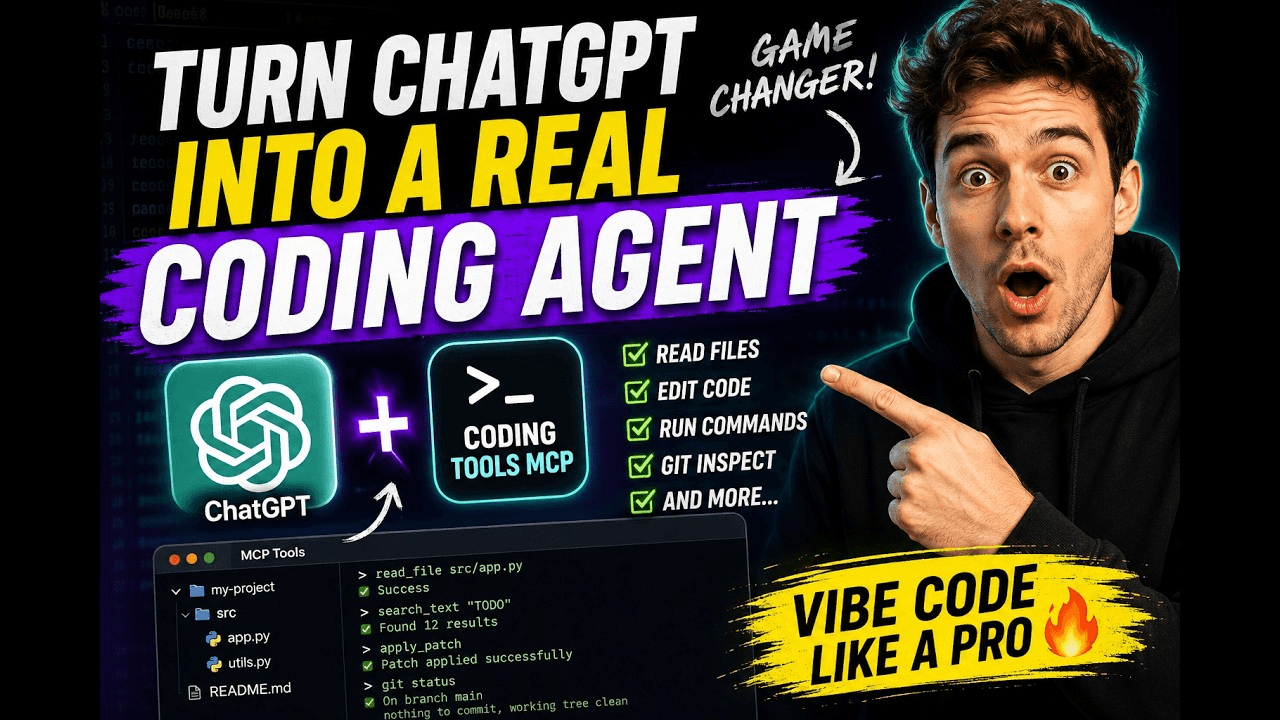 xyTom/coding-tools-mcp
Give any AI agent the ability to code
xyTom/coding-tools-mcp
Give any AI agent the ability to code