MC5lan/dsh-multimodal
给 DeepSeek 安装一双眼睛和一支画笔:会话里直接贴截图/图片,GLM 视觉模型先精确转写图片内容(报错信息、代码、界面逐字保留),然后 DeepSeek 继续处理你的问题——同一轮完成,全程无感;需要配图时,DeepSeek 自动调用文生图后端出图并显示在会话中。
Project Overview项目介绍
This is a native multimodal plugin built exclusively for DeepSeek Harness version 0.1.0-rc.6 and above, adding native vision analysis and AI image generation functionality to the core DeepSeek Harness agent. It allows users to paste images or screenshots directly into an active conversation, where your configured vision provider transcribes all text from the image (including UI elements, error messages, and code) before passing the content to DeepSeek to solve your problem. This entire workflow happens in a single turn, eliminating the need for extra manual steps from the end user.
The plugin does not ship with any preloaded models, providers, or backends, so you are fully responsible for connecting the APIs you already own and trust. Supported providers include DeepSeek, Zhipu, Aliyun, SiliconFlow, ModelScope, Xfyun, Qianfan, and local Ollama instances, with one-click preset configurations for most major platforms. You can also add custom non-OpenAI compatible providers via a small adapter file, which requires no changes to the core plugin code to activate and use.
Since version 0.2.1, the plugin includes multiple security hardening features to prevent exploitation from malicious or hand-edited user configurations. It restricts API key access to an explicit user-defined allow list, blocks unapproved base URLs for custom providers, redacts sensitive data like phone numbers and emails from transcriptions, and never forwards internal session IDs to third-party APIs. To develop or build the plugin from source code, you can first run npm install to install dependencies, followed by npm run build to compile the TypeScript source into working code.
这是专为DeepSeek Harness开发的原生多模态插件,为其增加视觉图像分析和AI图像生成能力。它支持用户直接将截图或图片粘贴到对话中,由用户自行配置的视觉模型先提取图片文本,再由DeepSeek基于转写内容继续解决问题,全程无需额外步骤。插件本身不内置模型或后端,用户可自由接入自己已有的任意API。
插件支持错误截图转写修复、图表转SQL、设计稿转代码等预设场景,支持API密钥自动识别添加、故障自动切换后端、转录配额缓存优化、成本路由调度、本地Ollama模型离线处理敏感图片等功能,还支持自定义非兼容API通过小型适配器接入,无需修改插件核心源码。
插件采用MIT许可开源,内置多层安全机制防护恶意配置,限制API密钥读取范围、限制可信域名访问、防止敏感数据泄露,支持用户配置的导出导入,可通过npm install和npm run build完成开发构建,适配DeepSeek Harness 0.1.0-rc.6及以上版本,支持网页端和无头模式。
请帮我安装这个 DSH 插件。安装前先完成【兼容性检查 + 安全性检查】,检查通过再动手。

插件:dsh-multimodal(MC5lan/dsh-multimodal)
仓库:https://github.com/MC5lan/dsh-multimodal
本站详情页:https://www.yhbd.top/plugins/mc5lan-dsh-multimodal/
本站登记:类型 plugin · 归类 原生 DSH 插件 · 许可证 MIT · ⭐ 3 · 最近提交 2026-08-16 · 主语言 TypeScript

按下面顺序执行,每步先把结论告诉我,再进入下一步:

【1 兼容性检查】
① 我这边:DSH 版本、Node 版本、操作系统、当前 profile(web / desktop)。
② 读它的 README、package.json、插件 manifest,列出它要求的 DSH 版本 / Node 版本 / 操作系统 / 外部依赖 / 需要另外先装的运行时。
③ 逐条比对,结论只写「满足 / 不满足 / 未知」三种;不满足的给出可行替代方案。
④ 检查是否和我已装的插件冲突:命令名重复、skill / tool 重名、端口占用、重复注册的 MCP server。

【2 安全性检查】
① 仓库可信度:和上面「本站登记」是否一致;star / fork 数、创建时间、最近提交,是否归档或长期停更。
② 安装脚本:逐行看 package.json 的 preinstall / install / postinstall,以及 install.sh、setup.ps1 之类脚本。出现 curl|bash、下载后直接执行、混淆代码、访问与插件功能无关的域名,立刻停下来告诉我,不要继续装。
③ 依赖:列出新增依赖,标出无人维护、或与知名包拼写近似的可疑包(typosquatting)。
④ 权限与副作用:它会读写哪些目录、访问哪些域名、需要哪些 DSH 权限(filesystem / network / shell / clipboard 等),以及怎么卸载和回滚。
⑤ 如果它要求 sudo / 管理员权限,或权限明显超出功能所需,先停下来问我。

【3 安装】
上面两步没有「不满足」和「高危项」时才执行;用官方推荐方式安装,不要自行提权。

【4 汇报】
用表格输出:检查项 / 结论 / 依据 / 是否需要我决策。拿不准的一律写「未知」并说明要我怎么确认——不要猜,也不要替我决定。
Send this message to DSH in your current session: it verifies compatibility and security first (answering met / not met / unknown item by item) and only installs once everything checks out — it will stop and ask you if it finds a high-risk item. The box scrolls; the copy is the full prompt. CLI install commands may not be accurate across systems, so DSH is the safer route.把上面这条消息直接发给当前会话里的 DSH:它会先核对兼容性与安全性(逐条给「满足 / 不满足 / 未知」),确认没问题再安装,有高危项会停下来问你。框内可滚动,复制到的是完整提示词;安装命令不一定准确,发给 DSH 更稳。
- Only 3 stars - very few users, little community feedback星标只有 3,几乎没人在用,遇到问题缺少社区反馈
DSH walks through these 9 checksDSH 会逐条核对这 9 项
Compatibility兼容性
- DSH, Node, OS and profile requirementsDSH 版本 / Node 版本 / 操作系统 / profile 是否满足要求
- External dependencies and runtimes (Electron / Python / Docker, ...)外部依赖与运行时(Electron / Python / Docker 等)是否齐备
- Conflicts with installed plugins: command names, skill / tool names, ports, duplicate MCP registration与已装插件是否冲突:命令名、skill / tool 重名、端口占用、重复 MCP 注册
Security安全性
- Repo matches the facts registered here; archived or abandoned?仓库是否与页面登记一致,是否归档或长期停更
- Safety of preinstall / install / postinstall and install.sh / setup.ps1preinstall / install / postinstall 与 install.sh、setup.ps1 是否安全
- curl|bash, download-then-execute, obfuscation, unrelated domains → stop immediatelycurl|bash、下载即执行、混淆代码、无关域名 → 立刻停止
- Typosquatting or unmaintained packages among the new dependencies新增依赖里有没有 typosquatting 或无人维护的包
- Requested permissions vs. what the feature actually needs申请了哪些权限、是否超出功能所需(filesystem / network / shell / clipboard)
- Any sudo / admin requirement, plus uninstall and rollback是否要求 sudo / 管理员权限,以及卸载与回滚方式
Anything uncertain must be marked unknown with a note on how to confirm it. This site's signal screen is a static snapshot, not a security audit.拿不准的必须标「未知」并说明要我怎么确认。本站的信号筛查是静态快照,不能替代安全审计。
Or use CLI install (for developers)或使用命令行安装(适合开发者)
CLI Install命令行安装
dsh plugin --profile web add https://github.com/MC5lan/dsh-multimodal把 MC5lan/dsh-multimodal 加入你的 DSH 配置(web profile)即可启用。
READMEREADME
dsh-multimodal — multimodal eyes and hands for DeepSeek Harness
English | 简体中文
Give DeepSeek a pair of eyes and a paintbrush: paste a screenshot or image into the conversation and the vision provider you configured first transcribes it verbatim (error messages, code, UI text preserved), then DeepSeek keeps solving your problem — all in the same turn, no extra steps. When an illustration is needed, DeepSeek automatically calls the image backend and the generated pictures appear right in the conversation.
Blank slate by design: this plugin ships no built-in models, providers, or backends. Vision endpoints, image backends, and models are all declared by you — plug in whatever API you already have (DeepSeek, Zhipu, Aliyun, SiliconFlow, ModelScope, Xfyun, Qianfan, local Ollama, …). Nothing is preloaded, nothing is assumed.
Compatibility: built for DeepSeek Harness
0.1.0-rc.6(Web and headless). See CHANGELOG.
Features
| Scenario | Behavior |
|---|---|
| Plain-text chat | Straight to the DeepSeek API (unchanged) |
| Image + question (e.g. error screenshot) | Your configured vision provider "looks" first → transcribes to text → DeepSeek continues from the transcription (fix code, explain, propose); hitting "stop" aborts the vision call immediately |
| Attaching an image | No more "current model does not support images" |
| User asks for an image | DeepSeek calls generate_image → the configured image backend produces pictures shown in the conversation; backend failover tries the next backend if the active one fails (AUTH/aborted skips failover — no wasted quota) |
| Any image API | A custom backend plugs any non-OpenAI/DashScope API in via a small adapter file — no plugin code changes |
| Image card | Dedicated generate_image card: thumbnail grid, click-to-zoom lightbox, one-click download, prompt & model metadata, crop-to-ask (drag a region + ask), copy params (reproducible JSON), retry button on failure (refine-aware) |
| Extracting text from an image | DeepSeek can call extract_text (OCR) → Markdown / plain text / JSON; decoupled from the watch route, usable in any session |
| Paste-key auto-connect (0.7+) | Paste any API key into the quick-add box → platform auto-detected (key fingerprint → /models probing) → endpoint + allow-list + credential + model list + feature enablement in one step |
| Vision platforms | extraProviders accepts any OpenAI-compatible vision endpoint + one-click preset cards (Zhipu, Bailian, Xfyun, ModelScope, SiliconFlow, Qianfan, local Ollama) |
| Transcription cache | Same image + same context reuses the previous transcription — no wasted vision quota (LRU, per-session) |
| Vision fallback chain | Primary vision provider rate-limited/failing → automatic switch to fallbackProviders |
| Parallel transcription | parallelImages transcribes each image in its own concurrent call (fast multi-image turns) |
| Scene modes | Built-in transcribeMode presets: error-fix (error-screenshot diagnosis), chart-sql (chart → SQL + Pandas), design-code (design mockup → HTML+CSS) |
| Cost routing | Small images (≤ costMaxPixels) automatically go to a cheap provider |
| Local vision | One-click Ollama preset keeps sensitive images off the network (see Local vision models) |
| Config migration | Settings page exports/imports the whole config as JSON (allow-listed fields only) |
Showing the opening section of the README — the full document lives in the repository以上为 README 开头摘要,完整文档在仓库内 · View the full README on GitHub →在 GitHub 查看完整 README →
Related相关推荐
-
 Tkingxiao/dsh-any-background
Deepseek Harness 自定义主题插件,支持自定义图片/视频壁纸,对话框,侧边栏等透明度模糊度调整,全局主题色的色轮调整插件
Tkingxiao/dsh-any-background
Deepseek Harness 自定义主题插件,支持自定义图片/视频壁纸,对话框,侧边栏等透明度模糊度调整,全局主题色的色轮调整插件
-
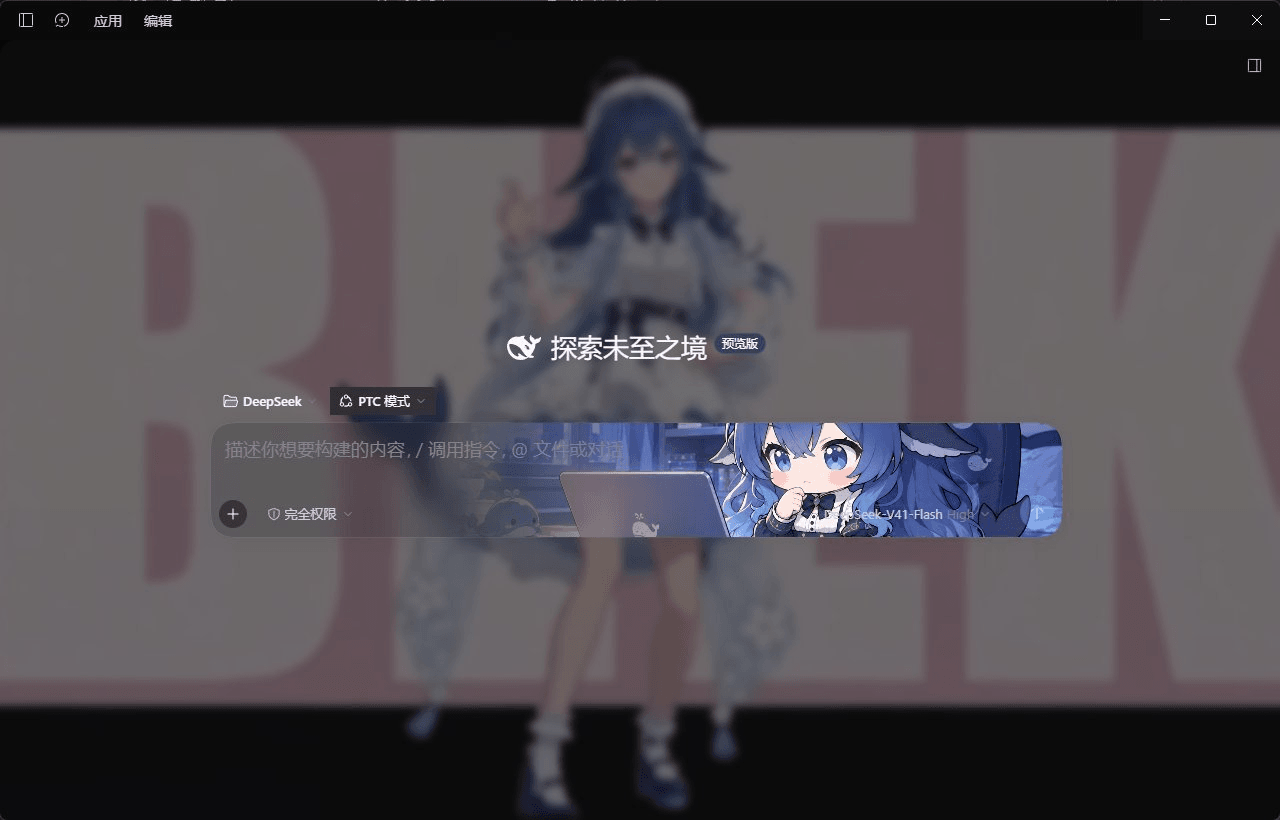 Lzhimie/dsh-skin-master
DeepSeek Harness 皮肤大师:主题壁纸/自定义皮肤插件 —— 全局背景图片/视频、毛玻璃、输入框背景、弹出框毛玻璃、滤镜、AI 回复文本与消息气泡颜色
Lzhimie/dsh-skin-master
DeepSeek Harness 皮肤大师:主题壁纸/自定义皮肤插件 —— 全局背景图片/视频、毛玻璃、输入框背景、弹出框毛玻璃、滤镜、AI 回复文本与消息气泡颜色
-
 liustack/modlens
The first vision plugin for DeepSeek Harness, and the vision bridge for every text-only coding agent. Paste an image, ge…
liustack/modlens
The first vision plugin for DeepSeek Harness, and the vision bridge for every text-only coding agent. Paste an image, ge…
-
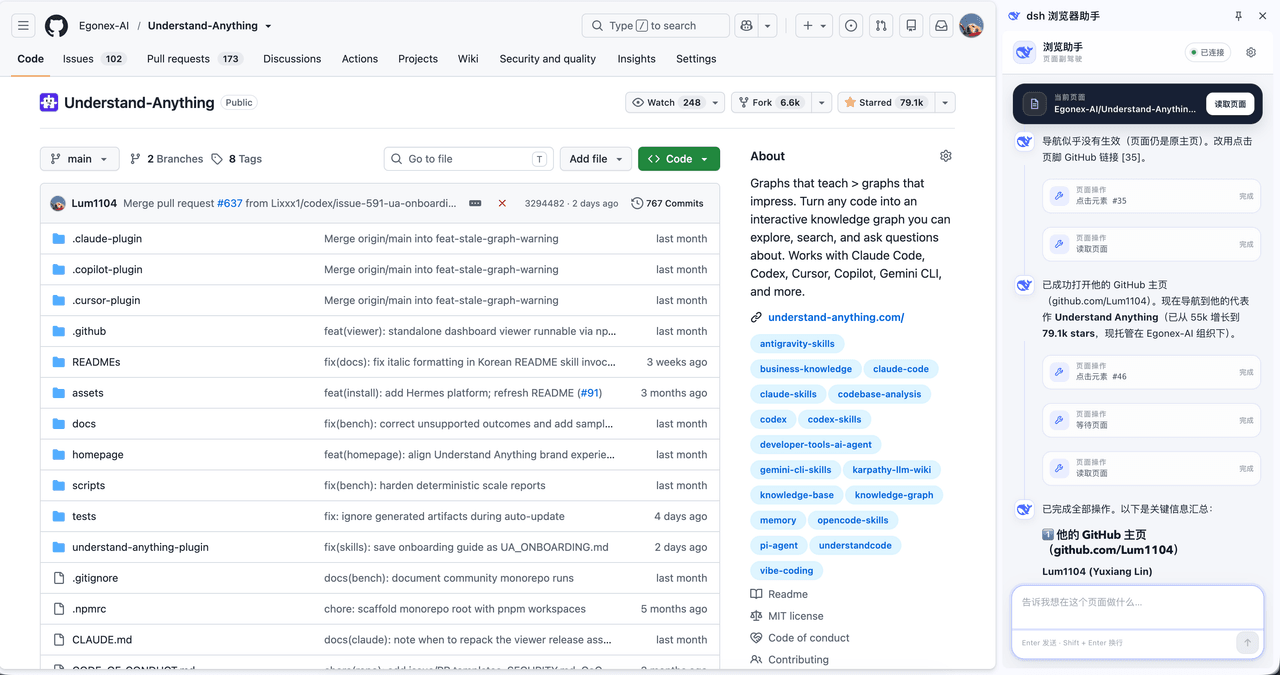 omdsh-dev/dsh-browser
Chrome sidebar extension that lets DeepSeek Harness operate your browser directly, no vision capabilities required. 一款 C…
omdsh-dev/dsh-browser
Chrome sidebar extension that lets DeepSeek Harness operate your browser directly, no vision capabilities required. 一款 C…
-
 ZSeven-W/dsh-ios
DeepSeek Harness (DSH) plugin: a live iOS Simulator — and a USB-connected iPhone — inside the conversation. 22 agent too…
ZSeven-W/dsh-ios
DeepSeek Harness (DSH) plugin: a live iOS Simulator — and a USB-connected iPhone — inside the conversation. 22 agent too…
-
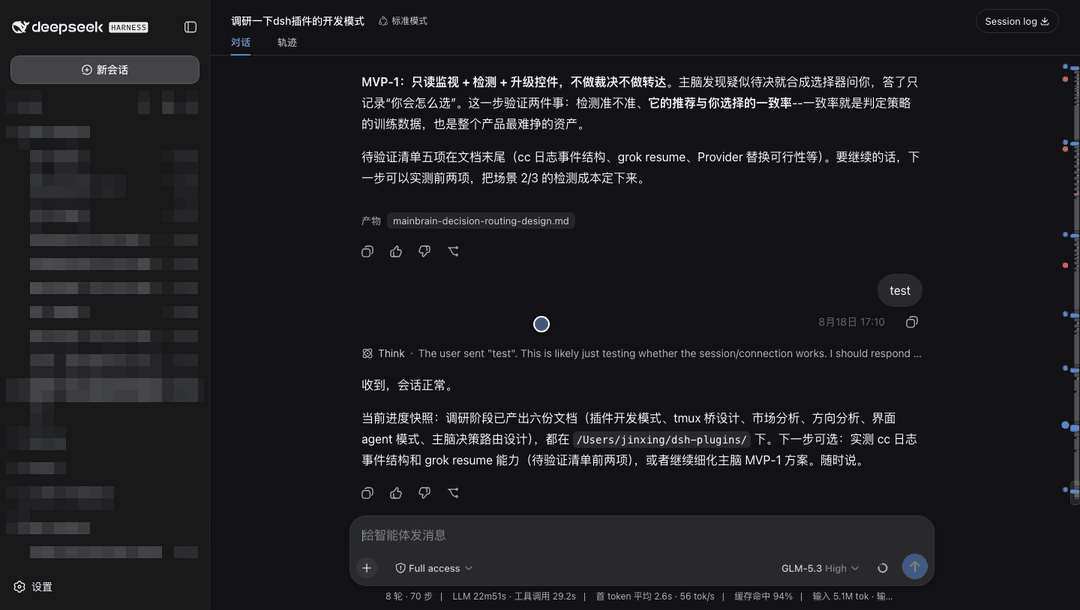 jsdvjx/dsh-strata
Session strata for the DeepSeek Harness Web GUI: the transcript's scrollbar becomes a to-scale, colour-coded map of the …
jsdvjx/dsh-strata
Session strata for the DeepSeek Harness Web GUI: the transcript's scrollbar becomes a to-scale, colour-coded map of the …
-
 hellodigua/dsh-share
DSH 对话分享插件,分享单轮或多轮对话,可导出为图片或 Markdown。Share DSH Q&As or selected conversation groups as PNG or Markdown.
hellodigua/dsh-share
DSH 对话分享插件,分享单轮或多轮对话,可导出为图片或 Markdown。Share DSH Q&As or selected conversation groups as PNG or Markdown.
-
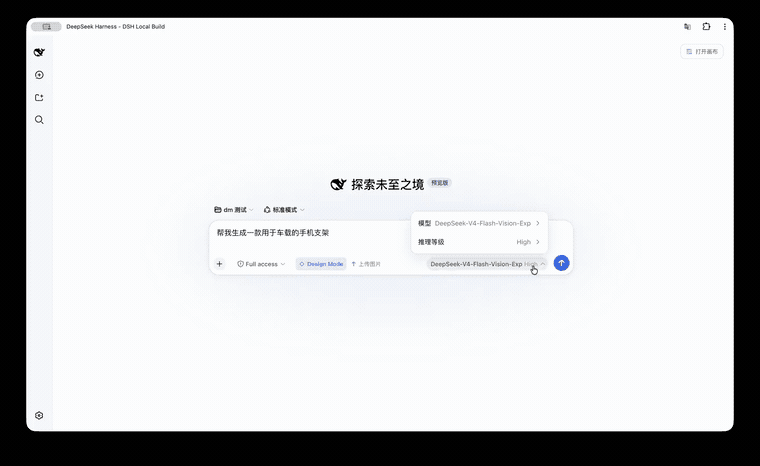 KaichenCurry/dsh-design-mode
Visual execution layer for DeepSeek Harness—guided intent, infinite canvas, contextual image tools, and chat-native comm…
KaichenCurry/dsh-design-mode
Visual execution layer for DeepSeek Harness—guided intent, infinite canvas, contextual image tools, and chat-native comm…