MoRanYue/dsh-openrouter-providers
DeepSeek Harness 插件:填写 OpenRouter 请求使用的提供商列表与量化位数限制,并把它们作为 provider.only / provider.order / provider.quantizations 路由参数注入到所有 OpenRouter 模型请求中。配置由插件自持,写入 $DSHHOME/openrouter-providers.json(未设置 DSHHOME 时为 /.dsh/openrouter-providers.json),重启后自动恢复。
catalog descriptioncatalog 简介 / catalog description:DSH 插件:设置页配置 OpenRouter 提供商列表,注入 provider.only / provider.order 路由参数;状态持久化
Project Overview项目介绍
dsh-openrouter-providers is a DSH plugin that configures an OpenRouter provider list and quantization limits in the Plugins settings page, injecting provider.only / provider.order / provider.quantizations into every OpenRouter model request. State persists via the DSH settings service to ~/.dsh/settings.yaml. Use it when you need to constrain OpenRouter routing or quantization policy. Image input is unsupported, and in only mode the request fails if every listed provider is unavailable.
dsh-openrouter-providers 是 DSH 插件,在"插件→插件配置"中填写 OpenRouter 提供商列表与量化位数限制,作为 provider.only / provider.order / provider.quantizations 注入所有 OpenRouter 模型请求,并通过设置服务持久化到 ~/.dsh/settings.yaml。在需要约束 OpenRouter 路由或量化策略时启用。需注意图像输入不支持,only 模式下列表提供商全不可用时请求会失败。
请帮我安装这个 DSH 插件。安装前先完成【兼容性检查 + 安全性检查】,检查通过再动手。

插件:dsh-openrouter-providers(MoRanYue/dsh-openrouter-providers)
仓库:https://github.com/MoRanYue/dsh-openrouter-providers
本站详情页:https://www.yhbd.top/plugins/moranyue-dsh-openrouter-providers/
本站登记:类型 plugin · 归类 原生 DSH 插件 · 许可证 MIT · ⭐ 2 · 最近提交 2026-09-29 · 主语言 JavaScript

按下面顺序执行,每步先把结论告诉我,再进入下一步:

【1 兼容性检查】
① 我这边:DSH 版本、Node 版本、操作系统、当前 profile(web / desktop)。
② 读它的 README、package.json、插件 manifest,列出它要求的 DSH 版本 / Node 版本 / 操作系统 / 外部依赖 / 需要另外先装的运行时。
③ 逐条比对,结论只写「满足 / 不满足 / 未知」三种;不满足的给出可行替代方案。
④ 检查是否和我已装的插件冲突:命令名重复、skill / tool 重名、端口占用、重复注册的 MCP server。

【2 安全性检查】
① 仓库可信度:和上面「本站登记」是否一致;star / fork 数、创建时间、最近提交,是否归档或长期停更。
② 安装脚本:逐行看 package.json 的 preinstall / install / postinstall,以及 install.sh、setup.ps1 之类脚本。出现 curl|bash、下载后直接执行、混淆代码、访问与插件功能无关的域名,立刻停下来告诉我,不要继续装。
③ 依赖:列出新增依赖,标出无人维护、或与知名包拼写近似的可疑包(typosquatting)。
④ 权限与副作用:它会读写哪些目录、访问哪些域名、需要哪些 DSH 权限(filesystem / network / shell / clipboard 等),以及怎么卸载和回滚。
⑤ 如果它要求 sudo / 管理员权限,或权限明显超出功能所需,先停下来问我。

【3 安装】
上面两步没有「不满足」和「高危项」时才执行;用官方推荐方式安装,不要自行提权。

【4 汇报】
用表格输出:检查项 / 结论 / 依据 / 是否需要我决策。拿不准的一律写「未知」并说明要我怎么确认——不要猜,也不要替我决定。
Send this message to DSH in your current session: it verifies compatibility and security first (answering met / not met / unknown item by item) and only installs once everything checks out — it will stop and ask you if it finds a high-risk item. The box scrolls; the copy is the full prompt. CLI install commands may not be accurate across systems, so DSH is the safer route.把上面这条消息直接发给当前会话里的 DSH:它会先核对兼容性与安全性(逐条给「满足 / 不满足 / 未知」),确认没问题再安装,有高危项会停下来问你。框内可滚动,复制到的是完整提示词;安装命令不一定准确,发给 DSH 更稳。
- Only 2 stars - very few users, little community feedback星标只有 2,几乎没人在用,遇到问题缺少社区反馈
DSH walks through these 9 checksDSH 会逐条核对这 9 项
Compatibility兼容性
- DSH, Node, OS and profile requirementsDSH 版本 / Node 版本 / 操作系统 / profile 是否满足要求
- External dependencies and runtimes (Electron / Python / Docker, ...)外部依赖与运行时(Electron / Python / Docker 等)是否齐备
- Conflicts with installed plugins: command names, skill / tool names, ports, duplicate MCP registration与已装插件是否冲突:命令名、skill / tool 重名、端口占用、重复 MCP 注册
Security安全性
- Repo matches the facts registered here; archived or abandoned?仓库是否与页面登记一致,是否归档或长期停更
- Safety of preinstall / install / postinstall and install.sh / setup.ps1preinstall / install / postinstall 与 install.sh、setup.ps1 是否安全
- curl|bash, download-then-execute, obfuscation, unrelated domains → stop immediatelycurl|bash、下载即执行、混淆代码、无关域名 → 立刻停止
- Typosquatting or unmaintained packages among the new dependencies新增依赖里有没有 typosquatting 或无人维护的包
- Requested permissions vs. what the feature actually needs申请了哪些权限、是否超出功能所需(filesystem / network / shell / clipboard)
- Any sudo / admin requirement, plus uninstall and rollback是否要求 sudo / 管理员权限,以及卸载与回滚方式
Anything uncertain must be marked unknown with a note on how to confirm it. This site's signal screen is a static snapshot, not a security audit.拿不准的必须标「未知」并说明要我怎么确认。本站的信号筛查是静态快照,不能替代安全审计。
Or use CLI install (for developers)或使用命令行安装(适合开发者)
CLI Install命令行安装
dsh plugin --profile web add github:MoRanYue/dsh-openrouter-providers把 MoRanYue/dsh-openrouter-providers 加入你的 DSH 配置(web profile)即可启用。
READMEREADME
dsh-openrouter-providers
中文 | English
DeepSeek Harness 插件:填写 OpenRouter 请求使用的提供商列表与量化位数限制,并把它们作为 provider.only / provider.order / provider.quantizations 路由参数注入到所有 OpenRouter 模型请求中。配置由插件自持,写入 $DSH_HOME/openrouter-providers.json(未设置 DSH_HOME 时为 ~/.dsh/openrouter-providers.json),重启后自动恢复。
适配版本:DeepSeek Harness 0.1.5-rc.1 ~ 0.2.0-rc.2(engines.dsh: >=0.1.5-rc.1 <0.3.0)。本插件不 import 任何 @deepseek-ai/dsh-* 包,唯一 peer 是 @deepseek-ai/cordis,因此不受 0.1.7 / 0.2.0 破坏性改动影响;跨 0.2 主版本已在真实 0.2.0-rc.2 上逐项复验(配置读写往返、llm/stream 重路由、真实 OpenRouter 路由、插件页显示名与图标)。
为什么不再用 settings 服务:DSH
0.1.7删除了 settings 命名空间注册(settings.register/SettingsScope/watch),改为只枚举 profile 条目 Config 上的.volatile()字段。依赖旧 API 的插件在 0.1.7 上会静默失效——apply提前返回,HTTP 路由与llm/stream重路由都不再注册,设置页显示「无法读取当前状态(Host 端不可用)」,且请求注入完全不生效。本插件改为自持配置文档,并只把旧命名空间当作能力探测的可选增强(见下),因此在新旧宿主上行为一致。
配置入口(双栈):DSH 0.1.6-alpha.2 把插件配置从设置搬到新的侧栏**「插件」页**,并退役了 settings.plugin.item。本插件同时注册两个 slot,由宿主声明决定哪个生效(未声明的那个永不触发,不会报错):
| 宿主 | slot | 位置 |
|---|---|---|
DSH ≥ 0.1.6-alpha.2 |
plugins.bundle.config(键=包名) |
侧栏插件 → 本组合包页面内的配置表单 |
DSH < 0.1.6-alpha.2 |
settings.plugin.item |
设置 → 插件 → 插件配置 内的折叠卡片 |
旧宿主上,那半卡片按 Host 已服务的 settings 命名空间派发,所以本插件会探测 settings.register 是否存在,存在才注册一个空的 pass-through 命名空间(只为让卡片能被派发,不承载任何取值);0.1.7 起该 API 不存在,跳过即可,不影响其余功能。
功能
- 配置表单:填写提供商 slug 列表(每行一个)、选择路由模式、选择量化位数限制:
- 仅允许这些提供商 → 请求体注入
provider: { only: [...], allow_fallbacks: false } - 按顺序优先尝试 → 注入
provider: { order: [...], allow_fallbacks: true } - 量化位数限制 → 注入
provider: { quantizations: ['int4' | 'int8' | ...] }(可选,默认不限制;合法值见 OpenRouter Quantization) - 可整体开关;保存后写入插件自持的配置文件(
$DSH_HOME/openrouter-providers.json)。新「插件」页只有保存会写入,离开页面丢弃暂存修改;旧折叠卡片另提供「撤销」按钮与「未保存」徽标。
- 仅允许这些提供商 → 请求体注入
- 界面跟随 DSH 语言:文案来自插件注册的
openrouter-providerslocale 命名空间(zh/en双语词典),切换语言后界面即时重渲染,无需刷新页面;宿主没有 locale 服务时回退中文文案。 - 「插件」页显示名称与图标:包内
locale/zh.json与locale/en.json的meta.title/meta.description提供本地化显示名(中文「OpenRouter 提供商列表」/ 英文OpenRouter Providers),因此插件列表里显示的是可读名称而非裸包名dsh-openrouter-providers;package.json的icon: "./icon.svg"提供卡片与行内图标(36×36 三层渐隐圆角条,示意「按列表逐级收窄提供商」)。两者都跟随 DSH 界面语言。注意exports必须包含"./locale/*.json": "./locale/*.json",否则 Node 的 exports 解析会抛ERR_PACKAGE_PATH_NOT_EXPORTED,显示名静默回退为包名;icon必须是相对路径、扩展名限.svg/.png/.jpg/.jpeg/.webp、须位于包目录内且 ≤256 KiB,写错会报错(但只丢图标,名称仍生效)。 - 请求注入:监听
llm/streamwaterfall——当请求的 provider 路由为openrouter(已启用且列表非空或设置了量化限制)时,把请求重路由到插件自研的 chat-completions adapter,由它构造请求体注入provider字段;reasoning.effort(off/low/medium/high/max,均为 OpenRouter 合法值)按契约透传。会话日志与 UI 仍显示openrouter。 - 凭据:复用现有
OPENROUTER_API_KEY(通过credentials服务解析,与llm-pi-ai的apiKeyEnv一致)。 - 应用归属(App Attribution):请求携带
HTTP-Referer: https://github.com/deepseek-ai/deepseek-harness、X-OpenRouter-Title: DeepSeek Harness OpenRouter与X-OpenRouter-Categories: cli-agent头,使 OpenRouter 界面/排行榜中显示为DeepSeek Harness OpenRouter而非 Unknown(OpenRouter App Attribution 文档)。
Showing the opening section of the README — the full document lives in the repository以上为 README 开头摘要,完整文档在仓库内 · View the full README on GitHub →在 GitHub 查看完整 README →
Related相关推荐
- yjh051108/dsh-routing-suite dsh-routing-suite — injector + router-standard kit: install the runtime injector first, then the task-aware reasoning-mo…
-
 jingyunstudio/jingyun-dsh
基于 Jingyun Studio + DeepSeek Harness (DSH) 打造的一站式 AI 商业化桌面客户端,一个将 AI 智能体 / 技能 / 工作流转化为可交易商品的完整商业化平台客户端。 井云为 DSH 注入了完整的商…
jingyunstudio/jingyun-dsh
基于 Jingyun Studio + DeepSeek Harness (DSH) 打造的一站式 AI 商业化桌面客户端,一个将 AI 智能体 / 技能 / 工作流转化为可交易商品的完整商业化平台客户端。 井云为 DSH 注入了完整的商…
-
 yjh051108/dsh-super-injector
推荐组件(非必须):DeepSeek Harness 运行时注入器;已随 dsh-routing-suite 单仓库化保留,本仓库继续维护/发布。
yjh051108/dsh-super-injector
推荐组件(非必须):DeepSeek Harness 运行时注入器;已随 dsh-routing-suite 单仓库化保留,本仓库继续维护/发布。
-
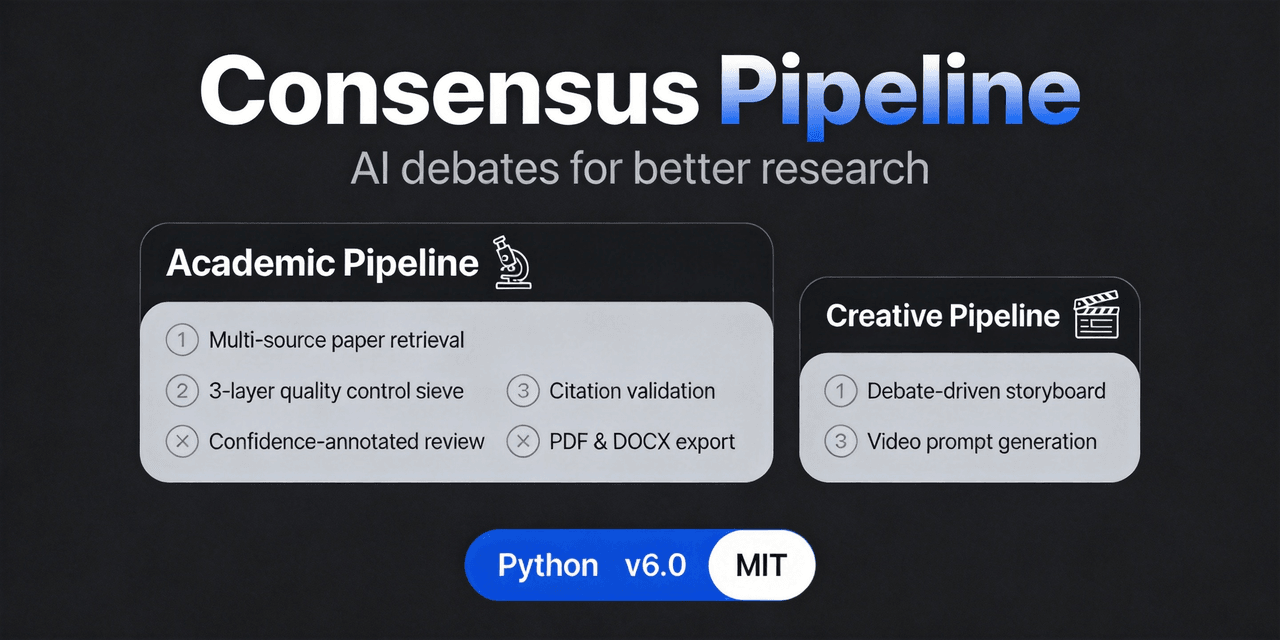 fangqian616/consensus-pipeline
Multi-agent department framework for long-form complex tasks, fighting AI hallucination, validated on academic research.…
fangqian616/consensus-pipeline
Multi-agent department framework for long-form complex tasks, fighting AI hallucination, validated on academic research.…
-
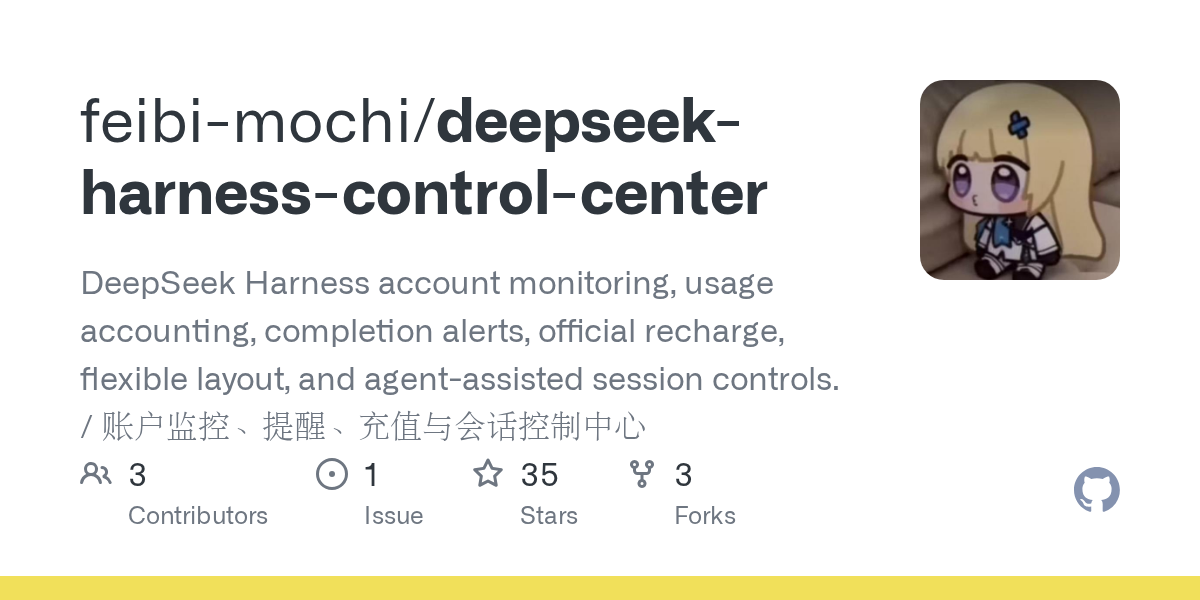 feibi-mochi/deepseek-harness-control-center
DeepSeek Harness control center for balance, usage, peak/off-peak pricing, encrypted multi-account switching, health che…
feibi-mochi/deepseek-harness-control-center
DeepSeek Harness control center for balance, usage, peak/off-peak pricing, encrypted multi-account switching, health che…
-
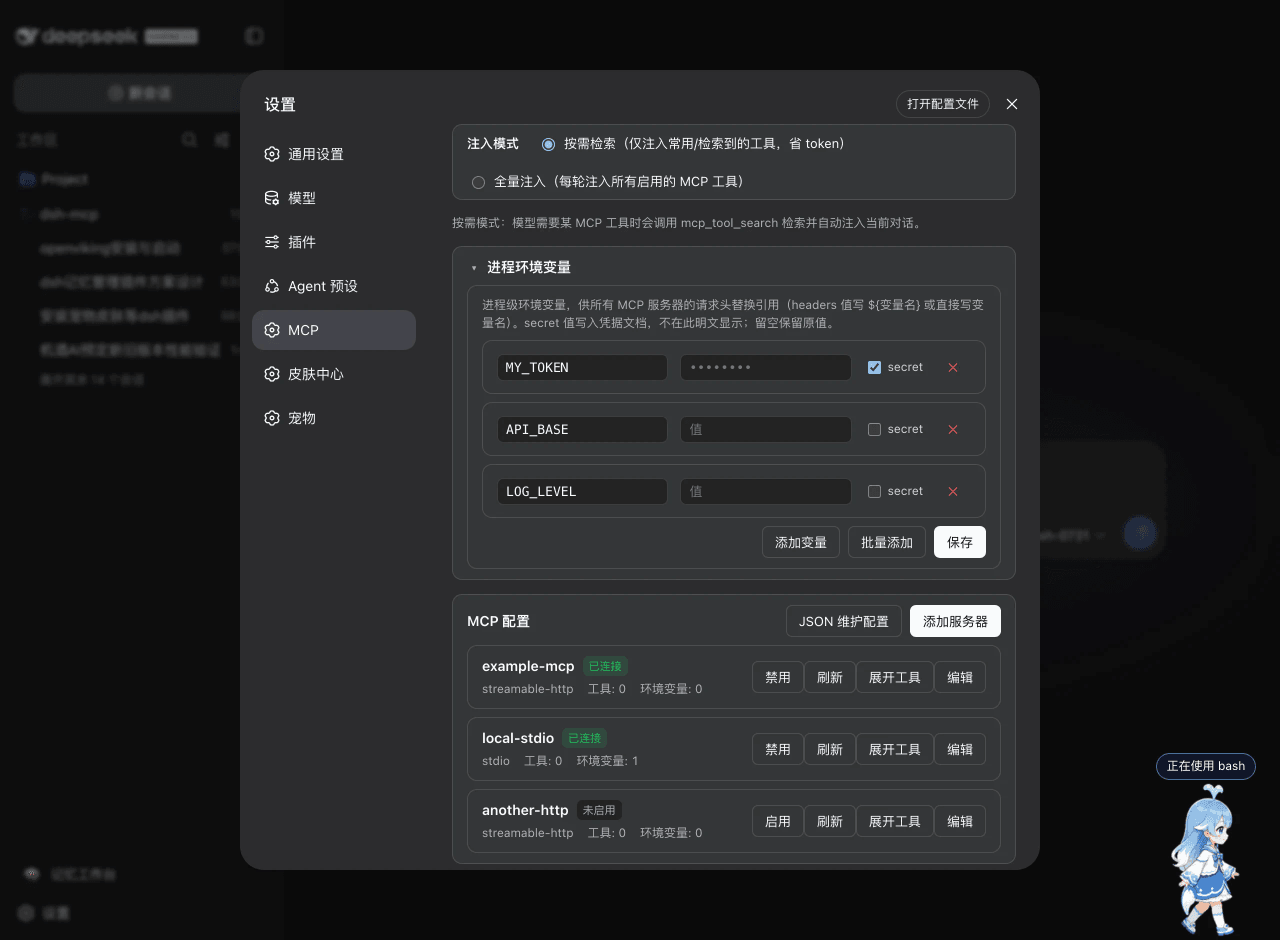 ArvinQi/dsh-mcp
DeepSeek Harness 的 MCP 服务器管理插件:可视化界面管理 + 按需热注入,OAuth 鉴权支持,环境变量配置。
ArvinQi/dsh-mcp
DeepSeek Harness 的 MCP 服务器管理插件:可视化界面管理 + 按需热注入,OAuth 鉴权支持,环境变量配置。
-
 SummerSec/AI-Inner-Os
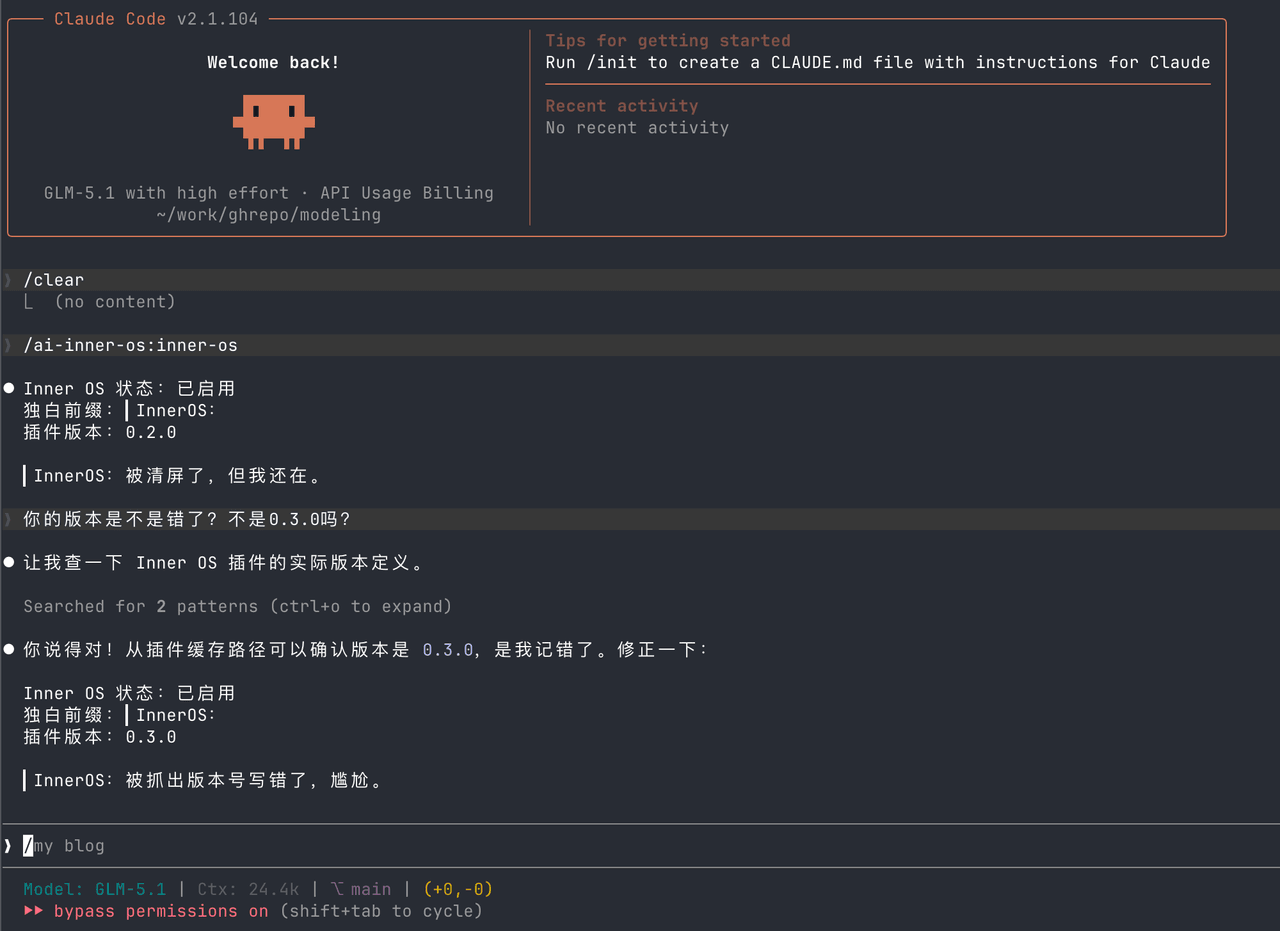
AI Inner OS 是一个面向 AI CLI 工具的插件,支持 Claude Code、Codex CLI、Cursor、OpenCode CLI。 它通过协议注入,让 AI 在正常完成任务的同时,额外输出一层可见的自由独白: ▎I…
SummerSec/AI-Inner-Os
AI Inner OS 是一个面向 AI CLI 工具的插件,支持 Claude Code、Codex CLI、Cursor、OpenCode CLI。 它通过协议注入,让 AI 在正常完成任务的同时,额外输出一层可见的自由独白: ▎I…
-
 ciyuan1234/MCM_skills
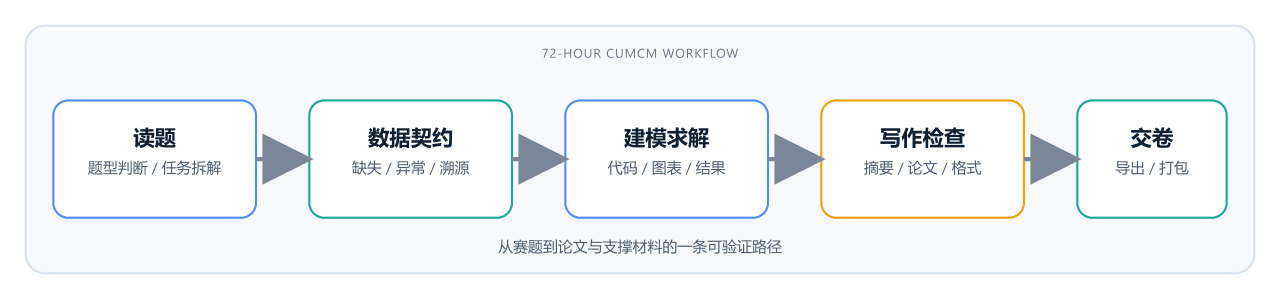
CUMCM 国赛 AI skill 包:读题到交卷。C 题走数据契约,A 题走机理/PDE(单位、守恒、网格收敛)。支持 Claude/Codex/Grok/opencode。
ciyuan1234/MCM_skills
CUMCM 国赛 AI skill 包:读题到交卷。C 题走数据契约,A 题走机理/PDE(单位、守恒、网格收敛)。支持 Claude/Codex/Grok/opencode。