mycodesite/dsh-rules
DeepSeek Harness (dsh) 插件:全局+项目两级 Markdown 规则注入(RuleBase)
Project Overview项目介绍
RuleBase is a native plugin built exclusively for DeepSeek Harness (dsh), designed to inject Markdown-defined rules into the AI system prompt on every new conversation and prompt-assembly cycle using a two-tier global-plus-project model. It ships a settings-panel section that lists, edits, creates, and deletes rules, with theming tokens (--dsw-alias-*) that automatically follow dsh's light or dark appearance. The recommended install is dsh plugin add github:mycodesite/dsh-rules (the git source ships prebuilt artifacts in lib/, so no extra build step is needed), or dsh plugin add /path/to/rulebase-<v>.tgz from a GitHub Releases tarball, or link: mode from a source tree after npm run build. Removal must use the registered package name rulebase, not the GitHub source string, because dsh plugin is a pnpm forwarder matching by key.
Typical workflow: a user writes global conventions to ~/.dsh/rules/*.md and project-specific conventions to <cwd>/.dsh/rules/*.md, each filename (without extension) serving as the rule id. At startup the host scans global rules; at every new conversation it derives the current project from the most recent active agent's agent.session.header.cwd and scans that project's rules, concatenating global+project sets and replacing the system prompt wholesale. A file watcher feeds changes to agent.inject(), so saving a rule takes effect on the next model request with no restart, and switching projects automatically rebinds the rule set. It targets dsh users who want consistent coding standards, command conventions, and review reminders across multiple projects without repeating instructions.
Dependencies and limits: requires Node.js ≥ 22.5; runtime is dependency-free because @deepseek-ai/dsh-* and @deepseek-ai/cordis are pulled in only as import type (erased after transpilation), with host contract functions createUserMessage and transportError locally reimplemented in src/host/contract.ts. Build-time uses devDependencies (tsdown, esbuild) and a check:artifact guard that fails the build if any runtime @deepseek-ai/* import slips in, enforced by CI and npm pack. Supported dsh versions are ≥ 0.1.5-rc.1; older ≤0.1.1-rc.2 is unsupported. Profiles include web and dsh-tui. Do not upgrade through the plugin marketplace (it pulls a same-named npm package that breaks dsh startup). License: MIT.
RuleBase 是 DeepSeek Harness(dsh)的原生插件,专为 dsh 设计,通过「全局 + 项目」两级 Markdown 规则文件,在每次新对话或系统提示词组装时自动将规则注入 AI 系统提示词中,且与 dsh 设置面板深度集成,提供可视化的规则管理界面。安装方式包括 dsh plugin add github:mycodesite/dsh-rules 从 GitHub 源拉取(含预构建产物),或下载 GitHub Releases 中的最小化 tarball 通过 dsh plugin add /path/to/rulebase-<v>.tgg 本地安装,亦支持以 link: 模式挂载开发源码。规则以 .md 持久化存放于全局目录 ~/.dsh/rules/ 与项目目录 <cwd>/.dsh/rules/,文件名(去扩展名)即规则 id。
典型工作流:用户在 ~/.dsh/rules/ 写入通用规范,在项目目录下 .dsh/rules/ 写入项目专属约定;启动 dsh 时自动扫描全局规则,每个新对话依据最近活跃 agent 的 session.header.cwd 加载对应项目规则,全量组装后注入系统提示词;规则文件保存即被文件监听捕获,下一次模型请求自动采用新内容,无需重启;切换项目后规则自动跟随。该插件面向需要在多项目间维持一致编码规范、命令约定、注意事项,并希望让 AI 跨项目「懂规矩」的 dsh 用户。
插件要求 Node.js ≥ 22.5,运行时零依赖(对 dsh 类型包仅有 import type 编译期依赖,转译后擦除),任意安装形态、即便无 node_modules 的新环境也可直接运行;构建期使用 devDependencies(tsdown、esbuild)并由 check:artifact 守卫确保产物不含 dsh 运行时导入。支持的 dsh 版本线为 ≥ 0.1.5-rc.1(旧版 ≤0.1.1-rc.2 不在支持范围),可通过 dsh web --patch 或 --profile dsh-tui 启用。卸载必须用注册名 rulebase,不能用 GitHub 源写法;务必通过 GitHub 或本地 tarball 安装,避免与 npm 上重名包混淆导致 dsh 无法启动。许可为 MIT。
请帮我安装这个 DSH 插件。安装前先完成【兼容性检查 + 安全性检查】,检查通过再动手。

插件:dsh-rules(mycodesite/dsh-rules)
仓库:https://github.com/mycodesite/dsh-rules
本站详情页:https://www.yhbd.top/plugins/mycodesite-dsh-rules/
本站登记:类型 plugin · 归类 原生 DSH 插件 · 许可证 MIT · ⭐ 2 · 最近提交 2026-09-29 · 主语言 TypeScript

按下面顺序执行,每步先把结论告诉我,再进入下一步:

【1 兼容性检查】
① 我这边:DSH 版本、Node 版本、操作系统、当前 profile(web / desktop)。
② 读它的 README、package.json、插件 manifest,列出它要求的 DSH 版本 / Node 版本 / 操作系统 / 外部依赖 / 需要另外先装的运行时。
③ 逐条比对,结论只写「满足 / 不满足 / 未知」三种;不满足的给出可行替代方案。
④ 检查是否和我已装的插件冲突:命令名重复、skill / tool 重名、端口占用、重复注册的 MCP server。

【2 安全性检查】
① 仓库可信度:和上面「本站登记」是否一致;star / fork 数、创建时间、最近提交,是否归档或长期停更。
② 安装脚本:逐行看 package.json 的 preinstall / install / postinstall,以及 install.sh、setup.ps1 之类脚本。出现 curl|bash、下载后直接执行、混淆代码、访问与插件功能无关的域名,立刻停下来告诉我,不要继续装。
③ 依赖:列出新增依赖,标出无人维护、或与知名包拼写近似的可疑包(typosquatting)。
④ 权限与副作用:它会读写哪些目录、访问哪些域名、需要哪些 DSH 权限(filesystem / network / shell / clipboard 等),以及怎么卸载和回滚。
⑤ 如果它要求 sudo / 管理员权限,或权限明显超出功能所需,先停下来问我。

【3 安装】
上面两步没有「不满足」和「高危项」时才执行;用官方推荐方式安装,不要自行提权。

【4 汇报】
用表格输出:检查项 / 结论 / 依据 / 是否需要我决策。拿不准的一律写「未知」并说明要我怎么确认——不要猜,也不要替我决定。
Send this message to DSH in your current session: it verifies compatibility and security first (answering met / not met / unknown item by item) and only installs once everything checks out — it will stop and ask you if it finds a high-risk item. The box scrolls; the copy is the full prompt. CLI install commands may not be accurate across systems, so DSH is the safer route.把上面这条消息直接发给当前会话里的 DSH:它会先核对兼容性与安全性(逐条给「满足 / 不满足 / 未知」),确认没问题再安装,有高危项会停下来问你。框内可滚动,复制到的是完整提示词;安装命令不一定准确,发给 DSH 更稳。
- Only 2 stars - very few users, little community feedback星标只有 2,几乎没人在用,遇到问题缺少社区反馈
DSH walks through these 9 checksDSH 会逐条核对这 9 项
Compatibility兼容性
- DSH, Node, OS and profile requirementsDSH 版本 / Node 版本 / 操作系统 / profile 是否满足要求
- External dependencies and runtimes (Electron / Python / Docker, ...)外部依赖与运行时(Electron / Python / Docker 等)是否齐备
- Conflicts with installed plugins: command names, skill / tool names, ports, duplicate MCP registration与已装插件是否冲突:命令名、skill / tool 重名、端口占用、重复 MCP 注册
Security安全性
- Repo matches the facts registered here; archived or abandoned?仓库是否与页面登记一致,是否归档或长期停更
- Safety of preinstall / install / postinstall and install.sh / setup.ps1preinstall / install / postinstall 与 install.sh、setup.ps1 是否安全
- curl|bash, download-then-execute, obfuscation, unrelated domains → stop immediatelycurl|bash、下载即执行、混淆代码、无关域名 → 立刻停止
- Typosquatting or unmaintained packages among the new dependencies新增依赖里有没有 typosquatting 或无人维护的包
- Requested permissions vs. what the feature actually needs申请了哪些权限、是否超出功能所需(filesystem / network / shell / clipboard)
- Any sudo / admin requirement, plus uninstall and rollback是否要求 sudo / 管理员权限,以及卸载与回滚方式
Anything uncertain must be marked unknown with a note on how to confirm it. This site's signal screen is a static snapshot, not a security audit.拿不准的必须标「未知」并说明要我怎么确认。本站的信号筛查是静态快照,不能替代安全审计。
Or use CLI install (for developers)或使用命令行安装(适合开发者)
CLI Install命令行安装
dsh plugin add github:mycodesite/dsh-rules把 mycodesite/dsh-rules 加入你的 DSH 配置(web profile)即可启用。
READMEREADME
RuleBase
DeepSeek Harness (dsh) 插件:全局 + 项目两级 Markdown 规则注入
以「全局 + 项目」两级 Markdown 规则文件为源,在每次对话开始 / 每次系统提示词组装时把规则注入给 AI,并在 dsh 设置面板提供可视化规则管理界面。
它能为你做什么:
- 把你想让 AI 记住的规矩,写进一处、处处生效——项目规范、代码风格、命令约定、注意事项等,以 Markdown 写成规则文件,dsh 每次对话自动把它注进系统提示词,AI 无需你重复交代。
- 全局一套 + 项目一套,互不干扰——全局规则(
<DSH home>/rules/,跟随DSH_HOME,未设置时为~/.dsh/rules/)管所有项目共用的规矩;项目规则(<cwd>/.dsh/rules/)跟着agent.session.header.cwd走,切到哪个项目就套用哪个项目的规则,跨项目切换自动跟随。 - 改一行、即时生效——规则文件保存即被文件监听捕获,下一次模型请求自动采用,无需重启 dsh。
- 可视化管理,不用碰命令行——dsh 设置面板「规则」区可直接增删改查全局/项目规则、一键刷新,配色随 dsh 亮/深外观自动切换。
一句话:RuleBase 让 AI 助手成为「懂你项目规矩的协作者」,把重复的口头交代固化成一劳永逸、随项目自动启用的规则库。
规则仅以 .md 文件持久化,不注册 dsh settings 命名空间、不写入 settings.yaml。


功能
- 注入:启动时扫描全局规则;每个新对话按
agent.session.header.cwd扫描项目规则;全局 + 项目全量组装、全量替换,注入系统提示词。 - 项目路径识别:以 dsh 官方「当前主视图会话」(
sessions.list快照中retainedBy.mainView > 0的会话)的cwd作为当前项目路径,面板随切项目 / 切对话自动跟随;无主视图会话时视为「未选定项目」并提示。 - 即变即用:文件监听 +
agent.inject();保存规则后下一次模型请求自动采用。 - 管理界面:设置面板「规则」区支持全局 / 项目 tab、新建(下拉选全局/项目)、编辑(单击行或设置菜单)、删除、刷新;设置菜单与新建下拉在点击其它区域自动关闭,配色随 dsh 亮/深外观自动切换(
--dsw-alias-*主题 token);项目 tab 在未选定项目时提示「请先开启一个项目对话」,保存项目规则时无项目会弹窗提示。
存储位置
| 级别 | 目录 |
|---|---|
| 全局 | <DSH home>/rules/*.md(跟随 DSH_HOME;未设置时为 ~/.dsh/rules/*.md) |
| 项目 | <cwd>/.dsh/rules/*.md |
每个 .md 文件即一条规则;文件名(去扩展名)作为规则 id。
从旧版本升级(v0.1.7 起):全局规则目录改为跟随
DSH_HOME。默认安装(未设置DSH_HOME)行为完全不变; 若你曾用非默认DSH_HOME的实例(例如测试实例)创建过全局规则,那些规则此前落在%USERPROFILE%\.dsh\rules,升级后需手动搬迁到新 home 的rules目录。
安装与运行
⚠️ 不要在插件市场更新本插件。插件市场中升级的不是本插件,而是与之同名的其他项目。本插件未打包至 npm,但 npm 上有重名项目;下载安装该重名包会使 DeepSeek Harness 无法启动。请始终通过下文的 GitHub 源或本地 tarball 安装本插件。
发布态(从 GitHub 安装)
# 最新版(git 源安装,仓库含预构建产物,安装即用)
dsh plugin add github:mycodesite/dsh-rules

# 指定版本
dsh plugin add github:mycodesite/dsh-rules#v0.1.7

# 指定 profile(web / tui 等)
dsh plugin --profile web add github:mycodesite/dsh-rules

dsh plugin --profile dsh-tui add github:mycodesite/dsh-rules
Showing the opening section of the README — the full document lives in the repository以上为 README 开头摘要,完整文档在仓库内 · View the full README on GitHub →在 GitHub 查看完整 README →
Related相关推荐
-
 akira399/dsh-novel-writer
大肥鱼的小说工坊 — DSH 网络小说创作插件:九阶段门禁式创作流程 + 世界书设定注入 + 本地书籍导入 + AI 一键润色 + 去AI味 + 黄金三章诊断 + 百万字一致性 + 市场调研与模板复制。
akira399/dsh-novel-writer
大肥鱼的小说工坊 — DSH 网络小说创作插件:九阶段门禁式创作流程 + 世界书设定注入 + 本地书籍导入 + AI 一键润色 + 去AI味 + 黄金三章诊断 + 百万字一致性 + 市场调研与模板复制。
-
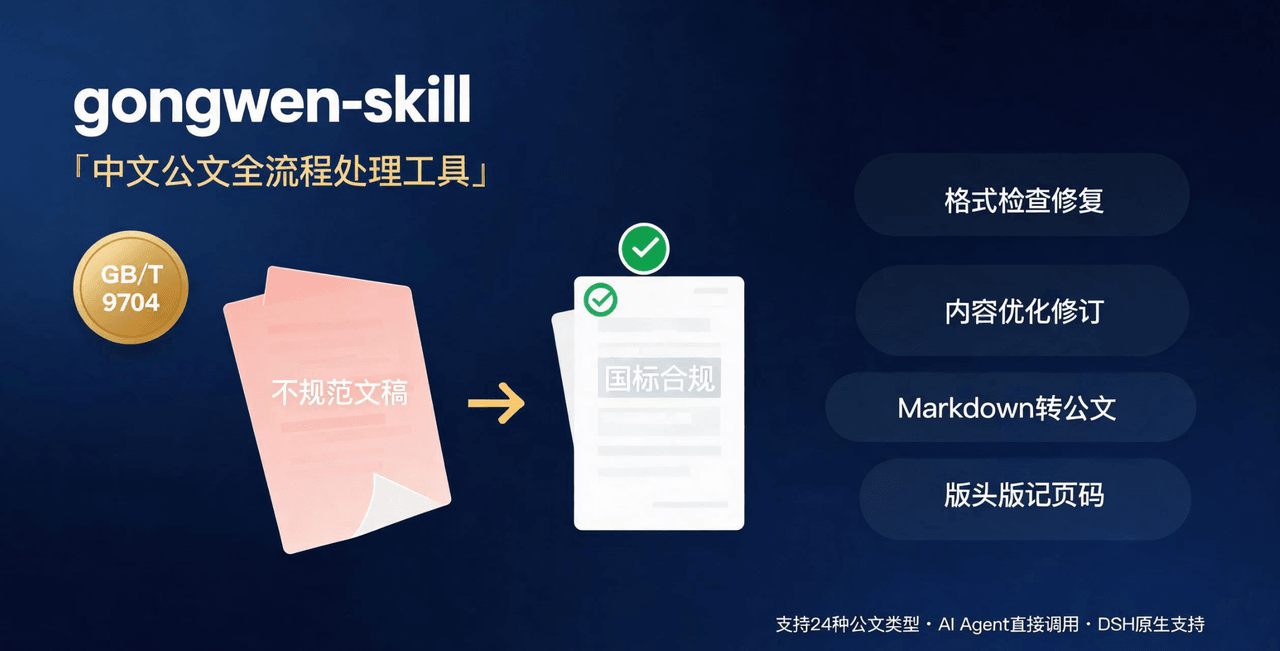 linhut/gongwen-skill
公文全流程处理工具——基于 GB/T 9704《党政机关公文格式》 国家标准,面向公文写作、企事业单位材料编制场景,支持 格式检查与修复、内容优化(Word 原生修订+批注/差异对比版)、模板生成、Markdown 转公文、版头版记页码注入…
linhut/gongwen-skill
公文全流程处理工具——基于 GB/T 9704《党政机关公文格式》 国家标准,面向公文写作、企事业单位材料编制场景,支持 格式检查与修复、内容优化(Word 原生修订+批注/差异对比版)、模板生成、Markdown 转公文、版头版记页码注入…
-
 hr98w/dsh-memory
融合 Claude Code 的 Auto Memory 与 Codex 的 Session 记忆整理,为 DeepSeek Harness 提供简单、透明、上下文友好的长期记忆。Claude Code-inspired Auto Memo…
hr98w/dsh-memory
融合 Claude Code 的 Auto Memory 与 Codex 的 Session 记忆整理,为 DeepSeek Harness 提供简单、透明、上下文友好的长期记忆。Claude Code-inspired Auto Memo…
-
 shuguang1994/project-blueprint
Make any project AI-agent-ready in one command. Adaptive tech stack detection (7 languages × 14 frameworks × 61 componen…
shuguang1994/project-blueprint
Make any project AI-agent-ready in one command. Adaptive tech stack detection (7 languages × 14 frameworks × 61 componen…
-
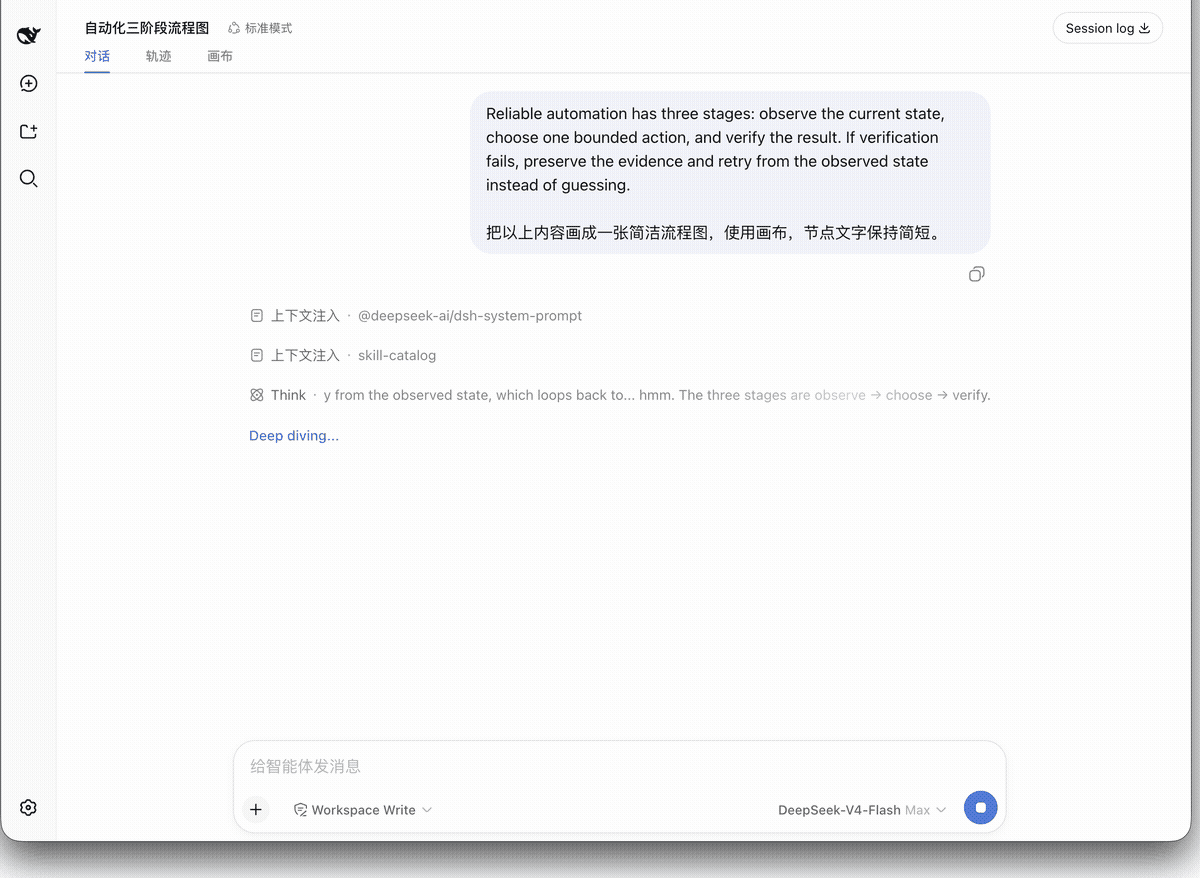 hanzhangzzz/dsh-diagram
Turn DeepSeek Harness articles into editable Excalidraw canvases — live diagrams, not disposable Mermaid output.
hanzhangzzz/dsh-diagram
Turn DeepSeek Harness articles into editable Excalidraw canvases — live diagrams, not disposable Mermaid output.
- suiyideali/dsh-selection-toolbar 在 DeepSeek Harness 会话里划选文本,选区上方浮现一个小工具栏: 复制 · 引用 · 询问 · 解释 · 翻译 · 总结 · 自定义。 所有 AI 动作都复用当前会话——选中文本作为普通用户消息注入当前对话, 模型带着完整…
-
 liancha22/dsh-puzzle-mode
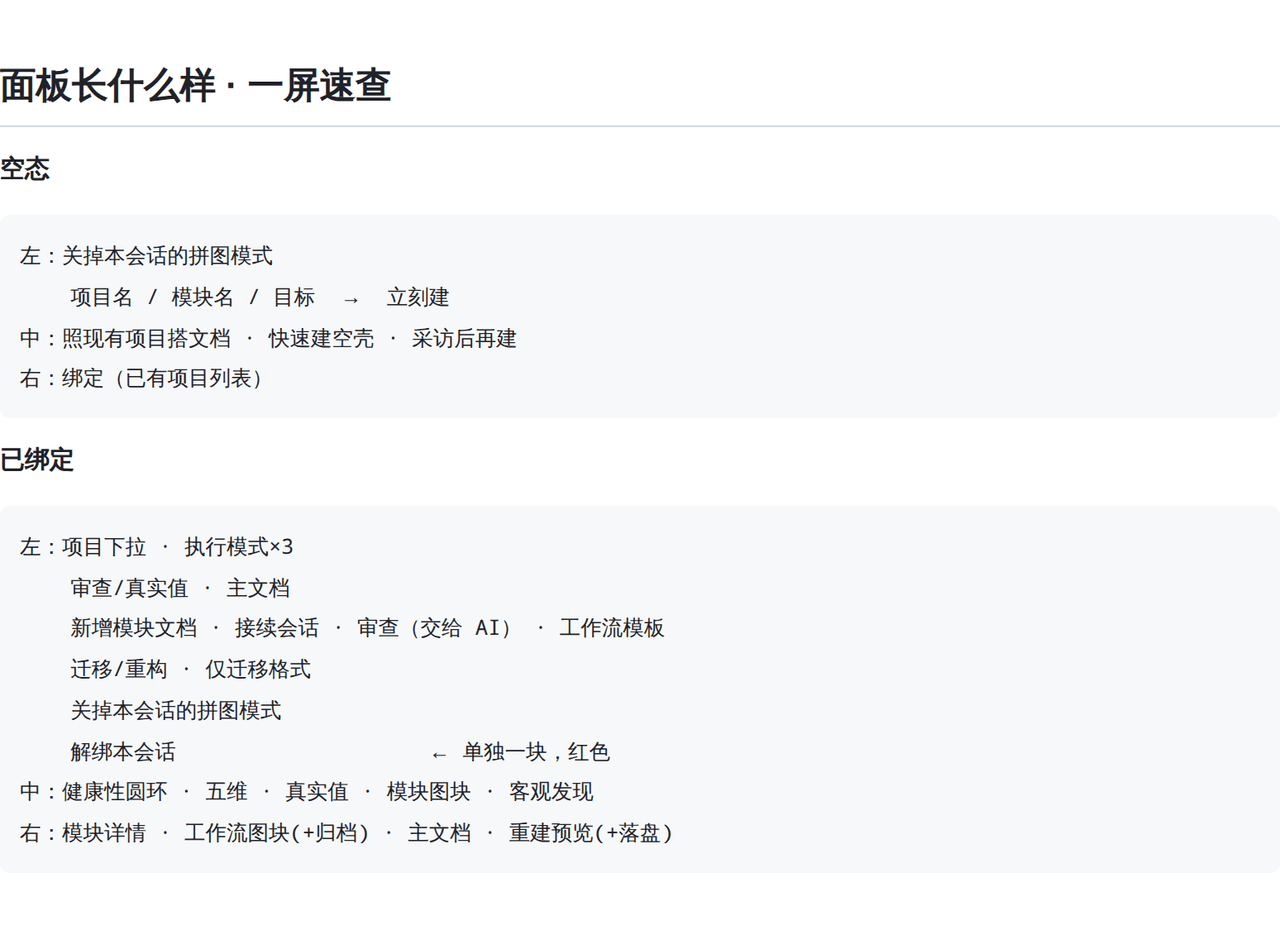
DSH 插件|拼图模式:把项目拆成主文档 + 若干模块文档,AI 主动提问把不确定项变成已定项,用五维算项目健康性。一个会话可同时绑多个项目,面板有绑定切换条;项目分小 / 中 / 大三档,条目上限随档位放宽或收紧;主文档第五节 `## 工…
liancha22/dsh-puzzle-mode
DSH 插件|拼图模式:把项目拆成主文档 + 若干模块文档,AI 主动提问把不确定项变成已定项,用五维算项目健康性。一个会话可同时绑多个项目,面板有绑定切换条;项目分小 / 中 / 大三档,条目上限随档位放宽或收紧;主文档第五节 `## 工…
- yjh051108/dsh-routing-suite dsh-routing-suite — injector + router-standard kit: install the runtime injector first, then the task-aware reasoning-mo…