openbkn-ai/bkn-dsh
OpenBKN's DeepSeek Harness Web UI plugin enables business users to safely, accurately and reliably utilize the enterprise's business knowledge network to complete business analysis and decision-making.
Project Overview项目介绍
bkn-dsh is a native DeepSeek Harness plugin maintained by openbkn-ai that injects a governed OpenBKN business knowledge network into DSH conversations. It is a DSH-specific package built around a pinned upstream revision (currently dsh-v0.1.6-alpha.2) and a version-fenced compatibility bridge, and the README explicitly describes it as "an additive DeepSeek Harness plugin." Integration happens through DSH's native plugin manager: the recommended path downloads an OpenBKN-compatible DSH Runtime archive, verifies it against the adjacent .sha256 file, unpacks it, and runs ./openbkn-dsh-runtime-*/bin/dsh web (or bin\\dsh.cmd web on Windows). The runtime keeps its profile under an isolated OPENBKN_DSH_HOME so the user's existing ~/.dsh is left untouched; no pnpm or registry access is required on first start.
In a typical session the user clicks OpenBKN in the DSH Web sidebar, supplies the platform address, completes the guided CLI sign-in or pastes a platform token, tests the connection, picks an authorized business knowledge network, and starts a conversation inside that network's local workspace. The product is aimed at business analysts who need explainable answers, at knowledge-network owners who want their semantics reused consistently, and at enterprise AI platform teams that need least-privilege knowledge access without exposing unrestricted data interfaces. A trial path is documented using bkn-foundry to run a local platform (deploy/dev/mac.sh on macOS, or Docker engine with at least 16 GB of memory) and bkn-samples to import the supply_ontology_hand end-to-end dataset.
Dependencies and constraints are strict: the plugin only supports the currently pinned DSH revision and requires Node.js ^22.19.0 or >=24.0.0; Runtime archives are published only for darwin-arm64 and win32-x64 (no darwin-x64). The compat/dsh-0.1.6-alpha.2/apply.mjs patch is mandatory for source-build trees — without it stored session events are rejected on every DSH restart — and it must be reverted before changing DSH versions. Other caveats include: running DSH directly from source in dev form breaks tool dispatch for any plugin, a cancelled or failed turn between bkn_start_interaction and bkn_finish_interaction leaves an unclosed Interaction on the platform side (automatic closing is future work), OpenBKN tokens must never be placed in Cordis YAML, and an upstream-dsh-watch workflow opens tracking issues when upstream releases move past the pin.
bkn-dsh 是面向 DeepSeek Harness(DSH)的官方原生插件,由 openbkn-ai 维护。它把经过治理的 OpenBKN 业务知识网络注入 DSH 对话中,让授权用户在一次会话里选定一个业务知识网络(businessDomain),在显式且不可变的作用域内分析,并能查看每条回答背后的业务来源(provenance)。推荐安装方式是下载与 DSH 0.1.6-alpha.2 锁定的 OpenBKN Runtime 压缩包,解包后执行 ./openbkn-dsh-runtime-*/bin/dsh web,校验 .sha256 后启动;该 Runtime 仅依赖 Node.js ^22.19.0 或 ≥24.0.0,并提供 darwin-arm64 与 win32-x64 两种构建,不发行 darwin-x64。
典型使用流程:在 DSH Web 侧边栏点击 OpenBKN,填入平台地址并完成 CLI 登录或粘贴平台令牌,测试连通性后选择一个已授权的业务知识网络,为其创建本地工作区并发起会话。该插件面向业务分析师、知识网络所有者以及企业 AI 平台团队,适用于需要可解释、带来源审计且最小权限访问的企业决策场景;trial 路径可结合 bkn-foundry 在本地或 macOS 脚本部署平台,并从 bkn-samples 导入 supply_ontology_hand 作为端到端样本。
依赖与前置条件:仅支持当前钉住的 dsh-v0.1.6-alpha.2 一个上游 DSH 版本;用户在源码构建时必须先应用 compat/dsh-0.1.6-alpha.2/apply.mjs 兼容性补丁,否则插件持久化的事件会在每次重启时被拒绝。已知的限制包括:插件必须在打包形态下运行(直接 dev 启动会破坏所有插件的工具派发)、取消或失败的回合可能留下未关闭的 Interaction、自动收尾属于未来工作,且不得把令牌写入 Cordis YAML;升级 Runtime 时只需解压新包到新目录,配置与会话由 OPENBKN_DSH_HOME 隔离目录跨版本保留,卸载请使用 dsh plugin remove @openbkn/dsh-business-context 并清理残留的 node_modules/@openbkn。
请帮我安装这个 DSH 插件。安装前先完成【兼容性检查 + 安全性检查】,检查通过再动手。

插件:bkn-dsh(openbkn-ai/bkn-dsh)
仓库:https://github.com/openbkn-ai/bkn-dsh
本站详情页:https://www.yhbd.top/plugins/openbkn-ai-bkn-dsh/
本站登记:类型 plugin · 归类 原生 DSH 插件 · 许可证未声明 · ⭐ 4 · 最近提交 2026-10-03 · 主语言 TypeScript · 未检测到 DSH 插件清单

按下面顺序执行,每步先把结论告诉我,再进入下一步:

【1 兼容性检查】
① 我这边:DSH 版本、Node 版本、操作系统、当前 profile(web / desktop)。
② 读它的 README、package.json、插件 manifest,列出它要求的 DSH 版本 / Node 版本 / 操作系统 / 外部依赖 / 需要另外先装的运行时。
③ 逐条比对,结论只写「满足 / 不满足 / 未知」三种;不满足的给出可行替代方案。
④ 检查是否和我已装的插件冲突:命令名重复、skill / tool 重名、端口占用、重复注册的 MCP server。

【2 安全性检查】
① 仓库可信度:和上面「本站登记」是否一致;star / fork 数、创建时间、最近提交,是否归档或长期停更。
② 安装脚本:逐行看 package.json 的 preinstall / install / postinstall,以及 install.sh、setup.ps1 之类脚本。出现 curl|bash、下载后直接执行、混淆代码、访问与插件功能无关的域名,立刻停下来告诉我,不要继续装。
③ 依赖:列出新增依赖,标出无人维护、或与知名包拼写近似的可疑包(typosquatting)。
④ 权限与副作用:它会读写哪些目录、访问哪些域名、需要哪些 DSH 权限(filesystem / network / shell / clipboard 等),以及怎么卸载和回滚。
⑤ 如果它要求 sudo / 管理员权限,或权限明显超出功能所需,先停下来问我。

【3 安装】
上面两步没有「不满足」和「高危项」时才执行;用官方推荐方式安装,不要自行提权。

【4 汇报】
用表格输出:检查项 / 结论 / 依据 / 是否需要我决策。拿不准的一律写「未知」并说明要我怎么确认——不要猜,也不要替我决定。
Send this message to DSH in your current session: it verifies compatibility and security first (answering met / not met / unknown item by item) and only installs once everything checks out — it will stop and ask you if it finds a high-risk item. The box scrolls; the copy is the full prompt. CLI install commands may not be accurate across systems, so DSH is the safer route.把上面这条消息直接发给当前会话里的 DSH:它会先核对兼容性与安全性(逐条给「满足 / 不满足 / 未知」),确认没问题再安装,有高危项会停下来问你。框内可滚动,复制到的是完整提示词;安装命令不一定准确,发给 DSH 更稳。
- No license declared - all rights reserved by default; ask the author before commercial use or redistribution未声明开源许可证 —— 默认「保留所有权利」,商用或再分发前先问作者
- Only 4 stars - very few users, little community feedback星标只有 4,几乎没人在用,遇到问题缺少社区反馈
- No DSH plugin manifest detected - it may only carry the dsh-plugin topic, so the install method must be confirmed on the spot未检测到 DSH 插件清单:可能只是打了 dsh-plugin 话题,安装方式要现场确认
DSH walks through these 9 checksDSH 会逐条核对这 9 项
Compatibility兼容性
- DSH, Node, OS and profile requirementsDSH 版本 / Node 版本 / 操作系统 / profile 是否满足要求
- External dependencies and runtimes (Electron / Python / Docker, ...)外部依赖与运行时(Electron / Python / Docker 等)是否齐备
- Conflicts with installed plugins: command names, skill / tool names, ports, duplicate MCP registration与已装插件是否冲突:命令名、skill / tool 重名、端口占用、重复 MCP 注册
Security安全性
- Repo matches the facts registered here; archived or abandoned?仓库是否与页面登记一致,是否归档或长期停更
- Safety of preinstall / install / postinstall and install.sh / setup.ps1preinstall / install / postinstall 与 install.sh、setup.ps1 是否安全
- curl|bash, download-then-execute, obfuscation, unrelated domains → stop immediatelycurl|bash、下载即执行、混淆代码、无关域名 → 立刻停止
- Typosquatting or unmaintained packages among the new dependencies新增依赖里有没有 typosquatting 或无人维护的包
- Requested permissions vs. what the feature actually needs申请了哪些权限、是否超出功能所需(filesystem / network / shell / clipboard)
- Any sudo / admin requirement, plus uninstall and rollback是否要求 sudo / 管理员权限,以及卸载与回滚方式
Anything uncertain must be marked unknown with a note on how to confirm it. This site's signal screen is a static snapshot, not a security audit.拿不准的必须标「未知」并说明要我怎么确认。本站的信号筛查是静态快照,不能替代安全审计。
Or use CLI install (for developers)或使用命令行安装(适合开发者)
CLI Install命令行安装
dsh plugin --profile web add @openbkn/dsh-business-context@0.2.0-rc.2-openbkn.0.2.0-2把 openbkn-ai/bkn-dsh 加入你的 DSH 配置(web profile)即可启用。
READMEREADME
bkn-dsh
Bring governed OpenBKN business knowledge into DeepSeek Harness conversations.
Why
Enterprise decisions need trusted business objects, metrics, rules, relationships, and permission-aware evidence. General-purpose chat alone does not provide that governed context.
What
bkn-dsh is an additive DeepSeek Harness plugin that lets authorized users select one OpenBKN business knowledge network for a conversation, analyze within that explicit scope, and inspect available business provenance for each completed answer.
Version prerequisite: the provenance views need a valid OpenBKN token and a
businessDomainthe deployment allows (x-business-domain; the stock chart allow-listsbd_public, no admin action needed). Verified against OpenBKN 0.1.4: the observability read routes have no license gate, so community deployments show the full provenance panel; the business graph may carry fewer enriched references there (enterprise optimizer, unverified). No upgrade prompt is ever shown for reads — a 403 always means the domain or account was refused.
Who it serves
- Business users and analysts who need explainable, governed analysis.
- Knowledge-network owners who want their business semantics reused consistently.
- Enterprise AI platform teams that need least-privilege knowledge access without exposing unrestricted data interfaces.
Business value
- Grounds analysis in authorized business semantics and current platform data.
- Keeps each conversation in one explicit, immutable knowledge-network scope.
- Preserves native DeepSeek Harness workflows while adding traceable OpenBKN context.
- Reduces the cost of reaching trusted business insight without requiring query-language expertise.
The published package README contains the same product overview for package consumers.
Install and start
From plugin 0.2.0-rc.2-openbkn.0.2.0-1 on, an unpatched DeepSeek Harness 0.2.0-rc.2 is all you need: install the plugin package with DSH's own plugin manager. The same package works on all three forms of DSH:
| DSH form | How you run it |
|---|---|
Official desktop app 0.2.0-rc.2 |
the DeepSeek Harness app |
| npm CLI | npm install -g @deepseek-ai/dsh@0.2.0-rc.2, then dsh web |
| Source checkout, built | dsh-v0.2.0-rc.2 checkout after pnpm install && pnpm run build, then node apps/cli/lib/bin.js web |
Showing the opening section of the README — the full document lives in the repository以上为 README 开头摘要,完整文档在仓库内 · View the full README on GitHub →在 GitHub 查看完整 README →
Related相关推荐
-
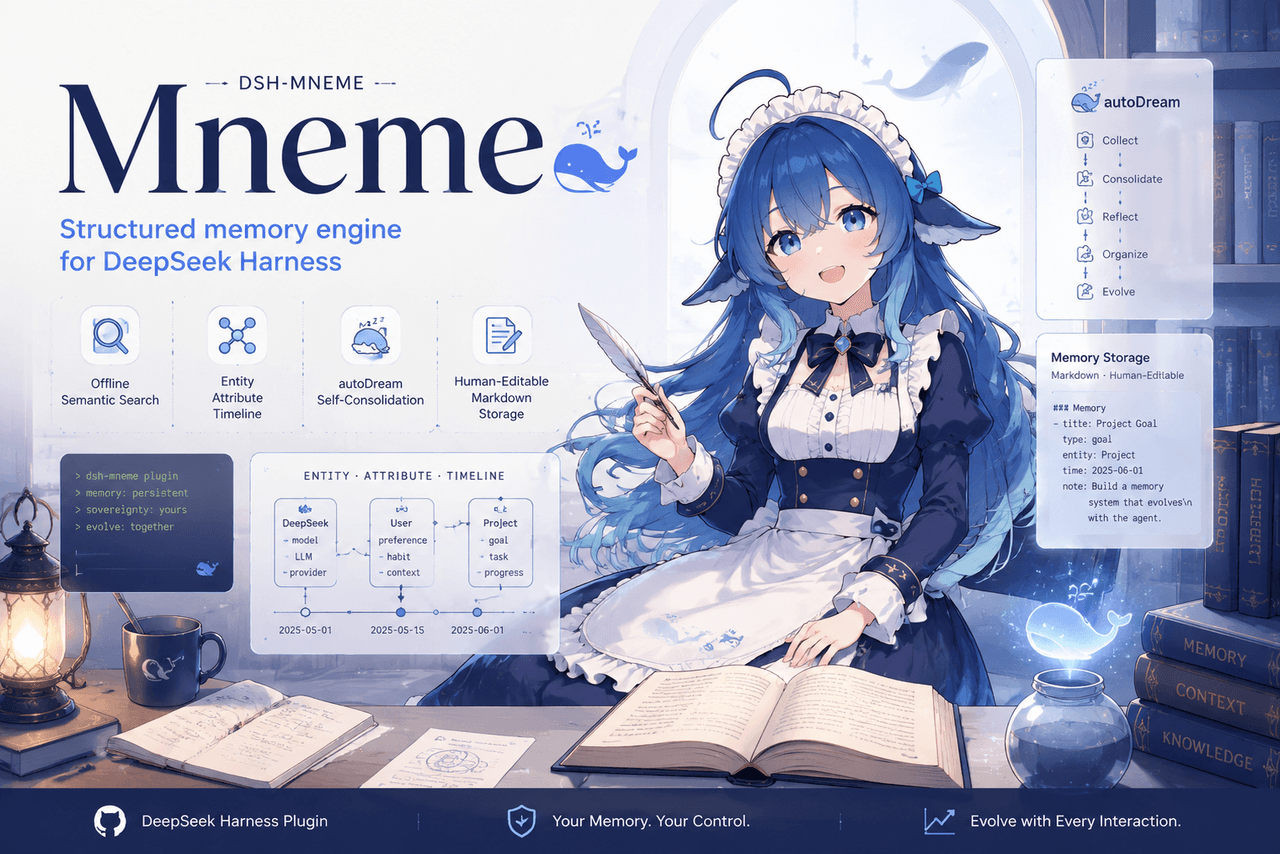 slow-stack/mneme
🧠 The memory that dreams — cross-session memory for DeepSeek Harness. Offline & private, auto-consolidates in its sleep…
slow-stack/mneme
🧠 The memory that dreams — cross-session memory for DeepSeek Harness. Offline & private, auto-consolidates in its sleep…
-
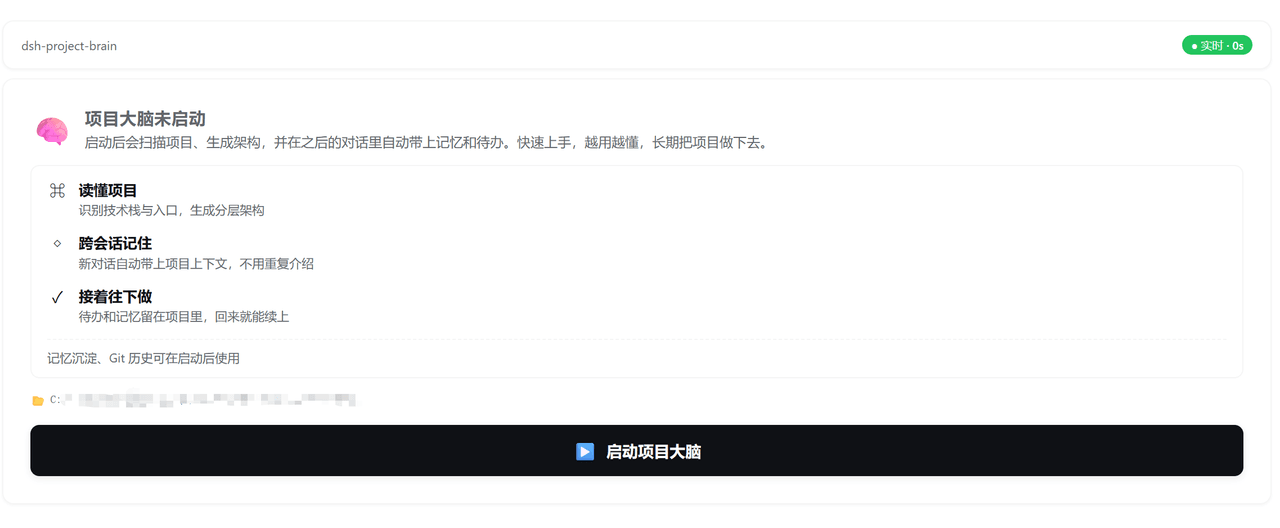 yj-liuzepeng/dsh-project-brain
Persistent project intelligence and memory plugin for DSH: architecture analysis, cross-session context, TODOs, and opti…
yj-liuzepeng/dsh-project-brain
Persistent project intelligence and memory plugin for DSH: architecture analysis, cross-session context, TODOs, and opti…
-
 1841220388zzzcccxxx-star/dsh-git-graph
Embedded git repository graph visualizer for the DeepSeek Harness Web GUI | 嵌入式 Git 仓库图谱可视化插件(提交历史图 / 分支过滤 / 文件 diff / V…
1841220388zzzcccxxx-star/dsh-git-graph
Embedded git repository graph visualizer for the DeepSeek Harness Web GUI | 嵌入式 Git 仓库图谱可视化插件(提交历史图 / 分支过滤 / 文件 diff / V…
- Breeze136/dsh-kb-rag 本地优先的文献知识库 RAG(DeepSeek Harness 插件):混合检索正文与图注,把模糊记忆定位到具体段落与图表,DOI 一键直达原文。Local-first literature RAG for DSH — turn a fuz…
-
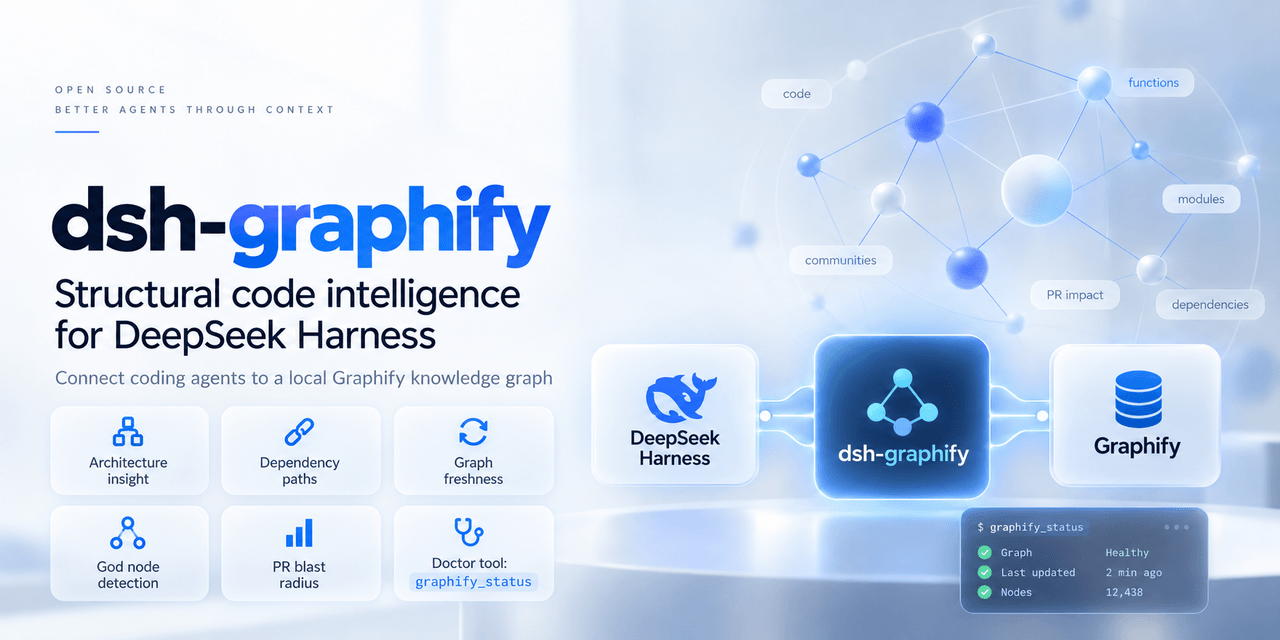 QuantumKuba/dsh-graphify-plugin
Native Graphify knowledge graph plugin for DeepSeek Harness (DSH) — code intelligence, god nodes, and topological agent …
QuantumKuba/dsh-graphify-plugin
Native Graphify knowledge graph plugin for DeepSeek Harness (DSH) — code intelligence, god nodes, and topological agent …
- CraZY222123/dsh-self-evolve Self-evolve memory plugin for DeepSeek Harness: learns from your own sessions, injects token-budgeted preference summari…
- Nzssm1/dsh-factor-investing A DeepSeek Harness (DSH) agent preset for institutional multi-factor stock-selection research: methodology knowledge bas…
- TindalosKorone/dsh-cheatengine DSH plugin bridging DeepSeek Harness agents to Cheat Engine: dynamic debugging, memory scanning, pointer analysis, break…