PangYiMing/dsh-mobile-control
DSH 插件,用于控制移动设备(ADB/iOS)——DeepSeek Harness 操控手机插件
Project Overview项目介绍
This is a native plugin built exclusively for DeepSeek Harness (DSH) that enables automated control of iOS simulators. It works by leveraging WebDriverAgent (WDA), an XCUITest runner that runs directly inside the simulator to expose a local HTTP API. Unlike alternative solutions like idb or cliclick/AppleScript, it does not require macOS accessibility permissions, works without idb, and can interact with any app including system dialogs. To install it directly from the source repository, run the command dsh plugin --profile demo add github:PangYiMing/dsh-mobile-control in your terminal. Once installed, it automatically registers 8 mobile_* tools to your DSH toolset.
After installation, you can trigger the tools directly with natural language in your DSH agent session. For example, you can type a prompt like "Use mobile_wda_up to start WDA, then use mobile_tap to tap coordinates (268, 492)" to complete the automation workflow. Common tools include checking WDA status, starting WDA, capturing screenshots, finding elements by accessibility label or class, tapping elements or coordinates, exporting accessibility trees, opening URLs, and granting privacy permissions to avoid system dialog blocks during automation. This plugin is designed for DSH users who need to automate iOS simulator UI interactions or run UI automation tests for iOS apps.
The plugin requires a full installation of Xcode to work properly, because XCUITest relies on testmanagerd to launch the HTTP service, which cannot be started with just simctl launch. It uses an idempotent design for starting WDA: if WDA is already running, it returns immediately, and cached builds avoid re-compilation, cutting startup time to around 30 seconds after the first run. It also automatically detects the correct WDA port, and unsigned simulator builds that support both arm64 and x86_64 can be reused across different Mac devices. Currently, it only supports iOS simulators, with Android support planned for future development, and the full source code is released under the permissive MIT open source license.
这是一个原生DeepSeek Harness(DSH)插件,用于自动化操控iOS模拟器。它通过运行在模拟器内部的WebDriverAgent(WDA)驱动设备,支持截图、点击、元素查找、打开URL、导出可访问性树等操作。相比其他方案,它无需 macOS 辅助功能授权,不依赖已下架的idb,可点击任意应用包括系统弹窗。
安装完成后,插件会自动向DSH注册多个以mobile_开头的工具。用户只需在DSH对话中用自然语言调用工具,即可完成启动WDA、获取截图、定位元素、点击操作等自动化流程。它适合需要基于DSH实现iOS应用UI自动化测试或交互操控的开发人员使用。
本插件依赖完整安装的Xcode才能运行,支持幂等启动WDA、端口自适应,编译后的WDA产物可跨Mac复用。目前仅支持iOS模拟器,暂不支持Android,真机需要重新签名,代码采用MIT许可开源免费使用。
请帮我安装这个 DSH 插件。安装前先完成【兼容性检查 + 安全性检查】,检查通过再动手。

插件:dsh-mobile-control(PangYiMing/dsh-mobile-control)
仓库:https://github.com/PangYiMing/dsh-mobile-control
本站详情页:https://www.yhbd.top/plugins/pangyiming-dsh-mobile-control/
本站登记:类型 client · 归类 原生 DSH 插件 · 许可证 MIT · ⭐ 3 · 最近提交 2026-08-14 · 主语言 JavaScript

按下面顺序执行,每步先把结论告诉我,再进入下一步:

【1 兼容性检查】
① 我这边:DSH 版本、Node 版本、操作系统、当前 profile(web / desktop)。
② 读它的 README、package.json、插件 manifest,列出它要求的 DSH 版本 / Node 版本 / 操作系统 / 外部依赖 / 需要另外先装的运行时。
③ 逐条比对,结论只写「满足 / 不满足 / 未知」三种;不满足的给出可行替代方案。
④ 检查是否和我已装的插件冲突:命令名重复、skill / tool 重名、端口占用、重复注册的 MCP server。

【2 安全性检查】
① 仓库可信度:和上面「本站登记」是否一致;star / fork 数、创建时间、最近提交,是否归档或长期停更。
② 安装脚本:逐行看 package.json 的 preinstall / install / postinstall,以及 install.sh、setup.ps1 之类脚本。出现 curl|bash、下载后直接执行、混淆代码、访问与插件功能无关的域名,立刻停下来告诉我,不要继续装。
③ 依赖:列出新增依赖,标出无人维护、或与知名包拼写近似的可疑包(typosquatting)。
④ 权限与副作用:它会读写哪些目录、访问哪些域名、需要哪些 DSH 权限(filesystem / network / shell / clipboard 等),以及怎么卸载和回滚。
⑤ 如果它要求 sudo / 管理员权限,或权限明显超出功能所需,先停下来问我。

【3 安装】
上面两步没有「不满足」和「高危项」时才执行;用官方推荐方式安装,不要自行提权。

【4 汇报】
用表格输出:检查项 / 结论 / 依据 / 是否需要我决策。拿不准的一律写「未知」并说明要我怎么确认——不要猜,也不要替我决定。
Send this message to DSH in your current session: it verifies compatibility and security first (answering met / not met / unknown item by item) and only installs once everything checks out — it will stop and ask you if it finds a high-risk item. The box scrolls; the copy is the full prompt. CLI install commands may not be accurate across systems, so DSH is the safer route.把上面这条消息直接发给当前会话里的 DSH:它会先核对兼容性与安全性(逐条给「满足 / 不满足 / 未知」),确认没问题再安装,有高危项会停下来问你。框内可滚动,复制到的是完整提示词;安装命令不一定准确,发给 DSH 更稳。
- Only 3 stars - very few users, little community feedback星标只有 3,几乎没人在用,遇到问题缺少社区反馈
DSH walks through these 9 checksDSH 会逐条核对这 9 项
Compatibility兼容性
- DSH, Node, OS and profile requirementsDSH 版本 / Node 版本 / 操作系统 / profile 是否满足要求
- External dependencies and runtimes (Electron / Python / Docker, ...)外部依赖与运行时(Electron / Python / Docker 等)是否齐备
- Conflicts with installed plugins: command names, skill / tool names, ports, duplicate MCP registration与已装插件是否冲突:命令名、skill / tool 重名、端口占用、重复 MCP 注册
Security安全性
- Repo matches the facts registered here; archived or abandoned?仓库是否与页面登记一致,是否归档或长期停更
- Safety of preinstall / install / postinstall and install.sh / setup.ps1preinstall / install / postinstall 与 install.sh、setup.ps1 是否安全
- curl|bash, download-then-execute, obfuscation, unrelated domains → stop immediatelycurl|bash、下载即执行、混淆代码、无关域名 → 立刻停止
- Typosquatting or unmaintained packages among the new dependencies新增依赖里有没有 typosquatting 或无人维护的包
- Requested permissions vs. what the feature actually needs申请了哪些权限、是否超出功能所需(filesystem / network / shell / clipboard)
- Any sudo / admin requirement, plus uninstall and rollback是否要求 sudo / 管理员权限,以及卸载与回滚方式
Anything uncertain must be marked unknown with a note on how to confirm it. This site's signal screen is a static snapshot, not a security audit.拿不准的必须标「未知」并说明要我怎么确认。本站的信号筛查是静态快照,不能替代安全审计。
Or use CLI install (for developers)或使用命令行安装(适合开发者)
CLI Install命令行安装
dsh plugin --profile demo add dsh-mobile-control把 PangYiMing/dsh-mobile-control 加入你的 DSH 配置(web profile)即可启用。
READMEREADME
dsh-mobile-control
DeepSeek Harness 插件 · 操控手机 / DSH plugin for controlling mobile devices
通过 WebDriverAgent(WDA) 驱动 iOS 模拟器:截图、点击、找元素、打开 URL、抓可访问性树。
WDA 是跑在模拟器内部的 XCUITest 运行器,暴露 localhost:8100 HTTP 服务——零 macOS 辅助功能授权、不依赖 idb、能点任意 app(含系统弹窗)。
Drives the iOS simulator through WebDriverAgent (WDA): screenshots, taps, element lookup, URL opening, accessibility-tree dumps. WDA is an in-simulator XCUITest runner exposing an HTTP API on localhost:8100 — no macOS accessibility permission, no idb, and it can tap any app, including system dialogs.
为什么用 WDA(而不是别的)
| 方案 | 问题 |
|---|---|
| idb (Meta) | homebrew-core 的 idb-companion formula 已下架,装不上 |
| cliclick / AppleScript | 走 macOS CGEvent,需要给终端授「辅助功能」权限,否则点了没反应 |
| WDA ✅ | 模拟器内部 XCTest 自动化特权点击,不走 CGEvent,任何 app 都能点 |
快速开始 Quick start
前置:完整版 Xcode(XCUITest 靠 testmanagerd 拉起,纯 simctl launch 起不来 HTTP 服务)。
bash scripts/wda-up.sh [UDID]            # 不传 UDID 用当前 Booted 的模拟器
curl -s localhost:8100/status | head -c 200   # 返回 build/os/device 即 OK
幂等设计:已在跑 → 秒返回;有缓存 → 免编译 ~30s;没缓存 → 首次 clone+编译一次(之后一直免编译)。端口自适应:WDA 构建产物的监听端口是编译时写死的(可能是 8100 或 8101 等),脚本从运行日志发现真实端口并写入 ~/.cache/webdriveragent/wda.port,插件和脚本都读它。模拟器包未签名、arch=arm64+x86_64,可跨 Mac 复用:把 Build/Products + .xctestrun 拷给别人,直接 test-without-building,谁都不用再编。真机不能这么白嫖(真机 WDA 必须用含设备 UDID 的描述文件重新签名)。
操控 API
见 docs/wda-drive.md:建会话、找元素、点击、坐标点击、可访问性树、截图、隐私预授权、scheme 打开 URL——全部 curl 可调。
DSH 工具 Tools
安装插件后,以下 mobile_* 工具自动注册进 agent 的工具集:
| 工具 | 说明 |
|---|---|
mobile_status |
检查 WDA 是否在服务(端口自适应,默认 8100) |
mobile_wda_up |
幂等启动 WDA(首次 clone+编译,之后免编译 ~30s) |
mobile_screenshot |
simctl 截图到 PNG |
mobile_find_element |
按 accessibility label / class 找 UI 元素(返回元素 id) |
mobile_tap |
点元素(elementId)或按逻辑点坐标(x/y)点击 |
mobile_accessibility_tree |
导出当前前台 app 的可访问性树 XML |
mobile_open_url |
simctl openurl 打开 URL 或自定义 scheme 深链 |
mobile_grant_privacy |
simctl privacy grant 预授权,避免系统弹窗挡自动化 |
# 安装后直接在 agent 会话里用自然语言触发:
#   "用 mobile_wda_up 启动 WDA,然后 mobile_tap 点 (268, 492)"
dsh plugin --profile demo add dsh-mobile-control
路线图 Roadmap
- WDA 幂等启动(
scripts/wda-up.sh) - 建会话 / 找元素 / 点击 / 坐标点击 / 可访问性树
-
simctl截图 + privacy 预授权 - 自定义 scheme 打开 URL(deeplink)
- 封装为 DSH 工具(8 个
mobile_*tools) - Android(ADB)支持
- 元素级滑动 / 长按 / 输入文本
安装 Install
# 发布到 npm 后
dsh plugin --profile demo add dsh-mobile-control

# 或从 GitHub 安装(源码安装需要 prepare 构建)
dsh plugin --profile demo add github:PangYiMing/dsh-mobile-control
许可证 License
Related相关推荐
-
 reactive-resume/reactive-resume
A one-of-a-kind resume builder that keeps your privacy in mind. Completely secure, customizable, portable, open-source a…
reactive-resume/reactive-resume
A one-of-a-kind resume builder that keeps your privacy in mind. Completely secure, customizable, portable, open-source a…
-
 anywhere-labs/dsh-desktop
为 DeepSeek Harness (DSH) 插件生态打造的现代化桌面端解决方案。万物皆「插件」,桌面本身也是「插件」。
anywhere-labs/dsh-desktop
为 DeepSeek Harness (DSH) 插件生态打造的现代化桌面端解决方案。万物皆「插件」,桌面本身也是「插件」。
-
 dataelement/dsh-desktop
DSHDesktop:DeepSeek Harness Desktop / DeepSeek Harness 桌面版
dataelement/dsh-desktop
DSHDesktop:DeepSeek Harness Desktop / DeepSeek Harness 桌面版
-
 ccch1mneyyy/dsh-TUI
DSH's officially top-recommended TUI plugin — high performance, low overhead, cute pixel whale, smooth mouse interaction…
ccch1mneyyy/dsh-TUI
DSH's officially top-recommended TUI plugin — high performance, low overhead, cute pixel whale, smooth mouse interaction…
- dsh-tauri/deepseek-harness-desktop DeepSeek Harness Tauri 桌面版 | Only 5mb installer, zero environment setup, preset plugins, Windows / macOS / Linux.
-
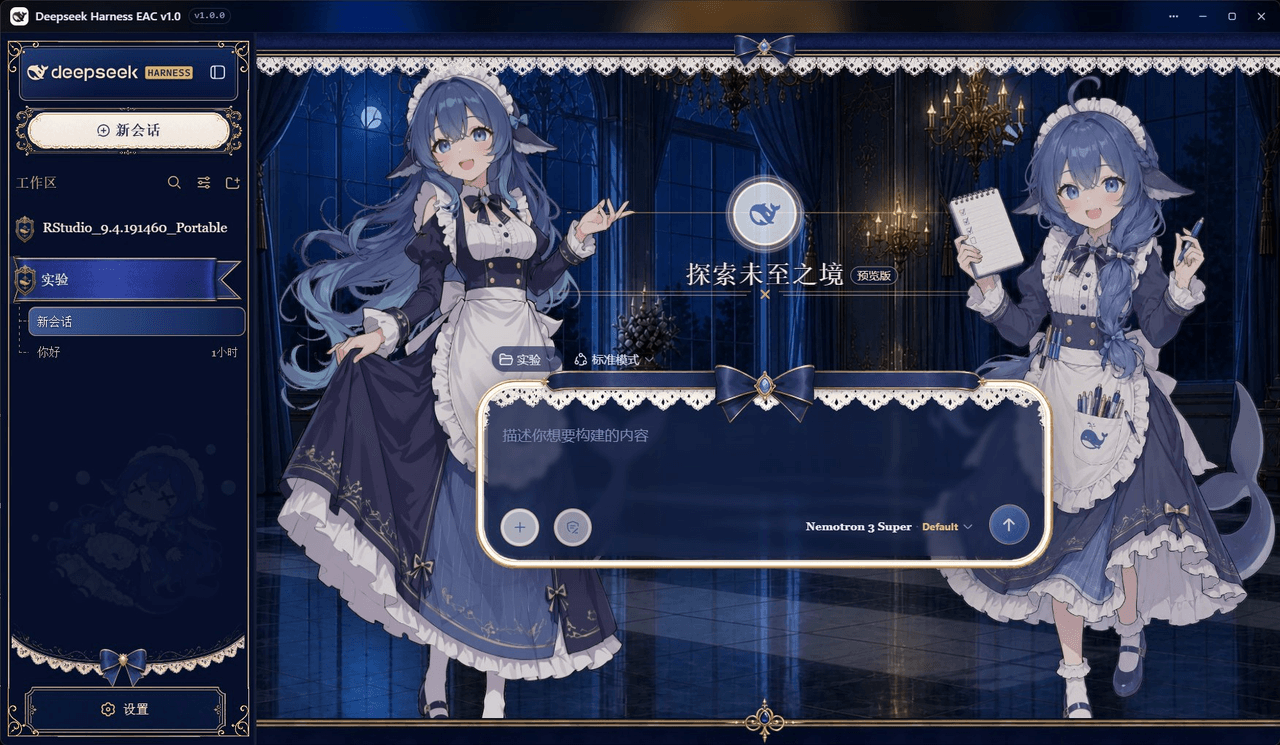 DSH-EAC/DSH-Desktop-EAC
Embracing All Creation — A plugin suite for harmonious coexistence of hundreds of plugins / 揽尽万象 —— 致力于让数百个插件和谐共存的插件整合包
DSH-EAC/DSH-Desktop-EAC
Embracing All Creation — A plugin suite for harmonious coexistence of hundreds of plugins / 揽尽万象 —— 致力于让数百个插件和谐共存的插件整合包
-
 shaobeichen/dsh-pocket
把 DeepSeek Harness 装进你的口袋:电脑上跑 dsh web,手机扫码即同步访问(局域网 + 公网,实时同屏)Put DeepSeek Harness in your pocket: run dsh web on your …
shaobeichen/dsh-pocket
把 DeepSeek Harness 装进你的口袋:电脑上跑 dsh web,手机扫码即同步访问(局域网 + 公网,实时同屏)Put DeepSeek Harness in your pocket: run dsh web on your …
-
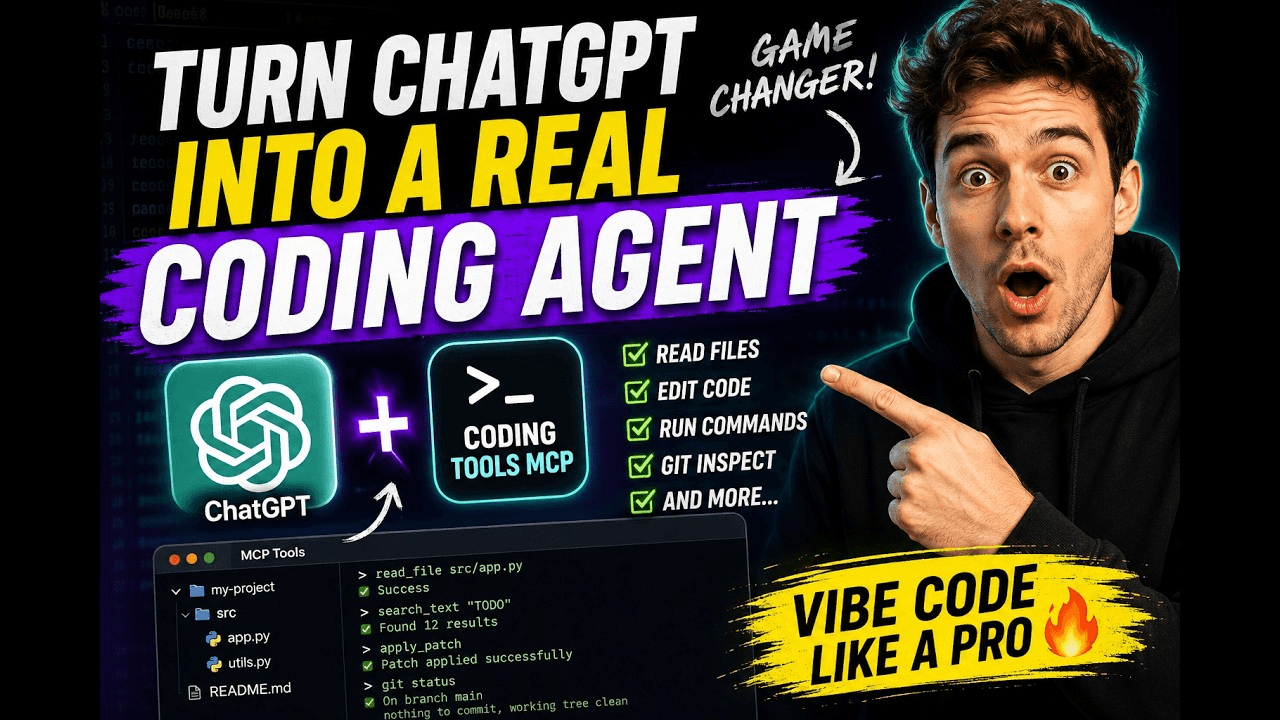 xyTom/coding-tools-mcp
Give any AI agent the ability to code
xyTom/coding-tools-mcp
Give any AI agent the ability to code