papachong/deepseek-harness-tui
This is a standalone terminal for deepseek-harness (designed based on a plug-in approach), updated in sync with the official deepseek-harness repository, and inherits the capabilities of the official product.
项目介绍Project Overview
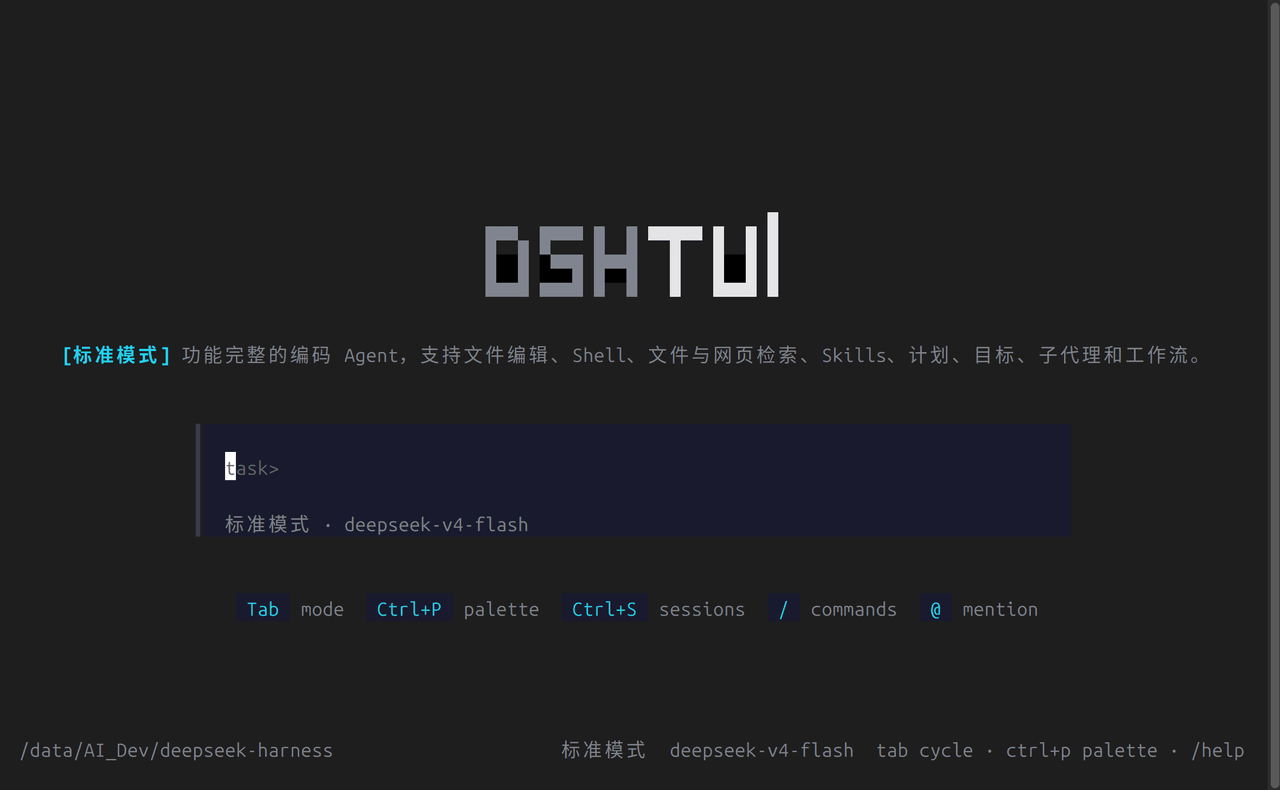
DSH TUI 是 DeepSeek Harness 的终端界面插件,基于 OpenTUI(SolidJS)渲染,将代理循环以进程内方式运行。它提供流式 Markdown、按工具分类的卡片(终端、diff、读取、搜索、网页)、斜杠命令自动补全、@路径 与 @[会话] 引用、33 种主题、Tab 切换的工作模式,以及中英文运行时切换与会话持久化。适用于希望以终端形式与 dsh 插件代理交互、配置自定义 cordis.yml 组合的用户。注意:当前仅以 npm 包形式分发,需 Node.js ^22.19 或 ≥24 及 Bun 1.3+ 运行。
DSH TUI is a terminal interface plugin for DeepSeek Harness, rendering the in-process agent loop via OpenTUI (SolidJS). It provides streaming Markdown, per-tool cards (terminal, diff, read, search, web), slash-command autocomplete, @path and @[session] mentions, 33 themes, tab-cyclable work modes, runtime locale switching, and JSONL session persistence. Use it to drive dsh plugin agents from the terminal or to compose custom cordis.yml configurations. Note: it is distributed only as the npm bundle @ruhooai/dsh-tui and requires Node.js ^22.19 or ≥24 plus Bun 1.3+ to run.
请帮我了解并安装插件:【deepseek-harness-tui】【https://github.com/papachong/deepseek-harness-tui】把上面这条消息直接发给当前会话里的 DSH,让它帮你了解并安装。安装命令不一定准确,发给 DSH 更稳。Send this message to DSH in your current session. CLI install commands may not be accurate across systems — DSH will figure it out for you.
或使用命令行安装(适合开发者)Or use CLI install (for developers)
命令行安装CLI Install
dsh plugin --profile default add @ruhooai/dsh-tui把 papachong/deepseek-harness-tui 加入你的 DSH 配置(web profile)即可启用。
READMEREADME
DSH TUI
English | 中文
A terminal UI for DeepSeek Harness, the plugin-based agent harness where everything is a plugin. DSH TUI runs the agent loop in-process and renders it with an OpenTUI (SolidJS) interface: streaming markdown, per-tool cards, themes, and work modes.
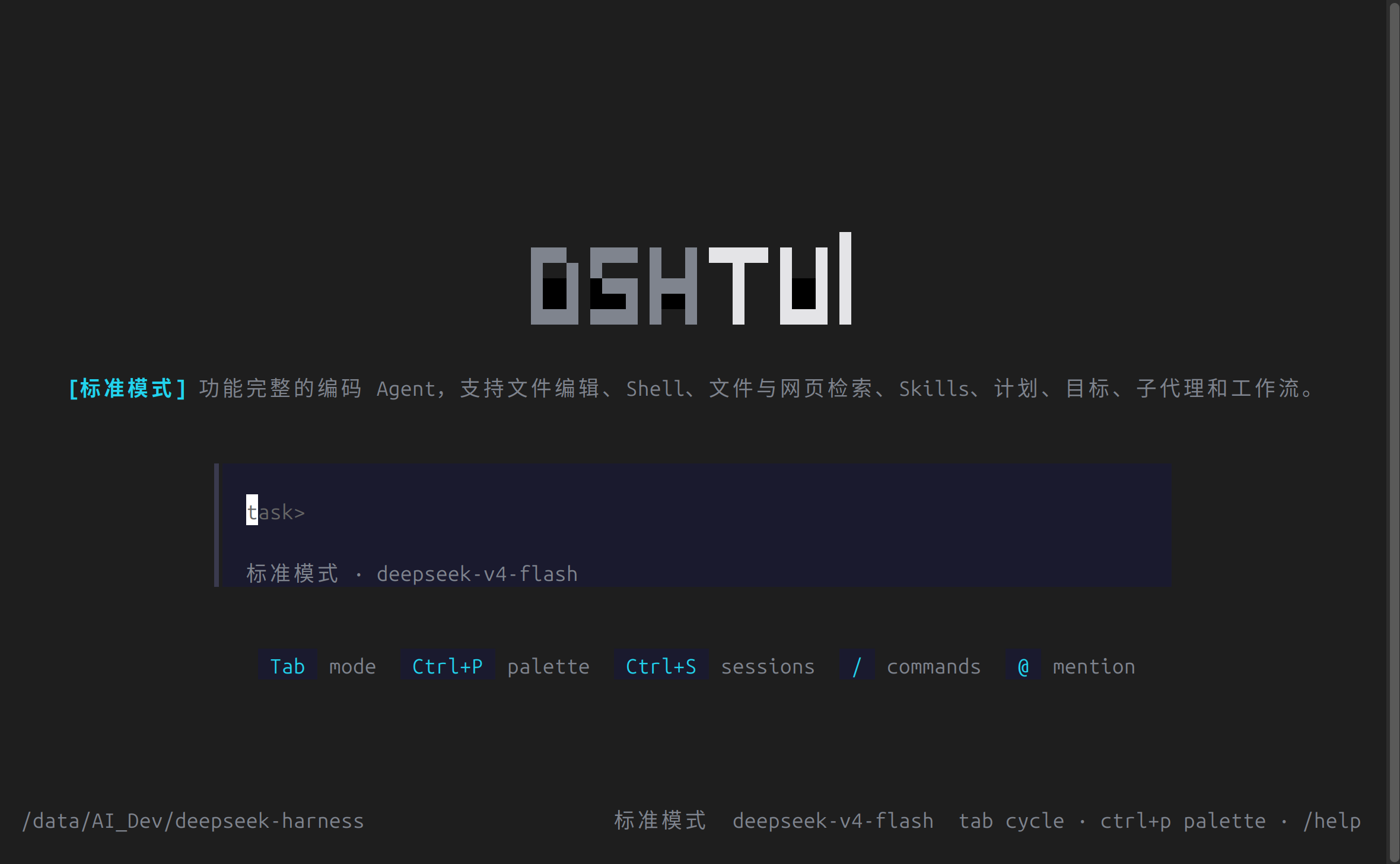
Features:
- Home and chat pages with streaming markdown replies
- Tool-call cards: terminal, diff, read, search, web
- Slash commands with an autocomplete menu:
/model,/mode,/theme,/lang,/sessions,/clear,/compact,/goal,/plan @pathfile mentions and@[session]cross-session mentions- Sidebar session list with resume, approval prompts, 33 themes
- Tab-cyclable work modes (standard / code / minimal / cordis) backed by agent presets
- Runtime UI locale switching (
en/zh), detected from the system env and overridable via/lang - JSONL session persistence under
./.sessions(override withDSH_SESSION_ROOT)
Install
DSH TUI is a dsh bundle distributed through the npm ecosystem (no standalone binary). The package is published as @ruhooai/dsh-tui with a prebuilt lib/.
Via dsh (recommended)
Install the bundle into a profile, then launch through the profile:
dsh plugin --profile default add @ruhooai/dsh-tui
Add dsh-tui to the profile's dsh.profile.bundles (the add command appends it), then run the profile's bin. Set DEEPSEEK_API_KEY for live model turns; see the dsh publish guide for the bundle/package.json "dsh" metadata.
Via npm directly
bunx --bun @ruhooai/dsh-tui cordis.yml
Requires @deepseek-ai/dsh-* peer packages to be resolvable (the dsh profile install path satisfies this; a bare bunx needs the peers present in the surrounding node_modules).
From source (for development)
Requires Node.js ^22.19 or >=24 (build tooling) and Bun 1.3+ (compiles the Solid view and runs the result — the OpenTUI renderer draws through bun:ffi, which Node.js does not provide).
git clone https://github.com/papachong/deepseek-harness-tui.git
cd deepseek-harness-tui
pnpm install          # needs Node.js ^22.19 or >=24, and Bun for the view build
pnpm run build        # tsc + tsdown bundles; Bun.build compiles the Solid view
cd packages/bundle/tui
echo 'DEEPSEEK_API_KEY=sk-...' > .env
bun lib/bin.js cordis.yml
To hack on the interface, the view layer lives in packages/bundle/tui/src/view/ (SolidJS components, store, themes) and the REPL runner in src/runner.ts. Rebuild the view with pnpm --filter @ruhooai/dsh-tui run build:view and relaunch bun lib/bin.js.
To compose your own agent instead of editing the UI, write your own cordis.yml — mount different plugins, presets, or models — and point the bin at it. The TUI renders whatever the composition produces.
The bin takes the composition config from the first non-empty channel: $DSH_CORDIS_CONFIG, then the positional argument. Useful flags and variables:
--resume <sessionId>— rebuild the agent on a persisted sessionDSH_SESSION_ROOT— session storage root (default./.sessions)DSH_CWD— working directory for bash and filesystem tools
Planned
- Single-file binary: a download-and-run executable per platform (Windows/macOS/Linux) is explored as a future channel via
bun build --compile, but the npm bundle path above is the official distribution.
Contributing
Issues and pull requests are welcome at github.com/papachong/deepseek-harness-tui. Before pushing, run the relevant checks (pnpm run typecheck, pnpm run lint, focused pnpm run test); see AGENTS.md for repository conventions.
License
相关推荐Related
-
 ccch1mneyyy/dsh-TUI
DSH 官方公众号收录的 TUI 补位插件:Claude Code 风,鲸鱼顶栏/实时状态/流式思考/双击 Esc 回滚/上下文进度+TPS。npm 一键装。 DSH official WeChat featured TUI plugin…
ccch1mneyyy/dsh-TUI
DSH 官方公众号收录的 TUI 补位插件:Claude Code 风,鲸鱼顶栏/实时状态/流式思考/双击 Esc 回滚/上下文进度+TPS。npm 一键装。 DSH official WeChat featured TUI plugin…
-
 ChisaAlter/Deepseek-Harness-Desktop
DSH桌面端,支持主题和背景图等多种个性化配置。Electron desktop shell for DeepSeek Harness web UI
ChisaAlter/Deepseek-Harness-Desktop
DSH桌面端,支持主题和背景图等多种个性化配置。Electron desktop shell for DeepSeek Harness web UI
-
 Hilbert-beinghappy/seektty
Pluggable DeepSeek-colored TUI for DeepSeek Harness
Hilbert-beinghappy/seektty
Pluggable DeepSeek-colored TUI for DeepSeek Harness
-
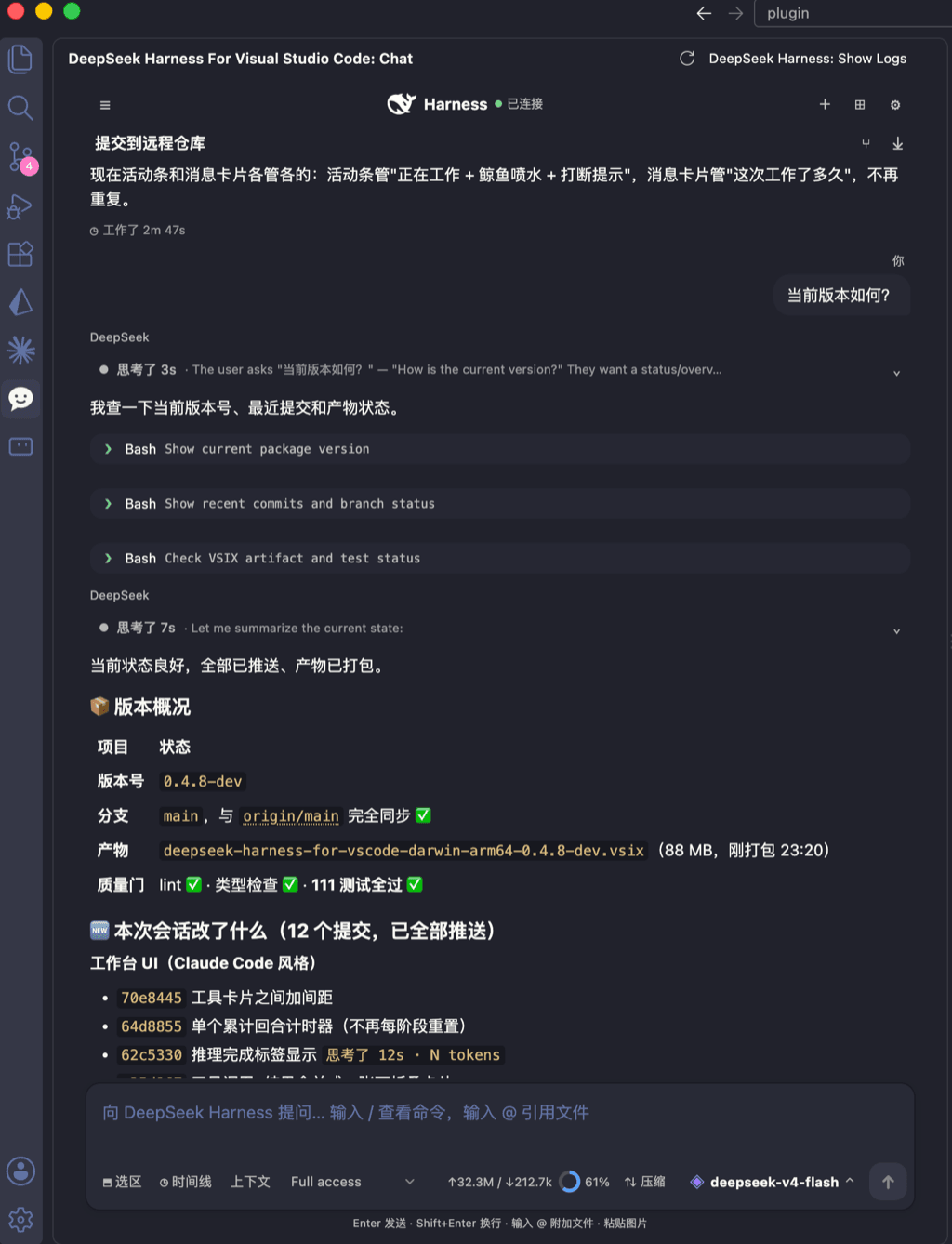 skymecode/deepseek-harness-for-vscode
deepseek-harness for vscode .A native VS Code coding-agent extension for DeepSeek Harness. Streamlined workbench with se…
skymecode/deepseek-harness-for-vscode
deepseek-harness for vscode .A native VS Code coding-agent extension for DeepSeek Harness. Streamlined workbench with se…
-
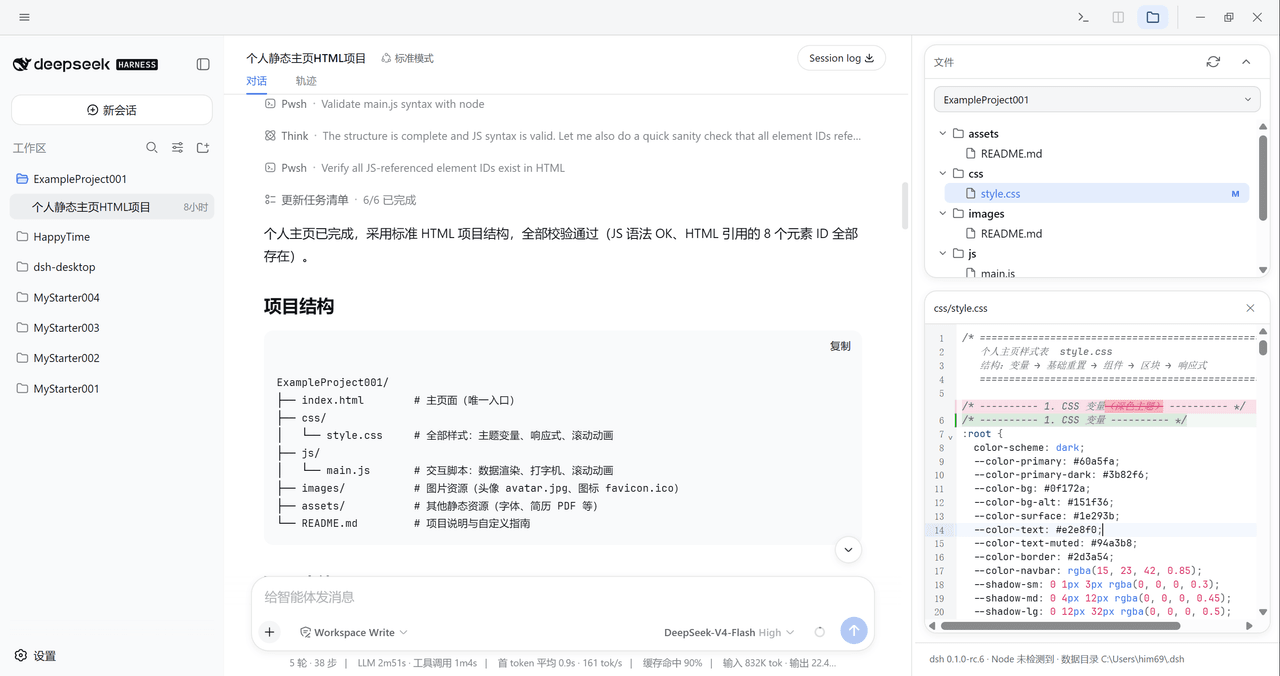 xiincs/deepseek-harness-desktop
DeepSeek Harness 原生桌面版,基于 Tauri 2,内置 Node.js 运行时,一键安装,极速启动,托盘常驻,自动更新。DeepSeek Harness native desktop version: built on T…
xiincs/deepseek-harness-desktop
DeepSeek Harness 原生桌面版,基于 Tauri 2,内置 Node.js 运行时,一键安装,极速启动,托盘常驻,自动更新。DeepSeek Harness native desktop version: built on T…
-
 rison114514/dsh-endfield-ui
Endfield-inspired industrial UI shell for DeepSeek Harness (dsh) — non-official fan theme. Install: dsh plugin --profile…
rison114514/dsh-endfield-ui
Endfield-inspired industrial UI shell for DeepSeek Harness (dsh) — non-official fan theme. Install: dsh plugin --profile…
-
 T-Auto/dsh-ecosystem-spec
deepseek-harness TUI Plugin Access and Implementation Standards / deepseek-harness终端交互生态插件准入规范与实施标准
T-Auto/dsh-ecosystem-spec
deepseek-harness TUI Plugin Access and Implementation Standards / deepseek-harness终端交互生态插件准入规范与实施标准
-
 dsh-tui/dsh-tui
Claude Code-style terminal UI for DeepSeek Harness agents, as an out-of-tree dsh plugin bundle
dsh-tui/dsh-tui
Claude Code-style terminal UI for DeepSeek Harness agents, as an out-of-tree dsh plugin bundle