pharaohnie/dsh-rtk-tools
DSH plugin: expose rtk (Rust Token Killer) as wide-category Tools — save 60-90% tokens on shell output with softRewriteBash routing
Project Overview项目介绍
This is a DSH plugin that exposes over 60 token optimization subcommands from rtk (Rust Token Killer) as model-callable tools. It cuts 60-90% tokens from shell output via four strategies. Use it when compressing shell output to save LLM context. Install rtk binary yourself, some high-risk commands are blocked for security.
这是一款DSH插件,将rtk(Rust Token Killer)的60余个token优化子命令暴露为可被模型调用的工具,可通过四大优化策略为shell输出节省60%-90%的token。需要压缩shell命令输出节省LLM上下文时可使用,需自行提前安装rtk二进制,部分高危命令出于安全被禁用。
请帮我安装这个 DSH 插件。安装前先完成【兼容性检查 + 安全性检查】,检查通过再动手。

插件:dsh-rtk-tools(pharaohnie/dsh-rtk-tools)
仓库:https://github.com/pharaohnie/dsh-rtk-tools
本站详情页:https://www.yhbd.top/plugins/pharaohnie-dsh-rtk-tools/
本站登记:类型 plugin · 归类 原生 DSH 插件 · 许可证 Apache-2.0 · ⭐ 2 · 最近提交 2026-08-26 · 主语言 TypeScript

按下面顺序执行,每步先把结论告诉我,再进入下一步:

【1 兼容性检查】
① 我这边:DSH 版本、Node 版本、操作系统、当前 profile(web / desktop)。
② 读它的 README、package.json、插件 manifest,列出它要求的 DSH 版本 / Node 版本 / 操作系统 / 外部依赖 / 需要另外先装的运行时。
③ 逐条比对,结论只写「满足 / 不满足 / 未知」三种;不满足的给出可行替代方案。
④ 检查是否和我已装的插件冲突:命令名重复、skill / tool 重名、端口占用、重复注册的 MCP server。

【2 安全性检查】
① 仓库可信度:和上面「本站登记」是否一致;star / fork 数、创建时间、最近提交,是否归档或长期停更。
② 安装脚本:逐行看 package.json 的 preinstall / install / postinstall,以及 install.sh、setup.ps1 之类脚本。出现 curl|bash、下载后直接执行、混淆代码、访问与插件功能无关的域名,立刻停下来告诉我,不要继续装。
③ 依赖:列出新增依赖,标出无人维护、或与知名包拼写近似的可疑包(typosquatting)。
④ 权限与副作用:它会读写哪些目录、访问哪些域名、需要哪些 DSH 权限(filesystem / network / shell / clipboard 等),以及怎么卸载和回滚。
⑤ 如果它要求 sudo / 管理员权限,或权限明显超出功能所需,先停下来问我。

【3 安装】
上面两步没有「不满足」和「高危项」时才执行;用官方推荐方式安装,不要自行提权。

【4 汇报】
用表格输出:检查项 / 结论 / 依据 / 是否需要我决策。拿不准的一律写「未知」并说明要我怎么确认——不要猜,也不要替我决定。
Send this message to DSH in your current session: it verifies compatibility and security first (answering met / not met / unknown item by item) and only installs once everything checks out — it will stop and ask you if it finds a high-risk item. The box scrolls; the copy is the full prompt. CLI install commands may not be accurate across systems, so DSH is the safer route.把上面这条消息直接发给当前会话里的 DSH:它会先核对兼容性与安全性(逐条给「满足 / 不满足 / 未知」),确认没问题再安装,有高危项会停下来问你。框内可滚动,复制到的是完整提示词;安装命令不一定准确,发给 DSH 更稳。
- Only 2 stars - very few users, little community feedback星标只有 2,几乎没人在用,遇到问题缺少社区反馈
DSH walks through these 9 checksDSH 会逐条核对这 9 项
Compatibility兼容性
- DSH, Node, OS and profile requirementsDSH 版本 / Node 版本 / 操作系统 / profile 是否满足要求
- External dependencies and runtimes (Electron / Python / Docker, ...)外部依赖与运行时(Electron / Python / Docker 等)是否齐备
- Conflicts with installed plugins: command names, skill / tool names, ports, duplicate MCP registration与已装插件是否冲突:命令名、skill / tool 重名、端口占用、重复 MCP 注册
Security安全性
- Repo matches the facts registered here; archived or abandoned?仓库是否与页面登记一致,是否归档或长期停更
- Safety of preinstall / install / postinstall and install.sh / setup.ps1preinstall / install / postinstall 与 install.sh、setup.ps1 是否安全
- curl|bash, download-then-execute, obfuscation, unrelated domains → stop immediatelycurl|bash、下载即执行、混淆代码、无关域名 → 立刻停止
- Typosquatting or unmaintained packages among the new dependencies新增依赖里有没有 typosquatting 或无人维护的包
- Requested permissions vs. what the feature actually needs申请了哪些权限、是否超出功能所需(filesystem / network / shell / clipboard)
- Any sudo / admin requirement, plus uninstall and rollback是否要求 sudo / 管理员权限,以及卸载与回滚方式
Anything uncertain must be marked unknown with a note on how to confirm it. This site's signal screen is a static snapshot, not a security audit.拿不准的必须标「未知」并说明要我怎么确认。本站的信号筛查是静态快照,不能替代安全审计。
Or use CLI install (for developers)或使用命令行安装(适合开发者)
CLI Install命令行安装
dsh plugin --profile web add github:pharaohnie/dsh-rtk-tools把 pharaohnie/dsh-rtk-tools 加入你的 DSH 配置(web profile)即可启用。
READMEREADME
dsh-rtk-tools
DSH 插件:把 rtk (Rust Token Killer) 的 60+ 个 token 优化子命令暴露成模型可调用的 Tool,shell 输出节省 60-90% token(filter / grouping / truncation / dedup 四大策略,由 rtk 二进制实现)。
安装
# 1. 先安装 rtk(本插件不打包二进制)
brew install rtk
# 或: curl -fsSL https://raw.githubusercontent.com/rtk-ai/rtk/master/install.sh | sh
# 或: cargo install --git https://github.com/rtk-ai/rtk

# 2. 挂载插件(web profile)
dsh plugin --profile web add <path-to-this-directory>
# 重启 DSH 生效
工具(10 个)
| 工具 | 用途 | args 示例 |
|---|---|---|
rtk_git |
任意 git 子命令(59-80% 节省) | ["status"]、["log","--oneline","-n","20"] |
rtk_search |
ls/tree/read/grep/rg/find/wc/env/json/log/deps/summary/format/smart(60-75%) | ["grep","TODO","."]、["read","file.ts"] |
rtk_build |
cargo/tsc/lint/next/prettier/ruff/golangci-lint/rubocop/mvn/gradlew/sbt/dotnet/php 系(70-87%) | ["cargo","build"]、["tsc"] |
rtk_test |
jest/vitest/pytest/go/cargo/rake/rspec/playwright/mvn/gradlew/sbt/dotnet/php 系(60-99.5%) | ["vitest"]、["pytest"] |
rtk_pkg |
pnpm/npm/npx/pip/uv/cargo/prisma(70-90%) | ["pnpm","list"] |
rtk_infra |
docker/kubectl/oc/aws/glab/gt/pulumi(26-85%) | ["docker","ps"] |
rtk_cloud |
curl/wget/psql(65-70%) | ["curl","-s","https://..."] |
rtk_err |
任意命令只看 errors/warnings(70-90%) | ["npm","install"] |
rtk_summary |
任意命令 2 行智能摘要(70-90%) | ["npm","test"] |
rtk_doctor |
诊断 rtk 安装状态 | {} |
不暴露(安全设计):rtk run(sh -c 透传,会绕过 DSH 沙箱)及 15 个元命令(init/hook/discover/config/rewrite/trust/telemetry 等)--如确需运行请直接使用 bash 工具。
设计要点
- 执行通道:主路径
ctx.shell.run(参数经 POSIX 单引号转义拼 command 字符串),自动继承 DSH 沙箱/审批/spill/jobs 治理;shell 服务异常时降级execFile直接 argv spawn。 - 白名单校验:无前缀工具的
args[0]必须命中该类别白名单(真实 rtk 子命令);全局黑名单硬拒绝元命令。 - canonical output:
{ stdout, stderr, exitCode(number|null), timedOut, truncated, spillPath?, durationMs, rtkCommand, rtkVersion };截断输出 spill 到磁盘,模型可用 read 工具读spillPath。 - 与 dsh-context-mode 正交:一个管大文件检索/知识库,一个管 shell 输出压缩,可共存。
配置
# dsh profile 配置(可选)
- id: rtk-tools
  name: dsh-rtk-tools
  # config:
  #   rtkPath: /opt/homebrew/bin/rtk
  #   defaultTimeoutMs: 30000
  #   stdoutMaxBytes: 200000
  #   injectSystemPromptSection: true
  #   enabledTools: [git, search, test, doctor]
环境变量:RTK_BIN(路径覆盖)、RTK_DEFAULT_TIMEOUT_MS、RTK_STDOUT_MAX_BYTES。
验证
cd <path-to-this-directory>
node scripts/smoke.ts        # 冒烟测试(resolveRtkPath / shQuote / 白名单 / schema)
License
- 本插件:Apache License 2.0
- rtk 二进制:Apache License 2.0(本插件不分发 rtk 二进制,用户自行安装)
Related相关推荐
-
 Q00/ouroboros
Agent OS: the agent gets smarter on its own. We just hold the line: Interview-gated, staged evaluation, budgeted evoluti…
Q00/ouroboros
Agent OS: the agent gets smarter on its own. We just hold the line: Interview-gated, staged evaluation, budgeted evoluti…
-
 crafter-station/petdex
A public gallery of animated pets for Codex, Claude Code, DeepSeek Harness, Hermes, OpenCode, Gemini CLI, and more.
crafter-station/petdex
A public gallery of animated pets for Codex, Claude Code, DeepSeek Harness, Hermes, OpenCode, Gemini CLI, and more.
-
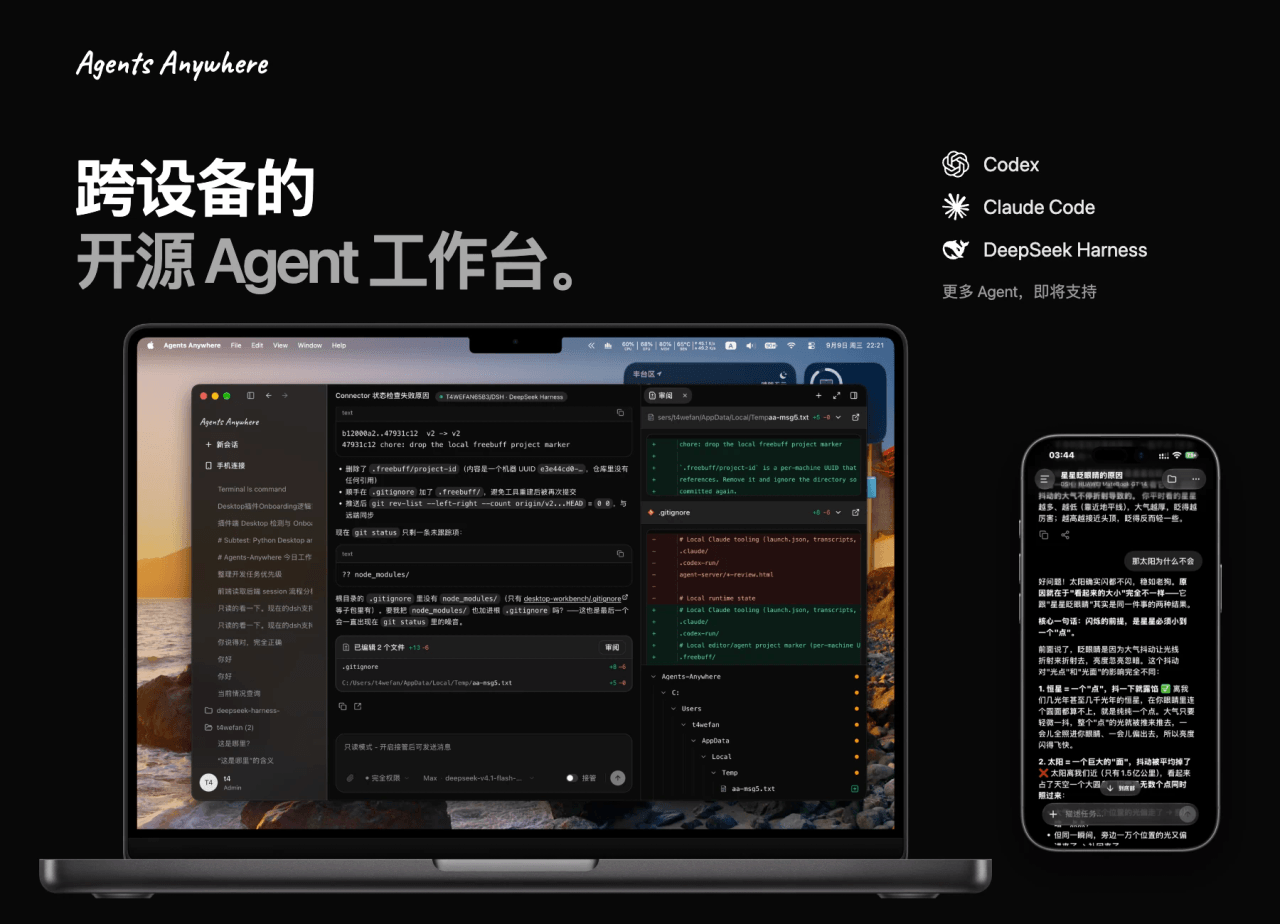 anywhere-labs/Agents-Anywhere
跨设备的开源Agent工作台
anywhere-labs/Agents-Anywhere
跨设备的开源Agent工作台
- PerryLink/jevcore TypeSafe Jev for DeepSeek Harness, the Model Context Protocol, and plain Node: typed judgments instead of prose, offline…
-
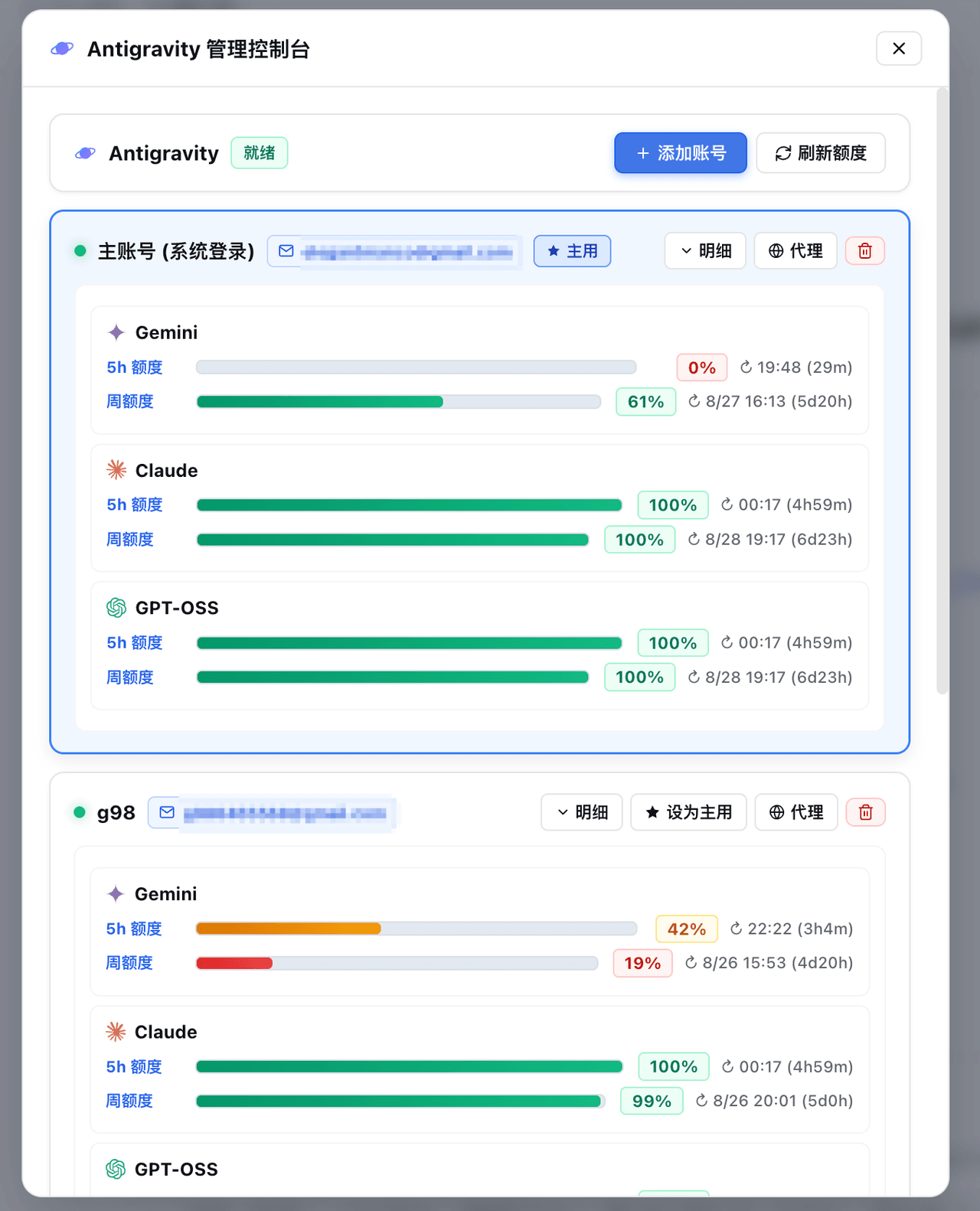 amlyczz/dsh-agy-link
Google Antigravity (agy CLI) models for DeepSeek Harness — streaming chat, thinking, tool activity, usage, in-GUI Google…
amlyczz/dsh-agy-link
Google Antigravity (agy CLI) models for DeepSeek Harness — streaming chat, thinking, tool activity, usage, in-GUI Google…
-
 opencues/opencues
The open standard for omnipresent AI. Claude Code, OpenCode, Gemini CLI, Shell, Chrome, DeepSeek Harness. Model-agnostic
opencues/opencues
The open standard for omnipresent AI. Claude Code, OpenCode, Gemini CLI, Shell, Chrome, DeepSeek Harness. Model-agnostic
-
 chaos-03x/dsh-agy
Google Antigravity (agy) OAuth auth + model access plugin for DeepSeek Harness: multi-account pool, 429 rotation, device…
chaos-03x/dsh-agy
Google Antigravity (agy) OAuth auth + model access plugin for DeepSeek Harness: multi-account pool, 429 rotation, device…
- aa2246740/dsh-model-fusion Fusion for DeepSeek Harness: a frontier Lead plans and reviews, a much cheaper Sidekick writes the code — frontier resul…