rakibulrocky14/dsh-cli
DeepSeek Harness in the terminal — Web-GUI-parity Cordis CLI plugin with full-screen TUI.
Project Overview项目介绍
dsh-cli is an unofficial community terminal interface plugin for DeepSeek Harness. It delivers Web-GUI parity terminal TUI experience, supports full agent presets, existing DSH plugin compatibility, and multiple boot modes, for developers who prefer terminal-based workflows. It is an independent open source project not affiliated with DeepSeek official.
dsh-cli 是面向 DeepSeek Harness 的社区开发终端界面插件。它提供与网页端功能对等的终端 TUI 体验,支持全功能代理预设、现有插件兼容、多启动模式,适合偏好终端工作流的开发者使用。注意:本项目为非官方社区项目,不隶属于 DeepSeek 官方。
请帮我了解并安装插件:【dsh-cli】【https://github.com/rakibulrocky14/dsh-cli】Send this message to DSH in your current session. CLI install commands may not be accurate across systems — DSH will figure it out for you.把上面这条消息直接发给当前会话里的 DSH,让它帮你了解并安装。安装命令不一定准确,发给 DSH 更稳。
Or use CLI install (for developers)或使用命令行安装(适合开发者)
CLI Install命令行安装
dsh plugin --profile terminal add github:rakibulrocky14/dsh-cli把 rakibulrocky14/dsh-cli 加入你的 DSH 配置(web profile)即可启用。
READMEREADME
⚡ dsh-cli (dsh-terminal)
DeepSeek Harness in the terminal — A Web-GUI-parity Cordis surface over
dsh-base. Your agents, presets, tools, sessions, approval, settings, and plugins directly in your terminal. Nothing extra, nothing less.


-0066FF.svg)
[!IMPORTANT] Disclaimer: This is an independent, community-driven open-source project and is not affiliated with, endorsed by, or sponsored by DeepSeek AI or the official DeepSeek team. "DeepSeek" and "DeepSeek Harness" are trademarks of their respective holders.
✨ Features
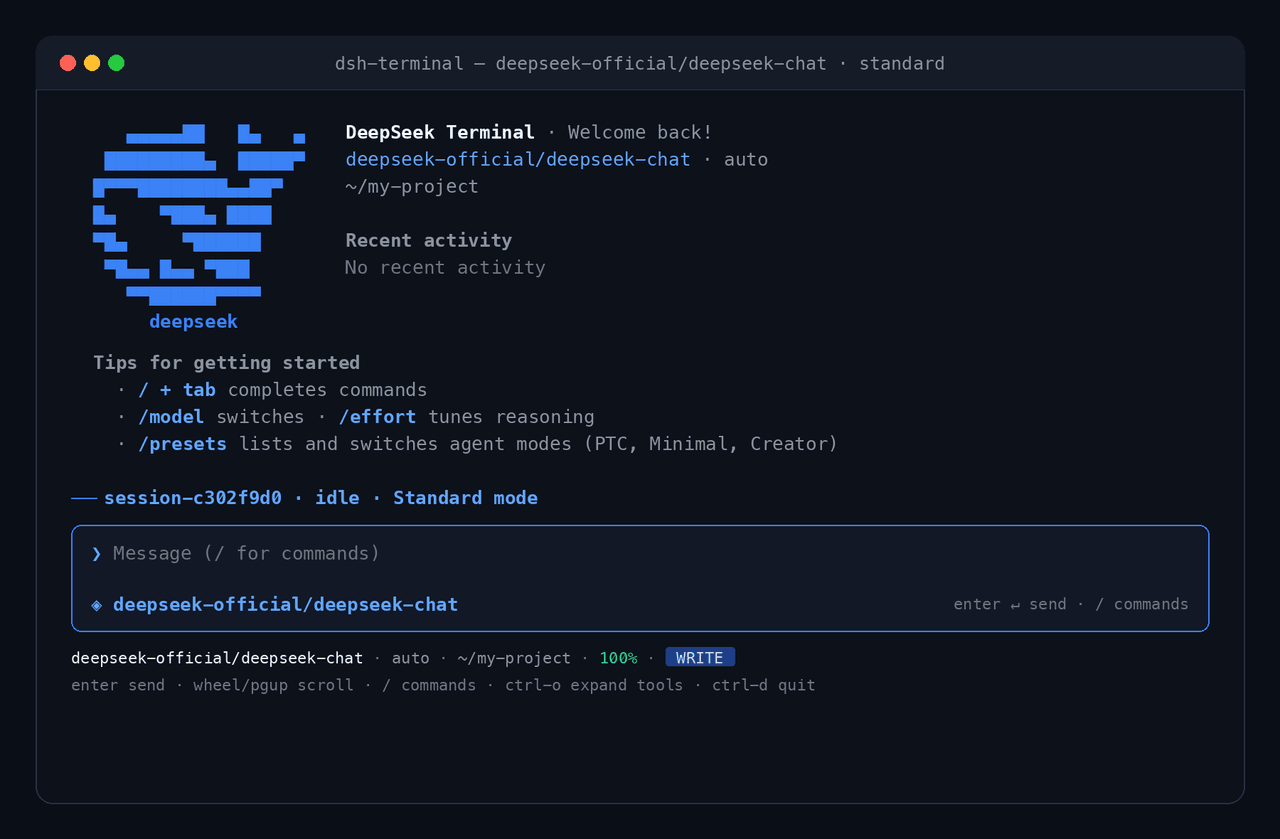
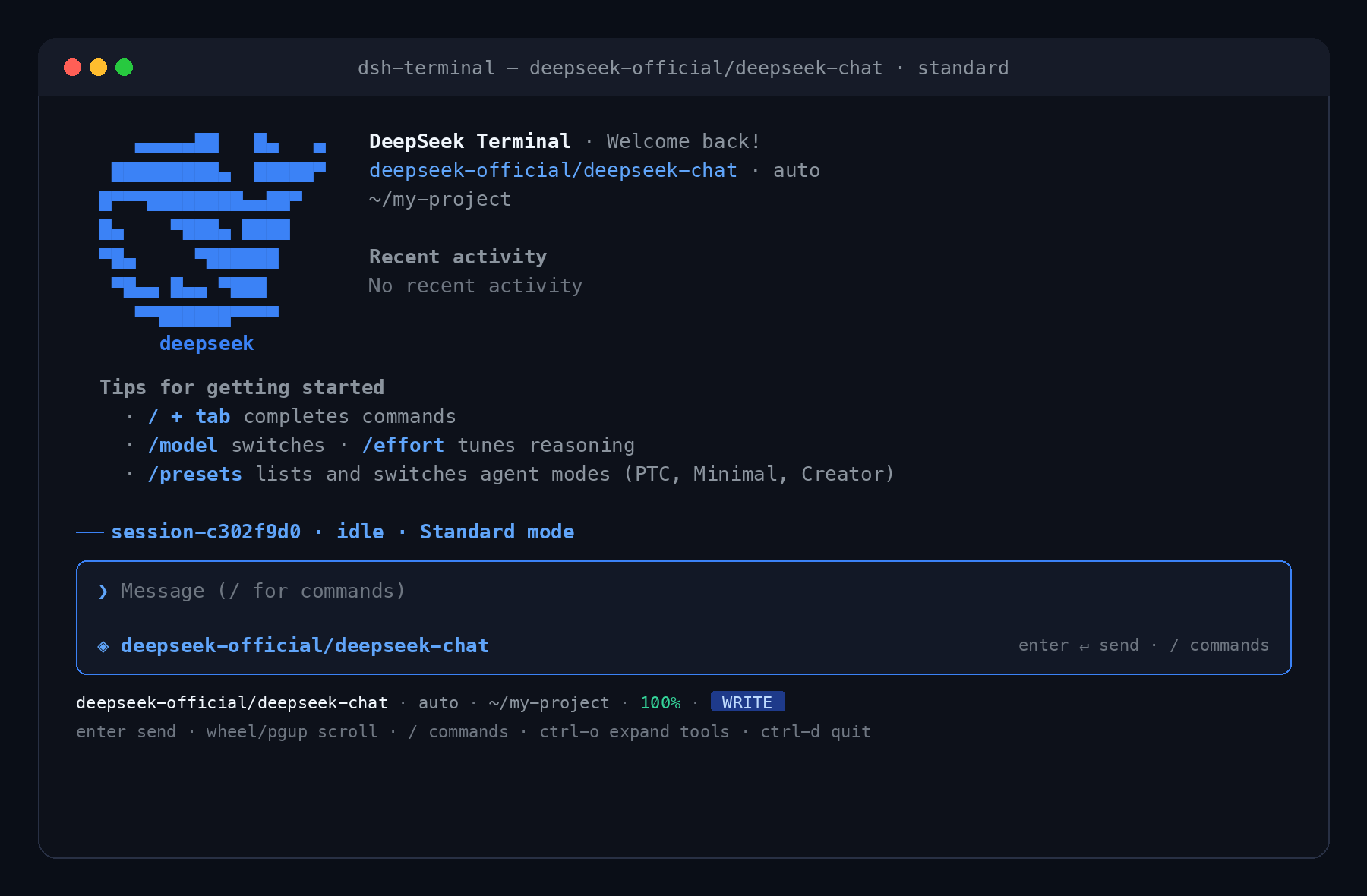
- 🎨 DeepSeek Blue Theme & Modern TUI: Clean rounded composer, branded ASCII whale banner, dynamic status bar, and automatic full-terminal width adaptation.
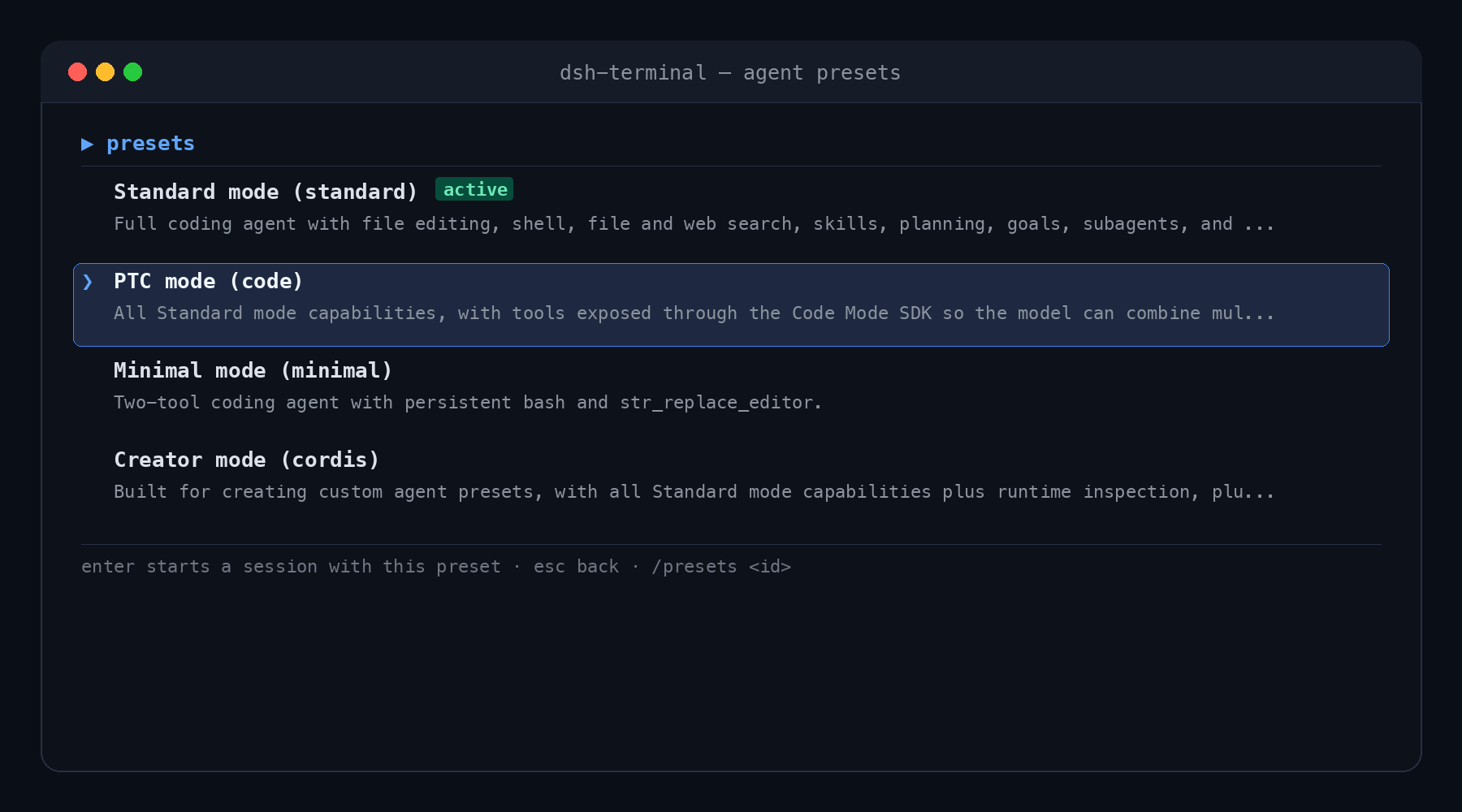
- 🎛️ Full Agent Presets Parity: Switch dynamically between Standard mode, PTC mode (Code Mode), Minimal mode, and Creator mode using
/presets. - ⚡ Web-GUI Parity: Live stream rendering, reasoning effort indicators, tool call cards, session picker, model switchers, and interactive approval modals.
- 🔌 Seamless Cordis Plugin Support: Any plugin in your DSH environment automatically works in the terminal.
- 🖱️ Full Terminal Navigation: Smooth mouse wheel scrolling, PageUp/PageDown, Tab auto-completion for slash commands, and hotkeys.
- 🧩 Three Modes at Boot:
- Full-screen TUI: Default on interactive TTY.
- Line REPL: For pipes, headless environments, CI, or
--line. - One-shot CLI: Run a single task via
--print "<task>"and output the response.
📦 Installation & Setup
Prerequisites
- Node.js
^22.19 || >=24 - DeepSeek Harness (
dsh) CLI installed on your system.
Option 1: Install Directly via DSH CLI (Recommended)
Add this plugin directly to your DSH configuration using dsh plugin add:
# Add to a dedicated 'terminal' profile
dsh plugin --profile terminal add github:rakibulrocky14/dsh-cli
Option 2: Clone and Install Locally
# 1. Clone the repository
git clone https://github.com/rakibulrocky14/dsh-cli.git
cd dsh-cli

# 2. Install dependencies & build
npm install
npm run build

# 3. Add to DSH profile as a local plugin
dsh plugin --profile terminal add .
🚀 Usage
Starting the Terminal TUI
Launch the full-screen terminal interface:
dsh --profile terminal
Command-Line Flags
# Run with a specific model
dsh --profile terminal --model deepseek-reasoner

# Resume an existing session
dsh --profile terminal --resume session-c302f9d0

# Force standard line REPL (non-TUI)
dsh --profile terminal --line

# One-shot execution (executes task, prints result, and exits)
dsh --profile terminal --print "Explain how to set up a git repository"
Adding More Plugins
Stack additional DSH plugins into your terminal profile:
dsh plugin --profile terminal add <https://github.com/rakibulrocky14/dsh-cli/blob/HEAD/npm-pkg | github:owner/repo | ./path | ./pkg.tgz>
🎛️ Agent Presets
Open the interactive presets menu anytime with /presets or switch directly via /presets <id>:
| Preset | ID | Description |
|---|---|---|
| Standard mode | standard |
Full coding agent with file editing, shell execution, search, skills, planning, subagents, and workflows. |
| PTC mode | code |
All Standard mode capabilities with tools exposed via the Code Mode SDK for multi-step TypeScript execution. |
| Minimal mode | minimal |
Ultra-fast two-tool coding agent with persistent bash and str_replace_editor. |
| Creator mode | cordis |
Built for authoring and testing custom agent presets with live runtime inspection and plugin tools. |
⌨️ Shortcuts & Navigation
| Key | Action |
|---|---|
Enter |
Send message / confirm selection |
Esc |
Close active dialog / return to transcript |
Tab |
Autocomplete slash commands |
↑ / ↓ |
Cycle command history or navigate menus |
PageUp / PageDown |
Scroll transcript up / down |
Mouse Wheel |
Smoothly scroll through history and code outputs |
Ctrl + O |
Expand / collapse tool output cards |
Ctrl + C |
Cancel current turn (or clear prompt when idle) |
Ctrl + D |
Exit / quit session |
🛠️ Slash Commands
Type / followed by Tab to see all available commands:
- Sessions:
/sessions(interactive session browser),/resume <id>,/new,/fork - Configuration:
/presets(agent modes),/model(provider & model picker),/effort(reasoning effort levels),/settings,/permissions - Inspection:
/tools(active tool definitions),/commands(all registered slash commands),/skills,/agents,/plugins,/jobs,/usage,/doctor - Workspace:
/terminals,/todos,/title,/clear,/stop,/quit
🏗️ Architecture
dsh --profile terminal
  └── dsh-terminal (Cordis bundle)
        ├── cordis.patch.yml      base rows + code-runtime + cordis-host + ask-user + startup + runner
        ├── dsh-terminal/startup  command-line flags → terminalStartup
        └── dsh-terminal          runner → TUI | REPL | --print
              ├── core/dsh.ts         service facade & runtime feature detection
              ├── core/transcript.ts  durable-log projection & live streaming overlay
              ├── core/messages.ts    deep-frozen message factories
              ├── core/lineinput.ts   single-reader TTY/pipe input
              ├── repl.ts             line REPL surface
              ├── print.ts            one-shot execution surface
              └── tui/                behavioral engine & Ink React widget tree
🧪 Development & Testing
# Typecheck
npm run typecheck

# Build TypeScript to lib/
npm run build

# Run comprehensive test suite (61 tests)
npm test
🏷️ Discovery & Tags
#deepseek #deepseek-harness #dsh #dsh-cli #dsh-terminal #terminal #tui #cli #ai-agent #llm #cordis #coding-assistant
🤝 Contributing
Contributions, bug reports, and pull requests are warmly welcomed! Anyone is welcome to contribute to dsh-cli.
- 📖 Check out CONTRIBUTING.md for local development setup, testing guidelines, and PR process.
- 💡 Have an idea or found a bug? Feel free to open an issue or pull request anytime!
⚠️ Disclaimer
dsh-cli is an independent, unofficial community project built for the DeepSeek Harness ecosystem. It is not affiliated with, maintained by, sponsored by, or endorsed by DeepSeek AI or Hangzhou DeepSeek Artificial Intelligence Co., Ltd.
All product names, logos, brands, and trademarks are property of their respective owners.
📄 License
Related相关推荐
-
 ccch1mneyyy/dsh-TUI
DSH 官方公众号收录的 TUI 补位插件:Claude Code 风,鲸鱼顶栏/实时状态/流式思考/双击 Esc 回滚/上下文进度+TPS。npm 一键装。 DSH official WeChat featured TUI plugin…
ccch1mneyyy/dsh-TUI
DSH 官方公众号收录的 TUI 补位插件:Claude Code 风,鲸鱼顶栏/实时状态/流式思考/双击 Esc 回滚/上下文进度+TPS。npm 一键装。 DSH official WeChat featured TUI plugin…
-
 myYangyunfan/dsh_desktop
DeepSeek Harness (dsh) Windows desktop client - bundled Node.js + dsh CLI, one-click launch
myYangyunfan/dsh_desktop
DeepSeek Harness (dsh) Windows desktop client - bundled Node.js + dsh CLI, one-click launch
-
 ChisaAlter/Deepseek-Harness-Desktop
DSH桌面端,支持主题和背景图等多种个性化配置。Electron desktop shell for DeepSeek Harness web UI
ChisaAlter/Deepseek-Harness-Desktop
DSH桌面端,支持主题和背景图等多种个性化配置。Electron desktop shell for DeepSeek Harness web UI
-
 skymecode/deepseek-harness-for-vscode
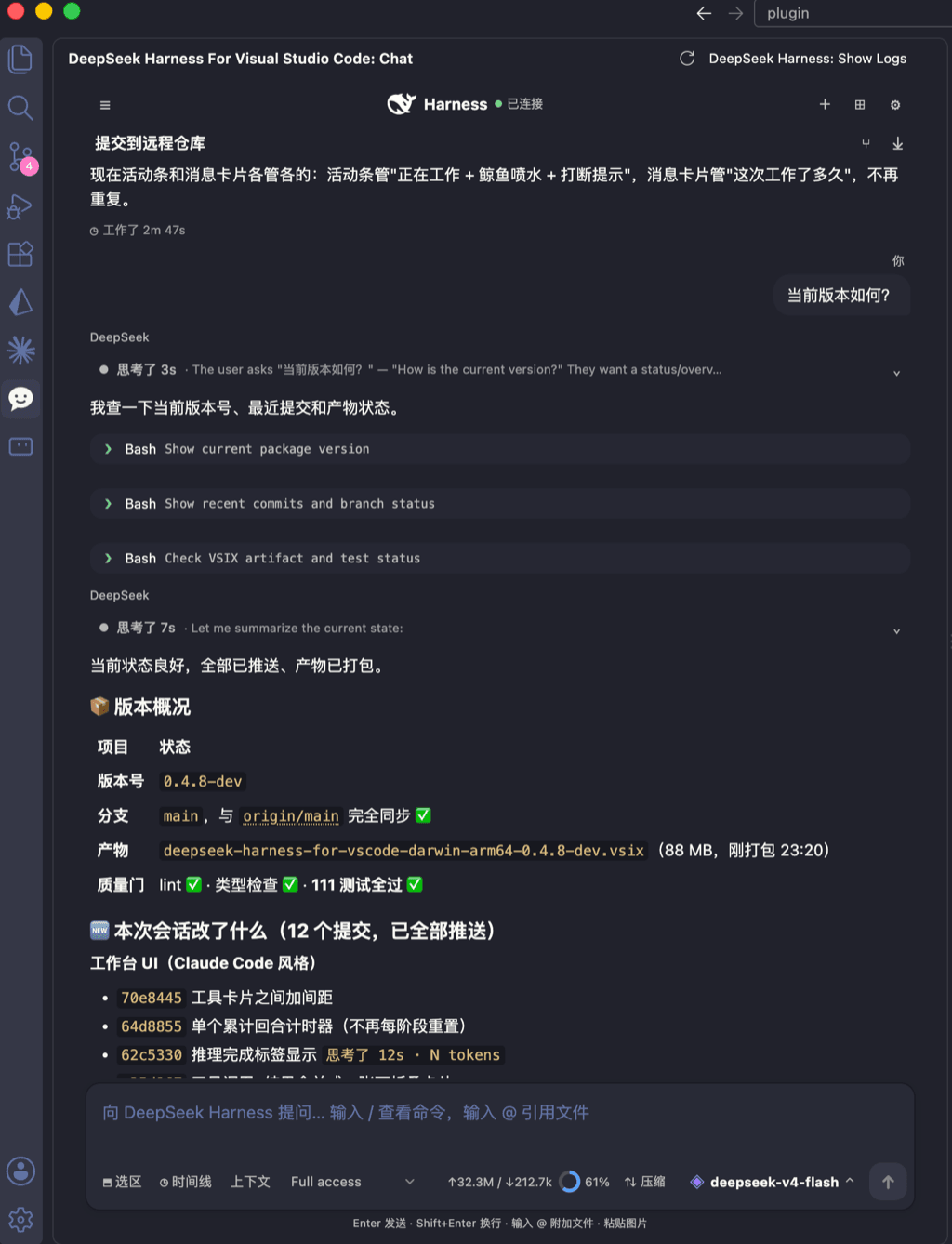
deepseek-harness for vscode .A native VS Code coding-agent extension for DeepSeek Harness. Streamlined workbench with se…
skymecode/deepseek-harness-for-vscode
deepseek-harness for vscode .A native VS Code coding-agent extension for DeepSeek Harness. Streamlined workbench with se…
-
 rison114514/dsh-endfield-ui
Endfield-inspired industrial UI shell for DeepSeek Harness (dsh) — non-official fan theme. Install: dsh plugin --profile…
rison114514/dsh-endfield-ui
Endfield-inspired industrial UI shell for DeepSeek Harness (dsh) — non-official fan theme. Install: dsh plugin --profile…
-
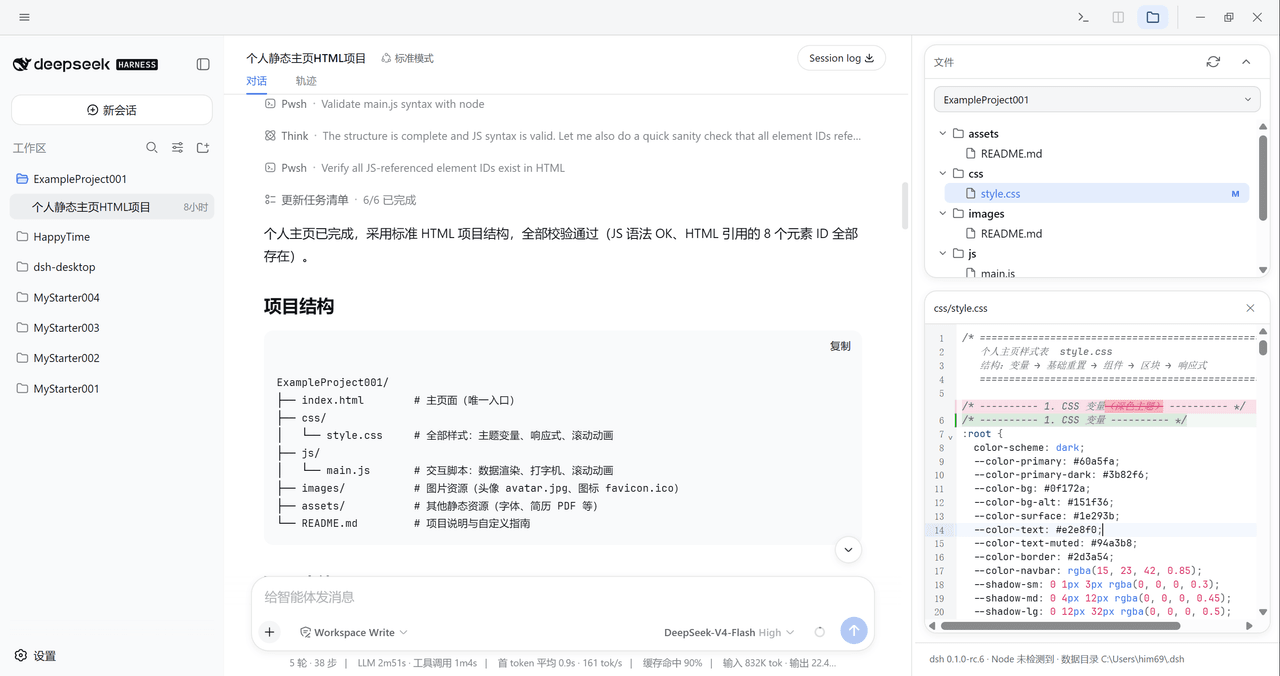 xiincs/deepseek-harness-desktop
DeepSeek Harness 原生桌面版,基于 Tauri 2,内置 Node.js 运行时,一键安装,极速启动,托盘常驻,自动更新。DeepSeek Harness native desktop version: built on T…
xiincs/deepseek-harness-desktop
DeepSeek Harness 原生桌面版,基于 Tauri 2,内置 Node.js 运行时,一键安装,极速启动,托盘常驻,自动更新。DeepSeek Harness native desktop version: built on T…
-
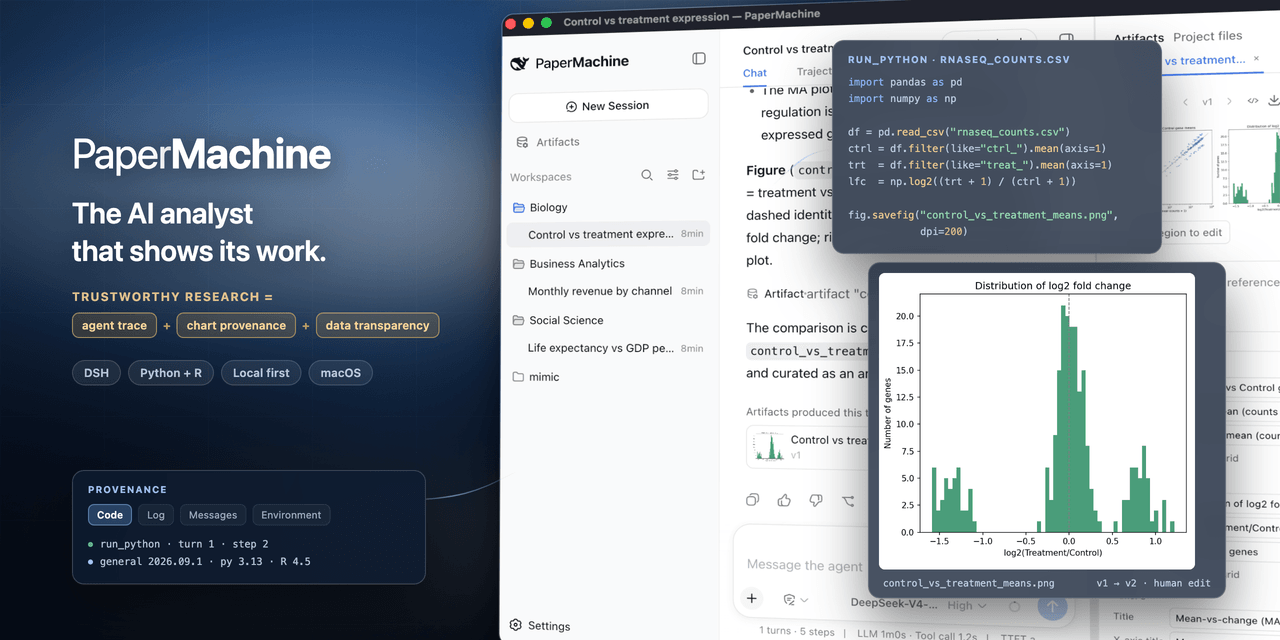 SuperJJ007/papermachine
The AI analyst that shows its work. Runs Python and R on your own machine, and traces every chart back to the code behin…
SuperJJ007/papermachine
The AI analyst that shows its work. Runs Python and R on your own machine, and traces every chart back to the code behin…
-
 dsh-tui/dsh-tui
Claude Code-style terminal UI for DeepSeek Harness agents, as an out-of-tree dsh plugin bundle
dsh-tui/dsh-tui
Claude Code-style terminal UI for DeepSeek Harness agents, as an out-of-tree dsh plugin bundle