xmwpoi/dsh-approval-center
DSH 0.1.7-rc.2 的 Windows 审批与主对话通知插件:批准/拒绝、本轮完成与异常提醒、SQLite 审计;子代理通知关闭。GitHub Releases 分发。
Project Overview项目介绍
dsh-approval-center is a Windows-only approval console plugin built specifically for the DeepSeek Harness (DSH) agent, currently shipped as the v0.3.1-rc.1 pre-release and pinned to host DSH 0.1.7-rc.2. It hooks the approval/request cordis waterfall with { prepend: true }, surfaces high-risk tool calls as actionable toast notifications carrying dshapproval:approve/<id> URIs, and adds parallel approval handling, withdraw/cleanup on uninstall, a SQLite audit database, and opt-in subagent start/end notifications. Distribution is GitHub Releases only (a built .tgz plus SHA256SUMS.txt); users add it with dsh plugin --profile web add <url-or-path> or paste the same URL into the Web sidebar, and the bundle auto-applies its cordis patch — adding another insert by hand mounts the listener twice.
A typical round trip looks like this: the DSH tool fires an approval request, the plugin (registered before dsh-api-remotes) claims it, and scripts/approval-toast.ps1 pushes a Windows reminder toast that stays on screen until the user taps Approve or Reject. The button URI is resolved by an HKCU-registered dshapproval: handler — a VBS main processor on wscript.exe with a PowerShell fallback — which writes the decision to a state file that the polling script then relays back to the harness, mapping to exit codes 0 (allowed-once), 1 (rejected), 2 (timeout), and 3/4 (unavailable). Auditing and result receipts are kept separate from the pending-approval group so cleanup never wipes receipts, and all warnings go to host stderr rather than the Web GUI.
Runtime requirements are Windows 11 with a working notification center, Node.js ≥ 24 (so node:sqlite needs no flag), pnpm on PATH for the DSH CLI, plus PowerShell 5.1 and a working VBScript/wscript as the notification and URI processors; on non-Windows hosts apply() throws and the entry is marked inactive while the rest of the plugin tree keeps running. Defaults are fail-closed (timeoutAction: reject), so faults and timeouts never auto-approve unless the user explicitly sets approve. Known limits include no WinRT Dismissed detection for unpackaged apps (the toast only clears on timeout, capped by ExpirationTime), a narrow window where a killed host can leave a zombie notification, silent drops if tools patterns use invented prefixes like fs* instead of the real write/edit names from dsh-tool-fs, and dependency on pnpm-workspace.yaml rather than .npmrc to keep @deepseek-ai/dsh out of node_modules. Verified scope is 98/98 unit tests plus 21/21 host integration on remote Windows CI; full real subagent sessions, 20-way batches, and production rollback have not yet been validated. License is MIT, with packages delivered exclusively through GitHub Releases and never published to npm.
dsh-approval-center 是一款专为 DeepSeek Harness (DSH) 打造的 Windows 审批中控台插件,发布于 GitHub Releases,当前预发布版为 v0.3.1-rc.1,仅兼容宿主 DSH 0.1.7-rc.2。它通过 cordis waterfall 拦截 approval/request 事件,将高风险操作以「批准 / 拒绝」按钮的形式推送到 Windows 通知中心,同时支持并行审批、撤回、卸载清理、SQLite 审计,以及可选的子代理任务启动与结束通知。安装方式包括从固定 Release URL 直接拉取 .tgz、本地校验 SHA256 后通过 dsh plugin --profile web add 挂载,或在 Web 侧栏粘贴同一 URL;包内已包含 lib/ 构建产物,使用者无需克隆仓库或手动编译,开发者路径则要求先执行 npm install && npm run build。
典型工作流中,DSH 工具触发需要审批的动作,插件用 { prepend: true } 抢先注册、捕获请求并弹出带 URI 的 reminder 通知;用户点击按钮后,Windows 通过 dshapproval: URI 协议唤起 VBS 主处理器或 PowerShell 回退处理器,把决定写入状态文件,由 approval-toast.ps1 轮询后回传给宿主。审计与回执分别落在 %LOCALAPPDATA%\dsh-approval-center\ 下的 SQLite 数据库与 dsh-result 通知组里,告警则统一走宿主 stderr。它适用于希望在锁屏或离开桌面时仍能被 Windows 通知中心唤起处理审批、又不想把决定权完全交给 Web GUI 的 DSH 重度用户。
依赖与限制方面,要求 Windows 11 实机、Node.js ≥ 24(启用 node:sqlite 而无需 flag)、PATH 上可用的 pnpm,以及 PowerShell 5.1 与 VBScript/wscript 作为通知与 URI 处理器;首次运行会在 HKCU 注册 dshapproval URI 方案与 AUMID Dev.DSH.ApprovalCenter,无需管理员,移动插件目录后需重新触发。由于未打包 Win32 应用收不到 WinRT Dismissed 事件,超时才会结算;timeoutAction 默认 reject(fail-closed),故障或超时不会自动批准;非 Windows 平台会被 apply() 主动跳过并记为未激活。项目以 MIT 协议授权,已通过 98/98 自动单测与 21/21 真实宿主非交互集成,但真实子代理会话、20 路大批次实机与生产回装尚未验证。
请帮我安装这个 DSH 插件。安装前先完成【兼容性检查 + 安全性检查】,检查通过再动手。

插件:dsh-approval-center(xmwpoi/dsh-approval-center)
仓库:https://github.com/xmwpoi/dsh-approval-center
本站详情页:https://www.yhbd.top/plugins/xmwpoi-dsh-approval-center/
本站登记:类型 plugin · 归类 原生 DSH 插件 · 许可证 MIT · ⭐ 2 · 最近提交 2026-10-01 · 主语言 JavaScript

按下面顺序执行,每步先把结论告诉我,再进入下一步:

【1 兼容性检查】
① 我这边:DSH 版本、Node 版本、操作系统、当前 profile(web / desktop)。
② 读它的 README、package.json、插件 manifest,列出它要求的 DSH 版本 / Node 版本 / 操作系统 / 外部依赖 / 需要另外先装的运行时。
③ 逐条比对,结论只写「满足 / 不满足 / 未知」三种;不满足的给出可行替代方案。
④ 检查是否和我已装的插件冲突:命令名重复、skill / tool 重名、端口占用、重复注册的 MCP server。

【2 安全性检查】
① 仓库可信度:和上面「本站登记」是否一致;star / fork 数、创建时间、最近提交,是否归档或长期停更。
② 安装脚本:逐行看 package.json 的 preinstall / install / postinstall,以及 install.sh、setup.ps1 之类脚本。出现 curl|bash、下载后直接执行、混淆代码、访问与插件功能无关的域名,立刻停下来告诉我,不要继续装。
③ 依赖:列出新增依赖,标出无人维护、或与知名包拼写近似的可疑包(typosquatting)。
④ 权限与副作用:它会读写哪些目录、访问哪些域名、需要哪些 DSH 权限(filesystem / network / shell / clipboard 等),以及怎么卸载和回滚。
⑤ 如果它要求 sudo / 管理员权限,或权限明显超出功能所需,先停下来问我。

【3 安装】
上面两步没有「不满足」和「高危项」时才执行;用官方推荐方式安装,不要自行提权。

【4 汇报】
用表格输出:检查项 / 结论 / 依据 / 是否需要我决策。拿不准的一律写「未知」并说明要我怎么确认——不要猜,也不要替我决定。
Send this message to DSH in your current session: it verifies compatibility and security first (answering met / not met / unknown item by item) and only installs once everything checks out — it will stop and ask you if it finds a high-risk item. The box scrolls; the copy is the full prompt. CLI install commands may not be accurate across systems, so DSH is the safer route.把上面这条消息直接发给当前会话里的 DSH:它会先核对兼容性与安全性(逐条给「满足 / 不满足 / 未知」),确认没问题再安装,有高危项会停下来问你。框内可滚动,复制到的是完整提示词;安装命令不一定准确,发给 DSH 更稳。
- Only 2 stars - very few users, little community feedback星标只有 2,几乎没人在用,遇到问题缺少社区反馈
DSH walks through these 9 checksDSH 会逐条核对这 9 项
Compatibility兼容性
- DSH, Node, OS and profile requirementsDSH 版本 / Node 版本 / 操作系统 / profile 是否满足要求
- External dependencies and runtimes (Electron / Python / Docker, ...)外部依赖与运行时(Electron / Python / Docker 等)是否齐备
- Conflicts with installed plugins: command names, skill / tool names, ports, duplicate MCP registration与已装插件是否冲突:命令名、skill / tool 重名、端口占用、重复 MCP 注册
Security安全性
- Repo matches the facts registered here; archived or abandoned?仓库是否与页面登记一致,是否归档或长期停更
- Safety of preinstall / install / postinstall and install.sh / setup.ps1preinstall / install / postinstall 与 install.sh、setup.ps1 是否安全
- curl|bash, download-then-execute, obfuscation, unrelated domains → stop immediatelycurl|bash、下载即执行、混淆代码、无关域名 → 立刻停止
- Typosquatting or unmaintained packages among the new dependencies新增依赖里有没有 typosquatting 或无人维护的包
- Requested permissions vs. what the feature actually needs申请了哪些权限、是否超出功能所需(filesystem / network / shell / clipboard)
- Any sudo / admin requirement, plus uninstall and rollback是否要求 sudo / 管理员权限,以及卸载与回滚方式
Anything uncertain must be marked unknown with a note on how to confirm it. This site's signal screen is a static snapshot, not a security audit.拿不准的必须标「未知」并说明要我怎么确认。本站的信号筛查是静态快照,不能替代安全审计。
Or use CLI install (for developers)或使用命令行安装(适合开发者)
CLI Install命令行安装
dsh plugin --profile web add https://github.com/xmwpoi/dsh-approval-center/releases/download/v0.4.0-rc.1/dsh-approval-center-0.4.0-rc.1.tgz把 xmwpoi/dsh-approval-center 加入你的 DSH 配置(web profile)即可启用。
READMEREADME
dsh-approval-center
DeepSeek Harness(DSH)的 Windows 审批与主对话通知插件。
在 Windows 通知中心处理 DSH 的人工审批,并接收主对话本轮完成、出错、受阻和达到输出上限的提醒。子代理通知全部关闭,减少并行任务带来的提示音干扰。
插件只处理宿主已经要求审批的操作,不扩大工具权限,也不把“本轮回复结束”视为整个任务目标完成。
当前版本:
0.4.0-rc.1预发布版,适配精确版本 DSH0.1.7-rc.2。 通过 GitHub Releases 分发,未发布到 npm。Windows 11、100% 缩放的横幅和通知中心展开态已实测;其他环境的验证边界见下文。
下载
安装请选择 .tgz 附件。GitHub 自动生成的 Source code 压缩包是源码,不能替代已构建的安装包。
运行要求
| 组件 | 要求 |
|---|---|
| 系统 | Windows,通知中心可用;本版实测 Windows 11 26100、100% 缩放 |
| DSH | 0.1.7-rc.2,精确版本 |
| Node.js | ≥24,需要 node:sqlite |
| 插件管理器 | PATH 上可用的 pnpm |
| 通知脚本 | Windows PowerShell 5.1;审批回传优先使用可用的 VBScript / wscript |
0.1.5-rc.1 仅有观察性回归,不构成双版本支持。更旧 Windows 上 attribution 提示的兼容行为尚未实测。
功能与通知范围
| 类型 | 行为 | 默认 |
|---|---|---|
| 主对话审批 | 通知上点击批准或拒绝;展示任务、操作、原因、批准范围与超时动作 | 开启,匹配全部工具的审批请求 |
| 主对话完成 | 显示“本轮回复已完成” | 开启,静音 |
| 主对话异常 | 分别显示出错、受阻、达到输出上限 | 开启,静音 |
| 主对话审批结果回执 | 审批结算后提醒 | 关闭 |
| 子代理通知 | 启动、完成、错误、审批及结果均不由本插件发送 | 始终关闭 |
旧开关 notifyOnSubagentStart / notifyOnSubagentEnd 即使设为 true 也无效。子代理审批交回宿主其他应答者处理,本插件不会因此自动批准或拒绝。宿主和其他软件自己的通知不受本插件控制。
任务通知默认静音;审批通知及结果回执不受 taskNotificationSound 控制,审批当前没有独立静音开关。
安装
先检查环境,以下示例使用 web profile;其他 profile 请替换名称:
dsh --version
node --version
pnpm --version
固定 Release 安装
dsh plugin --profile web add https://github.com/xmwpoi/dsh-approval-center/releases/download/v0.4.0-rc.1/dsh-approval-center-0.4.0-rc.1.tgz
也可在 DSH Web 的“插件 → 添加插件”中填写同一个 .tgz URL。包内包含 lib/,无需克隆或手动编译。
本地校验后安装
下载 .tgz 与 SHA256SUMS.txt,对照清单核验文件名及完整 SHA256:
Get-FileHash -LiteralPath 'C:\Downloads\dsh-approval-center-0.4.0-rc.1.tgz' -Algorithm SHA256
dsh plugin --profile web add 'C:\Downloads\dsh-approval-center-0.4.0-rc.1.tgz'
Showing the opening section of the README — the full document lives in the repository以上为 README 开头摘要,完整文档在仓库内 · View the full README on GitHub →在 GitHub 查看完整 README →
Related相关推荐
- kaotusi/dsh-task-notify DeepSeek Harness (DSH) system-level task notifications: approval required / awaiting reply / task finished (background j…
-
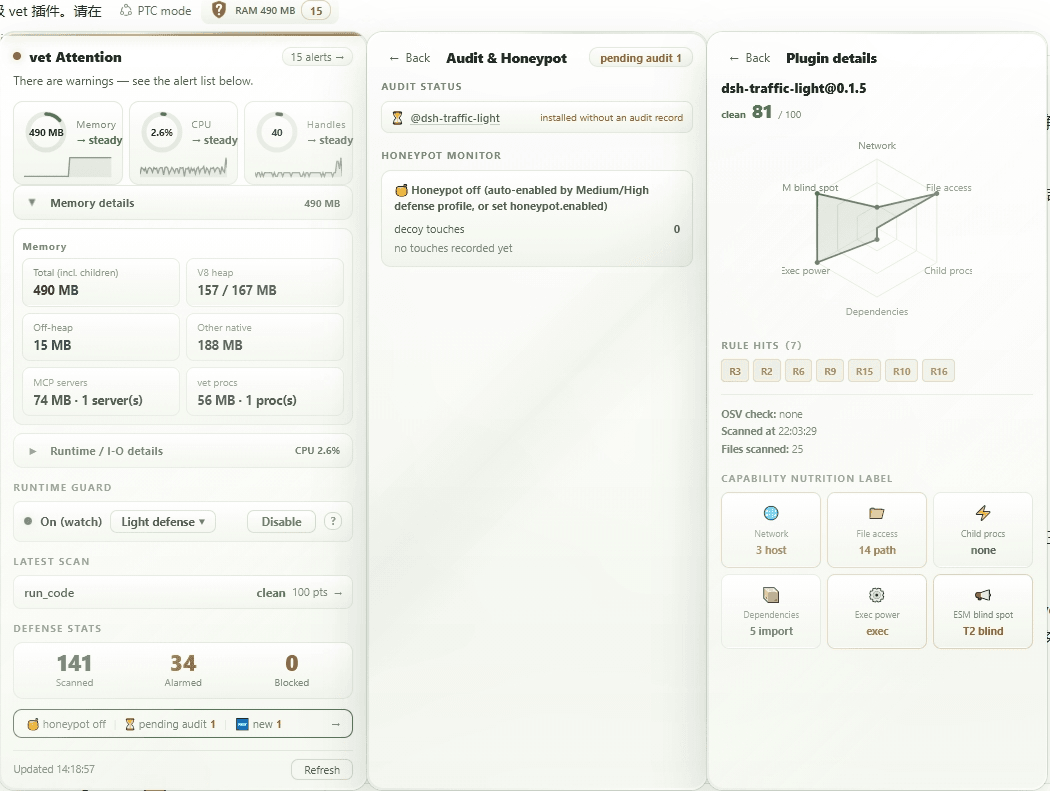 wulun811/dsh-plugin-vet
Trust pipeline for deepseek-harness plugins: deterministic static scan (11 rules) + LLM-driven audit protocol + two-part…
wulun811/dsh-plugin-vet
Trust pipeline for deepseek-harness plugins: deterministic static scan (11 rules) + LLM-driven audit protocol + two-part…
-
 toby-bridges/api-relay-audit
Local security audit for AI API relays and LLM proxies: detects prompt injection, model substitution, tool-call rewritin…
toby-bridges/api-relay-audit
Local security audit for AI API relays and LLM proxies: detects prompt injection, model substitution, tool-call rewritin…
-
 saya-ch/dsh-mobile
DeepSeek Harness 的 Android App 与安全远程访问插件,支持局域网/远程连接和高度自定义的移动界面与扩展能力。
saya-ch/dsh-mobile
DeepSeek Harness 的 Android App 与安全远程访问插件,支持局域网/远程连接和高度自定义的移动界面与扩展能力。
-
 liguobao/ds-harness-remote
一个基于 DeepSeek Harness 插件机制构建的多端远程访问方案,通过安全、低延迟、端到端加密的 P2P 优先网络,支持从 PC、Android 和 Web 随时访问并操作远程 Harness 和 CodeX。 (A multi-…
liguobao/ds-harness-remote
一个基于 DeepSeek Harness 插件机制构建的多端远程访问方案,通过安全、低延迟、端到端加密的 P2P 优先网络,支持从 PC、Android 和 Web 随时访问并操作远程 Harness 和 CodeX。 (A multi-…
-
 PerryLink/dsh-auto-review
Second-model AI auto-review for DeepSeek Harness approval requests: a read-only reviewer subagent returns structured all…
PerryLink/dsh-auto-review
Second-model AI auto-review for DeepSeek Harness approval requests: a read-only reviewer subagent returns structured all…
-
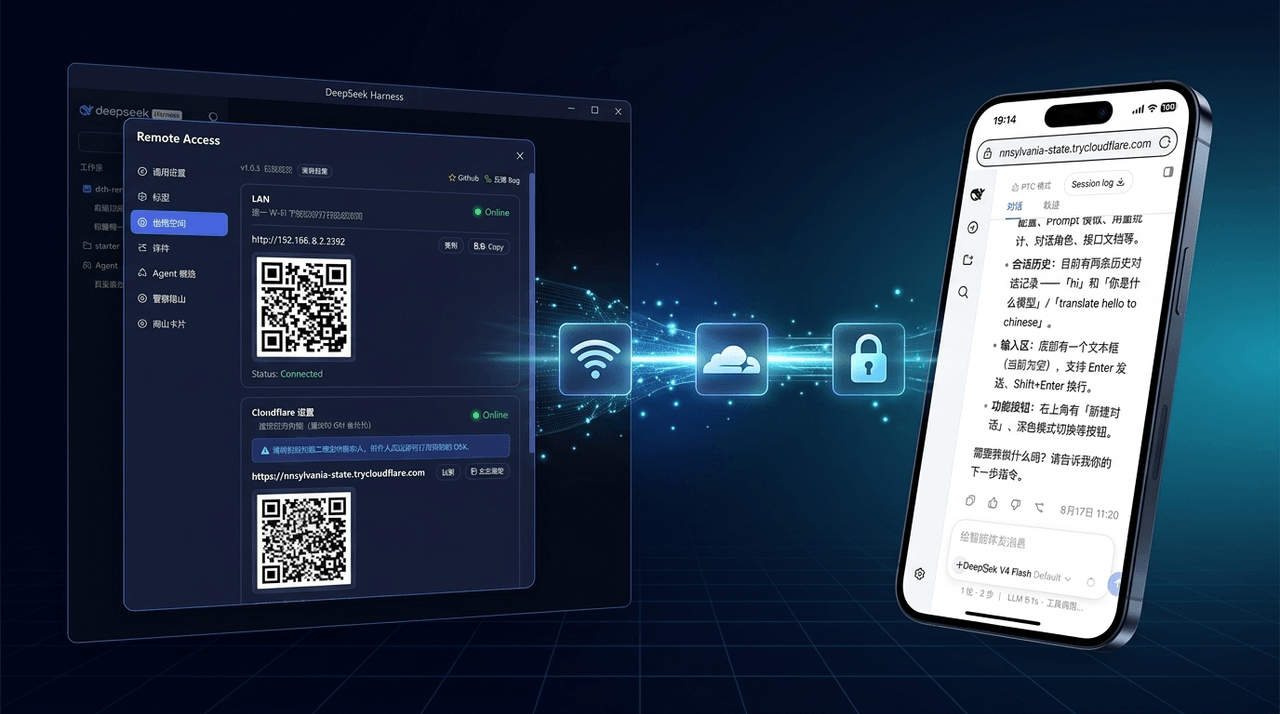 wenbin-wb/dsh-bridge
🚀 DeepSeek Harness 多通道远程访问与安全守护插件 | 局域网扫码直连、Cloudflare / 自建公网隧道、微信 / QQ / 飞书 / Telegram 机器人全生命周期对话 | 内置全协议访问安全认证、后台防篡改与…
wenbin-wb/dsh-bridge
🚀 DeepSeek Harness 多通道远程访问与安全守护插件 | 局域网扫码直连、Cloudflare / 自建公网隧道、微信 / QQ / 飞书 / Telegram 机器人全生命周期对话 | 内置全协议访问安全认证、后台防篡改与…
-
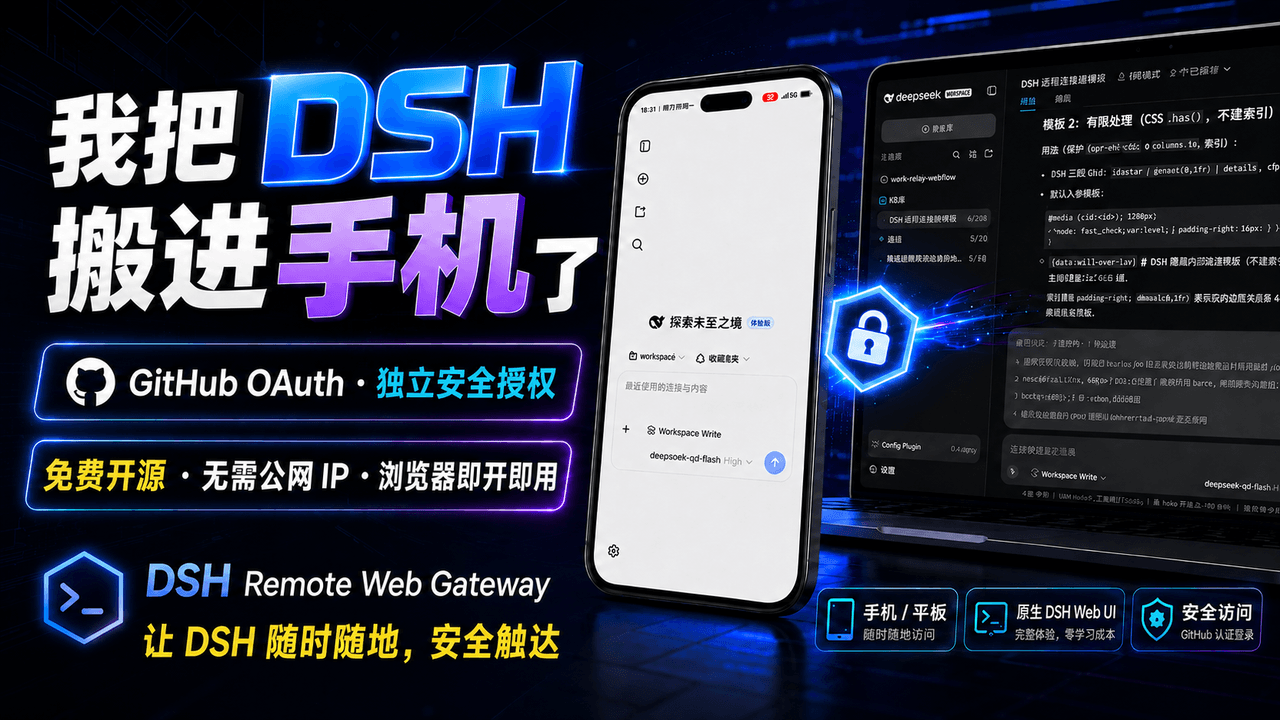 summer1238/dsh-remote-web-gateway
手机平板远程 DeepSeek Harness:扫码即可继续使用电脑上的 DSH,无需远程桌面 / SSH / 公网 IP,支持一次性配对、Github授权加密登录,独立设备授权与随时撤销,实现远程连接很简单,但安全才是我们所想要的。
summer1238/dsh-remote-web-gateway
手机平板远程 DeepSeek Harness:扫码即可继续使用电脑上的 DSH,无需远程桌面 / SSH / 公网 IP,支持一次性配对、Github授权加密登录,独立设备授权与随时撤销,实现远程连接很简单,但安全才是我们所想要的。