yibiner/dsh-plugin-list-plus
基于信任层级、可折叠的DeepSeek Harness Web设置插件列表。
Project Overview项目介绍
dsh-plugin-list-plus is an enhanced plugin list for DeepSeek Harness Web Settings. It groups installed plugins into Official, Organization, and Personal trust tiers with collapsible sections, and renders per-plugin details including name, version, developer, license, repository, configuration, and Cordis mount status, plus search and stable name sorting. Install via dsh plugin --profile web add dsh-plugin-list-plus, restart dsh web, then open Settings → Plugins to see the new tab beside the official one. Note: due to a host tab-projection bug, it ships as a separate tab rather than replacing the official Plugin list.
dsh-plugin-list-plus 是 DeepSeek Harness Web 设置的增强插件列表。它按 Official/Organization/Personal 信任层级分组并支持折叠,完整展示名称、版本、开发者、许可证、仓库、配置与挂载状态,并支持搜索排序。安装方式为 dsh plugin --profile web add dsh-plugin-list-plus,重启 dsh web 后在 Settings → Plugins 中可见新增的 Plugin list Plus 标签。注意:因宿主 UI 存在 tab 投影缺陷,它作为独立标签呈现,不会替换官方 Plugin list。
请帮我了解并安装插件:【dsh-plugin-list-plus】【https://github.com/yibiner/dsh-plugin-list-plus】Send this message to DSH in your current session. CLI install commands may not be accurate across systems — DSH will figure it out for you.把上面这条消息直接发给当前会话里的 DSH,让它帮你了解并安装。安装命令不一定准确,发给 DSH 更稳。
Or use CLI install (for developers)或使用命令行安装(适合开发者)
CLI Install命令行安装
dsh plugin --profile web add dsh-plugin-list-plus把 yibiner/dsh-plugin-list-plus 加入你的 DSH 配置(web profile)即可启用。
READMEREADME
dsh-plugin-list-plus
An elevated Plugin list for DeepSeek Harness Web Settings — trust tiers, collapsible groups, and complete per-plugin detail. It adds a Plugin list Plus tab beside the official Plugin list tab, offering:
- Trust tiers — plugins are grouped into Official / Organization / Personal: the
@deepseek-aiscope andcordis:builtins are official, any other npm scope is an organization, and unscoped or local-file plugins are personal. - Collapsible groups — a dense tier folds from its header so the others stay in reach without scrolling.
- Full details — one card per plugin: display name, version, git commit, developer, description, license, homepage, repository, bundle patch, configuration status, and Cordis mount status.
- Search & sort — filter by name, description, developer, and other fields; each tier keeps a stable name order.
Install
# from the built tarball
dsh plugin --profile web add ./dsh-plugin-list-plus-0.1.0.tgz
# or from npm once published
dsh plugin --profile web add dsh-plugin-list-plus
Restart dsh web, then open Settings → Plugins → Plugin list Plus — a new tab beside the official Plugin list.
How it works
One package, two halves, and a self-registered data route:
- Node half (
src/index.ts, the packagemain): reads the Loader tree and installedpackage.jsonfiles, computes the trust-tiered snapshot, and serves it atGET /plugins/dsh-plugin-list-plus/list— an exact route, so it never shadows the plugin's own browser bundle under/plugins/<name>/client.js. - Browser half (
src/client/, the package./client): registers its own Plugin list tab (settings.plugins.tabidplus, order20) beside the official one and renders the enhanced list.
Because DeepSeek Harness has a tab-projection bug (ui-settings-plugins reads entries() instead of entriesOfSlot(), so shadowing the official tab would show a duplicate) and accepts no external changes to fix it, this plugin ships as a separate tab.
Development
pnpm install
pnpm run build     # tsc (d.ts) + tsdown (lib/index.mjs + lib/client.js)
pnpm test          # vitest (node half + browser half + components)
pnpm run typecheck # strict typecheck of src and tests
The browser half bundles to the harness client-bundle contract (window.__ModuleLoader__.load), resolving react, react/jsx-runtime, and @deepseek-ai/dsh-client-ui-primitives from the runtime module table.
License
MIT
Related相关推荐
- antibrow/dsh-antibrow DeepSeek Harness plugin: give your agent a browser with a persistent identity - engine-level fingerprint spoofing, unlim…
-
 csyangwen/dsh-memory-evolve
为 DeepSeek Harness 带来「跨会话长期记忆 + 后台自我进化」能力的纯插件实现:五轨记忆 · git 分支感知 · 回合内自我审查 · 技能自我进化与技能管理器 · 四轨待办 · COI 调度 · 会话广播 · 会话搜索 ·…
csyangwen/dsh-memory-evolve
为 DeepSeek Harness 带来「跨会话长期记忆 + 后台自我进化」能力的纯插件实现:五轨记忆 · git 分支感知 · 回合内自我审查 · 技能自我进化与技能管理器 · 四轨待办 · COI 调度 · 会话广播 · 会话搜索 ·…
-
 Nagi-ovo/dsh-find-plugins
帮 DSH 搜索、安装并验证插件的 Skill|A DSH skill that finds, installs, and verifies GitHub plugins
Nagi-ovo/dsh-find-plugins
帮 DSH 搜索、安装并验证插件的 Skill|A DSH skill that finds, installs, and verifies GitHub plugins
-
 yyyyukari/dsh-plugin-workshop
Steam Workshop-style plugin browser for the DeepSeek Harness (DSH) Web UI - zero-server: GitHub-powered search, trending…
yyyyukari/dsh-plugin-workshop
Steam Workshop-style plugin browser for the DeepSeek Harness (DSH) Web UI - zero-server: GitHub-powered search, trending…
-
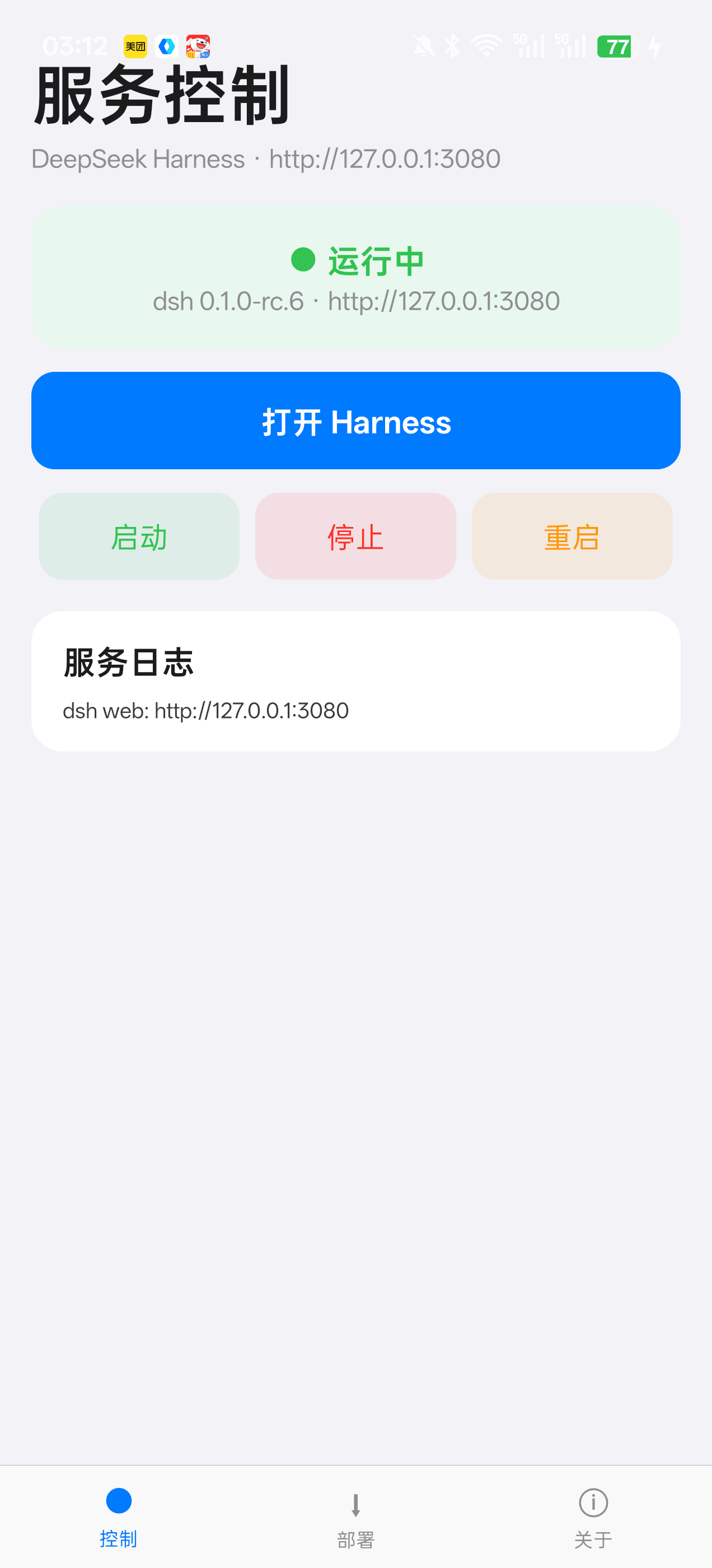 Jensen-Yao/deepseek-harness-android-app
DeepSeek Harness 安卓通用控制端:Termux 引导、一键部署、内置浏览器与存储管理(dsh-plugin 生态)
Jensen-Yao/deepseek-harness-android-app
DeepSeek Harness 安卓通用控制端:Termux 引导、一键部署、内置浏览器与存储管理(dsh-plugin 生态)
-
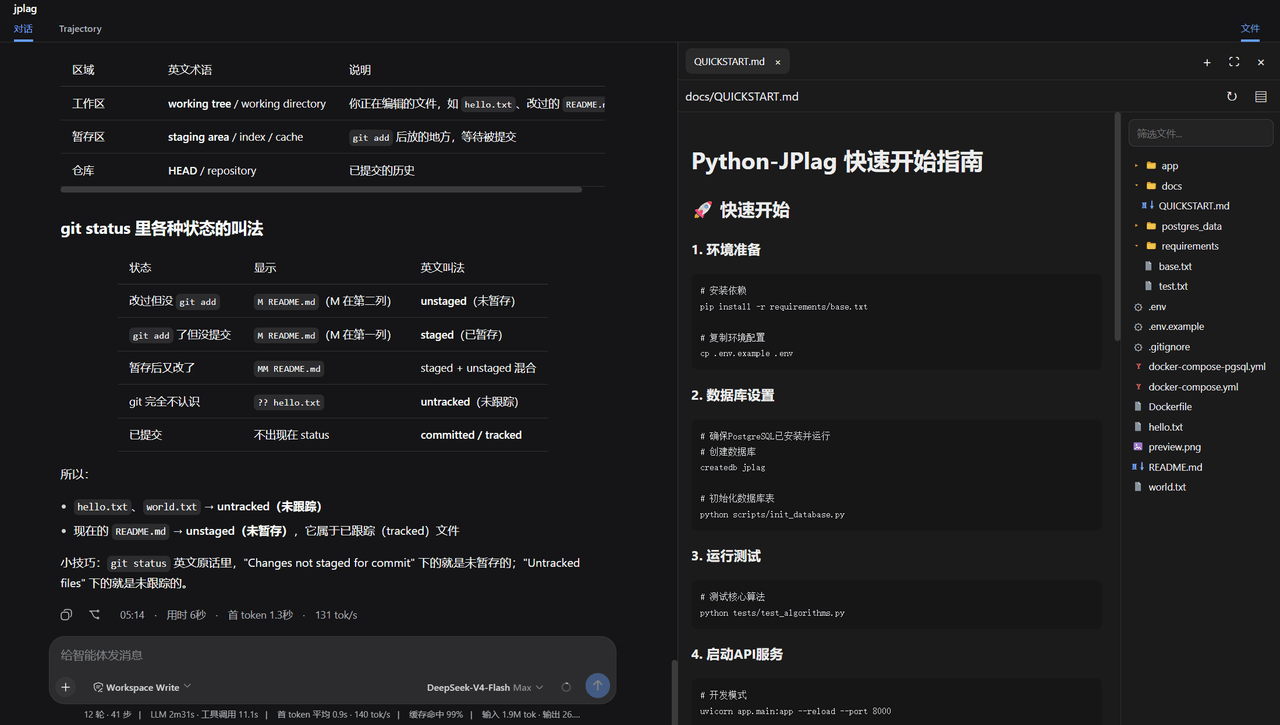 ccq1/dsh-side-panel
DSH 侧边栏,集成文件浏览器、终端和 Git 审查,方便预览文件。
ccq1/dsh-side-panel
DSH 侧边栏,集成文件浏览器、终端和 Git 审查,方便预览文件。
-
 PerryLink/dsh-composer-history
Terminal-style input history for the DeepSeek Harness web composer: edge-first arrows with exact draft/caret restore, br…
PerryLink/dsh-composer-history
Terminal-style input history for the DeepSeek Harness web composer: edge-first arrows with exact draft/caret restore, br…
-
 tingfeng347/dsh-vscode-workbench
DeepSeek Harness 的 VS Code 风格本地开发工作台:文件管理、Monaco 编辑、文档预览、搜索、Git、分屏终端与 DSH 对话一体化。
tingfeng347/dsh-vscode-workbench
DeepSeek Harness 的 VS Code 风格本地开发工作台:文件管理、Monaco 编辑、文档预览、搜索、Git、分屏终端与 DSH 对话一体化。