frozo-ai/dsh-worlds
DeepSeek Harness的远程执行环境:在容器内运行代理的Bash、终端、LSP和文件工具。零依赖。
Project Overview项目介绍
dsh-worlds is a DeepSeek Harness plugin that moves the agent's execution world into a Docker container, so working directory, environment, and background processes survive harness restarts. It implements the ctx.fs and ctx.subprocess seams, relocating Bash, persistent PTY terminals, LSP, and file tools automatically. The container is the boundary, not a sandbox seam: the overlay forces danger-full-access and host confinement is meaningless, so use it when you need session durability across restarts rather than extra isolation. The image must include bash, ps, and base64, and workspace paths need explicit bind mounts.
dsh-worlds 是 DeepSeek Harness 的插件,将 agent 的执行环境迁移到 Docker 容器中,使 cwd、环境变量和后台进程在 harness 重启后依然存活。它实现了 ctx.fs 与 ctx.subprocess 两个接缝,让 Bash、持久 PTY 终端、LSP 与文件工具自动转入容器运行。注意:容器是边界而非沙箱,主机隔离失效,且需镜像预装 bash、ps、base64,路径需手动 bind mount。
请帮我了解并安装插件:【dsh-worlds】【https://github.com/frozo-ai/dsh-worlds】Send this message to DSH in your current session. CLI install commands may not be accurate across systems — DSH will figure it out for you.把上面这条消息直接发给当前会话里的 DSH,让它帮你了解并安装。安装命令不一定准确,发给 DSH 更稳。
Or use CLI install (for developers)或使用命令行安装(适合开发者)
CLI Install命令行安装
dsh plugin --profile headless add github:frozo-ai/dsh-worlds把 frozo-ai/dsh-worlds 加入你的 DSH 配置(web profile)即可启用。
READMEREADME
dsh-worlds
Run the agent's execution world inside a container — so it survives the harness that started it.
DeepSeek Harness records this limitation in packages/terminal/terminal/README.md:
"Sessions are process-local and are not restored after a harness restart."
The session log is durable. The computer the agent was working on is not — the shell dies with the harness, taking your cwd, exported variables, and background processes with it.
dsh-worlds fixes that by moving the execution world into a Docker container. No CRIU, no microVMs: a container simply outlives its client.
harness process A            harness process B (a different process)
      |                                    |
      +------> [ container: dsh-world ] <--+
                cwd · env · running procs
Why two plugins move everything
From the harness's own architecture docs:
"The existing
dsh-bash-local,dsh-terminal-bash, anddsh-lsp-stdioneed no forks. They delegate every execution-world operation toctx.fsandctx.subprocess."
Implement those two seams and Bash, persistent PTY terminals, LSP, and every file tool relocate into the container automatically. That is a deliberate architectural gift, and this project is what happens when you take it.
Status
| Capability | Checks |
|---|---|
| Docker Engine API client + stream demux | 11 unit + 12 live |
ctx.fs — all 12 methods |
38 live |
| Bounded collect buffers (offset-based, non-consuming) | 11 unit |
ctx.subprocess — spawn, tree termination, waitForExit |
22 live |
PTY — spawnTerminal, resize, foreground signalling |
17 live |
| Total | 111 |
Zero npm dependencies. node:http, node:net, node:crypto only.
Try it
Requires Docker and a dsh checkout that has been built.
git clone https://github.com/frozo-ai/dsh-worlds
cd dsh-worlds
npm test              # unit suites, no Docker needed
npm run verify        # live: Docker client
npm run verify:fs     # live: filesystem provider
npm run verify:subprocess
npm run verify:terminal
Then install it into a dsh profile — it ships a dsh.bundle manifest, so it
mounts by package name with no path editing:
dsh plugin --profile headless add github:frozo-ai/dsh-worlds
Add dsh-worlds to the profile's dsh.profile.bundles, then run normally —
no --patch flag needed:
dsh --profile headless "use the terminal tool and run: tty; cat /etc/alpine-release"
#   -> /dev/pts/0
#      3.24.1
The demo
# harness A: create state, start a background process, then exit
dsh --profile headless "bash: echo session-state-v1 > /srv/state.txt && (nohup sleep 900 &)"

# harness B: a brand new process, same world
dsh --profile headless "bash: cat /srv/state.txt; ps -o args | grep '[s]leep 900'"
#   -> session-state-v1
#      sleep 900     <-- started by a harness that no longer exists
Honest limits
- The container is the boundary, not the sandbox seam. The overlay disables
sandbox,bash-sandboxandpermission-presets, and forcesdanger-full-access. Per-call sandbox modes (read-only/workspace-write) are no longer enforced at the bash layer. Host confinement is meaningless for a process that isn't on this kernel — but the container fences the host, not the workspace, which is coarser. stdin: 'pipe'(ongoing protocol writes) is not implemented; it rejects loudly rather than hanging. Batchstdin: { data }works.inputWaitingis a heuristic — a blocked tty read and an idle sleep are indistinguishable from/procalone.- The image must provide
bash,ps, andbase64.DockerWorldinstallsbash/procpsvia apk or apt when missing, and fails loudly if it can't. - Path mirroring: dsh passes the host workspace path as cwd and the provider creates it inside the container. Real workspace access needs a bind mount (
bindsinWorldConfig). - dsh itself is a developer preview with breaking changes; pin versions.
SCOPE.md carries the full interface map, size benchmarks, and every bug found along the way.
MIT. Not affiliated with DeepSeek AI.
Related相关推荐
-
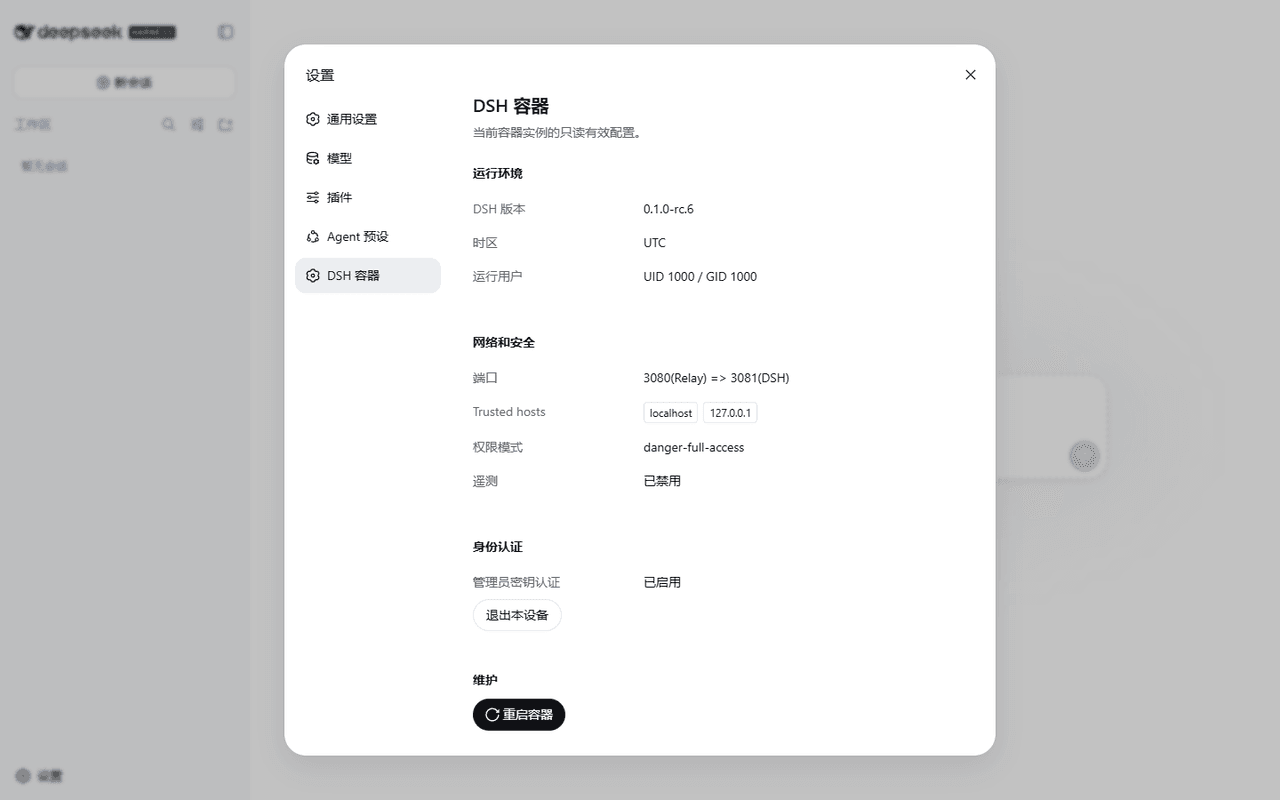 omdsh-dev/dsh-container
DeepSeek Harness (DSH) Docker 容器化封装方案,支持安全沙箱、局域网中继与数据持久化。 / Hardened Docker container for DeepSeek Harness (DSH) with LA…
omdsh-dev/dsh-container
DeepSeek Harness (DSH) Docker 容器化封装方案,支持安全沙箱、局域网中继与数据持久化。 / Hardened Docker container for DeepSeek Harness (DSH) with LA…
-
 toby-bridges/api-relay-audit
Local security audit for AI API relays and LLM proxies: detects prompt injection, model substitution, tool-call rewritin…
toby-bridges/api-relay-audit
Local security audit for AI API relays and LLM proxies: detects prompt injection, model substitution, tool-call rewritin…
-
 saya-ch/dsh-mobile
DeepSeek Harness 的 Android App 与安全远程访问插件,支持局域网/远程连接和高度自定义的移动界面与扩展能力。
saya-ch/dsh-mobile
DeepSeek Harness 的 Android App 与安全远程访问插件,支持局域网/远程连接和高度自定义的移动界面与扩展能力。
-
 liguobao/ds-harness-remote
一个基于 DeepSeek Harness 插件机制构建的多端远程访问方案,通过安全、低延迟、端到端加密的 P2P 优先网络,支持从 PC、Android 和 Web 随时访问并操作远程 Harness 和 CodeX。 (A multi-…
liguobao/ds-harness-remote
一个基于 DeepSeek Harness 插件机制构建的多端远程访问方案,通过安全、低延迟、端到端加密的 P2P 优先网络,支持从 PC、Android 和 Web 随时访问并操作远程 Harness 和 CodeX。 (A multi-…
-
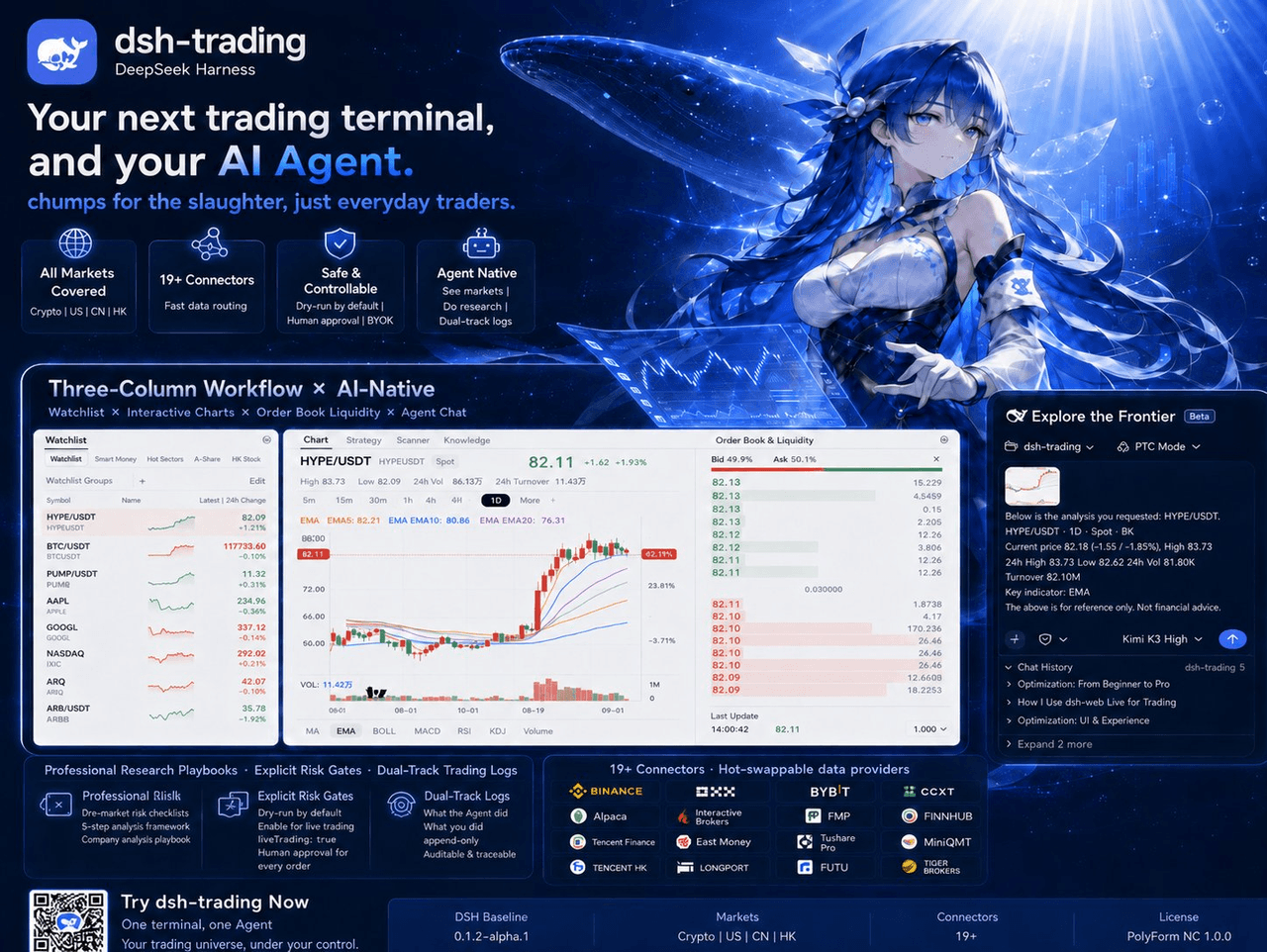 zhu1090093659/dsh-trading
Agent-native trading terminal built on DeepSeek Harness. Crypto, US, CN and HK in one three-column GUI, 19+ hot-swappabl…
zhu1090093659/dsh-trading
Agent-native trading terminal built on DeepSeek Harness. Crypto, US, CN and HK in one three-column GUI, 19+ hot-swappabl…
-
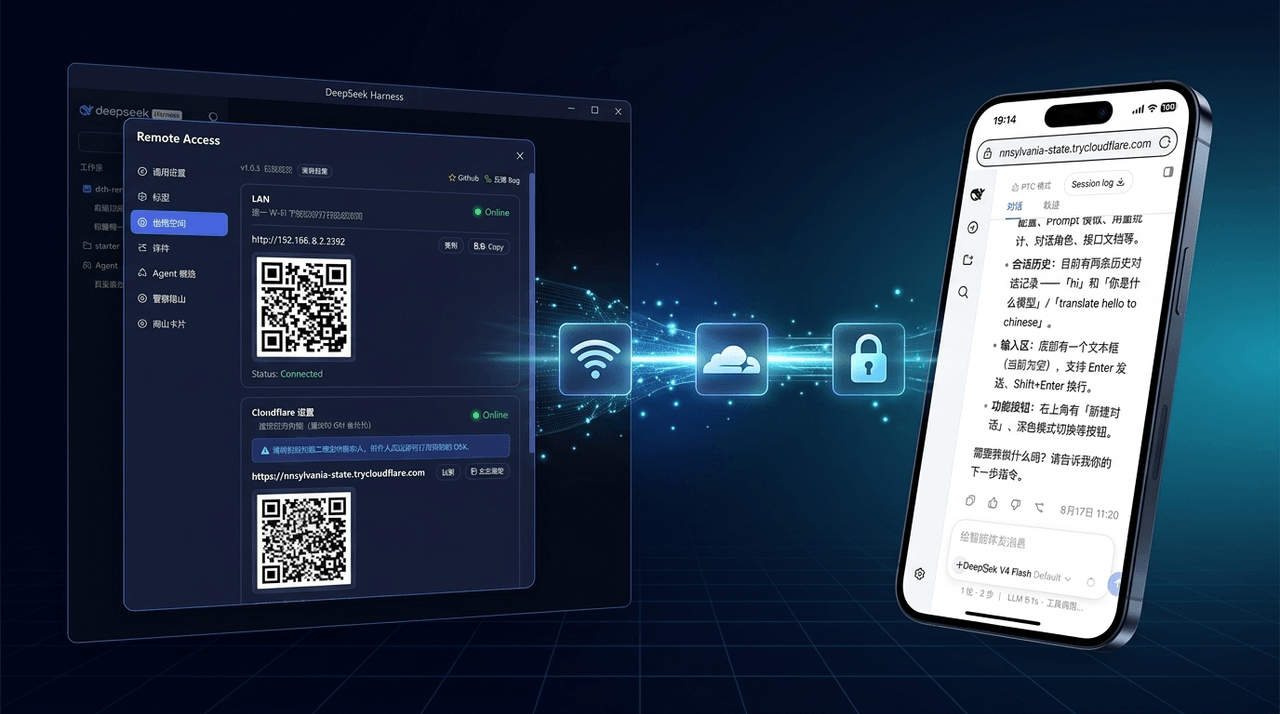 wenbin-wb/dsh-bridge
🚀 DeepSeek Harness 多通道远程访问与安全守护插件 | 局域网扫码直连、Cloudflare / 自建公网隧道、微信 / QQ / 飞书 / Telegram 机器人全生命周期对话 | 内置全协议访问安全认证、后台防篡改与…
wenbin-wb/dsh-bridge
🚀 DeepSeek Harness 多通道远程访问与安全守护插件 | 局域网扫码直连、Cloudflare / 自建公网隧道、微信 / QQ / 飞书 / Telegram 机器人全生命周期对话 | 内置全协议访问安全认证、后台防篡改与…
-
 lire1131/dsh-undo-savepoint
DSH crash-rescue plugin: undo config & plugin-code changes, secret-safe snapshots, one-click SAFE MODE, plus offline CLI…
lire1131/dsh-undo-savepoint
DSH crash-rescue plugin: undo config & plugin-code changes, secret-safe snapshots, one-click SAFE MODE, plus offline CLI…
-
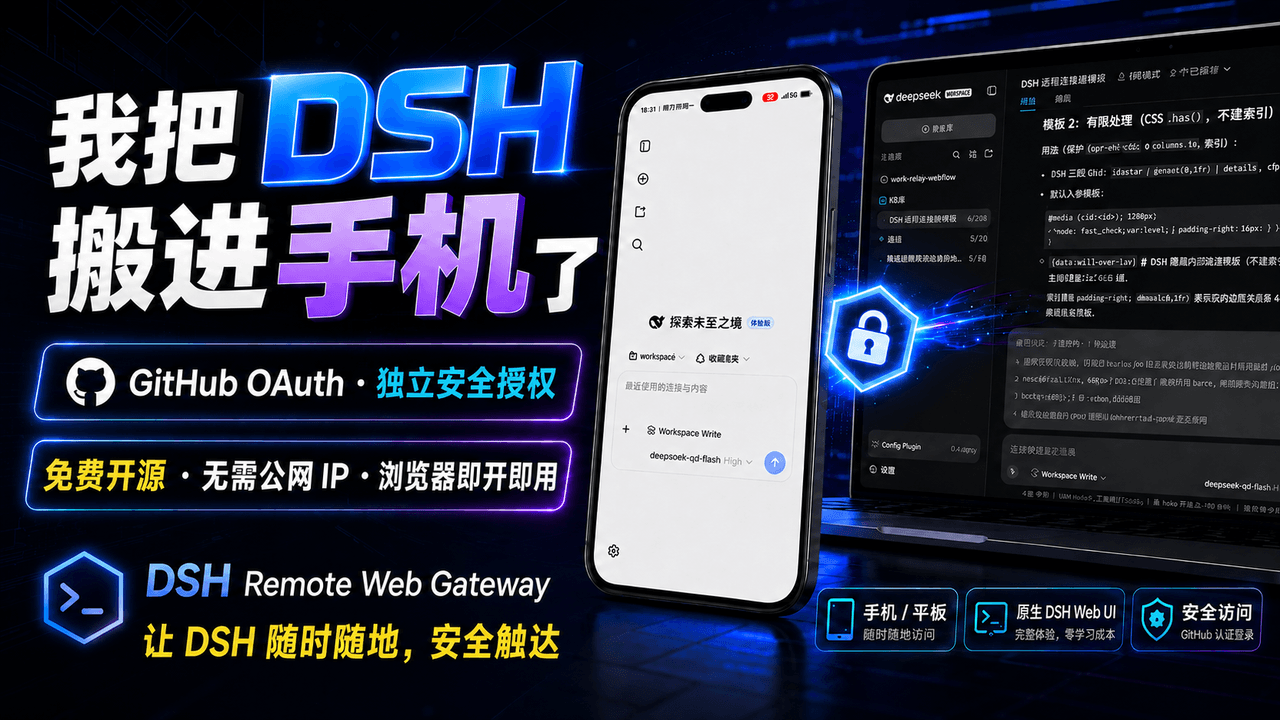 summer1238/dsh-remote-web-gateway
手机平板远程 DeepSeek Harness:扫码即可继续使用电脑上的 DSH,无需远程桌面 / SSH / 公网 IP,支持一次性配对、Github授权加密登录,独立设备授权与随时撤销,实现远程连接很简单,但安全才是我们所想要的。
summer1238/dsh-remote-web-gateway
手机平板远程 DeepSeek Harness:扫码即可继续使用电脑上的 DSH,无需远程桌面 / SSH / 公网 IP,支持一次性配对、Github授权加密登录,独立设备授权与随时撤销,实现远程连接很简单,但安全才是我们所想要的。