qigelunbiya/DSH-Patrol
Browser patrol & website inspection plugin for DeepSeek Harness (DSH). Teach once, replay deterministic runbooks with managed Chromium, screenshots, credentials, checkpoints and selector recovery.
Project Overview项目介绍
DSH Patrol is a browser and Windows desktop cross-application patrol automation plugin built specifically for DeepSeek Harness (DSH). It lets users teach a workflow to the DSH Agent once using natural language, verify it, and then persist it as a Runbook that a deterministic Runner replays without re-planning every step. The repo ships a bundle-manifest and is installed by cloning the source and running scripts\install-local.ps1 -HarnessRoot "D:\deepseek-harness", which performs dependency install, typecheck, tests, extension and encoding checks, a build, and then wires in the Patrol preset, Host Browser Bridge, Web client integration, and a cleanup coordinator under $DSH_HOME. It launches together with pnpm dsh web and exposes a dedicated "巡检模式 / Patrol Mode" session.
A typical workflow begins with patrol_doctor for diagnostics, then patrol_create_draft to scaffold a Runbook that lists steps, each tagged as either browser or desktop. During teaching the agent drives a managed Chromium profile with auto-discovered Chrome / Edge / Chromium, while desktop steps are handled by an independent dsh-patrol/desktop-tools Agent plugin that prefers Windows UI Automation, falls back to hotkeys, then Windows OCR, then coordinate-based clicks grounded in the CURRENT visual snapshot. Editing uses patrol_delete_step, patrol_move_step, and patrol_update_selector, execution uses patrol_run and patrol_resume after patrol_add_checkpoint / patrol_confirm, and the deprecated patrol_execute_and_record is kept only for v0.1 compatibility.
It targets internal ops back-office patrols, recurring business-system checks, page-state verification, screenshot evidence capture, manual-token gated semi-automated runs, and "web patrol then desktop app notification or archival" cross-application flows, with a built-in desktop knowledge base covering 微信.md, WPS.md and 百度网盘.md that workspace-level Markdown guides can override. Requirements are Git, Node.js ≥ 22, pnpm, a runnable local DeepSeek Harness source tree, and Windows PowerShell; the desktop layer is Windows-only. Credentials are stored as ${credential:REF} references, sensitive URL query / fragment / userinfo parameters are refused for persistence, and the managed Browser Profile is DSH-owned and separate from the user's daily browser. The project is Alpha, distributed GitHub-source-first with no npm prebuilt yet, the cleanup coordinator compensates for Harness lacking a third-party uninstall lifecycle hook, and in both TEST and NORMAL MODE there is currently no extra Patrol-side gating of destructive desktop actions such as sending messages, deleting files, or closing windows. License is MIT.
DSH Patrol 是面向 DeepSeek Harness(DSH)的浏览器与 Windows 桌面跨应用巡检自动化插件:用户用自然语言把巡检流程教给 DSH Agent 一次,验证后固化为 Runbook,之后由确定性 Runner 重放,不再让模型每次临场猜测步骤。它通过仓库自带 install-local.ps1 脚本向 Harness 安装 Patrol preset、Host Browser Bridge、Web 客户端集成及生命周期清理协调器,并随 pnpm dsh web 一同启动。
典型工作流是在「巡检模式」下用 patrol_create_draft 起草 Runbook,再用 patrol_browser_step、patrol_type_text、patrol_type_credential、patrol_add_checkpoint、patrol_confirm、patrol_run、patrol_resume、patrol_abort_run、patrol_get_run_page_data、patrol_save_summary、patrol_show、patrol_list 等工具执行、暂停、恢复并保存 JSON / Markdown 报告。内置独立 dsh-patrol/desktop-tools Agent 插件提供 Windows UI Automation、快捷键、Windows OCR 与基于 CURRENT 视觉证据的坐标后备,可串接浏览器截图与微信 / WPS / 百度网盘等桌面应用。
依赖方面要求 Git、Node.js ≥ 22、pnpm 与本机可运行的 DeepSeek Harness 源码;桌面部分仅支持 Windows。凭据以 ${credential:REF} 引用,明文密码、Token、OTP、Cookie 不落盘;登录态走专用 Profile。当前为 Alpha / GitHub-first 阶段,TEST 与 NORMAL MODE 均未做桌面动作分级,消息发送、文件删除、关闭窗口等操作不会被额外拦截,许可证为 MIT。
请帮我安装这个 DSH 插件。安装前先完成【兼容性检查 + 安全性检查】,检查通过再动手。

插件:DSH-Patrol(qigelunbiya/DSH-Patrol)
仓库:https://github.com/qigelunbiya/DSH-Patrol
本站详情页:https://www.yhbd.top/plugins/qigelunbiya-dsh-patrol/
本站登记:类型 plugin · 归类 原生 DSH 插件 · 许可证 MIT · ⭐ 2 · 最近提交 2026-09-28 · 主语言 TypeScript

按下面顺序执行,每步先把结论告诉我,再进入下一步:

【1 兼容性检查】
① 我这边:DSH 版本、Node 版本、操作系统、当前 profile(web / desktop)。
② 读它的 README、package.json、插件 manifest,列出它要求的 DSH 版本 / Node 版本 / 操作系统 / 外部依赖 / 需要另外先装的运行时。
③ 逐条比对,结论只写「满足 / 不满足 / 未知」三种;不满足的给出可行替代方案。
④ 检查是否和我已装的插件冲突:命令名重复、skill / tool 重名、端口占用、重复注册的 MCP server。

【2 安全性检查】
① 仓库可信度:和上面「本站登记」是否一致;star / fork 数、创建时间、最近提交,是否归档或长期停更。
② 安装脚本:逐行看 package.json 的 preinstall / install / postinstall,以及 install.sh、setup.ps1 之类脚本。出现 curl|bash、下载后直接执行、混淆代码、访问与插件功能无关的域名,立刻停下来告诉我,不要继续装。
③ 依赖:列出新增依赖,标出无人维护、或与知名包拼写近似的可疑包(typosquatting)。
④ 权限与副作用:它会读写哪些目录、访问哪些域名、需要哪些 DSH 权限(filesystem / network / shell / clipboard 等),以及怎么卸载和回滚。
⑤ 如果它要求 sudo / 管理员权限,或权限明显超出功能所需,先停下来问我。

【3 安装】
上面两步没有「不满足」和「高危项」时才执行;用官方推荐方式安装,不要自行提权。

【4 汇报】
用表格输出:检查项 / 结论 / 依据 / 是否需要我决策。拿不准的一律写「未知」并说明要我怎么确认——不要猜,也不要替我决定。
Send this message to DSH in your current session: it verifies compatibility and security first (answering met / not met / unknown item by item) and only installs once everything checks out — it will stop and ask you if it finds a high-risk item. The box scrolls; the copy is the full prompt. CLI install commands may not be accurate across systems, so DSH is the safer route.把上面这条消息直接发给当前会话里的 DSH:它会先核对兼容性与安全性(逐条给「满足 / 不满足 / 未知」),确认没问题再安装,有高危项会停下来问你。框内可滚动,复制到的是完整提示词;安装命令不一定准确,发给 DSH 更稳。
- Only 2 stars - very few users, little community feedback星标只有 2,几乎没人在用,遇到问题缺少社区反馈
DSH walks through these 9 checksDSH 会逐条核对这 9 项
Compatibility兼容性
- DSH, Node, OS and profile requirementsDSH 版本 / Node 版本 / 操作系统 / profile 是否满足要求
- External dependencies and runtimes (Electron / Python / Docker, ...)外部依赖与运行时(Electron / Python / Docker 等)是否齐备
- Conflicts with installed plugins: command names, skill / tool names, ports, duplicate MCP registration与已装插件是否冲突:命令名、skill / tool 重名、端口占用、重复 MCP 注册
Security安全性
- Repo matches the facts registered here; archived or abandoned?仓库是否与页面登记一致,是否归档或长期停更
- Safety of preinstall / install / postinstall and install.sh / setup.ps1preinstall / install / postinstall 与 install.sh、setup.ps1 是否安全
- curl|bash, download-then-execute, obfuscation, unrelated domains → stop immediatelycurl|bash、下载即执行、混淆代码、无关域名 → 立刻停止
- Typosquatting or unmaintained packages among the new dependencies新增依赖里有没有 typosquatting 或无人维护的包
- Requested permissions vs. what the feature actually needs申请了哪些权限、是否超出功能所需(filesystem / network / shell / clipboard)
- Any sudo / admin requirement, plus uninstall and rollback是否要求 sudo / 管理员权限,以及卸载与回滚方式
Anything uncertain must be marked unknown with a note on how to confirm it. This site's signal screen is a static snapshot, not a security audit.拿不准的必须标「未知」并说明要我怎么确认。本站的信号筛查是静态快照,不能替代安全审计。
Or use CLI install (for developers)或使用命令行安装(适合开发者)
CLI Install命令行安装
dsh plugin --profile web add github:qigelunbiya/DSH-Patrol把 qigelunbiya/DSH-Patrol 加入你的 DSH 配置(web profile)即可启用。
READMEREADME
DSH Patrol
Teach once. Patrol repeatedly.





DSH Patrol 是面向 DeepSeek Harness 的浏览器 + Windows 桌面跨应用巡检 / Automation 插件:你只需要用自然语言把巡检流程教给 Agent 一次,验证后它会固化成 Runbook;之后由确定性 Runner 重放,不再让模型每次临场猜步骤。
DSH Patrol is a browser + Windows desktop patrol automation plugin for DeepSeek Harness. Teach a workflow once, verify it, then replay it deterministically across managed Chromium and desktop applications.
把「每次都让 AI 重新操作网页 / 应用」变成「教一次,后续稳定巡检」。
当前状态:Alpha / GitHub-first。 现阶段推荐直接从 GitHub 克隆源码并使用仓库自带安装脚本。项目稳定后再考虑发布 npm 预构建包;目前 README 不把 npm 作为默认安装入口。
为什么用 DSH Patrol
- 自然语言教学:直接描述“打开哪里、点什么、检查什么、截图什么”。
- 确定性重放:教学完成后保存为 Runbook,后续重复巡检不依赖模型重新规划整条路径。
- 浏览器开箱即用:自动寻找 Chrome / Edge / Chromium,使用独立持久 Profile,并自动加载内置扩展。
- 登录态可复用:专用浏览器 Profile 可以跨 Harness 重启保留 Cookie / Session。
- 安全凭据引用:Runbook 保存
${credential:REF},不保存明文密码、Token、OTP 或 Cookie。 - Checkpoint / Resume:遇到人工令牌、扫码、二次确认等步骤可以暂停,人工完成后继续原 run。
- 截图与页面摘要:巡检结果可以落地截图、页面文本、JSON / Markdown 报告和确定性摘要。
- 保守的 Selector 自愈:只在唯一、精确的语义匹配下进行一次重试;真正修改 selector 需要显式确认。
- Windows Desktop Automation:桌面应用优先走 Windows UI Automation;不足时依次使用快捷键、Windows OCR、CURRENT 坐标后备。
- 跨应用 Runbook:同一条流程可以先巡检网页并生成截图,再激活微信/WPS/百度网盘等桌面应用继续操作。
- 应用知识库:内置
微信.md、WPS.md、百度网盘.md,并支持工作区自定义 Markdown 指南覆盖。 - 跨步骤 Artifact 引用:桌面步骤可用
${artifact:last-screenshot}获取本轮前面生成的最近截图。
适合的场景包括:内部运维后台巡检、业务系统日常检查、网页状态核对、需要登录态的重复流程、截图留证、人工令牌介入的半自动巡检,以及“网页巡检 → 桌面应用通知/归档”的跨应用工作流。
Desktop Automation(Windows)
Desktop Automation 与现有 Browser Patrol 彼此独立:Browser Bridge、受管 Chromium 和网页 Runbook 仍按原逻辑工作;桌面能力通过独立的 dsh-patrol/desktop-tools Agent 插件提供。
Showing the opening section of the README — the full document lives in the repository以上为 README 开头摘要,完整文档在仓库内 · View the full README on GitHub →在 GitHub 查看完整 README →
Related相关推荐
- PerryLink/dsh-talk Voice-first session loop for DeepSeek Harness: a composer microphone button with browser/local speech-to-text (Web Speec…
-
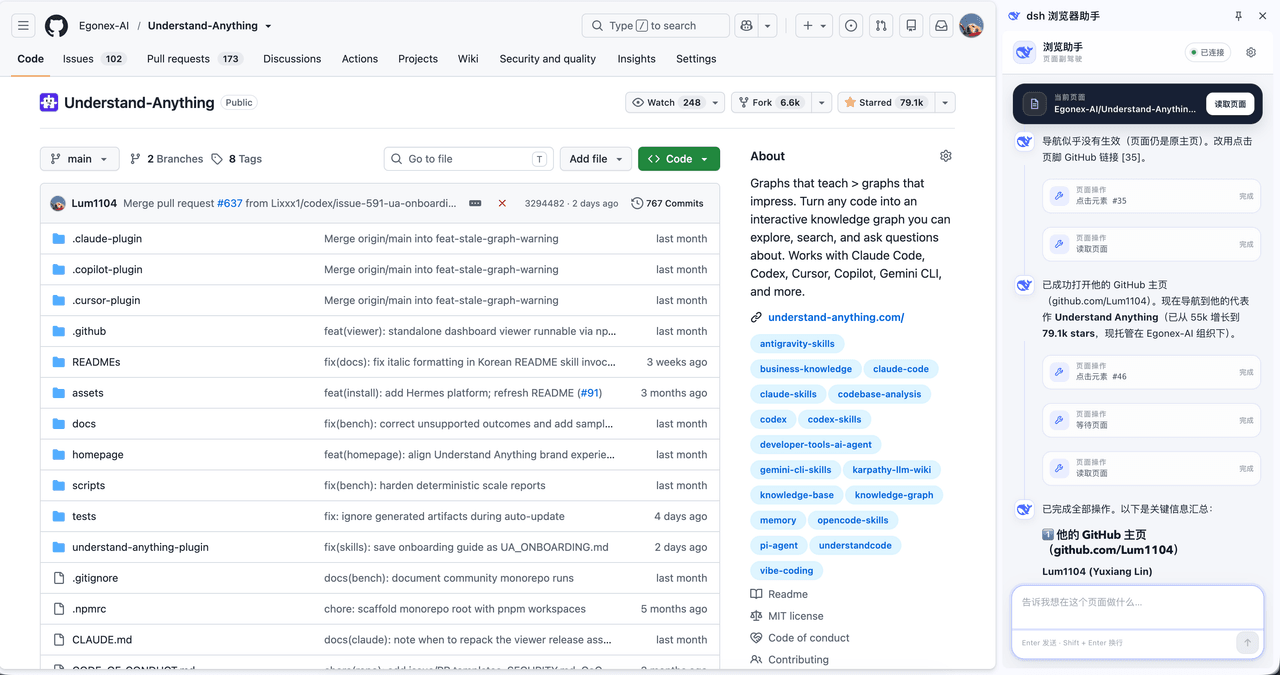 omdsh-dev/dsh-browser
Chrome sidebar extension that lets DeepSeek Harness operate your browser directly, no vision capabilities required. 一款 C…
omdsh-dev/dsh-browser
Chrome sidebar extension that lets DeepSeek Harness operate your browser directly, no vision capabilities required. 一款 C…
-
 ZSeven-W/dsh-ios
DeepSeek Harness (DSH) plugin: a live iOS Simulator — and a USB-connected iPhone — inside the conversation. 22 agent too…
ZSeven-W/dsh-ios
DeepSeek Harness (DSH) plugin: a live iOS Simulator — and a USB-connected iPhone — inside the conversation. 22 agent too…
- Fisfzy/dsh-ego-browser DSH(DeepSeek Harness)插件:把 ego-lite 浏览器(给 AI Agent 用的 Chromium)接入 HARNESS——13 个结构化 ego_* 工具(文本语义快照、语义定位点击、表单填充、截图、CDP 控制、…
-
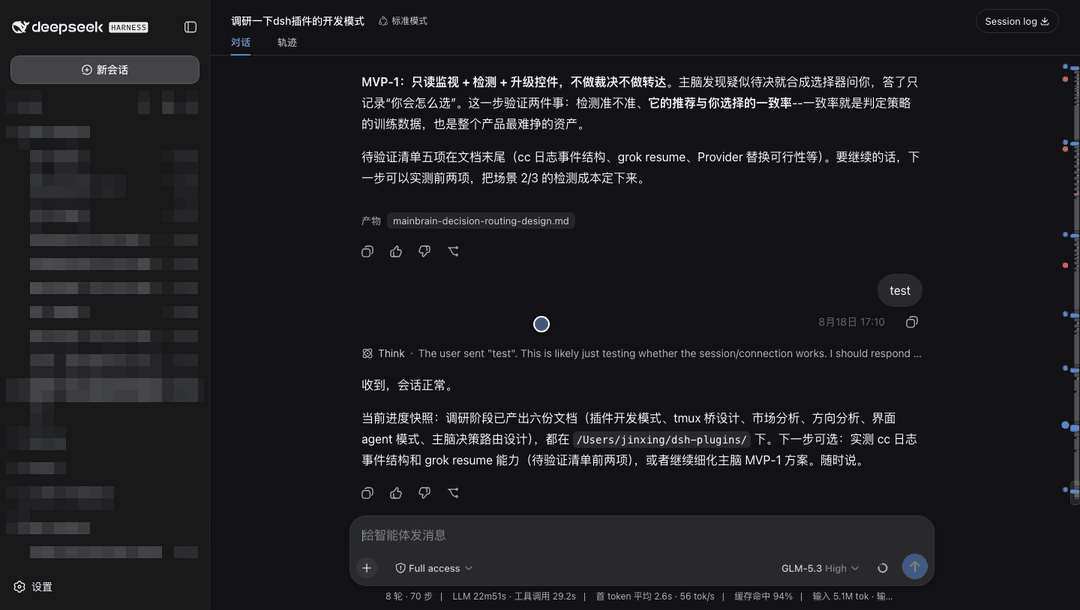 jsdvjx/dsh-strata
Session strata for the DeepSeek Harness Web GUI: the transcript's scrollbar becomes a to-scale, colour-coded map of the …
jsdvjx/dsh-strata
Session strata for the DeepSeek Harness Web GUI: the transcript's scrollbar becomes a to-scale, colour-coded map of the …
-
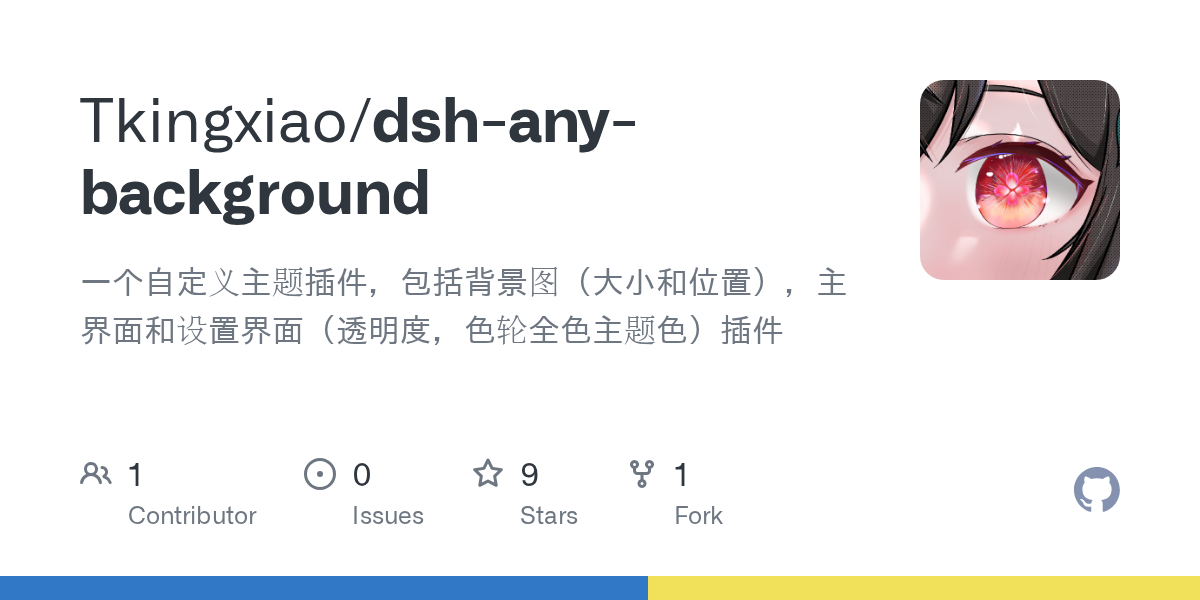 Tkingxiao/dsh-any-background
Deepseek Harness 自定义主题插件,支持自定义图片/视频壁纸,对话框,侧边栏等透明度模糊度调整,全局主题色的色轮调整插件
Tkingxiao/dsh-any-background
Deepseek Harness 自定义主题插件,支持自定义图片/视频壁纸,对话框,侧边栏等透明度模糊度调整,全局主题色的色轮调整插件
-
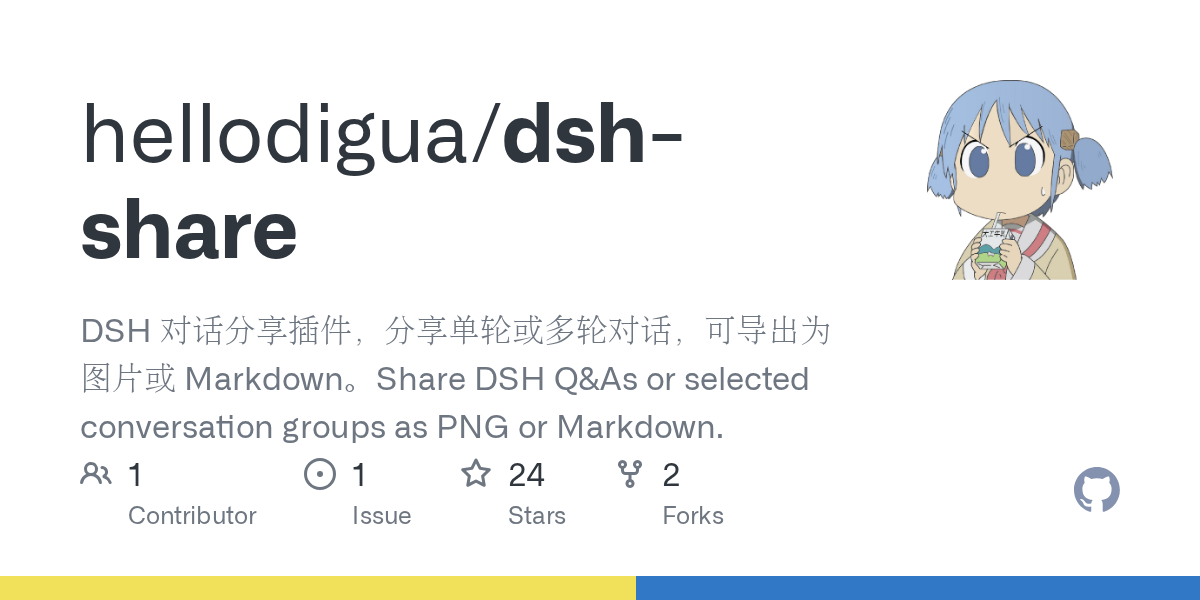 hellodigua/dsh-share
DSH 对话分享插件,分享单轮或多轮对话,可导出为图片或 Markdown。Share DSH Q&As or selected conversation groups as PNG or Markdown.
hellodigua/dsh-share
DSH 对话分享插件,分享单轮或多轮对话,可导出为图片或 Markdown。Share DSH Q&As or selected conversation groups as PNG or Markdown.
-
 yinnho/aginxbrowser
The browser built for AI agents — fetch live pages as markdown, render JS/SPAs with built-in V8, take screenshots withou…
yinnho/aginxbrowser
The browser built for AI agents — fetch live pages as markdown, render JS/SPAs with built-in V8, take screenshots withou…