securstack/securstack-dsh-plugin
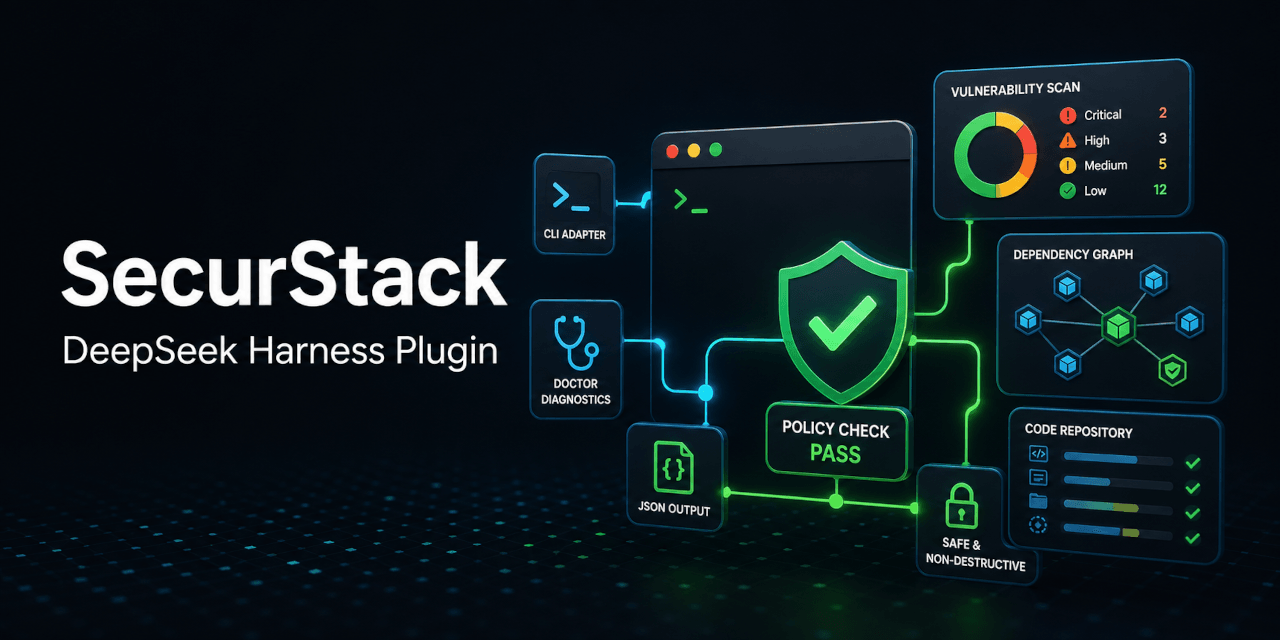
SecurStack 适配器,用于 DeepSeek Harness:从安全的 AI 代理工具运行仓库安全扫描、策略门禁、医生诊断和 JSON CLI 结果。
Project Overview项目介绍
A DSH plugin that acts as a thin adapter to the SecurStack CLI, exposing security scanning, policy gates, and environment diagnostics inside AI-agent workflows. Capabilities include repository security scans, CI-style policy checks, and local credential diagnostics, while reusing existing SecurStack authentication. Use it when agents need to assess code risk and policy compliance without reimplementing product logic. Caveat: v1 intentionally omits destructive hooks, write operations, and duplicated API contracts.
DSH 插件,作为 SecurStack CLI 的轻量适配层,在 AI 代理工作流中调用安全扫描、策略门禁与环境诊断。其能力包括仓库安全扫描、CI 风格的策略校验、本地凭证检查,并复用现有 SecurStack 鉴权。适用于希望在不重写产品逻辑的前提下,让代理自动评估代码风险与合规状态的场景。需注意 v1 故意排除破坏性钩子、写入操作与重复的 API 契约。
请帮我了解并安装插件:【securstack-dsh-plugin】【https://github.com/securstack/securstack-dsh-plugin】Send this message to DSH in your current session. CLI install commands may not be accurate across systems — DSH will figure it out for you.把上面这条消息直接发给当前会话里的 DSH,让它帮你了解并安装。安装命令不一定准确,发给 DSH 更稳。
Or use CLI install (for developers)或使用命令行安装(适合开发者)
CLI Install命令行安装
dsh plugin --profile securstack add @securstack/dsh-plugin把 securstack/securstack-dsh-plugin 加入你的 DSH 配置(web profile)即可启用。
READMEREADME
SecurStack DeepSeek Harness Plugin






DeepSeek Harness plugin for running SecurStack security checks directly from an AI-agent workflow.
The plugin registers safe, non-destructive Harness tools that call the official securstack CLI to scan repositories, return structured JSON results, run environment diagnostics, and evaluate scan output against repository policy gates. It lets DeepSeek Harness ask SecurStack what is risky, what is misconfigured, and whether a codebase passes policy without reimplementing SecurStack product logic inside the plugin.
This package is intentionally a thin adapter. It does not implement scan engines, encryption, upload logic, API contracts, or Shielding operations. Those responsibilities stay in @securstack/cli and the SecurStack SaaS.
Capabilities
- Repository security scans via
securstack scan --format json. - Policy gates for CI-like pass/fail decisions with
securstack policy check. - Local setup and credential diagnostics through
securstack doctor. - Harness-friendly tool responses with parsed JSON where the CLI promises JSON output.
- Existing SecurStack authentication through
securstack login,SECURSTACK_API_KEY, andSECURSTACK_API_URL. - Adapter-only design that avoids destructive hooks, Shielding writes, or duplicated product contracts in v1.
Security Coverage
SecurStack coverage is represented through the CLI contract exposed to Harness, including SAST-style code analysis, SCA dependency checks, secrets detection, IaC/security configuration review, policy-as-code gates, and CLI diagnostics. DAST-oriented workflows can be surfaced through SecurStack scan output and policy checks when supported by the configured SecurStack project.
Requirements
- Node.js 20 or newer.
- DeepSeek Harness developer preview.
- SecurStack credentials configured with either:
securstack login --api-key <key>SECURSTACK_API_KEYand optionalSECURSTACK_API_URL
The plugin reuses SECURSTACK_CLI_PATH or a securstack executable already
available in PATH. On a clean machine it downloads the compatible standalone
CLI, verifies its SHA-256 digest, and stores it under
~/.securstack/bin/<version>/. The downloaded CLI itself does not require
Node.js. SECURSTACK_CLI_VERSION and SECURSTACK_CLI_MANIFEST_URL can be used
to pin or test another release.
Install
dsh plugin --profile securstack add @securstack/dsh-plugin
dsh --profile securstack
Tools
securstack_scan: runssecurstack scan --format jsonfor a repository path.securstack_doctor: runssecurstack doctor.securstack_policy_check: runssecurstack policy check --input <https://github.com/securstack/securstack-dsh-plugin/blob/HEAD/scan.json>with optional risk and severity limits.
Examples
Ask DeepSeek Harness:
Run a SecurStack scan on this repository and summarize critical findings.
Check whether the last SecurStack scan passes the repository policy.
Run SecurStack doctor and tell me what is misconfigured.
Development
npm install
npm run build
npm test
npm pack --dry-run
Release and publishing operations are documented in docs/release.md. Releases must be authenticated as the securstack account on both npm and GitHub; personal accounts must not publish or push the public release.
For local Harness testing:
npm pack
dsh plugin --profile demo add ./securstack-dsh-plugin-0.1.1.tgz
dsh --profile demo --dump-config
Related相关推荐
-
 zhu1090093659/dsh-trading
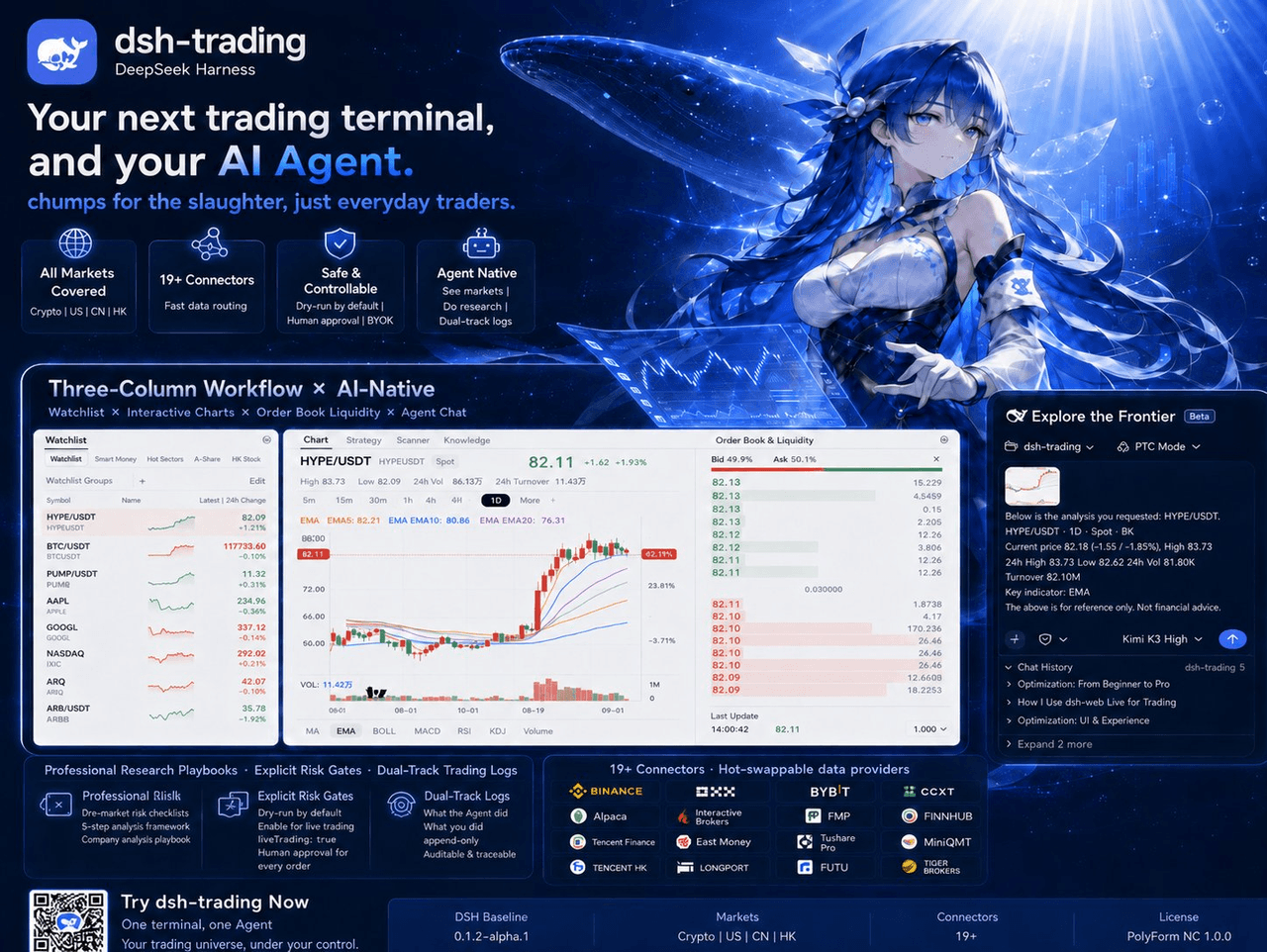
Agent-native trading terminal built on DeepSeek Harness. Crypto, US, CN and HK in one three-column GUI, 19+ hot-swappabl…
zhu1090093659/dsh-trading
Agent-native trading terminal built on DeepSeek Harness. Crypto, US, CN and HK in one three-column GUI, 19+ hot-swappabl…
-
 lire1131/dsh-undo-savepoint
DSH crash-rescue plugin: undo config & plugin-code changes, secret-safe snapshots, one-click SAFE MODE, plus offline CLI…
lire1131/dsh-undo-savepoint
DSH crash-rescue plugin: undo config & plugin-code changes, secret-safe snapshots, one-click SAFE MODE, plus offline CLI…
-
 huaweicloud/huaweicloud-devkit
Official Huawei Cloud plugin for AI agents — skills, MCP tools, safety guardrails, and cloud sandbox to help AI agents …
huaweicloud/huaweicloud-devkit
Official Huawei Cloud plugin for AI agents — skills, MCP tools, safety guardrails, and cloud sandbox to help AI agents …
- pointer-a/dsh-server-login 面向公网的多租户 DSH 托管平台 —— 部署到一台公网服务器后,多个用户注册并经管理员审核,各自获得一套相互隔离的 deepseek-harness(DSH)环境,随时通过域名安全访问。
-
 ZSeven-W/dsh-harbor
DeepSeek Harness (DSH) plugin: a read-only ledger for the plugins you already have installed — a capability inventory wi…
ZSeven-W/dsh-harbor
DeepSeek Harness (DSH) plugin: a read-only ledger for the plugins you already have installed — a capability inventory wi…
-
 fb0sh/dsh-pentester
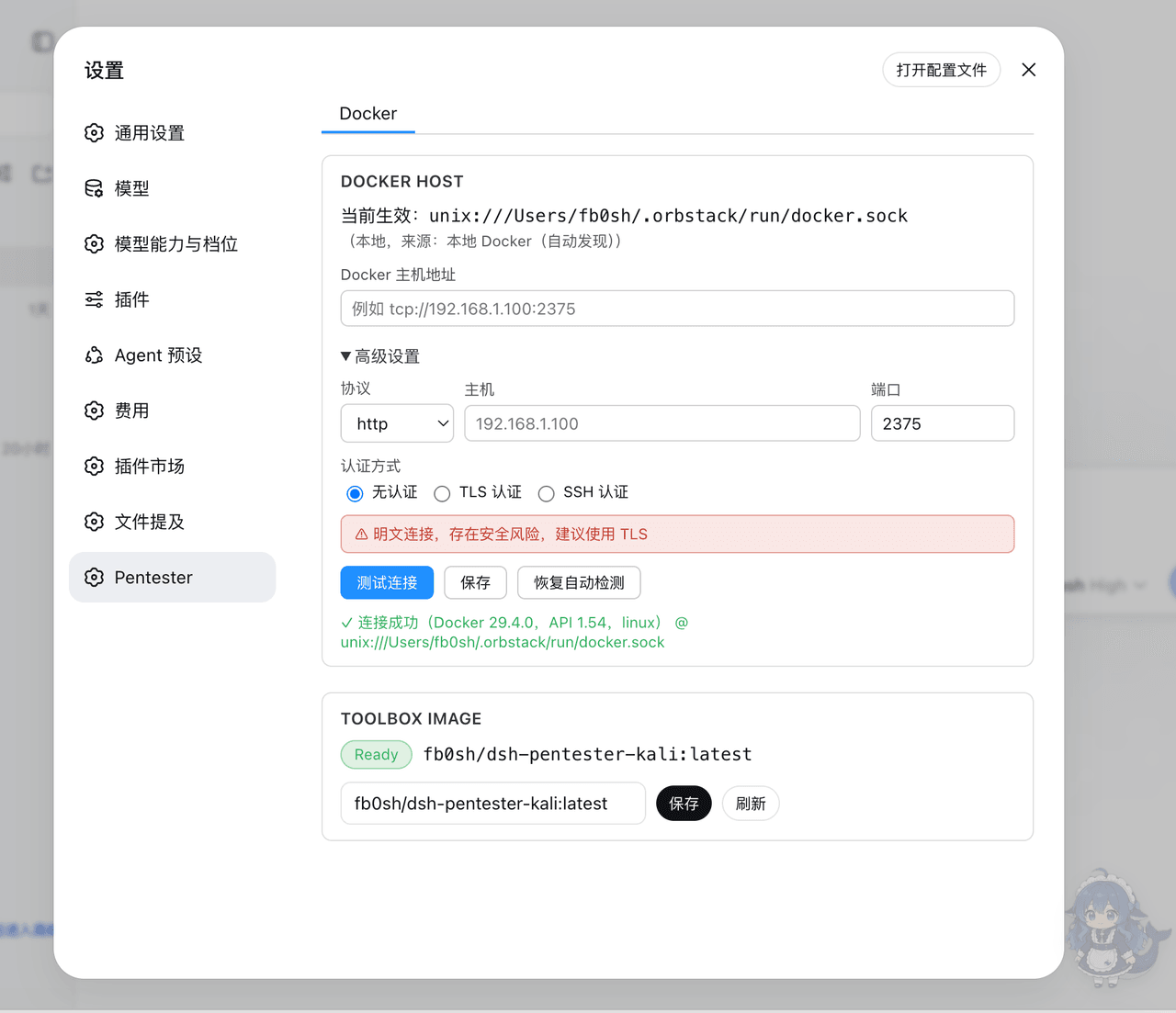
基于 DeepSeek Harness 的多 Agent PTES 渗透测试编排插件,支持自动化侦察、漏洞分析、验证与报告,使用 Docker/Kali 隔离工具箱 | Multi-agent PTES penetration testin…
fb0sh/dsh-pentester
基于 DeepSeek Harness 的多 Agent PTES 渗透测试编排插件,支持自动化侦察、漏洞分析、验证与报告,使用 Docker/Kali 隔离工具箱 | Multi-agent PTES penetration testin…
-
 Lzh3070/dsh-file-review-tab
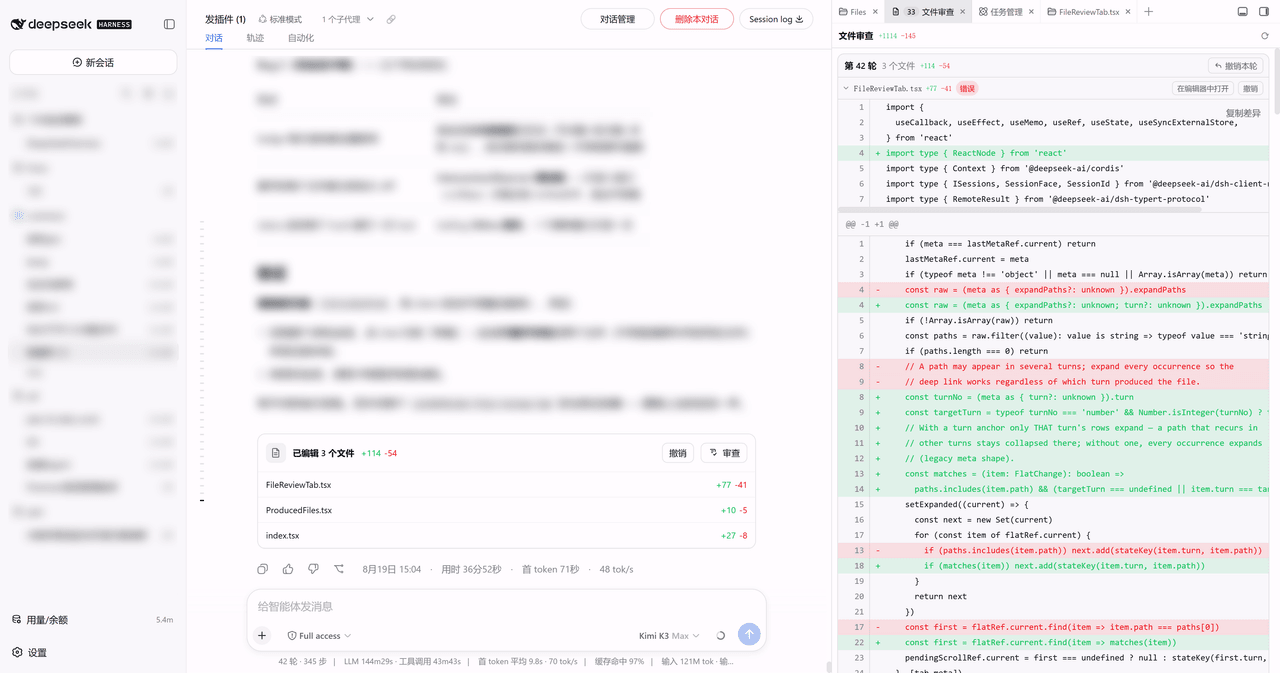
dsh-better-sidebar 侧边栏 Tab 版文件改动审查:行级红绿 diff + 撤销,chat 行深链(移植自 left0ver/dsh-file-review)/ Review agent file changes as a…
Lzh3070/dsh-file-review-tab
dsh-better-sidebar 侧边栏 Tab 版文件改动审查:行级红绿 diff + 撤销,chat 行深链(移植自 left0ver/dsh-file-review)/ Review agent file changes as a…
- SenmuuuuW/dsh-group-photo DSH 内测收官合影墙:GitHub OAuth 零权限登录 + 冻结白名单校验的拍立得合影站(含 DSH Skill 包装)