GitRuozhi/dsh-mini-win
Windows-friendly minimal agent preset for DeepSeek Harness: sandboxed pwsh, native cmd.exe, and str_replace_editor.
Project Overview项目介绍
This is a minimal agent preset for DeepSeek Harness (DSH) built for Windows systems. It replaces DSH's Linux/macOS-only minimal preset, provides only 3 tools to trigger DeepSeek's advanced thinking chain for Windows users. Triggering the advanced thinking chain still has randomness, and a full fix awaits DeepSeek model updates.
这是适配Windows系统的DeepSeek Harness极简代理预设,替换原仅支持Linux/macOS的minimal预设,仅提供3个工具来触发深度思考链,供Windows用户使用。目前触发深度思考链仍存在一定随机性,问题解决有待DeepSeek模型更新。
请帮我安装这个 DSH 插件。安装前先完成【兼容性检查 + 安全性检查】,检查通过再动手。

插件:dsh-mini-win(GitRuozhi/dsh-mini-win)
仓库:https://github.com/GitRuozhi/dsh-mini-win
本站详情页:https://www.yhbd.top/plugins/gitruozhi-dsh-mini-win/
本站登记:类型 plugin · 归类 原生 DSH 插件 · 许可证 MIT · ⭐ 2 · 最近提交 2026-09-17 · 主语言 JavaScript · 未检测到 DSH 插件清单

按下面顺序执行,每步先把结论告诉我,再进入下一步:

【1 兼容性检查】
① 我这边:DSH 版本、Node 版本、操作系统、当前 profile(web / desktop)。
② 读它的 README、package.json、插件 manifest,列出它要求的 DSH 版本 / Node 版本 / 操作系统 / 外部依赖 / 需要另外先装的运行时。
③ 逐条比对,结论只写「满足 / 不满足 / 未知」三种;不满足的给出可行替代方案。
④ 检查是否和我已装的插件冲突:命令名重复、skill / tool 重名、端口占用、重复注册的 MCP server。

【2 安全性检查】
① 仓库可信度:和上面「本站登记」是否一致;star / fork 数、创建时间、最近提交,是否归档或长期停更。
② 安装脚本:逐行看 package.json 的 preinstall / install / postinstall,以及 install.sh、setup.ps1 之类脚本。出现 curl|bash、下载后直接执行、混淆代码、访问与插件功能无关的域名,立刻停下来告诉我,不要继续装。
③ 依赖:列出新增依赖,标出无人维护、或与知名包拼写近似的可疑包(typosquatting)。
④ 权限与副作用:它会读写哪些目录、访问哪些域名、需要哪些 DSH 权限(filesystem / network / shell / clipboard 等),以及怎么卸载和回滚。
⑤ 如果它要求 sudo / 管理员权限,或权限明显超出功能所需,先停下来问我。

【3 安装】
上面两步没有「不满足」和「高危项」时才执行;用官方推荐方式安装,不要自行提权。

【4 汇报】
用表格输出:检查项 / 结论 / 依据 / 是否需要我决策。拿不准的一律写「未知」并说明要我怎么确认——不要猜,也不要替我决定。
Send this message to DSH in your current session: it verifies compatibility and security first (answering met / not met / unknown item by item) and only installs once everything checks out — it will stop and ask you if it finds a high-risk item. The box scrolls; the copy is the full prompt. CLI install commands may not be accurate across systems, so DSH is the safer route.把上面这条消息直接发给当前会话里的 DSH:它会先核对兼容性与安全性(逐条给「满足 / 不满足 / 未知」),确认没问题再安装,有高危项会停下来问你。框内可滚动,复制到的是完整提示词;安装命令不一定准确,发给 DSH 更稳。
- Only 2 stars - very few users, little community feedback星标只有 2,几乎没人在用,遇到问题缺少社区反馈
- No DSH plugin manifest detected - it may only carry the dsh-plugin topic, so the install method must be confirmed on the spot未检测到 DSH 插件清单:可能只是打了 dsh-plugin 话题,安装方式要现场确认
DSH walks through these 9 checksDSH 会逐条核对这 9 项
Compatibility兼容性
- DSH, Node, OS and profile requirementsDSH 版本 / Node 版本 / 操作系统 / profile 是否满足要求
- External dependencies and runtimes (Electron / Python / Docker, ...)外部依赖与运行时(Electron / Python / Docker 等)是否齐备
- Conflicts with installed plugins: command names, skill / tool names, ports, duplicate MCP registration与已装插件是否冲突:命令名、skill / tool 重名、端口占用、重复 MCP 注册
Security安全性
- Repo matches the facts registered here; archived or abandoned?仓库是否与页面登记一致,是否归档或长期停更
- Safety of preinstall / install / postinstall and install.sh / setup.ps1preinstall / install / postinstall 与 install.sh、setup.ps1 是否安全
- curl|bash, download-then-execute, obfuscation, unrelated domains → stop immediatelycurl|bash、下载即执行、混淆代码、无关域名 → 立刻停止
- Typosquatting or unmaintained packages among the new dependencies新增依赖里有没有 typosquatting 或无人维护的包
- Requested permissions vs. what the feature actually needs申请了哪些权限、是否超出功能所需(filesystem / network / shell / clipboard)
- Any sudo / admin requirement, plus uninstall and rollback是否要求 sudo / 管理员权限,以及卸载与回滚方式
Anything uncertain must be marked unknown with a note on how to confirm it. This site's signal screen is a static snapshot, not a security audit.拿不准的必须标「未知」并说明要我怎么确认。本站的信号筛查是静态快照,不能替代安全审计。
Or use CLI install (for developers)或使用命令行安装(适合开发者)
CLI Install命令行安装
dsh plugin --profile web add github:GitRuozhi/dsh-mini-win把 GitRuozhi/dsh-mini-win 加入你的 DSH 配置(web profile)即可启用。
READMEREADME
dsh-mini-win
English | 中文
A Windows-friendly minimal agent preset for DeepSeek Harness (DSH).
This is the official minimal preset with both persistent shells enabled, and GitHub tools masked:
bash— persistent Git Bash (not/bin/bash)pwsh— persistent PowerShell 7 (not Windows PowerShell 5.1)
No file editor, no extra prompt text, no context compaction — same contract as official minimal.
Install
Copy this directory into your DSH presets folder as mini-win:
git clone https://github.com/GitRuozhi/dsh-mini-win "$env:USERPROFILE\.dsh\.agent-presets\mini-win"
Restart dsh, then pick 小赢模式 (mini-win).
Requires Git for Windows and PowerShell 7 (pwsh). Override paths with DSH_BASH_PATH / DSH_PWSH_PATH if needed.
Git Bash cannot start under DSH's Windows ACL sandbox (MSYS + restricted token), so the bash PTY is spawned unconfined. Persistent pwsh stays on the host ACL sandbox.
About block-github.mjs
This file masks the mcp__github__* and github_file_read tools that the dsh-github-mcp bundle registers globally, so this preset stays minimal. It is a no-op when that bundle isn't installed, so it's safe to keep.
Related相关推荐
-
 lire1131/dsh-undo-savepoint
DSH crash-rescue plugin: undo config & plugin-code changes, secret-safe snapshots, one-click SAFE MODE, plus offline CLI…
lire1131/dsh-undo-savepoint
DSH crash-rescue plugin: undo config & plugin-code changes, secret-safe snapshots, one-click SAFE MODE, plus offline CLI…
-
 huaweicloud/huaweicloud-devkit
Official Huawei Cloud plugin for AI agents — skills, MCP tools, safety guardrails, and cloud sandbox to help AI agents …
huaweicloud/huaweicloud-devkit
Official Huawei Cloud plugin for AI agents — skills, MCP tools, safety guardrails, and cloud sandbox to help AI agents …
-
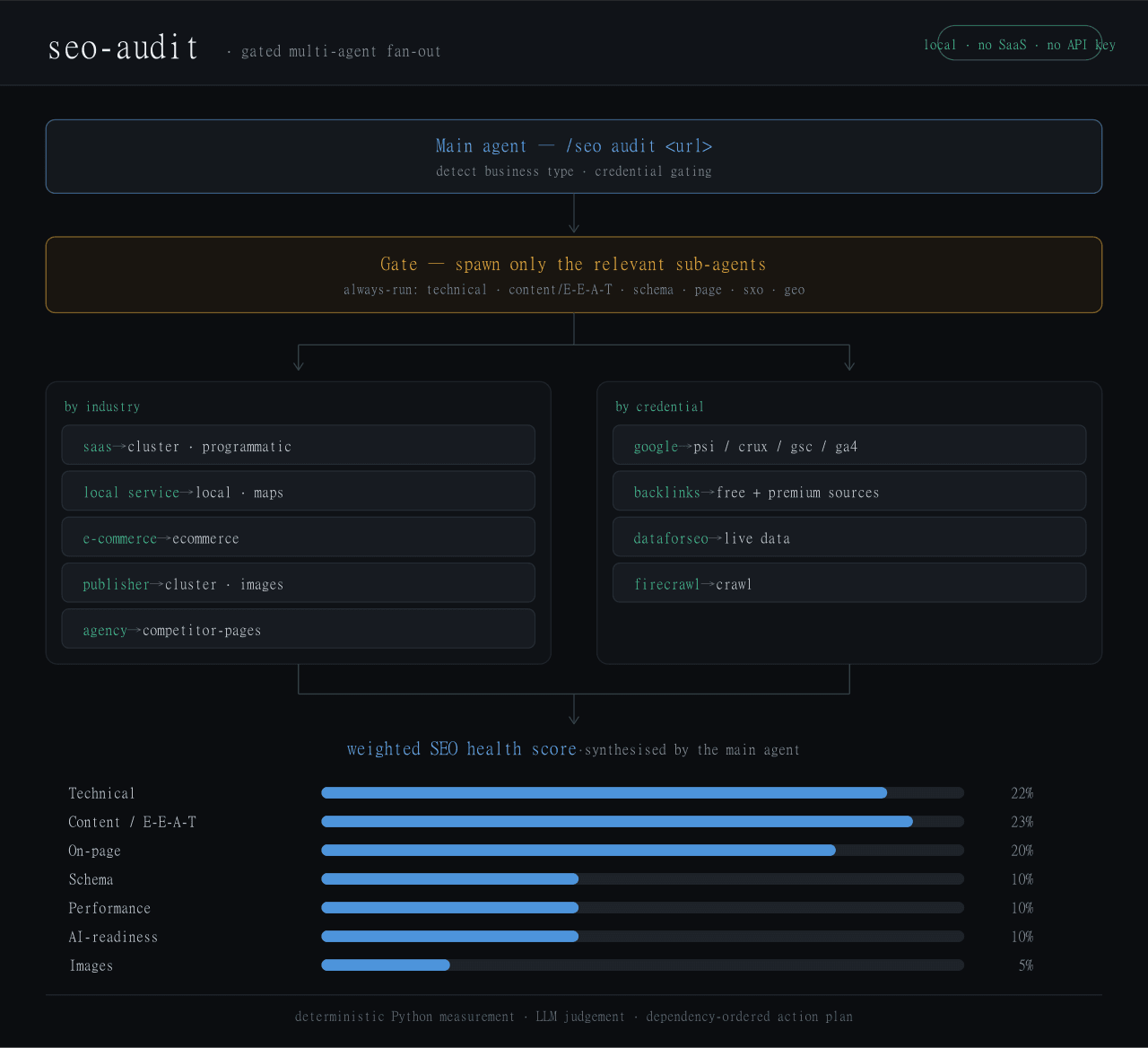 Haniubub/seo-toolkit
The SEO audit toolkit built for DeepSeek Harness (DSH) — runs locally, no Claude Code, no API key required. Self-contain…
Haniubub/seo-toolkit
The SEO audit toolkit built for DeepSeek Harness (DSH) — runs locally, no Claude Code, no API key required. Self-contain…
- Sur-Cai/macos-computer-use-kit AX-first computer use for AI agents on macOS with optional Jev (TypeSafe System One) semantic guards: calibrated target/…
- zoahdev/dsh-plugin-template Minimal, verified template for DeepSeek Harness plugins: bundle manifest, one tool, runtime peer guard, tests, and CI th…
- Jyleaves/dsh-win-bash-fix Windows Git Bash fix for DeepSeek Harness (dsh): MSYS sandbox conflict + terminal inspector, with the minimal-win collec…
- rrrrrredy/skill-security-guard Static security scanner for agent skills: A-F risk rating, safe zip scanning, CI-tested rules
-
 kenryu42/cc-safety-net
A pre-execution guard for AI coding agents. It blocks destructive Git and file system commands, plus common attempts to …
kenryu42/cc-safety-net
A pre-execution guard for AI coding agents. It blocks destructive Git and file system commands, plus common attempts to …