lordqyxz/dsh-ark-quota
火山方舟订阅套餐剩余额度 DSH 侧边栏小组件(通过AK+SK 获取额度信息,在左侧边栏展示)
Project Overview项目介绍
A DeepSeek Harness plugin that displays Volcano Ark Coding Plan subscription quota as a persistent sidebar footer card or compact pill. A same-origin /ark-quota route signs SigV4 OpenAPI requests server-side to bypass CORS, with Agent Plan auto-fallback and live settings hot-reload. Use it to monitor Ark quota directly inside the DSH GUI. Caveat: the plugin holds real Volcengine AK/SK credentials — keep them private and never expose the DSH server beyond loopback.
DSH 插件,在侧边栏底部以常驻卡片或紧凑胶囊展示火山方舟 Coding Plan 订阅额度(含 Agent Plan 回退),通过同源 /ark-quota 路由代签 SigV4 请求绕开 CORS,并在设置页提供直观的「方舟额度」配置区。适用于需要实时监控方舟配额而又不想离开 DSH 界面的开发者。注意:插件持有真实的火山方舟 AK/SK,需保密且仅在受信本机运行。
请帮我了解并安装插件:【dsh-ark-quota】【https://github.com/lordqyxz/dsh-ark-quota】Send this message to DSH in your current session. CLI install commands may not be accurate across systems — DSH will figure it out for you.把上面这条消息直接发给当前会话里的 DSH,让它帮你了解并安装。安装命令不一定准确,发给 DSH 更稳。
Or use CLI install (for developers)或使用命令行安装(适合开发者)
CLI Install命令行安装
dsh plugin --profile web add github:lordqyxz/dsh-ark-quota把 lordqyxz/dsh-ark-quota 加入你的 DSH 配置(web profile)即可启用。
READMEREADME
dsh-ark-quota
English · 简体中文
A DeepSeek Harness (DSH) web plugin that shows your 火山方舟 (Volcano Ark) Coding Plan subscription quota as a fixed widget in the sidebar footer — without ever leaving the DSH GUI.
Current version:
v0.2.0(see VERSION)
- Host half (
lib/index.js) signs the control-plane OpenAPIGetCodingPlanUsage(falling back toGetAFPUsagefor Agent Plan) with your Volcengine AK/SK (SigV4 variant) behind a same-origin route (/ark-quota), because the OpenAPI gateway does not allow CORS from the DSH origin. No browser cookies or console session are sent upstream; local write routes use a per-instance CSRF capability. - Browser half (
lib/client.js) renders the quota card / rail pill and auto-refreshes when the settings change; a dedicated Settings → 方舟额度 section lets you paste the AK/SK straight into the DSH settings UI. tools/check.mjsis a zero-dependency CLI that signs one request with your AK/SK and prints your subscription quota — use it to verify keys before/after configuring.
⚠️ Security note: the quota API is authenticated with your 火山方舟 access keys (AccessKey ID + Secret). These are real credentials for your Volcengine account. Keep them private, never commit them, and never paste them anywhere except your own
cordis.patch.yml/settings.yaml(or the DSH settings UI, which marks themrole('secret')and never returns their values to the browser).
Features
- Sidebar footer widget: wide card (5-hour / weekly / monthly usage bars, shown as used %) on the footer action row, or a compact pill. The pill's color and number follow the most urgent tier (a red 5-hour tier stays visible with the sidebar collapsed); hover it for all three tiers. Hover any row for precise percentages, absolute counts (when returned by the API), and the exact wall-clock reset time. First load shows skeleton bars so the card never jumps in height.
- Pace signals: for the weekly/monthly tiers the primary basis is quota progress vs time progress — the average burn since the period started (the same basis AWS Budgets / GCP Billing alerts use). It needs no snapshot history, works immediately after a reset, and cannot be thrown off by one heavy-usage day. The 5-hour tier is a sliding window judged by water-level dynamics instead (net rise = recent inflow − aging outflow); once capped it also reports "recovers ~HH:mm after usage stops". The rows stay clean — just label, recent rate, used % and reset countdown over one bar; status is carried by color, and hovering the rate chip shows a compact 2–3 line detail (recent vs budget rate, time/quota progress, projected run-out or recovery time). On the grey track, a tinted forecast segment shows the predicted end point (a lighter block in the same hue): for the weekly and 5-hour tiers it follows the recent momentum once ≥6 samples are in — a stopped account makes the segment stop extending — while the monthly tier and the warm-up period use the average-pace projection (extrapolating a 24 h observation over 30 days is not trustworthy, so monthly stays on the conservative cumulative basis). Recent burn comes from an exponentially weighted least-squares fit over in-window snapshots (newer points weigh more, so pace changes show up faster). Rate units match the decision horizon: %/hour for the 5-hour tier (budget 20%/h), %/day for the weekly and monthly tiers (budgets 14.3%/d and 3.3%/d, directly comparable across the two). Snapshots are persisted through
ctx.storageDomain, so the observation history survives a restart. - Follows the selected model provider for quota viewing: the card takes its identity from DSH's llm provider route. Switching the model in a session (composer seat or
/modelpopup) makes the card follow to the bound Volcengine account's quota; switching sessions follows too. The dropdown offers "Auto-follow current model" (default) or pinning one provider; a pinned choice persists per route (pinnedRoute) and changes the quota view only, never the current session model. - Poker-like provider deck: with multiple bound routes, the foreground quota card is layered over up to two labelled back cards, and a route change animates the new card into the front. If more routes exist, the deck shows the remaining count. An urgent-tier suggestion opens the provider with the most monthly headroom for viewing; it does not switch DSH's active model.
- Route-centric configuration: the settings page's main dropdown is the model-provider route (the Ark providers configured in DSH's model settings); pick a route and save its AK/SK — no account to create or name. Routes auto-bind to a credential group on first save; the same AK/SK entered for multiple routes is recognized as one Volcengine account and merged; unbinding a route whose group has no keys left cleans the group up. Only routes pointing at Volcano Ark (
volces.com/volcengine.com) are listed by default. - Agent Plan fallback: when the route's account is not subscribed to Coding Plan, the proxy auto-detects
GetAFPUsageand renders the absolute quota windows instead. - Live maintenance: keys are read from the
ark-quotasettings namespace ($DSH_HOME/settings.yaml, hot-reloaded bydsh-settings-file). A change invalidates both the cache and in-flight refreshes immediately — no server restart. - Settings UI: a top-level 方舟额度 section in the DSH settings — pick a model-provider route and paste AK/SK (write-only fields, hot-applied, with browser autofill suppression); bound routes can be unbound.
Requirements
- DeepSeek Harness web runtime (
dsh web), withdsh-settings-filecomposed (it is in the default web profile). - A 火山方舟 Coding Plan subscription and a logged-in
console.volcengine.comsession.
Installation
Make the package resolvable from your profile. The loader resolves
name: dsh-ark-quotafrom the profile directory, so the package must physically live at$DSH_HOME/profiles/<profile>/node_modules/dsh-ark-quota(Node's normalnode_moduleswalk). Get it there either by cloning straight into the module path:git clone https://github.com/lordqyxz/dsh-ark-quota \ "$DSH_HOME/profiles/<profile>/node_modules/dsh-ark-quota"or by installing it as a dependency of the profile, e.g.
dsh plugin --profile <profile> add github:lordqyxz/dsh-ark-quota(forwards topnpm add).Add the package to your profile's workspace (
pnpm-workspace.yamlunder$DSH_HOME/profiles/<profile>/) so pnpm treats the installed copy as a workspace member and links its dependencies:packages: - . - 'node_modules/dsh-ark-quota'Then run
pnpm installin the profile directory. If your harness already provides the profile's dependencies (e.g. the$DSH_HOME/profiles/node_modulesmodule fallback of annpx-installed harness),pnpm installis optional — the package's deps (@deepseek-ai/schemastery,zod) already resolve, so placing the package is enough.Add an entry to your profile's
cordis.patch.yml:- insert: - id: ark-quota name: dsh-ark-quota config: accounts: - id: r_41571ef5438e3671 # internal credential-group id (stable route hash; normally auto-generated by the UI) accessKeyId: '' # optional here — fill it in the DSH Settings UI instead secretAccessKey: '' region: cn-beijing version: '2024-01-01' providers: [ark-coding-plan] # bound llm provider route id refreshMs: 300000You normally don't hand-write this: in Settings → 方舟额度, pick a model-provider route and paste its AK/SK — the group and binding above are created automatically. The legacy single-account shape (top-level
accessKeyId/secretAccessKey) and the oldactiveAccountIdstill work and are migrated; the new sidebar pin target ispinnedRoute.Apply and verify. Editing
cordis.patch.ymlis hot-applied by DSH's HMR watcher on recent versions (the host route and client boot graph recompose without a restart) — check it withcurl -i http://127.0.0.1:3080/ark-quota. If the route isn't live, restart the DSH server and refresh the browser. The widget appears at the bottom of the sidebar.
Getting the access keys
- Open the Volcengine console → 访问控制 (Access Control) → API 访问密钥 (API Access Keys).
- Create an AccessKey (or reuse one) and note the AccessKey ID and Secret Access Key.
- Fill them into the plugin — easiest from the DSH Settings UI: Settings → 方舟额度
(saved to
$DSH_HOME/settings.yaml, hot-applied, no restart needed). Or setaccessKeyId/secretAccessKeyincordis.patch.yml.
💡 Verify: run
node tools/check.mjs <accessKeyId> <secretAccessKey>(orARK_AK=… ARK_SK=… node tools/check.mjs) to confirm the keys sign correctly against the Ark control-plane OpenAPI and print your subscription quota — no browser involved.
Usage
- The widget adaptively polls
/ark-quotaatrefreshMs(default 5 min; change it in Settings → 方舟额度 to 1/5/10/30 min or 1 hour), and immediately refreshes whenever the settings namespace changes. By default it auto-follows the current session's model route; pinning a provider in the dropdown (pinnedRoute) shows just that one. Bound routes are polled on demand and cached separately. - Click the ⟳ button (or
?force=1) for an immediate refetch of the current route's account. - With two or more bound routes a compact dropdown appears in the card header: the first item is "Auto-follow current model", the rest are routes. The card becomes a poker-like deck with one foreground card and up to two offset backs; a fourth or later route is summarized as "N more providers". Pinning writes
pinnedRoute; choosing auto clears it. The urgent action is a quota-view shortcut only and never changes the current DSH model. - Rows carry no verdict line: status is conveyed by the bar fill, forecast segment and rate-chip colors; hovering the rate chip shows the compact detail — for weekly/monthly, quota progress ÷ time progress (the average pace since the period started; available right after a reset, no snapshot history needed) and the projected run-out; for the 5-hour sliding-window tier, the aging rate, net rise and projected run-out/recovery time. Recent burn comes from an exponentially weighted OLS fit over in-window snapshots (30-min window for the 5-hour tier, 12 h for weekly, 24 h for monthly). Rates show as %/hour on the 5-hour tier and %/day on the weekly/monthly tiers.
- When the keys are missing or wrong you'll see an error card; fix them in Settings → 方舟额度 (or re-run
node tools/check.mjs) and the widget updates itself.
Configuration
All settings live in the ark-quota settings namespace. The composition entry config in cordis.patch.yml is the base; the user layer in $DSH_HOME/settings.yaml overrides it and is hot-applied.
Configure via the settings UI by model-provider route (no hand-written account id needed). The YAML layer still works; the fields below describe what the UI maintains:
| key | type | default | description |
|---|---|---|---|
accounts |
array | [] |
Credential groups (see below). Normally auto-created when you save AK/SK for a route; empty ⇒ legacy top-level keys migrate into one default group. |
activeAccountId |
string | "" |
Which credential group the card shows when no route follow/pin applies; falls back to the first one. |
pinnedRoute |
string | "" |
The llm provider route id pinned in the sidebar; empty = auto-follow the current session's model. |
refreshMs |
number | 300000 |
proxy cache TTL; one of 60000 / 300000 / 600000 / 1800000 / 3600000. Other values snap to the nearest allowlisted cadence. |
accessKeyId / secretAccessKey / region / version |
— | — | Legacy single-account fields, read only when accounts is empty (migrated). |
Each entry of accounts (a credential group = one Volcengine account = one AK/SK pair):
| key | type | default | description |
|---|---|---|---|
id |
string | auto | Internal slug matching /^[a-z][a-z0-9_]*$/; also the snapshot-bucket key. Auto-generated on first route bind as r_ plus a stable route hash; invalid/duplicate ids are dropped. |
label |
string | empty | Optional display name; when empty the UI shows the route name. |
accessKeyId |
string | "" (secret) |
Volcengine AccessKey ID. Entering the same AK/SK pair for another route merges that route into this group. |
secretAccessKey |
string | "" (secret) |
Volcengine Secret Access Key. |
region |
string | cn-beijing |
Ark region. |
version |
string | 2024-01-01 |
control-plane OpenAPI version. |
providers |
string[] | [] |
The llm provider route ids bound to this group — the route→account ownership table, maintained automatically by saving credentials for a route. |
Identity is the provider route: the session's selected model routes to a credential group via this table. The settings UI lists only routes whose
baseURLpoints at a Volcano Ark endpoint by default; non-Ark routes (e.g.deepseek-official) never appear. Unbinding a route whose group then has no routes and no keys removes the empty group.
API
GET /ark-quota[?route=<providerId>|?account=<id>][&force=1] → same-origin JSON:
{
  "ok": true,
  "plan": "coding-plan",
  "status": "Normal",
  "updatedAt": 1786639101,
  "cachedAt": 1786639101000,
  "refreshMs": 300000,
  "hasReward": false,
  "accountId": "r_41571ef5438e3671",
  "accountLabel": "",
  "accounts": [{ "id": "r_41571ef5438e3671", "label": "", "configured": true, "providers": ["ark-coding-plan"] }],
  "routes": [{ "route": "ark-coding-plan", "name": "火山Coding Plan", "accountId": "r_41571ef5438e3671", "configured": true, "monthlyPct": 23 }],
  "activeAccountId": "r_41571ef5438e3671",
  "pinnedRoute": "",
  "quota": [
    { "level": "monthly", "percentUsed": 90.18, "percentRemaining": 9.82, "cap": 100, "rewardTotalPercent": 0, "resetAt": 1786639101, "used": 90, "total": 100 }
  ]
}
route= resolves a provider route to its credential group (used by sidebar follow/pin); ?account= queries an internal group id (compat). routes is the route-dimension view (bound routes + display name + configured flag + monthly headroom) and pinnedRoute is the pinned route (empty = auto-follow). cachedAt is ms; updatedAt / resetAt are unix seconds. Each credential group is cached separately.
GET /ark-quota/csrf → a short-lived, per-plugin-instance CSRF capability for the browser client. State-changing POST requests must send it as X-Ark-Quota-CSRF; the route also accepts only loopback Host values.
On failure: { "ok": false, "code": "unauthorized" | "missing-auth" | "unknown-account" | "upstream" | "network", "message": "…", "accounts": [...], "routes": [...] } (HTTP 401 / 404 / 502 / 504). The route list rides along on failures too, so the switcher survives a bad key.
GET /ark-quota/providers → { ok, providers: [{ id, name }], claimed: { <providerId>: <groupId> }, foreignClaimed: [...], filtered, totalProviders } — the routes registered with the llm service plus which credential group claims each. Only Volcano-Ark-endpoint routes by default; ?all=1 lists everything. Never carries credentials.
POST /ark-quota/credentials → { route?: <providerId>, account?: <id>, accessKeyId, secretAccessKey }: saving keys by route (preferred) auto-creates the group on first bind and merges groups sharing the same AK/SK; account is the compat entry. Keys are never echoed back.
POST /ark-quota/routes → { action: "pin" | "clear" | "rename", route, label? }: pin pins the sidebar target (route: "" = auto-follow), clear detaches a route (the empty keyless group is removed), rename sets a group's display label. unbind remains accepted as a compatibility alias for clear. Returns the same payload as /ark-quota/status.
The
burnfield on a quota payload (per credential group, per tier; the route-view items also carrymonthlyPct, the bound account's most recent monthly used % used for the urgent quota-view suggestion) carries the pace signals. Weekly/monthly — average pace (primary):paceRatio(quota progress ÷ time progress — the average burn multiplier since the period started),projectedAtReset(projected used % at reset at the average pace, may exceed 100),timeProgress/quotaProgress. Recent burn:perDay(exponentially weighted OLS slope over in-window snapshots, in %/day; half-life = one third of the observation window),budgetPerDay(the even pace that would exactly hit 100% at reset),ratio(recent burn ÷ budget),trendRatio(recent ratio ÷ average ratio; >1 means speeding up),recentProjected(weekly tier only: projected used % at reset at the recent rate),exhaustAt(projected run-out time, ms — linear at the recent rate for weekly, at the net rise for the 5-hour tier),sampleMs/samples(observation span and sample count). Authoritative forecast fields:forecast(the bar segment end, in %) andforecastBasis(recentonce ≥6 recent samples exist, elseaverage; the monthly tier is alwaysaverage). 5-hour sliding-window tier only:agingPerDay(outflow rate of usage ageing out of the window, from pre-window snapshots; the client falls back to the budget rate when absent),netPerDay(net rise = recent inflow − aging),recoverAt(when capped, projected time for the level to fall back to 95% after usage stops, ms); this tier has no time-progress projection.status(ok/warn/over) follows the average-pace projection for the monthly tier (≥100% hits the wall, ≥85% tight); for the weekly tier it takes the worse of the average and recent projections, except that with ≥6 recent samples and a clear slowdown (recent rate under half the average) it downgrades to the recent basis when the recent projection does not hit the wall (a stopped account no longer alarms). The 5-hour tier follows the recent ratio, floored atwarnwhen the net rise still hits the wall and raised tooverwhen that happens within an hour; when the upstream gives no reset time or the period just started, it falls back to the recent-ratio basis. Account list entries also carrymonthlyPct(the account's latest observed monthly used %, for the quota-view suggestion).
Security notes
- The
/ark-quota,/ark-quota/status,/ark-quota/providers,/ark-quota/csrf,/ark-quota/routes,/ark-quota/credentials, and/ark-quota/settingsroutes are localhost-only (bound to the DSH server) and are unauthenticated: any process on the same machine can read your quota figures, force an authenticated refresh, obtain the CSRF capability, overwrite your access keys viaPOST /ark-quota/credentials, pin/clear routes viaPOST /ark-quota/routes, or change therefreshMspolling cadence viaPOST /ark-quota/settings(the same exposure as directly editingsettings.yamlon that machine). Browser state-changing POSTs require the per-instance CSRF capability, a loopbackHost, and same-origin metadata, so cross-site forms and DNS-rebinding requests are rejected (403). A local process can intentionally obtain the capability; this is CSRF protection, not authentication. They never echo your access keys (responses carry only booleans / quota numbers / route and group ids); each POST accepts only a fixed shape of strings (route/account/accessKeyId/secretAccessKey, oraction+route+label, or allowlistedrefreshMs) — no user-controlled URL, so they cannot be used as a proxy/SSRF vector or leak the Volcengine credentials. Don't expose the DSH server beyond loopback while this plugin is loaded. - Access keys are real credentials. They are stored in
cordis.patch.yml/settings.yamlunder$DSH_HOME, declared withrole('secret')in the settings schema (the DSH settings UI shows them as write-only fields and never sends their values back to the browser), and are excluded from git (see.gitignore). tools/check.mjsonly signs one request with the keys you pass on the command line / viaARK_AK/ARK_SK; it never writes them to disk and never prints them in full.
Contributing
Contributions are welcome — see CONTRIBUTING.md for how to get involved, commit/PR guidelines, and the release process (简体中文见 CONTRIBUTING.zh-CN.md). AI agents and deep-dive developers: read AGENTS.md first — it covers the plugin load mechanics, coding conventions, mandatory security invariants, and the testing checklist.
License
Related相关推荐
-
 Han-1413141/dsh-cost-meter
DeepSeek Harness session cost meter plugin: session/daily cost, budget, history, OpenCode Go quota, official & custom-pr…
Han-1413141/dsh-cost-meter
DeepSeek Harness session cost meter plugin: session/daily cost, budget, history, OpenCode Go quota, official & custom-pr…
-
 Ychris12138/dsh-usage-stats
Provider balances, subscription quotas, and token-usage analytics for the DeepSeek Harness Web GUI (dsh web).
Ychris12138/dsh-usage-stats
Provider balances, subscription quotas, and token-usage analytics for the DeepSeek Harness Web GUI (dsh web).
-
 slywalker2006/dsh-passwords
Server-grade gateway that turns DeepSeek Harness into a multi-tenant platform: remote access + auto HTTPS, subuser permi…
slywalker2006/dsh-passwords
Server-grade gateway that turns DeepSeek Harness into a multi-tenant platform: remote access + auto HTTPS, subuser permi…
-
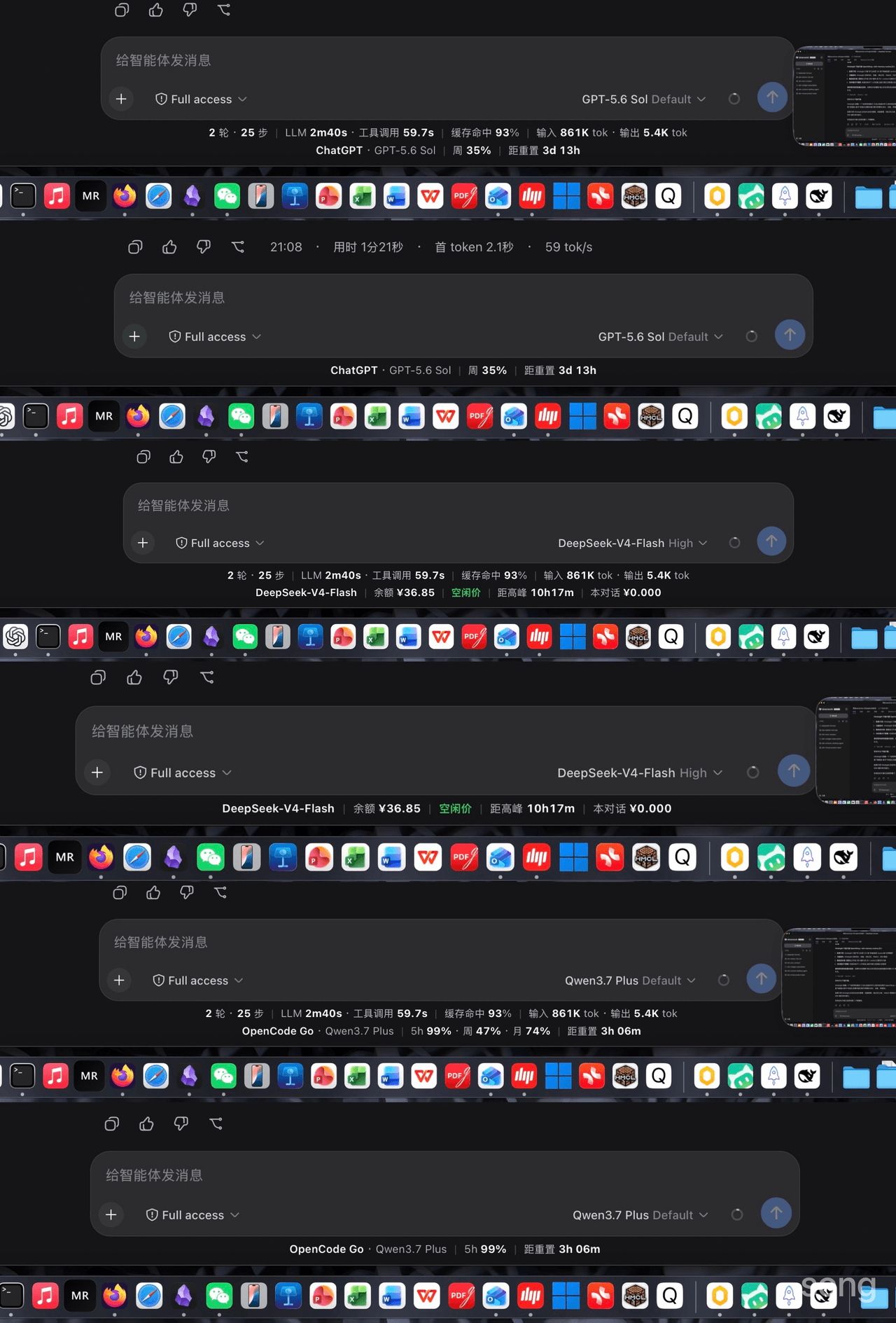 songoao25/dsh-bottom-info-bar
Bottom Info Bar — an information bar plugin for DeepSeek Harness: provider/model, live balance, peak/off-peak pricing wi…
songoao25/dsh-bottom-info-bar
Bottom Info Bar — an information bar plugin for DeepSeek Harness: provider/model, live balance, peak/off-peak pricing wi…
-
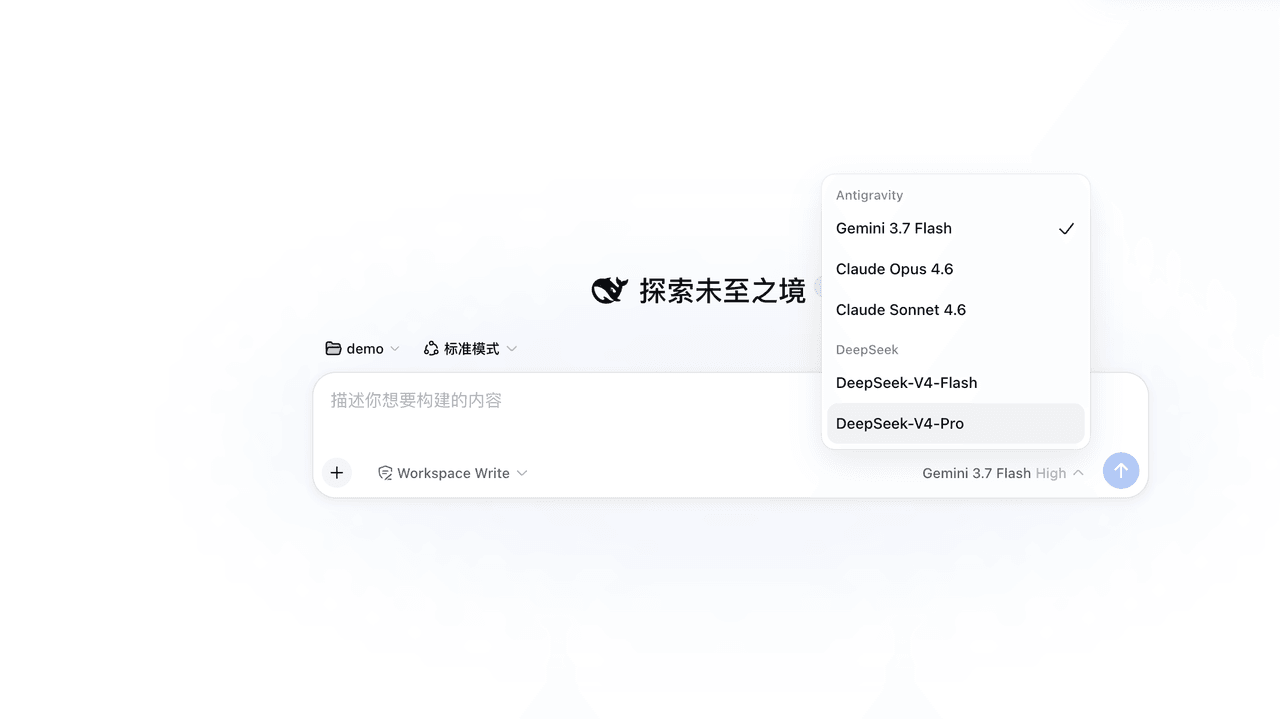 LiZhenNet/dsh-antigravity
为 DeepSeek Harness (DSH) 打造的 Google Antigravity 模型提供者插件/Google Antigravity LLM provider for DeepSeek Harness with native…
LiZhenNet/dsh-antigravity
为 DeepSeek Harness (DSH) 打造的 Google Antigravity 模型提供者插件/Google Antigravity LLM provider for DeepSeek Harness with native…
- siweina/dsh-novel-writer 给网文作者的本地章节体检:16 个工具做句式/情感/风格基线分析,24MB 模型本地跑、零 API 花费、不上传正文。DSH / DeepSeek Harness 插件。Local novel-writing assistant for D…
-
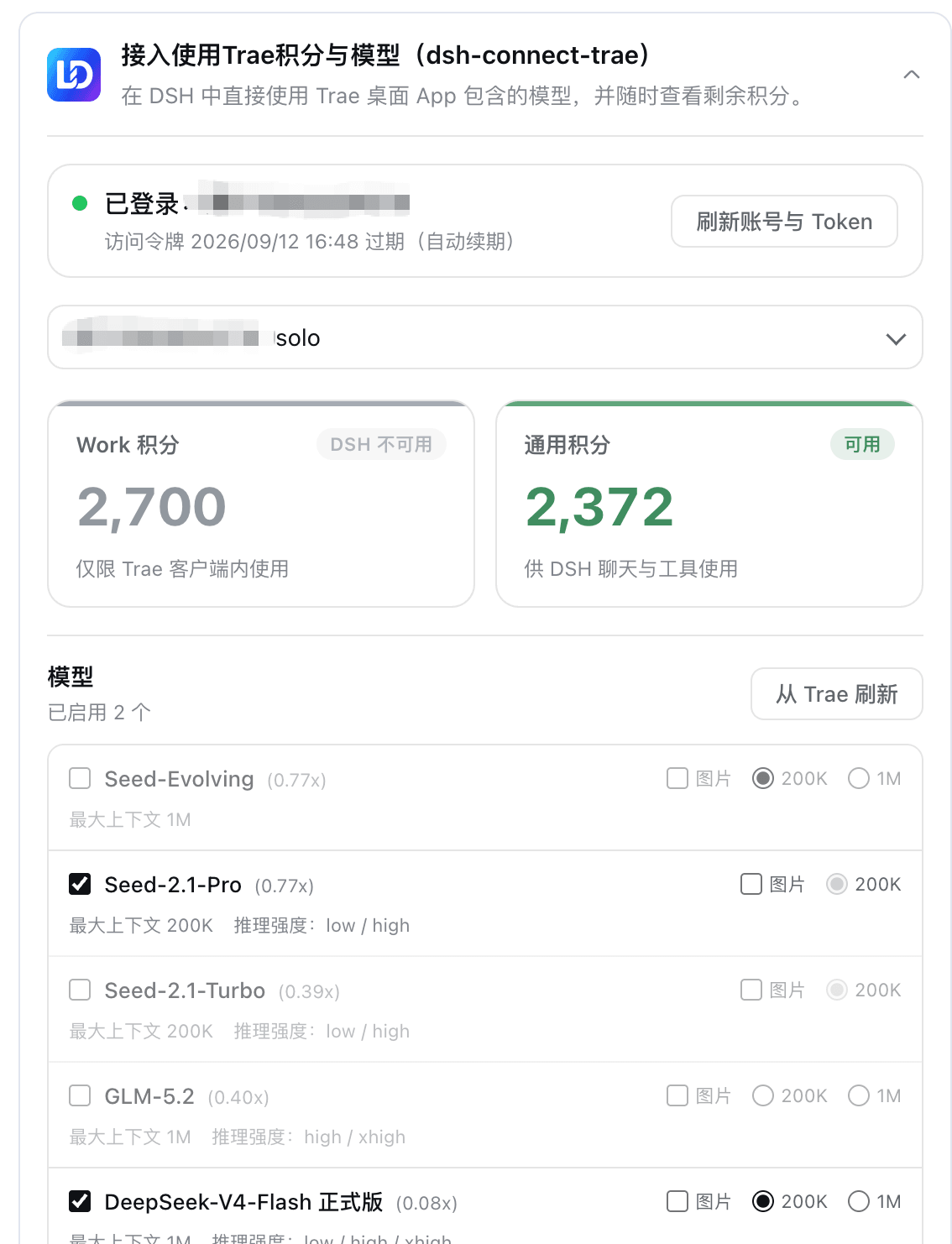 dingminhua/dsh-connect-trae
Connect locally signed-in Trae models to DeepSeek Harness with a read-only credits overview.
dingminhua/dsh-connect-trae
Connect locally signed-in Trae models to DeepSeek Harness with a read-only credits overview.
-
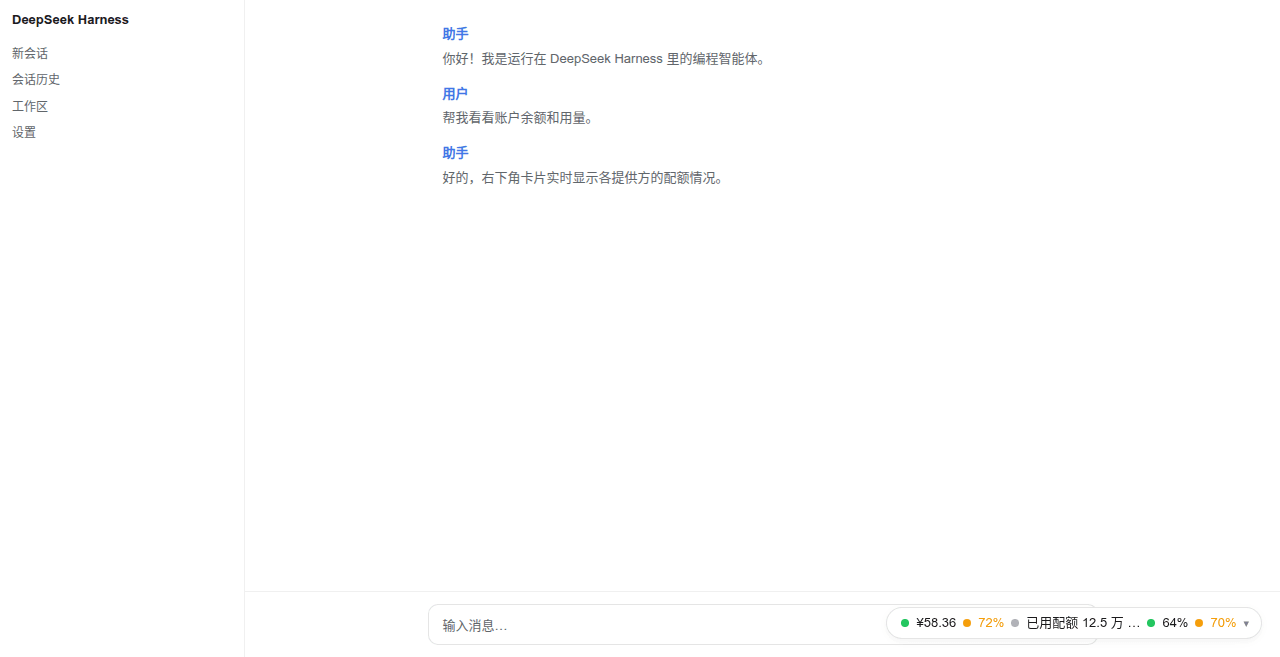 wenzetan/dsh-quota-panel
Provider quota/balance widget for the dsh web surface: capsule + card + settings panel, dual-face (loopback RPC host hal…
wenzetan/dsh-quota-panel
Provider quota/balance widget for the dsh web surface: capsule + card + settings panel, dual-face (loopback RPC host hal…